One for aircraft if related (start typing in your aircraft name in the tag section and pick correct option)
Feel free to delete this quote section after adding your appropriate tags.
ISSUE DESCRIPTION
Description of the issue: Once you start to taxi the AC continuously accelerates with no throttle input. The acceleration is not fast but brakes must be used to slow down. As soon as you let off of the brakes, while still moving, the acceleration continues. This happens no matter what the wind is doing. This happens in and out of VR. Not sure if it’s aircraft specific as I’ve only flown the PA28. It also seems that when accelerating for take-off the airspeed goes up a lot faster than normal.
FREQUENCY OF ISSUE
How often does this occur for you (Example: Just once, every time on sim load, intermittently)? Every time
REPRODUCTION STEPS
Please list clear steps you took in order to help our test team reproduce the same issue:
Start cold and dark
Taxi
YOUR SETTINGS
If the issue still occurs with no mods and add-ons, please continue to report your issue. If not, please move this post to the User Support Hub.
What peripherals are you using: Alpha, Bravo, Charlie
[PC Only] Are you using Developer Mode or have you made any changes to it? No
[PC Only] What GPU (Graphics Card) do you use? RTX 3090
[PC Only] What other relevant PC specs can you share?
MEDIA
Please add a screenshot or video of the issue occurring.
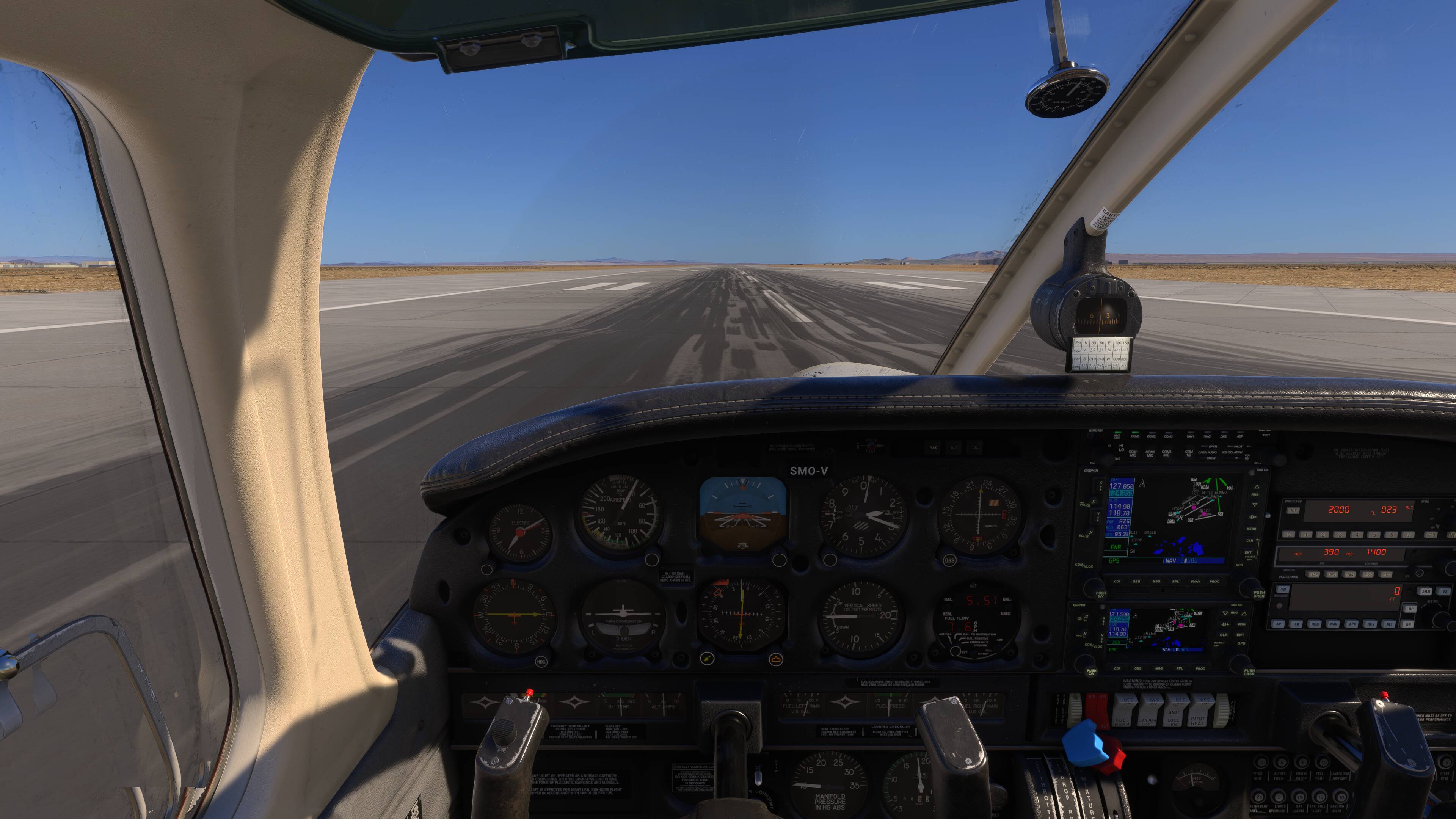
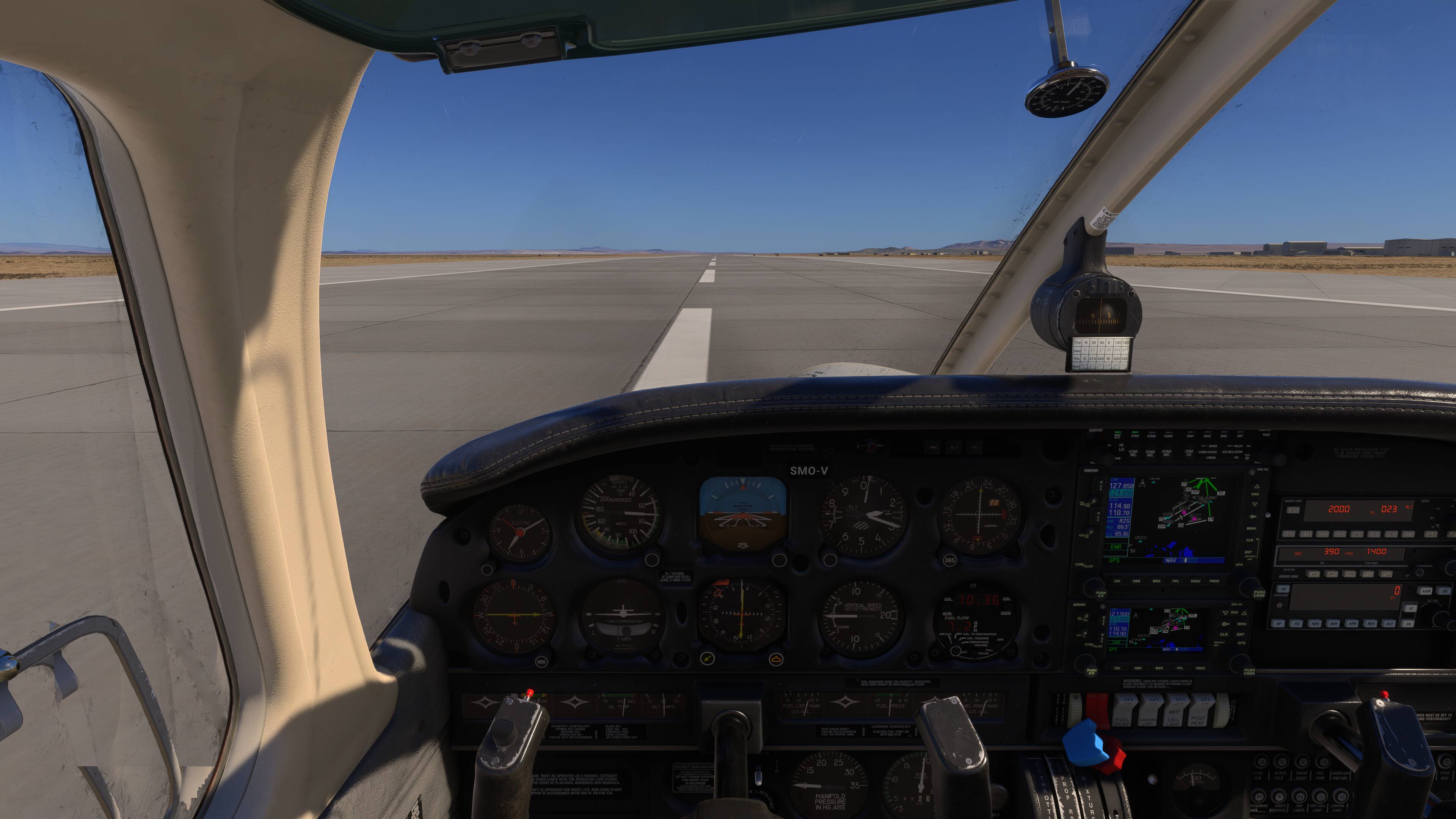
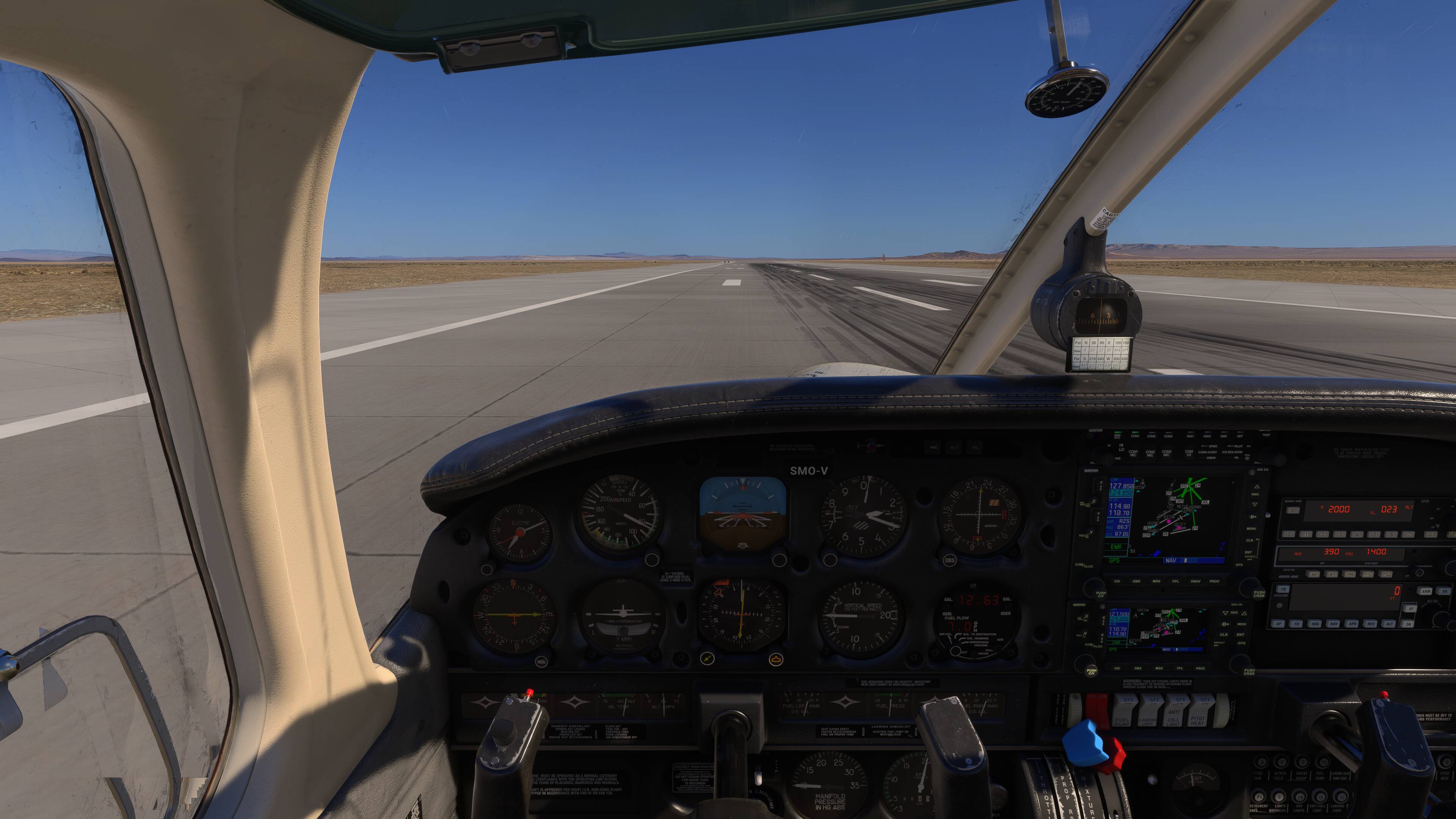
I can repro this. I started on Rwy 05R at Edwards AFB (KEDW). This is a 15,000 ft runway, so allowing plenty of distance for this test. Weather was set to the clear skies preset to remove any wind component.
I released the parking brakes, and increased the throttle very, very slightly, just to get the aircraft moving (to replicate starting to taxi). From this point on, I did not touch the throttle or yoke, maintaining directional control with slight inputs to the rudder only.
Aircraft speed did not remain constant, but steadily increased:
So I flew again today in the exact same scenario and for some reason the behavior did not repeat itself. I didn’t change anything. So, it’s kind of weird.
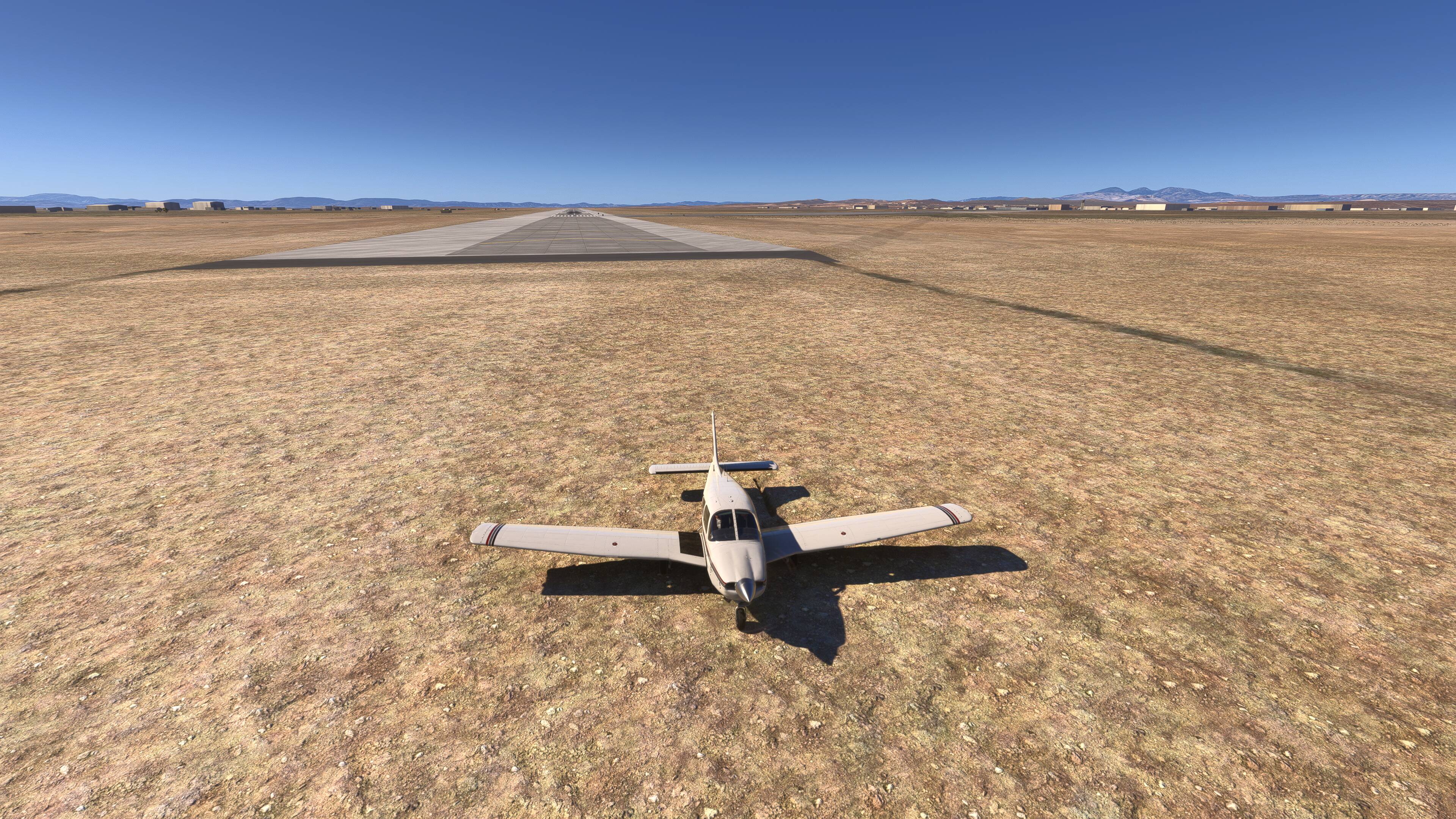
No. I only moved the throttle back to idle once the aircraft left the runway, at which point it descended back to the ground, whereupon I applied the brakes.
In your cockpit screenshot, the engine is at 1,800 RPM increasing in the subsequent shot to almost 2,000 RPM as speed built up. In real life, this would be unlikely to cause you to accelerate sufficiently to take off, but I suspect that on a 15,000 ft runway, you will end up darn close! So this looks somewhat iffy but certainly not outrageously inaccurate.
Note that IRL I used to find, even at the recommended 1,000RPM, speed can build up quite significantly on a hard, level surface in a light single. You HAVE to apply brakes every now and then to keep things reasonable.
@SlabsFly
Thanks for that info. I’m not a real pilot so have no idea as to the accuracy of the PA-28 MSFS flight model to reality, or even if this would be classified as a bug by the devs.
It can certainly build up a pretty serious amount of speed at 1,800 - 2,000 RPM. But I consider it extremely unlikely that would get to the point of staggering into the air though, even on a 15,000 ft runway. But in real life a C172 for instance can build up quite a bit of speed at 1,000 RPM, especially when light and on a hard surface. A slight down slope and a bit of tail wind can only make it worse.
But overall I would say that aircraft in the sim tend to pick up speed faster than IRL @ 1,000 RPM with the Dakota being one of the worst offenders.
But I stopped flying years ago and I never just allowed the speed to build up to see how fast it might ultimately go. Maybe a current 172 or Cherokee pilot can try it on a dead flat taxiway, maybe with a bit of a tailwind as one frequently finds when taxiing to the hold of a runway for takeoff? See what it gets to.
Since I see this acceleration with other aircraft, & reading @SlabsFly 's comments, I agree - neither a regression nor a bug, but perhaps the flight model might need tweaking - I’ll leave that determination to the experts!