ISSUE DESCRIPTION
Description of the issue:
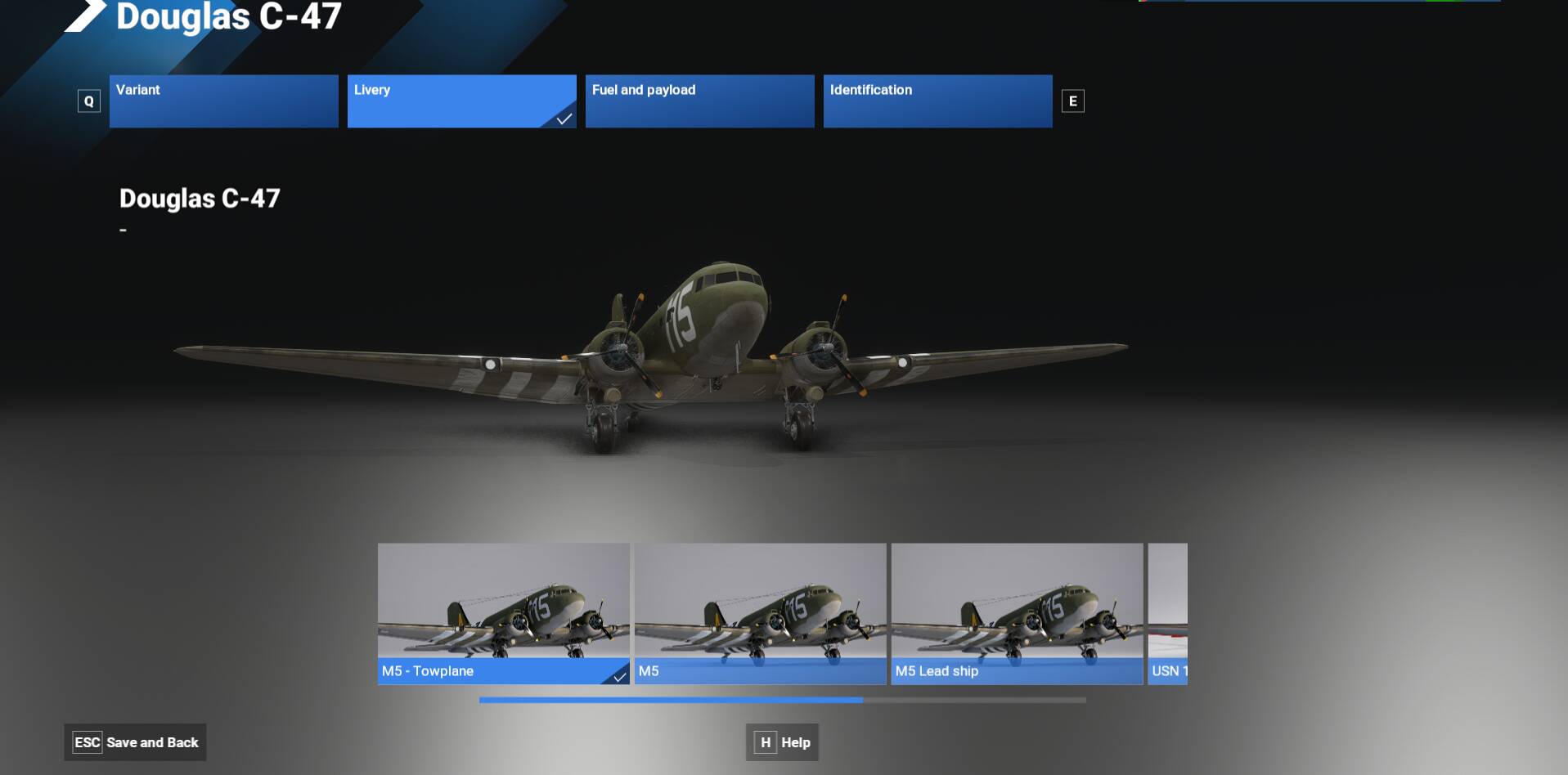
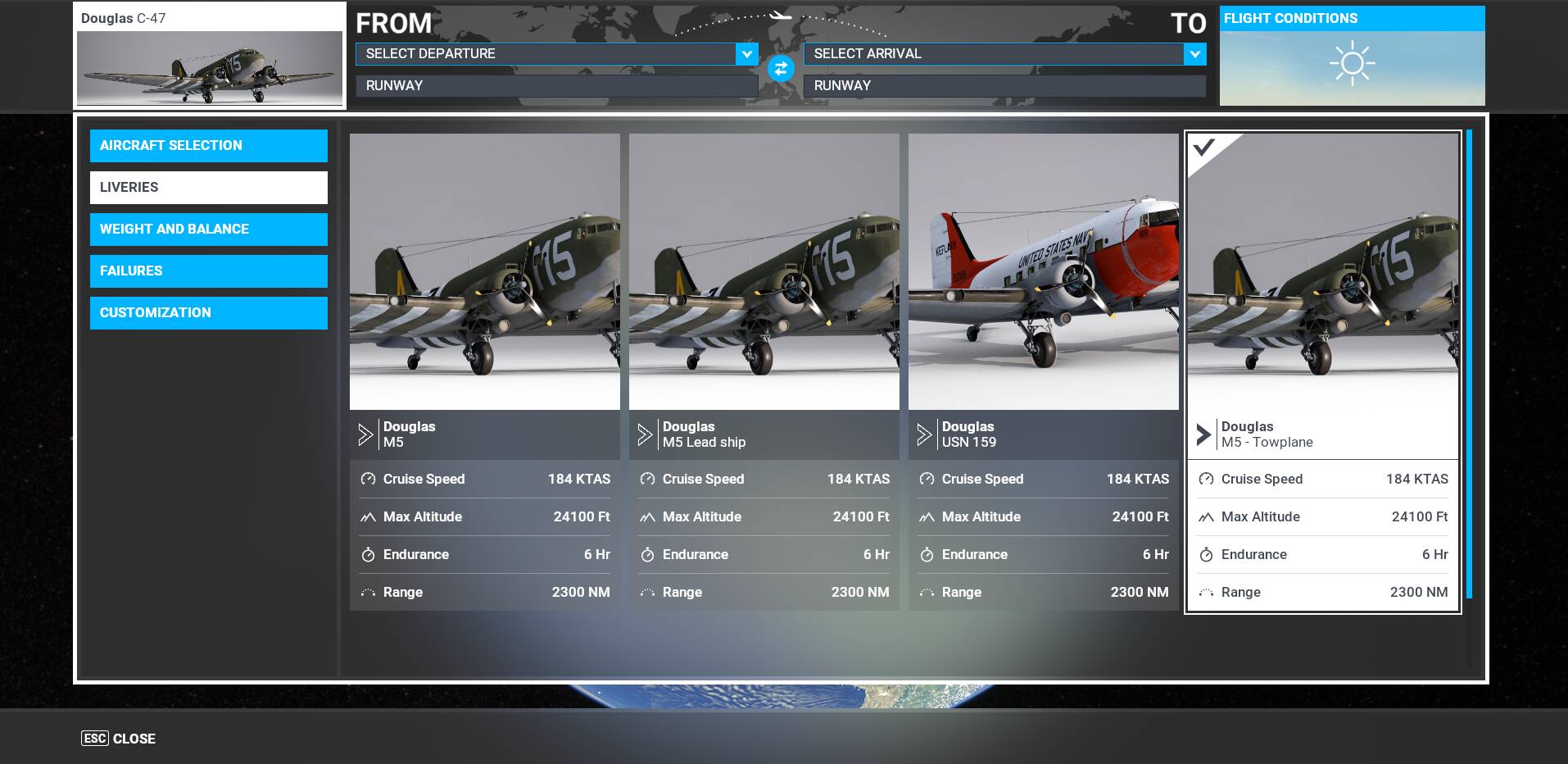
There is no cockpit available in the M5 TowPlane Livery variant.
[The other 3 liveries do have a cockpit.]
FREQUENCY OF ISSUE
How often does this occur for you (Example: Just once, every time on sim load, intermittently)?
Every time in SU4 v1.6.34.0
[Also previously reported in [MSFS2024] Douglas Aircraft Company C-47 Skytrain polls & feedback.
REPRODUCTION STEPS
Please list clear steps you took in order to help our test team reproduce the same issue:
- In free flight, select the Douglas C-47 & M5 TowPlane Livery.
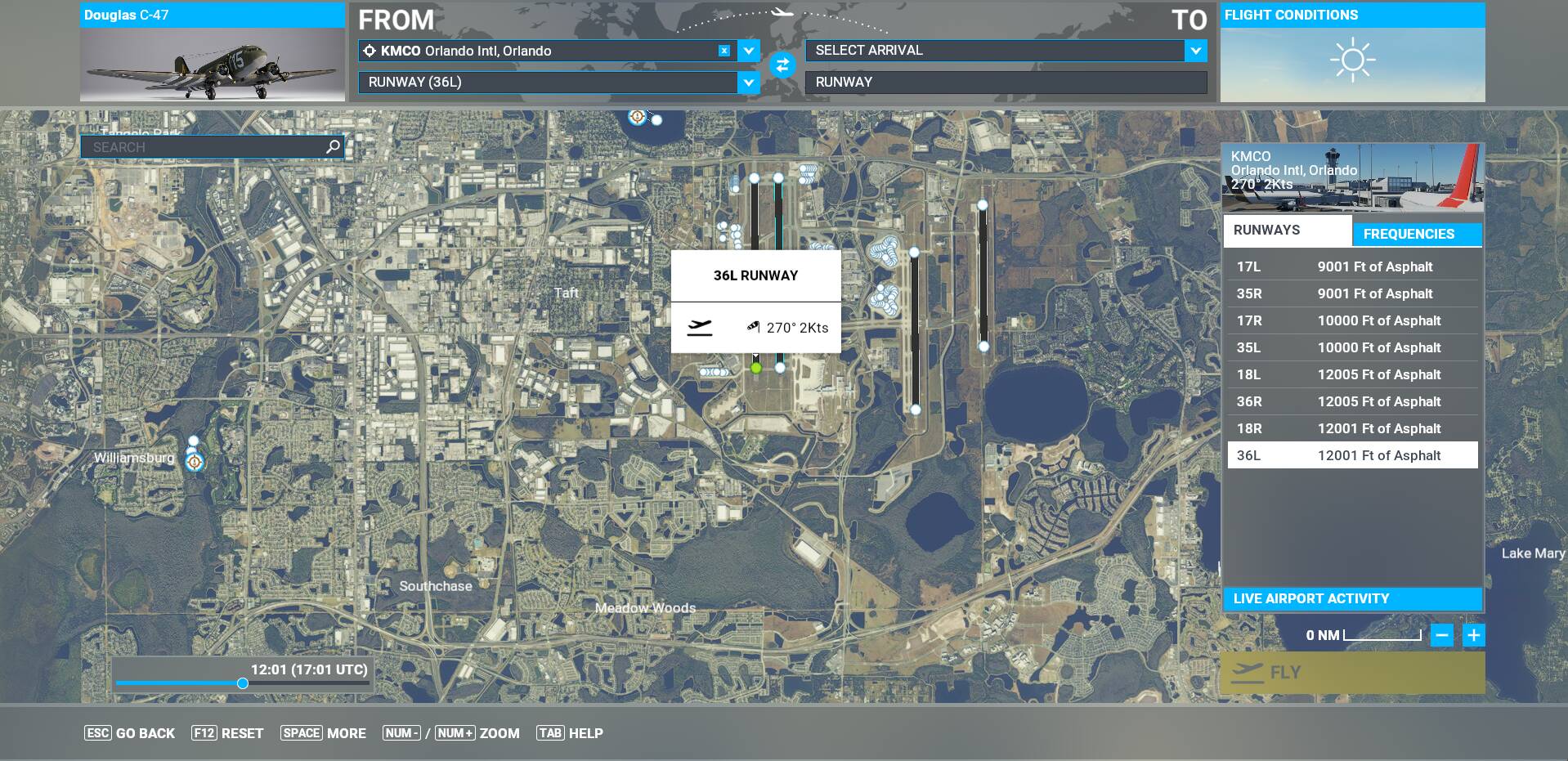
- Start cold-n-dark at any airport parking spot, clear skies during the day just for convenience.
- Switch to the cockpit view. You should find that no cockpit is displayed.
YOUR SETTINGS
What peripherals are you using, if relevant:
N/A
[PC Only] Are you using Developer Mode or have you made any changes to it?
No, No
[PC, MSFS 2020 Only] Are you using DX11 or DX12?
N/A
[PC Only] What GPU (Graphics Card) do you use?
AMD Radeon RX 9070 XT (16GB) Driver v25.11.1
[PC Only] What other relevant PC specs can you share?
N/A for this particular bug.