Do you have the same issue if you follow the OP’s steps to reproduce it?
yes
Provide extra information to complete the original description of the issue:
1- start in safe mode (ms-store)
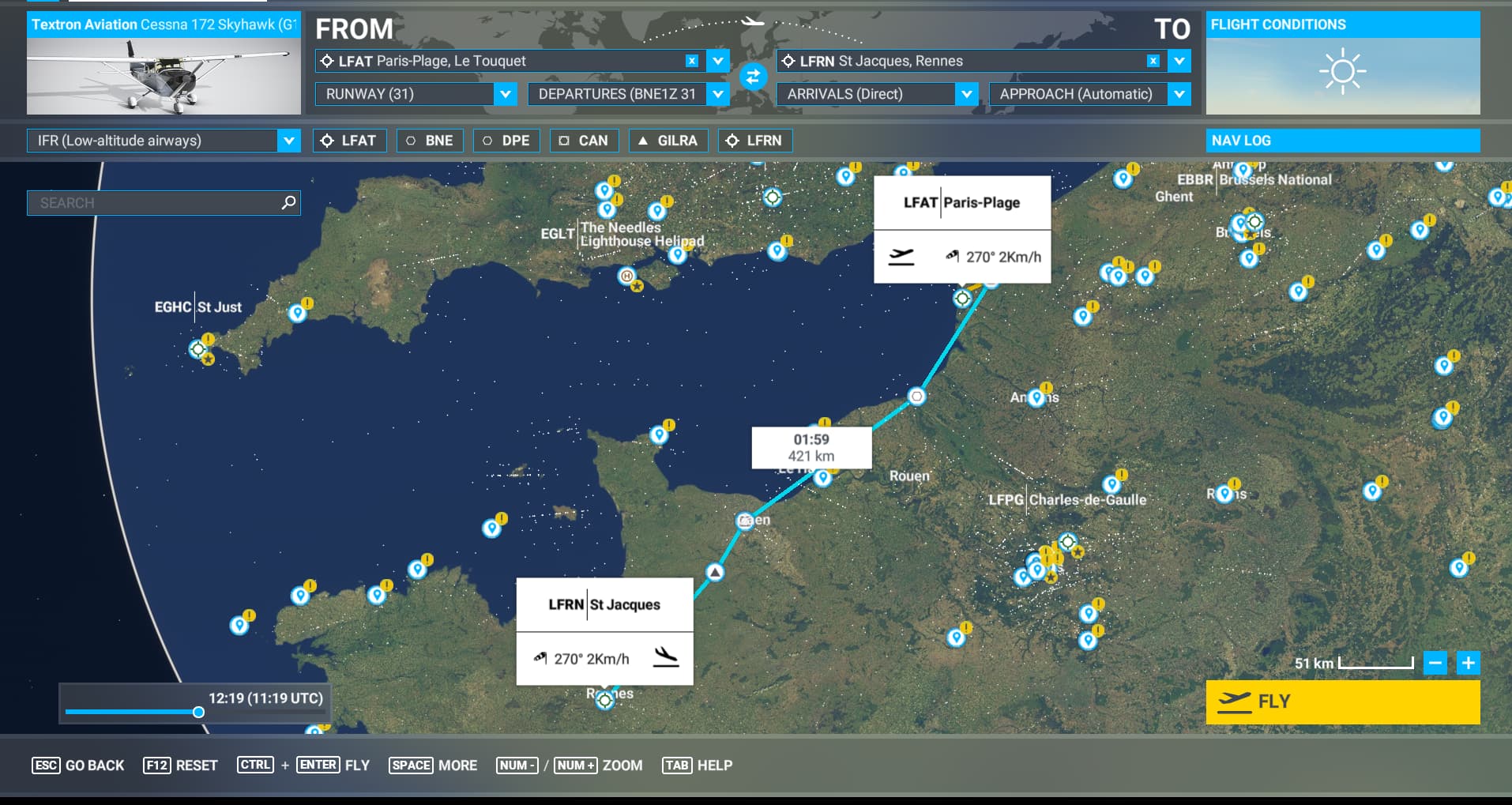
2- create a flight plan from LFAT to LFRN with the C172: flight time/distance don’t show-up
Note: if flight time/distance show-up, press ESC and re-enter to the World Map, flight time/distance info should be gone
3- apply workaround:
4- flight time/distance show-up
If relevant, provide additional screenshots/video:
before workaround:
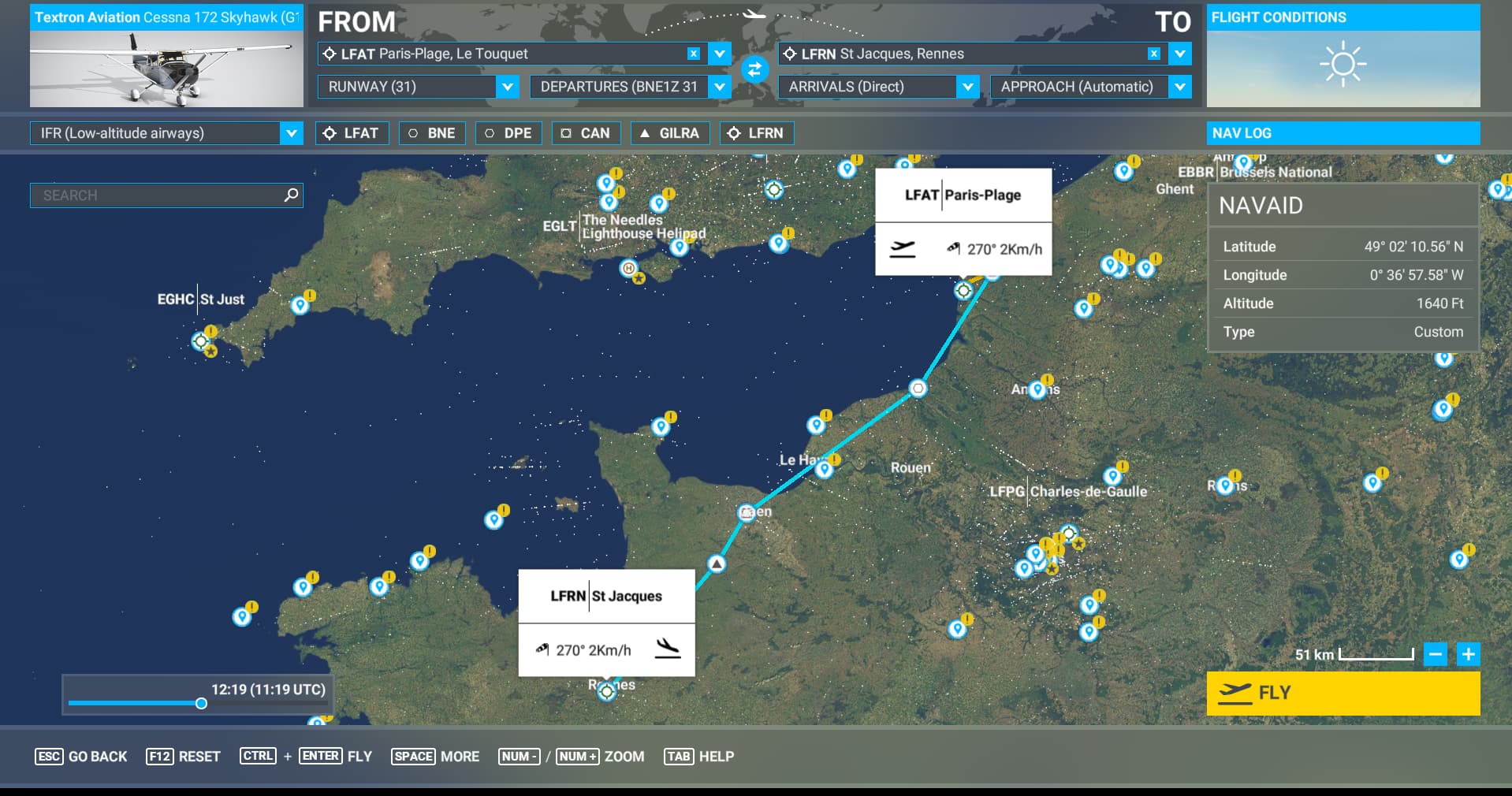
after workaround: