Since the release of Sim Update 6, Live Traffic no longer works accurately, killing immersion. The notes of SU6 note that the pushback feature for Live/AI traffic has been reinstated. This has seemingly broken the live traffic’s ability to depart and arrive successfully.
This has also seemingly caused a reduction in live traffic as I see far less traffic than pre-SU6 and what I see on FlightAware in the moment. This was previously not the case.
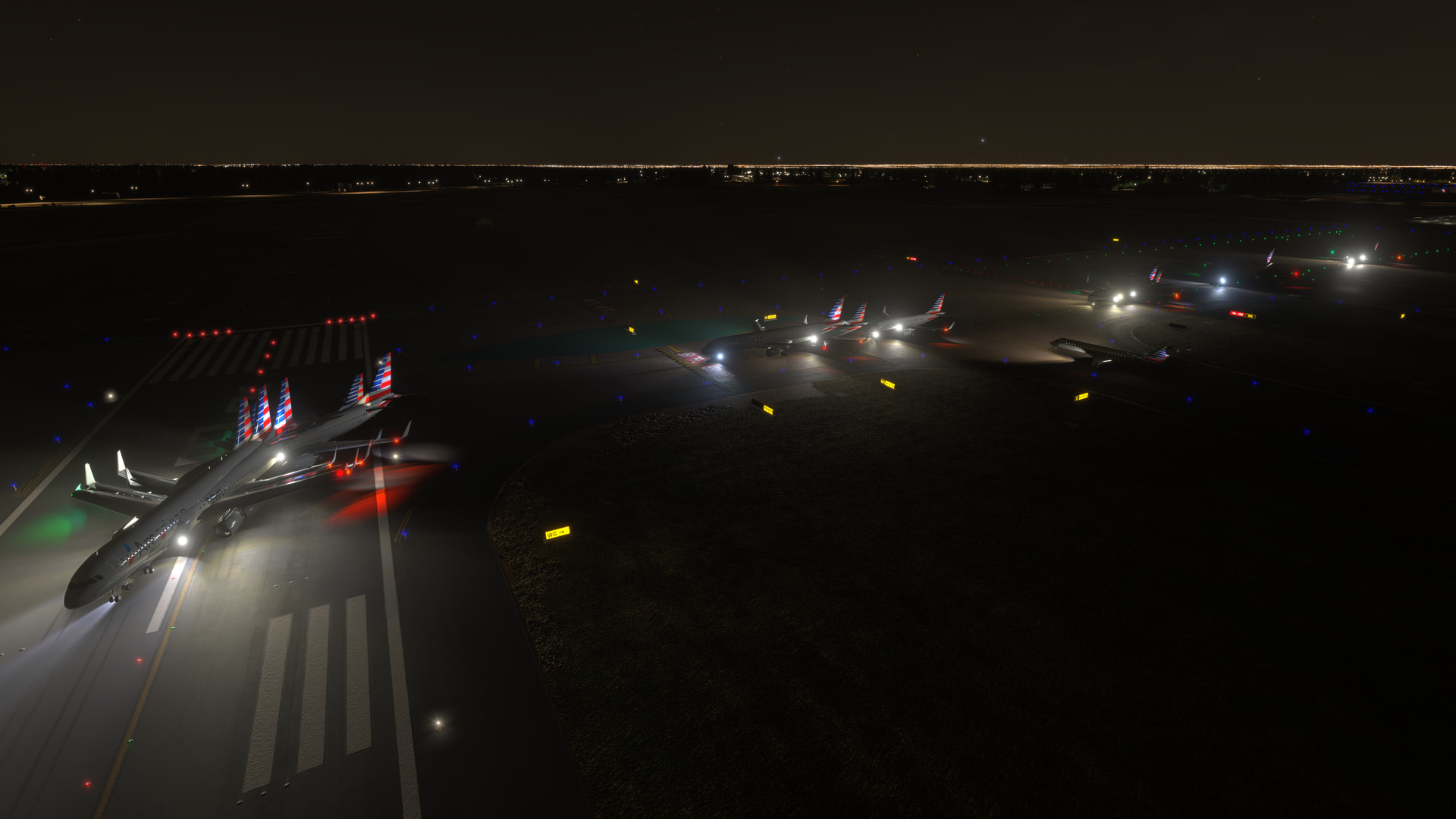
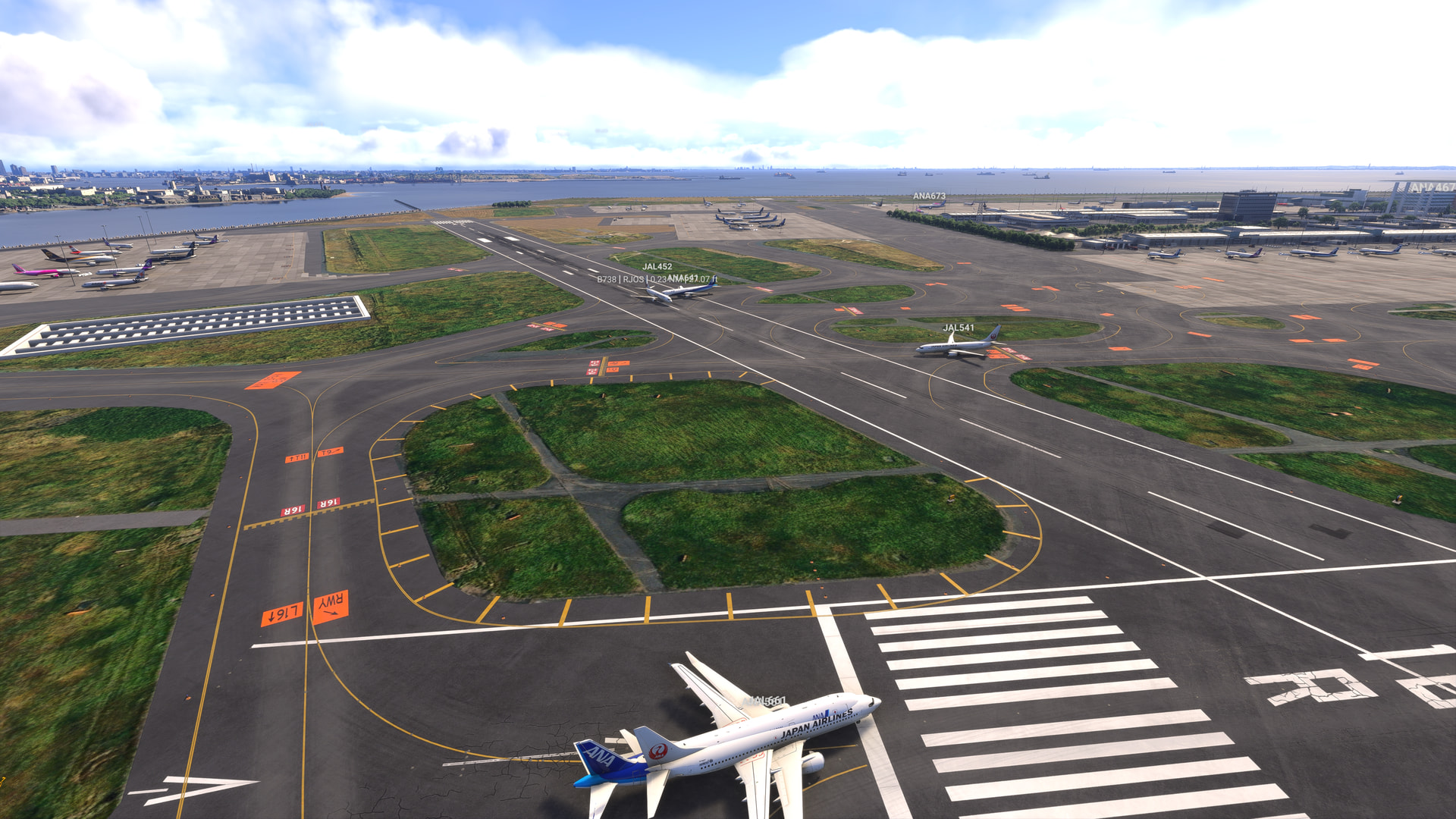
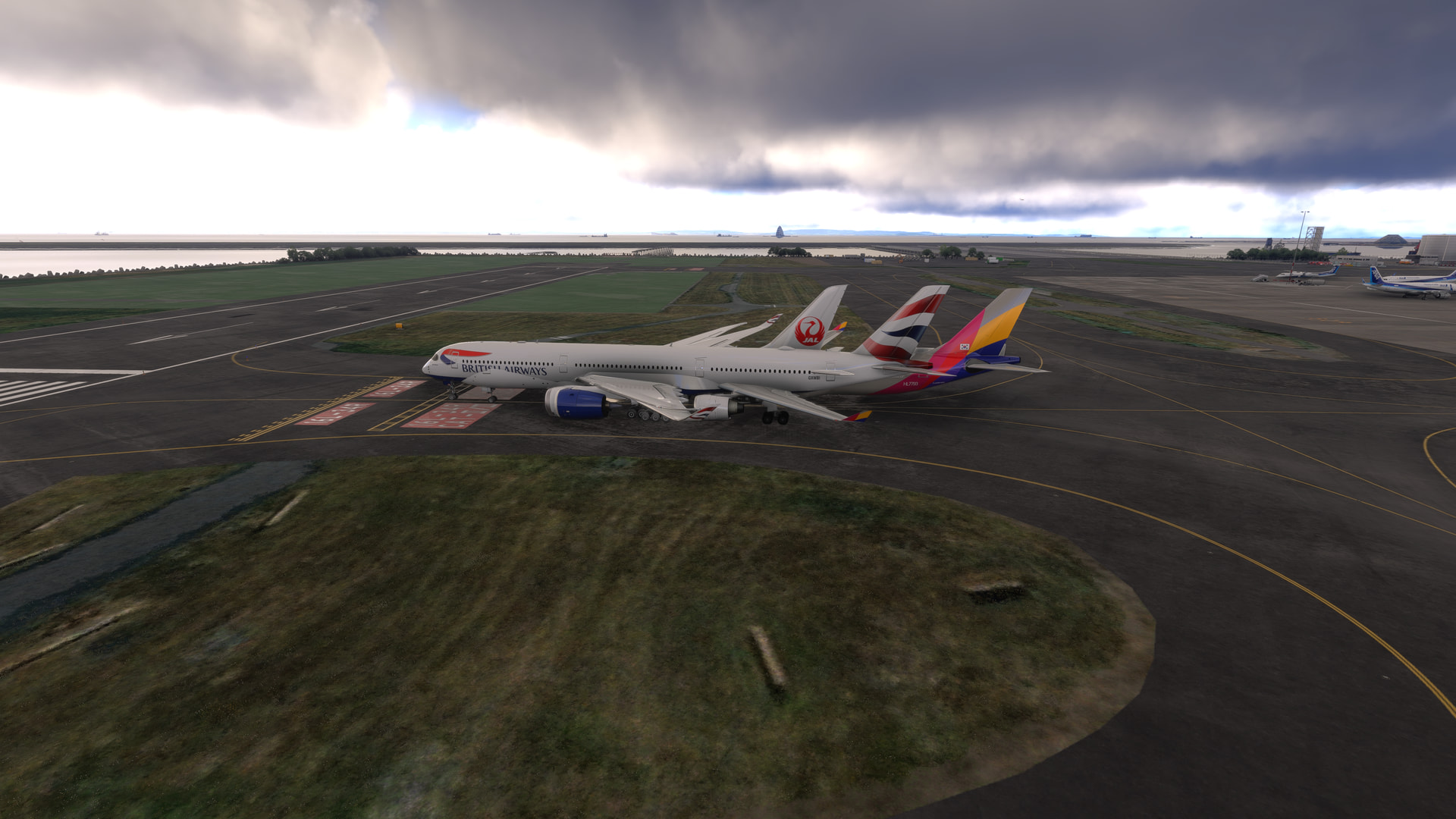
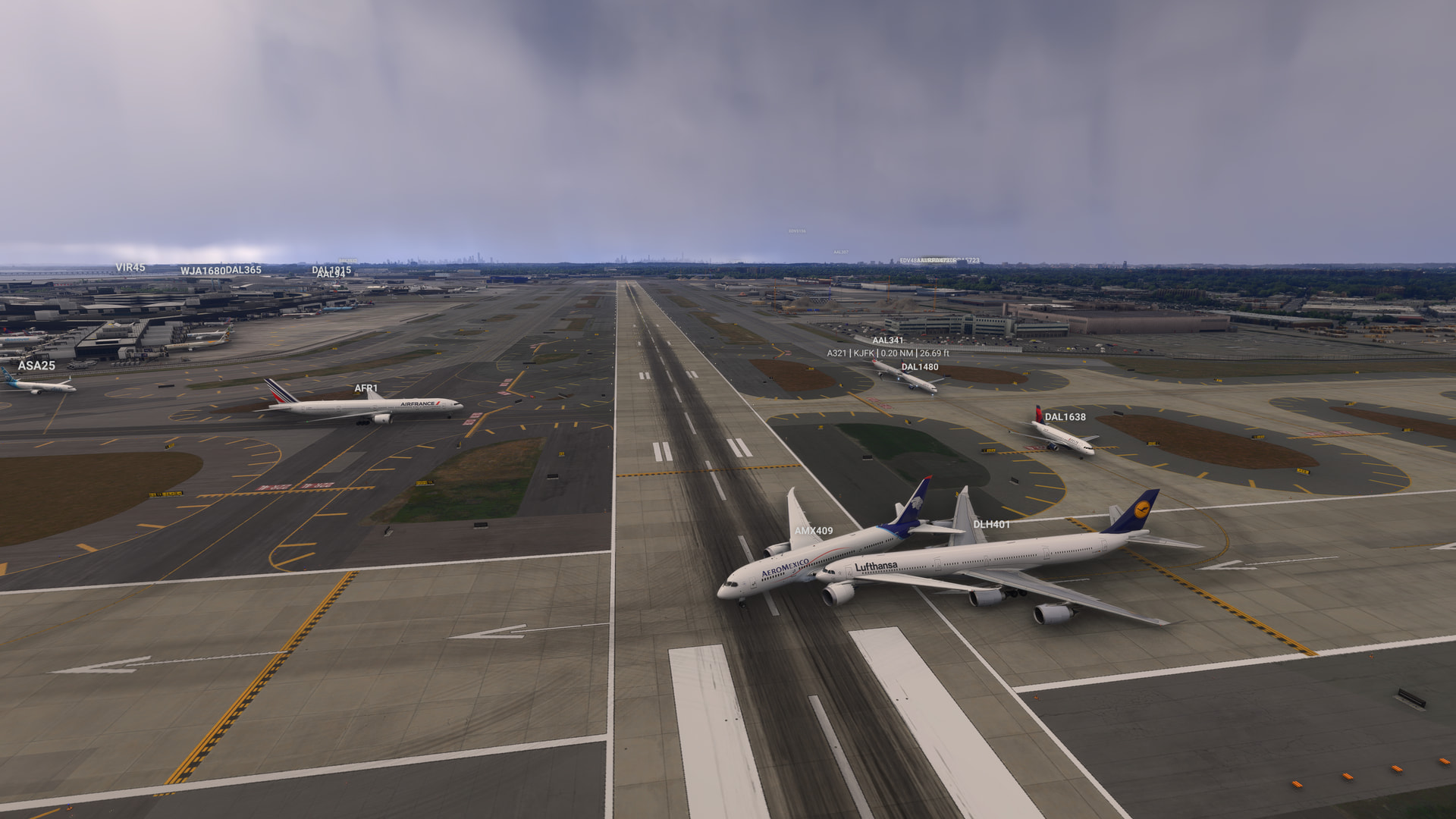
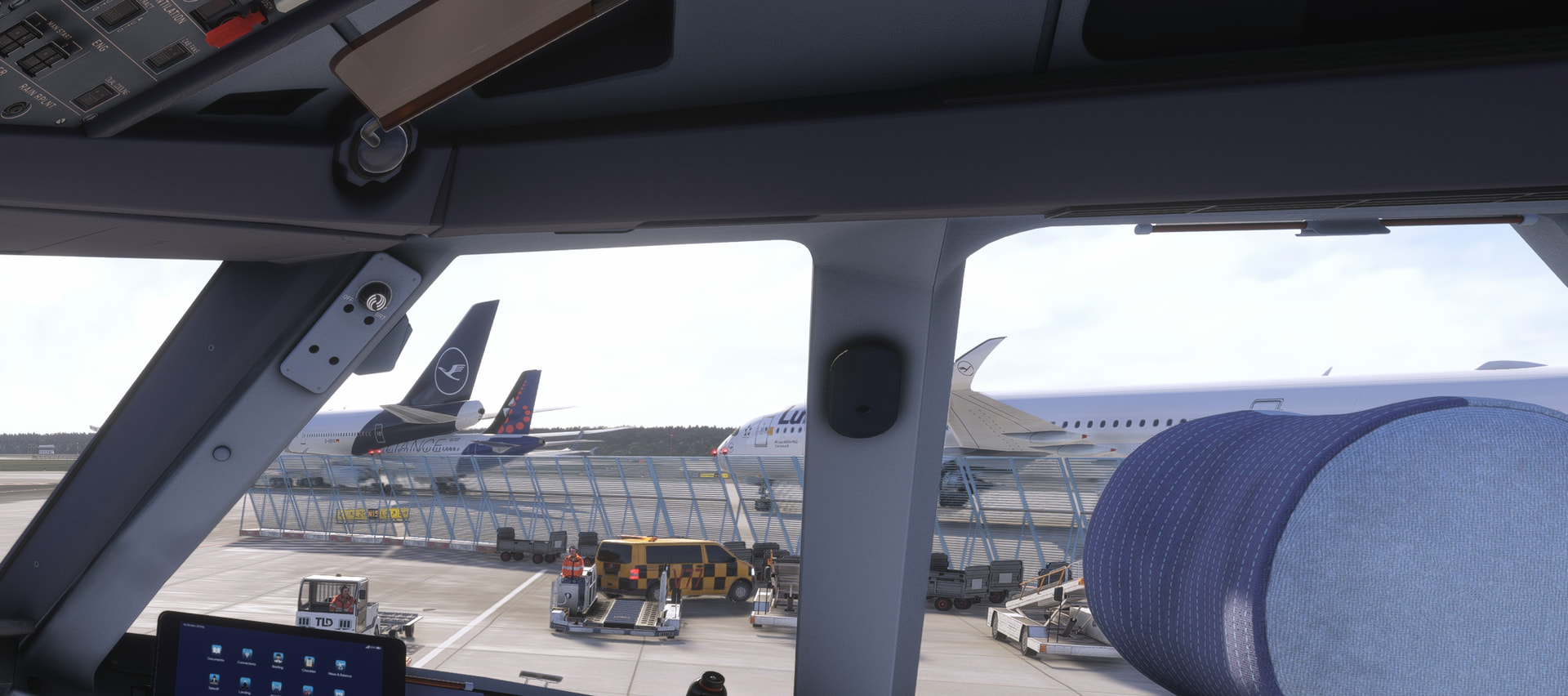
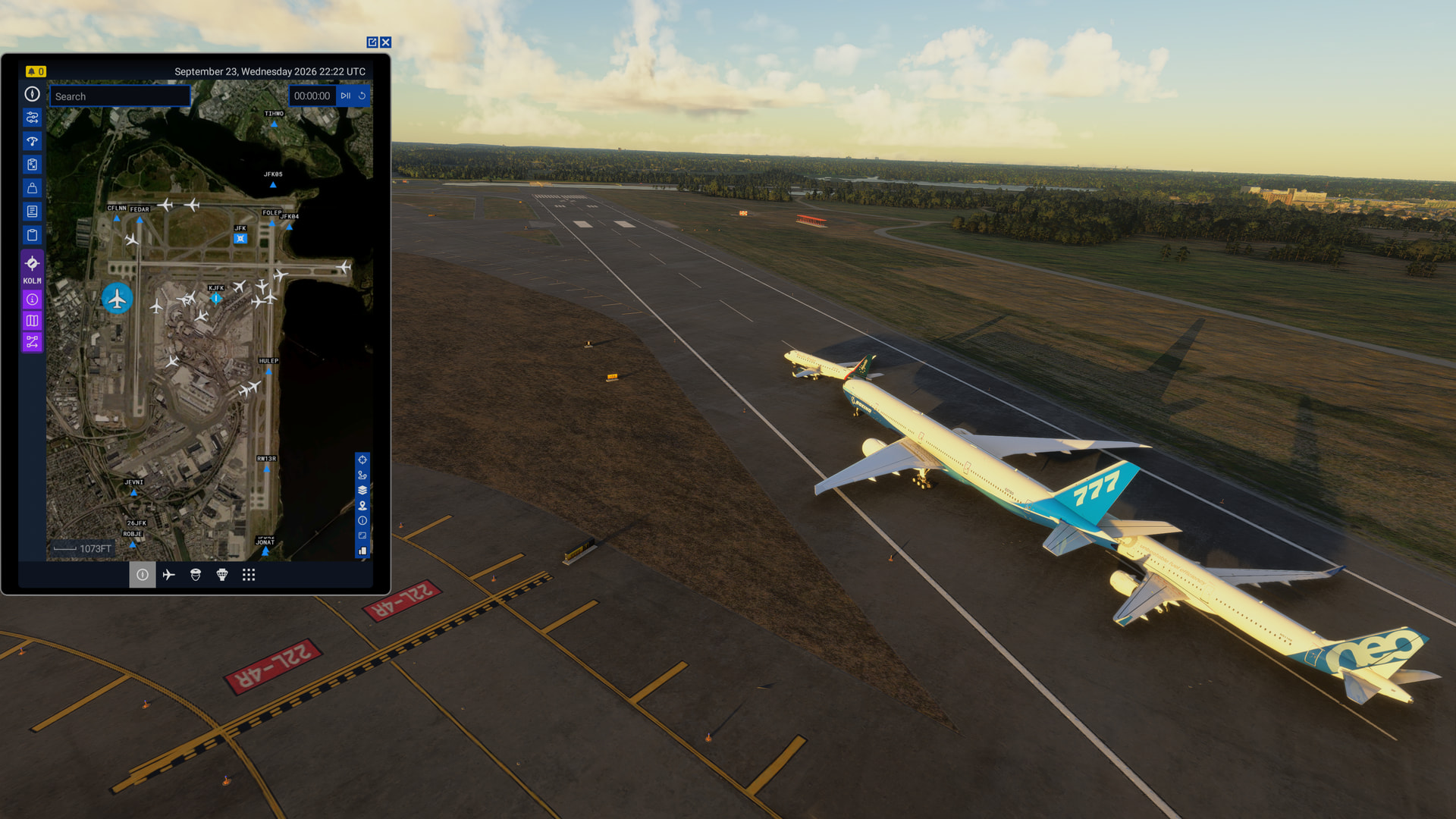
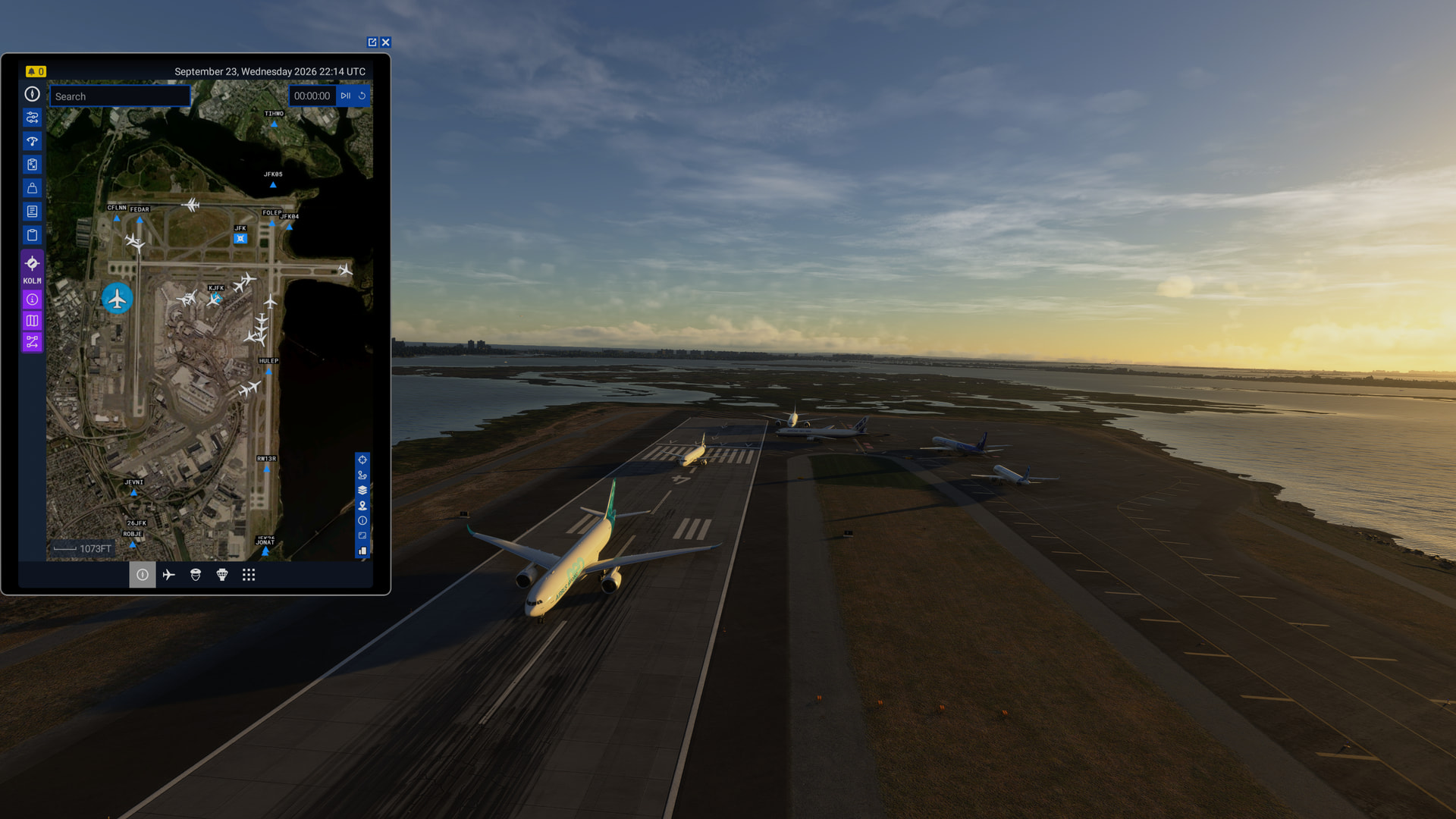
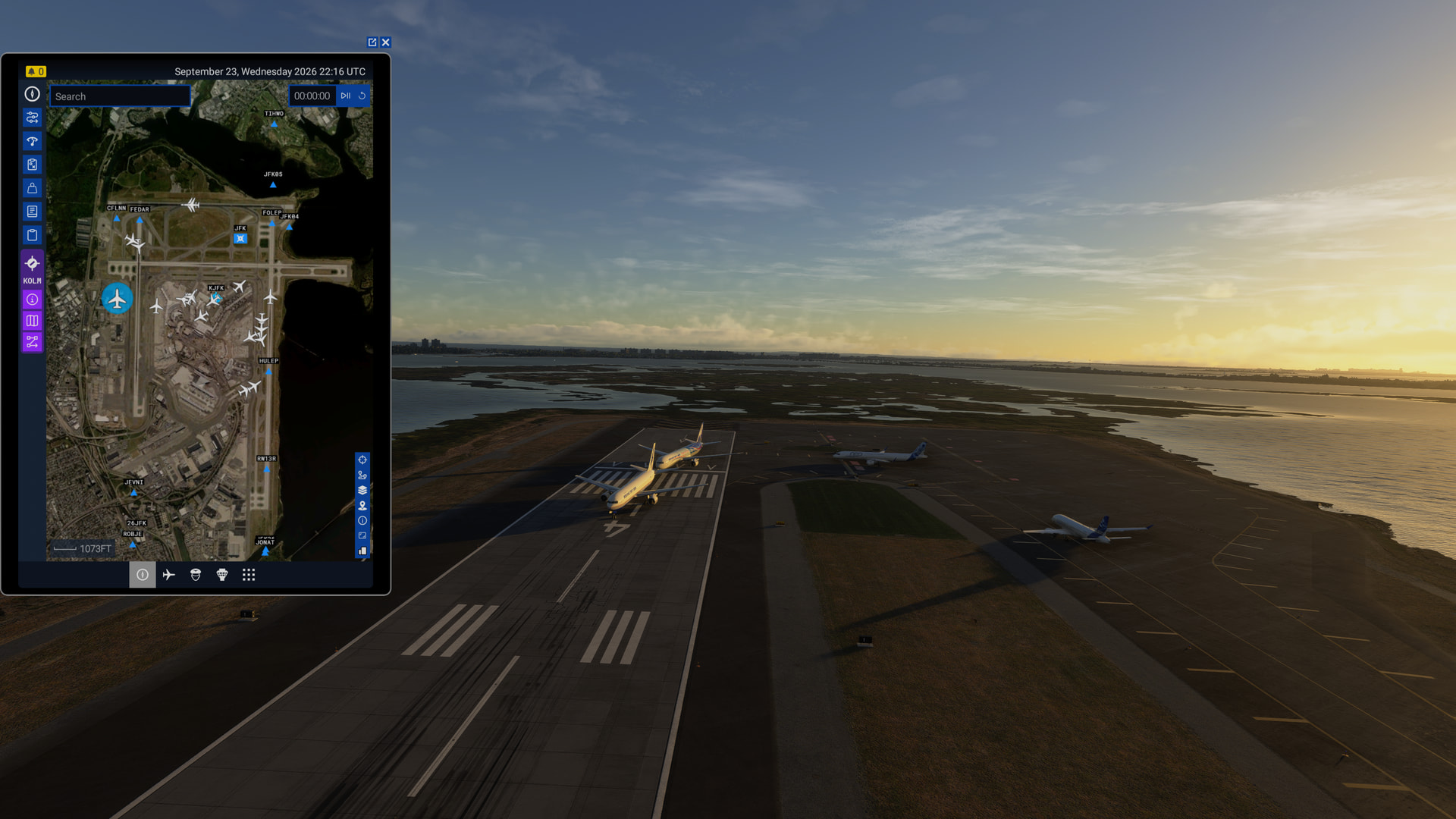
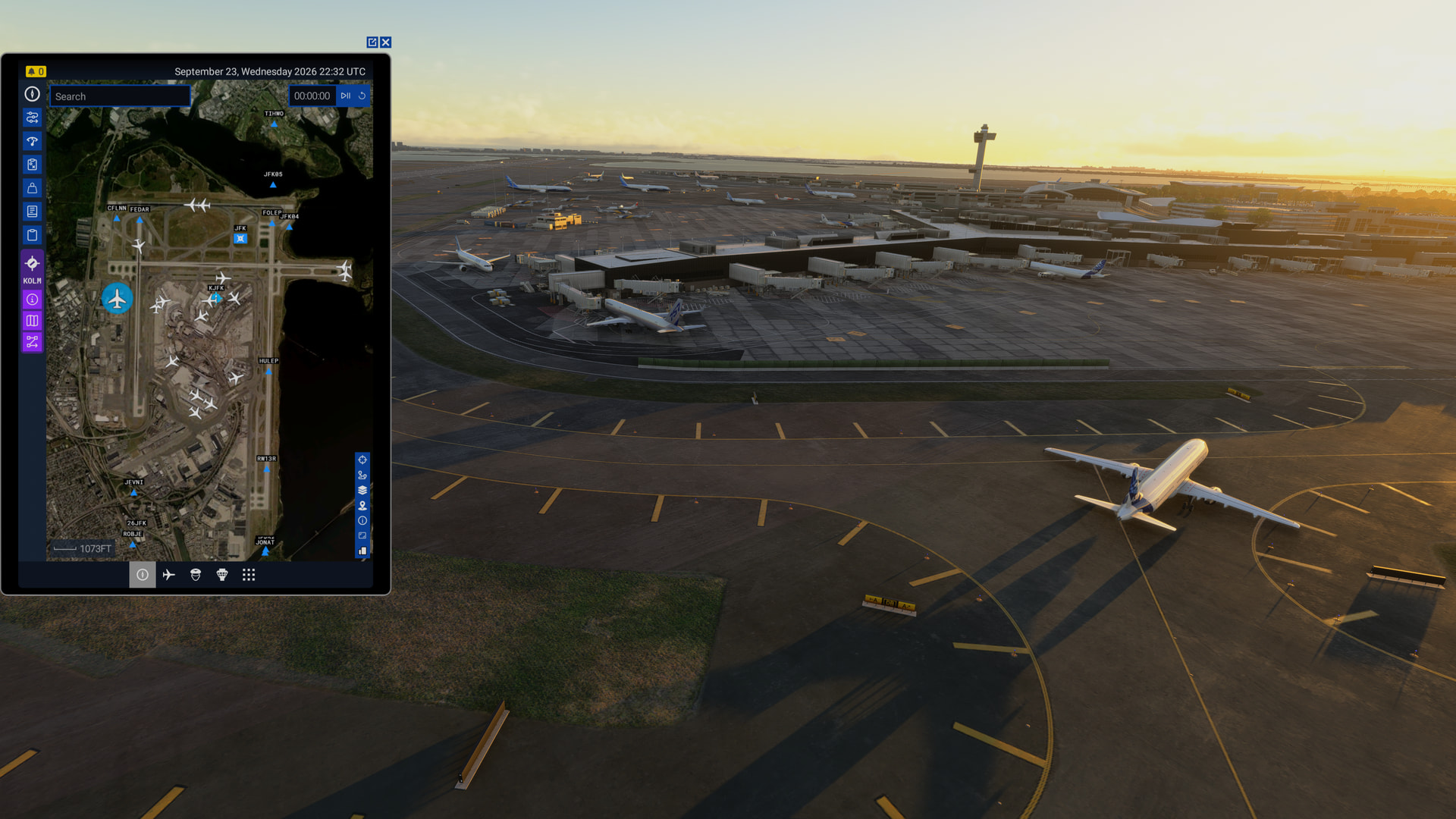
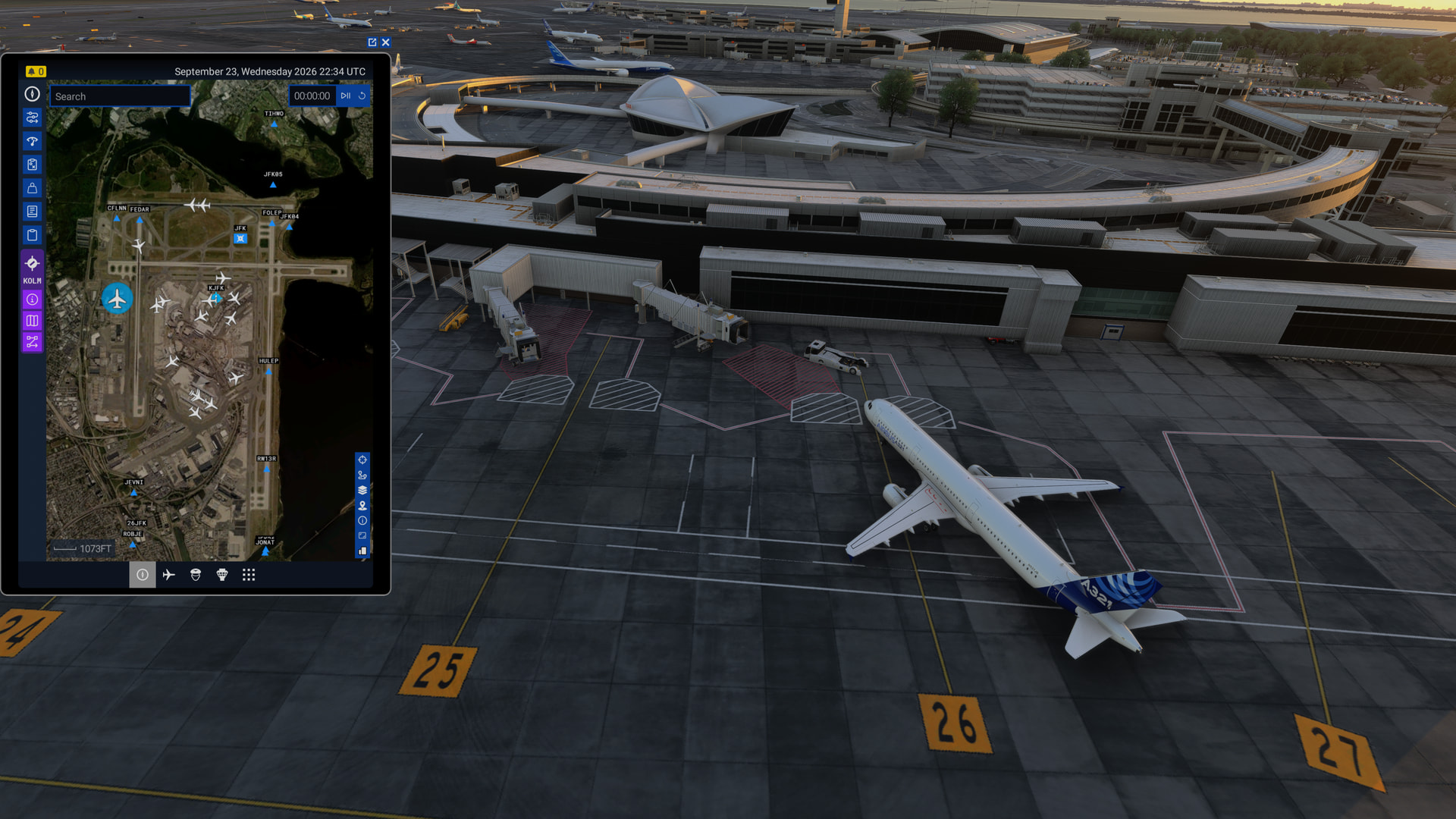
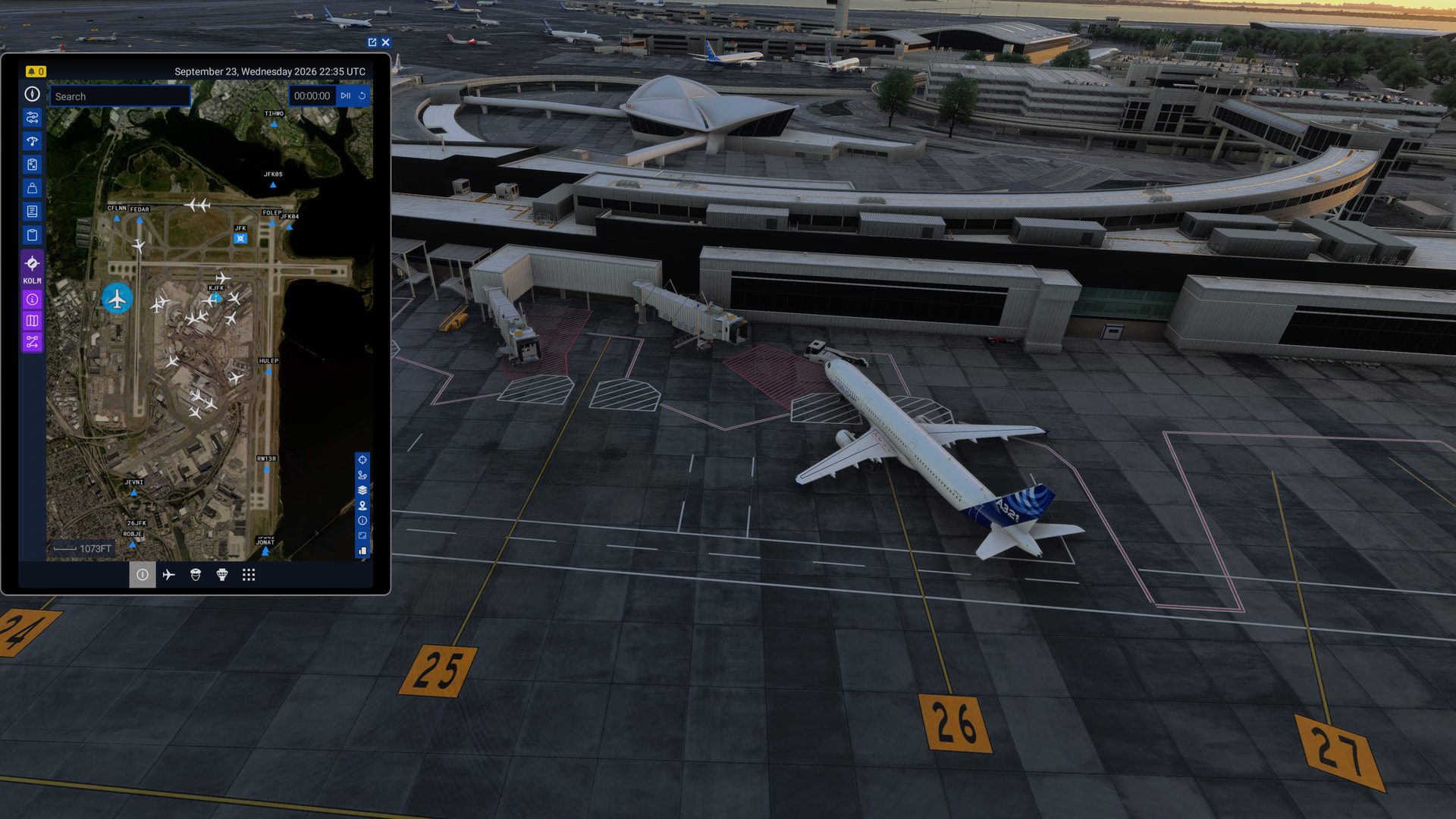
At just about any major airport, KDFW, KJFK and RJTT were used for this test, Live Traffic taxis out to the runway after pushback and just sits on the active runway. Live Traffic no longer appear to recognize one another either as they simply stack onto and taxi thru one another. It seems that Taxi pathways and AI-hold nodes are broken generically and need repairing in the base sim OR that Live Traffic’s active runways are in disagreement with what the In-Sim ATC is wanting to use…Screenshots below tell the story.
You’ll also notice lots of the landing traffic never drop their gear, land short and vanish. Minutes later they will reappear down the runway taxiing around, completing skipping the rollout phase. This is easy to see at RJTT when the landing pattern is 34L/R.
This was tested with default and third-party add-ons. The results are unchanged and the same in both.
NOTE: This does not always happen but in certain instances and at most airports…for example, stacking occurs at the following locations when attempting to depart in my test.
KDFW: 18R
RJTT: 16R (vanishing arrivals on 34L)
KJFK: 22R (vanishing arrivals on 13L)
FREQUENCY OF ISSUE
Every flight session with Live Traffic enabled.
REPRODUCTION STEPS
Please list clear steps you took in order to help our test team reproduce the same issue:
Ensure Live Traffic is enabled in the Sim settings. (Real-Time Online)
Load into any major airport. KDFW, KJFK and RJTT were used in this test.
After several minutes, observe the bugs in the Live Traffic. Not recognizing one another, vanishing upon landing and stacking into a pile instead of departing.
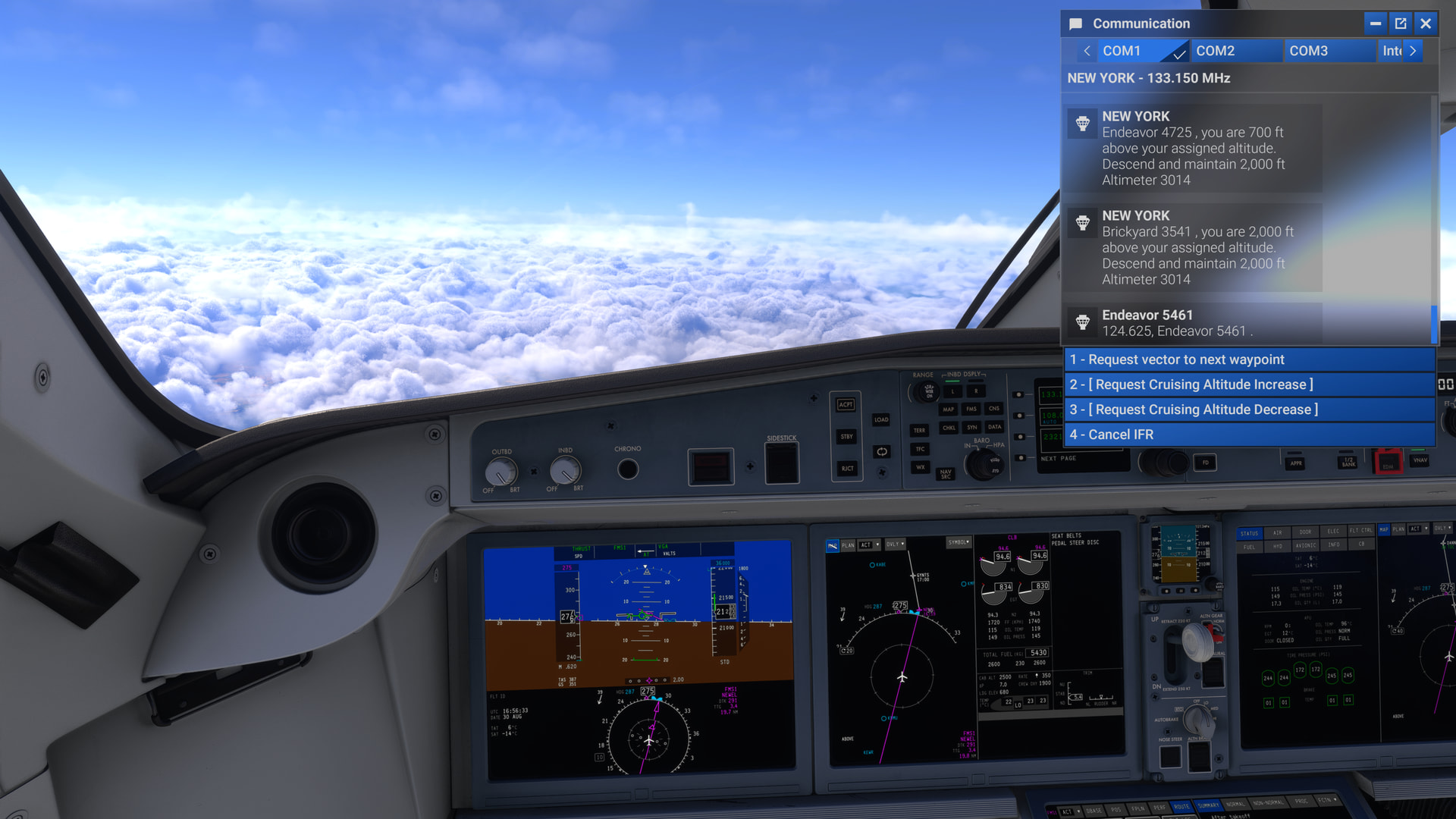
Just adding more evidence to show that Live FlightAware Traffic and the in-game ai-ATC are out of sync…look at the instructions ATC is giving aircraft who are at CRZ LVL…this is a constant occurrence now in the sim.
That’s where at some point, you regret putting so much money in the game, and need to consider adding extra money for third-party tools… I finally made that choice with huge benefit and definitely the expected results…
With the latest SU7 release, AI plane behavior has gotten even worse than before. The planes show up out of nowhere, more than before (using live traffic), most planes don’t land or take off properly, when they land they disappear quickly or don’t taxi to the gate. A lot of planes (live traffic) show up too late or 3-4 show up at the same time on the runway. It was much better before the latest update although it was still pretty bad and way worse than what we had in MSFS 2004 (more than 20 years ago).
FREQUENCY OF ISSUE
How often does this occur for you (Example: Just once, every time on sim load, intermittently)? Always. A busy airport is a good place to test this.
REPRODUCTION STEPS
Please list clear steps you took in order to help our test team reproduce the same issue:
Start the Sim, go to a busy airport and observe the AI bahavior.
YOUR SETTINGS
If the issue still occurs with no mods and add-ons, please continue to report your issue. If not, please move this post to the User Support Hub.
What peripherals are you using:
[PC Only] Are you using Developer Mode or have you made any changes to it? No
[PC Only] What GPU (Graphics Card) do you use? Nvidia RTX 5090
[PC Only] What other relevant PC specs can you share? AMD 9800X3D, 64 GB Ram
Is this with Real-Time Online or AI Offline (Experimental) enabled, or does this occur irrespective of which is set in the General / Online / Data Connection / Traffic Type setting?
This is hard to repro as I rarely fly into large airports, so my observations are based on memory of past SUs & so purely subjective.
All of the issues you raise:
Most planes don’t land or take off properly
When they land they disappear quickly or don’t taxi to the gate.
A lot of planes (live traffic) show up too late or 3-4 show up at the same time on the runway.
are still present in some form.
I chose in this .12 build to spawn at JFK in real-time. I watched the real-time-online traffic for a little under a half-hour using the drone camera.
Arriving aircraft often over-ran each other on landing - there was insufficient distance between the aircraft during final - and can still get stuck on the runway. Here, the small commuter aircraft is stuck trying to exit the runway:
However, as far as my memory goes, I can’t say that this build is noticably worse than previous SUs. This 1/2 hr example was definitely better than the release build though.
Thank you for trying this. I had been out of town for a few days so last night was the first time I got to try the latest SU7. I fly pretty much every night our of EDDF to various airports and noticed the issues were significantly worse than before. I saw two planes flying slowly over the runway (hovering) at LSGG. The planes would land behind the runway and disappear (did happen before too but not as much). I only saw one plane land and actually get to the gate which is a lot less than before. May be it was a coincidence but the behavior appeared to be way worse than before.
It might also be (pure speculation here) airport dependent. Some airports may have mis-configured AI pathways, or (more speculation) the issue could be affected by the users’ aircraft traffic settings. My aircraft traffic quantity setting was “Low”. If it had been set at “Ultra”, maybe I’d see more issues than I did.
Perhaps you or another user might want to test this supposition at EDDF, LSGG, and some other default airport like Adelaide (YPAD) (with no 3rd-party traffic products installed, of course).
Yes, you may be right, but I am very consistent with my flight operations. Meaning that I pick a hub and fly out of there or to for years! EDDF has been the hub for me for the last 6 months or so and I fly two legs a night (from and to). So my comparison is only before and after at the same airports! Nothing has changed on my side. And I am noticing this degradation after the latest SU7 at the places I fly to and out of routinely.
I am using Aerosoft. But again, I am comparing before and after. Last night was much better and similar to before. So perhaps it was a timing issue with the first try! In general though, not sure if you all are experiencing the same, but the AI planes move stuttery with SU7. Not smooth.
Ok i hope devs are getting this post so i dont have to make separate posts/bug reports.
SYSTEM: stock AI OFFLINE EXPERIMENTAL with msfs passive AI models used.
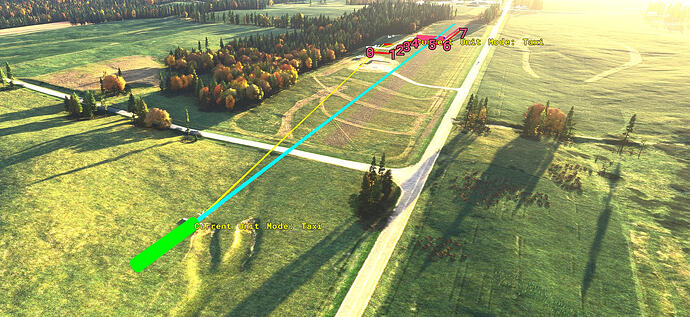
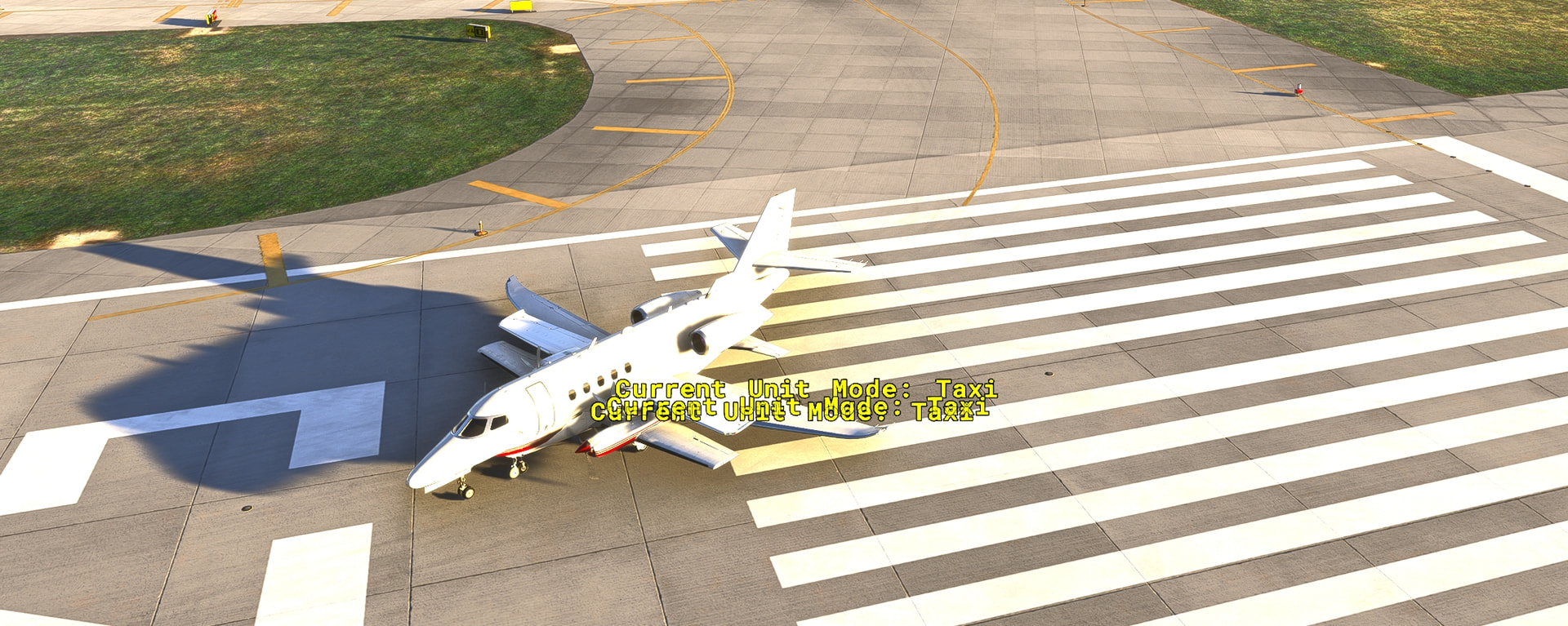
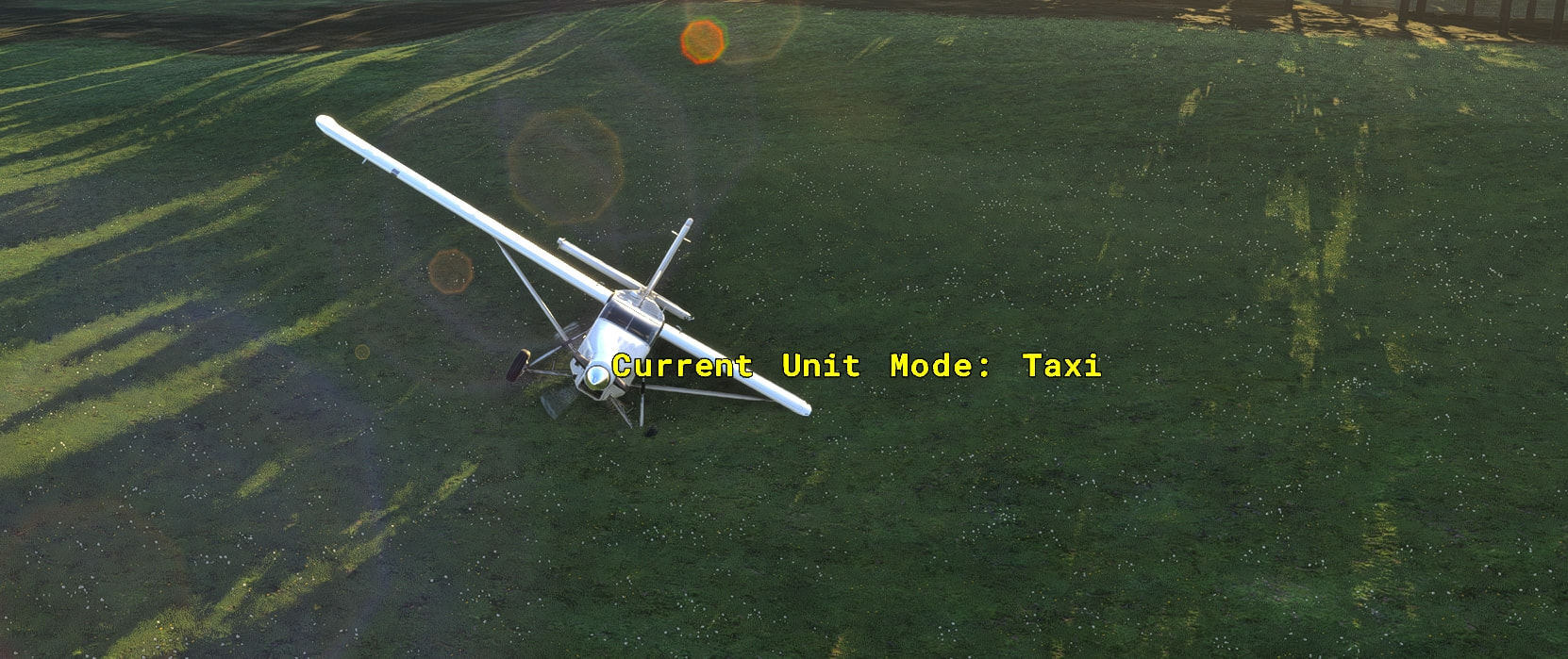
Smaller airfields are the culprit: AI aircraft doesent find the taxi path = wondering all around the airport and ending up just go forward. The AI aircraft that are next to depart, just waiting the wandering one to change status from “current unit mode: taxi” to “current unit mode: takeoffmode airborne”
These models are doing these by first test:
fs24-Asobo-passiveaircraft-c162
fs24-Asobo-passiveaircraft-pc6
fs24-Asobo-passiveaircraft-citation-x
fs24-Asobo-passiveaircraft-legacy500
fs24-Asobo-passiveaircraft-kingairfamily
fs24-Asobo-passiveaircraft-phenom100
fs24-Asobo-passiveaircraft-da62
fs24-Asobo-passiveaircraft-praetor600
fs24-Asobo-passiveaircraft-tbm930
fs24-Asobo-passiveaircraft-da20
fs24-Asobo-passiveaircraft-da40family
fs24-microsoft-passiveaircraft-c185
fs24-microsoft-passiveaircraft-c408
fs24-microsoft-passiveaircraft-c207
Ai aircraft are "bouncing on the runway, like they are touchin tarmac every 5 seconds and then slowly starting to hover on the air until again touching to tarmac after 5 seconds.