Remember, For anyone who also has this issue, PLEASE VOTE! For anyone who wants to contribute on this issue, Click on the button below to use this template:
Do you have the same issue if you follow the OP’s steps to reproduce it?
•
Provide extra information to complete the original description of the issue:
•
If relevant, provide additional screenshots/video:
•
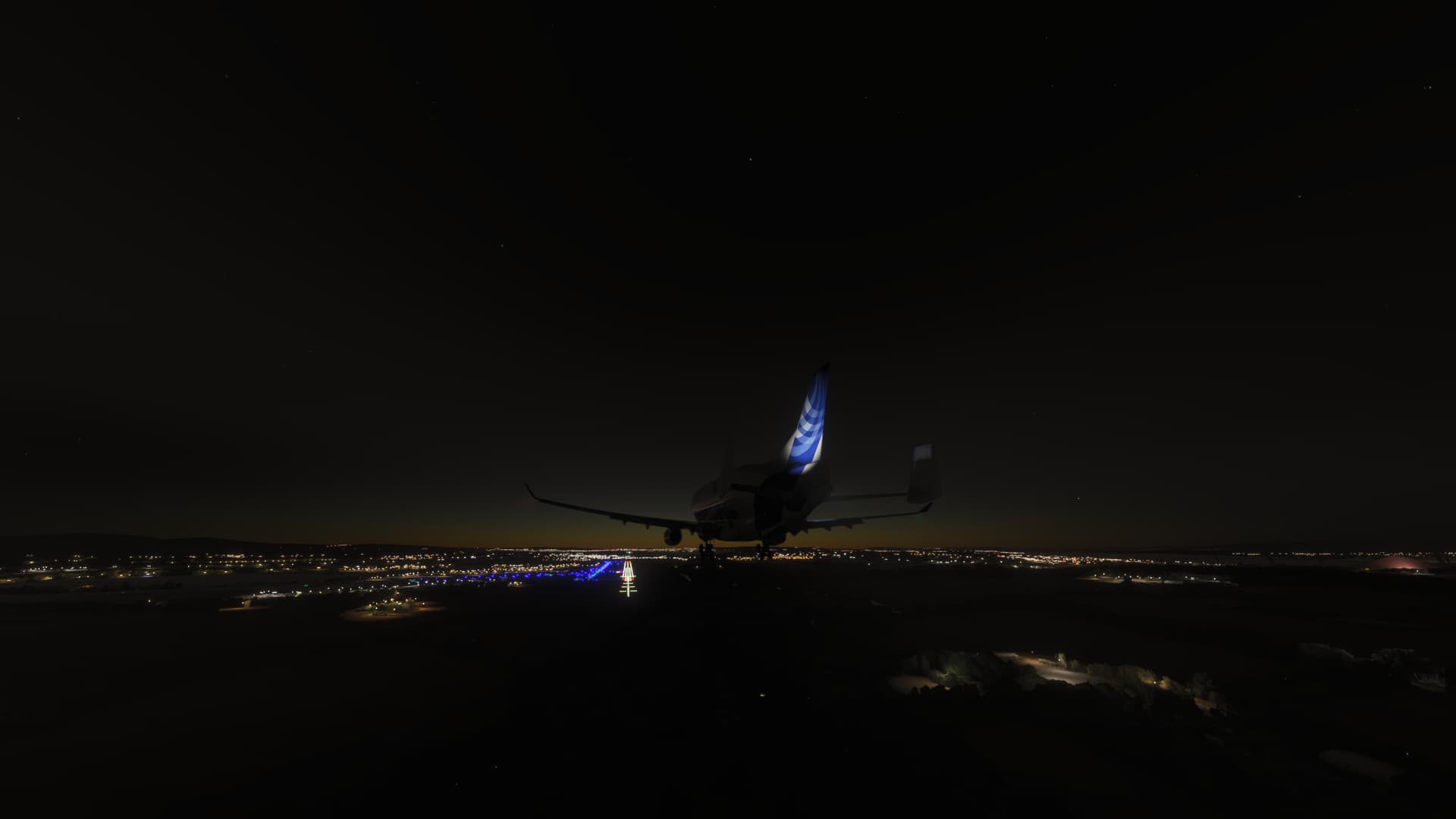
Apparently, the entire Inibuilds fleet on the console is for every 10 attempts to enter, 1 may work. So far I haven’t been able to fly the Beluga. Sometimes I wonder if Inibuilds tests its products on the console. There seems to be a complete lack of optimization reality. If it doesn’t work, why do they put it on the console? Many of my friends are frustrated at not being able to fly the Inibuilds Airbuses. We’ve already cleared the reserved space, everything has been done. How can an aircraft that is being streamed crash the sim? Because we know that the console has memory limitations and all these freezes don’t seem to be anything other than a lack of memory due to optimization difficulties by Inibuilds or whoever.
Is anyone able to get into the A320 for like, 20 seconds, before it freezes/crashes, as I have been able to do that a few times, in that time I noticed, for me, only one engine works. Not sure if this is bug or actually part of the design where you have to turn on parts of the plane?
I have been using the Airbuses in 24 with for the best part no issue on Xbox X,have flown the A320Neo V2/A321LR and the Beluga EGKK/EGPH , it is very odd that people are having all sorts of different issues in 24 some things work for some and not for others.
That’s strange. My friend on Series X was able to do some planes that others weren’t as well, but still, he couldn’t do the A320. It is strange that the devices are the exact same (I mean Series X, and Series X), yet there is still differences in issues.
Very odd the differing issues and general experiences on 2024, i do have a good internet but not sure if that is the issue for people but there does not seem to be any real consistency with the issues, for me i only get CTDs in the menus!
Yes, and I feel like if the internet was bad, surely that would just make the plane less, I don’t know, HD. Surely it wouldn’t freeze the game. My internet is also quite good, my Xbox can reach 200mbps download, with the actual internet being 915mbps for download. Are you aware on whether there is some way to get this bug escalated to the developers? I believe they have already slightly mentioned being aware of it in their first notice, but haven’t named a fix in their latest update. Hopefully the bug will be fixed in the next update, which I believe isn’t far away.
“The sim may become unresponsive or can even crash when using certain large aircraft (e.g. Airbus 330-743 Beluga XL, Airbus A400M, Boeing 747 8, etc.) near large custom airports (e.g. KLAX, LFPG), KJFK, etc.).
We are currently working on a fix that we hope to roll out soon.”
Okay, their latest update did not fix the crash. Hopefully the next one but I mean, come on hurry up with a fix, developers! I was excited to fly the big planes when I installed the game, but it has been over 2 weeks now (about) and there have been no fixes for the majority of the big planes (mainly on Xbox)
Series S / Xcloud guys. Can you confirm that there was an improvement in entering the airport with the A330 or another inibuild product after yesterday’s patch? This is important to communicate to the MS team on the forum and we can move on to other bugs. At least in light airports I can enter without crashing, more than before the patch. But I need more reports from the community to attest to this.
Unfortunately, I still can not enter the A320. I am guessing you mean after the update that was released 36 hours ago (about)? I have updated the game, and yet it still quickly crashes. Are you speaking on behalf of the developers, asking the question so they don’t need to, or are you part of the team yourself?
By the way, just doing a few things like checking for updates again, restating the game, and then I am going to try flying the plane and will inform you on how that goes.
UPDATE:
I tried the plane again, and it did work. Only one engine worked at the start but not sure if that is how they have designed it and I am not starting it right? I set it to a runway, and only one engine (Engine 1) would turn on. After I crashed it when taxiing, I found myself in the air with both engines working… kind of. The engine UI was super laggy, and when I would increase or decrease throttle, there would be a huge delay which I know isn’t real, from 2020, and the dial was going at a much slower frame rate, (though the plane was still at a bad frame rate). However, it didn’t crash. Maybe it was because of my airport choice. I chose a small one. Will edit when I have tried a main airport.
Good morning , well i have tried the Airbuses from cold and dark up to cruise and no issues to speak of, A320/321 A300 and the Beluga, i will be doing further flights today (Xbox Series X). All flights EGKK/EGPH for now.
That is good. I tried it at a big airport, and no issues, except for lag. Do you know if there is any way to get the other engine to start? I don’t know if I am just not doing it right or if my game is doing something wrong, by locking Engine 2 off.
Hi Chelseacatty, I’m not part of the Inibuilds team, no. I’m just trying to see if it’s improved for other people after the Day 2 Patch. The success rate of getting in has increased a lot. Before, I couldn’t even get in the A400M, for example. If it’s improved, we can move on to other bugs, like heavier airports, where there’s still no chance of getting in. As predicted by MS, it won’t get in heavy locations.
steam and updated itself few days ago…still unusable right now as of typing…utter b@$^s..it.
have reinstalled, taken out my community folder…nothing, 10secs after clicking ready to fly, freezes and CTD…everytime.
 For anyone who also has this issue, PLEASE VOTE! For anyone who wants to contribute on this issue, Click on the button below to use this template: