Hi folks,
This topic has now been updated from feedback-logged to bug-logged after successful reproductions from the development team.
Thanks for your reports regarding this issue,
The MSFS Community Team
Hi folks,
This topic has now been updated from feedback-logged to bug-logged after successful reproductions from the development team.
Thanks for your reports regarding this issue,
The MSFS Community Team
In 1.6.21.0 this is still an issue.
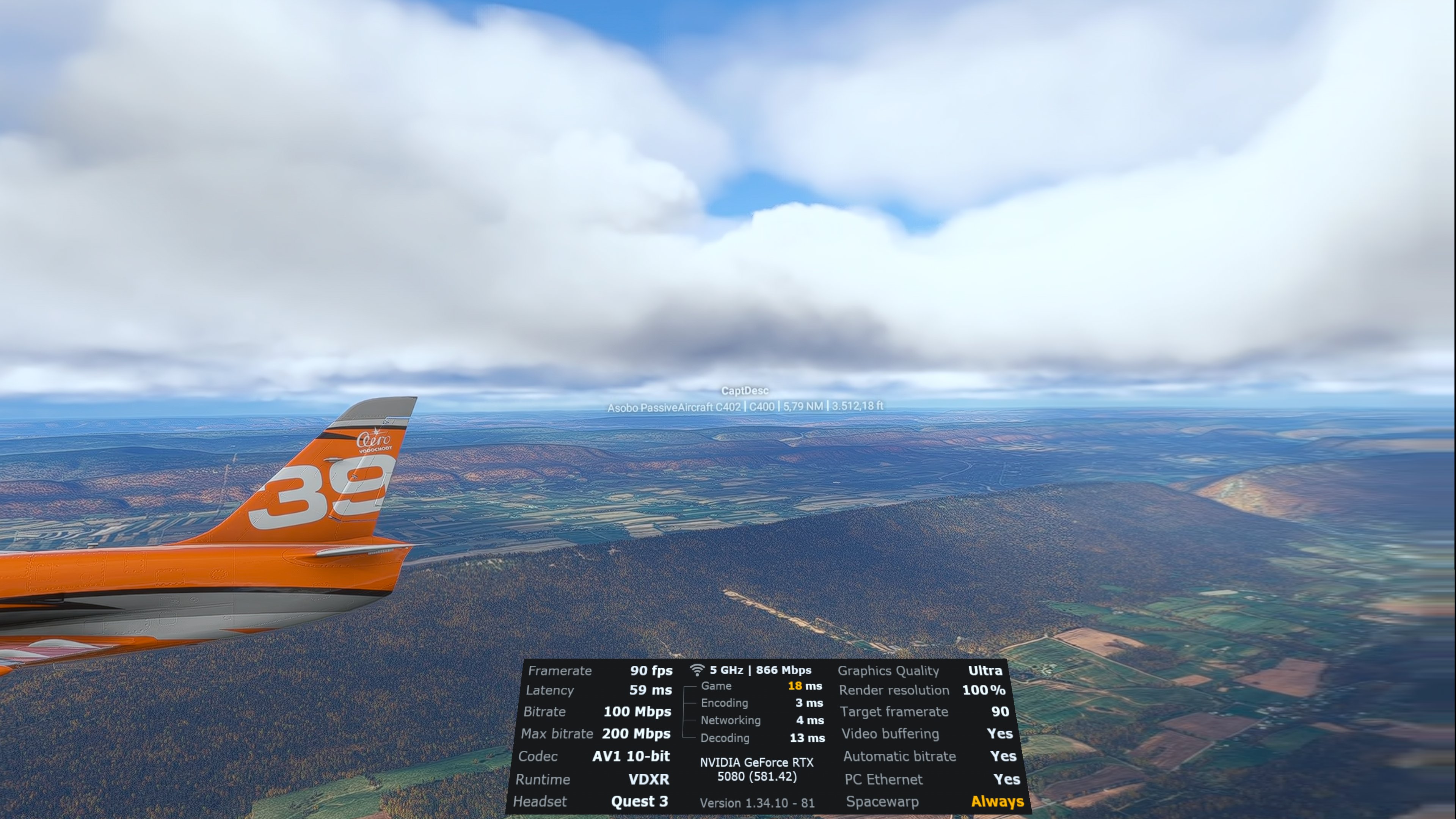
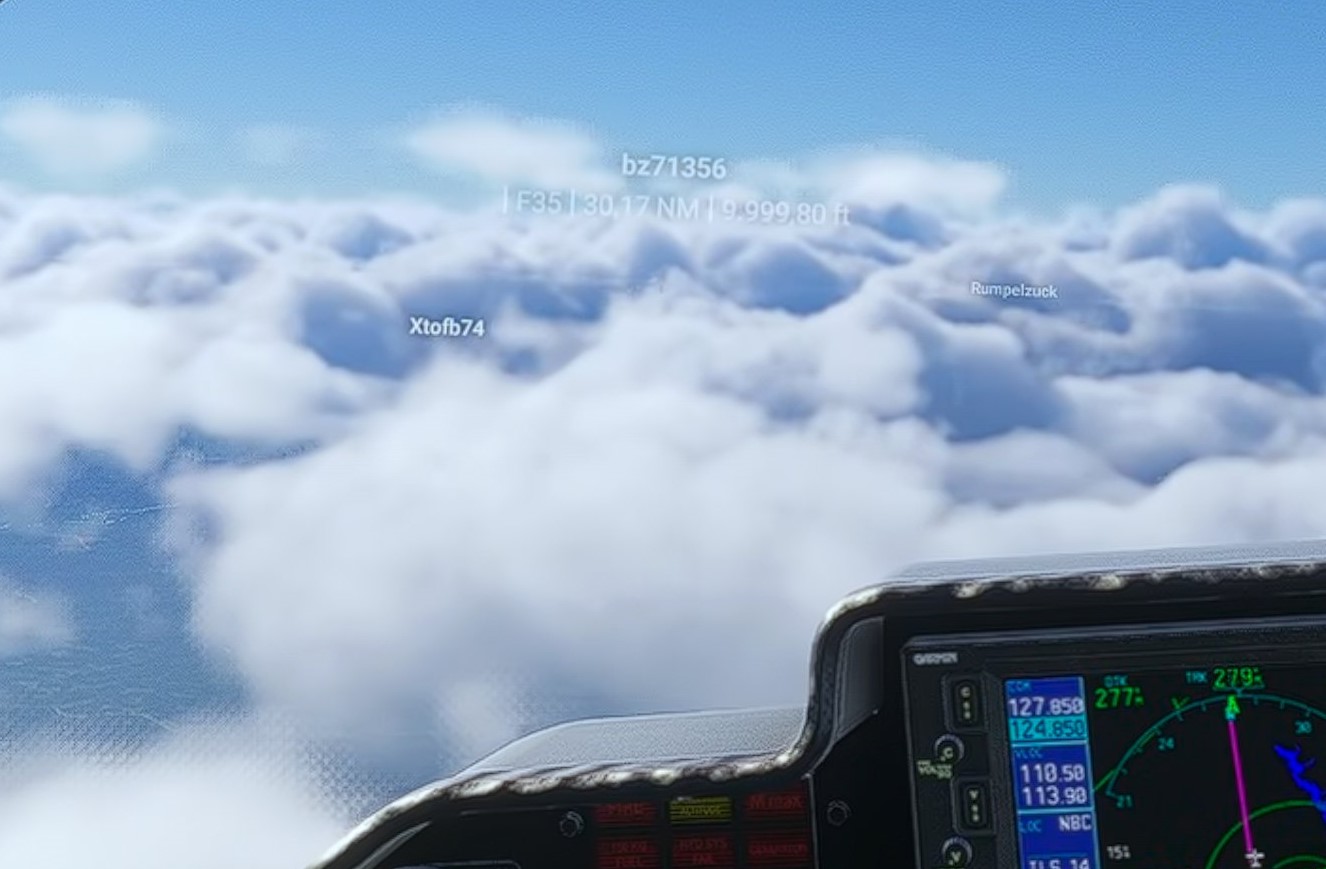
Beyond exactly 6nm the nametags disapear:
Could see the nametag disapear when it jumped from around 5.9x to what should have been over 6.
Yep still broken in this latest beta build
It does work now in the latest beta 1.6.23 according to change logs and tested it in a groupflight.
For reference:
Continuing the discussion from Sim Update 4 Beta (1.6.23.0) Release Notes - November 7, 2025:
Yes this was finally fixed in the latest beta update. Just need approach and landing stutters sorting now.
And the multiplayer aircraft fallback to generic planes, if on “high fidelity” mp aircraft setting and not owning the plane of the other player.
Does it do that on the lower fidelity?
At simpified, you can see all sorts of generic models for all MP nametags, but they usually don’t match the original aircraft yet. And the model changes to another one when the model of a specific plane is reloaded.