I recently did a clean re-install and lost my Presets.
Before re-install:
FS2024 installed on K: drive. (only FS2024).
Uninstall via Windows apps, MSFS2024 uninstall.
Format K:.
Re-install:
MS Store install. ( Xbox app install is the same except you can
create and choose your install folder).
Select K: drive. (mandatory install to XboxGames folder only)
The following “Setup” screen is displayed:
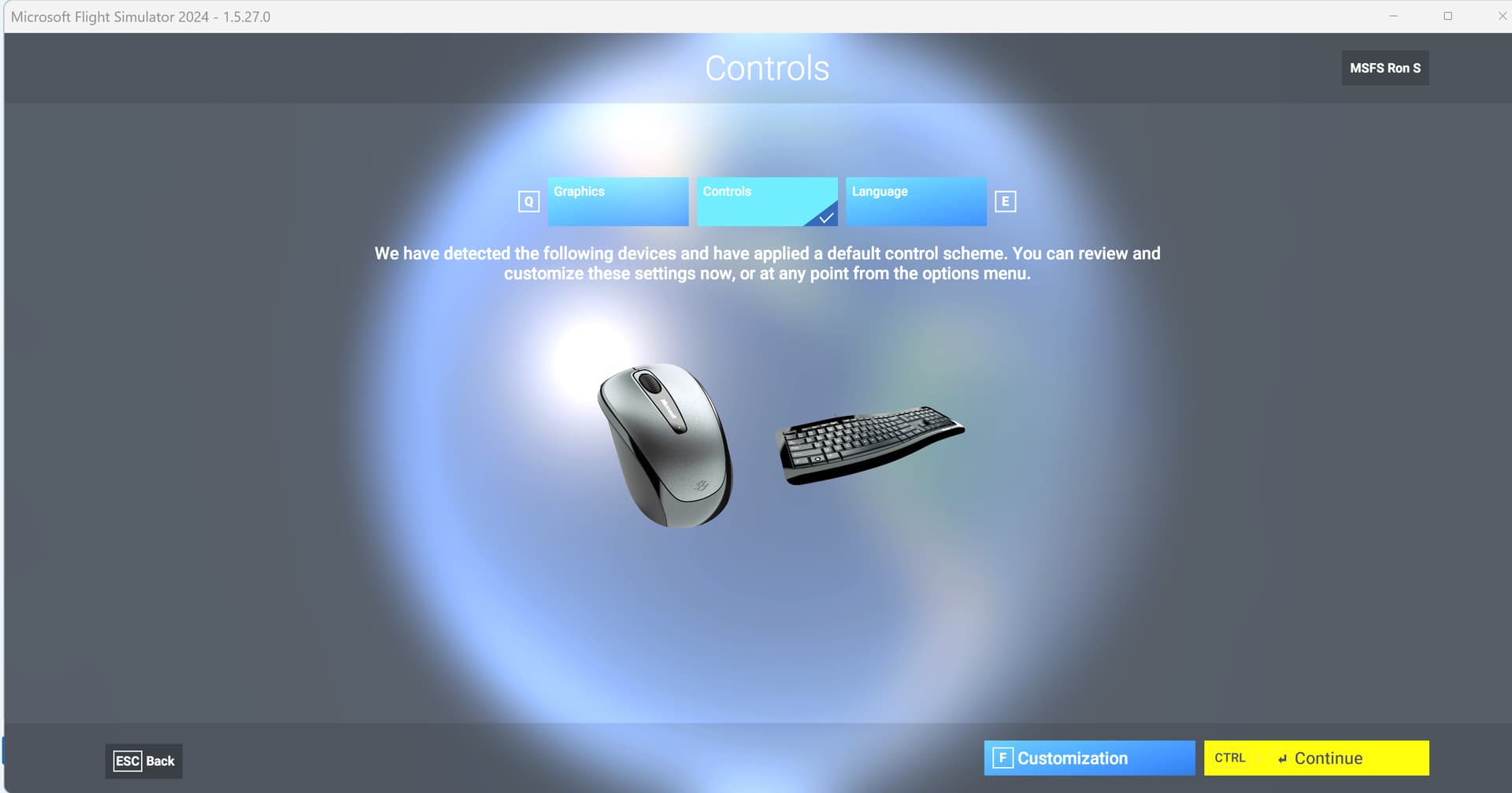
I clicked “Continue” because I did not want/need to change anything in my Device(s) Presets.
This was wrong to do.
It is typical strange wording:
“We have detected the following devices and have applied a default
control scheme.”
(The default control scheme is 2 devices, mouse and keyboard.)
It should read:
We have detected the mouse and keyboard.
If you have other controllers ( and their Presets), then click “Customization” to have them included in your install.
Losing my Presets really irritated me.
I thought that Controls are stored in the cloud.
So, I did the re-install again.
This time I clicked “Customization”.
The following screen displayed:
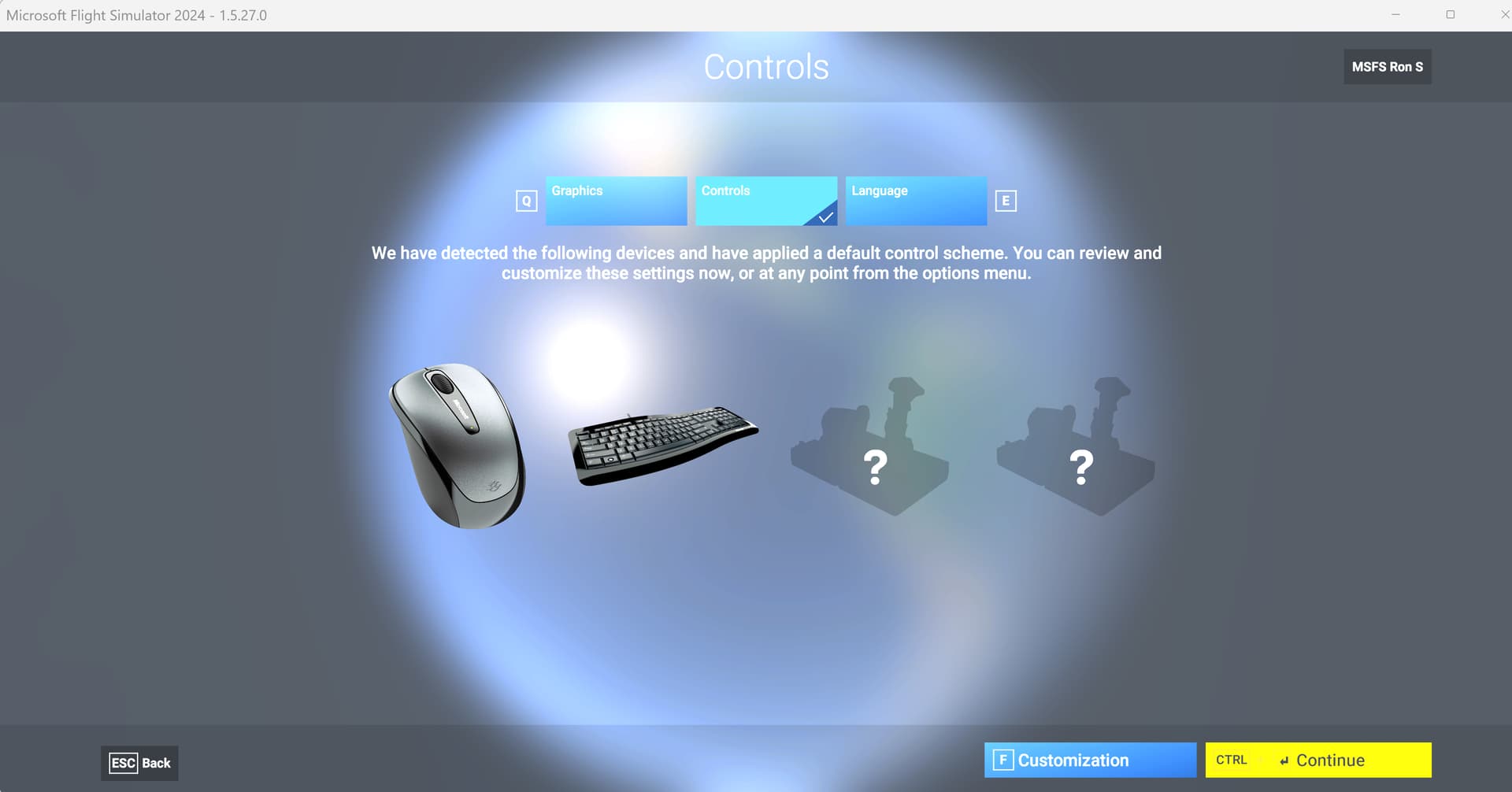
Again this wording is strange.
“We have detected the following devices and have applied a default control scheme”
default control scheme?
I don’t know what this is supposed to mean.
The 2 icons with the ? are my two controllers.
When I then clicked “Continue” the install included my Presets.
They were stored in the cloud.
Note:
I have done re-installs when the “Setup” screens were not displayed.
I don’t know what determines if it does display.