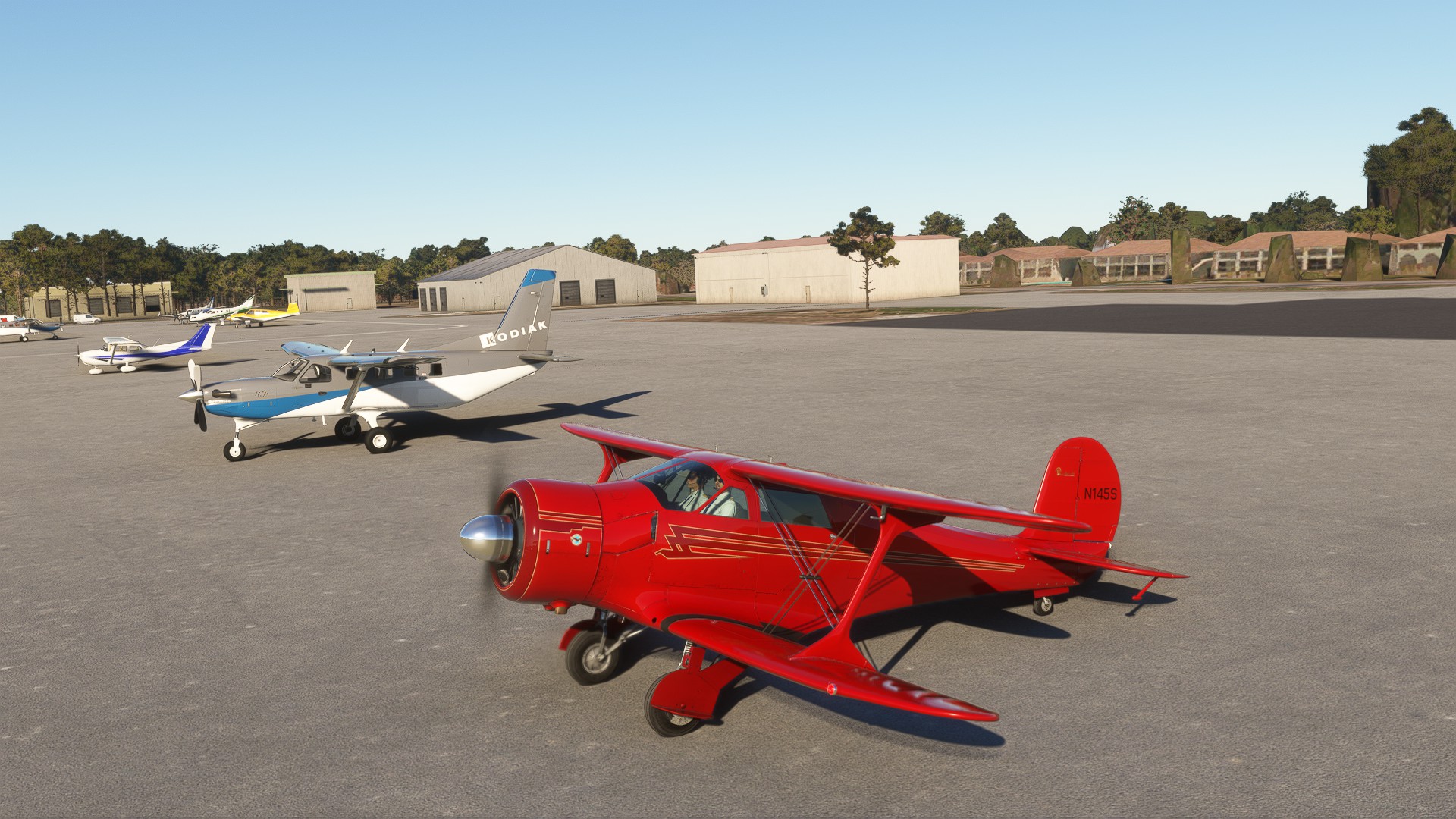
Original Beechcraft 17 Staggerwing purchased from 2020 not transfered to 2024 or lost


ISSUE DESCRIPTION

Description of the issue:
Original Beechcraft 17 Staggerwing purchased from 2020 not transfered to 2024 or lost
[PC Only] Did you remove all your community mods/add-ons? If yes, are you still experiencing the issue?
YES

FREQUENCY OF ISSUE

How often does this occur for you (Example: Just once, every time on sim load, intermittently)? 100%

REPRODUCTION STEPS

Please list clear steps you took in order to help our test team reproduce the same issue:

  1. START 2024
  2. TRY TO FIND BEECHCRAFT 17
  3. NOT THERE, LOOKED THROUGH ALL AIRCRAFT MODEL VARIANTS, NOT THERE

YOUR SETTINGS

If the issue still occurs with no mods and add-ons, please continue to report your issue. If not, please move this post to the User Support Hub.

What peripherals are you using, if relevant:
VELOCITYONE FLIGHTSTICK

[PC Only] Are you using Developer Mode or have you made any changes to it? NO

[PC, MSFS 2020 Only] Are you using DX11 or DX12?

[PC Only] What GPU (Graphics Card) do you use?
RTX 4060

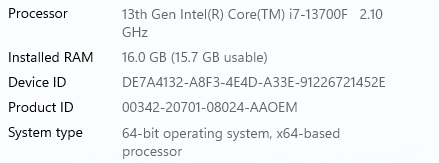
[PC Only] What other relevant PC specs can you share?
MEDIA

Please add a screenshot or video of the issue occurring.

[END OF FIRST USER REPORT]


:loudspeaker: For anyone who wants to contribute on this issue, Click on the button below to use this template:

Do you have the same issue if you follow the OP’s steps to reproduce it?
•

Provide extra information to complete the original description of the issue:
•

If relevant, provide additional screenshots/video:
•

Do you have the same issue if you follow the OP’s steps to reproduce it?
•

Provide extra information to complete the original description of the issue:
•

If relevant, provide additional screenshots/video:
• I have the same problem. I have duplicated all the steps noted above and the Staggerwing is still missing. I am also missing a Boein 707, Cessan Business Liner, and Twin Beech

I believe I may have solved the issue of missing aircraft, at least in my case. The first point of note is that the missing airplanes are from MSFS 2020. They were deactivated. Here are the steps I used:

NOTE: These steps seem a little convoluted as many things in MSFS 2024 appear to be more complicated than necessary. Thus, these steps are a recreation to the best of my abilities. You may have to adjust the path to success in your case.

  • Start MSFS 2024 and on the home screen click Marketplace
  • In Marketplace click My Library at the top left of your screen
  • Check the various items listed in the content list with the All option selection. This includes such items as Base Content, Deluxe to Aviator Upgrade, and so on. Find your missing aircraft. (In my case the missing ‘planes were under Premium to Deluxe Upgrade)
  • Select any aircraft that is noted as Disabled. It will be shaded.
  • Click Enable which has now appeared at the bottom of your screen.
  • Check to see if the airplane is now in your My Library.
  • If it is not, follow the above steps again and select the missing airplane.
  • Click the Download button that has now appeared on your screen.
  • Check My Library again to see if the aircraft is there. It should be if all goes well.

I hope this helps. Good luck.