ISSUE DESCRIPTION
Description of the issue: The Piper M600 modeled in the Expert Series 2 has a condition lever that only includes “Cut Off” and “Run” positions, however documentation from Piper and guides covering the aircraft in real life indicate it should have three (3) positions - “Cut Off”, “Run” and “Cold Start.”
It’s theoretically possible that this is an optional configuration, but as I’ve only been able to find things covering the real-world M600 that are configured that way, I’m currently assuming it is standard configuration.
FREQUENCY OF ISSUE
How often does this occur for you (Example: Just once, every time on sim load, intermittently)? Every time.
REPRODUCTION STEPS
Please list clear steps you took in order to help our test team reproduce the same issue:
-
Begin a flight with the Piper M600 (Expert Series 2)
-
Observe only two (2) available positions on the condition lever
YOUR SETTINGS
If the issue still occurs with no mods and add-ons, please continue to report your issue. If not, please move this post to the User Support Hub.
What peripherals are you using, if relevant: n/a
[PC Only] Are you using Developer Mode or have you made any changes to it? No
[PC Only] What GPU (Graphics Card) do you use? AMD Radeon RX 7900 GRE
[PC Only] What other relevant PC specs can you share? n/a
MEDIA
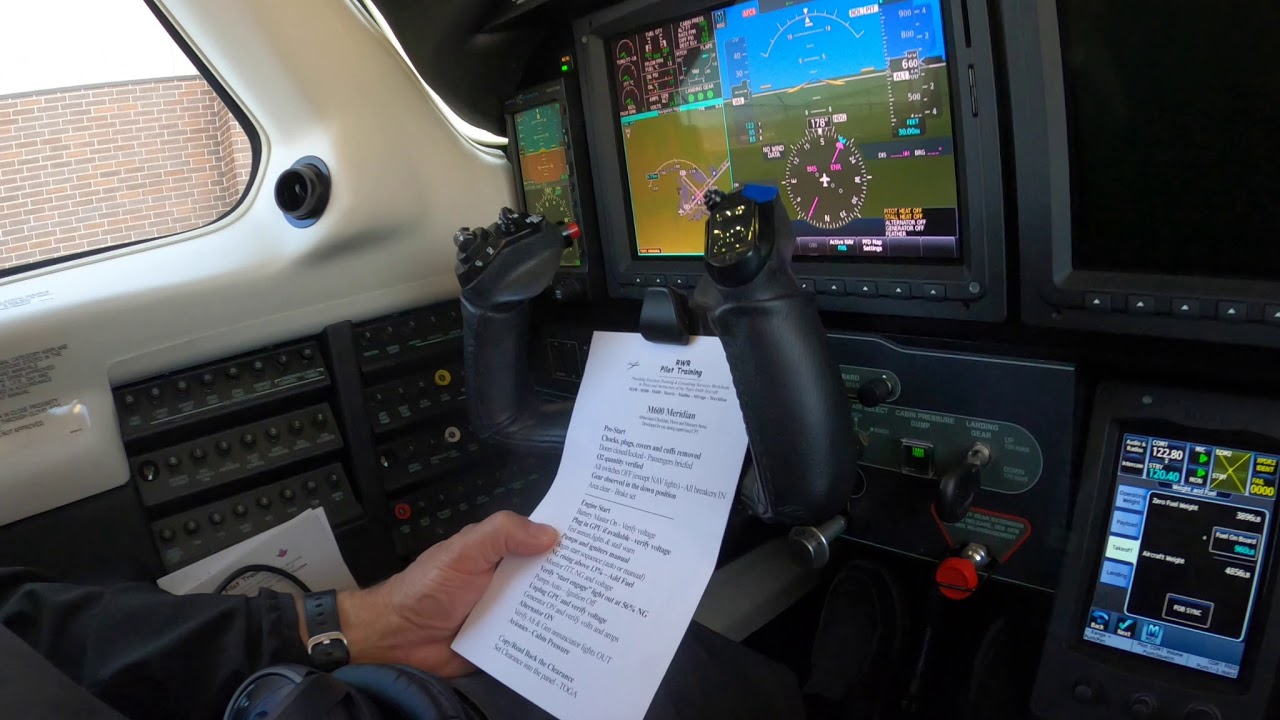
No screenshots available from the sim at the time of creating this post, but below are supporting media to show the assumed-correct configuration from real world M600s: