Well, as this has been a problem - at least in Hawaii, since the day 1 release of FS2020, I have just kind of resigned myself to the fact that the developers have placed it deep down in their to-do or “too-hard” pile. I will definitely be buying FS2024 with the hope, among other things, that they have fixed this long-standing bug in their new edition.
In the last June Dev Stream, they commented a fix for incorrect time zones should come in a next Sim Update for FS2020. Hope it will take in account the specific situation of zones that don’t participate to DST.
3 Likes
 Thank you for using the Bug section, using templates provided will greatly help the team reproducing the issue and ease the process of fixing it.
Are you using Developer Mode or made changes in it?
Have you disabled/removed all your mods and addons? If the issue still occurs with no mods and add-ons, please continue to report your issue. If not, please move this post to the User Support Hub.
Brief description of the issue:
Jersey has the wring time zone. In the sim it shows as GMT+2. In real life it is GMT+1
Provide Screenshot(s)/video(s) of the issue encountered:
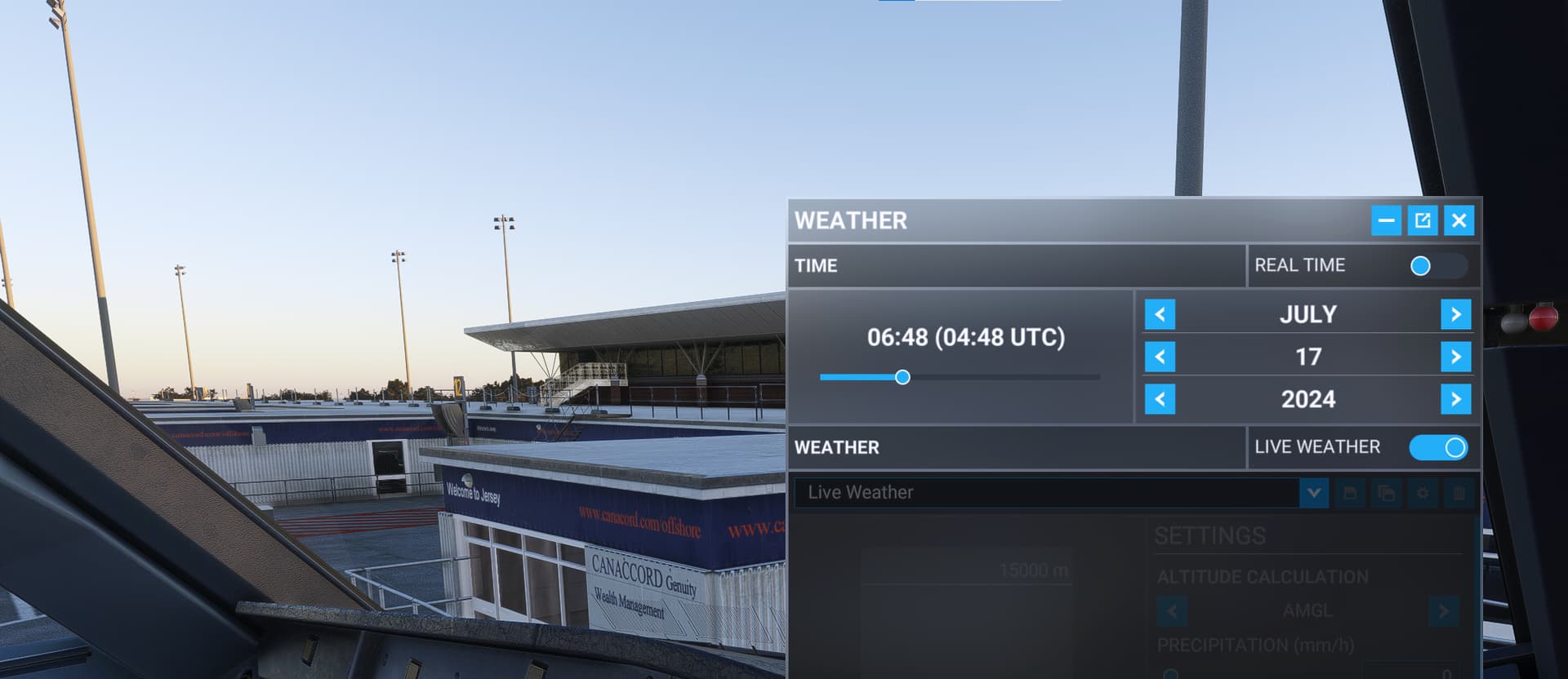
Detailed steps to reproduce the issue encountered:
PC specs and/or peripheral set up if relevant:
Build Version # when you first started experiencing this issue:
 For anyone who wants to contribute on this issue, Click on the button below to use this template:
Do you have the same issue if you follow the OP’s steps to reproduce it?
Provide extra information to complete the original description of the issue:
If relevant, provide additional screenshots/video:
Yes looks like Jersey is incorrectly using the time from France.
1 Like
Yep. I think so.
1 Like
As per Local Time been fixed, the Update was out today and Local Time is still off by 2 hours. So, at least the Azores didn´t get their local time fixed.

Today was a World Update, the time zone fix will come in a Sim Update.
1 Like
I had the same problem. This is my fix:
a) Turn off the automatic time zone and update time settings
b) Set your PC’s time manually to the current UTC
c) If the time in sim is still out by 1 or more hours, change the PC’s time manually to adjust for this
d) Will need to manually correct the time periodically, due to having no syncing - easy
i.e. I’m in Australia and sim time was 1 hour early (we’re in Daylight Savings at present). Currently real UTC is 2333hrs, but I’ve set my PC’s time to 0033hrs.
When I choose real time in a flight, it’s now showing the correct local time.
When the clocks change, I’ll need to adjust this again.
Now, I don’t fly with others and am not with a virtual airline, so I don’t know how this fix might afftect all that.
Note that if you do change the time on your PC, make sure you reenable the automatic time zone and update time settings before installing any MSFS or Xbox & Gaming Services app updates.
If you have any authentication issues, reenable the automatic time zone and update time settings & reboot the PC before taking drastic steps like reinstalling MSFS from scratch. 
That is a great point to remember, thanks!
Can’t they just release the “Time zone SDK” to the public and let us fix it ourselves? Or is it not that simple?
In FS2004, I seem to recall that there was an .xml file where you could go into individual airports and change the [UTC + or - value] yourself.
If I’m way off base, then I stand corrected. It’s been a long time since I tinkered with time zones in FS9; and I don’t know if .xml files can be used the same way 20 years later.
Okay, I guess I was mistaken. MSFS 2024 did not have the Time Zone corrections. Madeira still uses UTC-2 when it should be UTC0 or UTC+1 DST, and Arizona is still UTC-7/UTC-6 DST when it should just be UTC-7. Can someone add a MSFS 2024 tag as well as the time zone errors still apply for MSFS 2024?
1 Like
MSFS2024 tag added to topic!
3 Likes
Do you have the same issue by following the OP’s repro steps?
YES
Provide extra information to complete the original description of the issue:
The Azores are on the Winter DST (-1/UTC) but as you can see on the screen shot, it still showing a 2 hour difference.
If relevant, provide additonal screenshots/video:
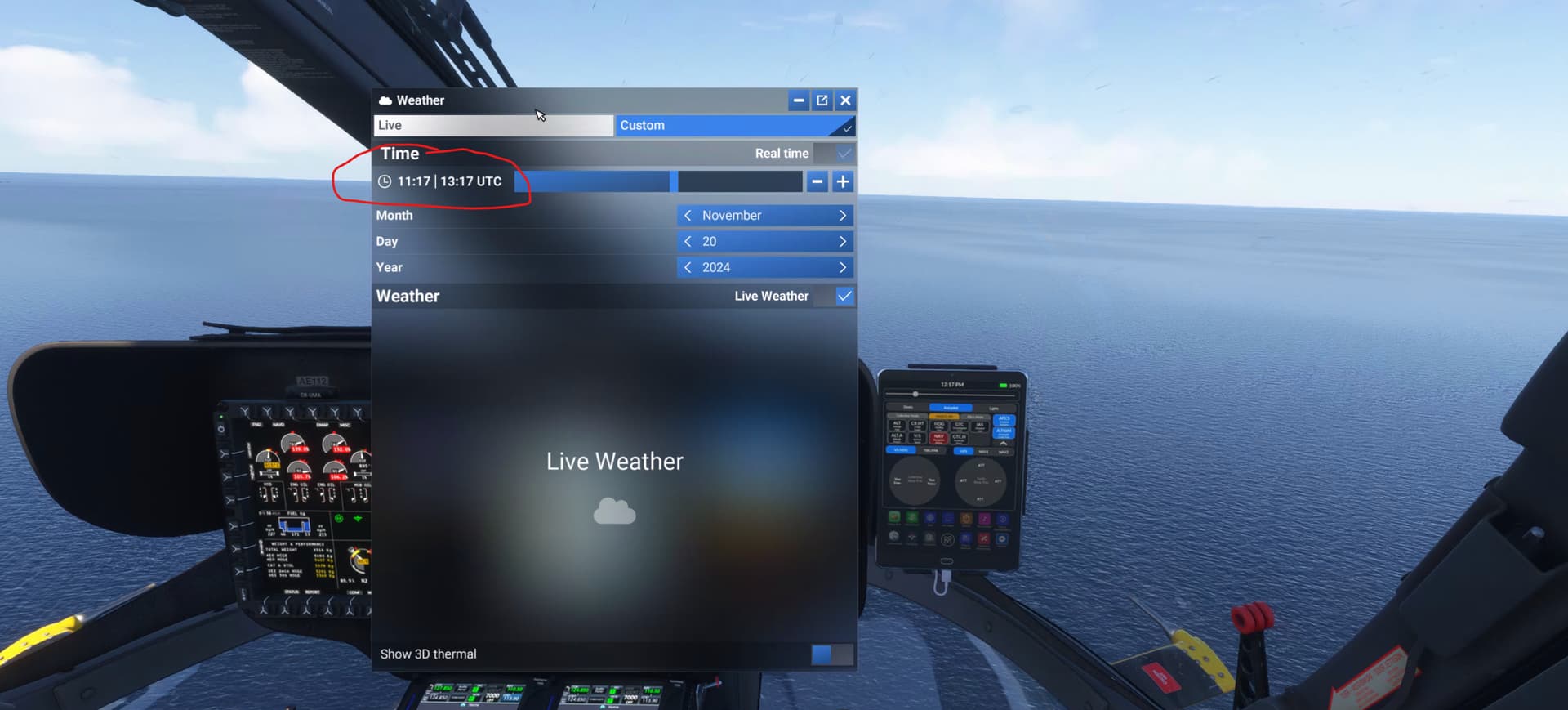
 MEDIA
MEDIA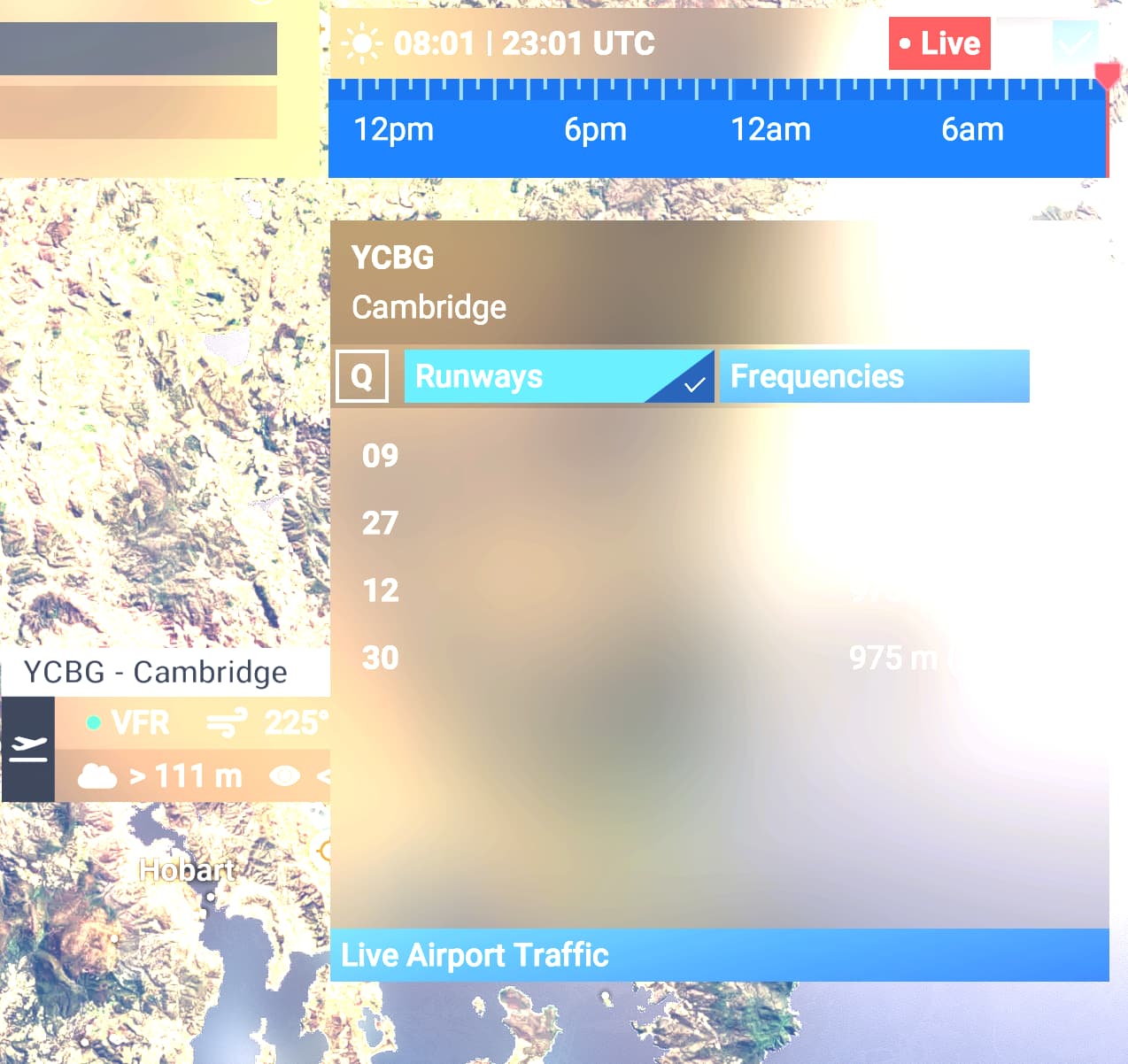
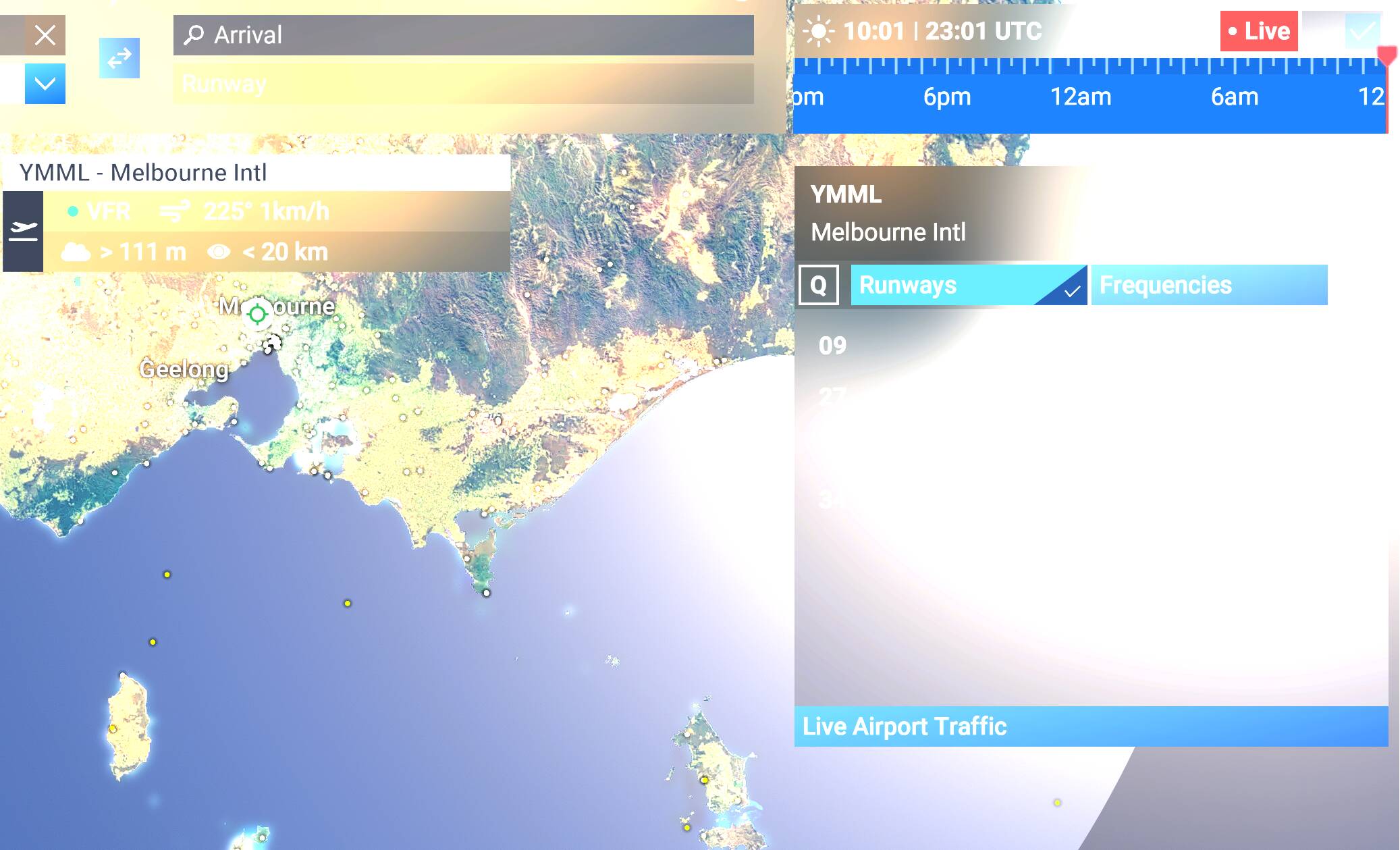
1 Like
I just opened another thread regarding this
(MSFS 2020)
As MSFS have wrong local time differences with UTC for some airports, this is not a matter of “my PC time config”. It seems that MSFS has its own global timezones. Let’s find out what it is and adapt to it until it is corrected.
1 Like
In the past with all the TZ issues we used to have 3rd party applications that would fix it for us. TimeZoneFixer for example. It would need to be updated often because governments change DST/time zones all the time. I reached out to Navdata to see if they would be interested, never heard back.
I doubt anyone at MS cares about having the correct time zones. These errors have been in the sim since FS2020 was released.
Strongly agree. Infact MS/Asobo should give us SDK access to the time zones control, so we can fix it ourselves, especially since they can’t seem to make it a priority. I thought for sure the problem with Hawaii would get fixed in FS2024, but nope… still the same problem since FS2020.
1 Like
I noticed this after the clocks went forward in the UK last week for daylight saving time. It can be a pain in the ■■■ sometimes when making flightplans in simbrief.
I remember creating a post about this on MSFS2020. As not all countries adjust time at the same or even at all, I’m not sure how this is approached in real flying let alone in the sim.
3 Likes
This was something I have worked on back in April last year. I published it back in December 13 as freeware, but I thought I’d share it here: https://flightsim.to/file/86060/time-zone-correction
3 Likes