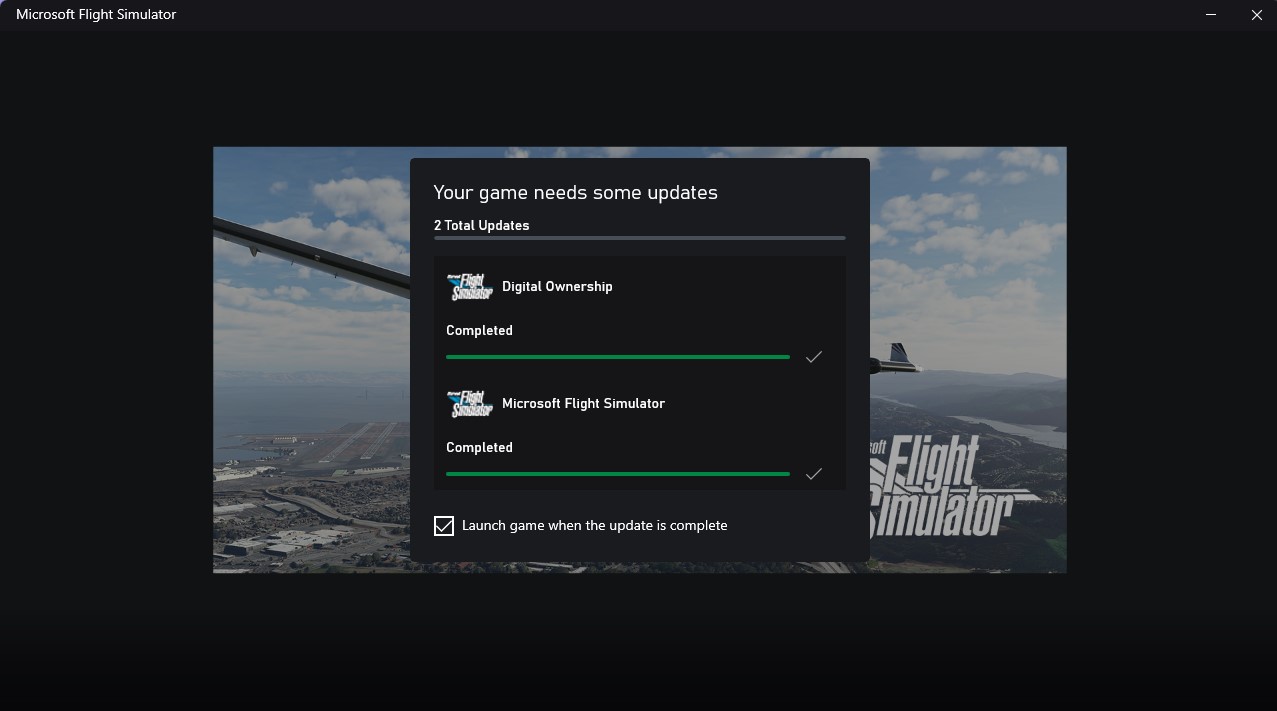
Wondering if anyone else sees this screen since the last update. I cant get past this screen whatever I try to do. I tried repairing and resetting the App file; ended up uninstalled and re-installing it. I’ve removed all content form the community folder. I’ve removed / re-installed the Xbox App, Microsoft Store and Xbox gaming services just in case there was an error there. I’m still no further forward. Any feedback or advise would be appreciated. Cheers
Just tossing this out because it has cured many of these problems for me.
Make sure FS 2020 is closed.
Open the Task Manager and click on the “Services” tab.
Somewhere in that list you’ll see “GamingServices.” Restart that and see if things come to life.
Many thanks for you message and the heads up. Unfortunately this hasn’t worked for me so will try to consult Zendesk. Cheers
Many thanks for your suggestion. Will check Zendesk out. Cheers
I am having exactly the same problem after the last Sim Update. A work-around I was using was starting the sim with my internet disabled then quickly get online after the game launches but that nolonger works either. I had this problem months ago and I got a fix which doesnt work now, I am hopeful that this recurring issue will receive some attention in a broader update as it keeps coming up for users.
Didn’t work for me. I can’t launch the game, I don’t get any error messages either?
FS 2020 won’t start. After I click the safe mode, it loads abit and shots down without any error messages?