ISSUE DESCRIPTION
Description of the issue:
Countless default major airports have awfully and incorrectly mapped runway slopes, waves, and undulation issues.
Real-world runway slope data is easily accessible out there, and rarely does any runway in the sim ever make a remote attempt at matching it. This goes well beyond any natural undulations that exist in the real world- not every runway is supposed to look like Birmingham airport.
Slopes, inclines and declines are completely inaccurate and way overdone at too many major airports.
This issue has been around since 2020 and hasn’t gotten any better - if not it has gotten worse - in 2024.
How this can be verified is by comparing the issue to payware airports- pretty much any payware airport will rectify any of the runway issues as these developers take the actual time to map runway slopes and contours to their real-world counterparts.
You would figure that a runway’s surface would be perhaps the most important element of a flight simulator to get right… AI generated or not, they should be a priority.
Coordinate or location of issue:
There’s too many to count, but just to name a few, almost every runway at KLAS is severely sloped in the wrong direction. 26L for example has a severe downslope in the sim when in fact real world it is significantly sloped up (this change happened after SU4)
KDEN: I’m not sure there’s even one runway that isn’t contoured like a bucket or doesn’t have a hump or dip that clearly wouldn’t exist IRL. For a “Handcrafted Airport”, it’s laughable considering it’s marketed as a Premium Deluxe included airport.
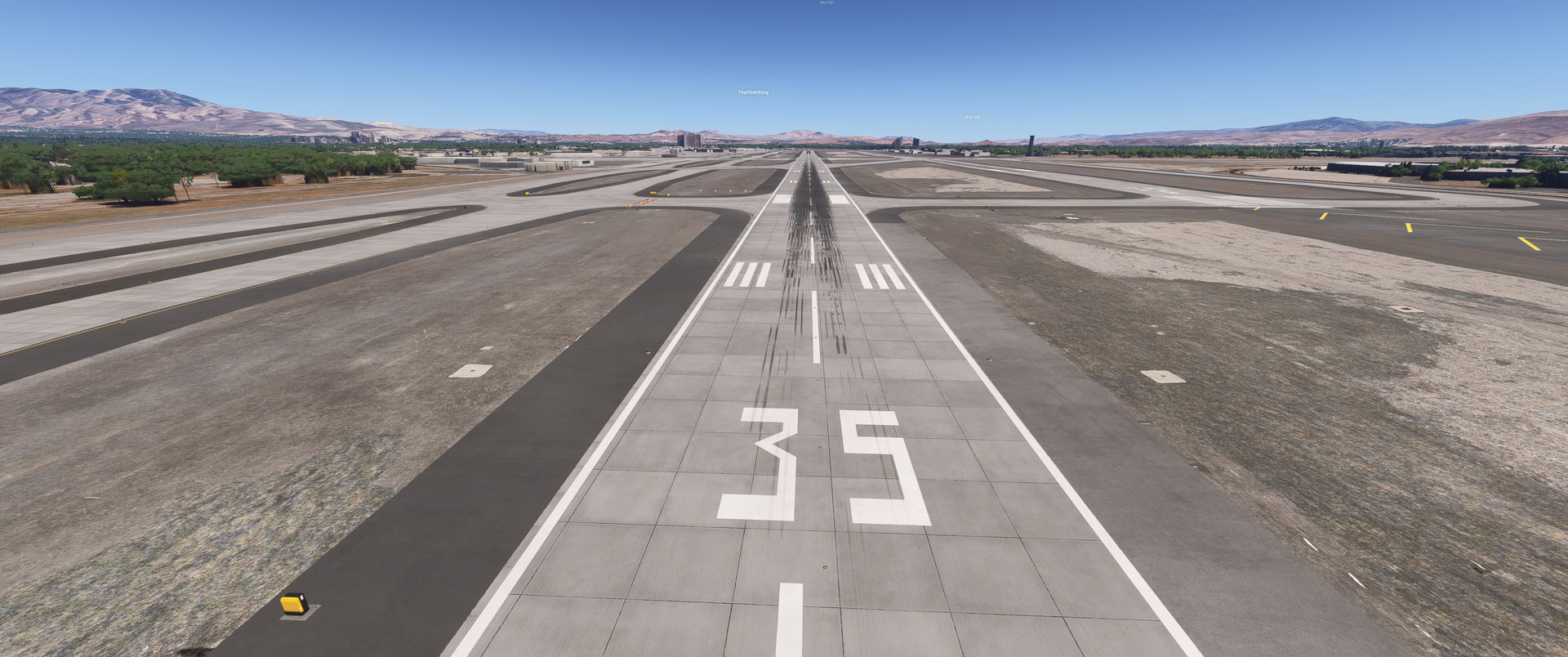
KRNO: Each runway is a humped wavy mess all the way down, not even remotely matching any IRL slope data.
KLBB: A smaller airport but same example- relatively flat/even with 17R favoring an upslope IRL, yet in the sim it’s shaped like a giant bowl going towards the center.
There are at least dozens of others. Something needs to be done with AI generated default airports and their runways because the engine used has done an awful job so far.
FREQUENCY OF ISSUE
How often does this occur for you (Example: Just once, every time on sim load, intermittently)?
Permanently
REPRODUCTION STEPS
Please list clear steps you took in order to help our test team reproduce the same issue:
-
Begin approach to the runway
-
Get closer
-
Wonder why the runway I’m about to land on looks like a speed slide at a waterpark
YOUR SETTINGS
If the issue still occurs with no mods and add-ons, please continue to report your issue. If not, please move this post to the User Support Hub.
What peripherals are you using:
[PC Only] Are you using Developer Mode or have you made any changes to it?
No
[PC Only] What GPU (Graphics Card) do you use?
4070Ti Super, but irrelevant
[PC Only] What other relevant PC specs can you share?
7800X3D, 64GB RAM, but irrelevant
MEDIA
Please add a screenshot or video of the issue occurring.
I can sure add some screenshots tomorrow