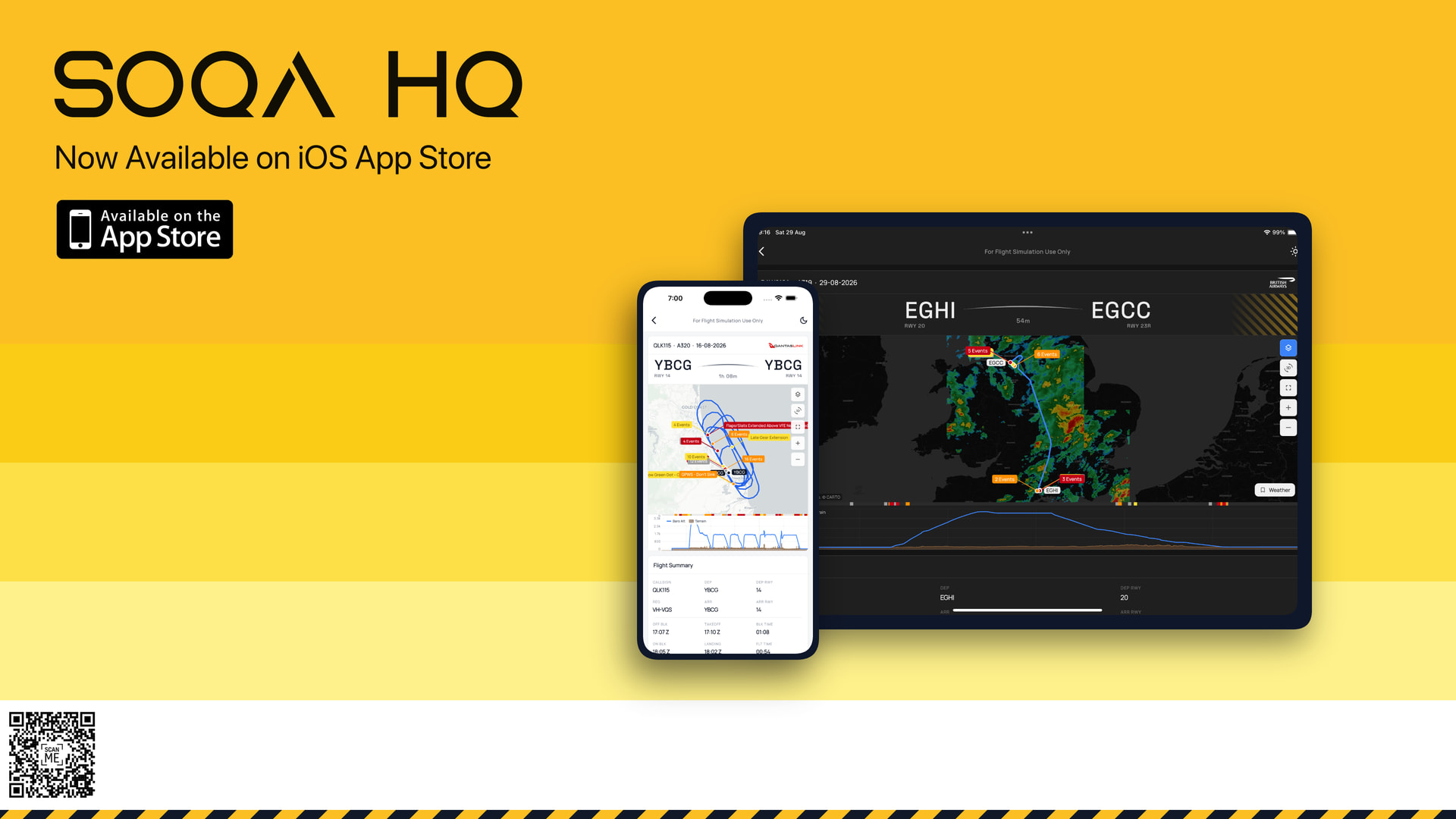
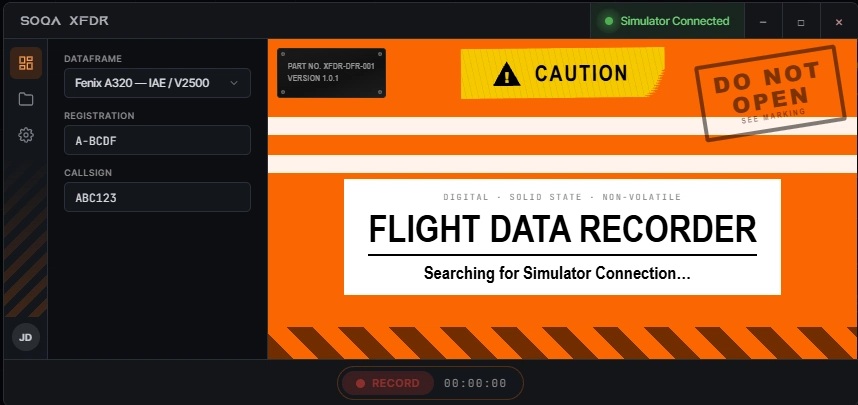
SOQA (Simulator Operations Quality Analysis) xFDR is the desktop client for SOQA. It installs on your PC and hooks directly into MSFS 2020 and MSFS 2024 through SimConnect, quietly recording every parameter defined in that add-on’s dataframe profile to a local .xfdr file gate-to-gate. Upload the recorded flight to SOQA HQ afterwards for post-flight review
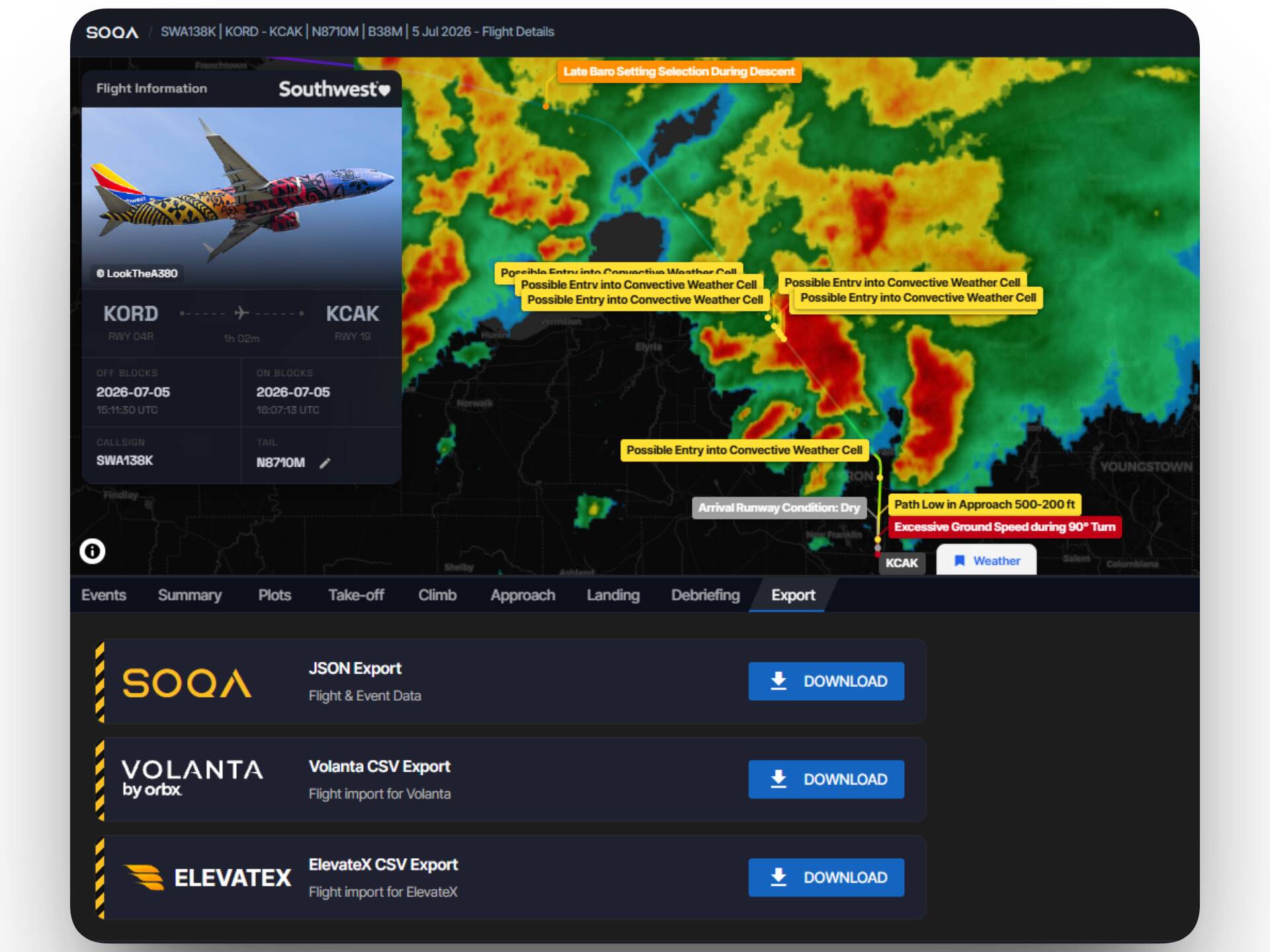
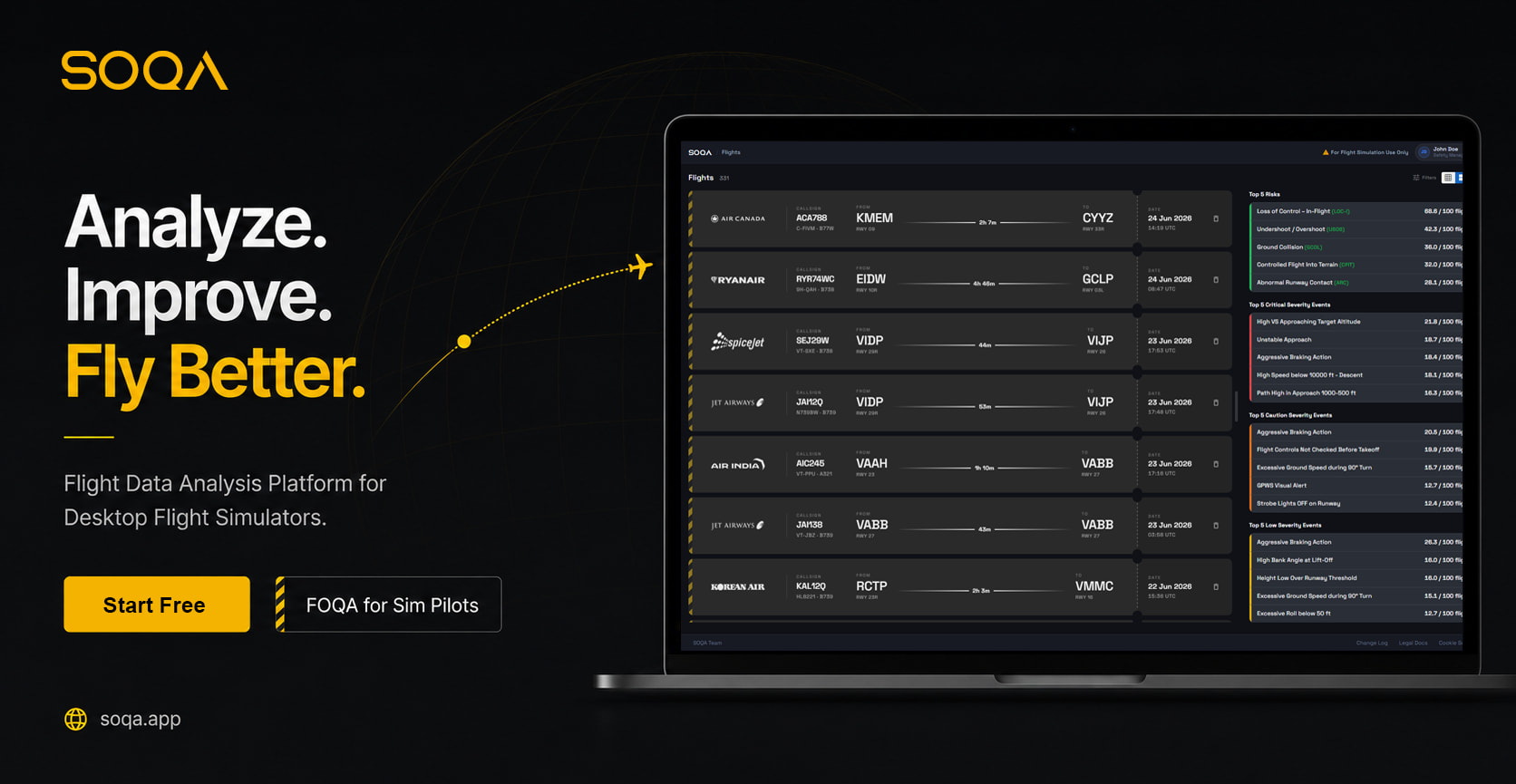
SOQA (Simulator Operations Quality Analysis) HQ is a flight data analysis platform built for pilots who fly Desktop Flight Simulators and want a post-flight review similar to the one a real airline pilot receives through their flight data analysis program.
What SOQA gives you:
- Custom dataframe built per aircraft add-on, capturing every relevant parameter unique to that aircraft add-on.
- Custom flight data recorder - xFDR captures the cockpit just like a real Digital Flight Data Recorder. Custom built .xfdr format, 4 Hz sampling across 10000+ parameters covering every switch, ECAM line, autopilot mode and audio call (add-on dependent).
- The .xfdr file (flight data file) is a custom format we designed from the ground up for flight sim data - compact, compressed, and built to hold every parameter defined in the dataframe. Even with the full cockpit captured at 4 Hz gate-to-gate, files stay tiny: around 5 to 10 MB per hour of flight on average, so a full long-haul stays under 100 MB and a typical short-haul is under 20 MB.
- Automated event detection across every phase of flight, from pushback to shutdown, covering Exceedance, SOP, Compliance, System Failure, Checklist, and other event categories
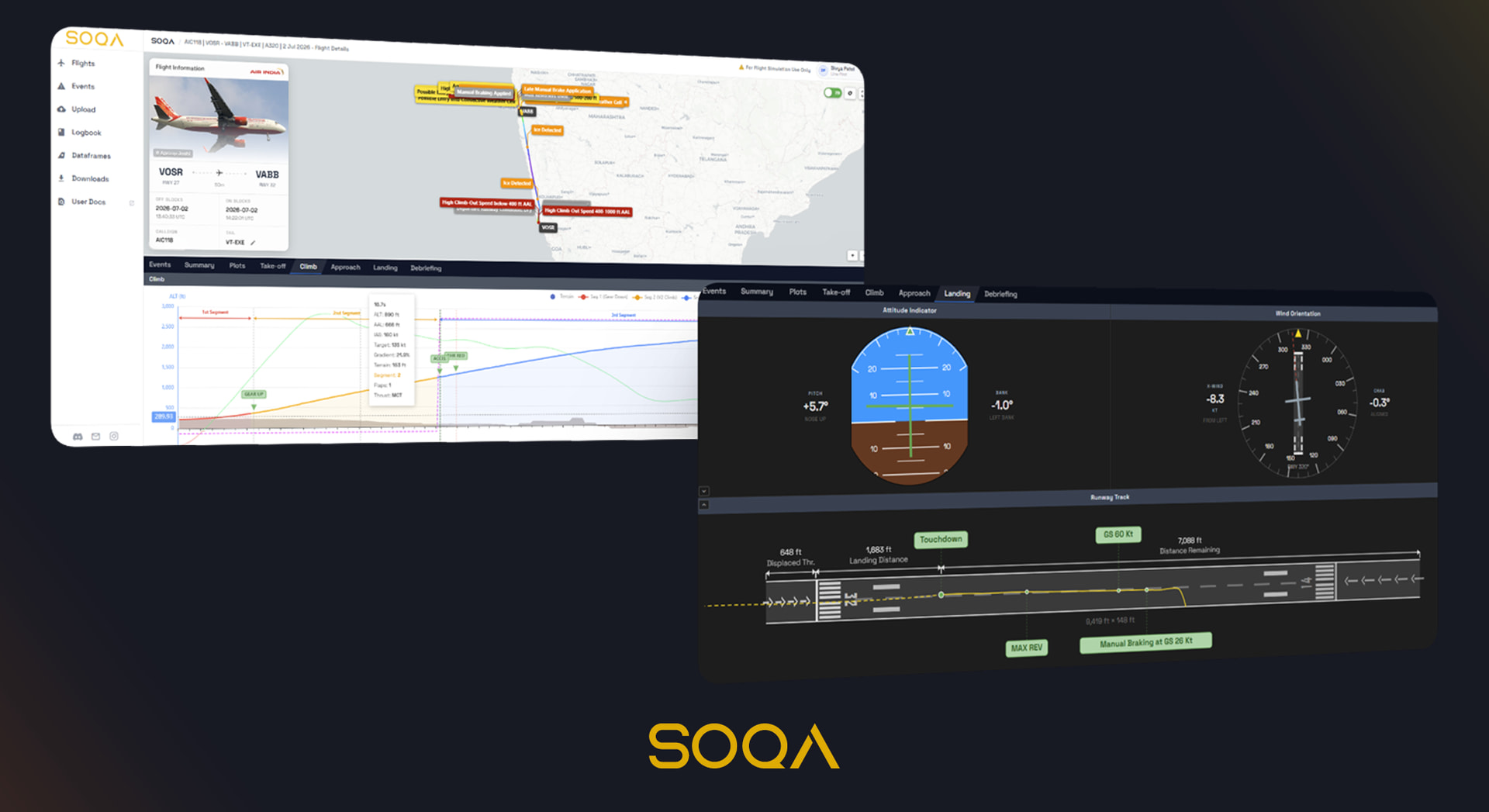
- Numeric measurements for takeoff, climb, cruise, approach, and landing performance.
- Vertical and Lateral profile plots
- Weather Radar data recorded along the route
- Map and events browser for reviewing every flight
- Navigraph Integration - Log in with Navigraph and see live SIDs, STARs, IAPs, airways and airport moving maps (AMDB) on your flight map, exactly the way real dispatchers and controllers do. Pull your SimBrief OFP straight into every flight to compare planned vs actual fuel, times and route down to the minute. Requires an active Navigraph Unlimited subscription for chart and AMDB data.
- Built like real FOQA software - The entire system is very close to the FOQA platforms major airlines use. Same data capture cadence, same event taxonomy, same chart conventions safety teams look at every day.
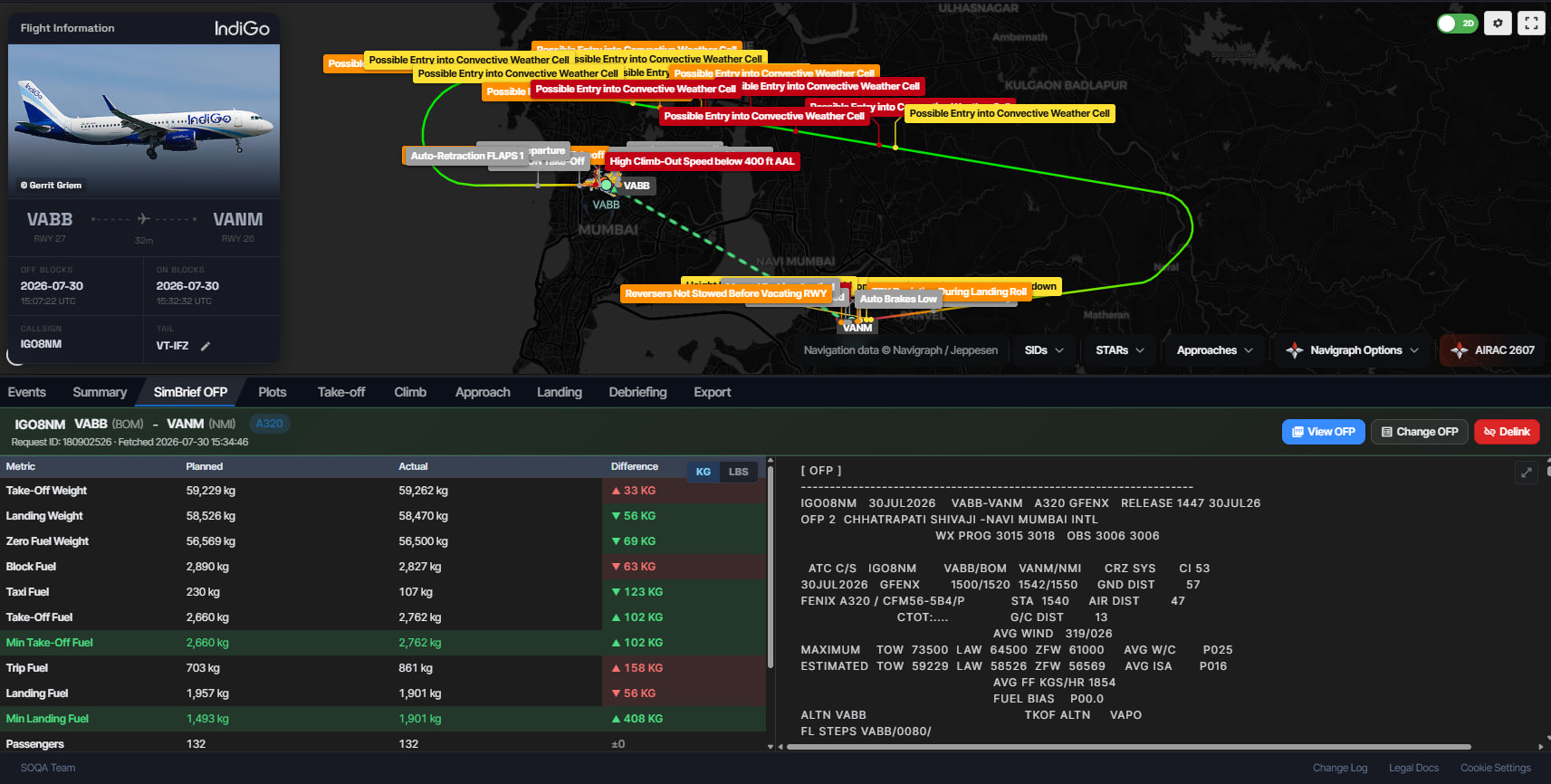


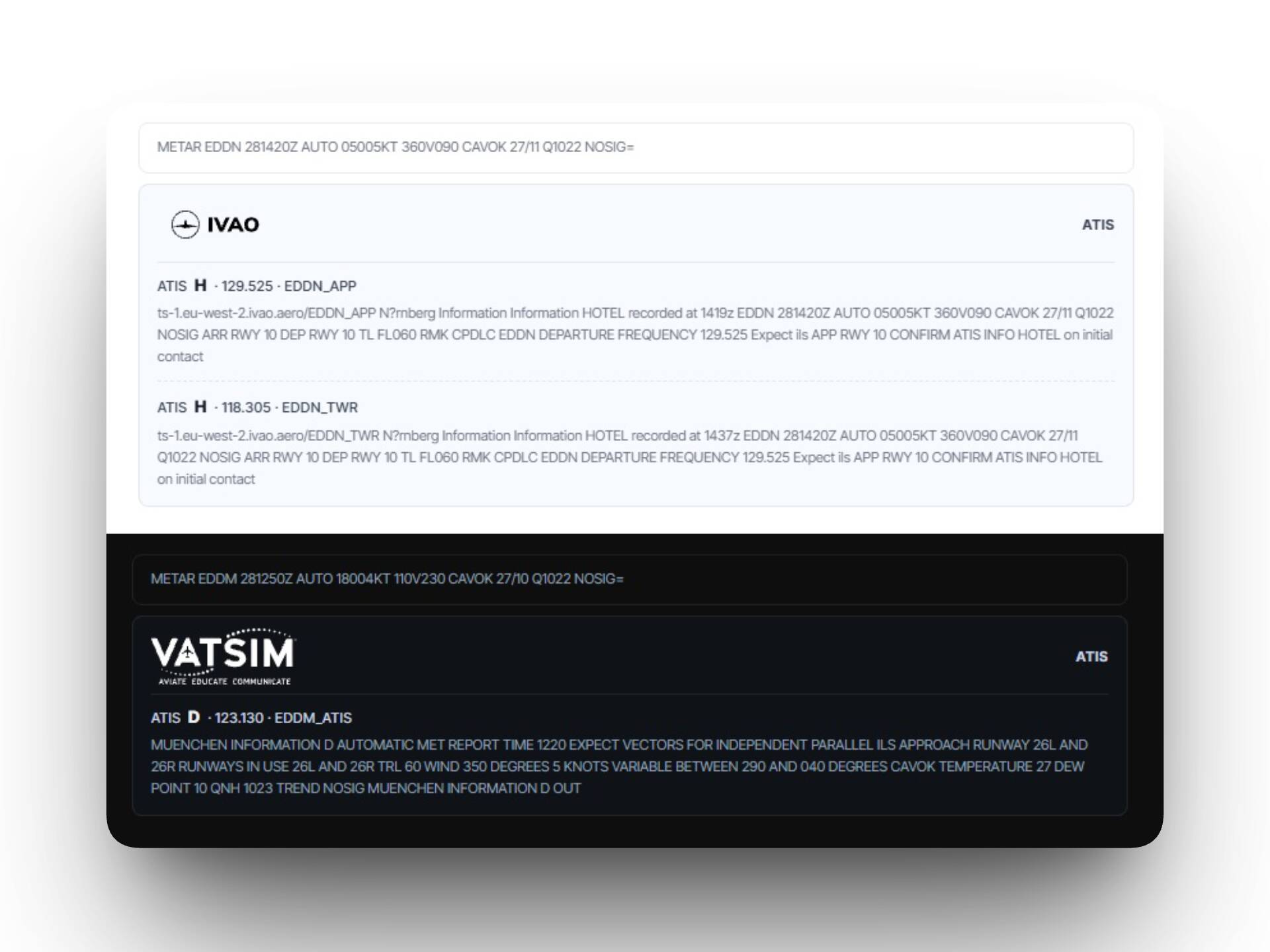
We support Fenix A320 Family, PMDG B737/B777, iniBuilds A350, FlyByWire A380X and FlightSimLabs A321Neo at the moment. Coverage for more add-ons is a work in progress, with generic profiles filling the gaps in between. Many more feature are in the pipeline.
SOQA is free to try. Your first 5 flights on the Trial give you the full feature set: every event, chart and plot. After that you move to the Free tier with unlimited uploads and a lightweight view of each flight. Upgrade to paid tier any time to unlock full event analysis and every performance measurement on every flight.
If you have ever wanted comprehensive flight data analysis just like real world FOQA program run by airlines’ safety department, SOQA is built for you.