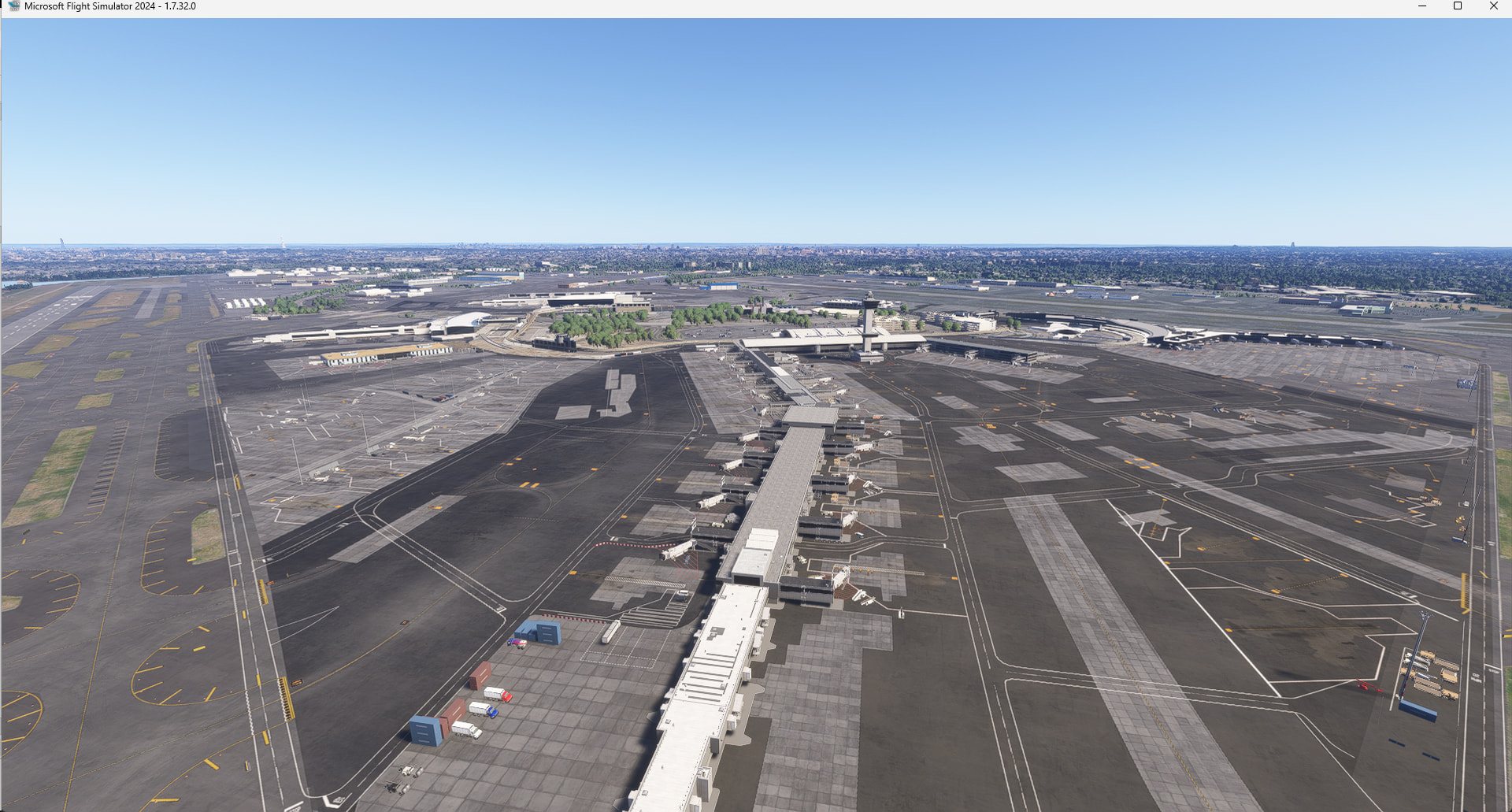
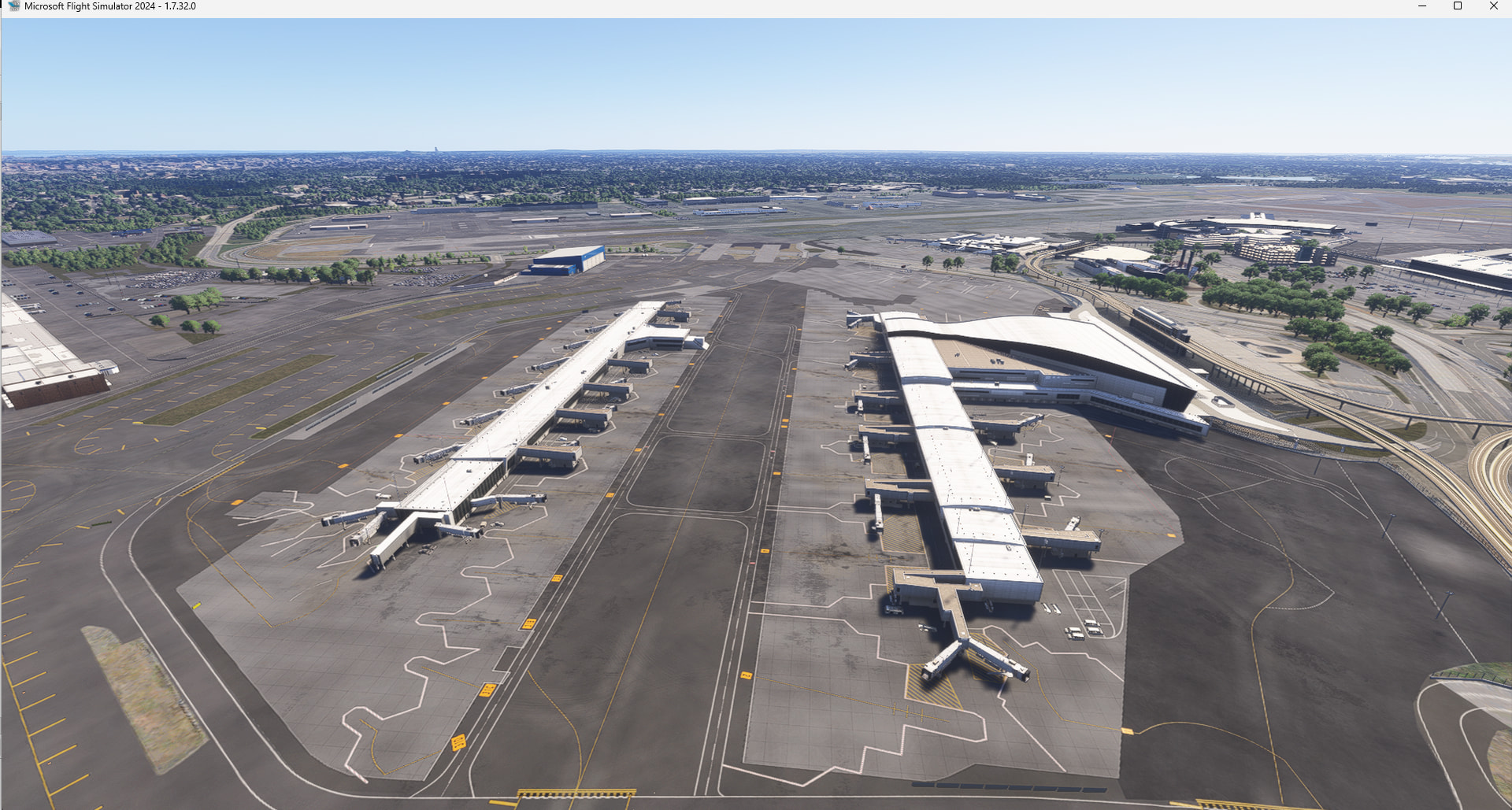
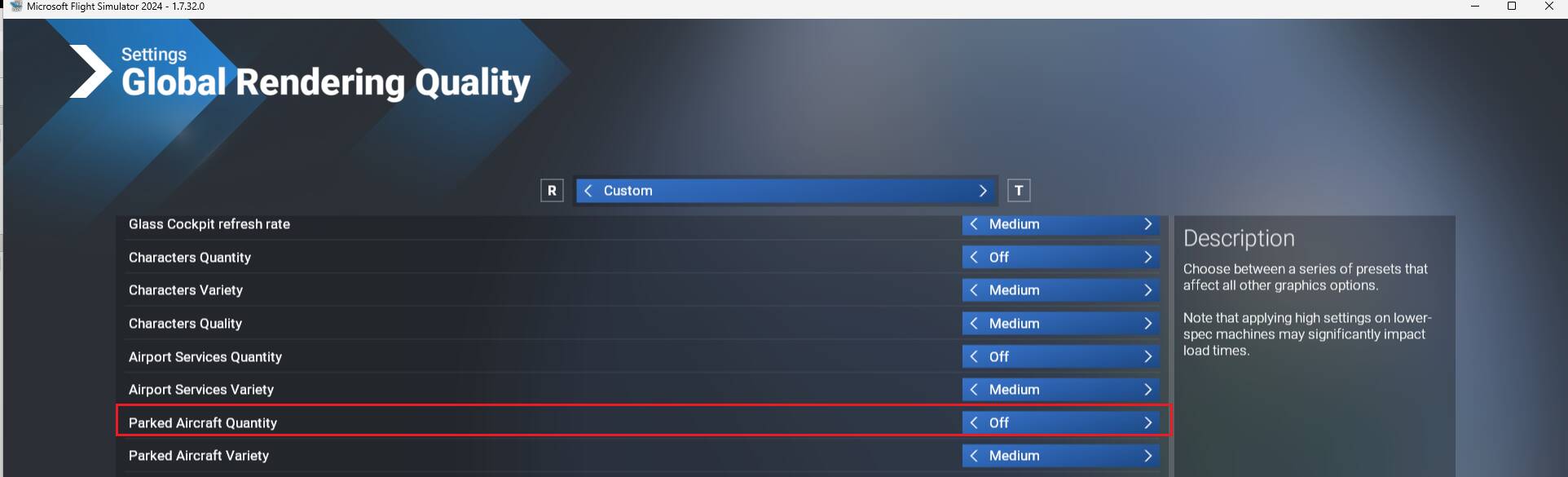
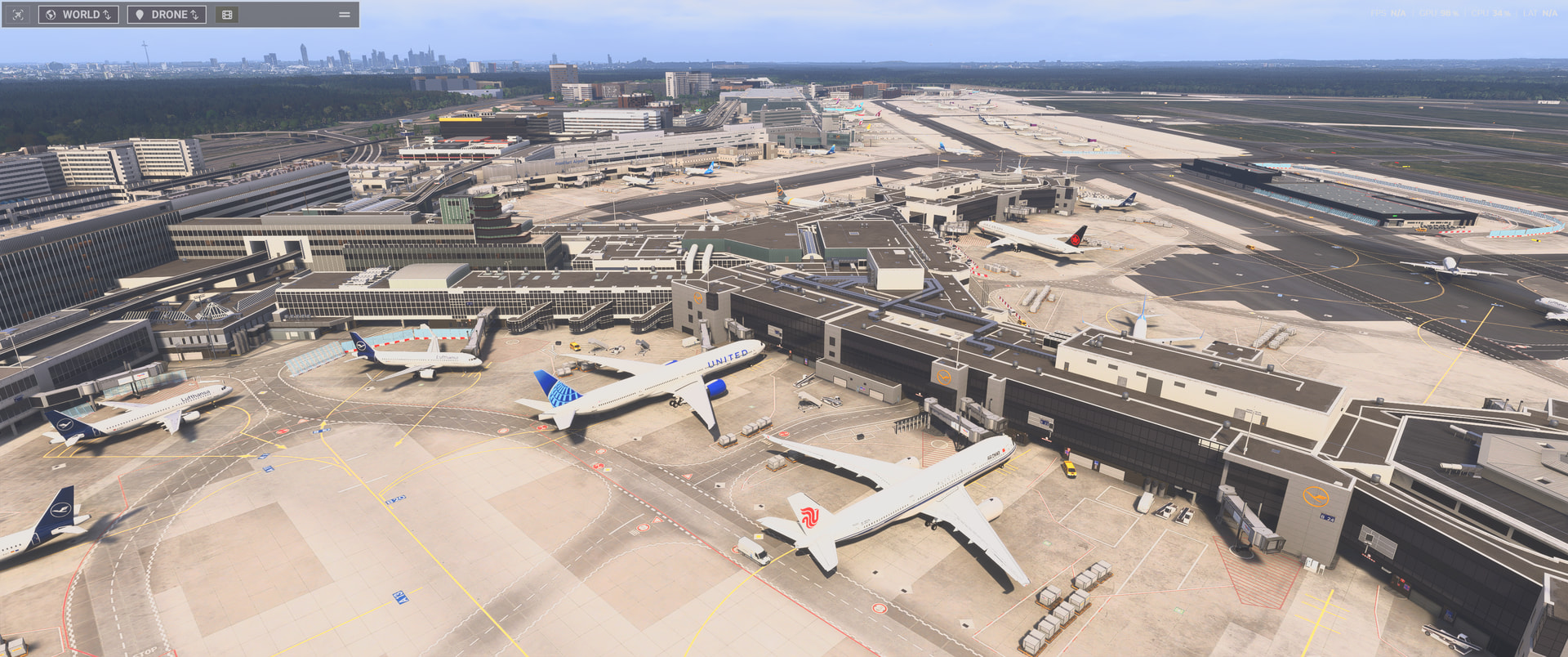
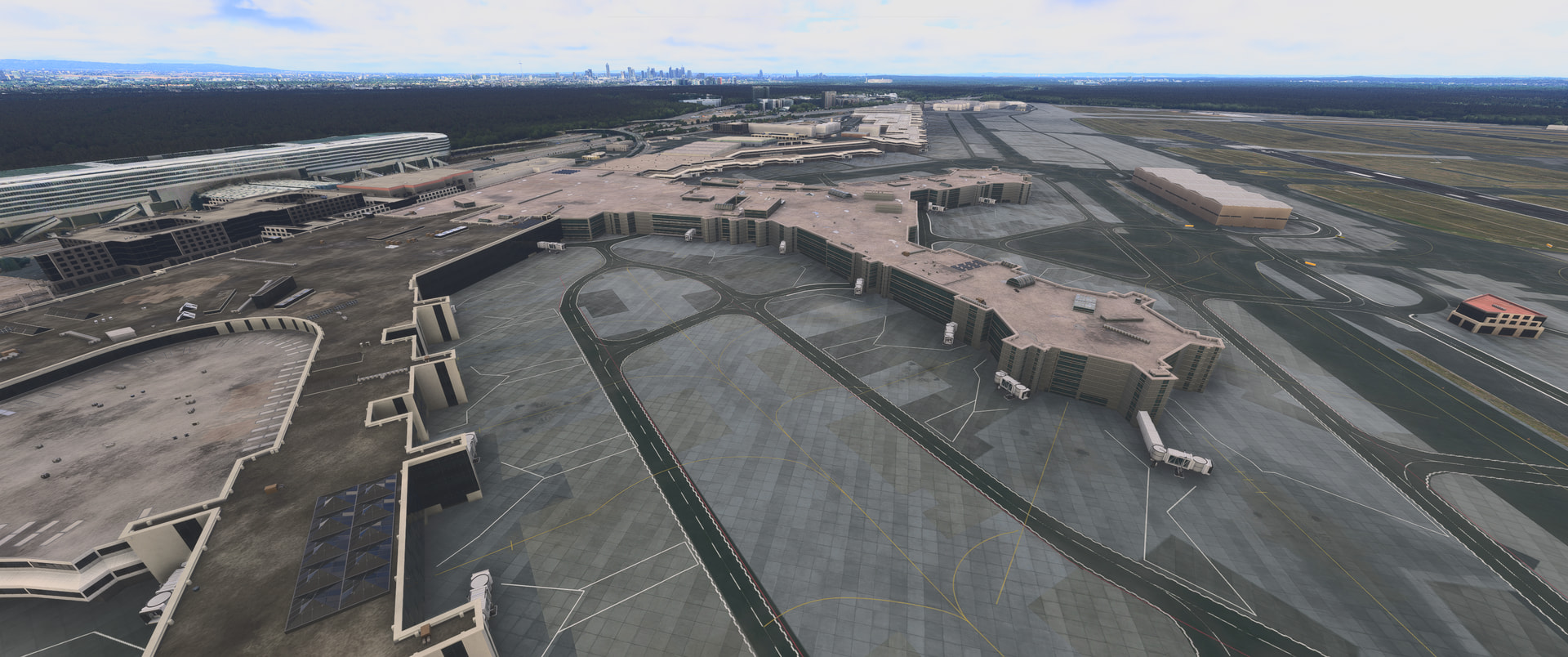
Here is a random screenshot at EDDF and my traffic settings, which are set to OFF. Online → Traffic Type is also set to OFF. I have FSLTL injector but it is not running. If I run it, it spawns other aircraft. So it’s not that, as far as I know. This seems to be the FS2024 internal live traffic.
Incidentally: I also spawned at EGLL - same situation, parked traffic. Then I spawned at EKCH - no parked traffic. Hmm.. seems to be an issue at certain airports? I also checked if these were static aircraft included with the respective scenery, but they aren’t.
Yes, that is the correct process.
I will also test on my side with the FSLTL liveries folder activated in my community folder. (I don’t have the Navigraph subscription for online traffic).
If this isn’t because of MSFS settings and it isn’t because of 3rd party content injecting static aircraft, it may be just models stuck in rolling cache - I’ve seen this happen with others before. Try deleting your rolling cache file and it will rebuild on the next sim load - might just solve your issue.
Thanks! I’ll try both - first deleting rolling cache, and if that doesn’t work, I’ll do what @DementedCorn327 suggested and create an empty community folder.
OK, deleting rolling cache didn’t change anything, but with empty community folder - no parked traffic. At least at EDDF. Shot from same location below. So it is something in my community folder causing it.
I can only imagine it has something to do with the FSLTL injector - but it was not running. I have the Navigraph live traffic option enabled. But, as I say, the actual injector module was not running. And I spawned once at EKCH and there was no traffic there. Very strange. Otherwise, I can’t see any recent third party tools or scenery that might be causing it. The issue started after the latest beta update a few days ago.
Another thing is that it isn’t just parked aircraft: they are taxiing and taking off and landing aircraft too. So it’s as if the traffic settings were all on, or as if FSLTL injector were running, which it isn’t. Weird.
Solved! It was the FSTraffic module. I thought I had deleted it. But it was running in the background. SORRY! Thanks for your help - and apologies for this thread…