Hello! Most of this is just an explanation of what I am trying to do if anybody knows a better way, otherwise my main question is the last paragraph.
I am trying to make a system for the FBW A32NX that makes the Gladiator NXT Evo’s base throttle work better with the game’s throttle system. Normally, the full throttle axis controls the full aircraft throttle range, from full reverse to TOGA, and that makes it super annoying to find idle. So, I have been working on making a system that splits the throttle input into 2 separate ranges and swaps them at the press of a button, therefore basically creating a reverse thrust button.
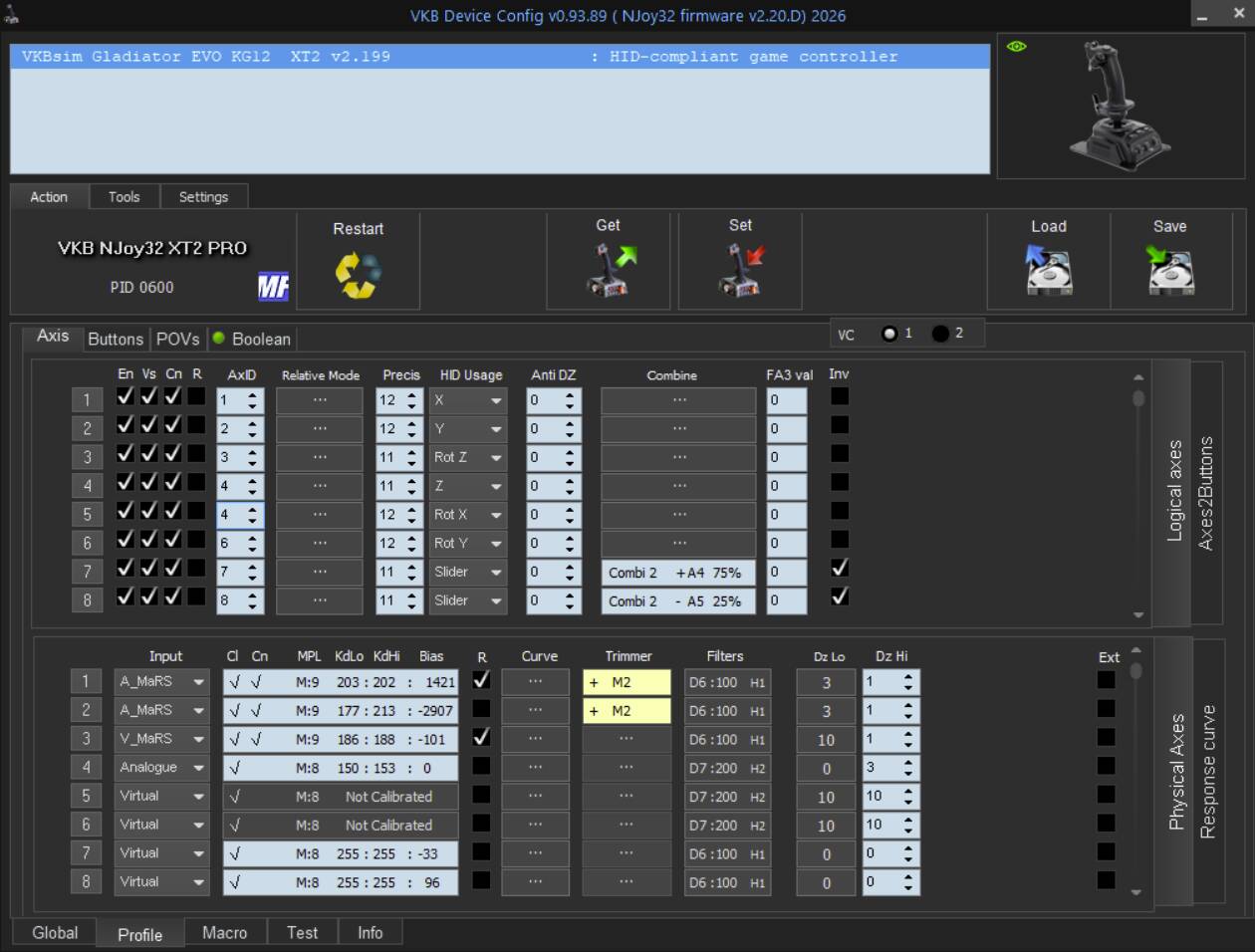
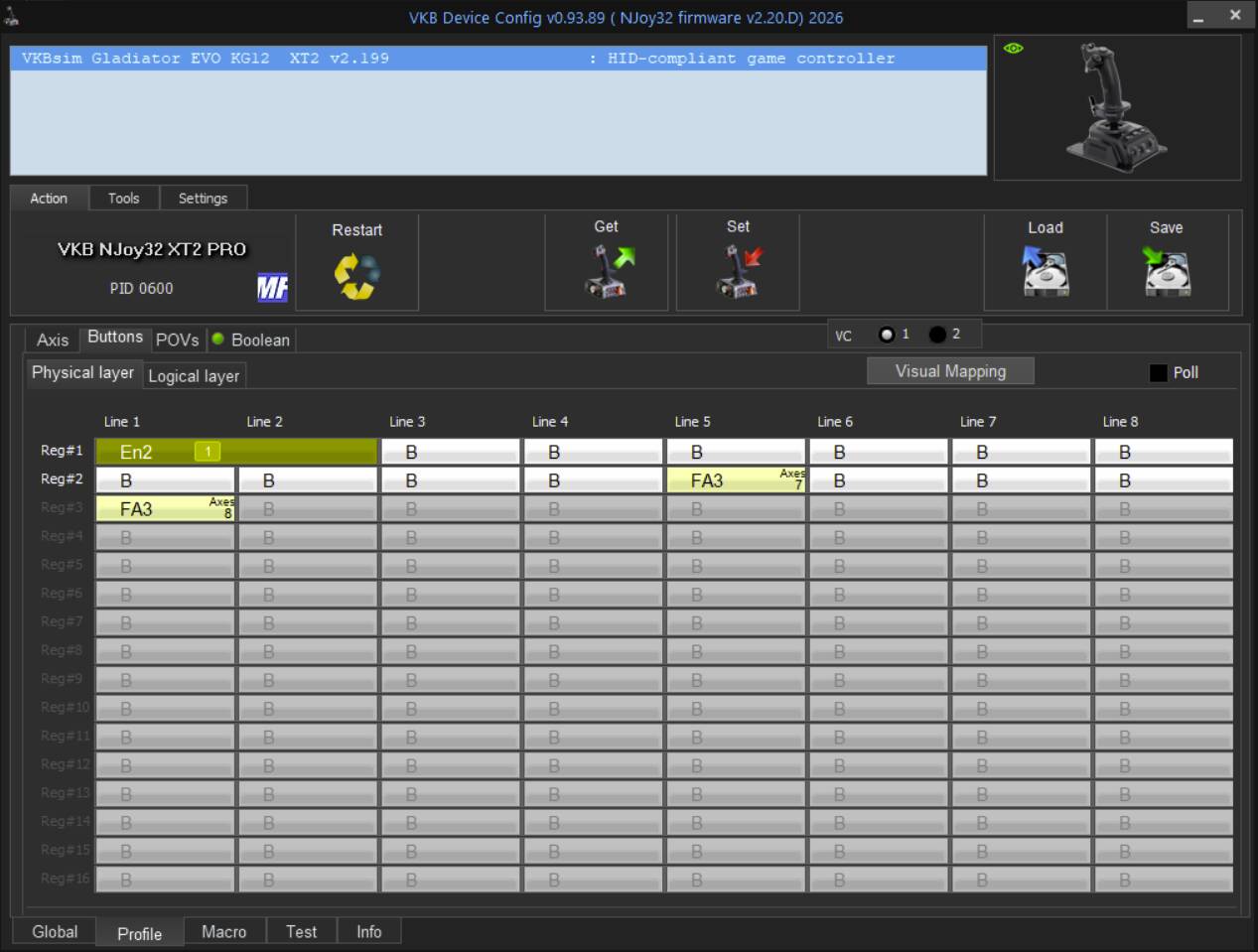
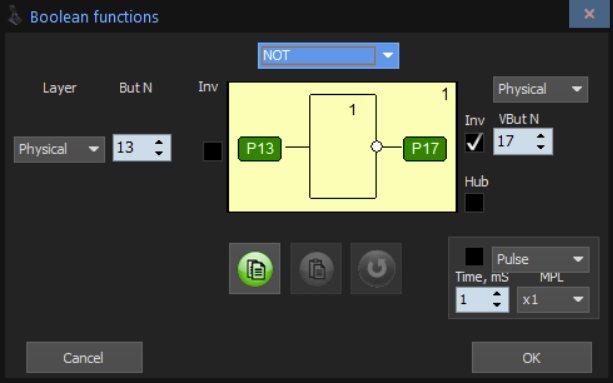
I managed to set it up using the VKBDevCfg program by creating 2 separate axes that are both zeroed at the idle position(about 1/4 of the full axis), one going from idle to 0 and the other from idle to max, both controlled by the base’s throttle. I bound a button and boolean to an axis fix that stops one axis and releases the other based on the button’s state, which essentially means that the sum of the two axes would be the desired output axis. The problem is, the VKBDevCfg program is limited when it comes to working with logical axes, so I cannot use it to add the 2 axes together.
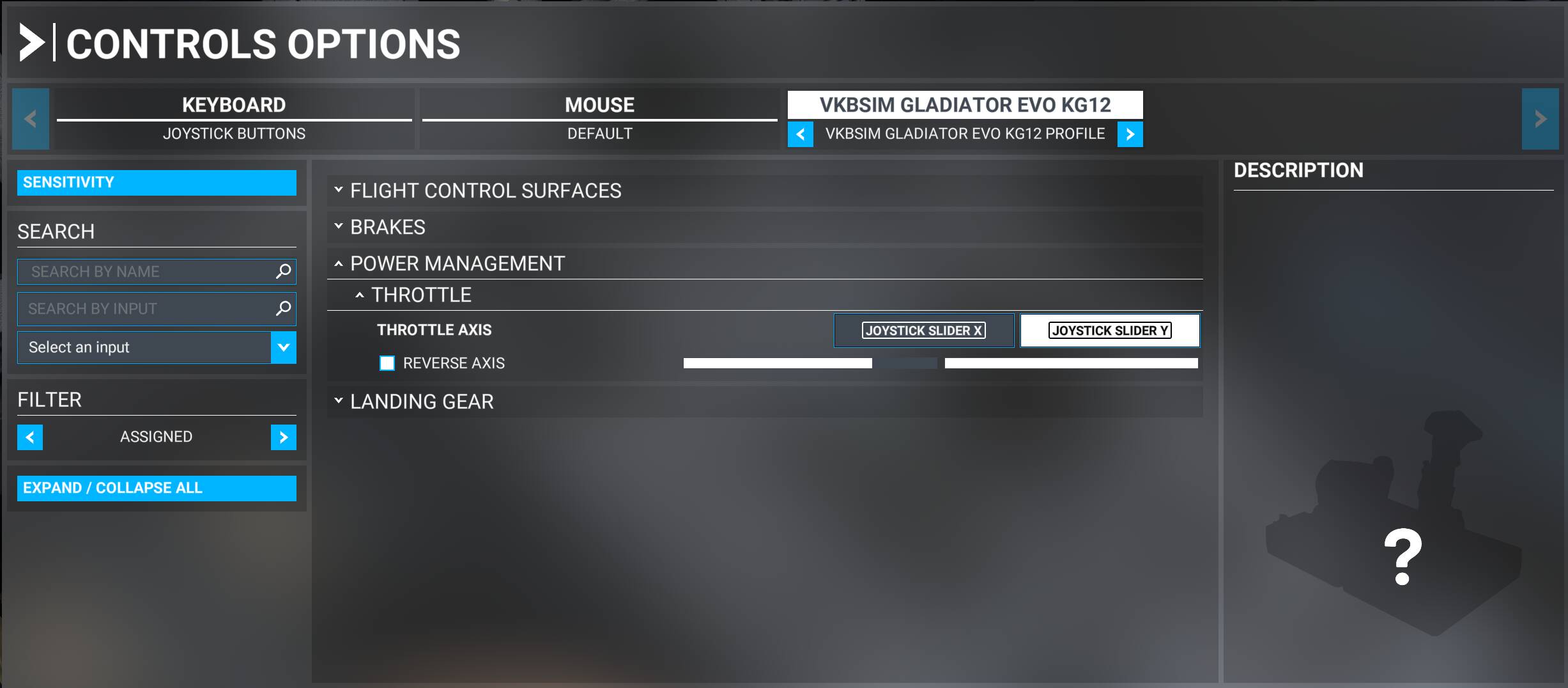
So, what does setting two inputs for one axis actually do? Does it add them together, multiply, average, etc.? Thank you!
I’ve never tried to configure axes in that way, so I can’t answer your main question, but here is how I configure for reversers in 2024, without using VKB’s config utility. In the FBW FlyPad, I disable the setting where the reversers are on the throttle axis. Instead I use the full range of the axis for IDLE to TO/GA.
Designate a button to “HOLD THROTTLE REVERSE THRUST”. Press and hold, then push throttles forward to increase reverse thrust. (I notice that “Input Repetition” is on for this key bind, but I’m guessing it doesn’t need to be) After you pull the levers back to idle, release and you should be back to normal forward throttle function.
In 2020 I remember I had different functions for that button configured for “on press” and “on release” events, but I don’t think that’s necessary in 2024 with the HOLD THROTTLE REVERSE THRUST control.
I did not realise that you can do that with the FlyPad, thank you. That would’ve saved hours, but at least I know how to use the VKB config utility now.
Honestly I wanted to post/ask you why you don’t just use that setting on the pad but I hesitate because I didn’t want to look stupid ‘cause “hell, he knows that for sure!” 
Hello, welcome to MSFS 2020
I too always wondered why there are 2x areas to configure a single button action to, I guesstimated it was to assign another device to the same action, for instance, I have “Toggle autopilot” assigned to my “Y” key on the box controller but I also have a numpad that has the same function assigned to the “0” key, so when I fly and both controller and numpad are connected I could press either key for the same action.