And what if you didn’t change a thing?! Because it works for you doesn’t mean it works for others as well. In this case there are so many people with this problem that something changed for them.
Hi, sorry, but what would be the solution to avoid these slowdowns during certain types of camera movements? I’ve tried everything, and the problem is there. There’s little to say, I either have it or I don’t. You can only reduce it, but at the expense of settings that you could easily keep high, especially on high-end hardware configurations. Everyone has the problem, and no one has documented that it doesn’t exist; rather, there are plenty of videos that clearly demonstrate the problem. Then, if someone circumvents it, as some YouTubers do, that’s another matter, but the problem remains.
This is new to me. If I plug in an Xbox controller and use it to move, the problem doesn’t occur? Are you sure? This seems strange to me.
@Frank240374 If there was something wrong with my system then 2020 would be exhibiting the same behaviour, but it’s perfect.
There are several dedicated threads related to camera panning stutters in 2024, going all the way back to release, plus countless posts about it in every sim update beta feedback thread. It has been a widespread problem since day one.
I have not seen any complaints about 2020 mouse panning in that time however. It just works great, even with high settings.
With off-screen terrain pre-caching set to “ultra” the sim should not be dumping anything from vram that’s out of view, only things that are out of range. That is after all the entire point of it. If you spin the camera around a few times and get everything loaded, then it’s fine for a few seconds, but after that it immediately starts flushing memory unfortunately, and you’re back to panning stutters.
@gianluk81 Yes, panning with a controller stick is both slow and predictable, and 2024 handles that kind of camera movement just fine. It’s mostly unpredictable mouse panning (and rapid VR head movements) that it has problems with.
Cheers.
You may well be correct, however I think the terminogy being used to describe the issue may be leading to misunderstanding of what exactly people are referring to. I know there are several threads about related issues, but to me “panning” is head movement, like looking side-to-side or looking up and down. Whereas what I understand the meaning here to be is switching between saved views. For example I have a saved overhead panel view (always 1) and a saved FMC view (always 2). When I press 1 to see the overhead and then press 2 to see the FMC, the camera jumps from the overhead to the FMC, and you see the windscreen and such zip by as you move between those two views. Is that what you’re referring to, a stutter during that movement?
I wrote “looking around”, not switching views. I also mentioned before that I don’t move the camera around like crazy, so if there is some stuttering when looking behind me, it doesn’t really bother me because that is not something I normally do.
Exactly, that is what “panning” means to me as well. I even did some camera panning tests in the past.
SU5 beta 1.7.7.0
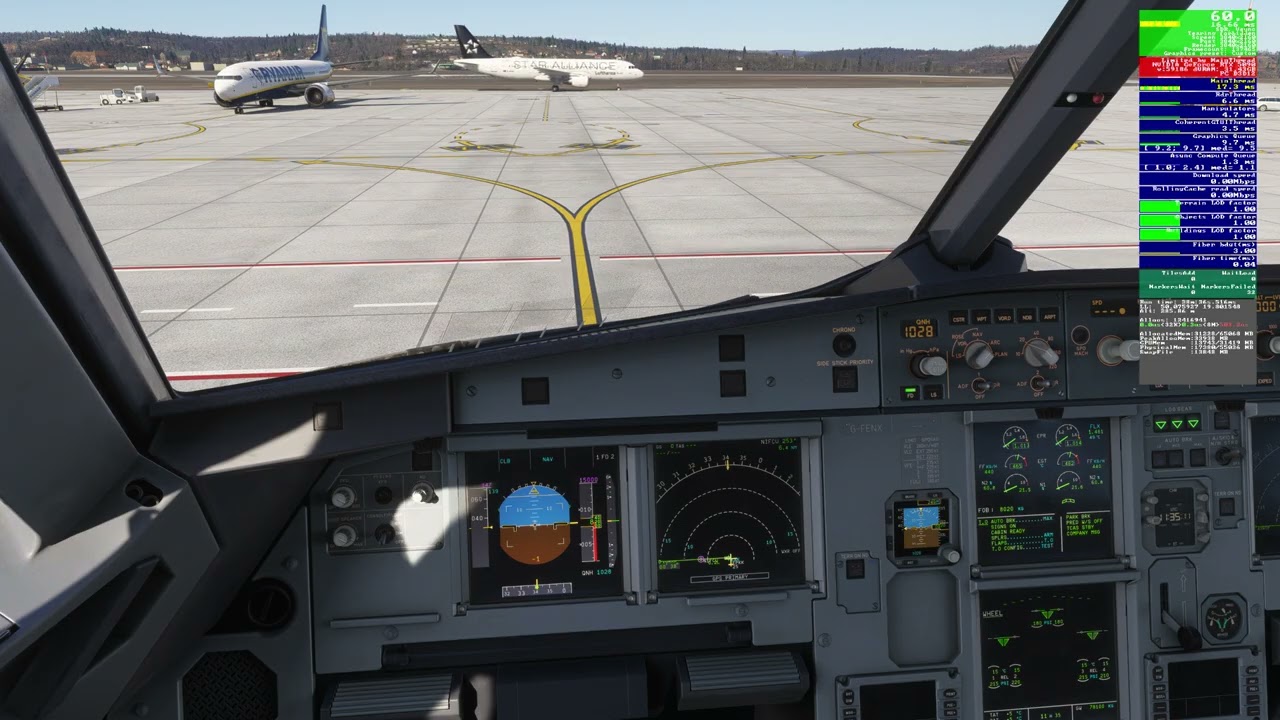
The purpose of those tests was to check whether, after not moving my view for 60 seconds, I would get stuttering when starting to pan again.
Ah, I understand what you mean, yes then there is practically no point in using the controller, even with the trackir (or mouse) if during the problem you scroll the camera very slowly, the drop in fps is much less noticeable but it is still there, unfortunately.
My experience so far, even with the latest SU6 beta build, is that it doesn’t matter if I’m flying with an empty community folder and default airports or any addon scenery. As soon as there is some photogrammetry around there will most certainly be panning stutters.
Just tested in areas around EDDL, LSZH and KJFK, still all far from a smooth experience for me and that’s with a 9800X3D, 5070 TI, 64GB DDR5 RAM and settings mostly on high.
Quite annoying I have to say.
If I do not change a thing, the problem does not appear. The problems become visible, if I change things: by adding complex sceneries.
To be very clear about what is happening here, let me summarize:
I think everyone agrees that the stutters occur when a large amount of data has to be loaded into VRAM. This becomes necessary because objects are removed from VRAM when they are outside the visible area (off-screen). And yes, this behavior changed with SU4, but I’ll come back to that later.
As long as the amount of data that needs to be transferred to VRAM stays below a certain threshold, the problem is not noticeable. The transfer is fast, frames can be rendered on time, frame times remain stable, and everything works fine. However, as soon as the amount of data becomes too large, the problem starts. Frames are delayed, frame times increase, and there may even be dropped frames. At that point, stutters become visible. I can reproduce this behavior myself, so I know exactly what you are talking about.
I don’t know where this threshold is. It may depend on the hardware (PCIe 4.0 vs. PCIe 5.0), ReBAR, and background activities that occupy memory bandwidth. What I can say is this: if your system is well configured in terms of VRAM usage, the problem does not occur when using the default simulator airports, even with high graphics settings in dense urban environments such as EDDL, KLAX, or KJFK.
As soon as you start using complex add-ons, especially those featuring large numbers of small moving objects such as passengers, ground equipment, and service vehicles, the situation gets worse. You then have to reduce your graphics settings to minimize the stutters, which in turn reduces the amount of data that needs to be transferred across the memory bus.
As I said, this behavior changed with SU4. VRAM is now cleared more aggressively to ensure there is sufficient headroom for new activities. But as I also mentioned, the vast majority of MSFS users have benefited from this change because overall performance improved significantly after SU4. Just take a look at this thread:
3,055 posts, 850 votes. Clearly a serious issue (This thread has 63 votes btw). But look at when this thread was active: 2,931 of those 3,055 posts were made before the release of SU4, over a period of nine months. Only 124 posts were made afterward, over the following eleven months.
It is quite obvious what happened. The problem was largely resolved, and discussion around it almost disappeared. The changes to VRAM management were successful. Overall performance improved dramatically. After SU4 was released, I was able to increase my graphics settings significantly because VRAM was no longer the bottleneck on my 16 GB graphics card.
There is, however, one crucial point: VRAM cleanup appears to happen independently of the amount of VRAM available. In other words, the VRAM of a 32 GB card is cleared in much the same way as that of an 8 GB card.
This is why users with high-VRAM cards are complaining. And yes, they have a valid point. However, they are also a relatively small user group. Perhaps a very vocal one, but still a small one. Unfortunately, they are the losers of this change, while users with less than 20 GB of VRAM have benefited greatly from it. I can understand why they are frustrated.
I second this. Sad it hasnt been fixed yet.
I found out that ReBAR has influence on this issue. ReBAR accelerates transfer into VRAM, so it reduces the stutter while panning or when changing views in the cockpit. I gave it a try today and disabled ReBAR in the nVidia Profile Inspector, and it is clearly noticeable. Without ReBAR the stutters also occur at low settings and without complex airports. With ReBAR the stutters could be significantly reduced. This could be reproduced several times.
I’ve always had ReBAR enabled, and the stutter I get when switching from the OVHD view to the MCDU also occurs with ReBAR enabled.
This is the only stutter I experience and if it weren’t for this issue, I’d consider MSFS 2024 a pretty good simulator.
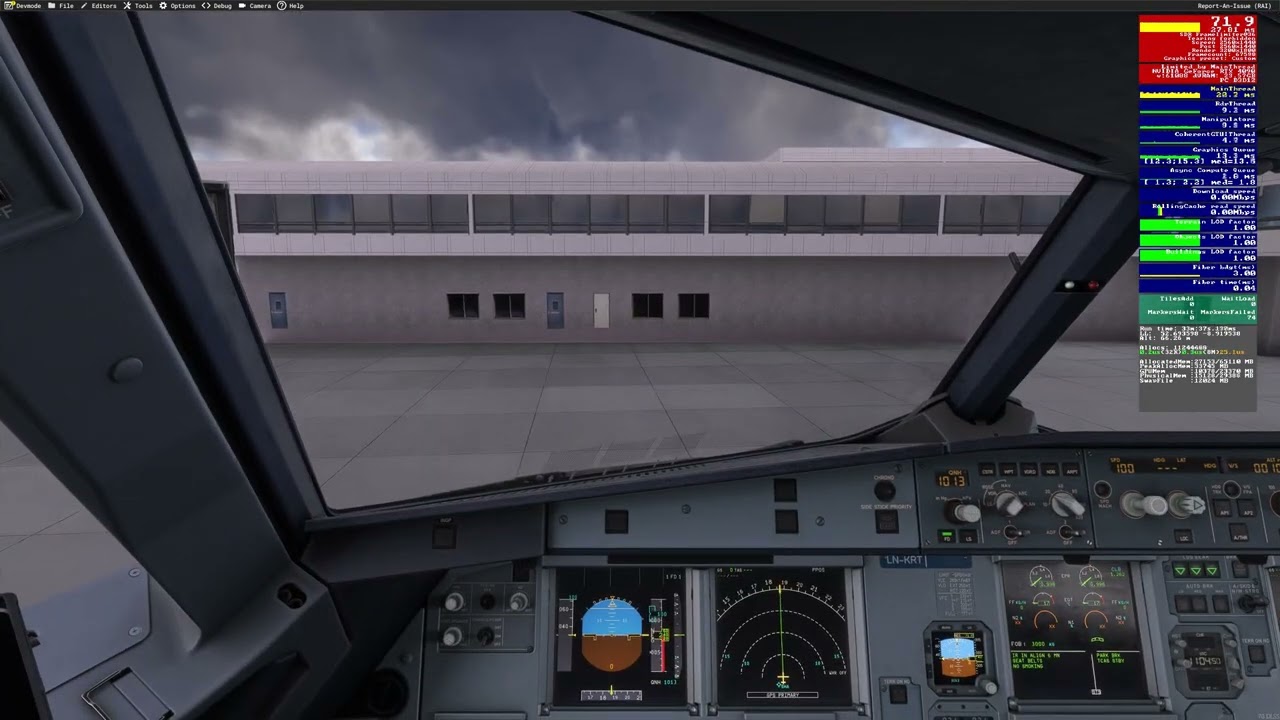
I’ve captured some videos to try and demonstrate this from what I see. I have camera presets set for the “pilot view” and the overhead panel and am switching between them using a key binding.
Main observation: There is no obvious hitch/stutter when moving from the pilot view to the overhead, but switching back from the overhead incurs a massive stutter/frame time spike that is reproducible on every attempt.
Because of (what I assume to be) YouTube video encoding magic, this actually looks a lot less bad than it does in-game. That “hitch” when panning from the overhead panel to the pilot view is a lot more jarring in the sim, but this is the best I could do.
Complex airport with no traffic
Scenario: MK-Studios EIDW - Fenix A319
Observations: Quite painful hitching when moving from the overhead view to the pilot view. Well within memory constraints (~50% VRAM and RAM unallocated/free to use).
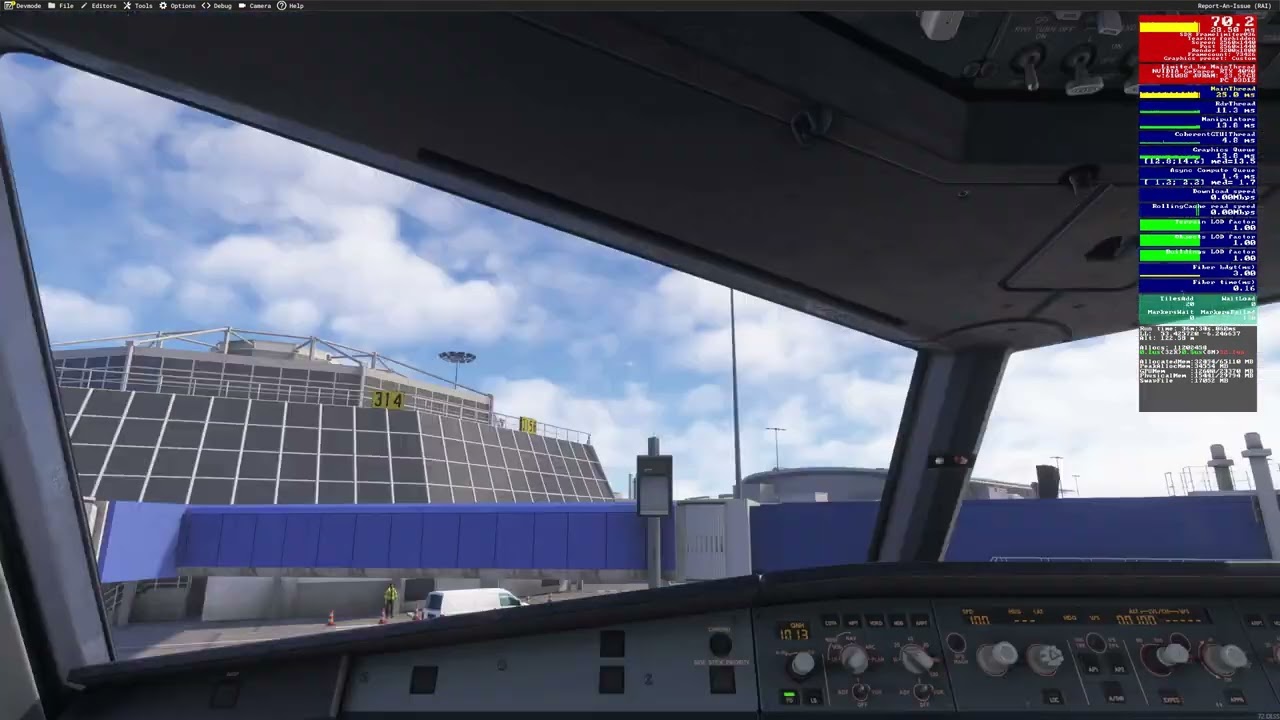
Complex airport with AI traffic
Scenario: MK-Studios EIDW - Fenix A319 - BeyondATC traffic injection
Observations: Even more painful hitching here on every move. The sim is being a bit more challenged here, but RAM/VRAM resources are still around the ~50% mark.
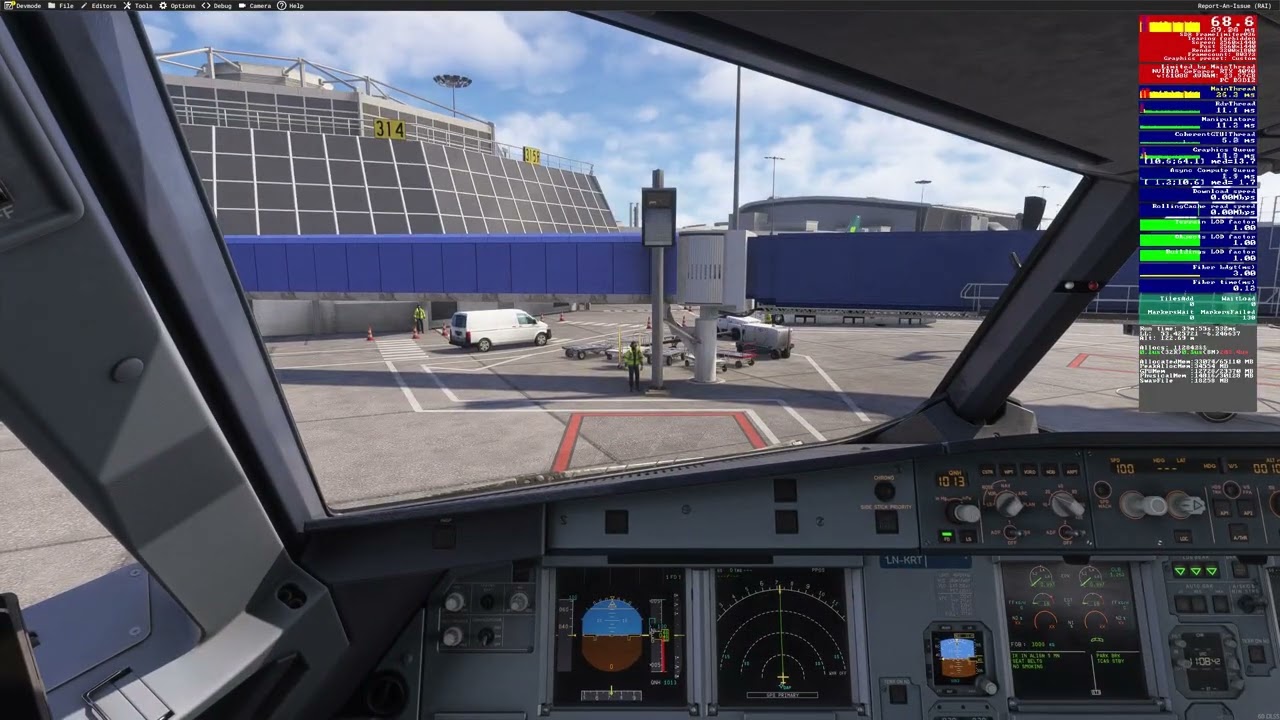
Generic airport with no traffic
Scenario: Generic Asobo EINN (not handcrafted) - Fenix A319
Observations: Hitching is less visibly jarring, but is still observably present in the frame time numbers/FPS counter.
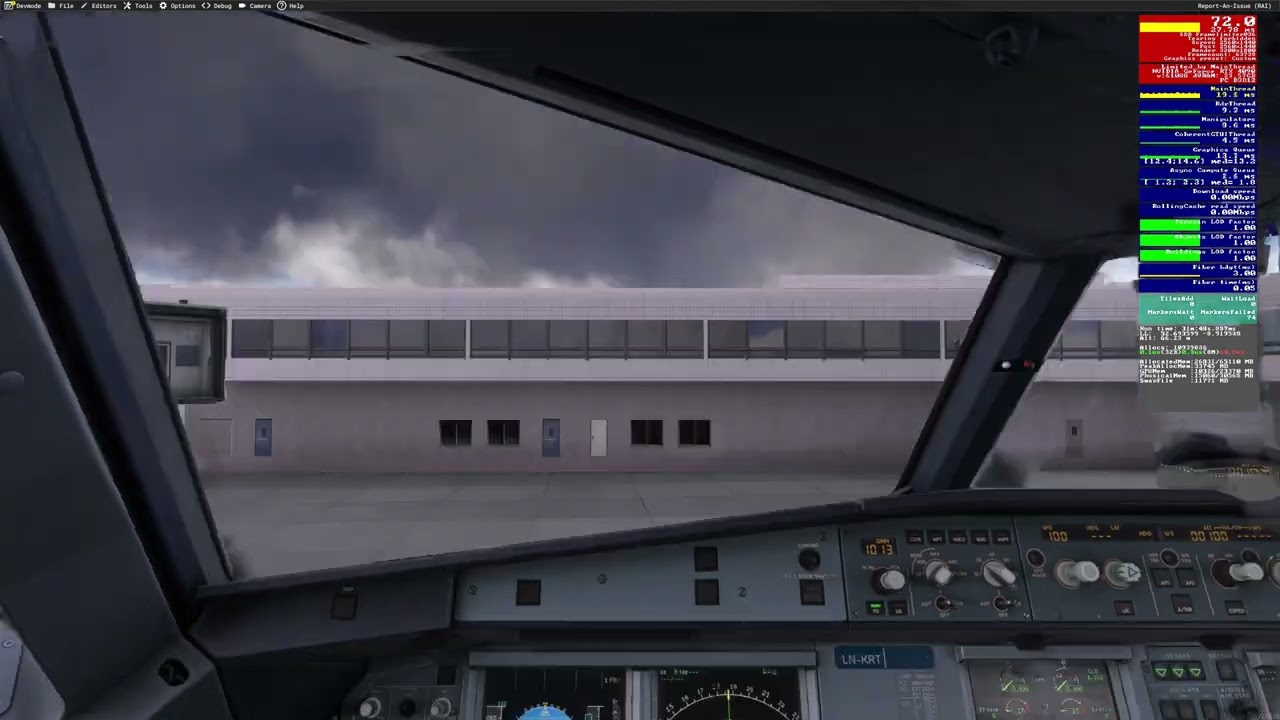
Generic airport with AI traffic
Scenario: Generic Asobo EINN (not handcrafted) - Fenix A319 - BeyondATC traffic injection
Observations: Roughly the same as “no traffic” to my eyes. Perhaps mildly worse performance.
PC/sim info
- CPU: AMD Ryzen 7 7800X3D
- GPU: Nvidia RTX 4090 (24 GiB VRAM)
- Memory: 64 GiB DDR5 6400MTs
- SSD: Samsung 990 Pro (NVMe)
- Network: 1 Gbps wired
- Sim version: SU5.1 (latest stable as of this post)
- Max frame rate: 36 FPS (set via in-sim settings)
- Frame Generation: DLSS
- Graphics settings: Various Ultras, Highs and Mediums. It doesn’t make any discernible difference changing these.
- Anti-aliasing: TAA
Hopefully this is of use to any developers/QA investigating this.
I’ve got the same problem, but setting the rolling cache to 0 virtually eliminates any stuttering when switching camera views in large airports, rather than setting it to 16G or more. Give it a go and see if you experience the same issue as me.
I just tried that now and I’m still very much getting the stutter. It was worth a try.
Hi, I tried it and it seems to be smoother overall, but the problem with transitions after about ten seconds of waiting still exists.
@FSLPlaysYT We already have a topic dedicated to the stuttering (FPS drop) when switching views, so there’s no need for a new topic
https://forums.flightsimulator.com/t/severe-stutter-when-switching-between-instrument-views-within-cockpit/765470
I have this exact thing as well, its by far the worst when looking down in the cockpit and then panning the camera towards any cockpit window, MASSIVE fps drop. Same thing happens if you’re looking at the overhead panel and then moving the camera down towards the window again. Its so jarring i actually reinstalled msfs 2020 again and did a flight and those fps drops from panning the camera around didnt happen a single time.
Its like the game is completely releasing/deleting the rendered data if you dont look at it. And when you do it has to re-render everything again. As if the game doesnt keep anything in a cache at all???
did you mean “I reinstalled msfs2020”?