This is an old topic that I’m revisiting. A while back, someone tried to do a mod on a 4 engine turbo prop but could not connect a default panel and do a full engine startup because Asobo does not have a 4 engine turbo prop panel in its default lineup. I had mentioned at the time that if you tried to pair the mod to a KA350i panel, you would not be able to start all 4 engines from a Cold and Dark. Also playing around with the CFGs will be risky as they easily cause CTDs if not tweaked correctly.
After hours of experiments there might be a workaround for those of you 4 engine turboprop/piston fans. The workaround is not via the CFGs (believe me I tried and I have not been successful), but via editing the model animation itself. To test this, I used Tom Gibson’s FS9 DC4. If you already know this workaround, good for you and move on. If not, read on if you’re interested.
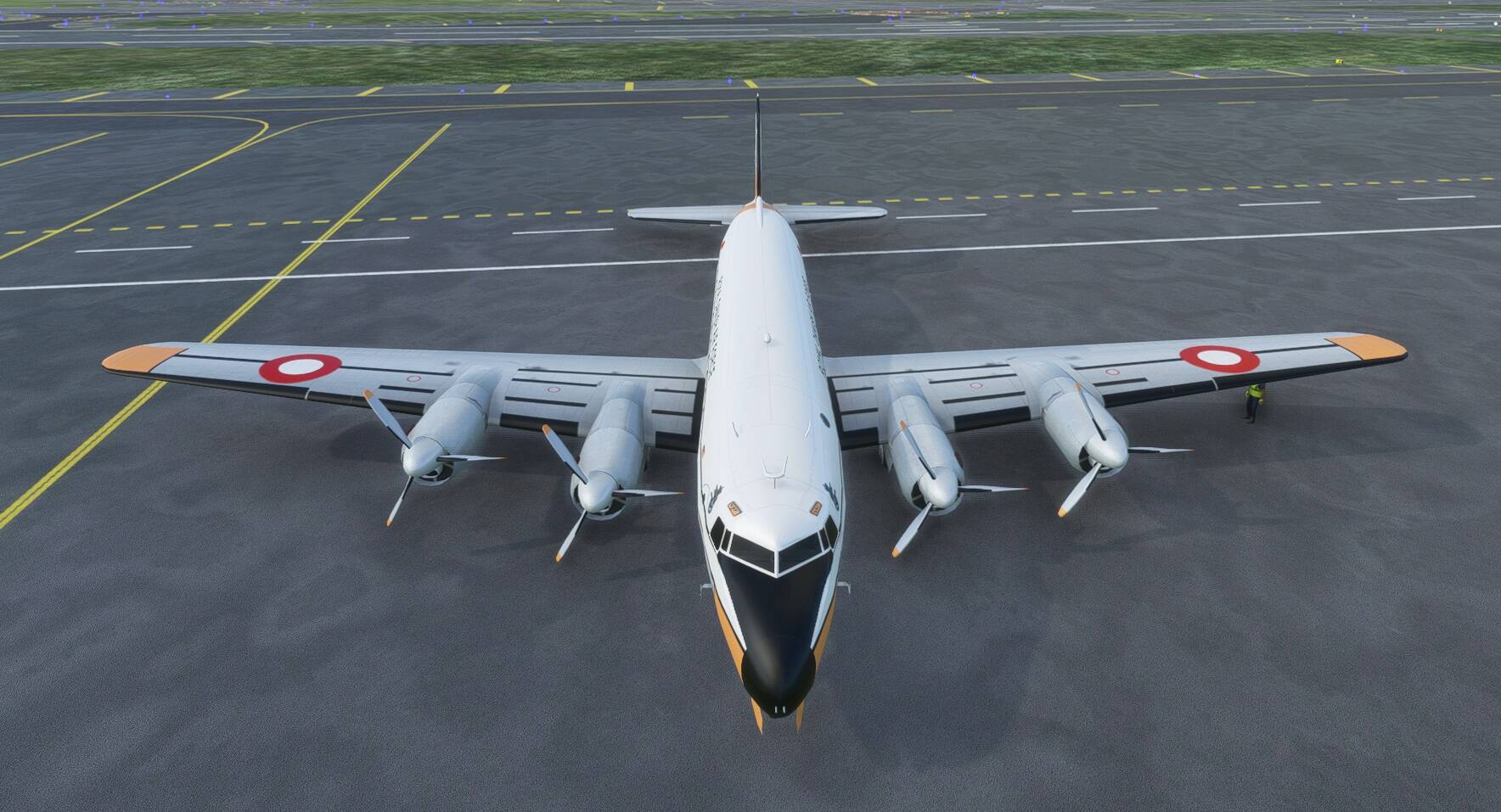
Cold and Dark state, paired with the default KA350i, which is a 2 engine turboprop.
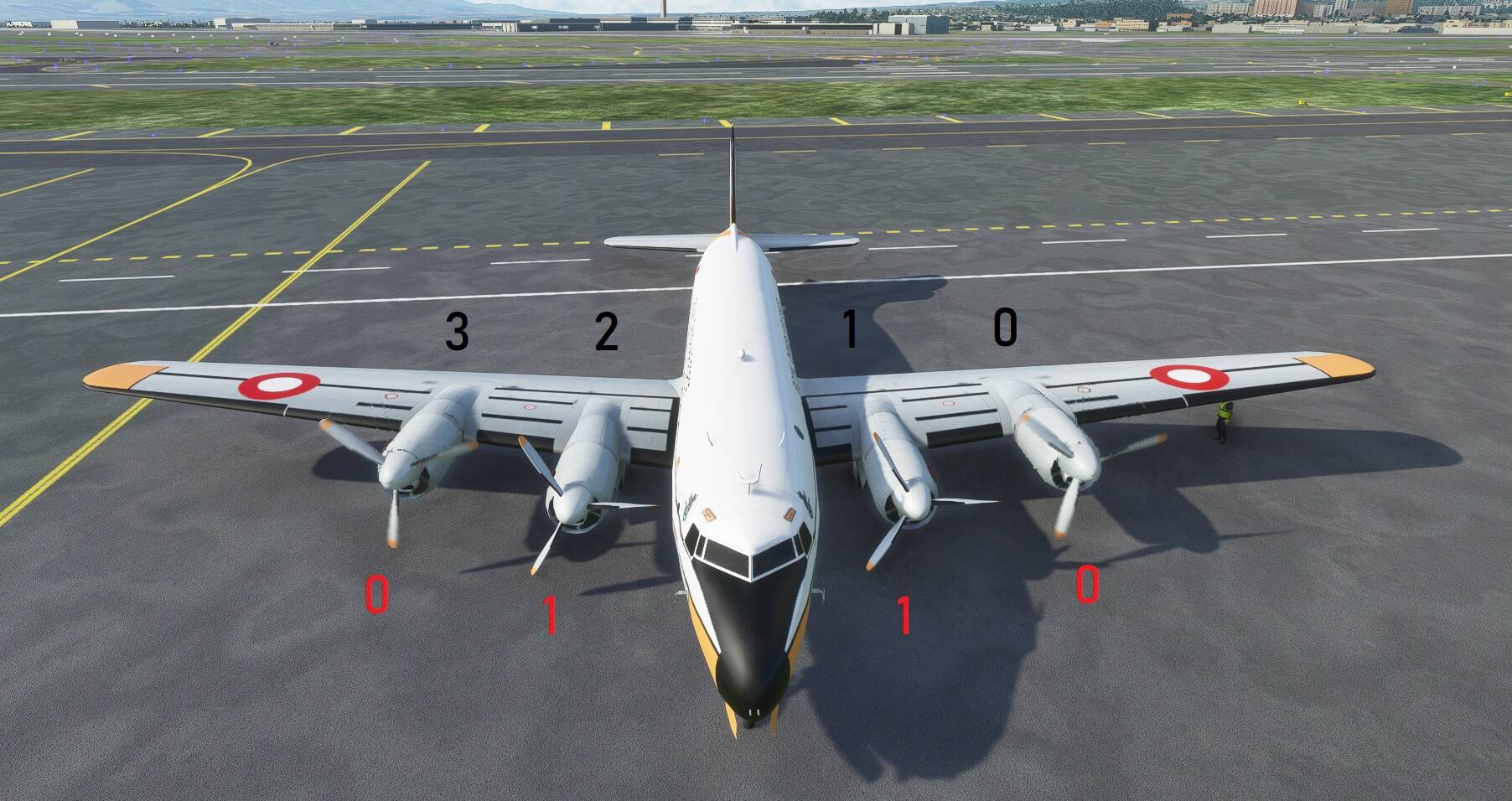
Updated the model using MCX by switching the propeller animation such that prop 2 & 3 becomes 0 and 1. The animation sequence and assignments are up to you, but my example is shown below. The black number assignment is the existing propeller animation in the model from 0 to 3 (4 engines). By assigning the numbers I show in Red, when you start engine 1 (left on the panel), the 2 outer propellers will fire up. Starting engine 2 (right on the panel), the 2 inner ones will fire up. If all goes well, we have succeeded in tricking the sim to start all 4 engines in a 2 engine panel, which was my plan with the CFG edits.
How do we do this? Below is a summary of what needs to be updated in MCX using the Object Hierarchy. The internet has tons of information about MCX so I won’t go into details. If you are familiar with MCX, the screenshot will tell a thousand words. Its pretty straightforward.

Results:
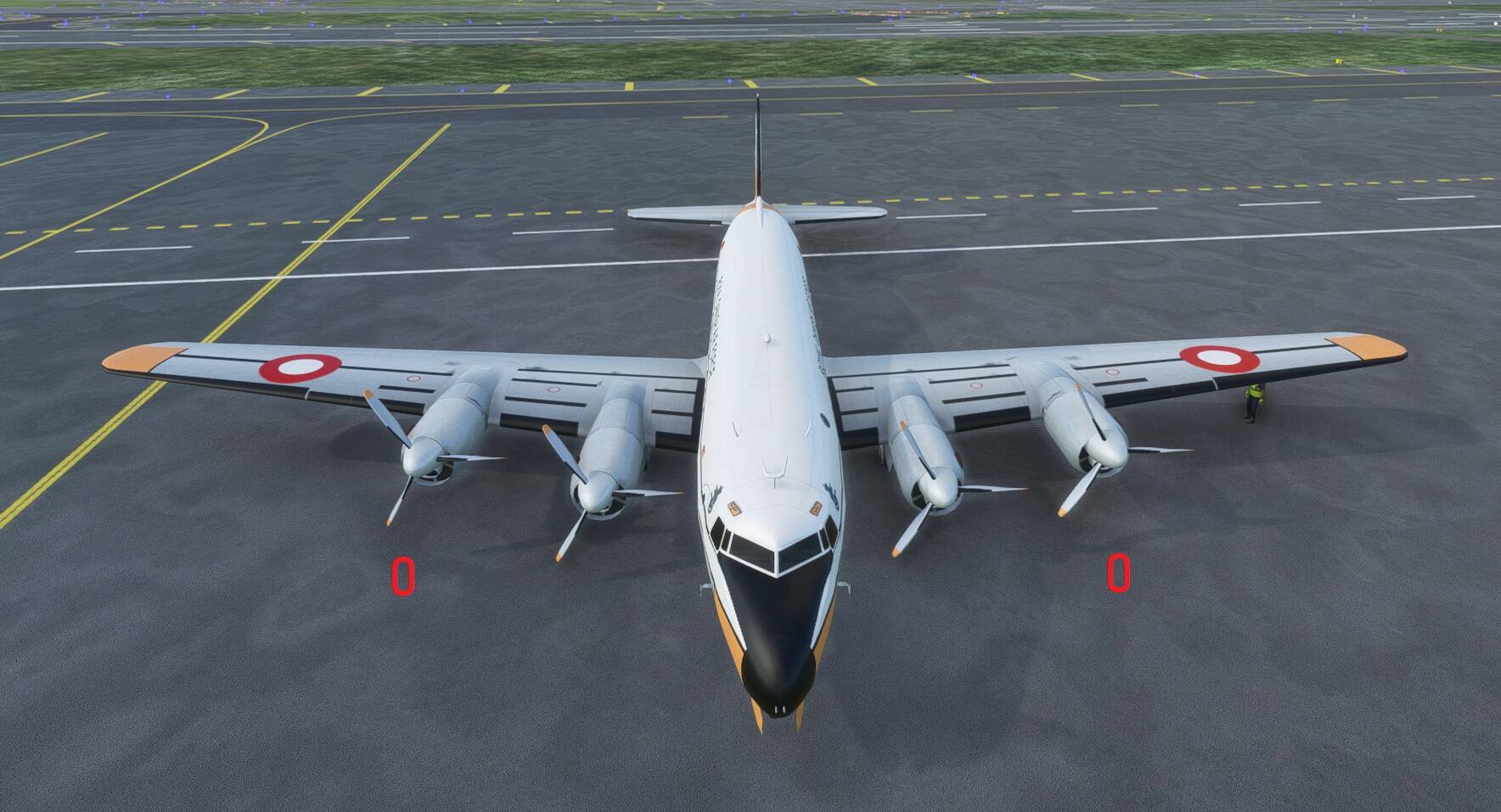
Cockpit engine 1 startup - 2 outer propellers will start (hard to see the spinning propeller in the screenshot because this the propeller animation is developed in FS9).
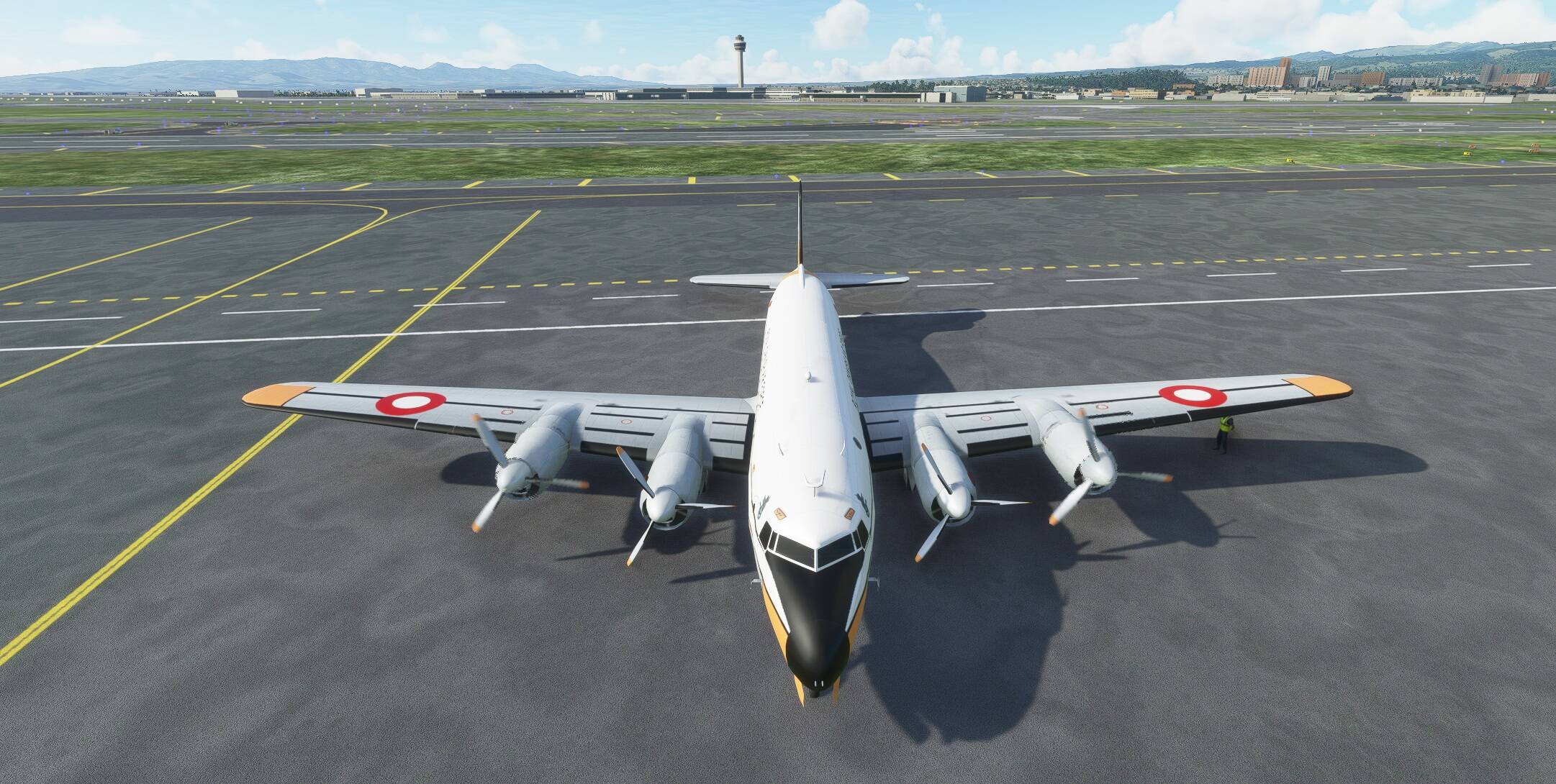
Cockpit engine 2 startup - 2 inner propellers will start (hard to see the spinning propeller in the screenshot because this the propeller animation is developed in FS9).
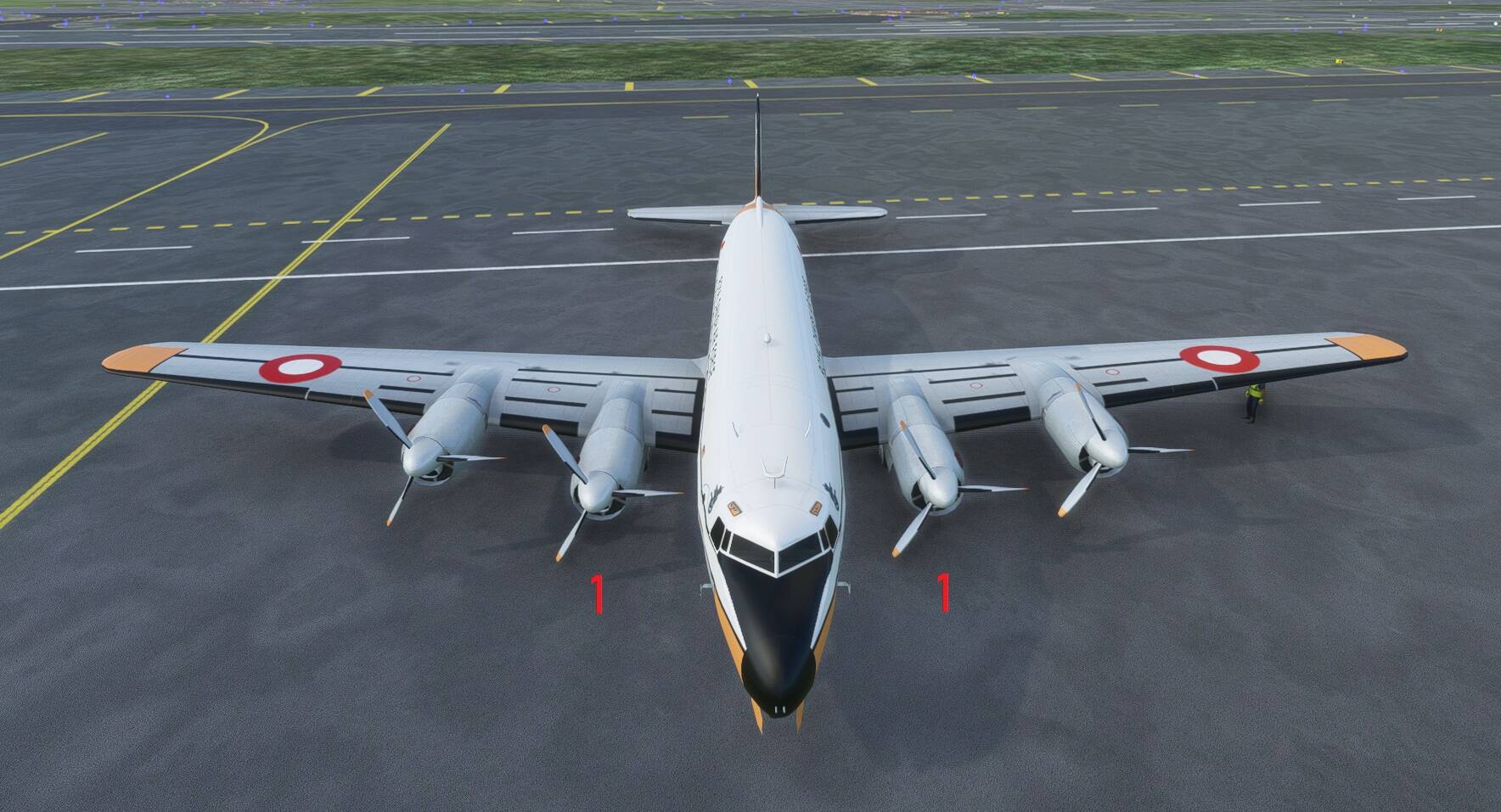
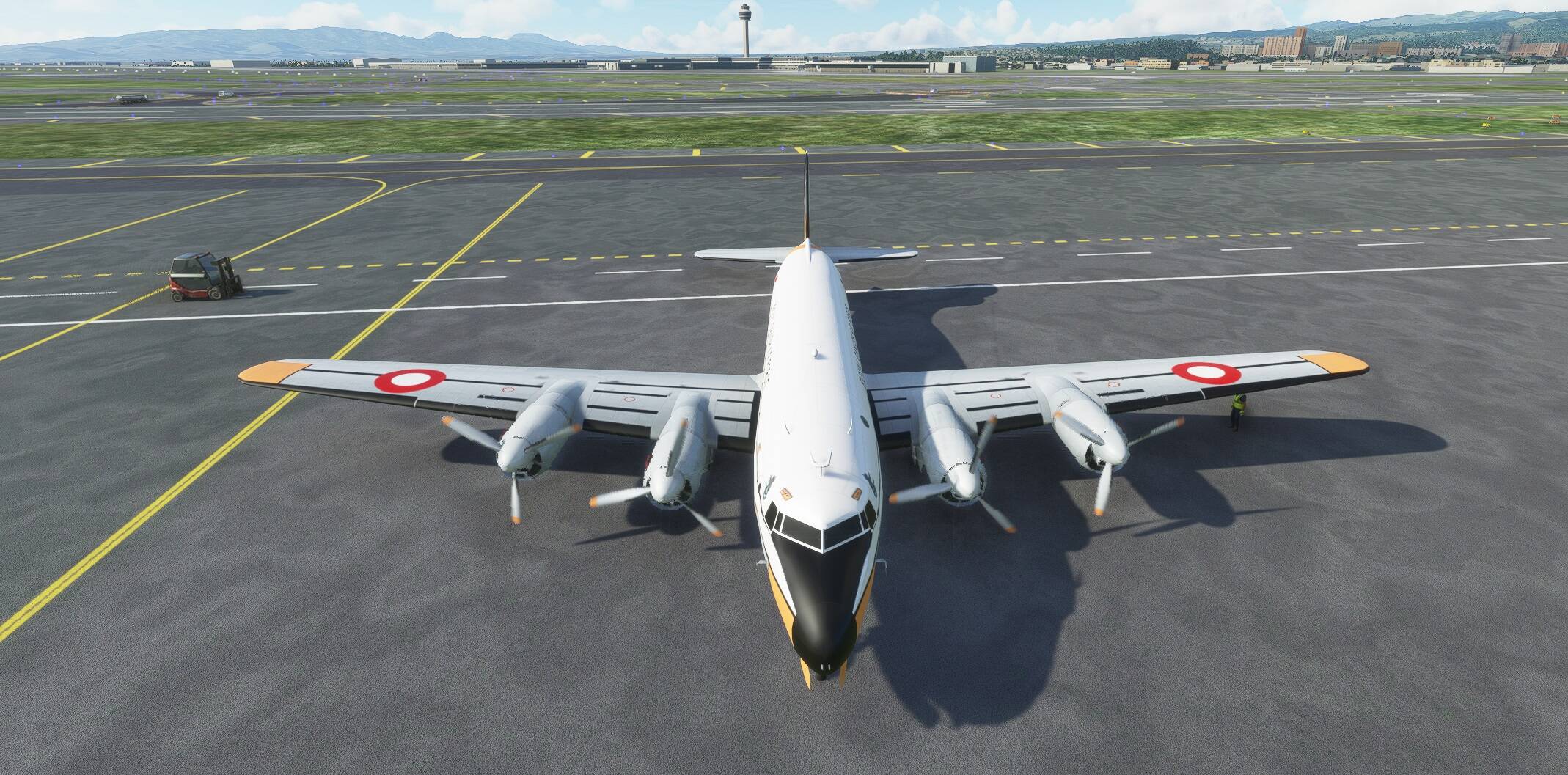
In theory this workaround should work for jet engines as well, and I’ll be testing it on my 4 engine airbuses using the default A320 Asobo panel. If it works, I’ll ditch my 747 modded panel. Needless to say the limitation is that with this workaround, you can’t start individual engines.
I’m still experimenting with updating the default panel to show “4” engines in the cockpit, and when I have the successful methods, I’ll post.
Good luck! Hope this helps you.