Hello I asked this question a while ago but no one responded does anyone know how to put a a320 cockpit in a a330?
1 Like
Copy the .xml, .bin, and .gltf files of the interior model you want to use into the model folder of the a330. Edit model.cfg to say exterior=(whatever the a330 mdl is) with NO file extension and interior=(filename of the xml) WITH the .xml file extension. The extension is important. Example:
[models]
exterior=DC10
interior=747_8I_INTERIOR.xml
You may also need to set some options by adding this text to the model.cfg:
[model.options]
; if true, when showing the exterior, also show the interior model (default false)
withExterior_showInterior=false
; if true, when showing the interior with the exterior, exclude interior.lod.0 (default false); only has an effect when withExterior_showInterior is true
withExterior_showInterior_hideFirstLod=false
; when showing the interior, force showing lod0 (default true)
withInterior_forceFirstLod=true
; when showing the interior, also show the exterior model (default false)
withInterior_showExterior=false
Keep in mind that the cockpit model is at a very different location coordinate wise, so it will likely sit behind your existing view point. You will have to adjust the viewpoint= coordinates in the cameras.cfg file to relocate it ‘inside’ of the cockpit.
Copy the base texture folder of the A320 into the A330 folder (suggestion: rename it texture.a320). Then add a texture.cfg to each texture folder with a fallback pointing to the texture.a320 folder. There may already be a texture.cfg, if so just add a new fallback to it.
Copy the panel folder from the A320 into the A330 folder. Name it panel.a320 and in the aircraft.cfg make sure each [fltsim] section says panel=a320.
You probably also need to copy the systems.cfg from the a320, or at least parts of it.
2 Likes
Seems I got the engine fixed, still can’t figure out the brake problem. In sim with new plane brakes don’t release, switch to a MSFS plane brakes work fine.
Suggestions as where to fix or look??
hello. to fix this problem you need remove all EMMITER conditions of all textures in modelconverterx
Where and how do I remove this?
I’ve looked in the Material Editor Window but I’m not sure how to remove the property (I’m guessing the one set to AdditiveNightOnly is my issue)
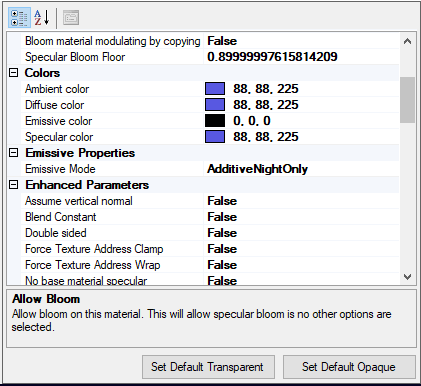
1 Like
i tried, it work with help from @GamerFull, but if u have A32X mod, it will conflict, i am not sure how we can merge VC without conflict with A32X mod.
Hi firafrog, Thank a lot for your response, I have note A32X Mod , juste A320Neo , the first in FS2020
Thank a lot !! It’s seem hard but i’ll tried .

the cockpit of the A320 passed on the A330. but a weird thing is that I have a gray spot, like in the photo.
Anyone know why I have this? even with the transposition, it does not get on its wheels.

Your contact points are not correct…
Look here: https://www.youtube-nocookie.com/embed/MP3dCKuBIjU
1 Like
This looks like a problem with contact points. They are located in flight_model.cfg. You need to copy the A330 contact points into that file and remove the set already in there - probably from the A320 Neo.
If the Neo uses a different reference_data_position from the A330 (also in flight_model.cfg), you may have to fiddle with that as well.
1 Like
Again thank you
merci, I will look in contact points
thats the reason of the model.cfg entry. you have to delete it. In my way it works with:
models
exterior= xyz.mdl
interior= abc.xml
1 Like
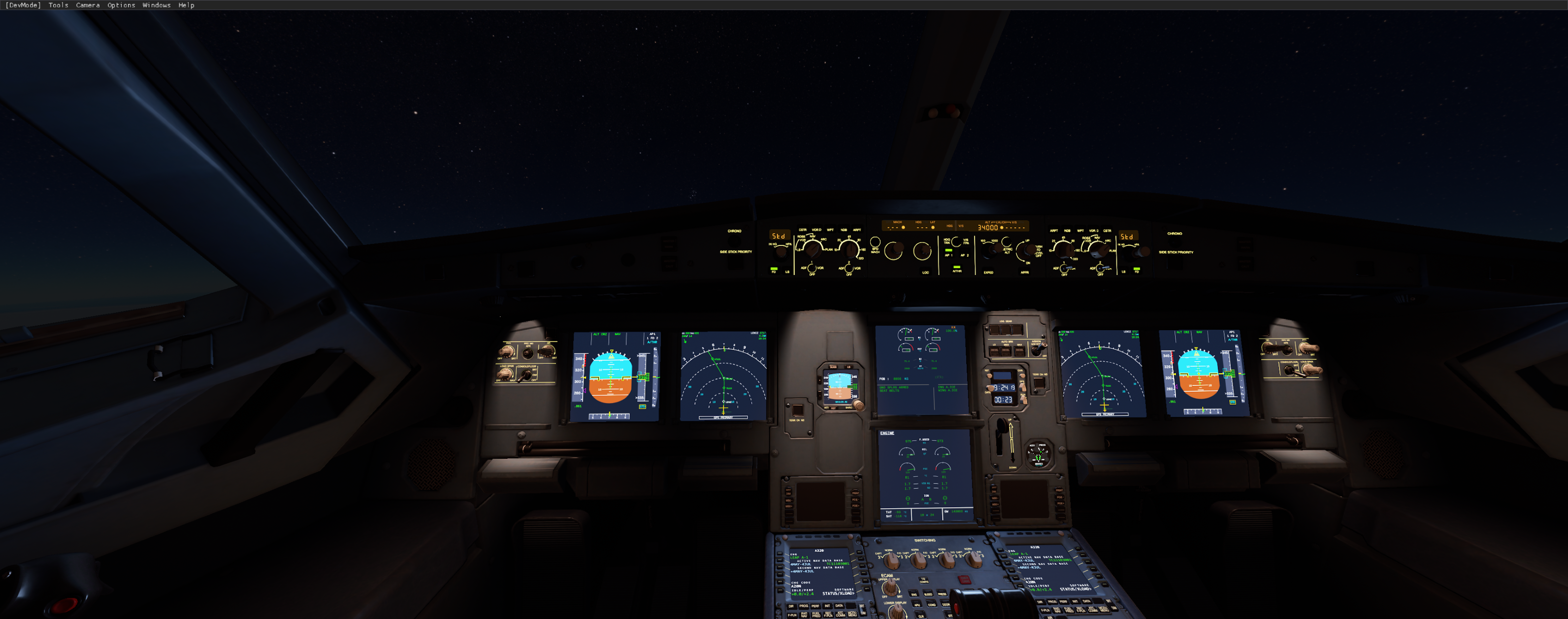
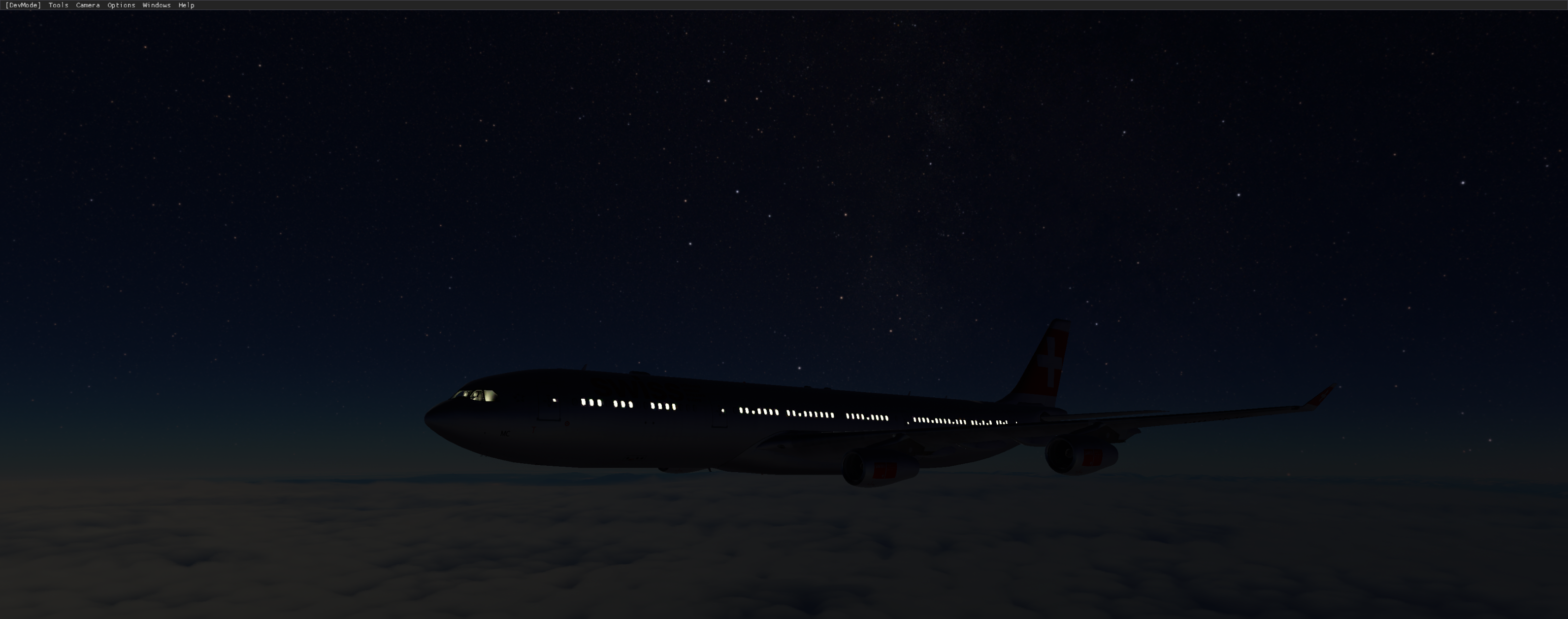
all 4 engines are running with a320x mod from iceman
2 Likes
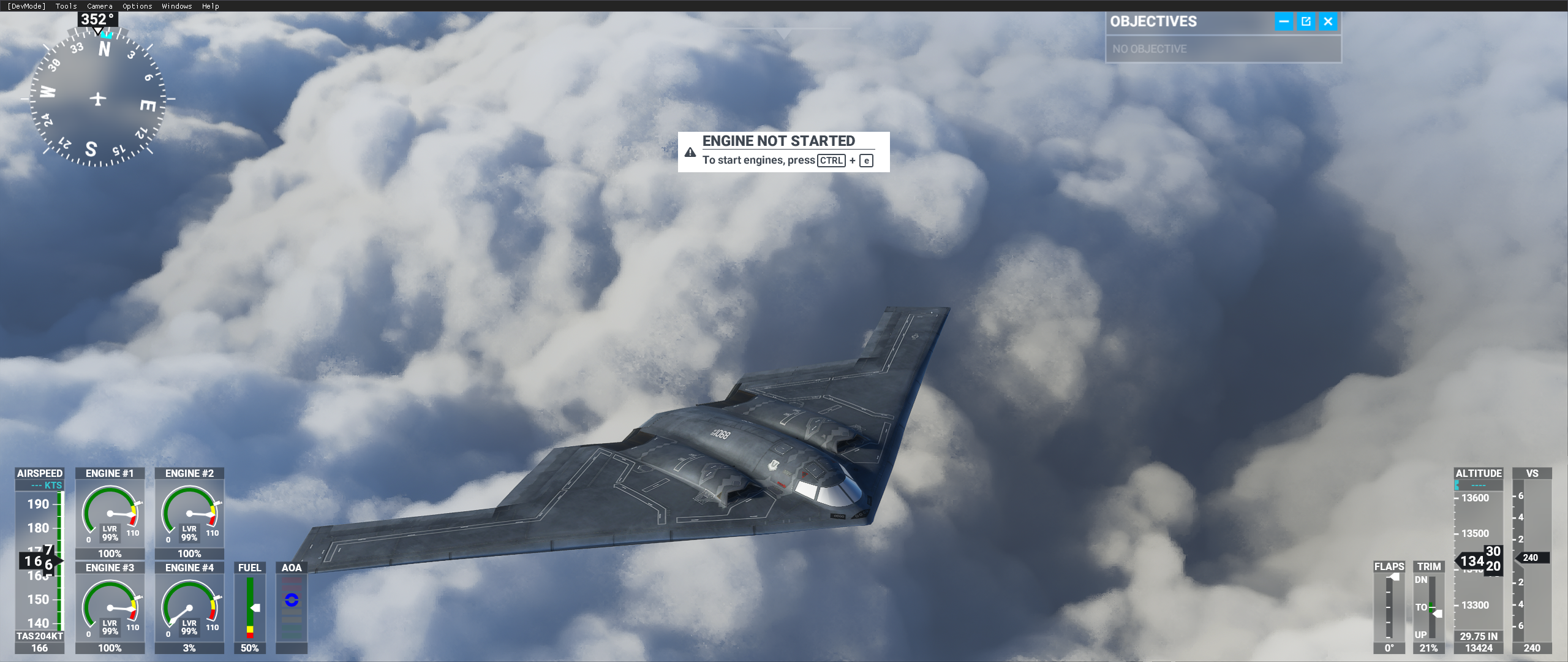

can hint me how you use A32X Mod with VC merge?
I am using Thomas Ruth’s A330-200 (external model). Does anyone know how to move the A320 NEO Virtual Cockpit (VC) forward? I know how to move the viewpoint so that it is at the same point as the NEO VC (in Cameras.cfg > [Views]). I am NOT using Ruth’s Interior/VC model. But my view is still obstructed by the interior of his visual model – the very basic interior he did mainly for outside viewers looking in. (Many FSX aircraft are like this – this is not the same as the VC/Interior model).
In FSX, when the interior model from one aircraft was merged with the visual model of another, it was necessary to edit the VC/Interior model to move it forward. But in MSFS2020 it should be possible to edit some files to change the position of the VC relat0ive to the external visual model. Does anyone know how?