I’ve already tried downloading everything I could, and it had no positive effect on my system; it even slowed down startup, not to mention the disk space consumed and the frequent updates to manage…
so in the end, I went back to full streaming, and I have no problems at all; it works perfectly. (cache set to 64GB, 2.5G fiber connection)
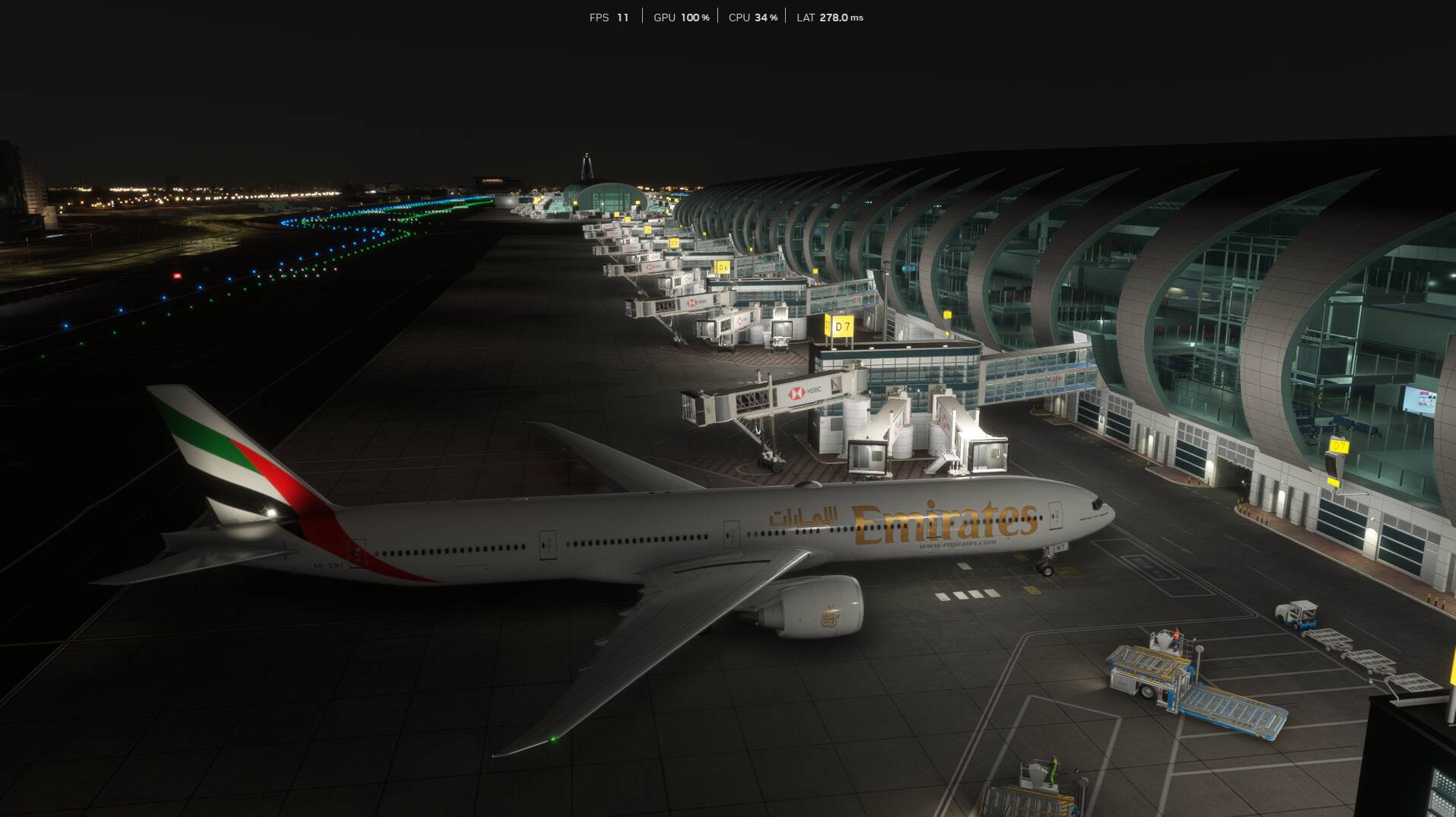
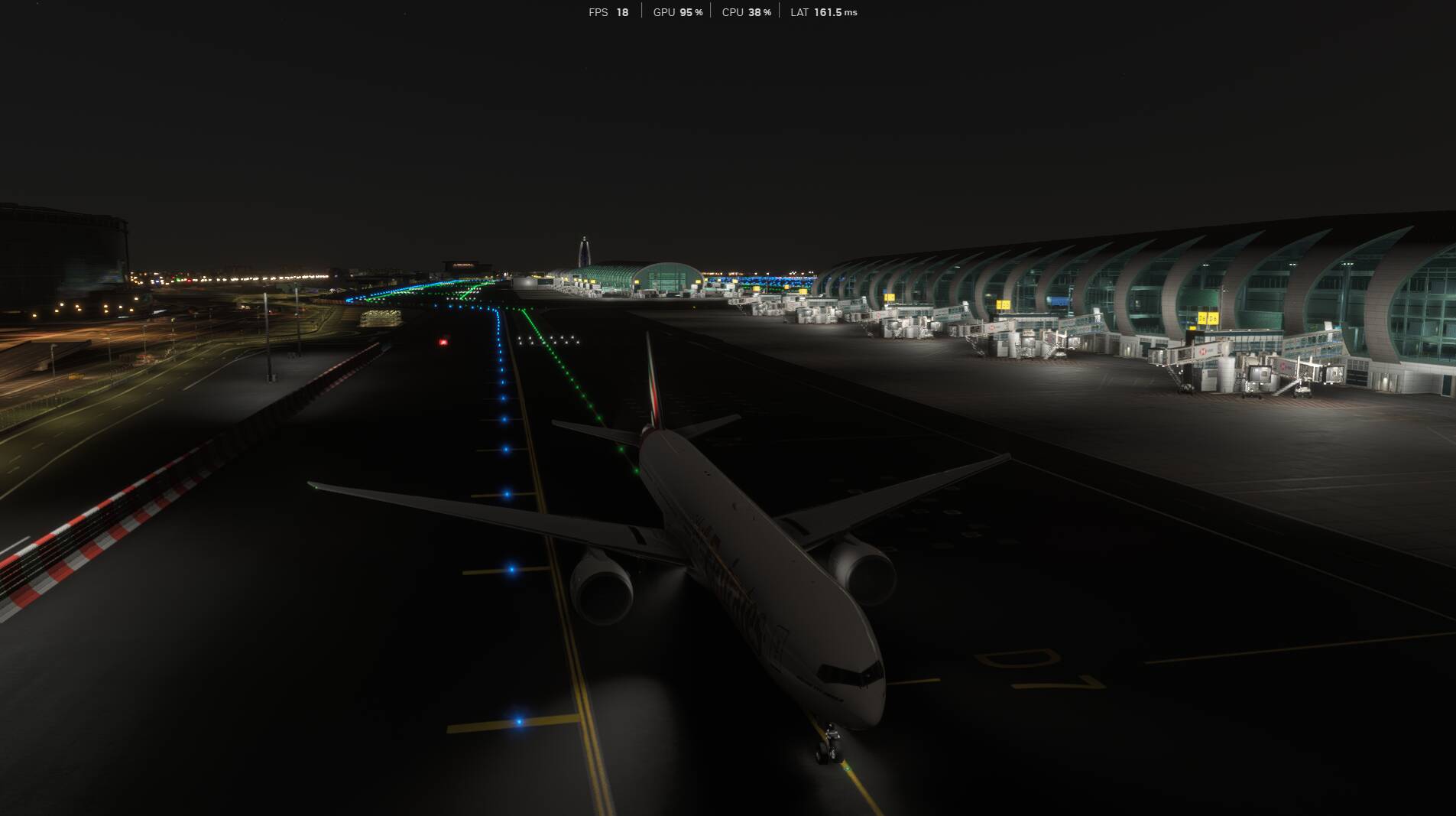
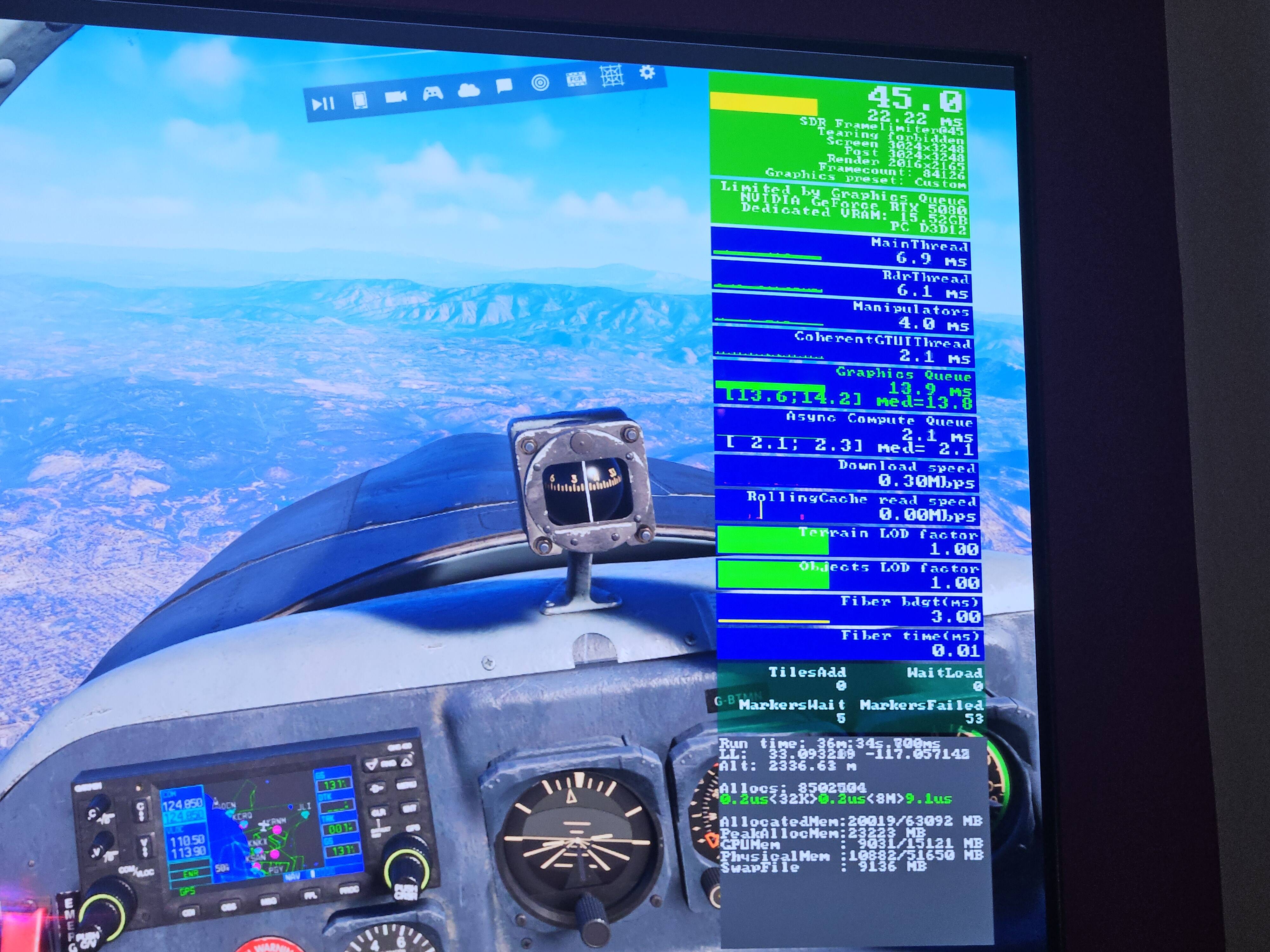
A lot of people say they get stutters on landing, and they post FPS screen shots show low FPS, download data flow and rolling cache data flow at the same time.
It’s more about avoiding those problems, which not everyone sees.
Just reset my entire PC and reinstalled windows from scratch just to be faced with even worse issues on once again even lower settings. I can’t even properly depart, fame gen isn’t even working. I can’t with this sim it actually runs like garbage
Like was posted just now, Windows will have old drivers for everything including cpu chipset drivers. You should load latest cpu chipset drivers, latest bios, latest gpu drivers back onto the machine. Also clear all of the GPU caches that MSFS uses by using a tool like MSFS Toolbox. Also check for any unneeded windows Startup background tasks. HAGS has to be on for FG to be an option. Use MSFS dynamic settings and start with 30fps locked on all Medium. Use FG 2x to aim for 60fps and toggle from there. You mentioned you bought the PC (didn’t build it yourself)….did it come with bloatware installed and running like anti-virus software or other stuff that can run in the background without you knowing? I have in the past used pre-built PCs (Dell and HP) and both had junk running that I had to turn off and my cpu responsiveness/smoothness improved noticeably. I think in this thread it’s possible you have something else running that is hurting performance, it at least it should be ruled out. Not sure where you are located but I would be happy to do a FaceTime video if that’s possible on your end to try and help/suggest some things real time versus on threads like this. I have built my last 2 pcs for MSFS and currently have a 5090/9950x3d but I’m familiar with 5080/9800X3d setups.
I fully updated windows and checked for updates. After doing so I manually installed all the drivers including chipset, motherboard and nvidia GPU drivers.
I forgot to add that its a fully clean installation I once again installed windows from a fresh USB I bought yesterday. So I’m 100% sure there is aboslutely nothing running
I’m about to loose my mind. Dropped texture resolution down to high and did not have issues for the last few weeks. Now today constant VRAM over use with NO changes in airports, aircraft, or other settings.
Anyone have a sudden drop in VRAM? The total is still the same but it suddenly seems like MSFS is using about 1-2gb more than it did a few days ago. Again, no changes to aircraft used, airports flown out of, or settings.
Unfortunately, it’s just the way it works at the moment and typical of what a lot of us experience. I’m sure there’s a lot more that Asobo can do, but it won’t be easy. There seems to be two basic issues that combine to cause the overflow: first, is the amount of VRAM the system provisions tends towards using a relatively high proportion of what’s available because it’s more efficient and improves performance. I play other games at 4k and even older ones that came out 8-10 years ago will use about 80%-90% of the 16GB on my card maxed out, but they never go over.
That leads on to the second issue: MSFS 2024 can be quite aggressive in the way it swaps data in and out of VRAM and it’s this second factor that’s contributing to the overflows. A lot of people have reported that disabling Resizable Bar in the Bios helps because it forces the system to provision/address less VRAM. There’s a performance hit for disabling it though, which varies quite a bit. For some combinations of CPU/GPU it can be as little as 3-5 fps, but on my system (9800X3D/RX 9070XT) it’s more like 20fps. I could live with that, use frame gen and just set a lower fps cap, if it weren’t for the fact that Frame Gen uses VRAM (around 0.5GB at 4k, on my system), so you end up going around in circles.
After some weeks, experienced the HUGE fps drop after landing again… With normal VRAM usage, all background tasks closed, just the great FS performance giving an amazing experien
Overlays are known to be VRAM killers. Don’t use any software that manipulates your simulator image. It causes several problems, including stutters and CTDs.
Ah, more FPS chasers. So many topics repeating the same things over and over again.
If you want stupid high fps then you will have stutters. Thats just how FS is.
For stutter free flying lower your fps to 30-50 and you can use higher settings giving better visual quality without being “main thread limited”.
Many many videos on YT about the subject.
I mean you’re just not reading then I guess. I clearly state more then once that I have stutters after landing and if I want to continue to another airport after the first flight. I’m not “FPS Chasing“ I’ve my FPS capped at 50. I’m simply trying to enjoy flight sim like the rest of the community expect Asobo still hasn’t learnt anything from the disastrous release of both simulators.
i have the same since about 4-6 weeks now. before that and especially after the release of SU4 the sim had no performance issues. now starting during approach beneath 4000ft the VRAM is flodded. and after landing it’s 99% and im unable to move the camera. this is a SIM issue which already is discussed in the bug section of this forum. again: my sim had no issues until several weeks ago.
The sim “can” run quite smooth with DLSS, dynamic frame gen,
but even when I want to cap the sim at 30 and then set frame gen to 4x to hit a steady and smooth 120 fps the sim will still stutter if I pan in the fenix from the glare shield to the cockpit door.
it somehow is worse than with my mobile 5080 and intel 9 laptop that I had before, there I could run 20fps cap into 60 fps steady and smooth (most of the time), but it was a 34 ultrawide 1440p monitor …
what could I do? thanks a lot, warm regards, Claas
This is a different problem: the issue here is the opposite of full VRAM. The stutter that occurs when panning is due to the VRAM being freed from unused content, which has to be reloaded when the camera perspective is moved. See the corresponding threads.