
Its all streaming a quest does
1 Like
That’s right, but it depends on so many more things then just a cable
Yes the cable gives the lowest latency in general but be forced to use the oculus software kills all the benefits of the cable , I get no better image quality , nor a better performance due to the other factors
And be forced to use ASW instead of SSW which streams 90 FPS through the cable and not 45 FPS through WiFi 6 gives a similar result in my case
But it’s highly dependent on personal preferences and the system in a whole. More then just Cable vs WiFi
1 Like
Yeh I admit it is a bit counter-intuitive. I suppose at this point I place a pretty big premium on ease of usability. G2 head tracking was always a dog for me and I struggled to get that tiny sweet spot to work for me. It was just a pain. Crystal was a tonne of money I couldn’t afford, but I was in love with VR and just wanted the best so I I went for it. Initially, I was floored by those lenses. They truly are something to behold. Of course the resolution and image quality the headset is capable of is not achieveable with any available computer rn (I have 4090 / 78x3d). I fooled around with setting for a few days and then their software was all janky and got very annoying. I never got the eye tracking to work. I contacted their support via email and on Discord and Reddit and got an initial response and never heard from them again. I kept trying to work it out. The inside out tracking wasn’t great and I considered getting the lighthouses but I was souring pretty quick. I started having a weird problem where different objects weren’t moving at the right perspective. Very sickening. Support came back and told me it was a problem with the headset and the software so I decided to return to Amazon, which took about a month to get my money back. The other thing is that I always struggled with the unwieldy weight and chunkiness. I was happy to accept it for those lenses but it really is just a giant computer on your face. It never feels right.
The Q3 is so easy. The resolution is fine. The pancake lenses kill the G2, no comparison. The headtracking is very solid. Setup has been a dream. I bought a 6e router and have been simming wirelessly with some extra batteries and it’s basically amazing. It’s priced well, it’s easy and non obtrusive to use and even my gf is getting into some mixed reality and standalone vr.
6 Likes
Imagine Q3 with display port cable. No image compression, no bitrates, no batteries, no link cable, no 6e router… I’d buy it even today.
2 Likes
Yeah fair enough, very valid reasons! It’s the whole package that counts. The things you listed are also the factors that kept me from ever seriously considering the Crystal. Currently very happy with the Aero in every aspect except the small VFOV and lack of audio, although it gave me a good excuse to splash out on a second, more premium pair of low latency earbuds =)
Hopefully the VR1 will deliver a big jump yet again, we’ll see. Big FOV, same displays and hopefully better lenses than Crystal, and a 72hz mode, which the Aero is sorely missing.
Yeah I maybe would’ve kept the Quest Pro if it had had Displayport. Although the resolution was still laughably low for 2023 standards, especially for MSFS.
Displayport:
For my use, NOT having a DisplayPort connection has the big ADVANTAGE that I can keep the triple monitor setup on my PC without having to swap the connection between the HMD and a monitor (maybe one day GPUs will have 4 x DP ports).
The quality of my Quest 3 with my system and my settings in MSFS is actually ok for me. I am mostly flying helicopters and low altitude aircraft and this anyway reaches the limits of the MS bings maps (or Google maps) anyway.
1 Like
i have tried a “regular” ax wifi accesspoint but the Quest 3 asks for a lot of bandwith so placed a wifi6 router (as accesspoint) and connected both the quest and the desktop to that.
WiFi 6 is actually AX so maybe you meant you stepped up to 6E (6GHz)?
I am running a Q3 on 5GHz WiFi6 (1200 Mbps bandwidth) without any issues. Realistically, the AV1 codec needs only around 100Mbps so bandwidth isn’t the problem, it’s latency. Some people drive up bandwidth use in the VD settings thinking it improves visual clarity but actually just end up increasing latency for no visible gain.
The big thing that can mess with your Q3 fluidity is any hiccups due to interference, other devices etc. WiFi 6E can help with that as its frequency band is (so far) less saturated but a dedicated 5Ghz AX on the right channel can be just as good, depending on the specific WiFi pollution in your area.
1 Like
What if you go into the cockpit first, and then Alt-Tab to VR?
What does Event Viewer say?
is the wlan good ? what latency ?
for me i could not use the wireless with VD. with cable now all fine.
Clear your shader caches?
Thanks, cant find any entry relating to MSFS. I assume I should look in Admin Events list, loads of errors and warnings.
Today I made a fantastic experience:
Quest 3 / 7800x3D OC / 7800XT OC
OTK: CAS on, sharpening 80-100%
VD: Godlike, no sharpening, SSW on, 80 Hz
MSFS: AMD sharpening on, 150%
Used CAS the last time with my Reverb G2 month ago. Today during testing with and without OTK I activated CAS. And got the clarity and sharpness ever. WITHOUT additional AA-flickering on objects and landscapes.
I’m very happy with this settings now. I don’t need glasses. 
2 Likes
Interesting thanks for the ideas. Why have you OC the 7800x3d?
For better performance, more/stable (locked 40) FPS 
What do you mean by OC? That PBO curve offset? AFAIK x3ds can’t be overclocked in the true sense of the word.
Got my OC/UV inspiration in this video, with good and stable results:
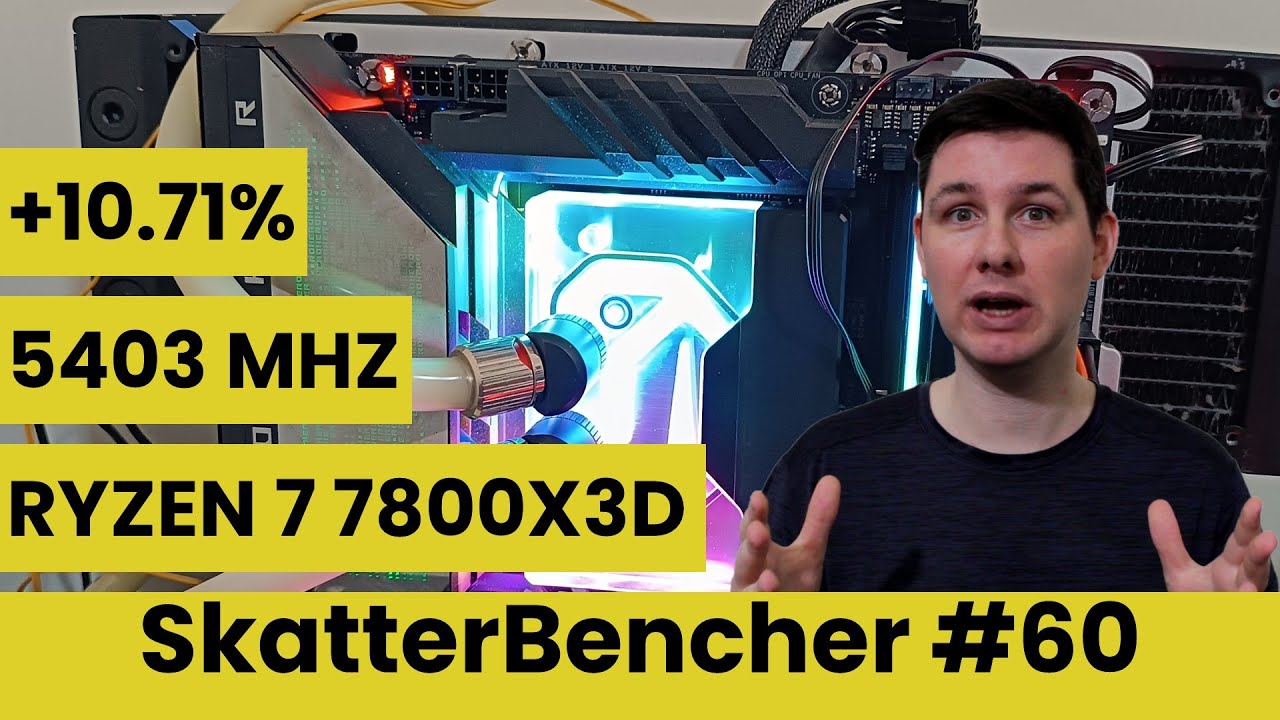
Give it a try
2 Likes
Oh yeah I remember seeing this a while ago. It’s like 5 steps or something right? Think I remember I couldn’t do most of them on my hardware. What exactly did you do and how were the results?
I did nothing special. Be sure you use the suitable mainboard(s). Look into the video (again) and follow the settings as described.
My result: better benchmark results and the most important a better MSFS performance. It worth it.
I’m on vacation now. And off
1 Like