Well if I turn off windows Hardware-Accelerated GPU Scheduling(HAGS) the sim doesn’t crash, but the performance goes down and has a lot of stuttering compared with HAGS on
Alternatively with HAGS on but disabling XMP in bios, in my asus: advanced mode “Ai Tweaker” - “Ai Overlock Tuner” I set “Manual”, by default was seated in auto, so I changed it to manual (default value 100.000) and the sim has not crashes until now
Do you have the same issue if you follow the OP’s steps to reproduce it?
Provide extra information to complete the original description of the issue:
sim update 12
If relevant, provide additional screenshots/video:
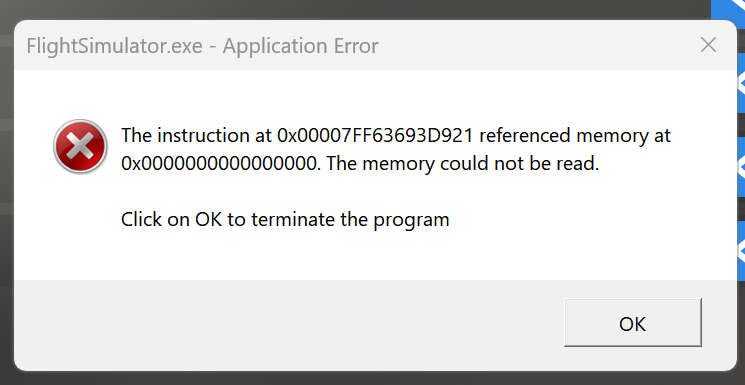
Based on the Feedback Snapshot, our team has not been able to reproduce this issue lately. If you are still getting this error, please provide a screenshot, your PC specs, and a Fault Bucket ID if you are able to get one! How to find your Fault Bucket ID after a crash [PC]
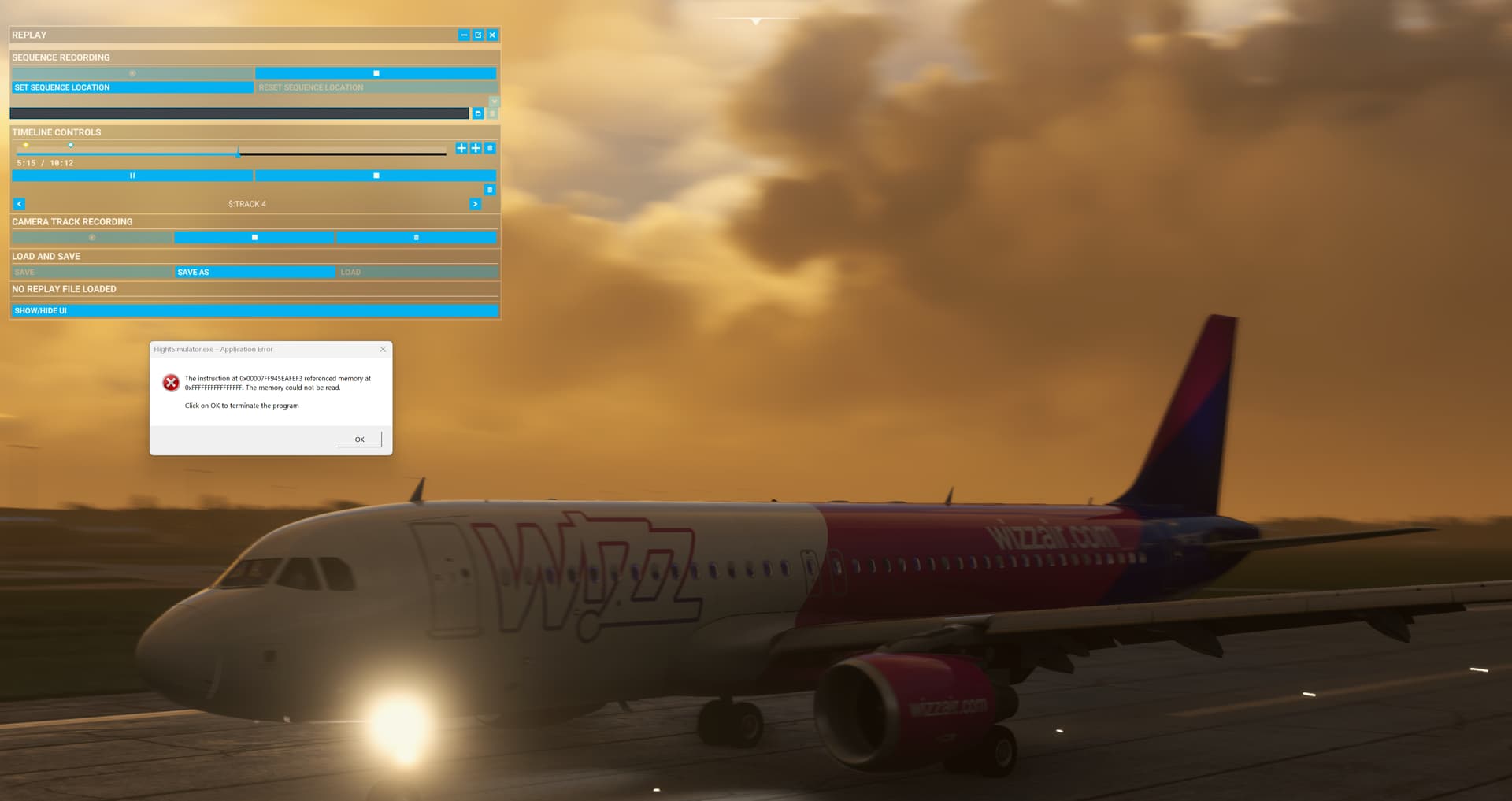
Just got this error whilst using the inbuilt replay tool. Was panning the camera on landing when it froze for a few seconds then I got the “Application Error” dialog. As requested, fault bucket 2293287895959656354. Screenshot below.
Specs:
- i9-13900KS
- MSI Z790 Tomahawk DDR5
- RTX4090 Founders Edition (528.49)
- 64GB G Skill Trident DDR5
Fault bucket 2293287895959656354, type 4
Event Name: APPCRASH
Response: Not available
Cab Id: 0

Problem signature:
P1: FlightSimulator.exe
P2: 1.31.22.0
P3: 6409dda0
P4: CoherentUIGT.dll
P5: 2.9.5.0
P6: 63a184e2
P7: c0000005
P8: 000000000009fef3
P9:
P10:
Faulting application name: FlightSimulator.exe, version: 1.31.22.0, time stamp: 0x6409dda0
Faulting module name: CoherentUIGT.dll, version: 2.9.5.0, time stamp: 0x63a184e2
Exception code: 0xc0000005
Fault offset: 0x000000000009fef3
Faulting process ID: 0x0x8D18
Faulting application start time: 0x0x1D96B2F8D928A1F
Faulting application path: C:\Program Files (x86)\Steam\steamapps\common\MicrosoftFlightSimulator\FlightSimulator.exe
Faulting module path: C:\Program Files (x86)\Steam\steamapps\common\MicrosoftFlightSimulator\CoherentUIGT.dll
Report ID: 5aaa47fd-acd7-45b1-a107-53184ffa2f1c
Faulting package full name:
Faulting package-relative application ID:
1 Like
Going through fault buckets, there are no more failures on our side from the past few updates for this particular error. Please create a new thread with your fault bucket ID if you are still experiencing this issue and we will look into it promptly.