This is correct - the onus is on Microsoft/Asobo to hold developers accountable that they contracted with to provide 1st party aircraft included by default in the sim. It is not the consumer’s fault if MS/Asobo did not do their due diligence in vetting partners or not having their contract language dialed in.
2 Likes
I think you misunderstood @Zadma I believe they were referring to themself as pedantic.

2 Likes
… or Zadma was simply referring to me for being pedantic and I’m guilty as charged 
1 Like
Come on guys, stop being so pedantic everyone, we all agree that I’m always right
Let’s hope my wife never reads this.
PS: sorry @Zadma if I misunderstood you, and thanks @NixonRedgrave as always.
3 Likes
Yeah, apologies if at any point I came off aggressive - I chalk that up to text inaccurately portraying tone I just wanted to make sure that if we are giving feedback and criticism, it’s for the people who it actually applies to. It helps all of us better understand this massively complex project, and the more direct and organized our feedback is, the more likely it is to be implemented.
3 Likes
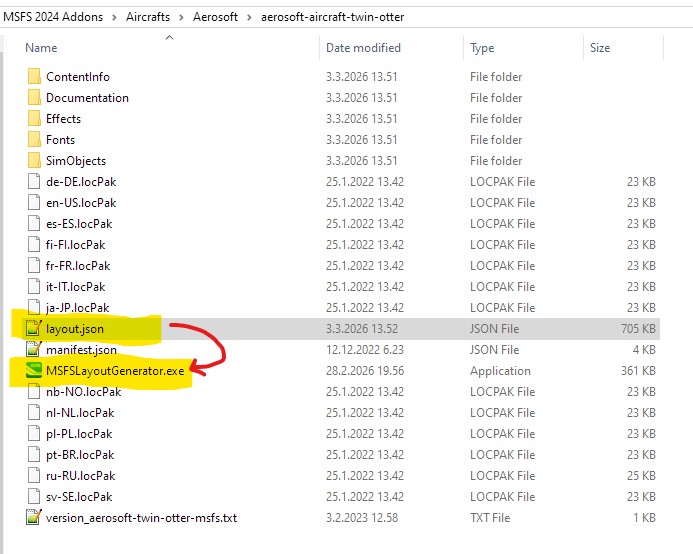
I’m afraid MSFSLayoutGenerator didn’t work for me in getting the 2020 (Aerosoft) version of the Twin Otter into 2024. I followed the guidance but, I’m either doing something wrong, or it is just not possible. Either way it is, surely, incumbant on Microsoft to sort this out - afterall, that’s where my money for MSFS2024 went; following all the hype they gave a couple of years ago. Oh well, at least the weather is improving here in the UK and it looks like spring has arrived. I’ll spend the next 6 months or so on outdoor hobbies. Perhaps, IF I return to the sim in the autumn, things will have sufficiently improved! In the meantime, I’ll keep my eye on this forum to gauge what your experiences with SU5, SU6, SU7 & SU8 turn out to be. Good luck all.
Yes it does.
I couldn’t get it to work either with MSFSLayoutGenerator. I can’t enable the 2020 MP version, or, indeed disable the 2024 version which is pretty poor overall. Any tips from anyone who has made it work?
This is what I did: with your mouse Click and HOLD layout.json file, DRAG it over to MSFSLayoutgenerator.exe and release it. Thats it! You should see that layout.json date should change to your present date and time.
Is ur Twotter from the MP or 3rd party store? Will not enable in sim 4 me.
Bought it from ORBX.
mine was MP, maybe thats why some can get it activated and some not…
Yes, that’s exactly what I did - but it just didn’t work for me. To be honest, I’ve had enough of having to seek out patches for MSFS2024. I’ve not been on the sim since mid January and I’m not that motivated to come back to it at the moment. Microsoft & Asobo should be concerned, because if MSFS2024 isn’t sorted out PDQ then more and more people will be put off using it - and that will, surely, impact on their respective reputations.
2 Likes
Has the “partially sunk wheels” ever prevented taxi?
I was unable to move from my parking spot, and I couldn’t figure out why. Tried toggling parking brake, tried the ALT-Q quick pre-flight to see if there was some invisible chocks. Tried toggling pushback a couple of times.
No luck.
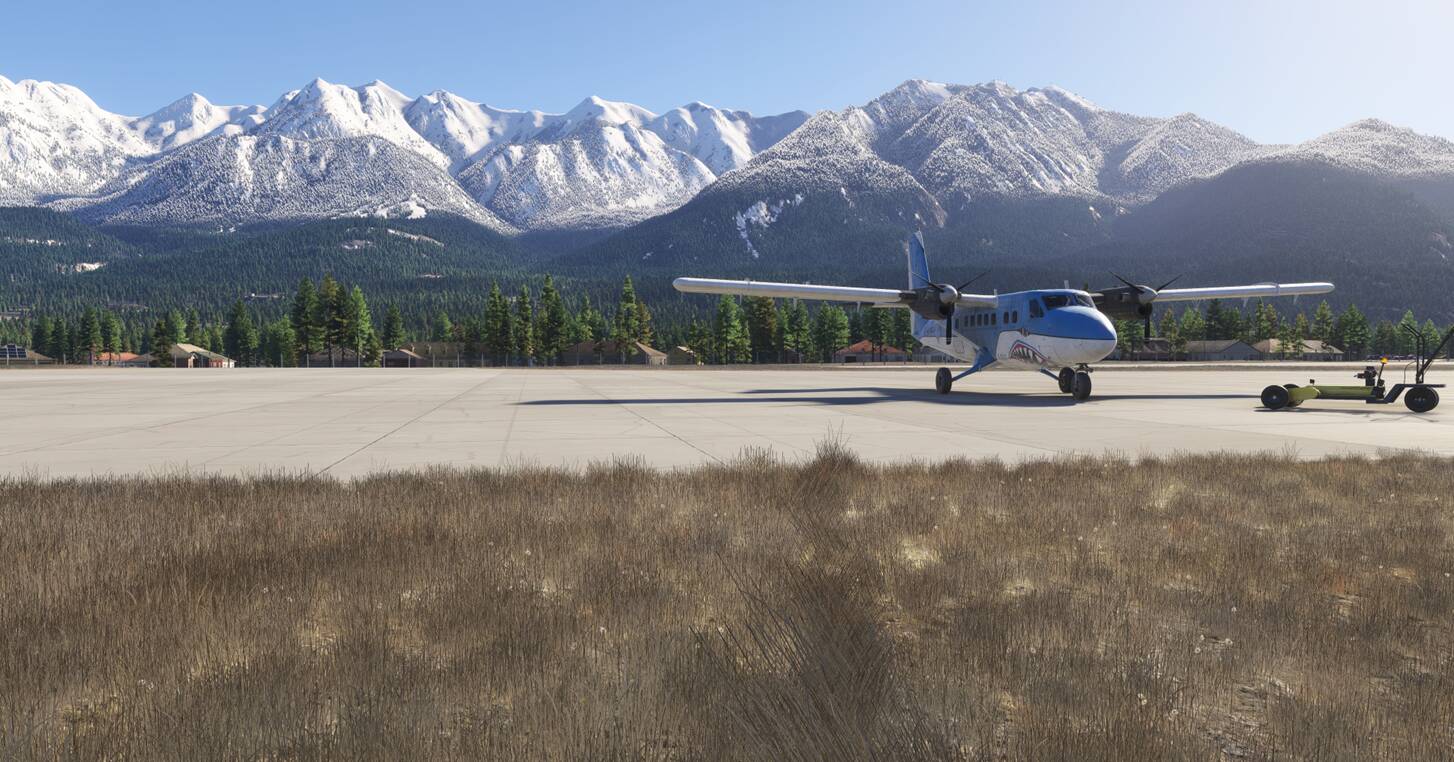
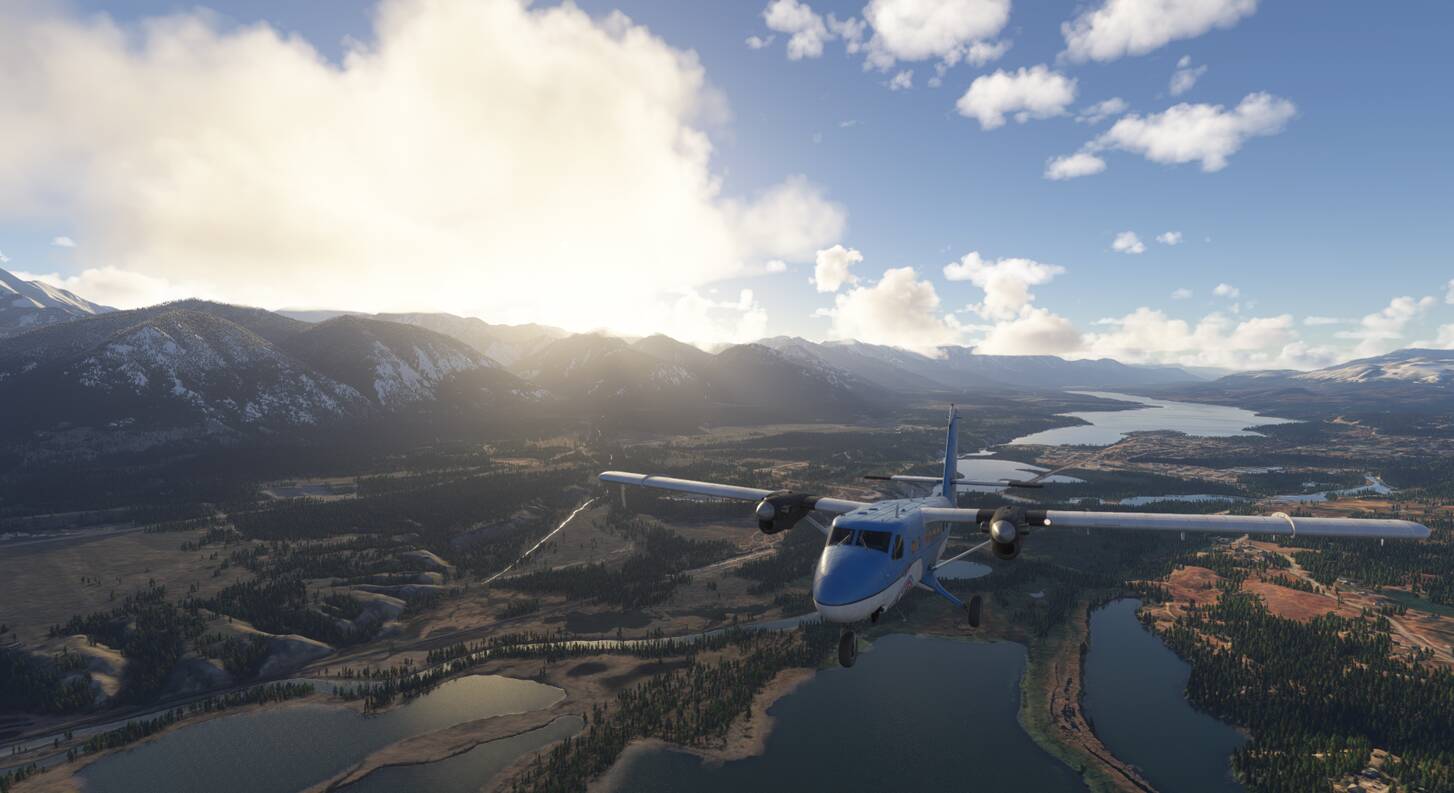
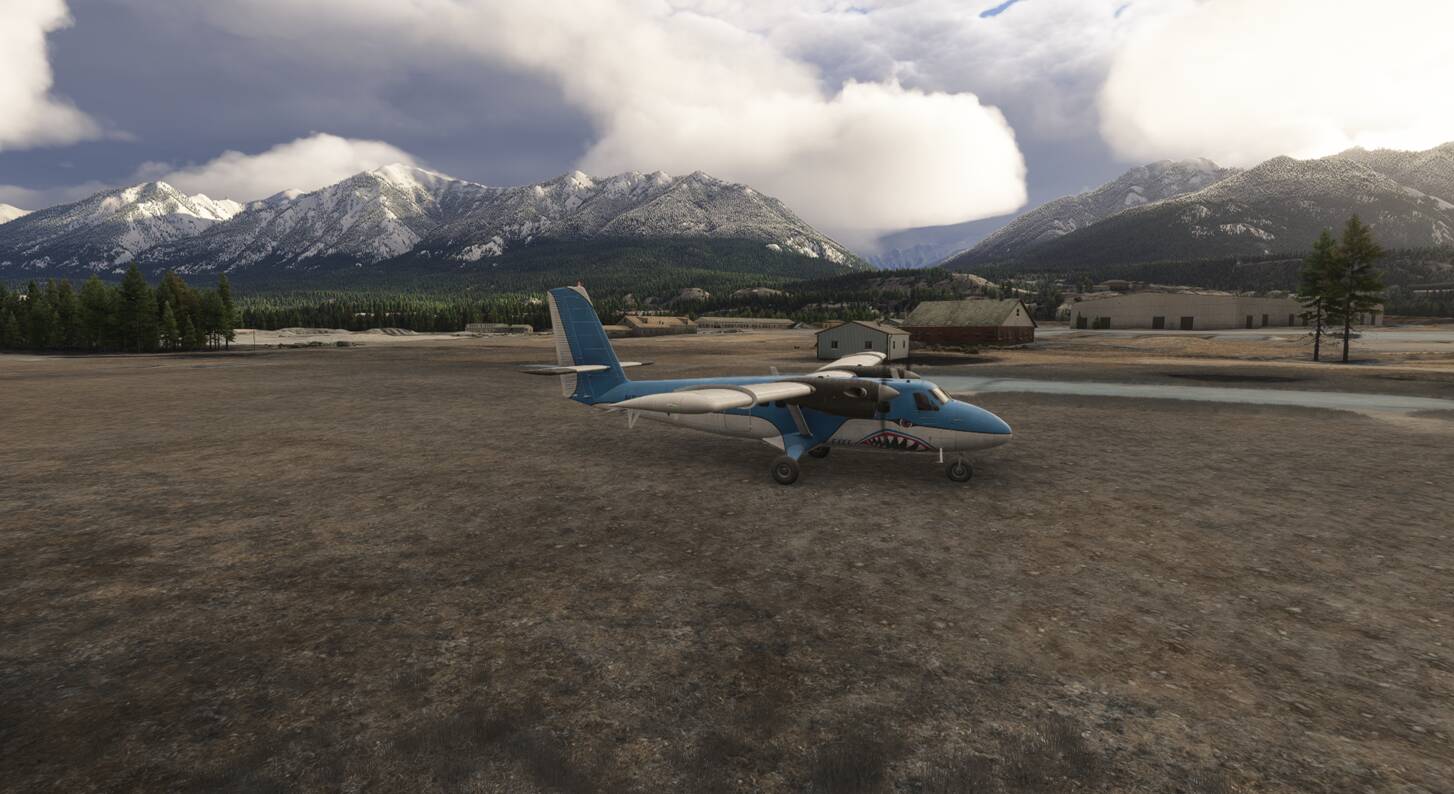
Just flew her from cold and dark. Taxi and T/O was good. Landing, no problems, could taxi to parking spot. No engine failures.
3 Likes
I do love this plane, your photos are convincing me to fly it again today. Might look for some new liveries online
1 Like
Yep, she’s a bit special. Only thing I’d prefer is for the engine sounds to be less like a 2 stroke lawnmower 
Did you try going into slew mode and back out again? That will often pop the plane up to ground. Also, you can sometimes slew it over a few feet or more to get it unstuck.
1 Like
Good suggestion. Yes, I thought of this after the fact and I will try this next time.
I was wondering if there were “invisible chocks” since they did not show up on the walk around, while things like cockpit covers, engine covers, and pitot covers were there. However, from reading this full thread, that doesn’t appear to be a thing.
Then I was worried about a phantom push-back tug, but it at least visually seemed to behave properly.
And while I noticed the sunk tires, I didn’t really put 1 and 1 together and try to slew. I was set on blaming the plane, not some broader sim-related bug. I have never had a sunk plane on any of my previous flights in 2024, but this could have just been the time where I was unlucky.
Now I need to try and remember what airport and parking spot I used 
Good news: I spawned back into, I think, the same parking spot, and the wheels were sitting normal this time and I had no issues taxiing and taking off.
Bad news: I killed the right engine a few minutes after take off then the left engine a few minutes later, and ditched in the Pacific Ocean… I didn’t think I was running the engines in the red, but I’m far from an experienced flier of this plane, so it’s likely something I did, or forgot to do