Before the Live build SU2 v1.4.20 release i’ve never had this issue before…
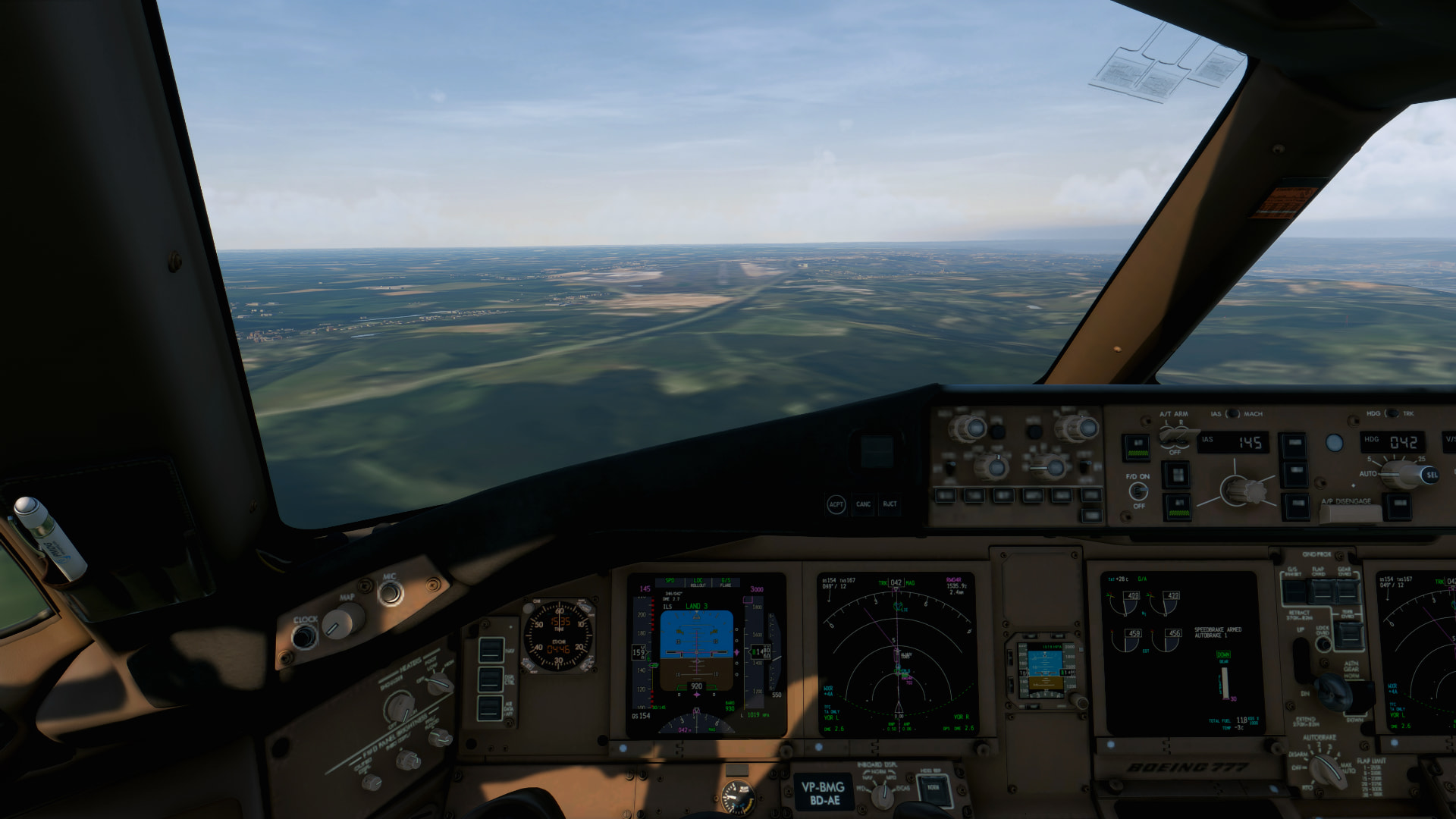
I’ve flown a specifc route from KSDF - KLAS or KOAK - KLAS and every time im on arrival appraching or landing the ground textures are completely blurred and the scenery and airport textures and models are completely gone!
Using the template below will greatly help the team reproduce the issue and ease the process of fixing it. Before posting, search for an existing report. If you are not sure it’s a bug, please first report in User Support Hub.
2 tags are required - add them in the tag section next to the title above:
Feel free to delete this quote section after adding your appropriate tags.
ISSUE DESCRIPTION
Description of the issue: Upon arriving in KBOS in MSFS 2024 in the iniBuilds A330-200, the terrain and airport did not load. It is complete blobs of low res satellite pictures. This has not happened to me just for KBOS. This has also happened to me for KMSP. They are both custom airports in my community folder on my computer, so I don’t see why it would be an issue of loading from the internet.
ICAO, coordinates, or specific location: KBOS (FlyTampa)
[PC Only] Did you remove all your community mods/add-ons? If yes, are you still experiencing the issue? No.
FREQUENCY OF ISSUE
How often does this occur for you (Example: Just once, every time on sim load, intermittently)? Intermittently, and only with iniBuilds A330 so far
REPRODUCTION STEPS
Please list clear steps you took in order to help our test team reproduce the same issue:
- Flying A330-200 in Delta livery
- Fly from LHR to BOS
- EGLL/27L DCT D255G DCT 512417N0010125W 512452N0011643W 512623N0012351W 513921N0015615W 515525N0041416W DCT LIMRI DCT 5220N DCT 5230N DCT 5240N DCT 5150N DCT ALLRY N468A TUSKY DCT EURRO OOSHN5 KBOS/04R
YOUR SETTINGS
If the issue still occurs with no mods and add-ons, please continue to report your issue. If not, please move this post to the User Support Hub.
What peripherals are you using, if relevant:
[PC Only] Are you using Developer Mode or have you made any changes to it? No.
[PC, MSFS 2020 Only] Are you using DX11 or DX12?
[PC Only] What GPU (Graphics Card) do you use? Nvidia RTX 3070 FE
[PC Only] What other relevant PC specs can you share? 12700k, Gigabyte Aorus Pro mobo, 32GB 5600 mHz RAM, 2.5gb ethernet
MEDIA
Please add a screenshot or video of the issue occurring.


[END OF FIRST USER REPORT]
 For anyone who wants to contribute on this issue, Click on the button below to use this template:
Do you have the same issue if you follow the OP’s steps to reproduce it?
•
Provide extra information to complete the original description of the issue:
•
If relevant, provide additional screenshots/video:
•
After some playing around with settings, turning off Dynamic Settings seemed to fix this issue for me. Maybe check if any of yall have that enabled and turn it off. I also noticed that if you zoom into your departure airport on the world map and let everything load in from there BEFORE you start your flight, it seems to help a lot.
1 tag is required - add it in the tag section next to the title above:
Feel free to delete this quote section after adding your appropriate tags.
issue DESCRIPTION
Description of the issue:
When taking several long flights, the textures and the installed airport won’t load when landing. It’s happened to me on several long flights and the map won’t load when landing. I have a good internet connection and I checked. If I start again, for example, at the destination airport, everything loads correctly, just in flight.
Did you experience this issue before you joined the Beta?
No
ICAO, coordinates, or specific location:
[PC Only] Did you remove all your community mods/add-ons? If yes, are you still experiencing the issue?
I tried without community and the error continues
FREQUENCY OF ISSUE
How often does this occur for you (Example: Just once, every time on sim load, intermittently)?
Intermittent
PLAYBACK STEPS
Please list clear steps you took in order to help our test team reproduce the same issue:
YOUR SETTINGS
If the issue still occurs with no mods and add-ons, please continue to report your issue. If not, please move this post to the User Support Hub.
What peripherals are you using, if relevant:
[PC Only] Are you using Developer Mode or have you made any changes to it?
RTX 4070TI 12VRAM / AMD RYZEN 7 9800X3D 64GB RAM DDR5 6000Mhz
[PC Only] Many issues may be due to an outdated graphics card. Please state your Graphics Card Driver Manufacturer (NVIDIA, Intel, AMD) and Version:
Nvidia
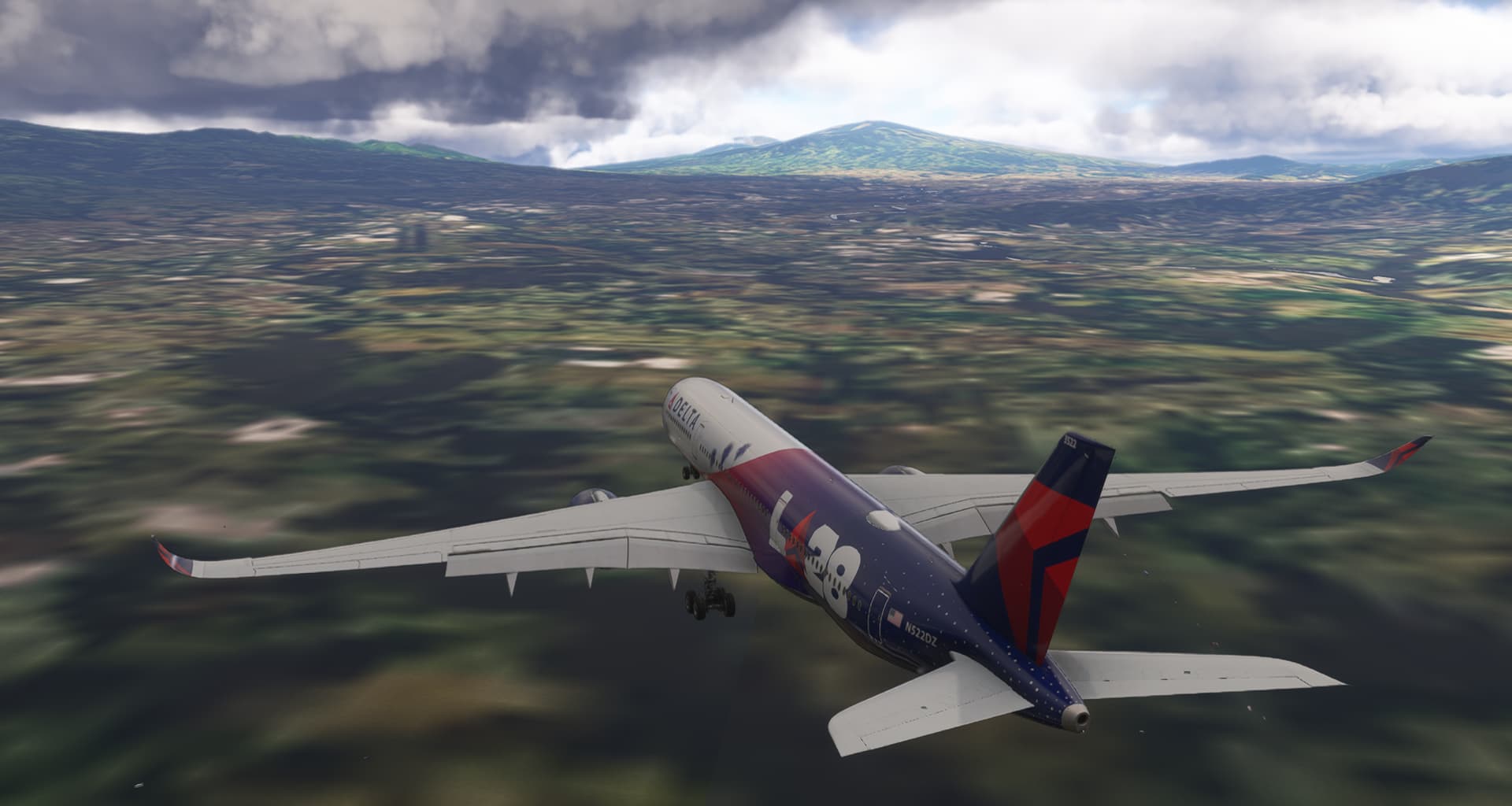
Same thing happens to me out of the blue
This issue still occurs in SU4 beta
ISSUE DESCRIPTION
After 7 hour flight CYYZ-EHAM, the terrain and the EHAM airport hasn’t loaded, the ground was uniform grey. Live weather was fine though, i.e. online services worked. This was with PG on. Switching PG off made the UI nonresponsive for about 15 minutes, after which the terrain was again empty. Trying to switch PG on again blocked the UI forever and I had to kill MSFS from the task manager.
EHAM airport and surrounding. Monday 10 November around 21 UTC.
FREQUENCY OF ISSUE
Once, haven’t tried again.
REPRODUCTION STEPS
Fly into EHAM and try to see any runway.
YOUR SETTINGS
Nothing unusual, things that work otherwise 100%.
MEDIA
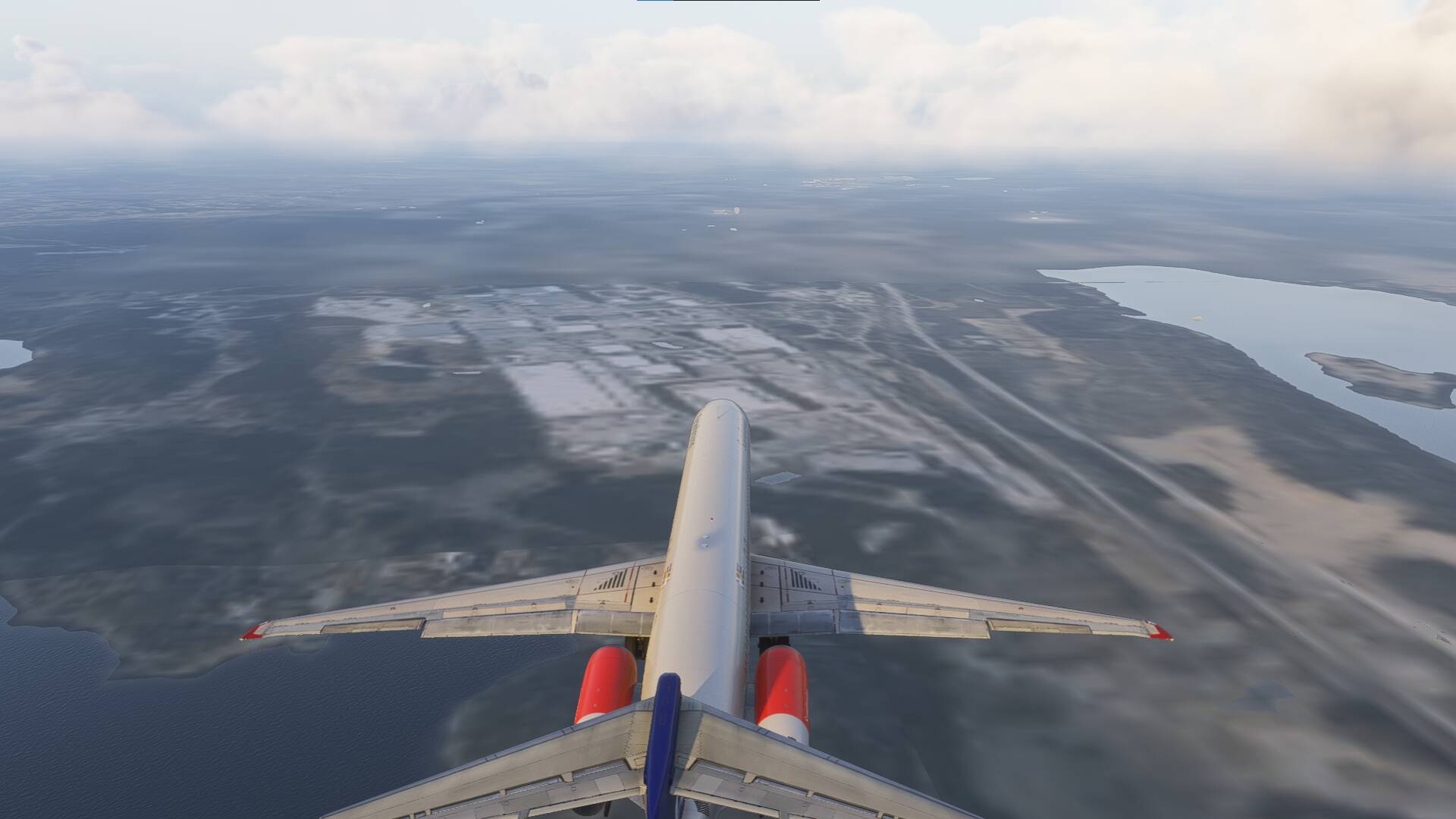
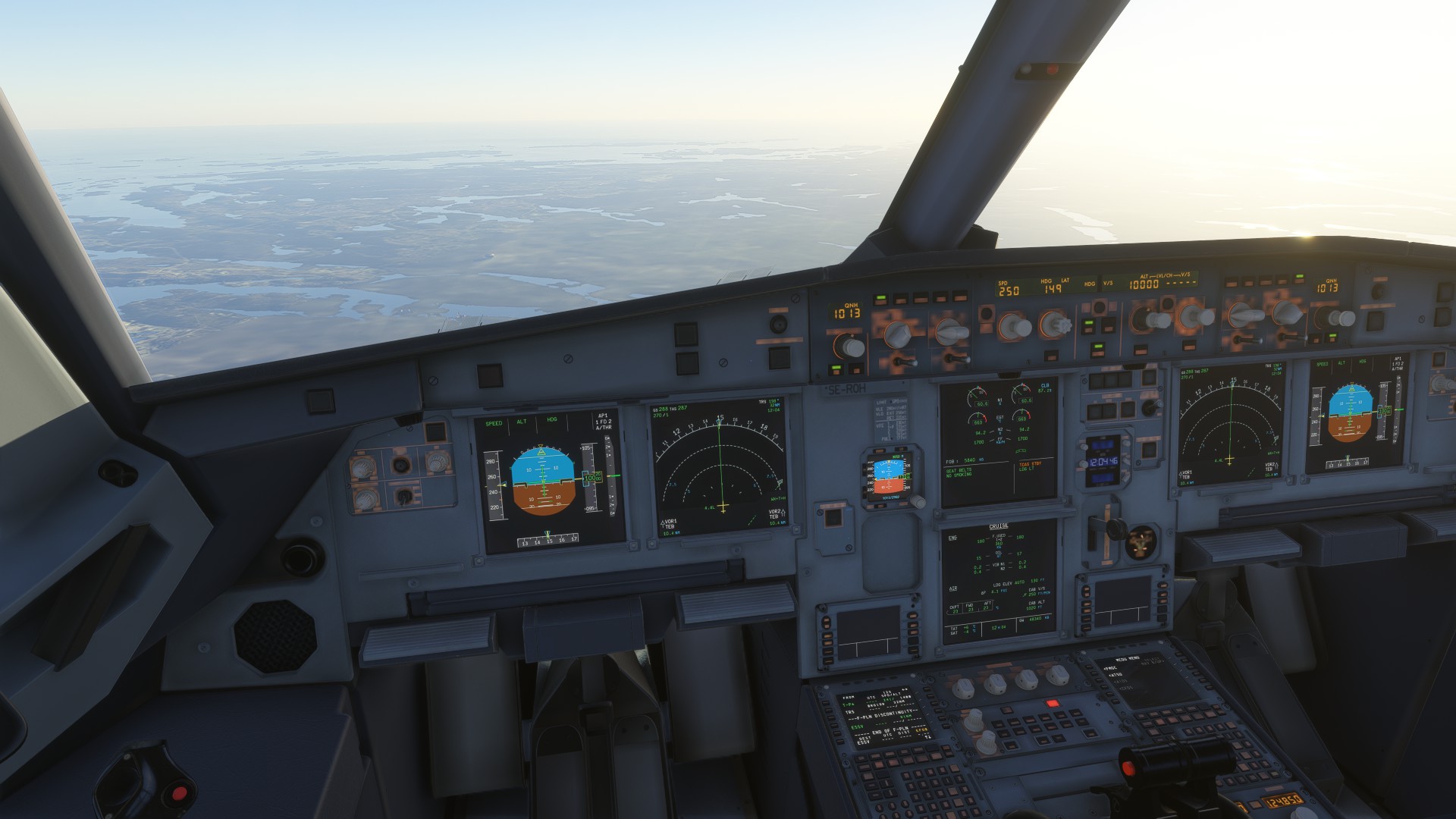
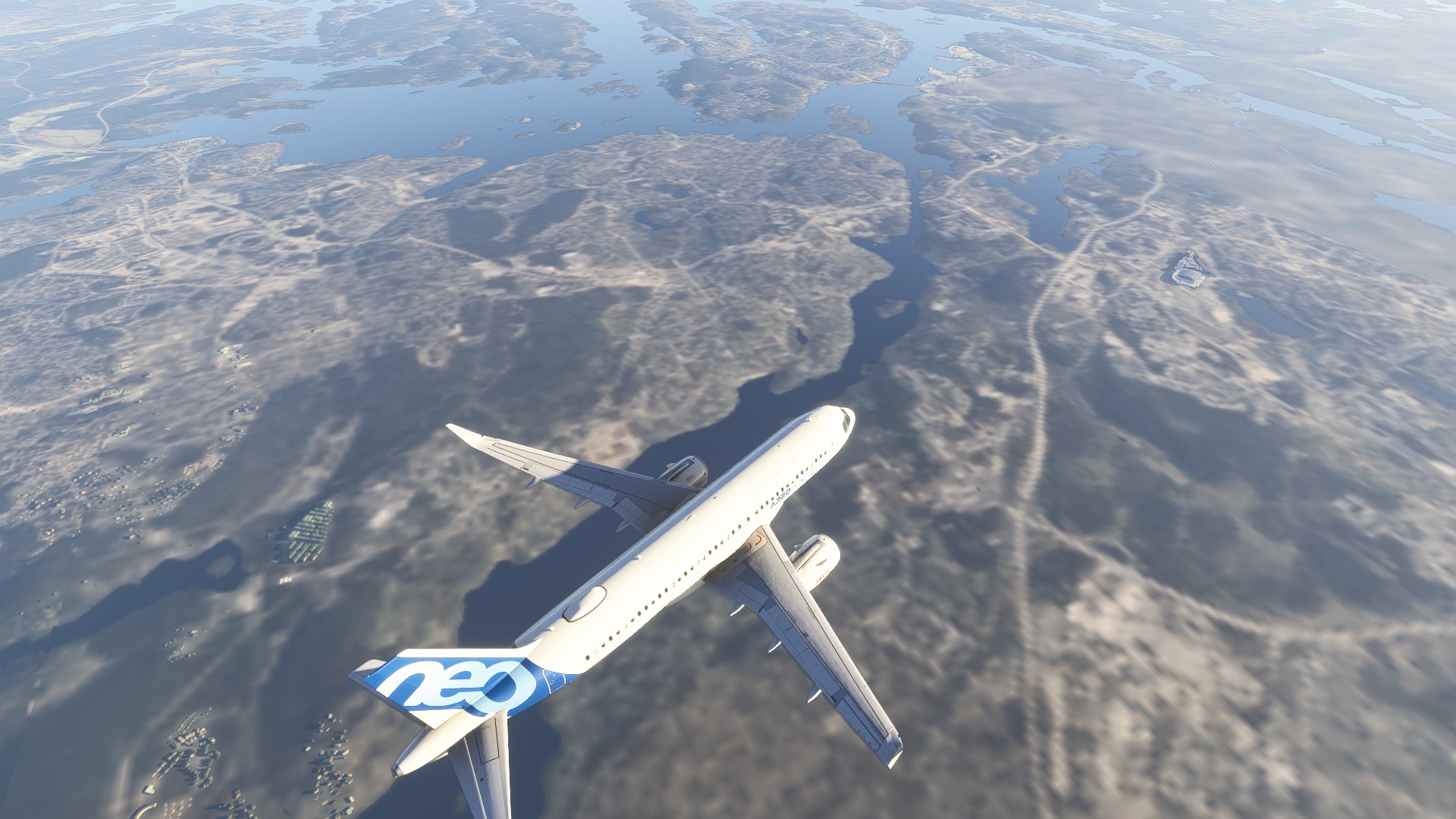
Does this have ANY attention from Asobo? I’m having the exact same issue. I’ve tried EVERYTHING. What the heck is going on with this game? FS 2020 never did anything this ludicrous - Asobo: PLEASE give this issue some attention.
This started happening to need right before SU4 launched in the last version of the beta and stayed on the public.
I now can’t land at a community folder stored airport with a crisp runway. The entire tarmac is blurry until I’m on it then it loads the texture. It’s honestly ridiculous that this is happening airports that are locally stored.
This issue might be also related to my issue i wrote here:
Also have this problem.
just flew an ILS approach to RW05 at CYYZ in the TFDi MD-11. Flew through weather. ATIS reported 1400ft ceiling. Broke through the cloud just above minimums and no runway lights, no texture, no runway, nothing.
Second time this has happened. Also flew an approach into LFMN in the Citation Sovereign+. Clear skies, no texture, no scenery. Just blurry ground.
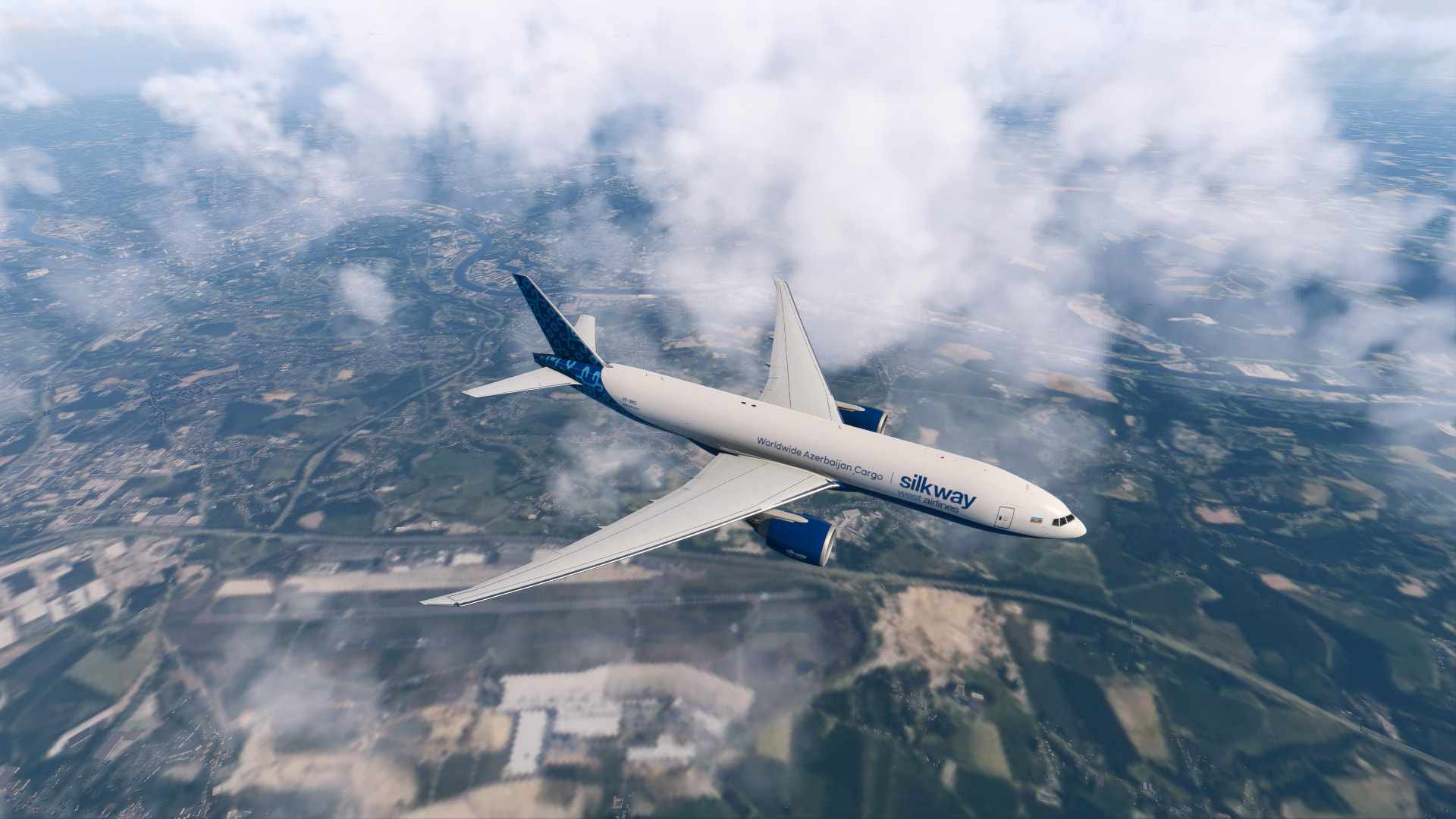
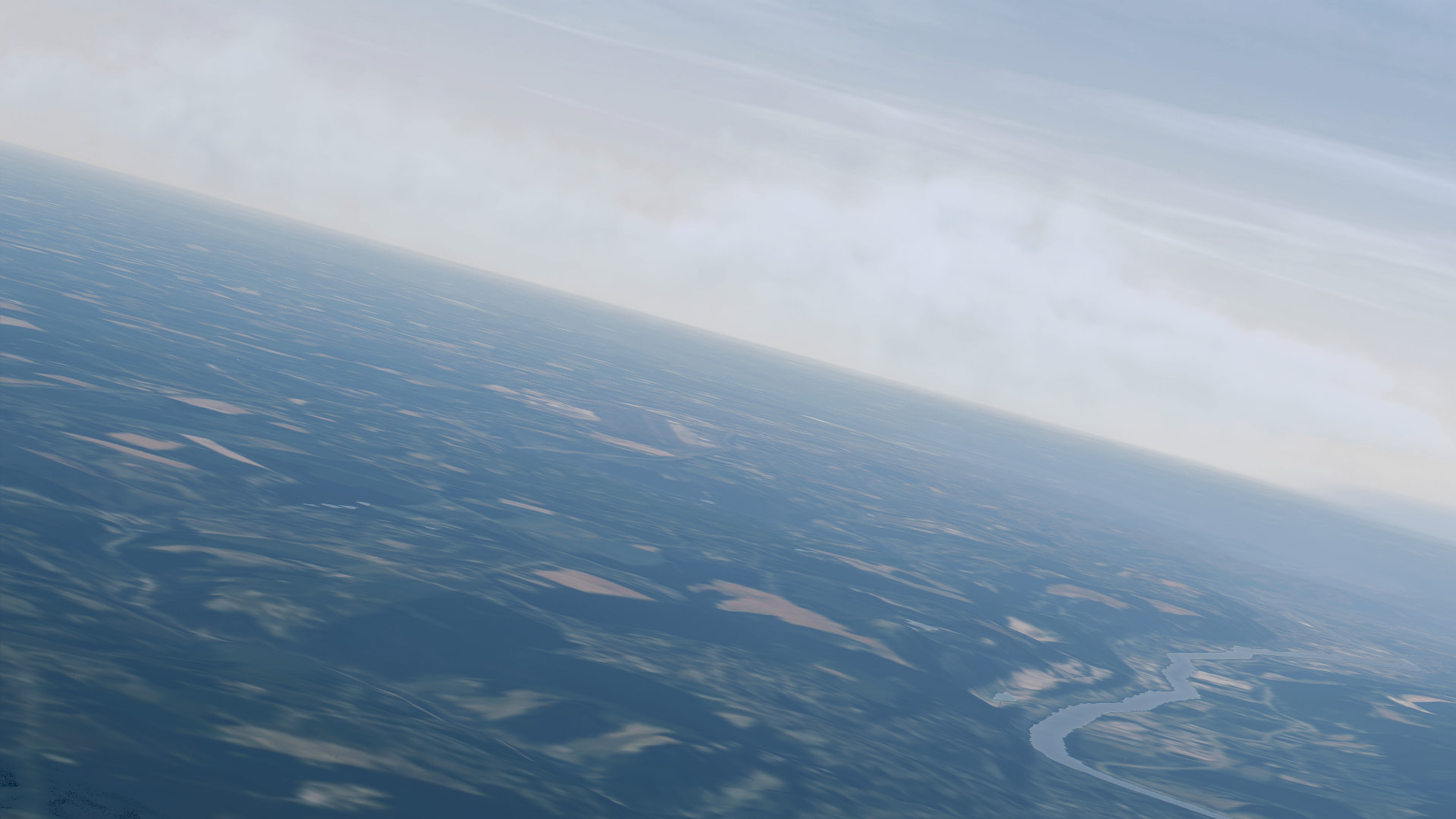
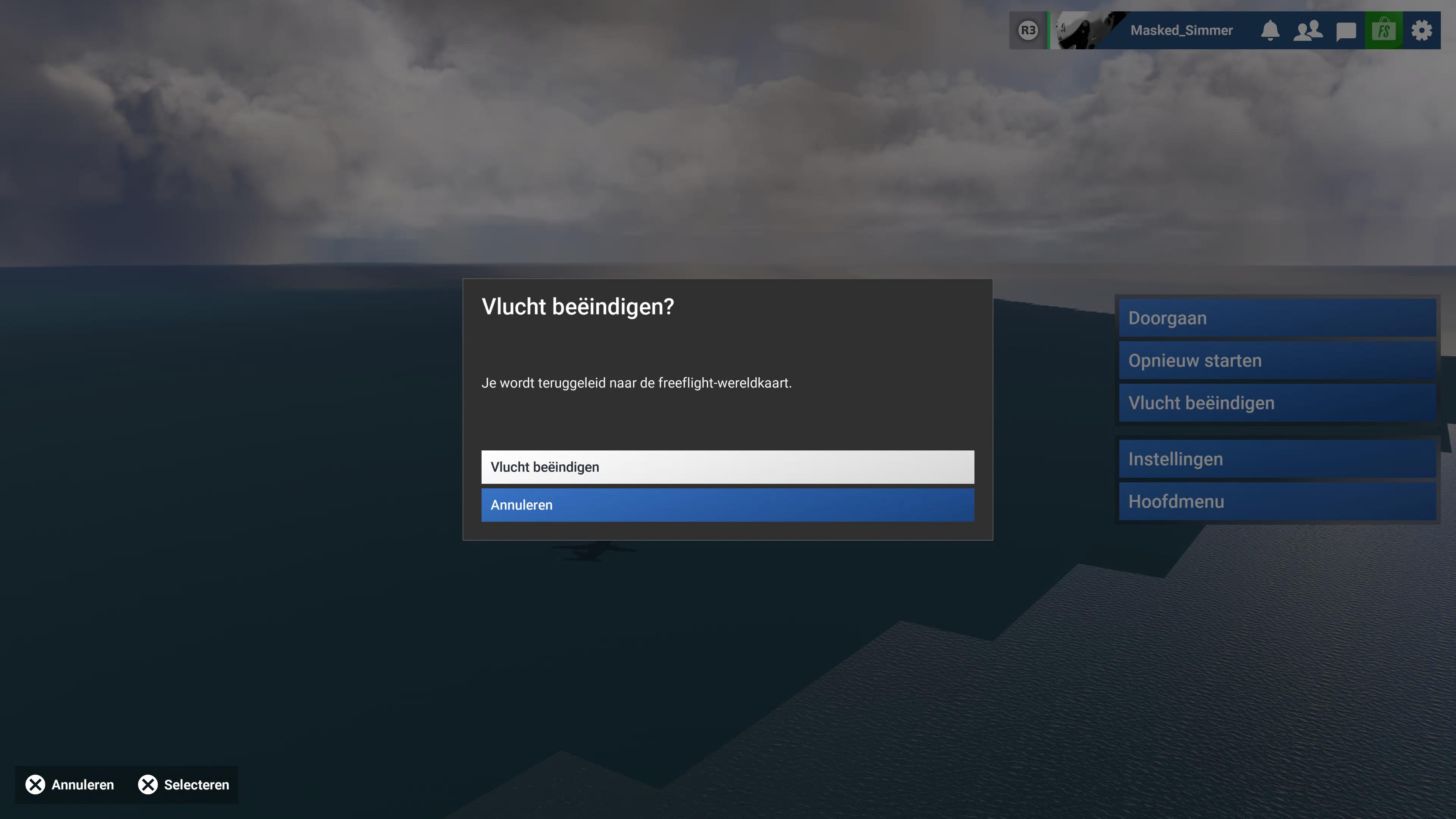
PS5 Pro: Ibiza island and scenery missing on arrival at LEIB in the PMDG 737-800 BBJ2
I would like to report another case of destination scenery failing to load in Microsoft Flight Simulator 2024, this time on PS5 Pro.
Platform: PlayStation 5 Pro
Mode: Free Flight
Aircraft: PMDG 737-800 BBJ2
Route: EHEH (Eindhoven) to LEIB (Ibiza)
Steps taken:
- Set up a Free Flight from EHEH using the PMDG 737-800 BBJ2.
- Change the simulator time from 20:00 to 13:00 before departure.
- The aircraft and departure scenery load correctly.
- Depart and fly to LEIB.
- On arrival, Ibiza does not load properly. Instead of the island and its scenery, I see only water and an indistinct patch where the destination should be.
Expected result:
The island, surrounding terrain and airport scenery should load as I approach Ibiza.
Actual result:
The destination appears to be missing almost entirely, rather than just displaying at a lower level of detail. Please see the attached screenshot.
Frequency:
This is the second time I have experienced destination scenery failing to load. I cannot yet confirm a reliable trigger or whether it happens on every flight on this route.
I have included the time change for completeness, but I do not know whether it is related to the issue.
Are other PS5 or PS5 Pro users experiencing this, particularly after flying to their destination in the PMDG 737-800? Is this the same issue as the one already reported here, or should it be investigated separately?
Please investigate why the departure scenery loads correctly but the destination terrain and scenery fail to load by the time I arrive.
Thank you.
Remember that the Bug Reporting Hub is to report issues with the base sim without any addons. Can you replicate using only 1st party aircraft and scenery ?
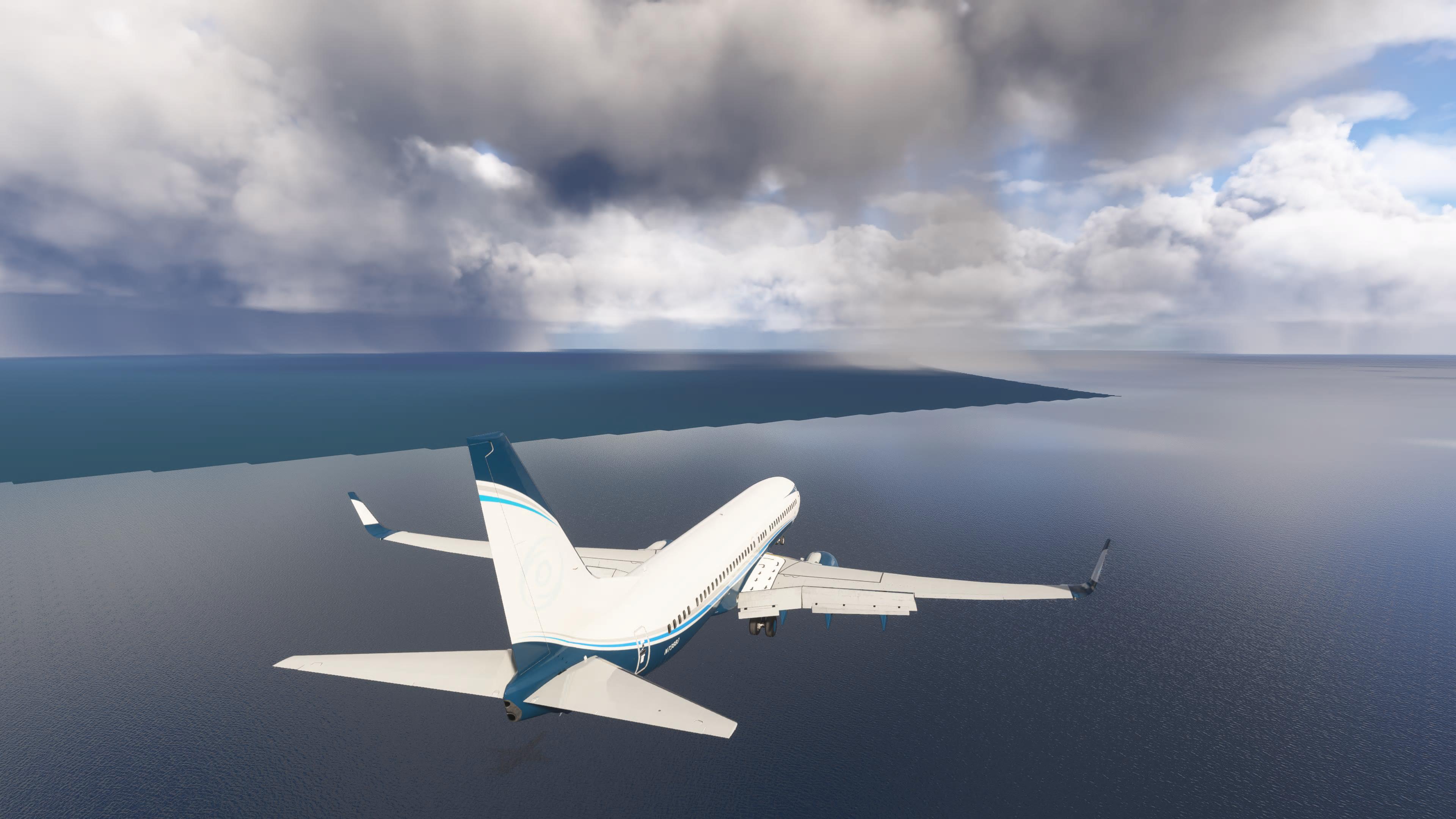
I struggled with this issue for months, did a full computer (Windows 11) reinstall.
The way I solved it was by disabling photogrammetry.