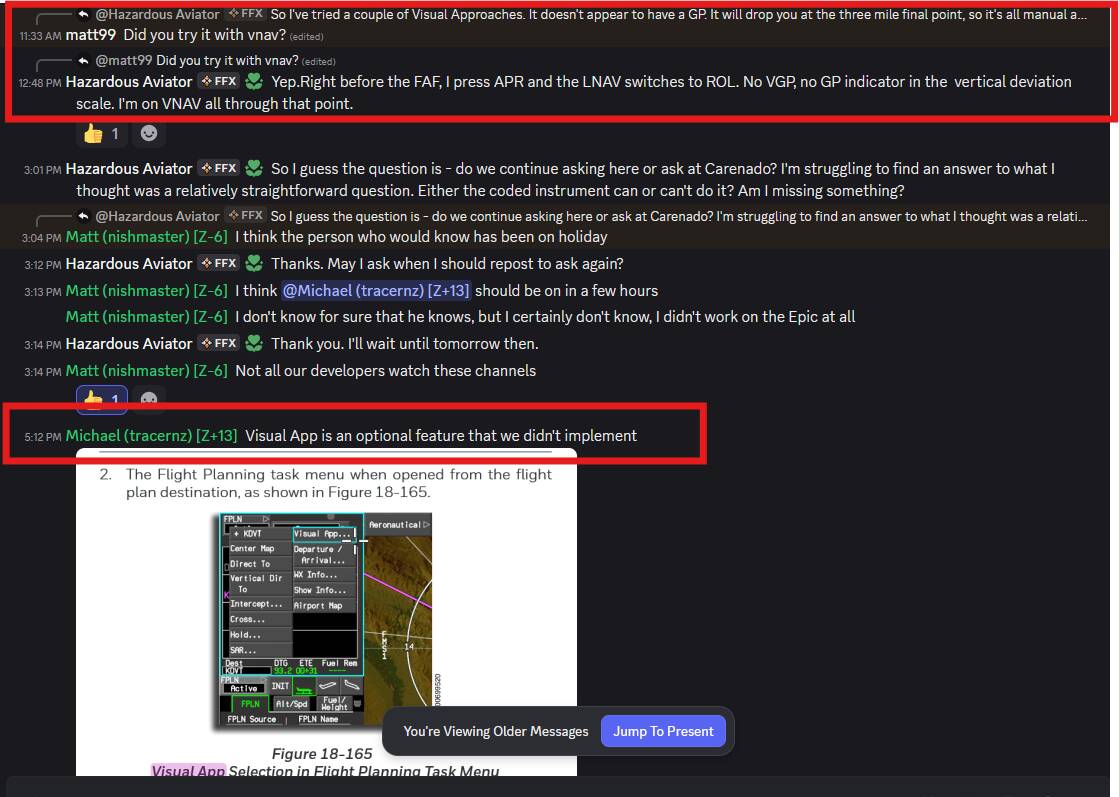
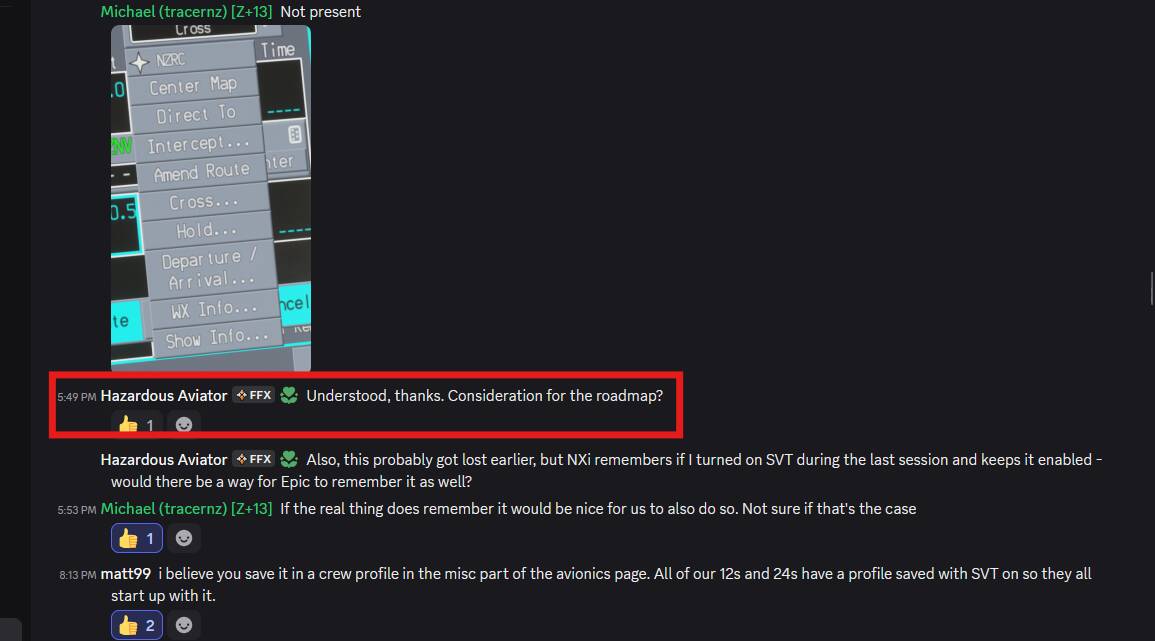
Based on the notes I have, it never worked as a Coupled Autopilot approach, starting at November ‘24 launch. It was one of the first questions I asked of Working Title on Honeywell ACE.
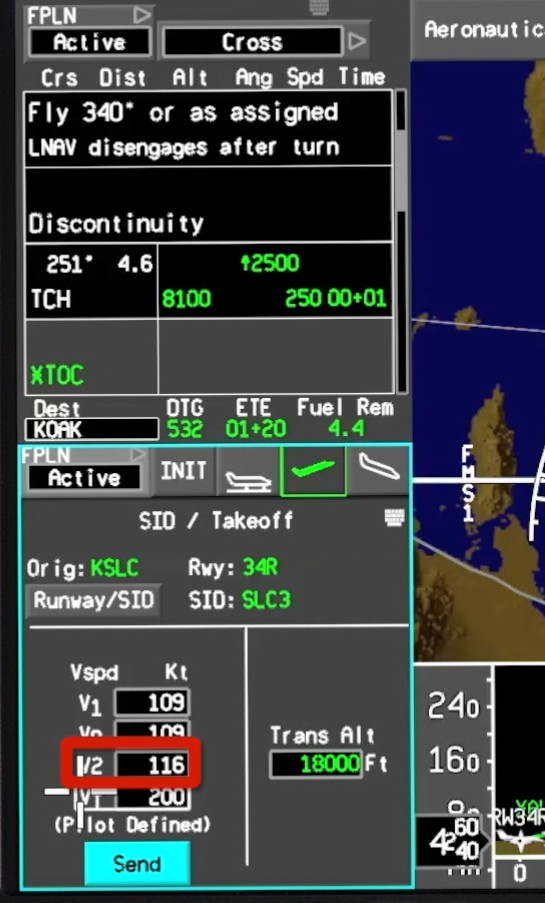
Here you go - I asked them a while back - red boxes are my edit for ease of follow:
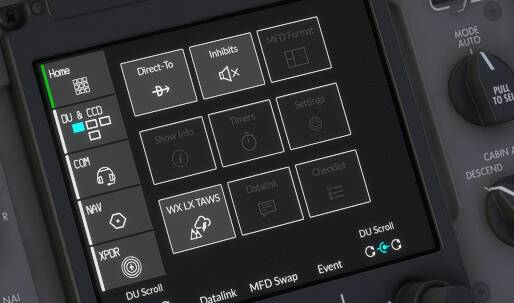
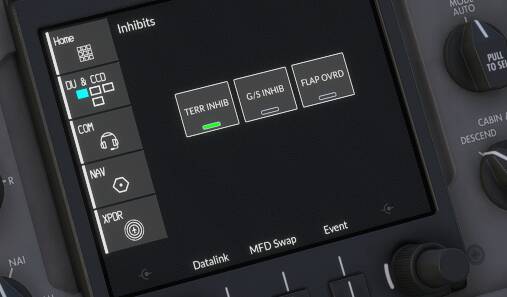
I learned to inhibit TAWS because I got fed up with the “terrain ahead, pull up” warnings with that cowboy accent. Yes, I know there’s terrain ahead, I’m landing.
Landing is indeed hard. My issue is that for the autothrottle, full flaps means 110 kts IAS, but at that speed the plane is on the verge of stalling, even though in real life the stall speed is 83 kts. Yet anything higher than 110 and the plane floats. Pretty hard to put it down smoothly. Even if I approach with ILS, the autopilot has a hard time keeping the plane straight at low speeds. It just wants to fall out of the sky even at 120-130 kts. Definitely not an accurate flight model.
Sorry, I was referring to the approach transition. This is implemented and has always worked very well for me, to the point of making almost perfect approaches on all types of runways. Since a couple of updates, the aircraft stays at an altitude of 2000 feet. It still works well at some airports, but it continues to fail at most.
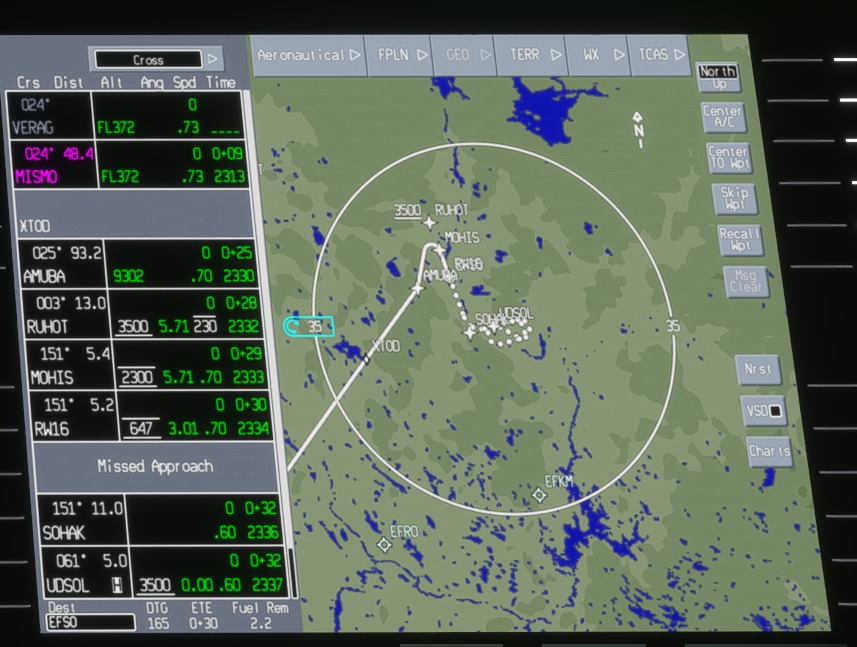
In this image I posted earlier, you can see how the plane should arrive at MOHIS at 2300 feet and at RW16 at 647, making a perfect transition in which the plane should almost land on its own. For some reason, it stays at 2000-1500 and does not descend to 647. I have made more than 100 flights with the PC12 in the first updates, and it worked perfectly.
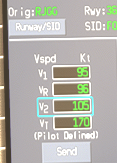
maybe they used a takeoff calculator? the figures i gave are from the pilatus website (from and older version before they removing most of the technical data).
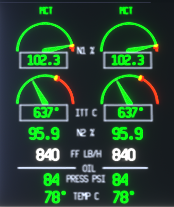
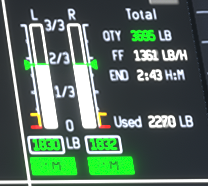
i notice fuel flow is doubled, since it’s applying the total real-world fuel flow to each EACH ENGINE. facepalm
Those speeds are for most part correct to the PC24. From my experience it’s the flight model that’s off. 109 should be enough to get it in the air but even with the nose whee off the ground it won’t lift off until closer to 130. On approach it sits so high nose up at approach speed that you cannot see anything in front of you. That’s not correct flight behavior and it needs a good work through by the devs
About 15 seconds into the video, you’ll see VNAV come out of arm, and VPATH becomes active. Note the symbology, the FMS confirms I’ve selected a LPV approach which means I should have vertical guidance down to 200’ past the FAF which is the same as yours - MOHIS. I have 2100 selected on the ALT SEL which is what VNAV triggered off - that’s the closest to the FMS telling me it’s 2130’ or so - check the FPL entry in the MFD.
About 1:45 in, I armed APR as I made the turn from RUHOT to MOHIS, and the Virtual Glide Path (VGP) immediately activated, so I’m actually on GP at that point before the FAF.
About 3:22-3:23, I pass MOHIS and you can see Vertical Guidance is still active - all the way down to MDA before I manually cut out AP and handfly to the tarmac.
It would be great if Carenado mapped the speed brake LVAR to the spoilers keybinds/axis in the sim. We could have steeper but easily stabilized approaches.
Takeoffs, yeah I pad it to 120 indicated before rotating.
Several users here feel the opposite. Also, it wouldn’t be the first change to be omitted from their notes - plus the fix could theoretically have been something in the core sim.
The fuel flow is correct, you have the individual fuel flow for each engine in the top graphic and the combined fuel flow in the bottom graphic and estimated time left in the air based on fuel burn, wind, weight etc.
If you look at the PC-24 specs when they were on the manufacturer web page its based on the aircraft passenger and cargo weight of 50%. This gives it a potential range of 2000 nm only if you dont have a headwind.
This works out about correct based on the flights I’ve done in the PC-24, we always tend to be fully loaded, and if I dont get a headwind or with a tail wind I can get 1500-1700 nm out of her. This is with careful management at 45,000 feet, mach 0.69.
This of course is considerably less if you have a headwind, travel at a lower altitude, or at mach 0.72/0.73, so you have to take all the factors into account.
That would be fantastic for the B390 Premier as well. The speed brake key bind activates them, just not visually, you have to use the switch in the cockpit for that. And the lift dump doesn’t have a key bind and is a pain to activate manually on pc
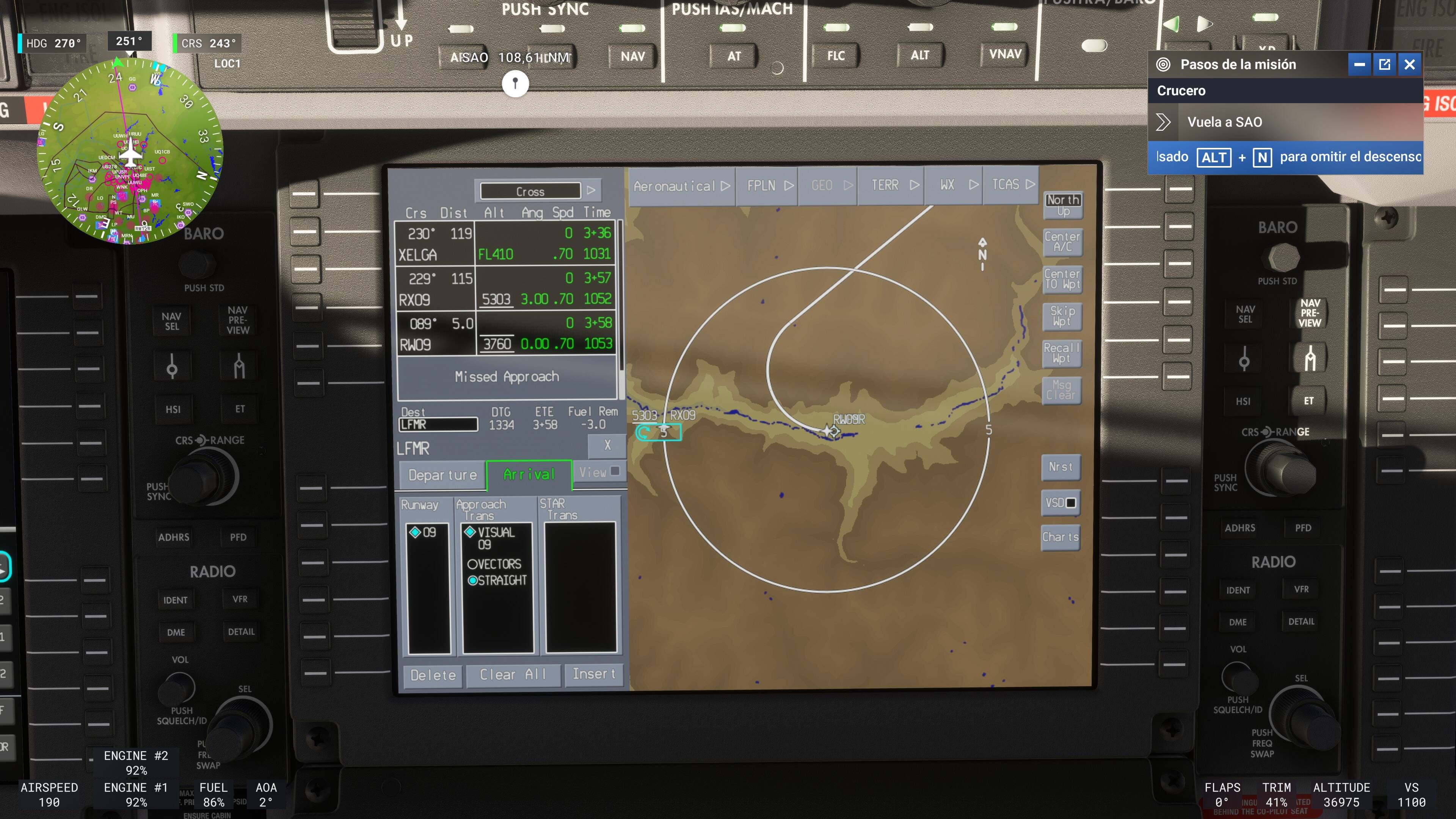
Thanks for the explanation and the video, but I’m not referring to classic RNAV either. I’m referring to the approach taken by Honeywell when there is no approach procedure at the airport.
There are no problems with airports that have their own approaches (RNAV or ILS). The problem lies with those who have no approach, and Honeywell generates its own approach.