Commentary in a voice just made for wildlife documentaries.
2 Likes
I installed latest drivers 471.41 GRD. All benchmarks I ran so far show the exact same performance, inside error margin, than previous one. I didn’t try yet in MSFS but I don’t expect any changes.
1 Like
I think that is what most of us would expect, I never rush to install new drivers but I do keep them up-to-date along with Windows updates. We will see what happens with this very hyped update that is coming shortly, I hope it’s as good as it sounds and that future display driver optimisations along with the performance patch, make this simulator a very fluid one. Charles.
 There is a little bit of Attenborough in there, now you mention it!
1 Like
ObsidianAnt voice is very special, and I liked all video he posted so far.
3 Likes
Yeah love his voice overs 

1 Like
I am beginning to wonder if a new Nvidia hot-fix driver might be needed in relation to these new CTD’s, following this weeks update, does anyone have any knowledge or ideas?
Charles.
No CTD here with the latest driver @ 1080
1 Like
No I am not having any problems, I did have a few CTD’s after this last patch, (initially) but removing the A32NX solved my temporary issue.
That’s wait and see if we get a hot-fix driver for the latest incarnation of MSFS, I hope it’s that simple!
Charles.
Have downloaded 471.41 and no specific problem with the sim. Everything gets smoothly. However it doesn’t seem to make any special difference with the former 471.11 so far.
1 Like
This may be of interest to you, I disable ‘SearchApp.exe’ when using my simulator. The application has been recorded as causing high CPU temperatures and interfering with the Nvidia Control Panel…
I disable it as a precaution as I have a lower end PC and don’t want it running in the background when using my simulator. It might not be necessary however, I do it anyway. This problem may now be fixed?
Charles.
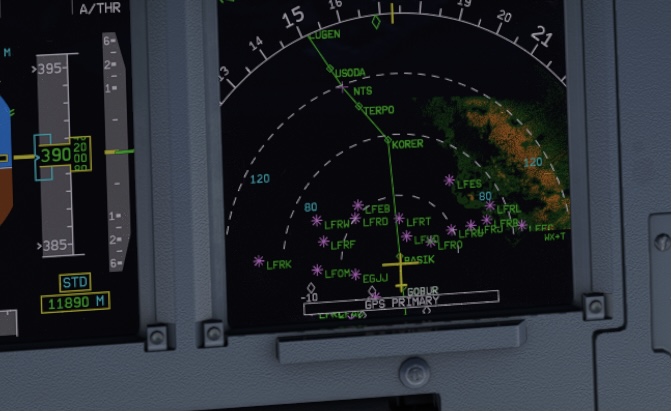
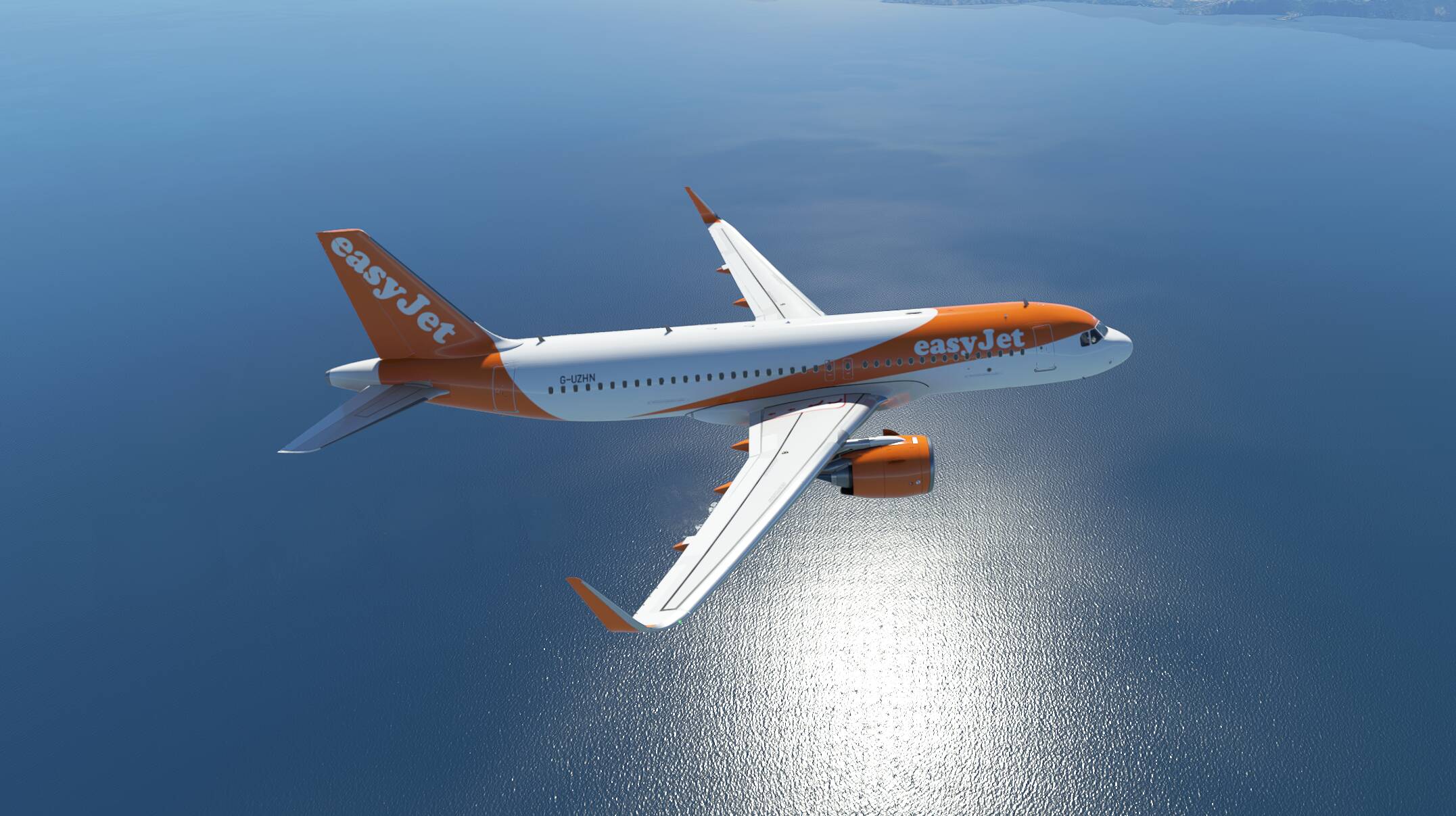
The only issues I currently have is the “netting” pattern effect (seen on water reflection), which seems also to cause the problem on lines, like AA doesn’t work well (white lines on the display).
Zero idea how to get rid off it.
4 Likes
There is a new driver update version: 471.68.
Has anyone ever tested this?
2 Likes
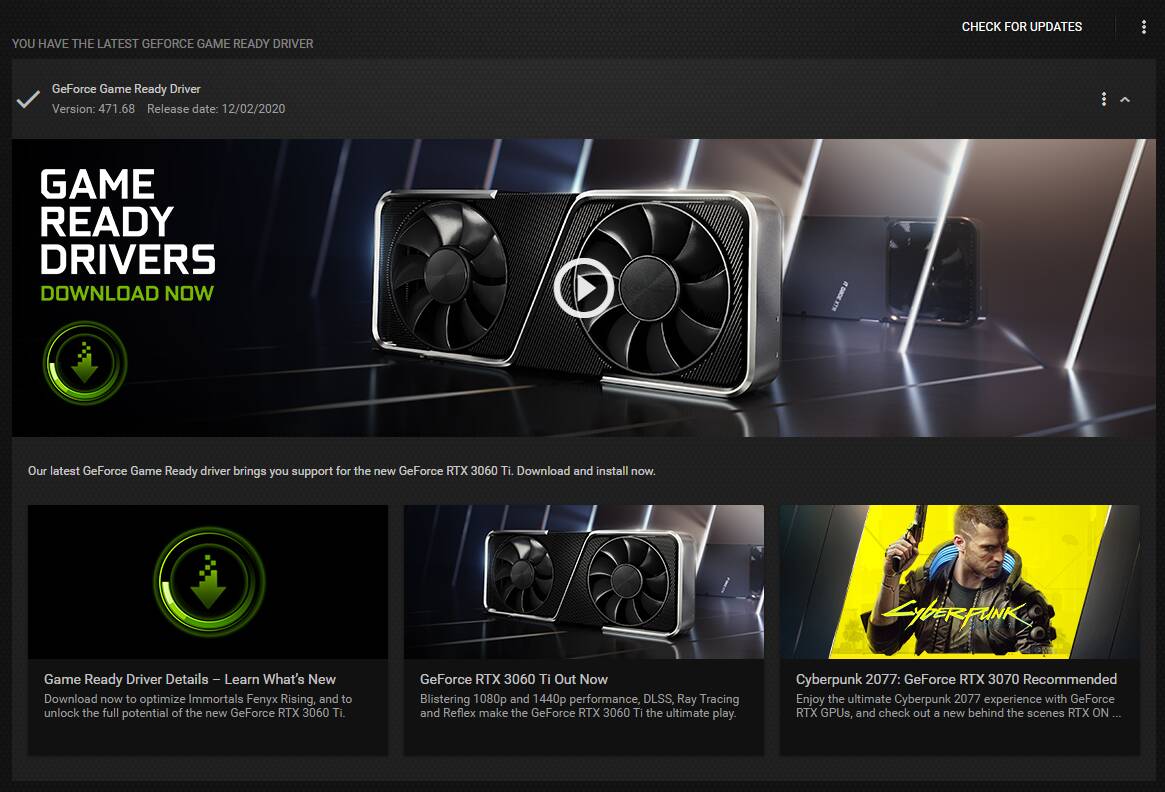
I have just installed the latest. Not sure if something wrong with Nvidia: Version 471.68 Release Date: 12/02/2020
3 Likes
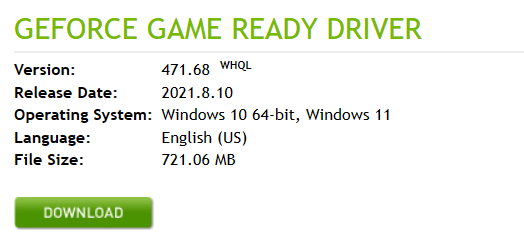
I updated with my GeForce Experience and it showed date like that. However my Device Manager showed the correct driver date: 08.05.2021
2 Likes
https://www.guru3d.com/files-details/geforce-471-68-whql-driver-download.html
I wonder how they are going to work with this new MSFS latest version, only one way to find out…
Today I have been having to wait a long time to launch the simulator, the checking for updates stage has been taking way too long. Probably a problem with the servers,
Charles.
Support for 7 new G-SYNC Compatible gaming monitors: AOC AG274FG8R4+, AOC AG274QG3R4B+, ASUS VG258QM, ASUS PG32UQ, Lenovo G24-20, MSI G251F, and ViewSonic XG320Q.
- NVIDIA RTX Desktop Manager - 202.03
- HD Audio Driver - 1.3.38.60
- NVIDIA PhysX System Software - 9.19.0218
- GeForce Experience - 3.23.0.74
- CUDA - 11.4
- DCH NVIDIA Control Panel - 8.1.961.0
Release 470 will be the last driver branch to support Quadro desktop GPUs based on the
Kepler architecture.
l wish they’d stop doing that in alphabetical order, because my monitor is a Samsung lol… But I do see a ViewSonic on there. I know mine WORKS, it would just be nice to have the driver that explicitly supports and exploits it. Then again, when it comes to flight simming, 90% of the time I’m looking through my HP Reverb G2s, not at my Samsung!
Kev
1 Like
I have a IIyama GB2788HS Freesync monitor, it is not supported by Nvidia G sync, however it does seem to work.
Charles.
Thanks for the update. Let us know how she runs!
1 Like