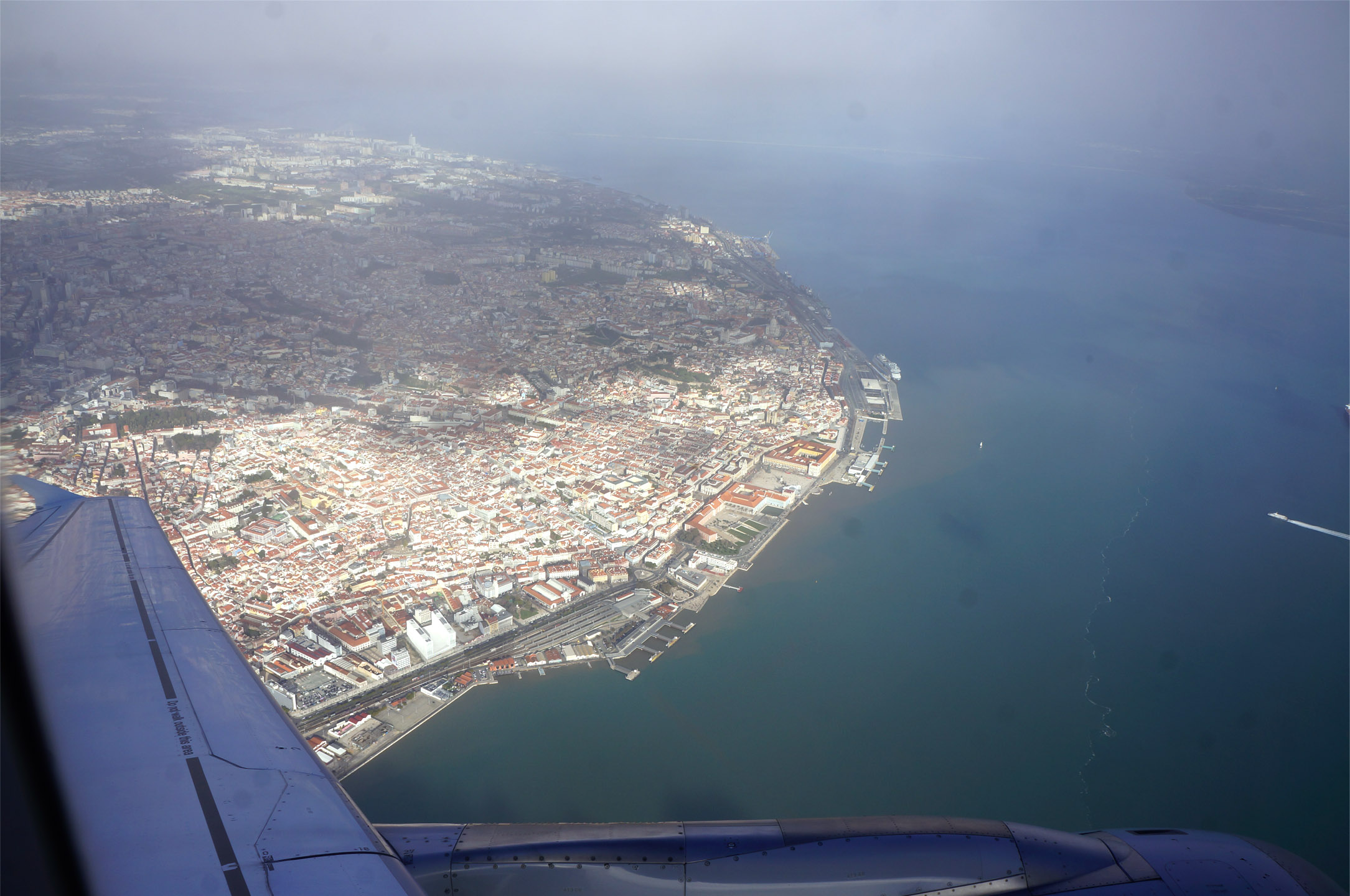
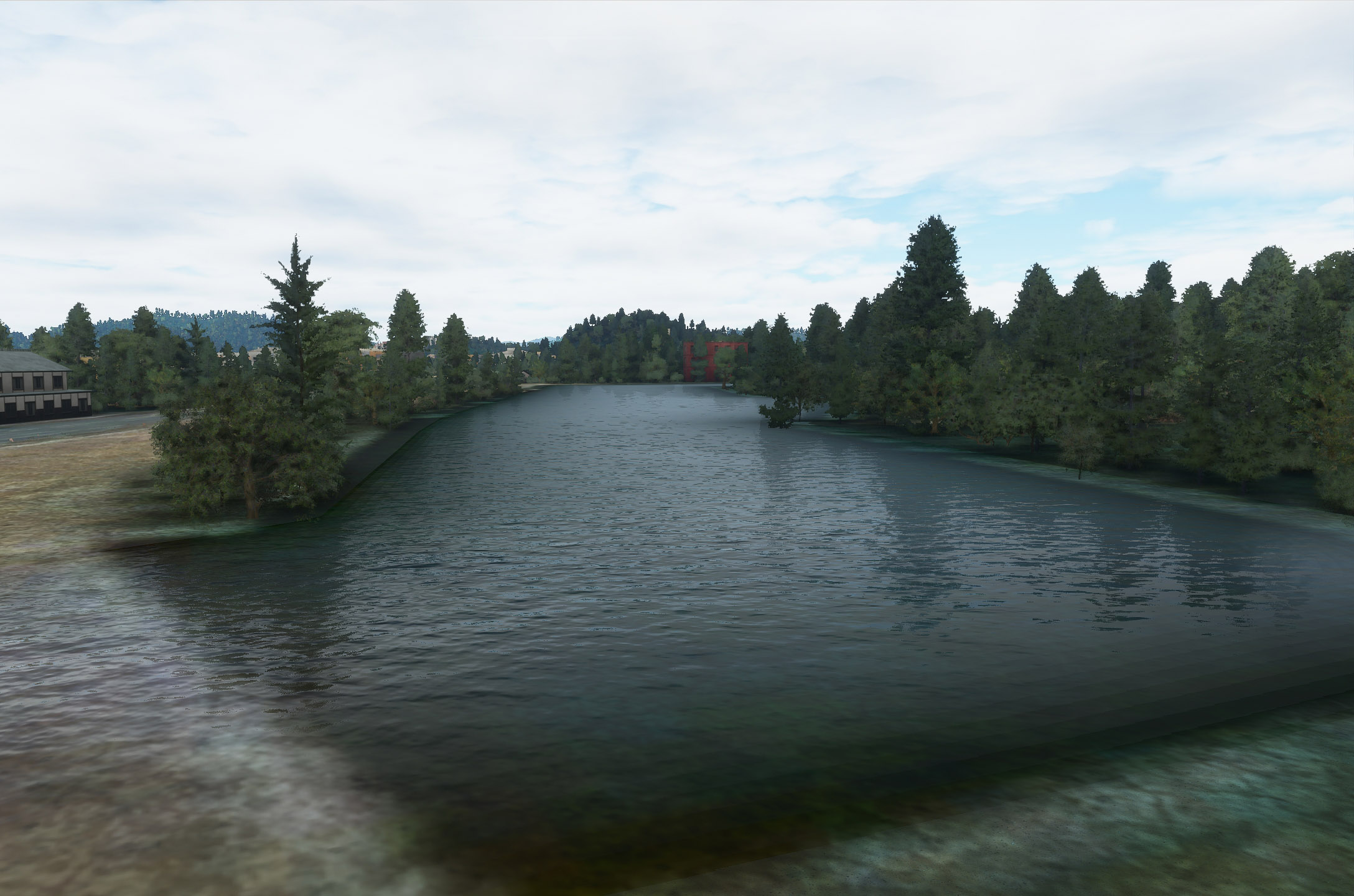
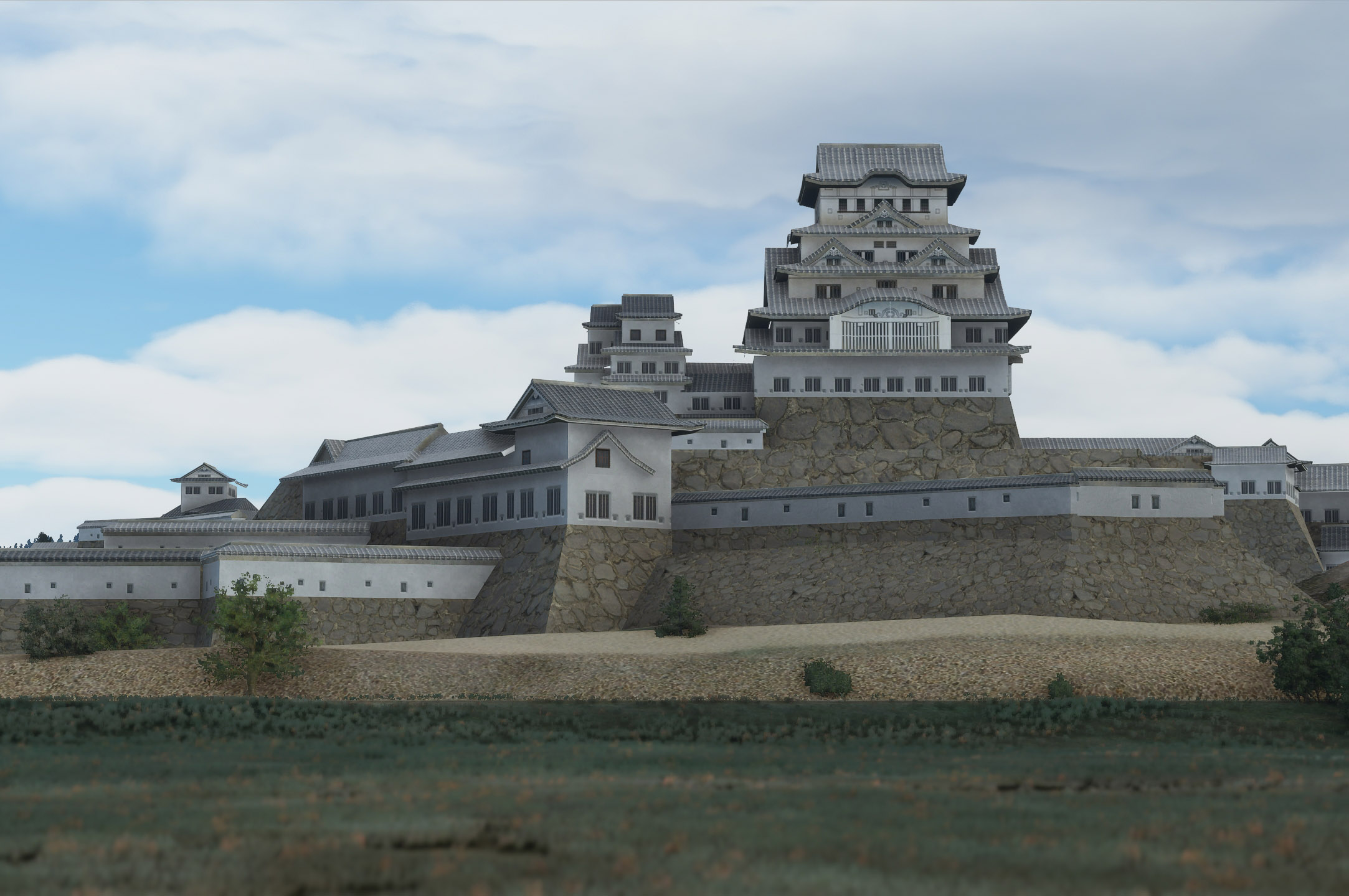
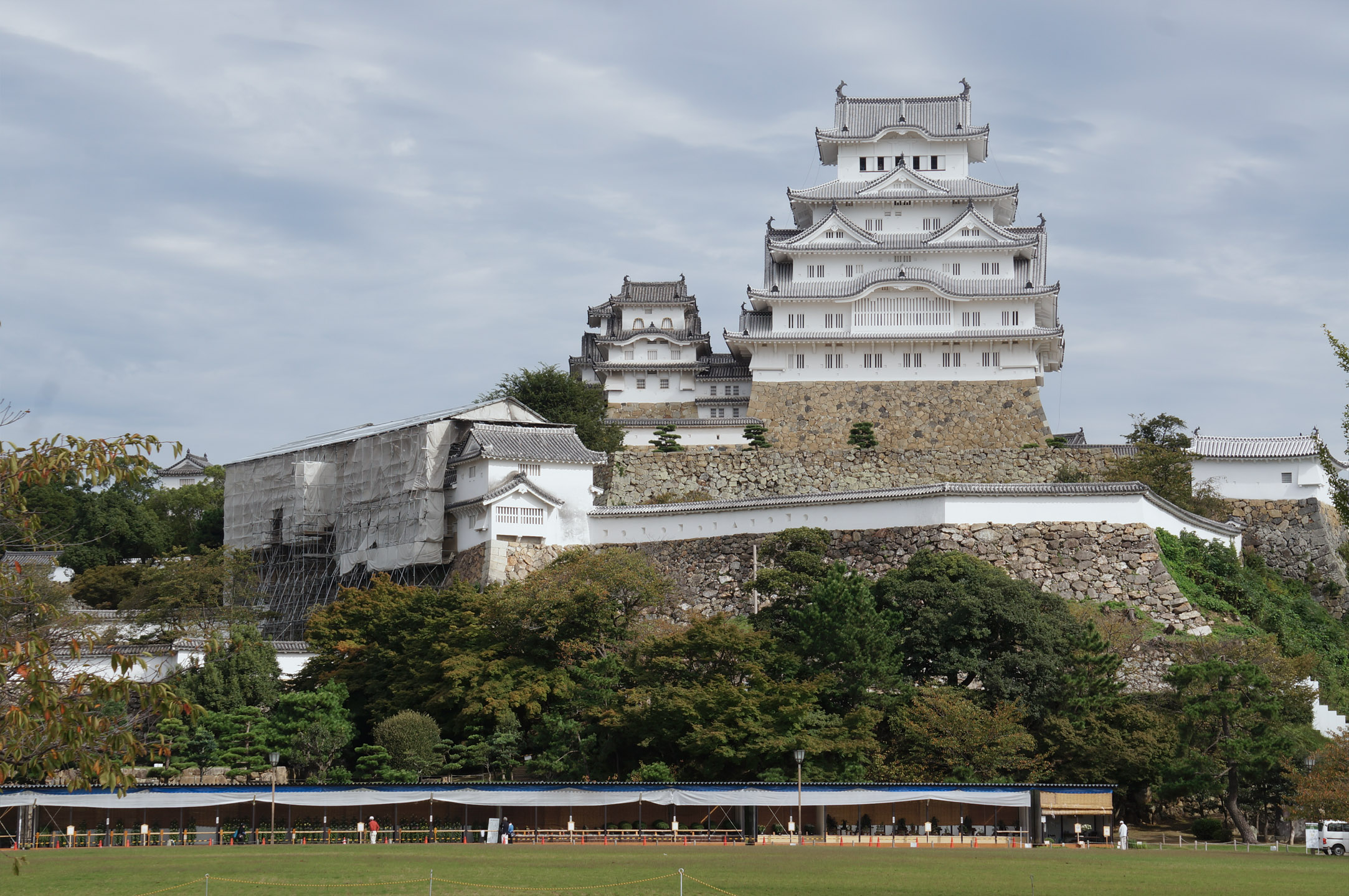
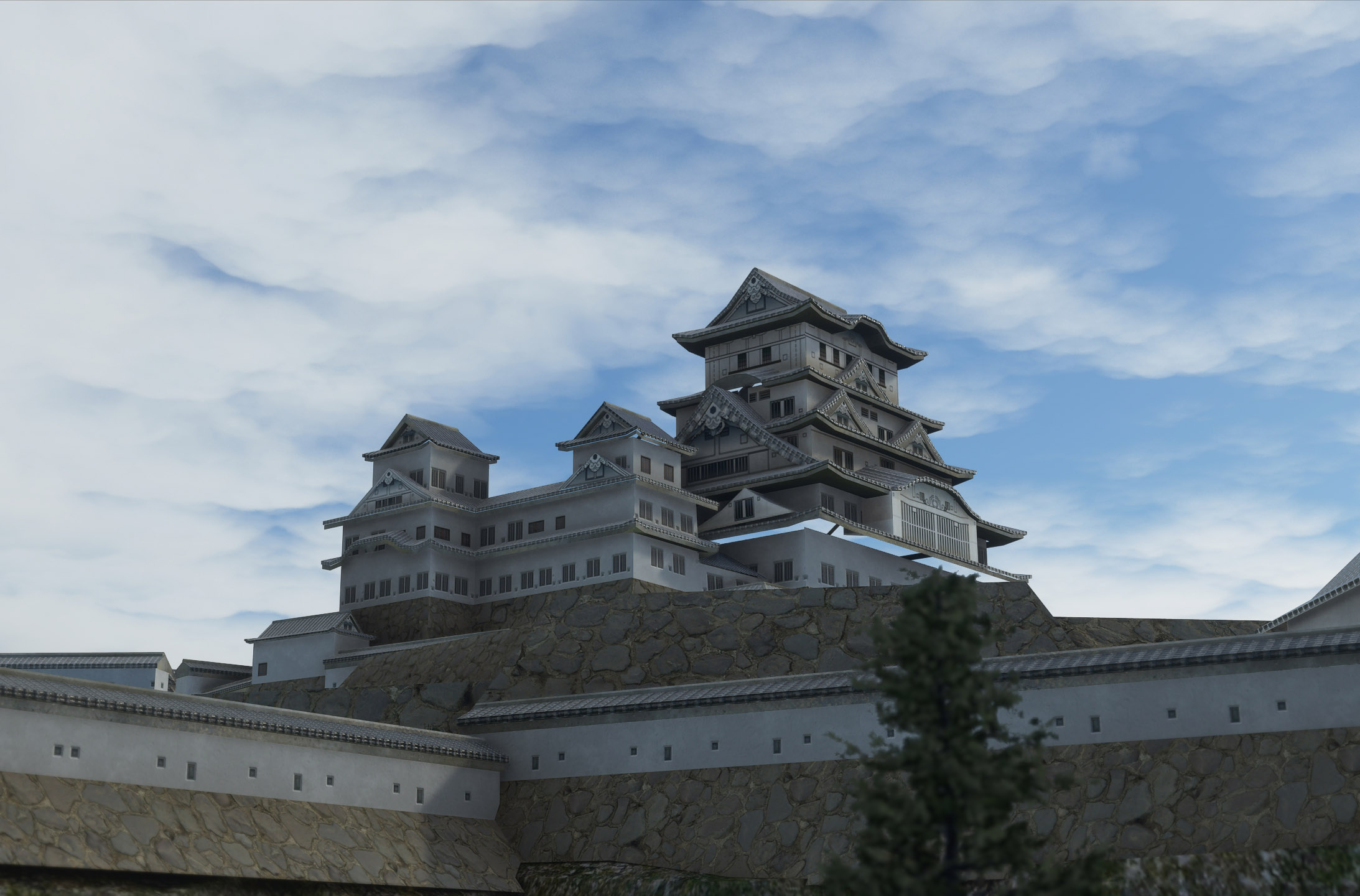
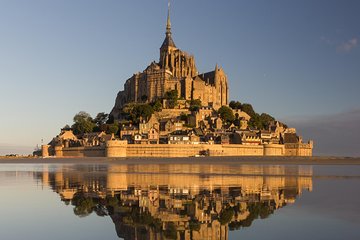
Le Mont-Saint-Michel


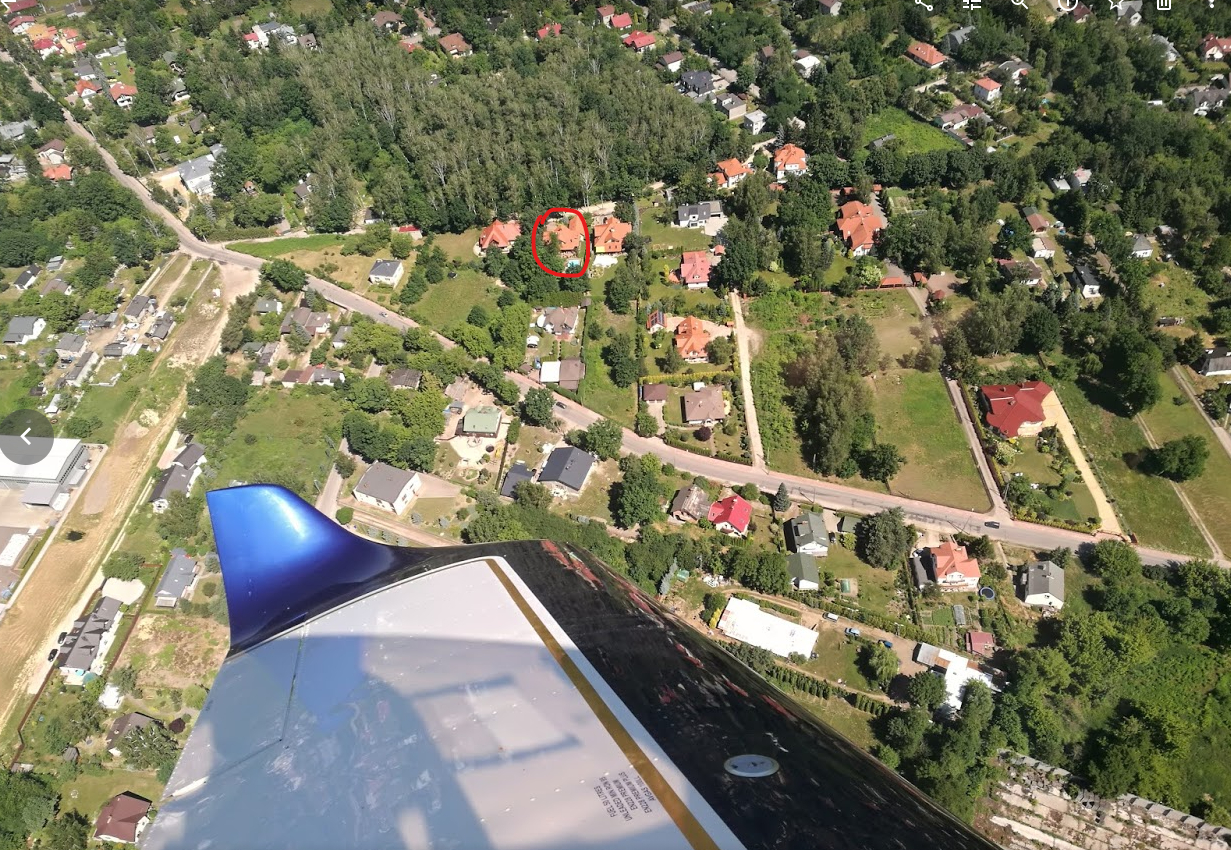
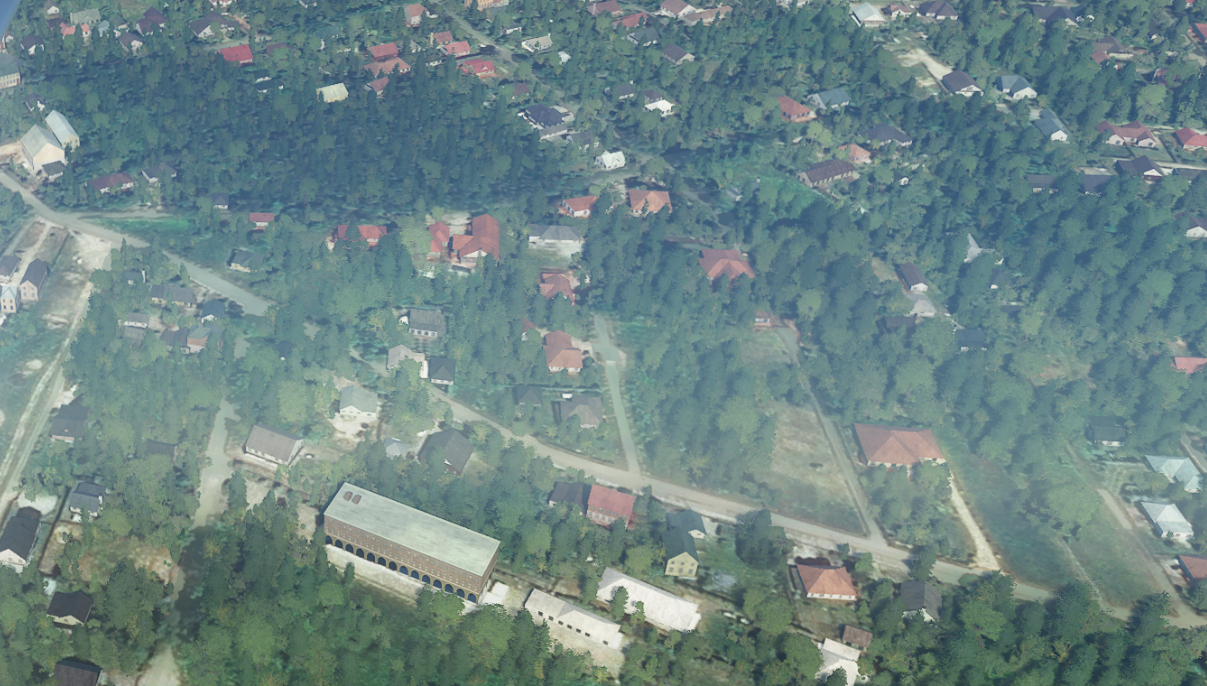
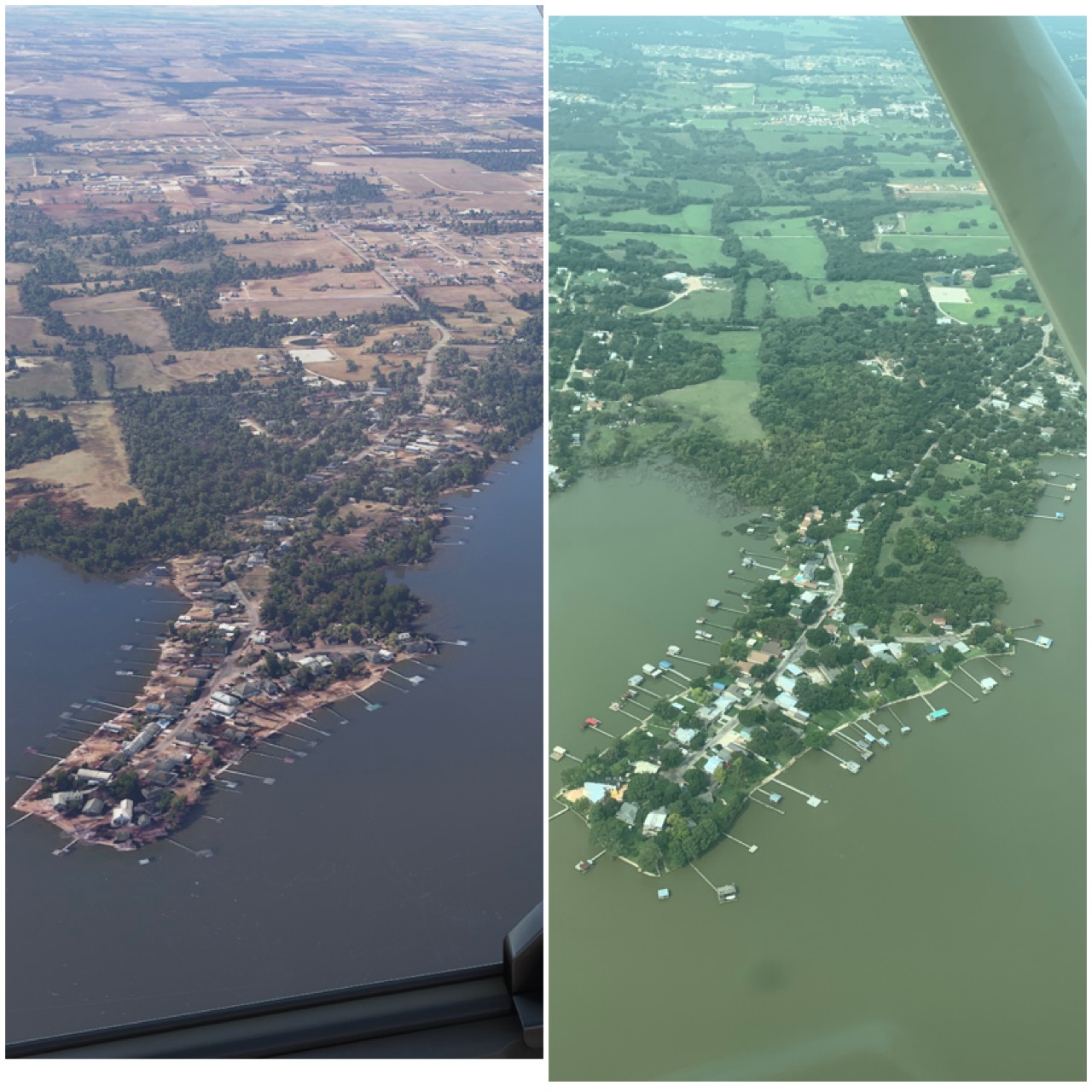
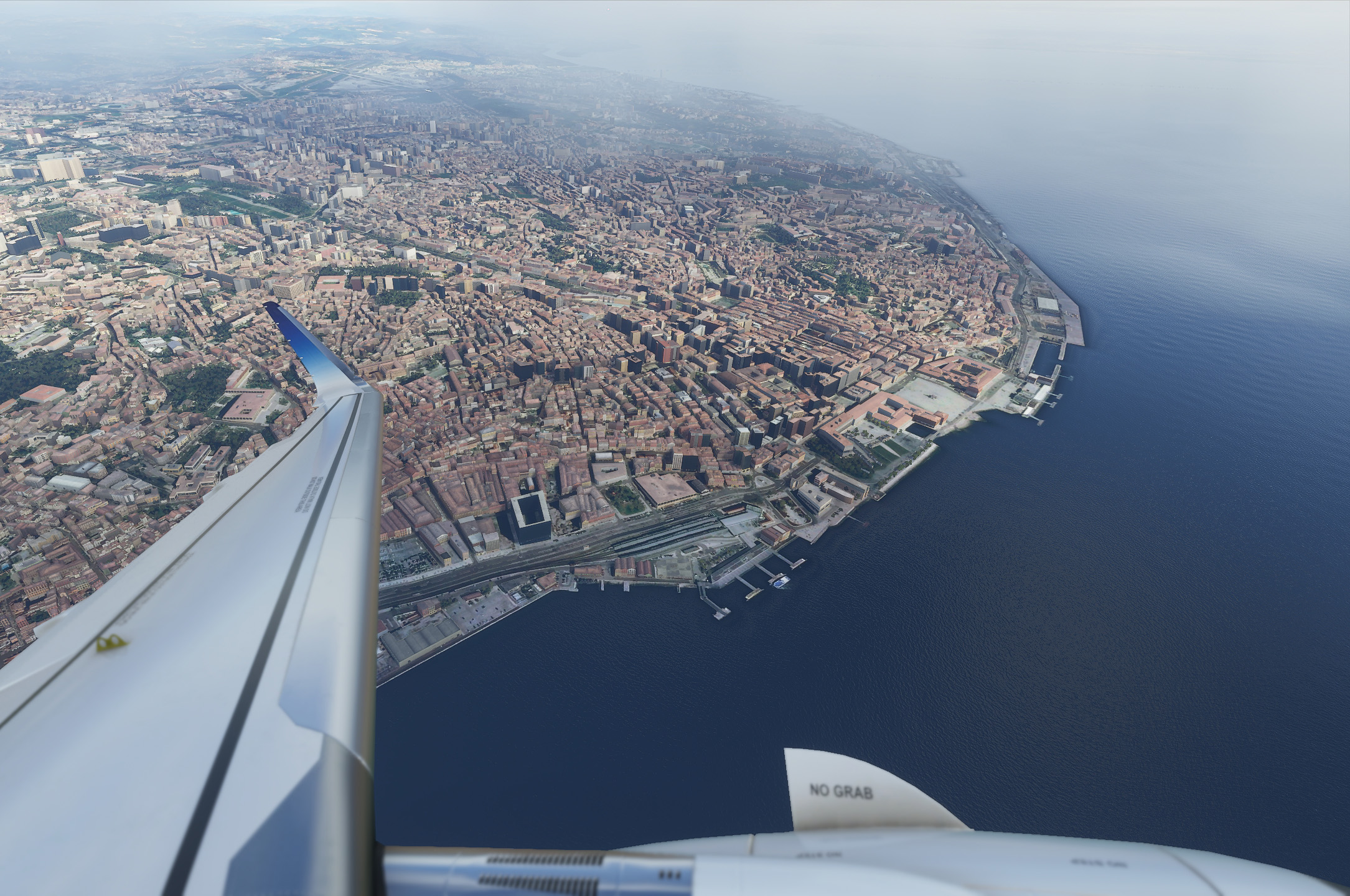
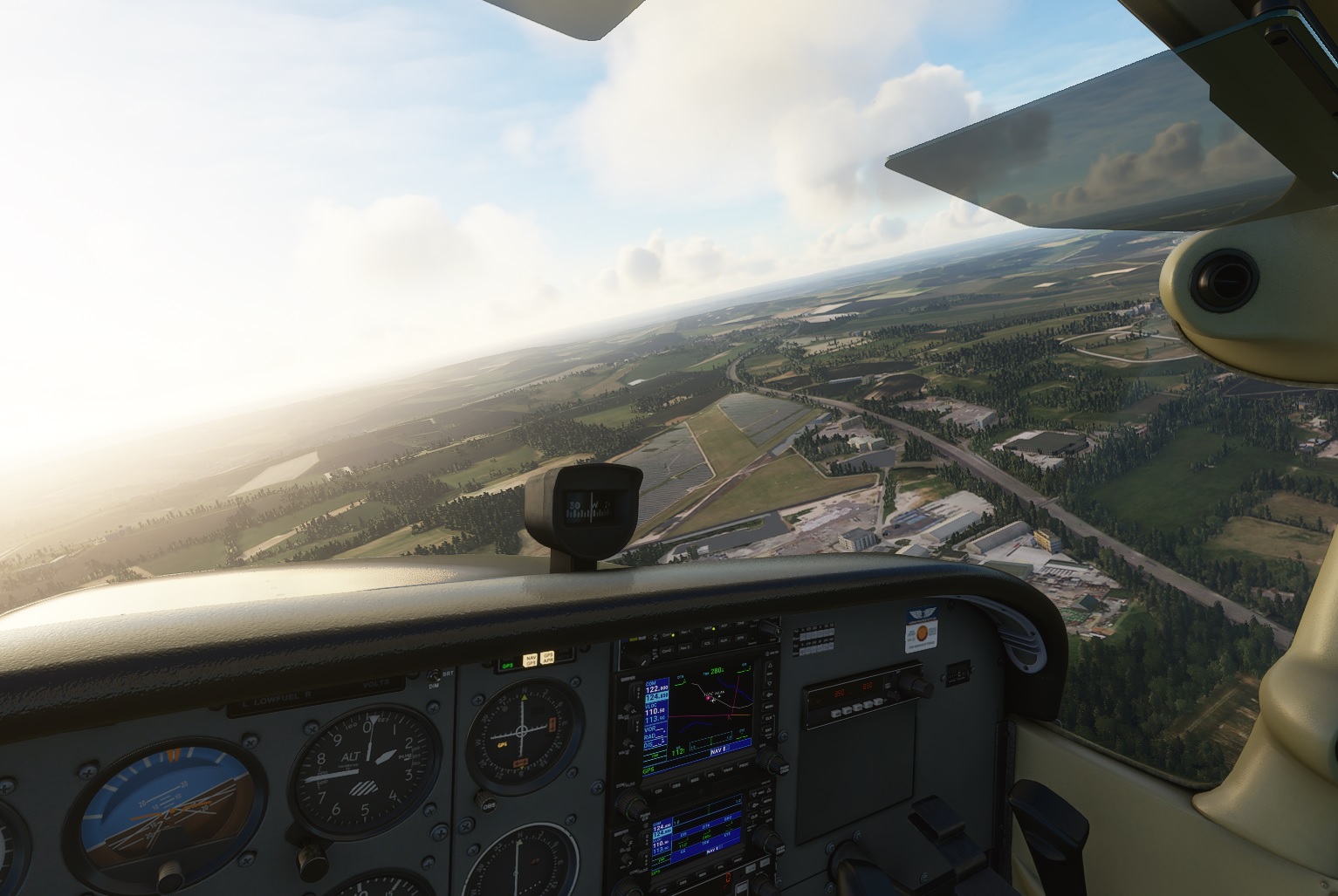
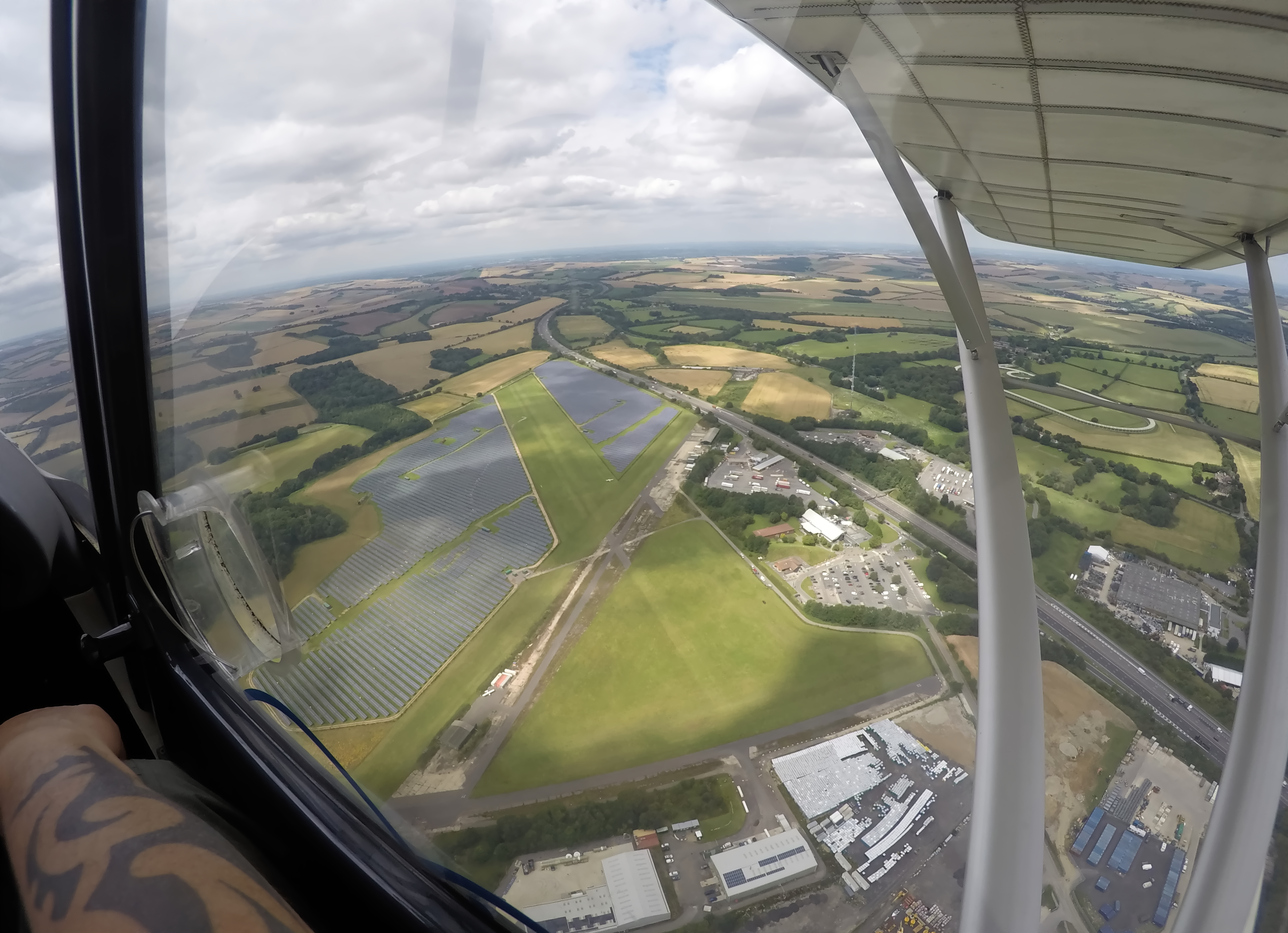
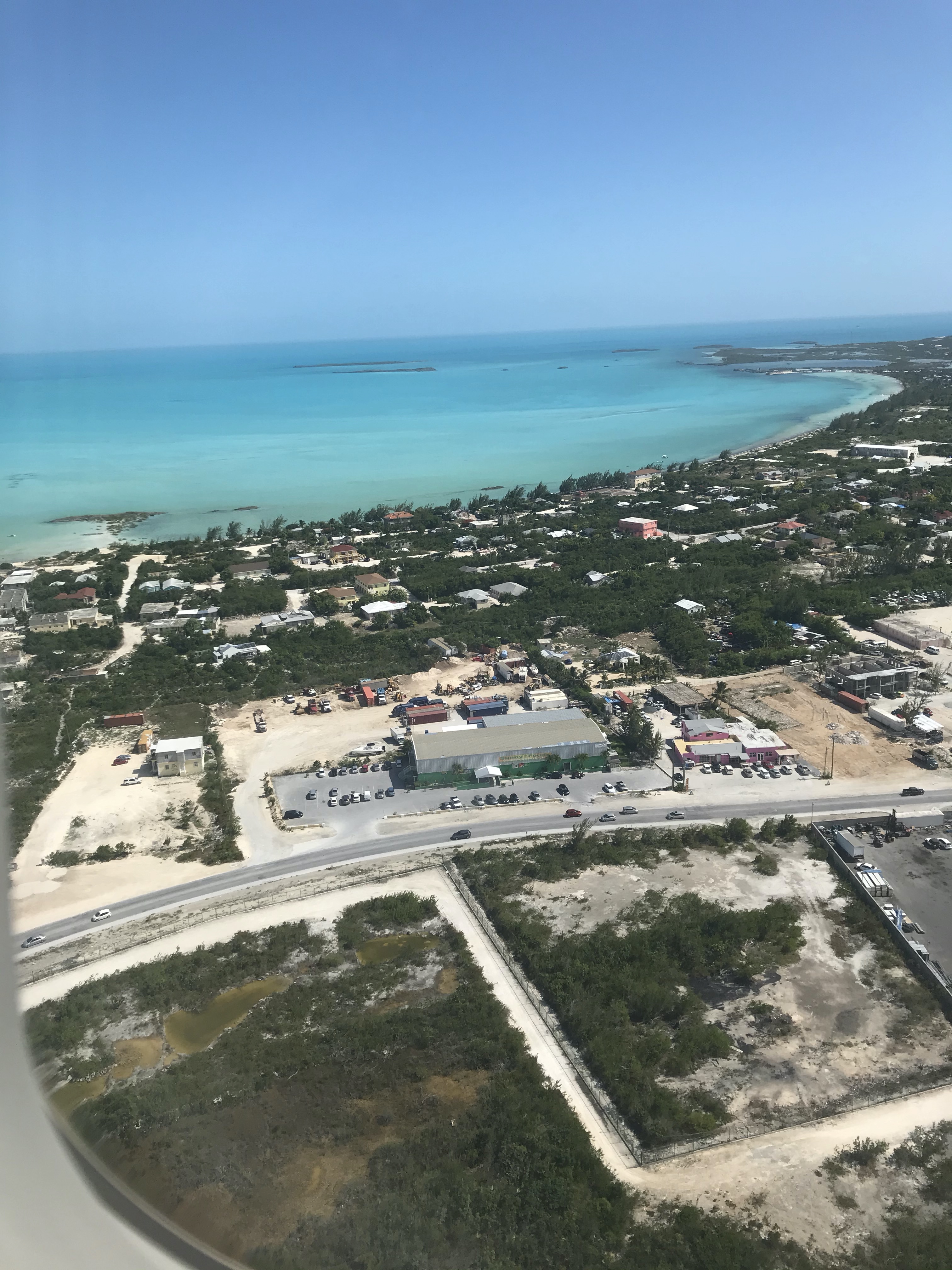
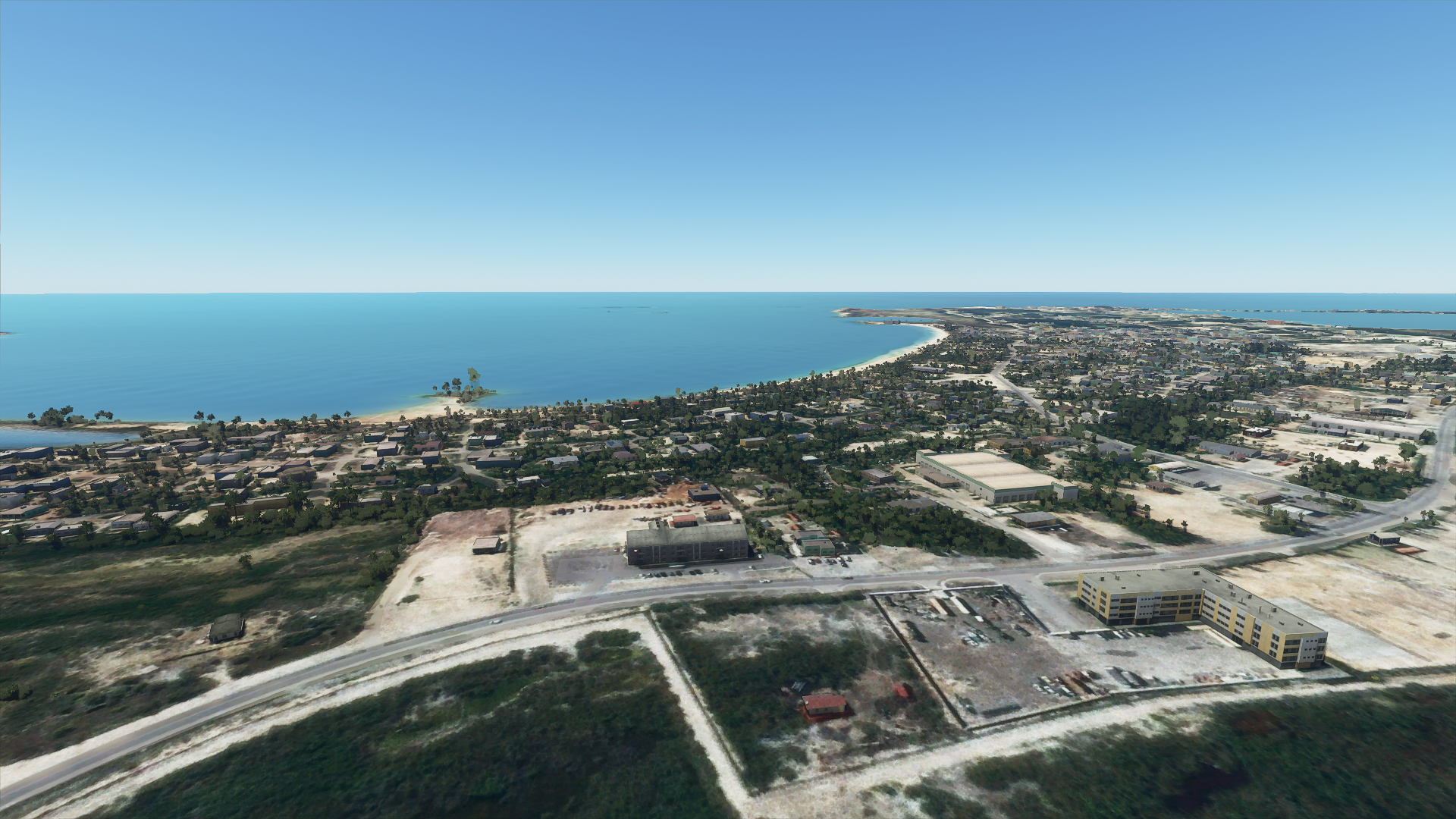
Just an example, among several other videos were I compared real and in-sim of my landings. Not sure it’s easier in the sim 
Another one comparing MSFS vs Reality at Page, AZ

hah same! crazy!
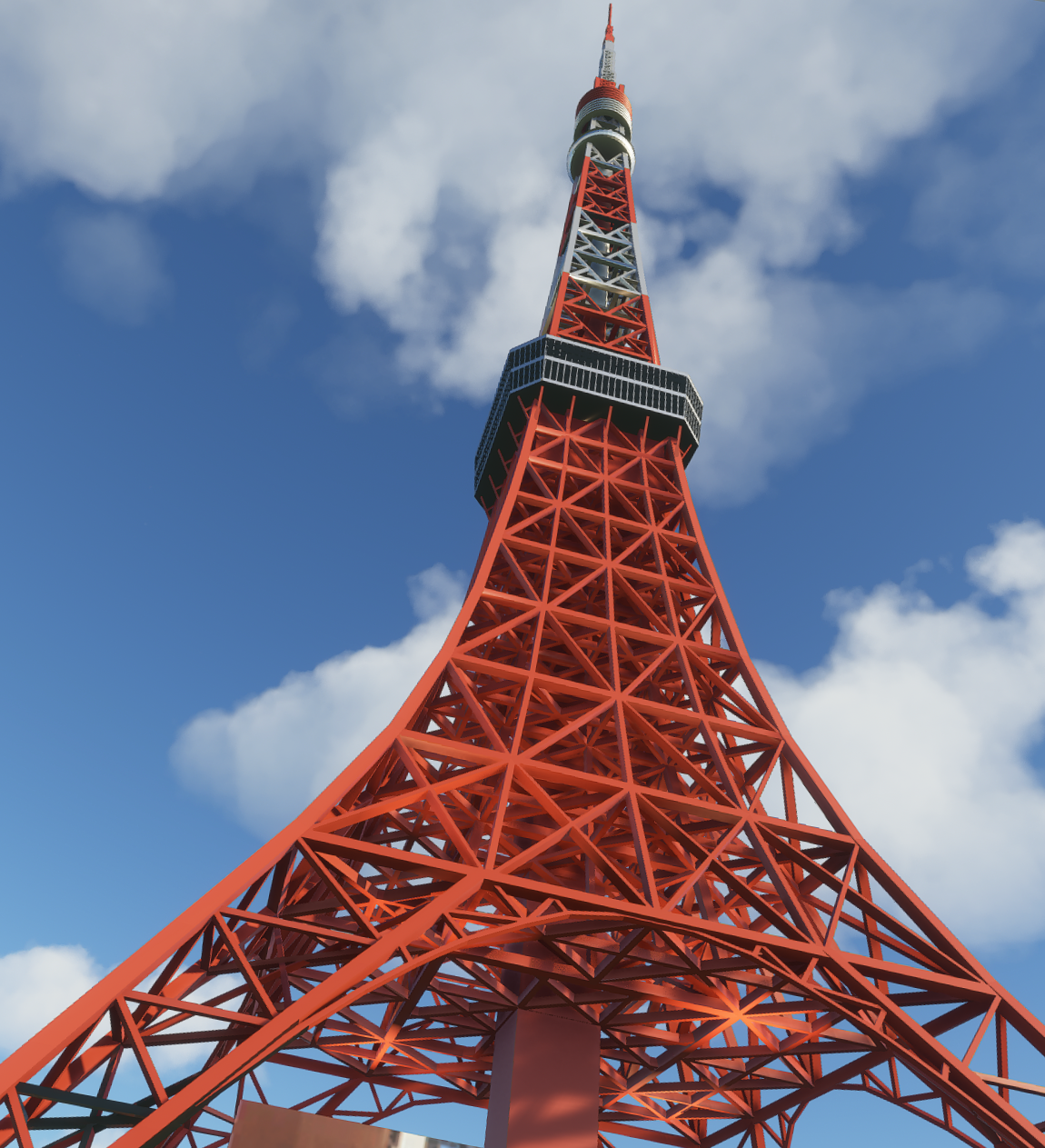
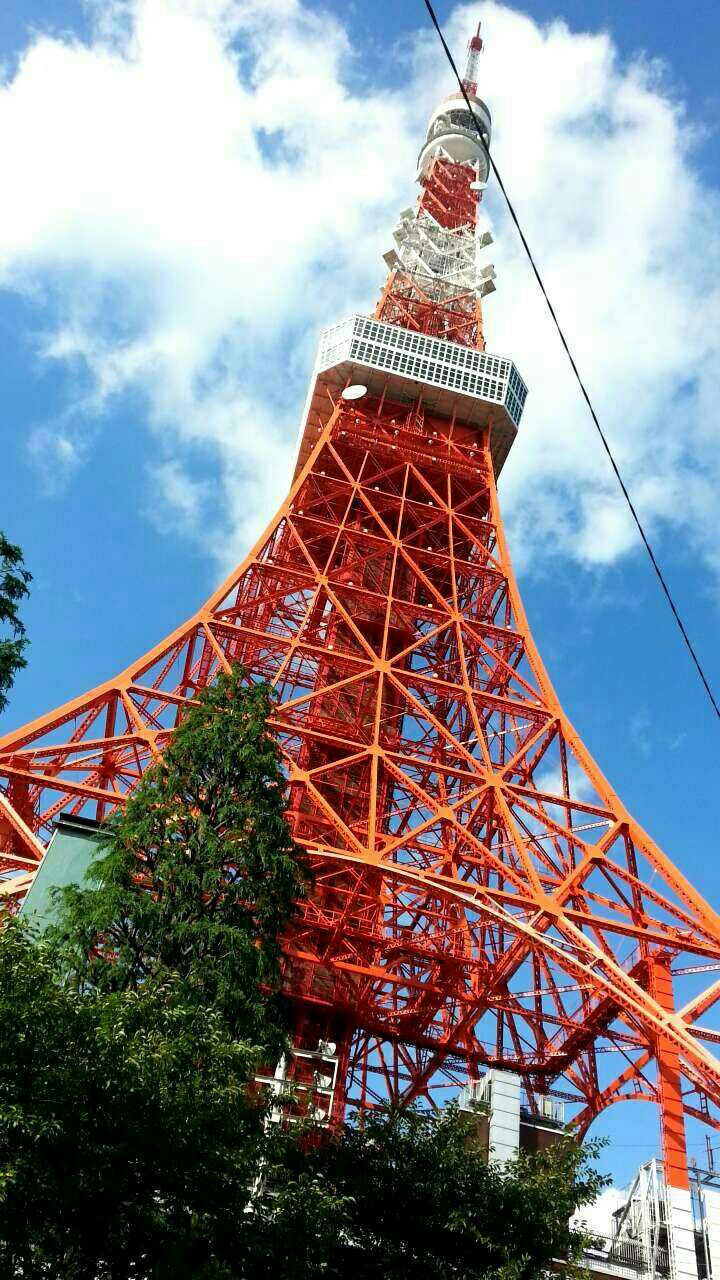
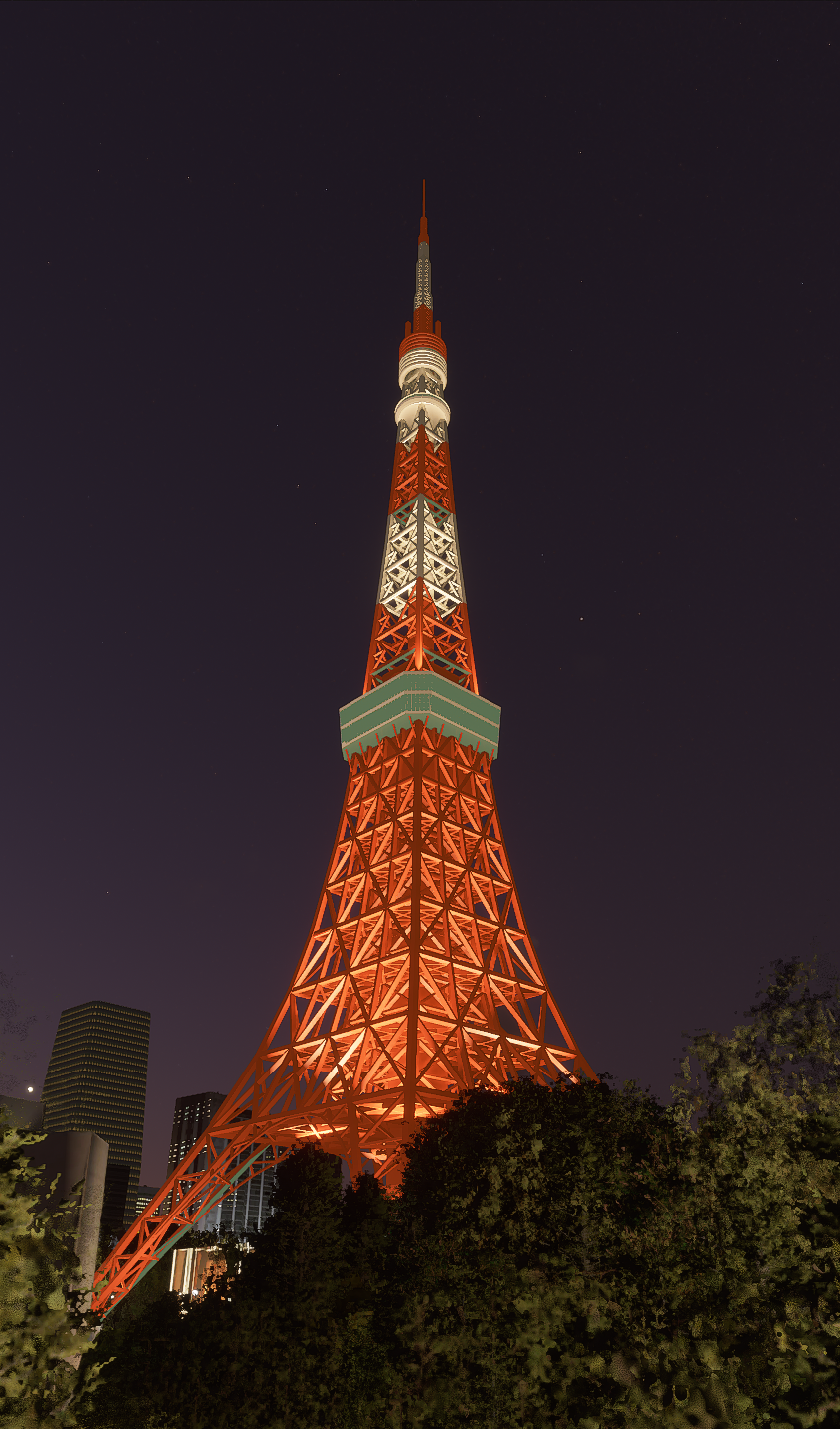
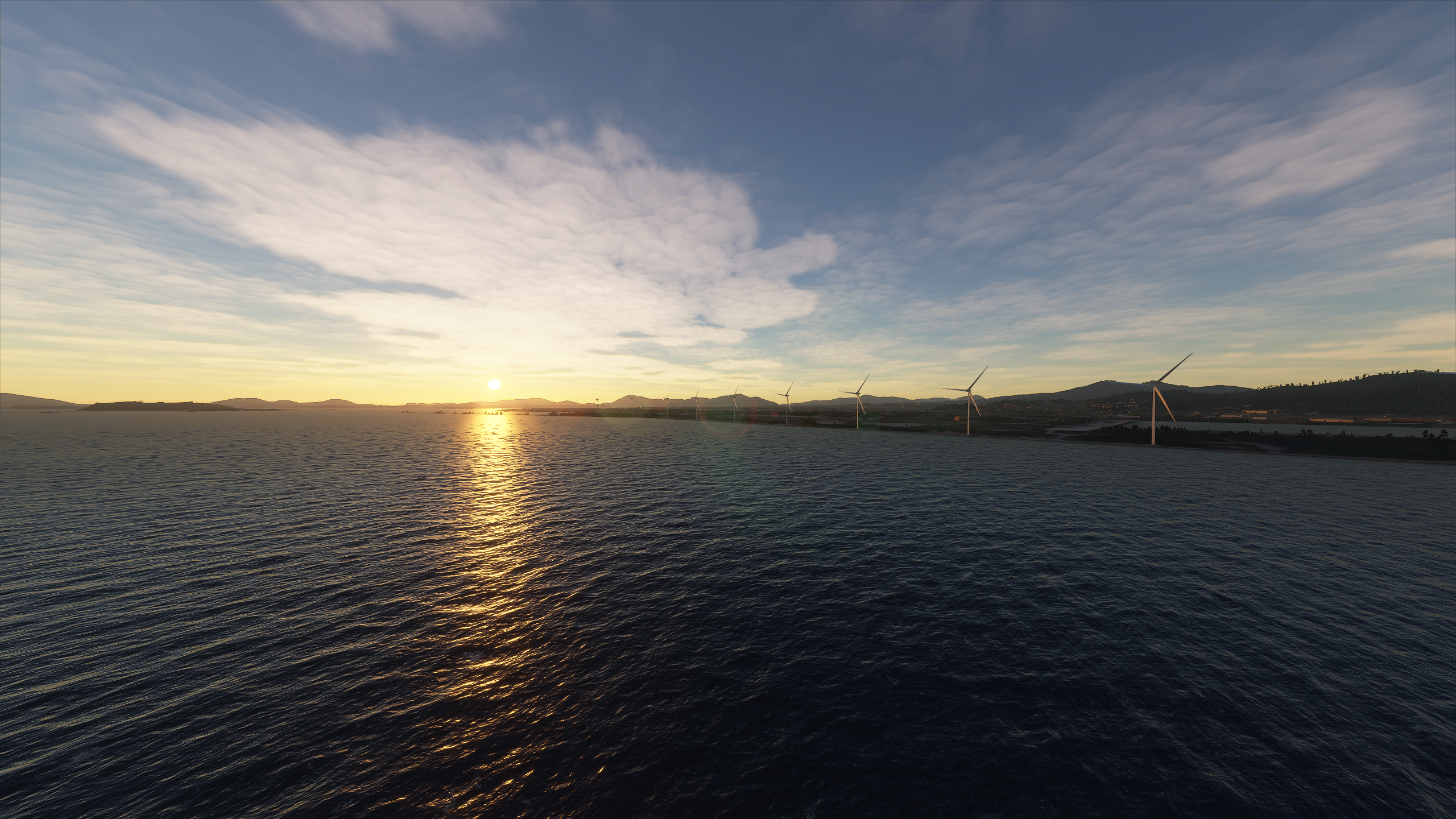
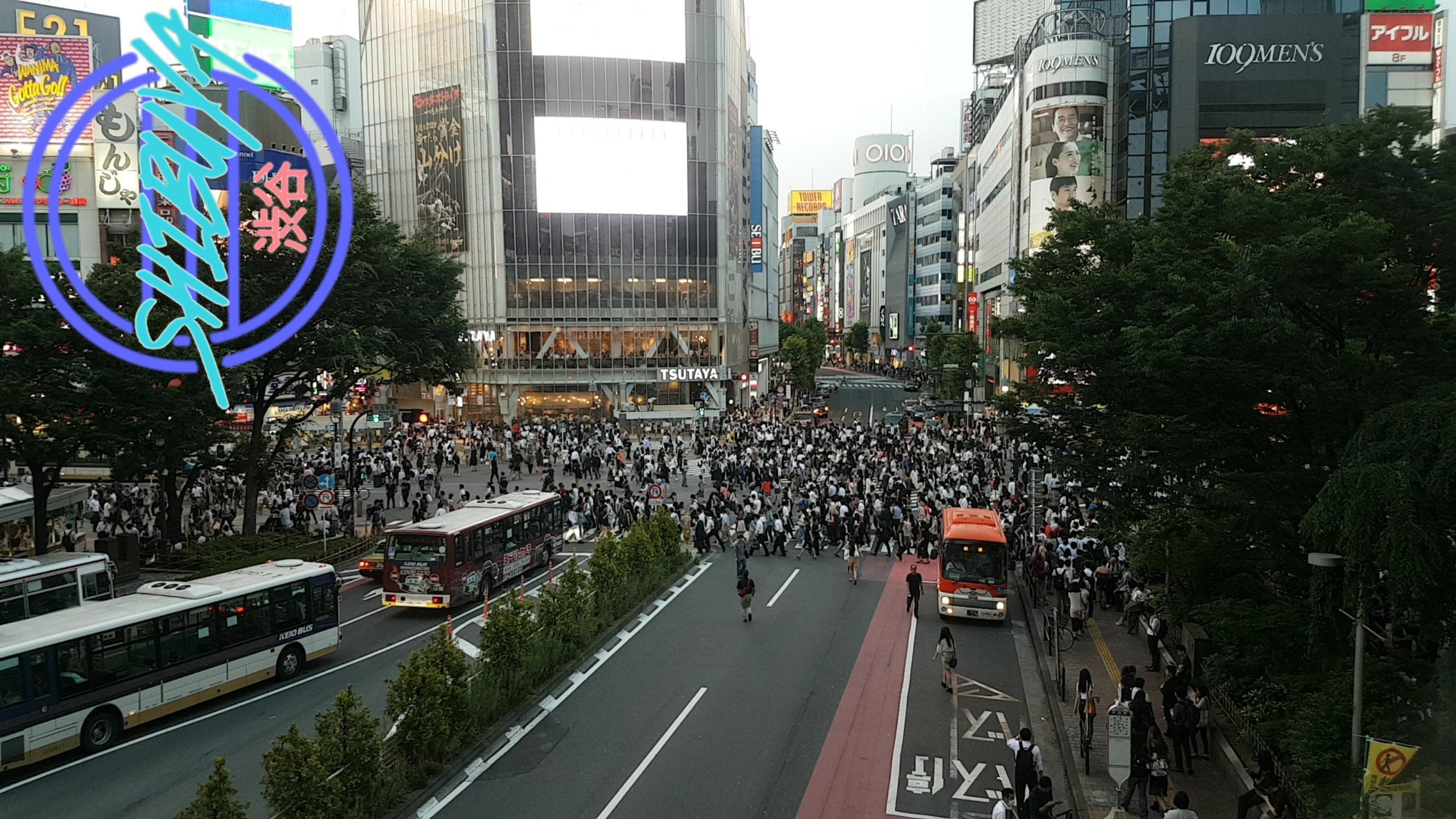
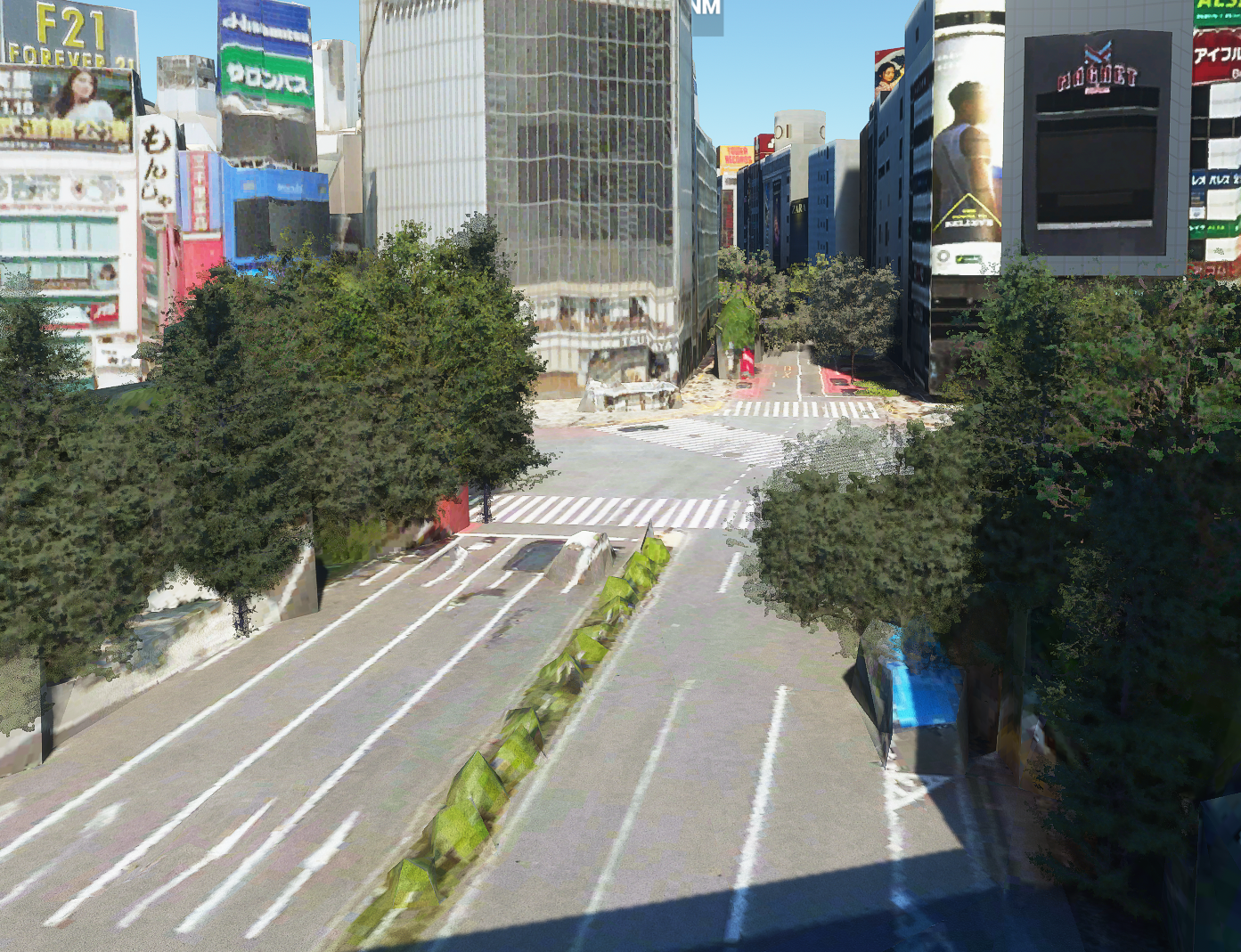
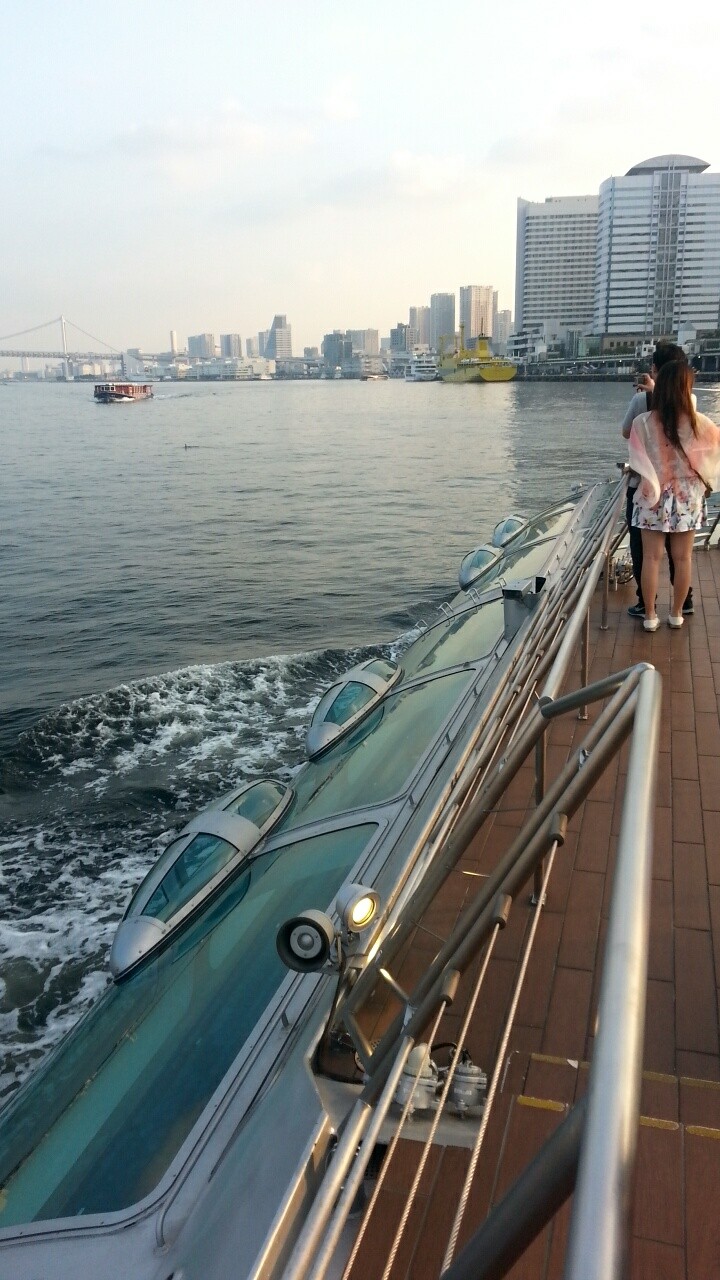
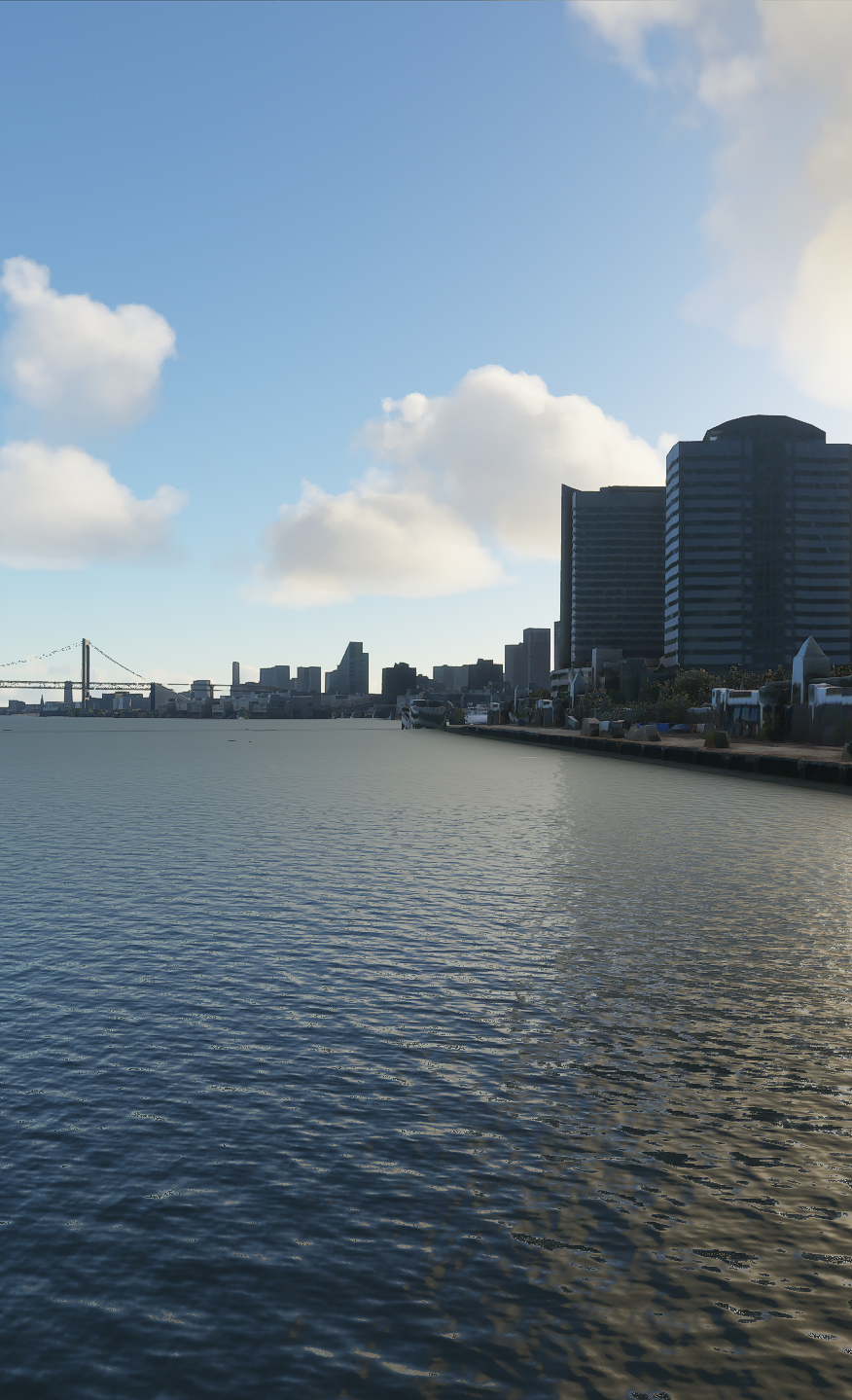
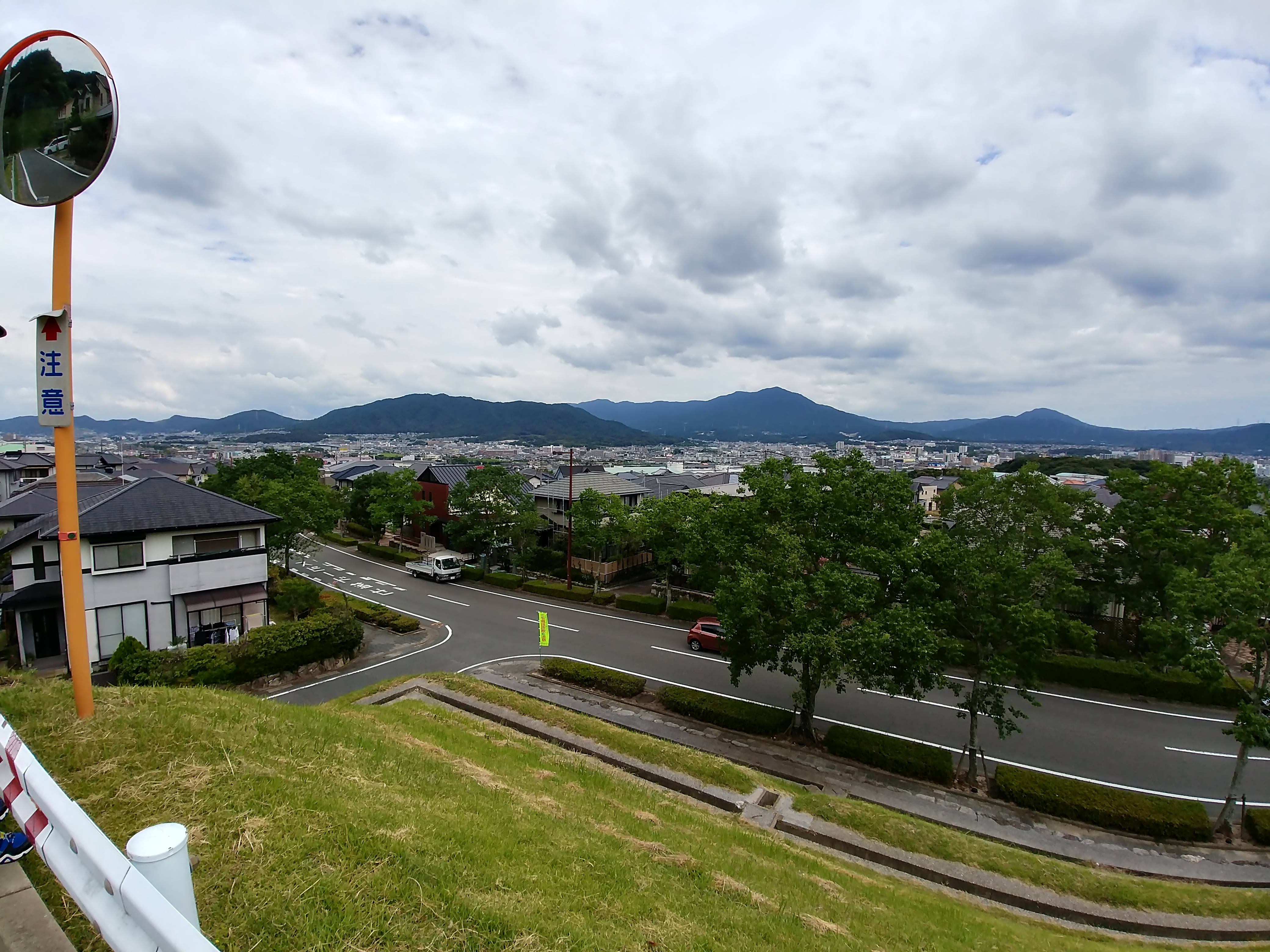
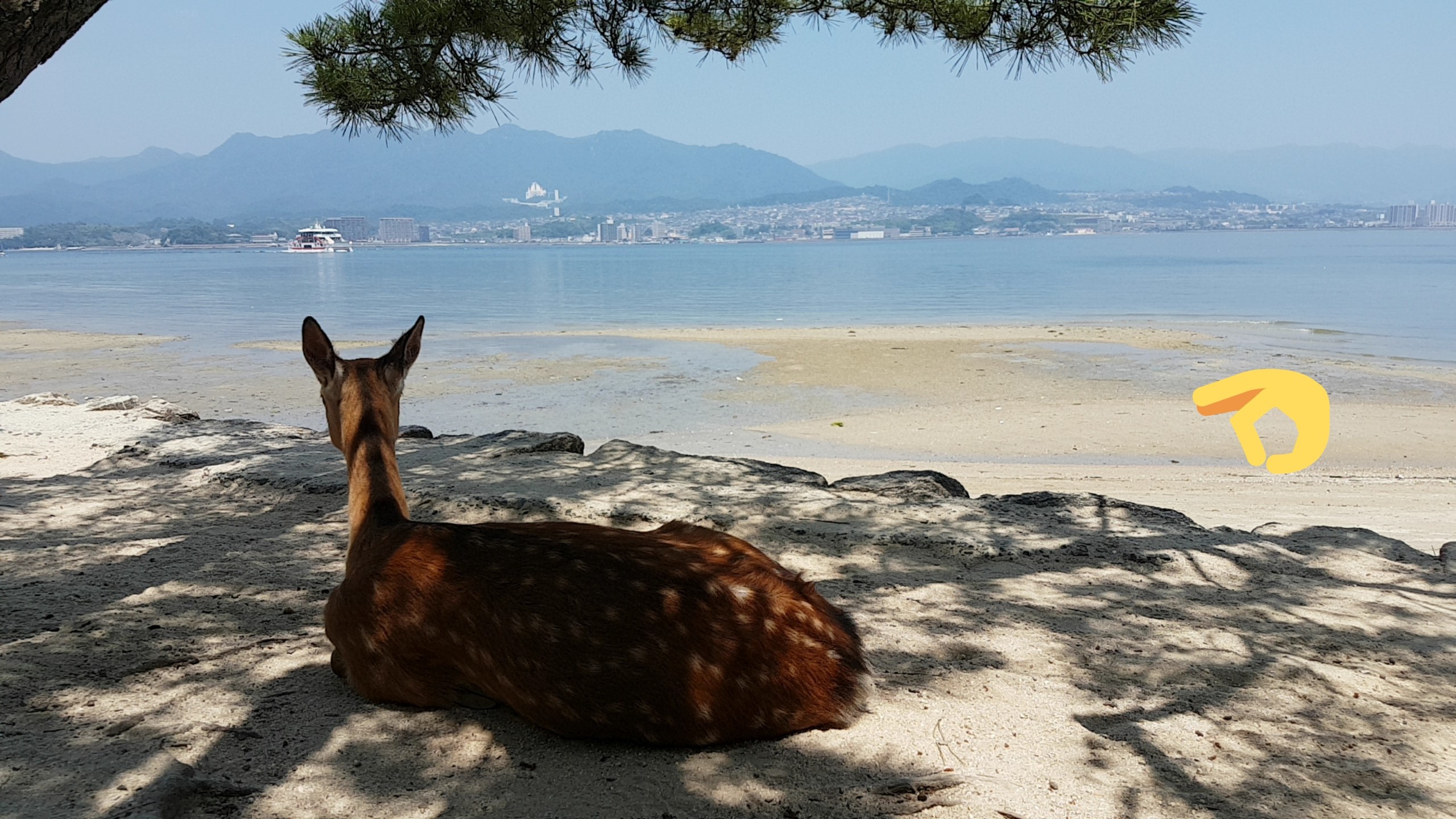
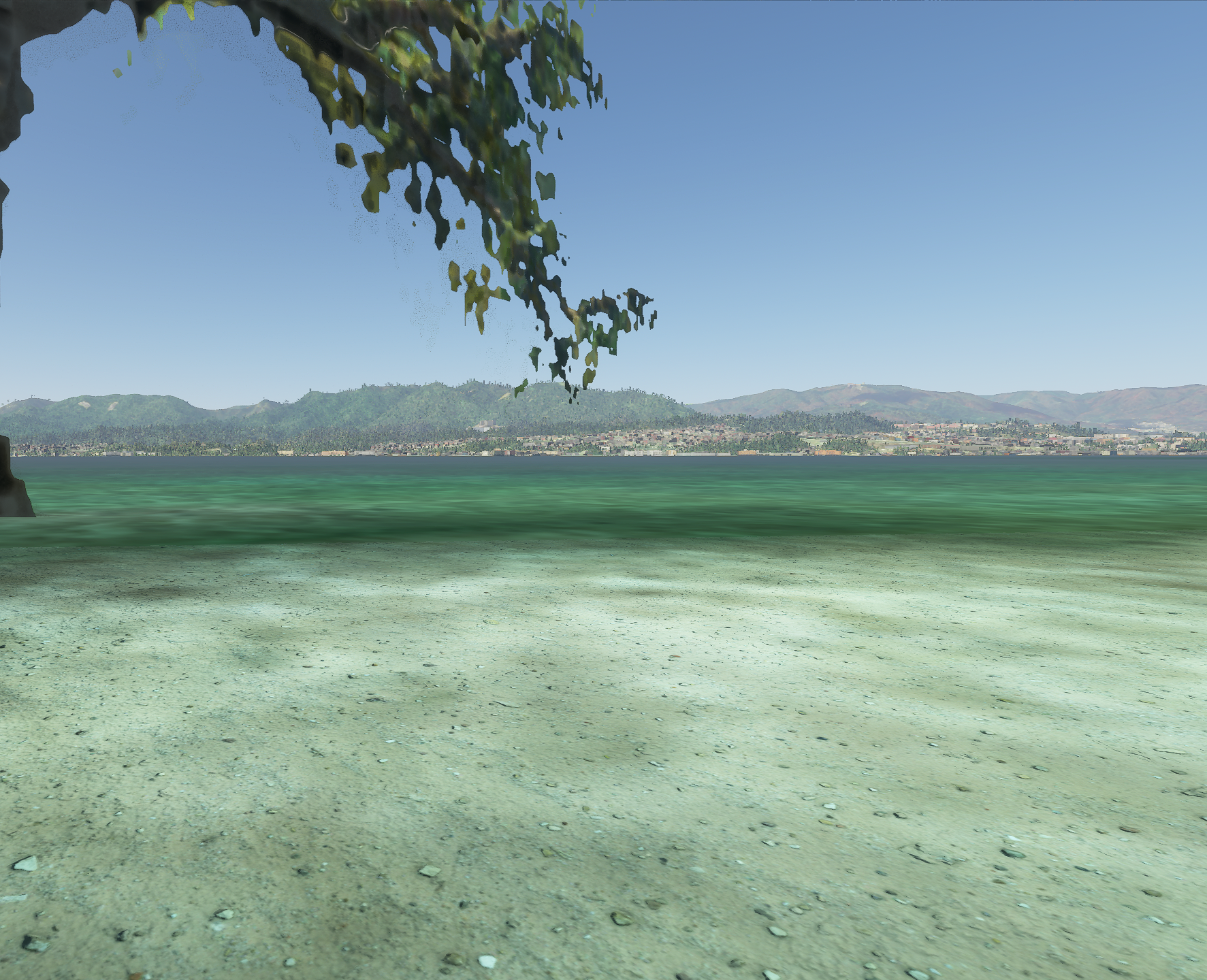
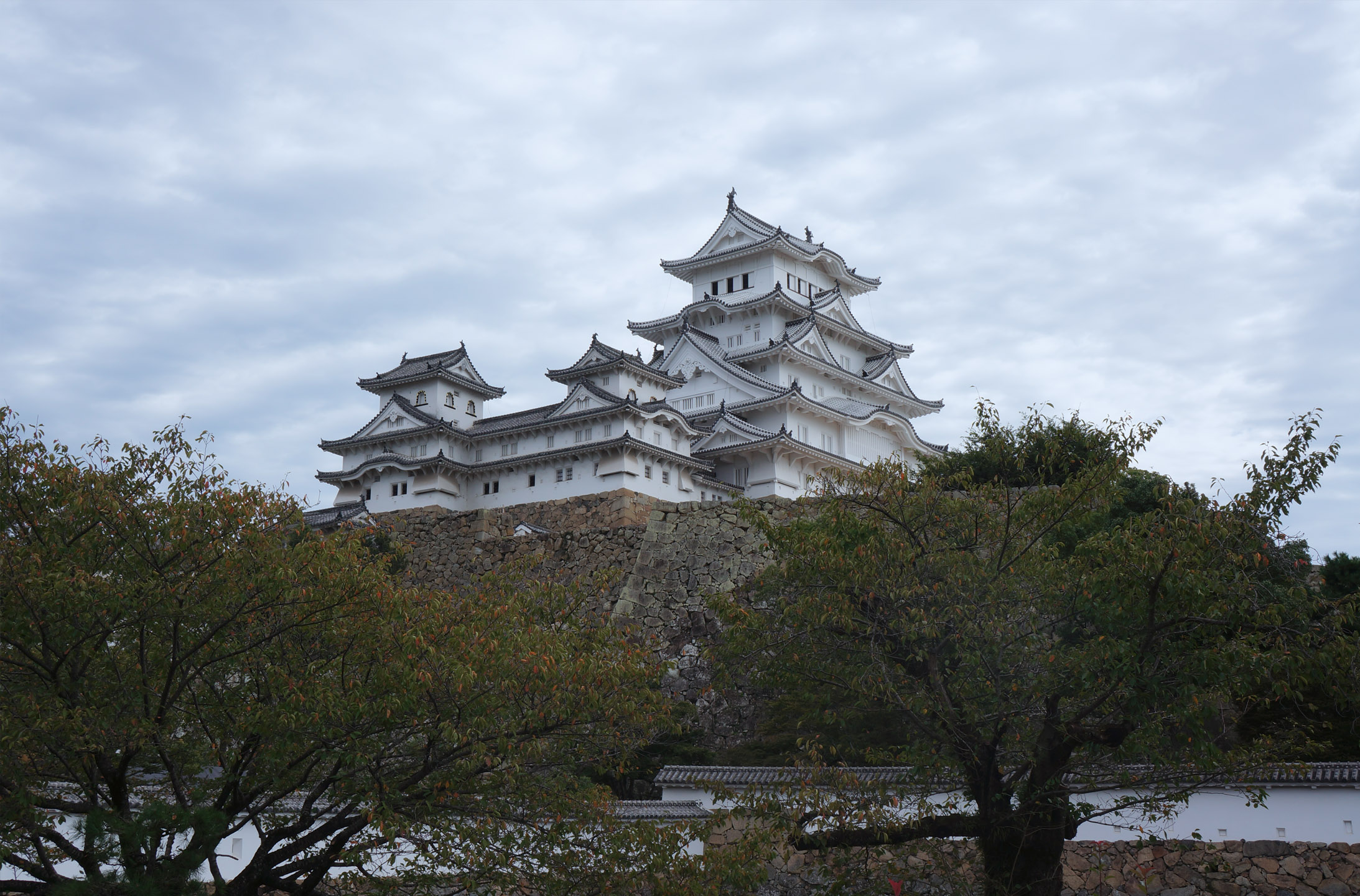
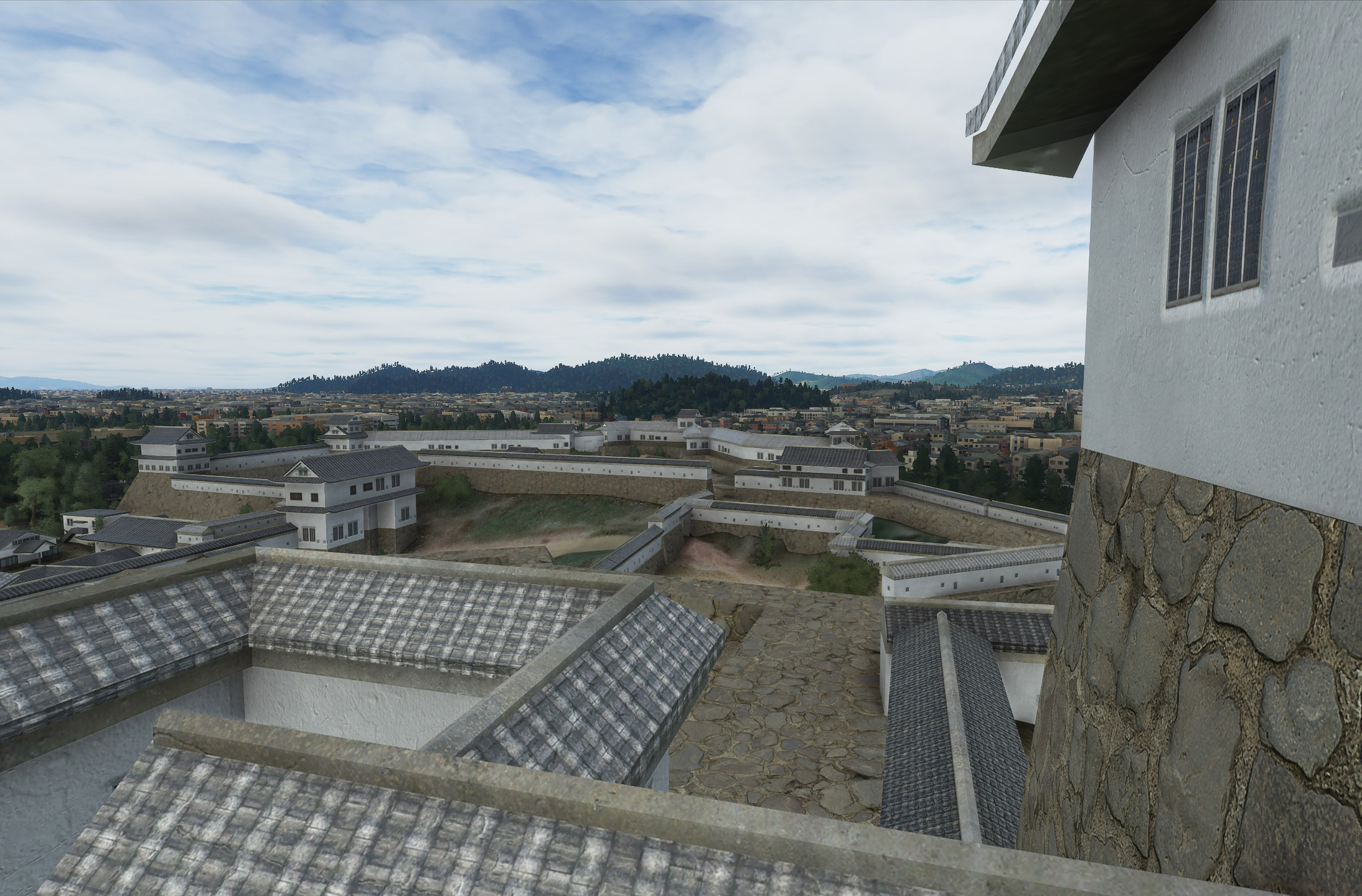
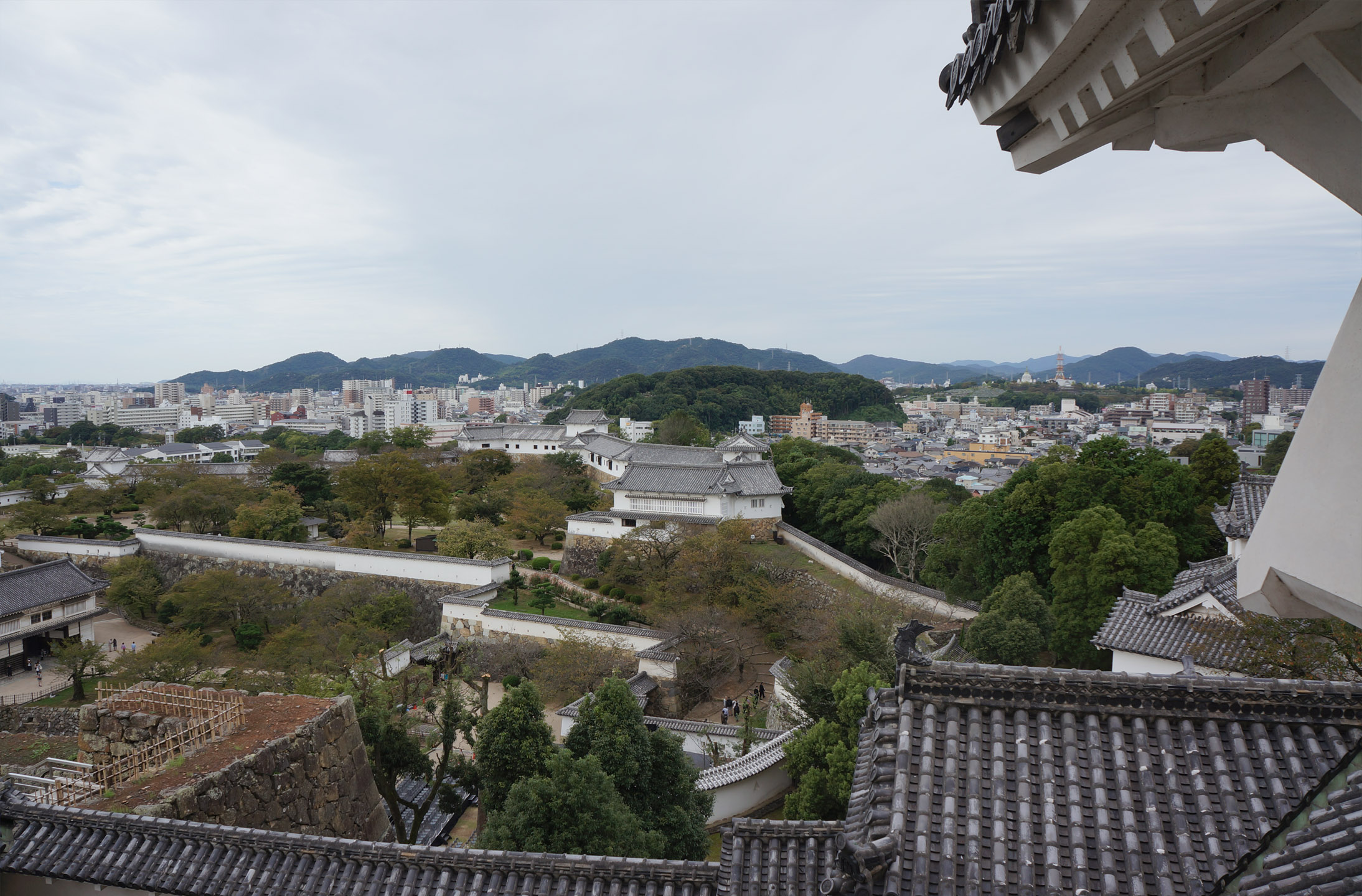
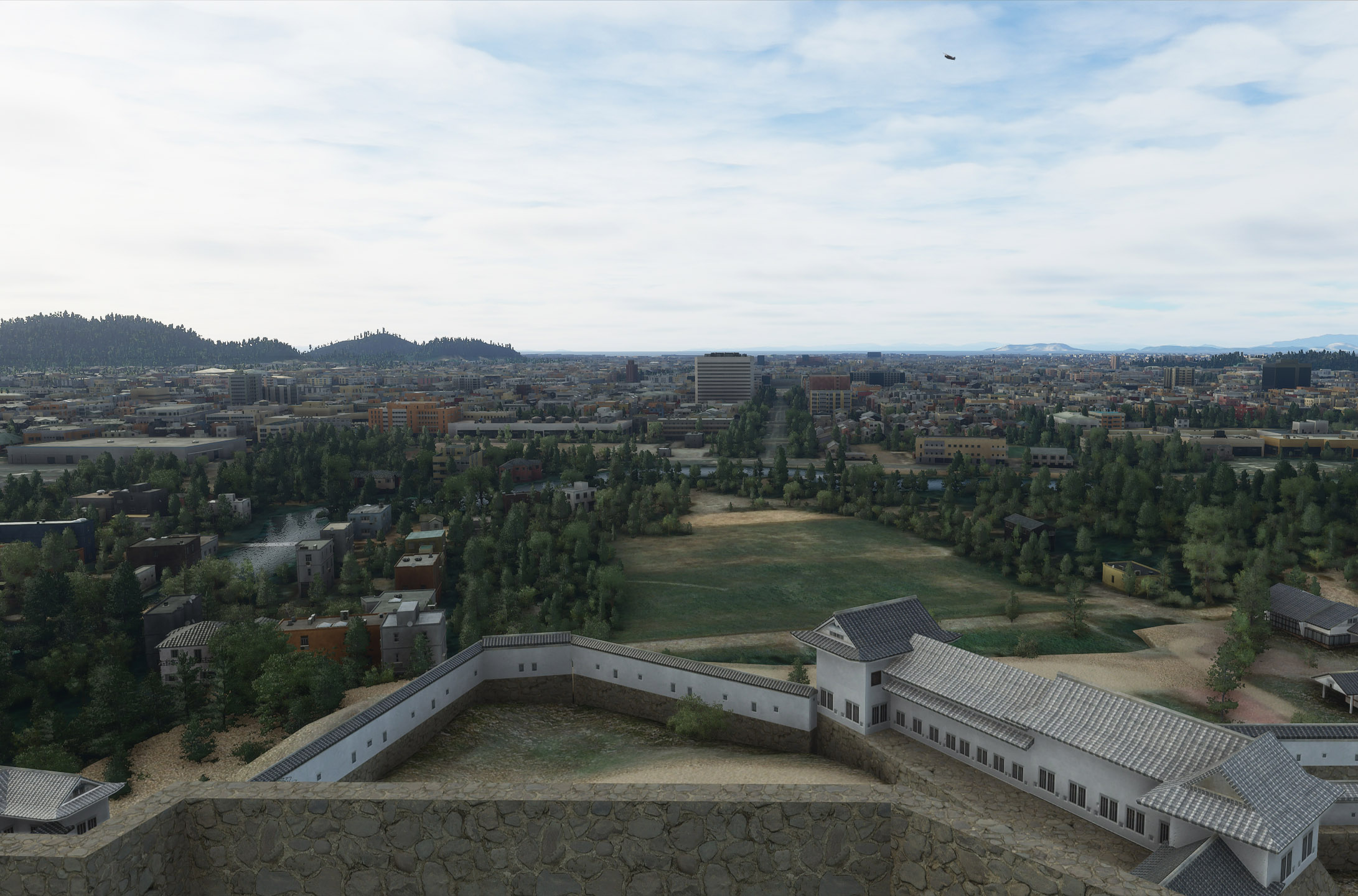
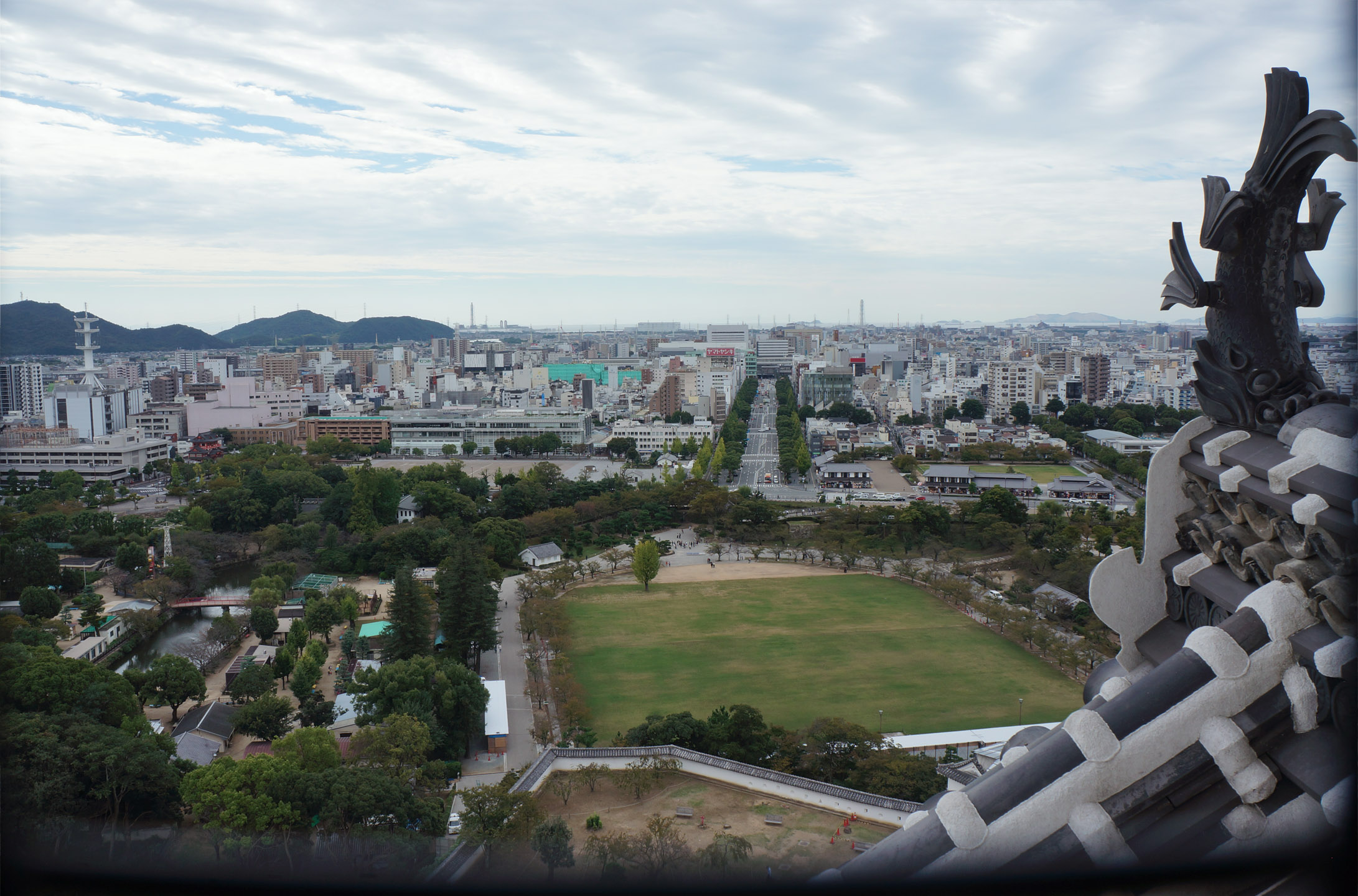
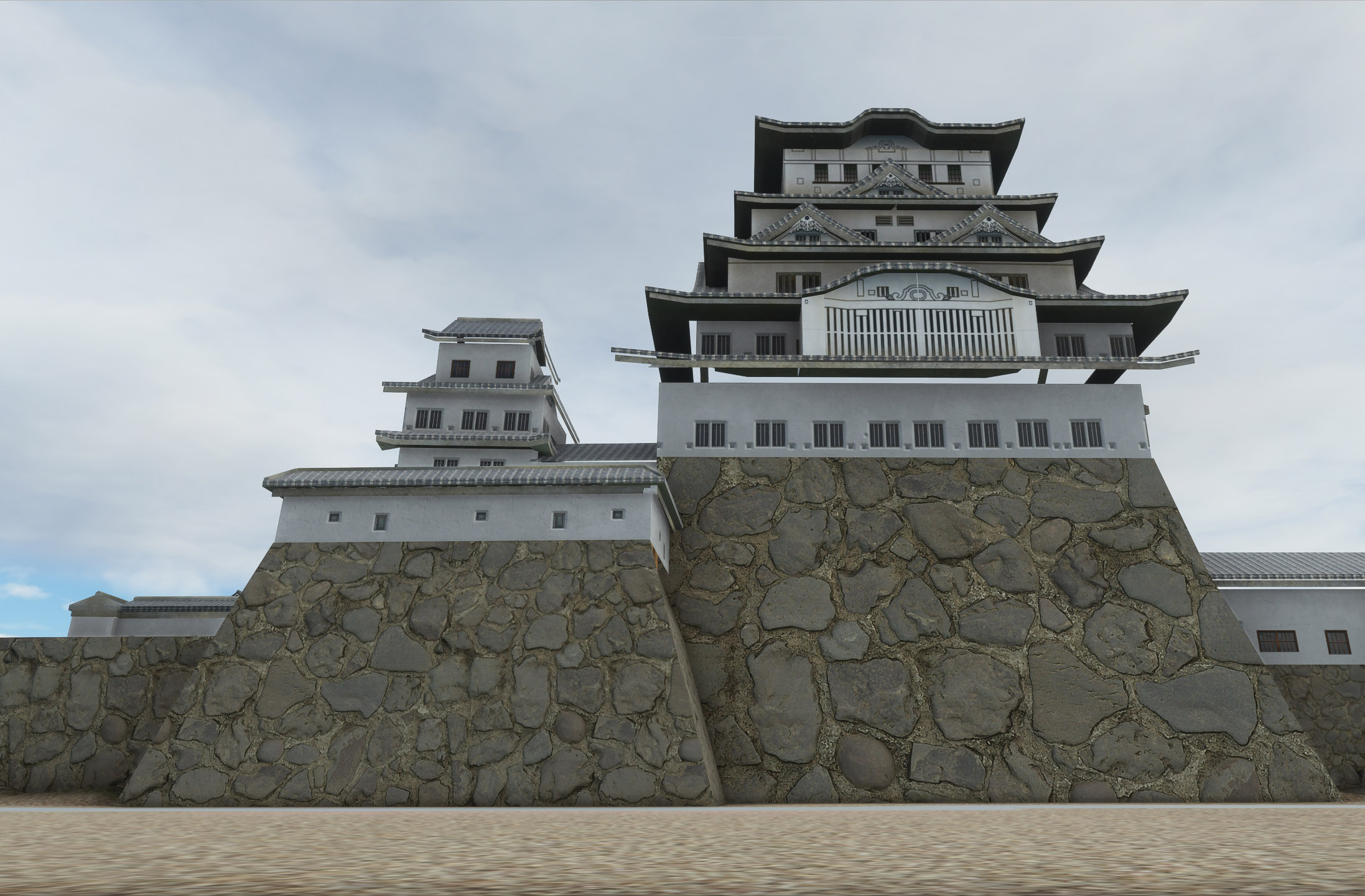
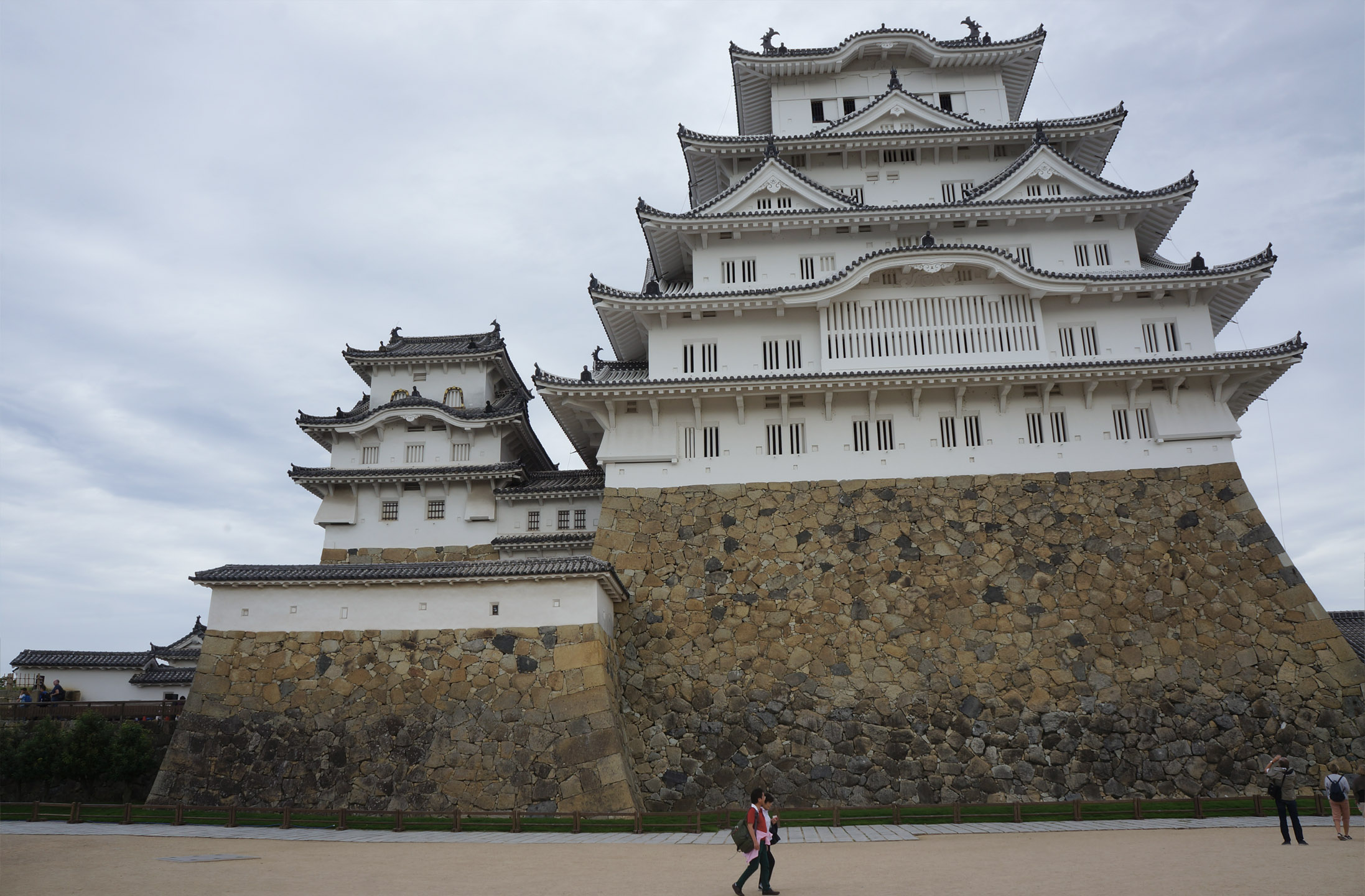
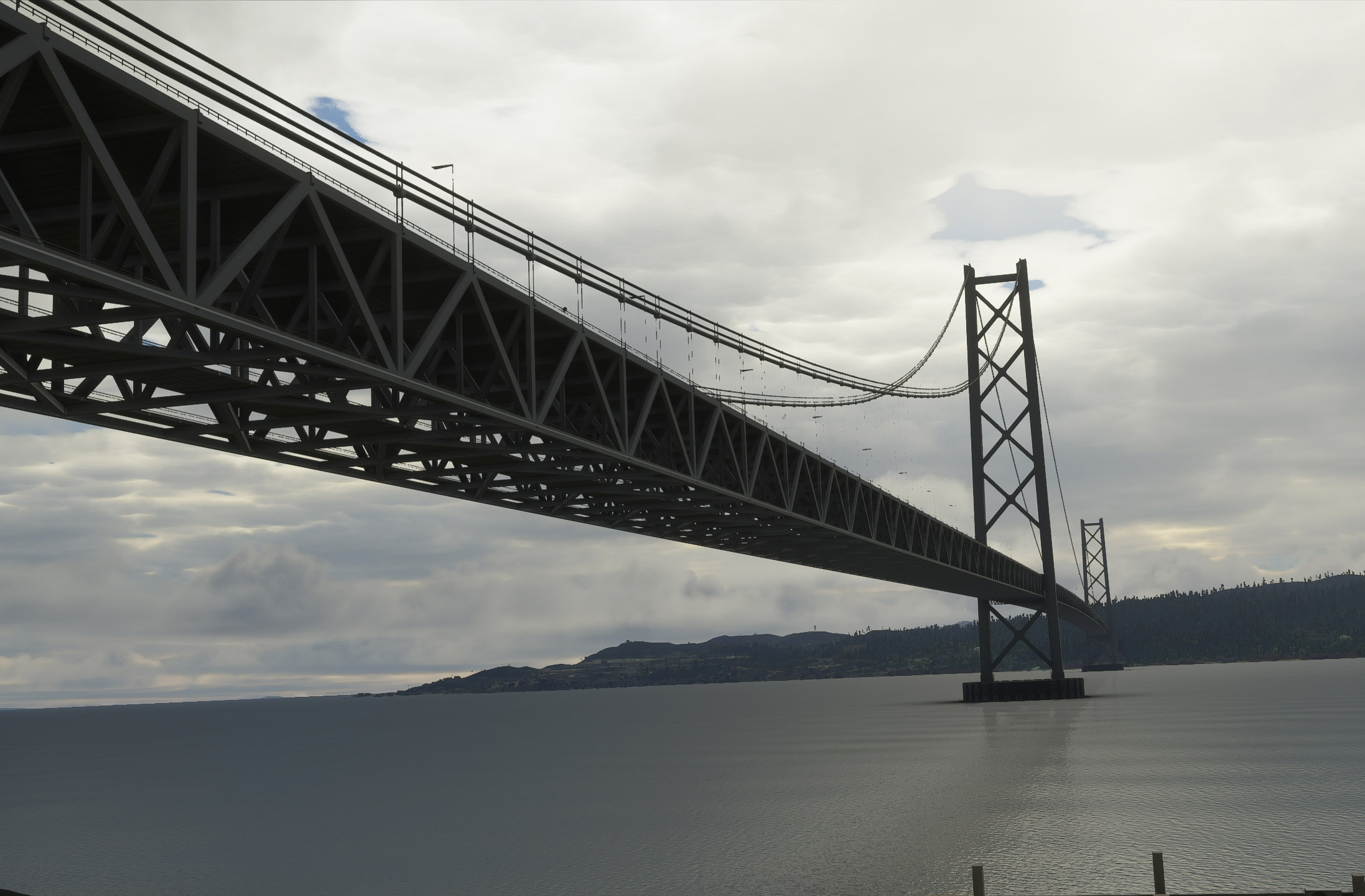
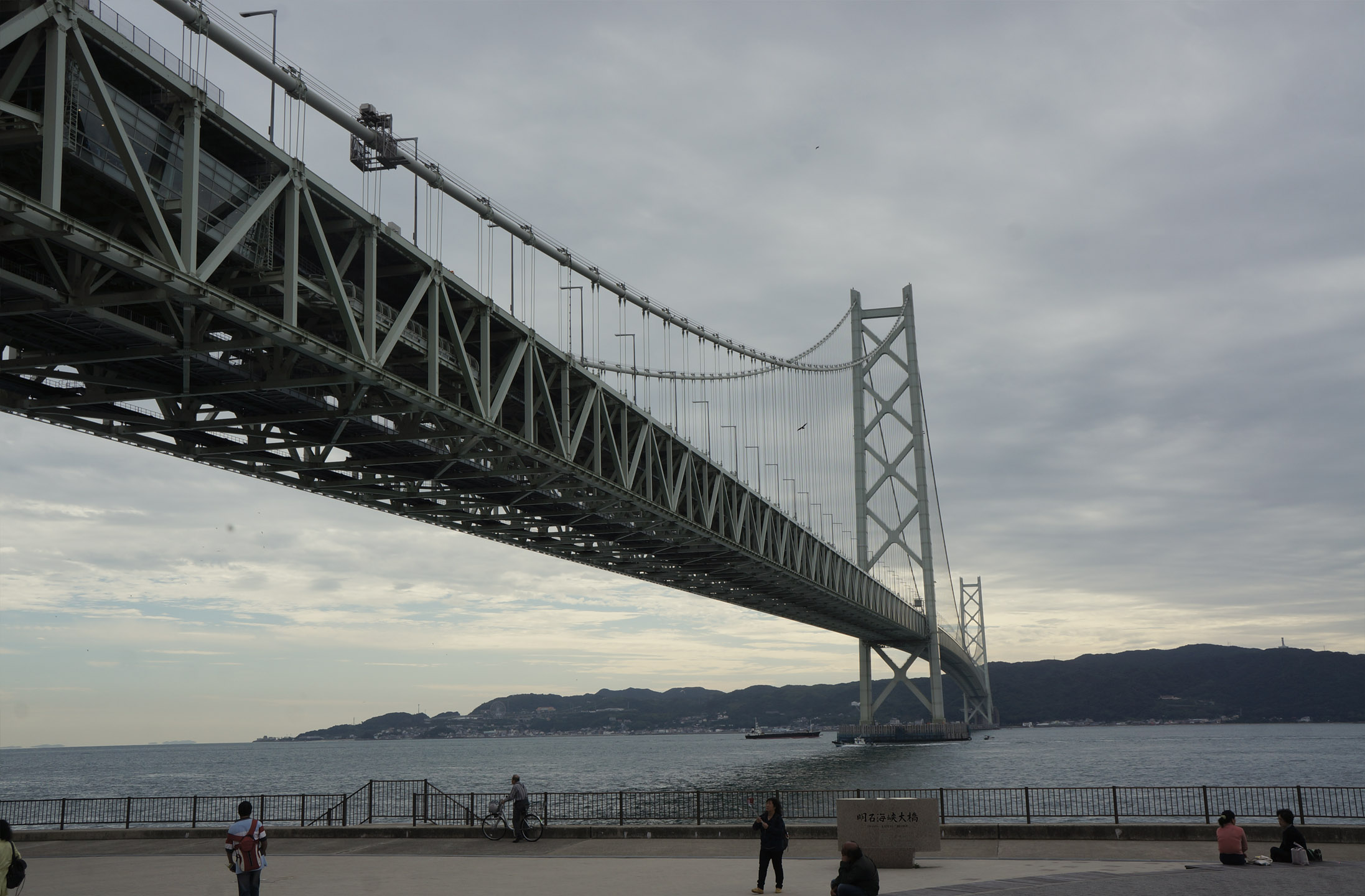
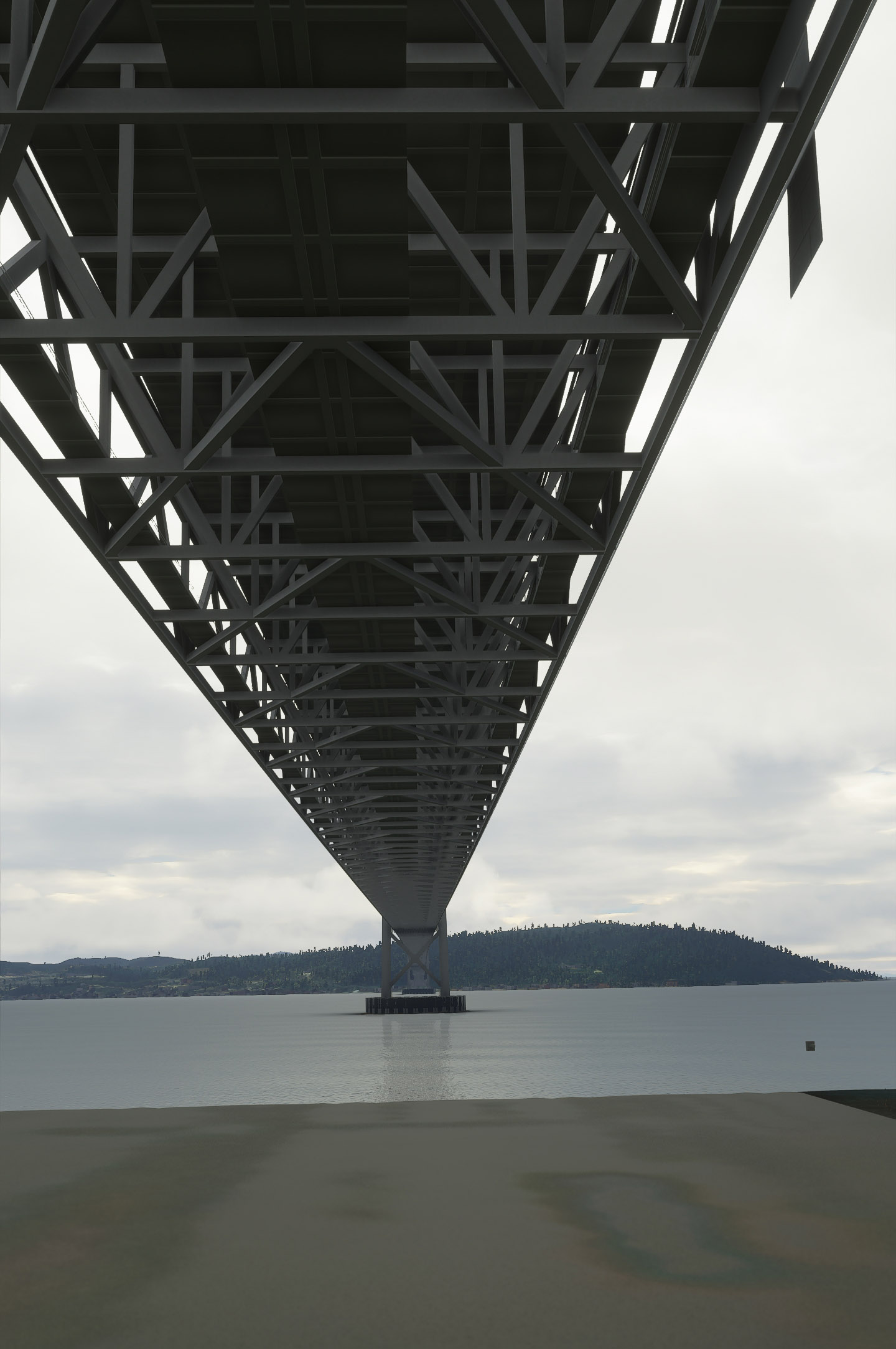
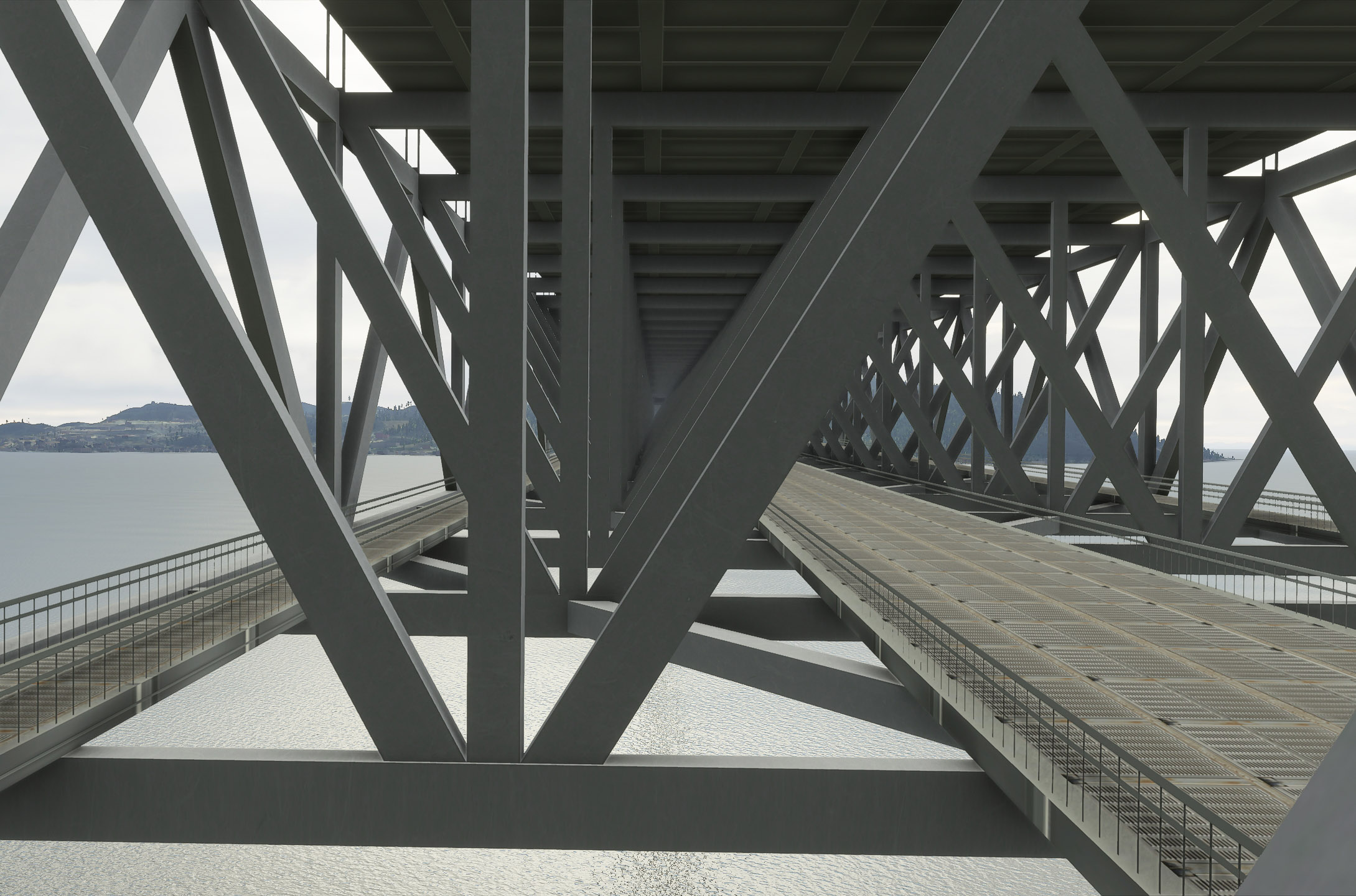
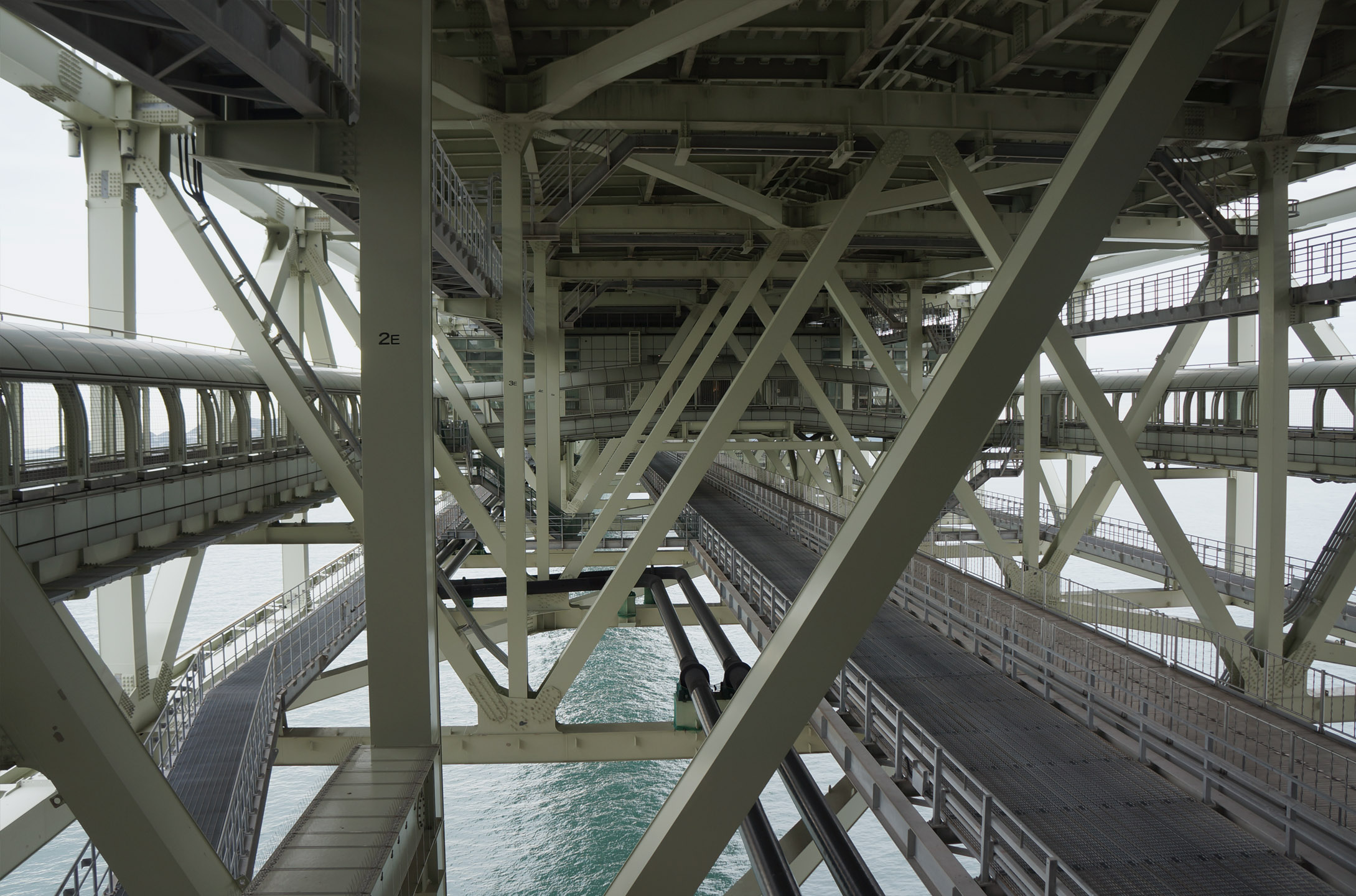
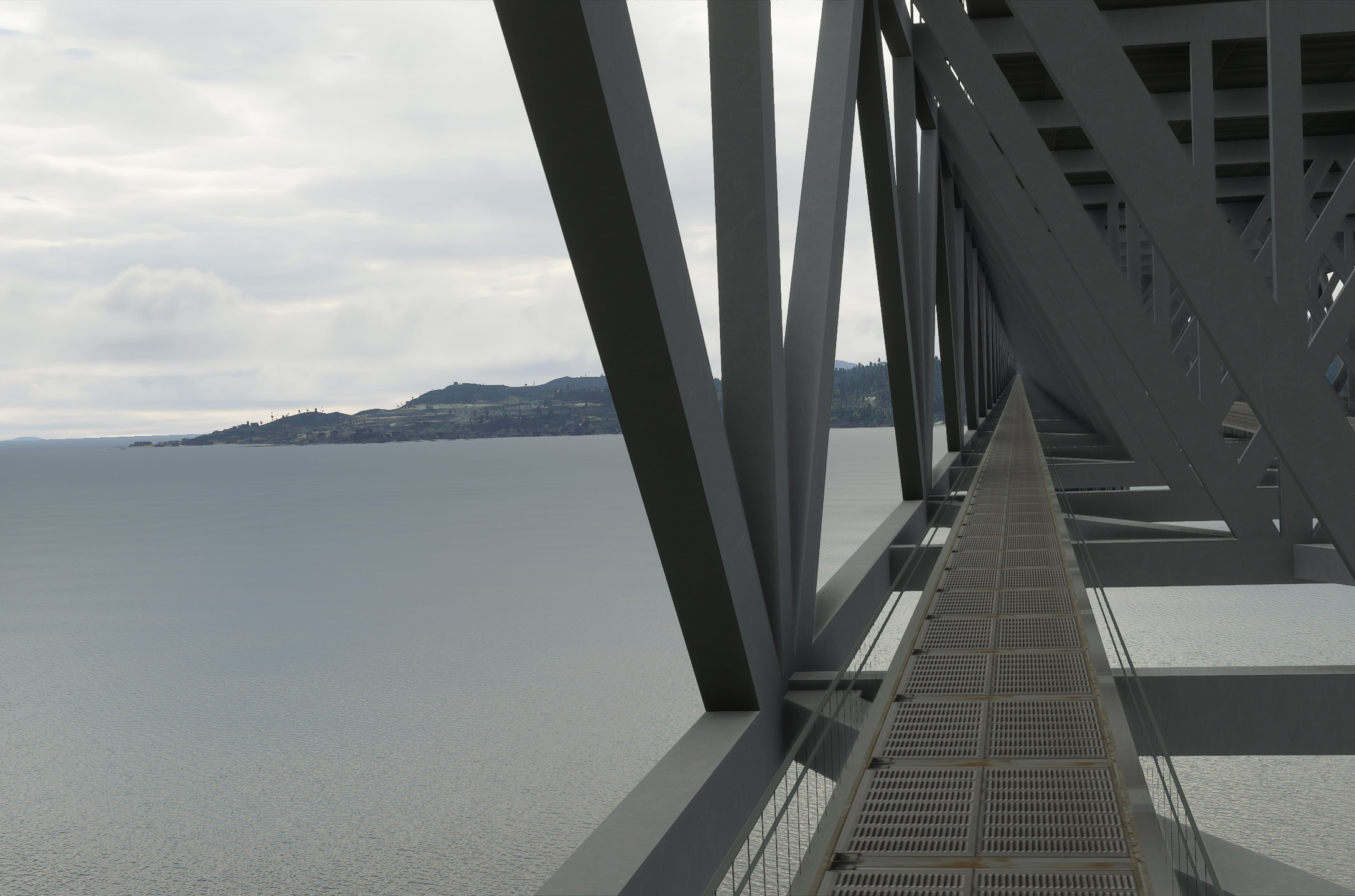
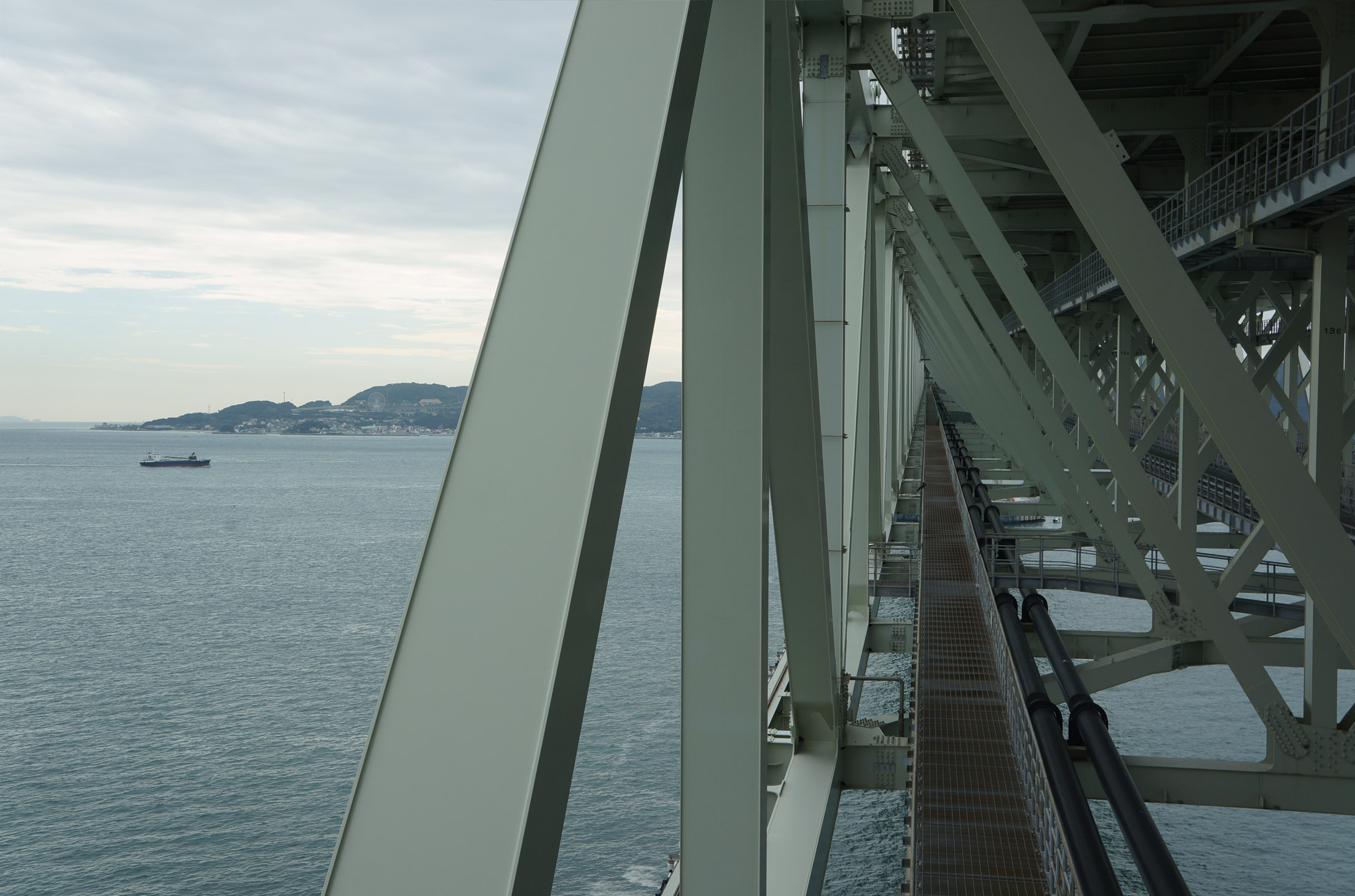
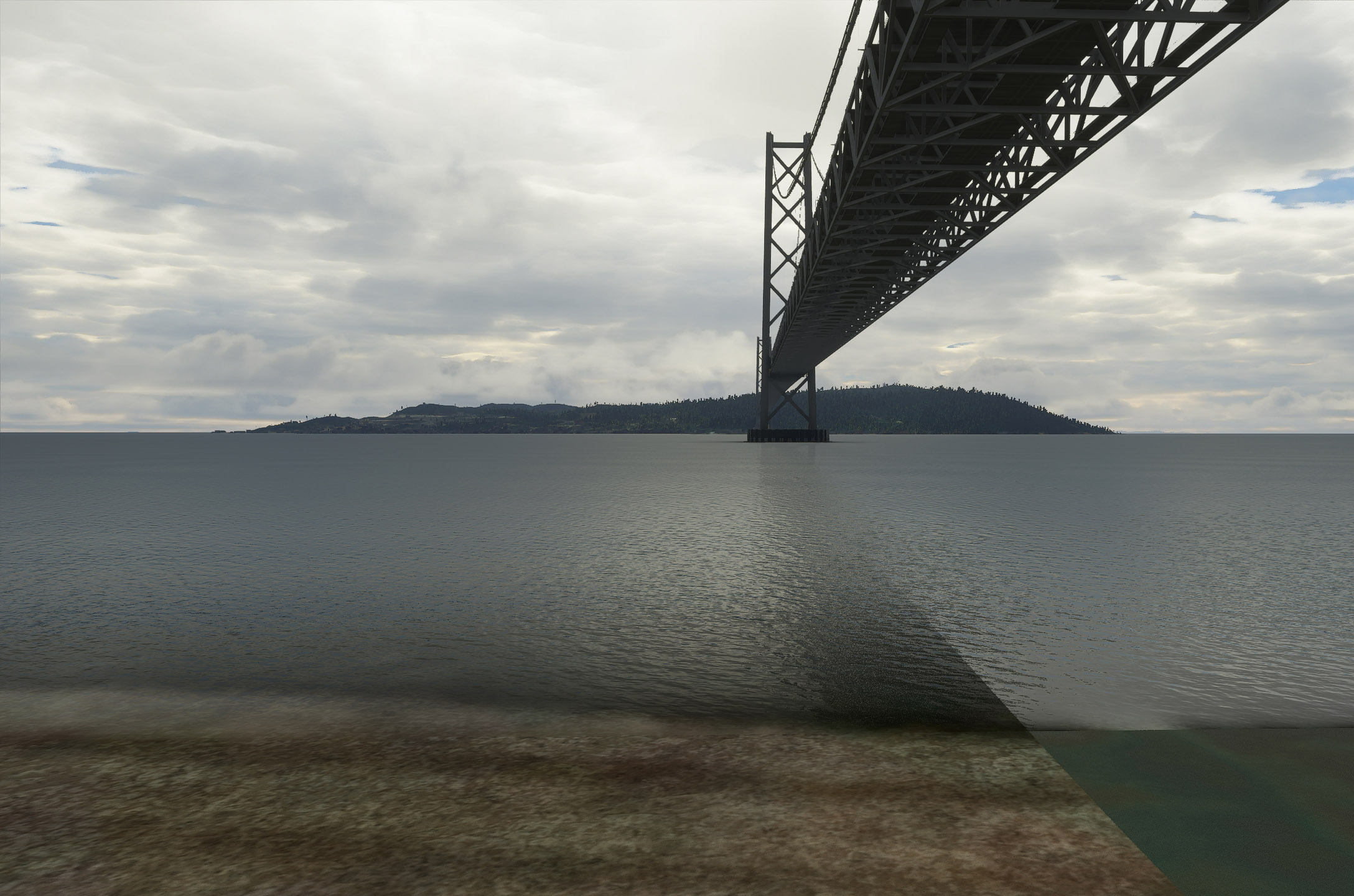
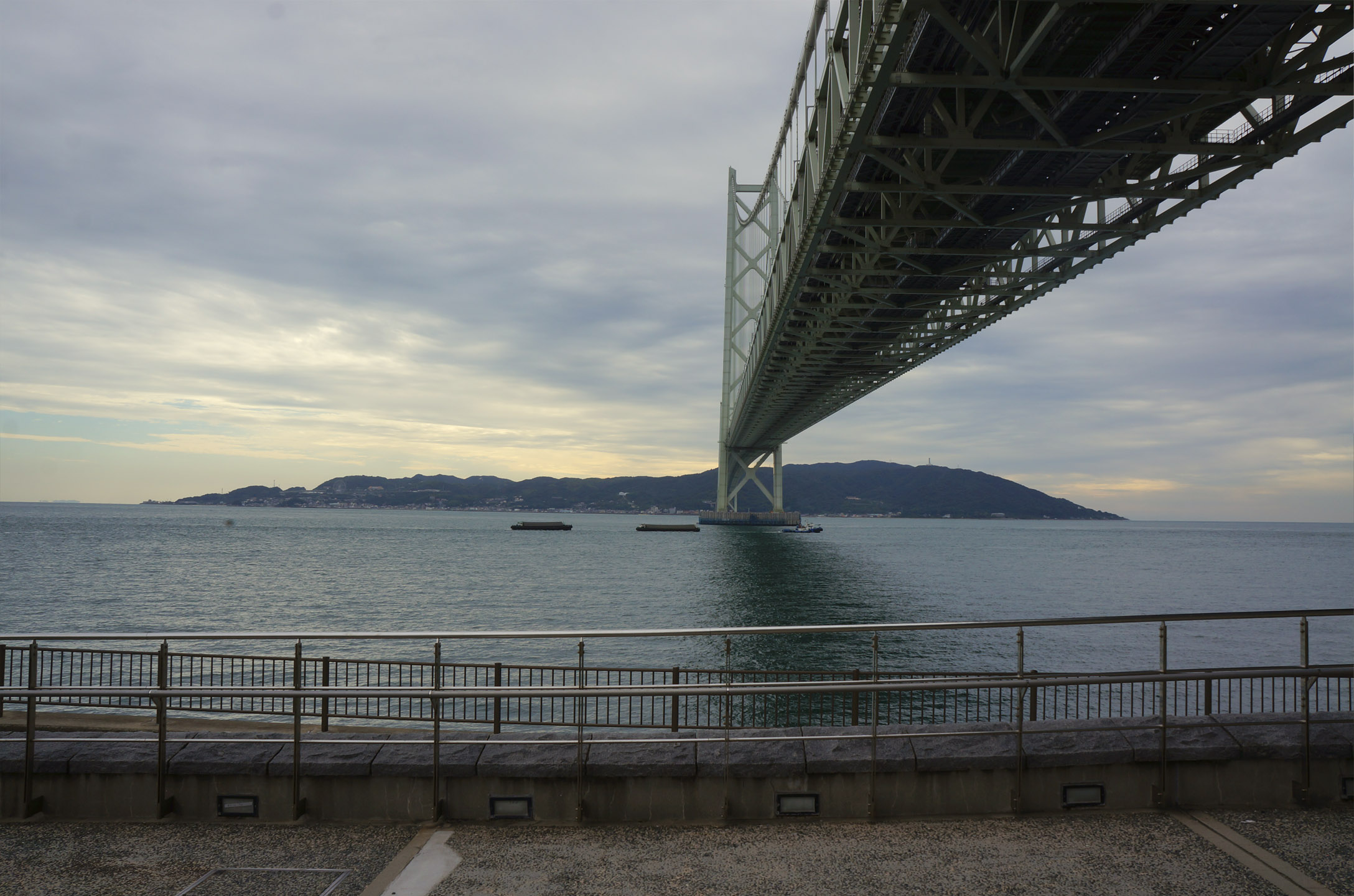
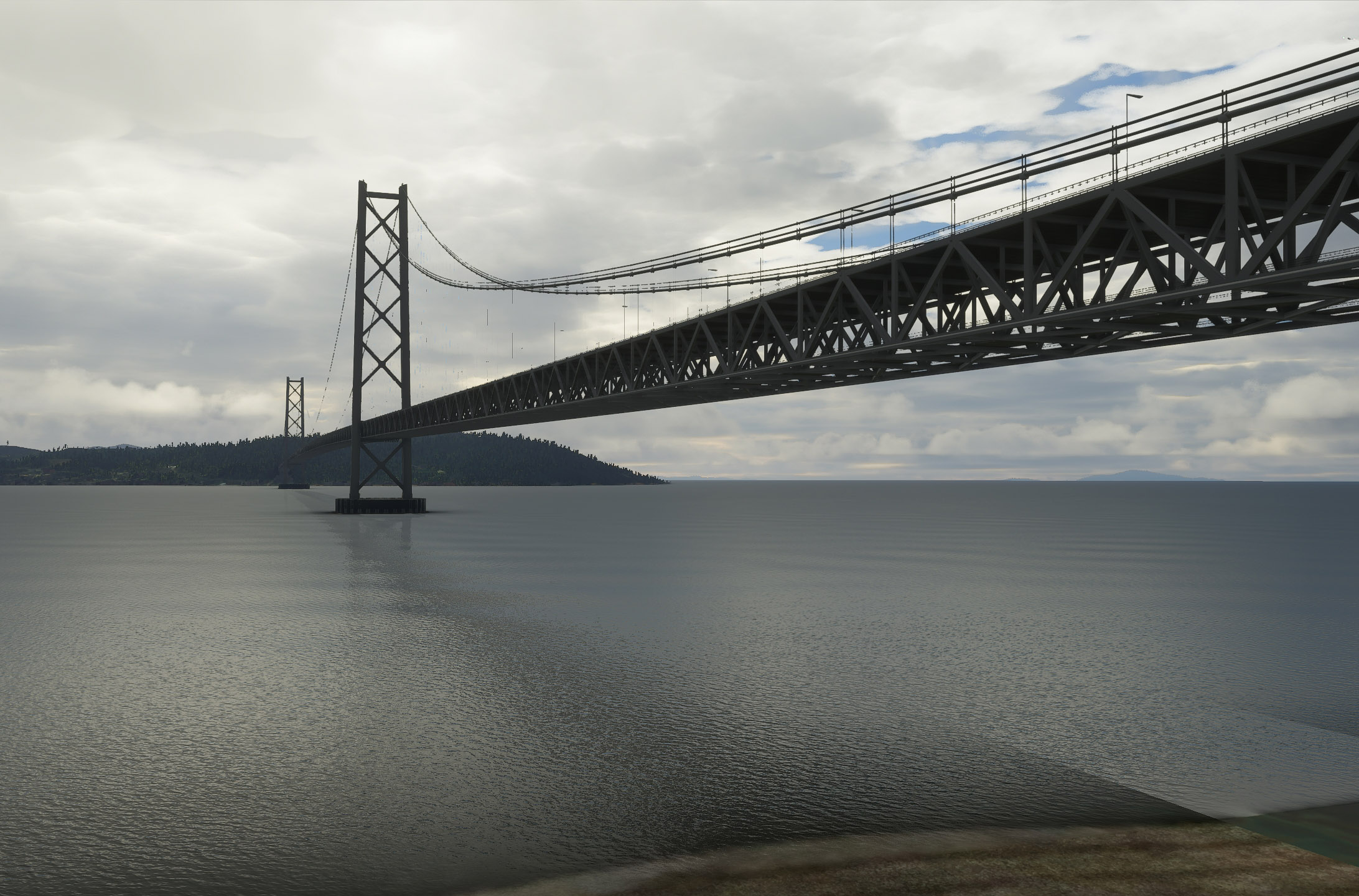
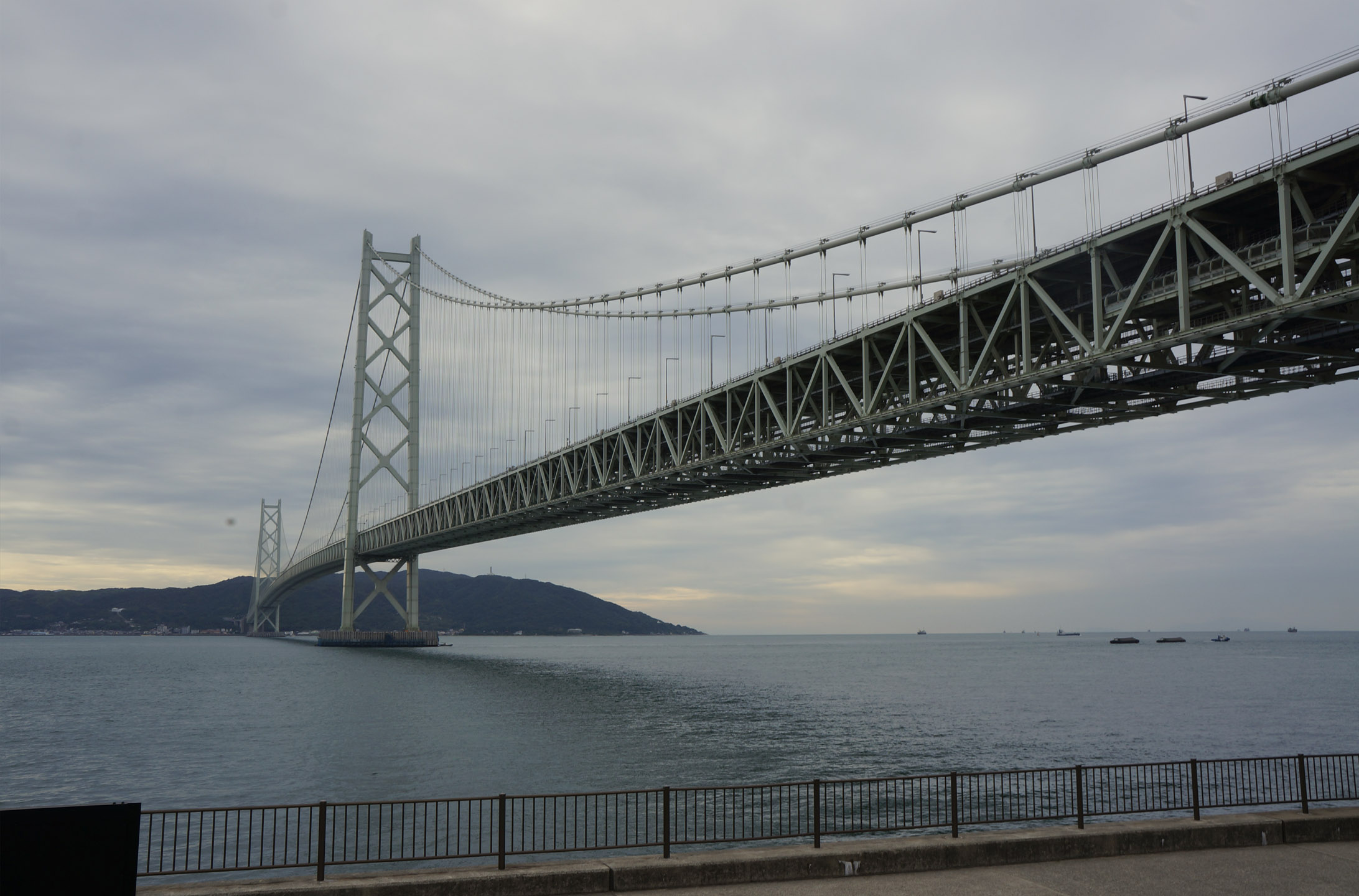
In honour of Japan world update, and me finally being able to download it… Here are some comparison screenshots from a few of many trips to Japan. Did many comparison shots in various countries during alpha but unfortunately I can’t share 
Sim crashed 3 times in 20 minutes while attempting my screenshots so I gave up doing all the pictures:
Tokyo Tower
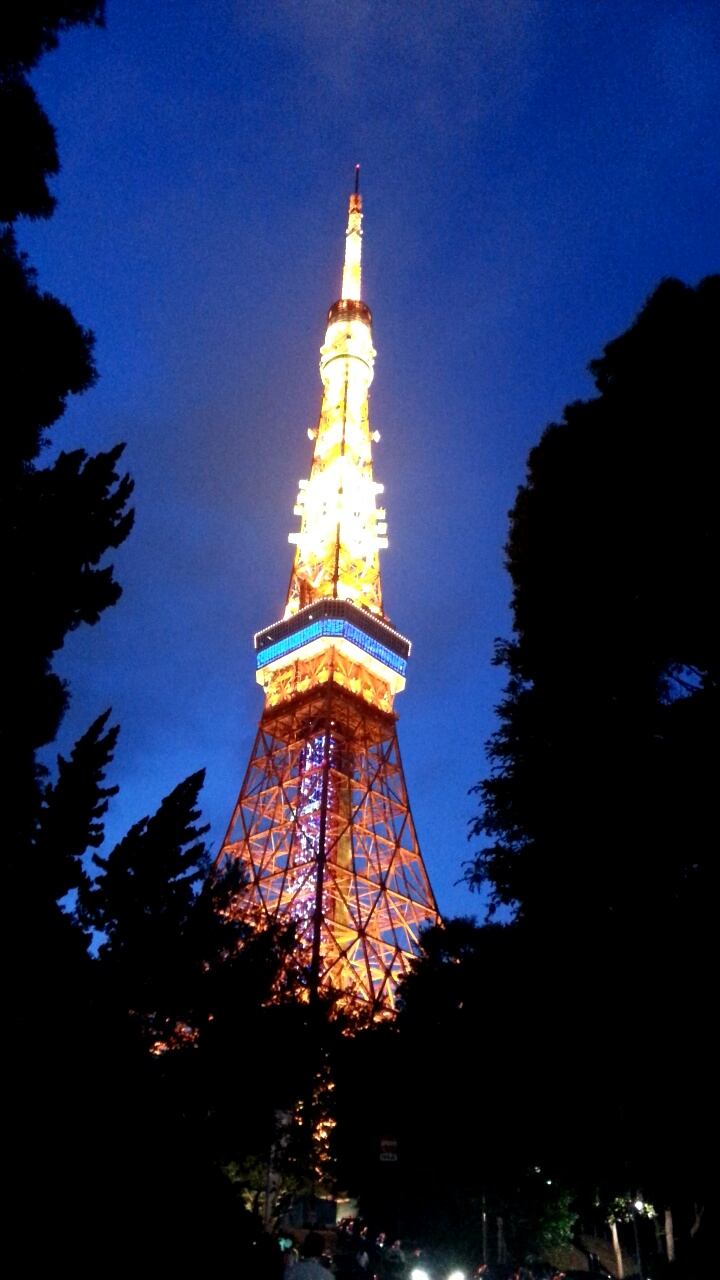
Tokyo Tower Night
Unable to get blue hour colours
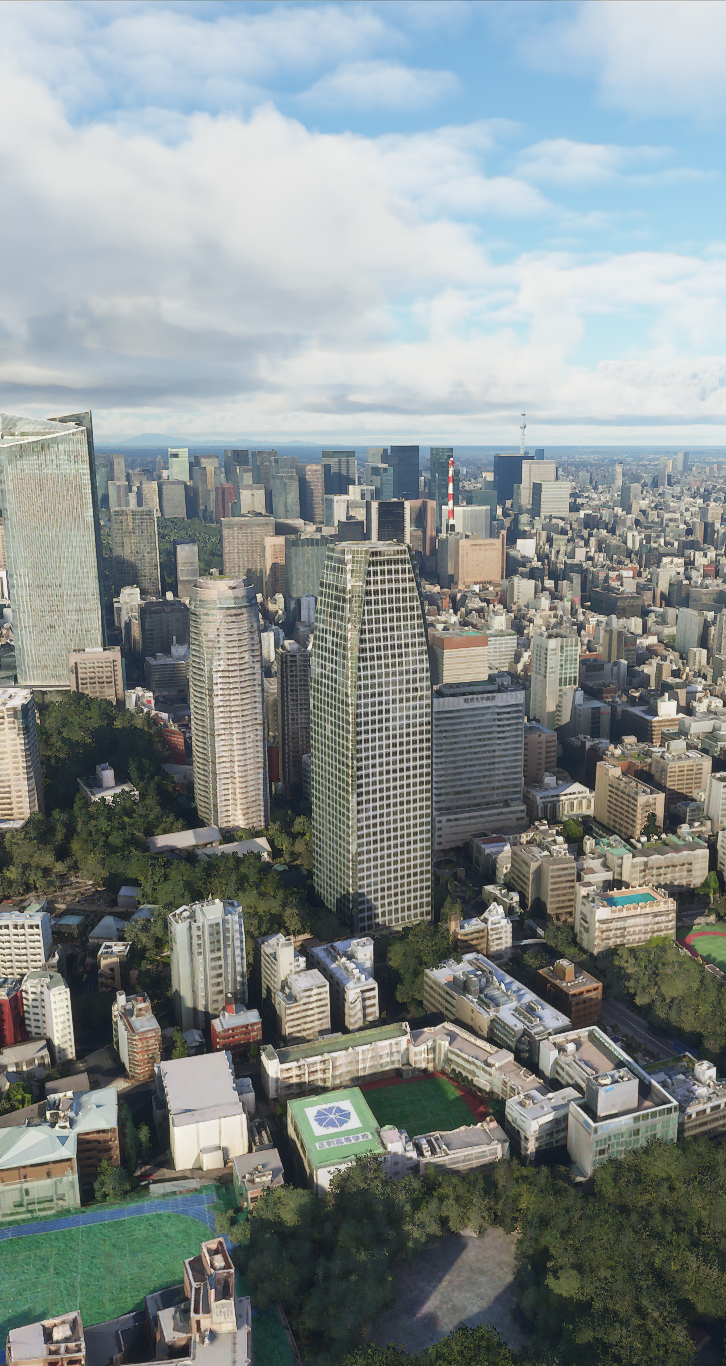
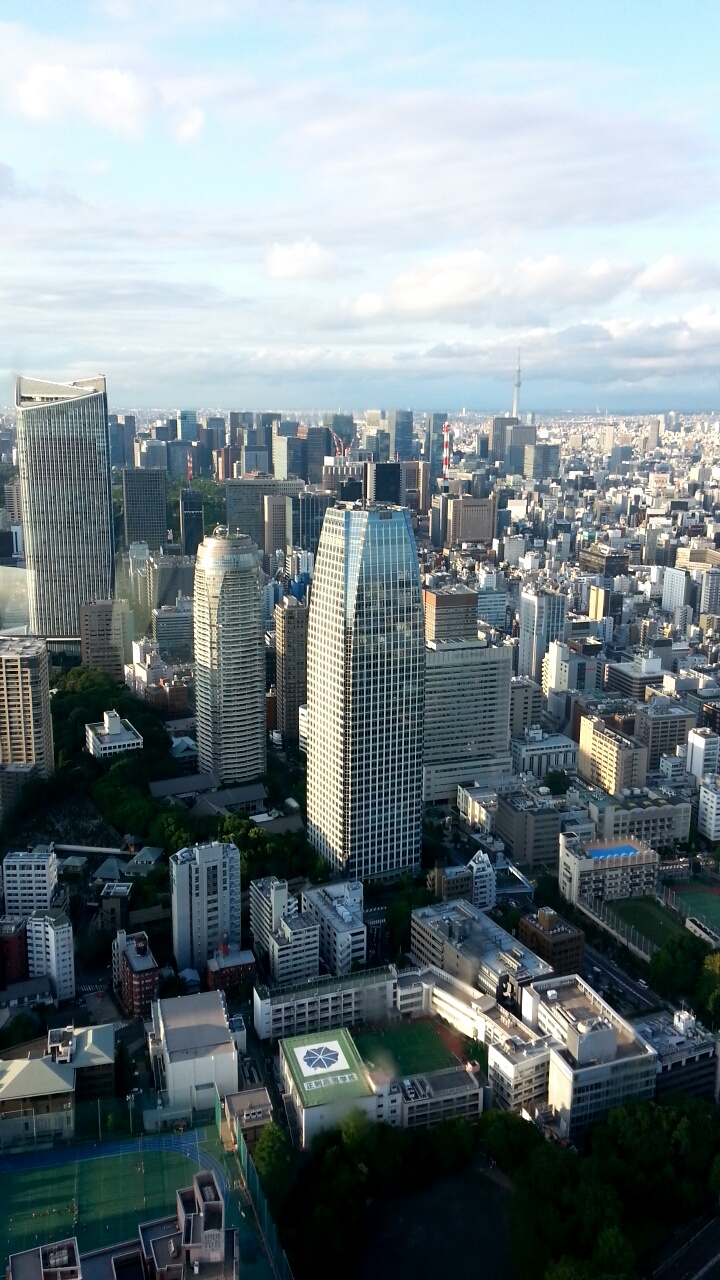
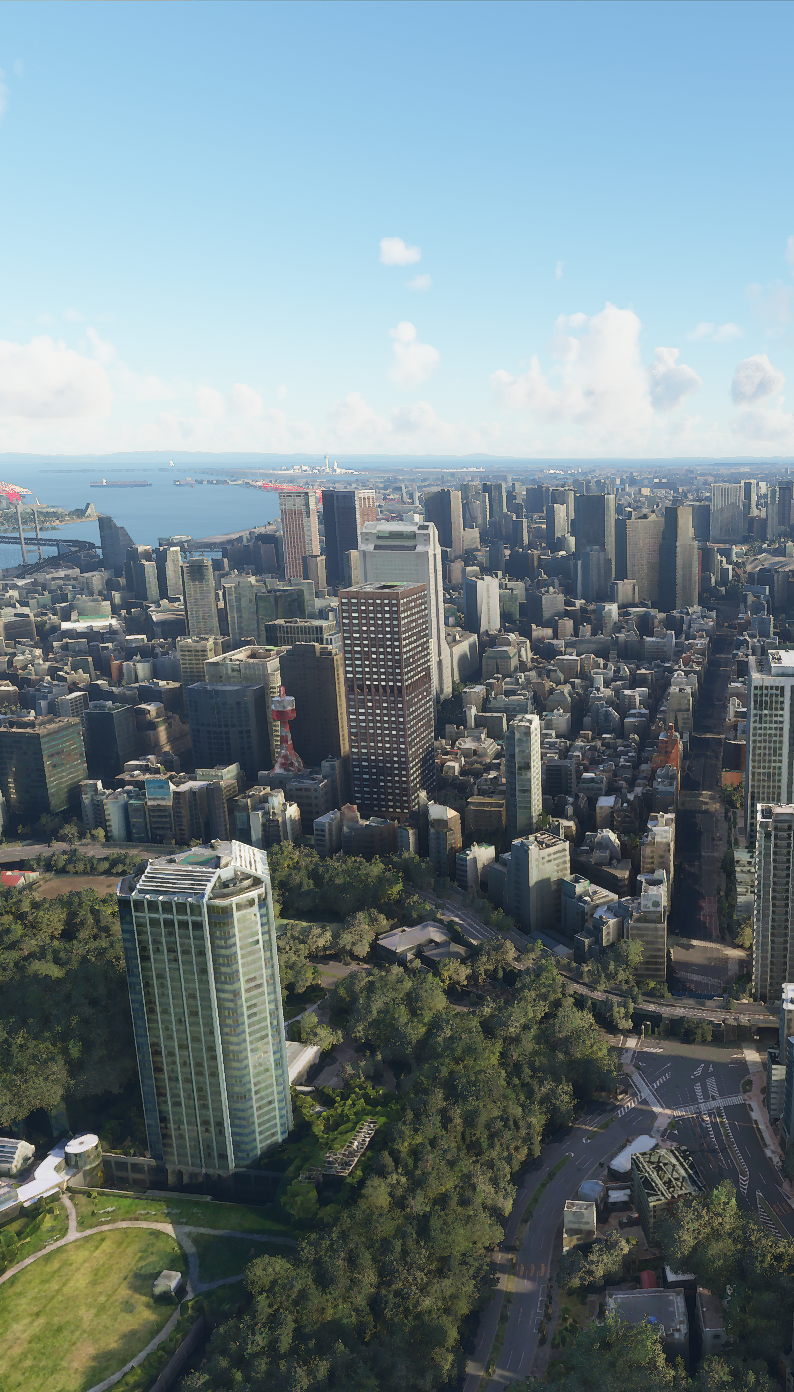
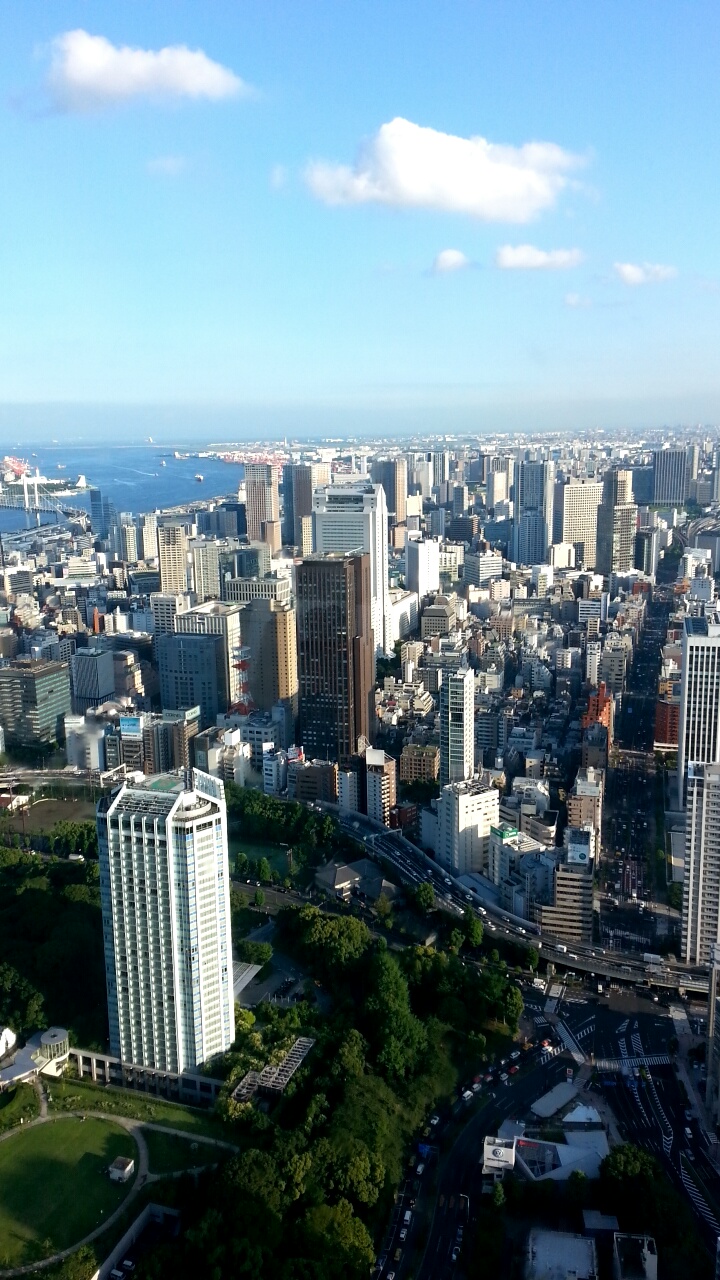
Views from Tokyo Tower
Views from Tokyo Tower 2
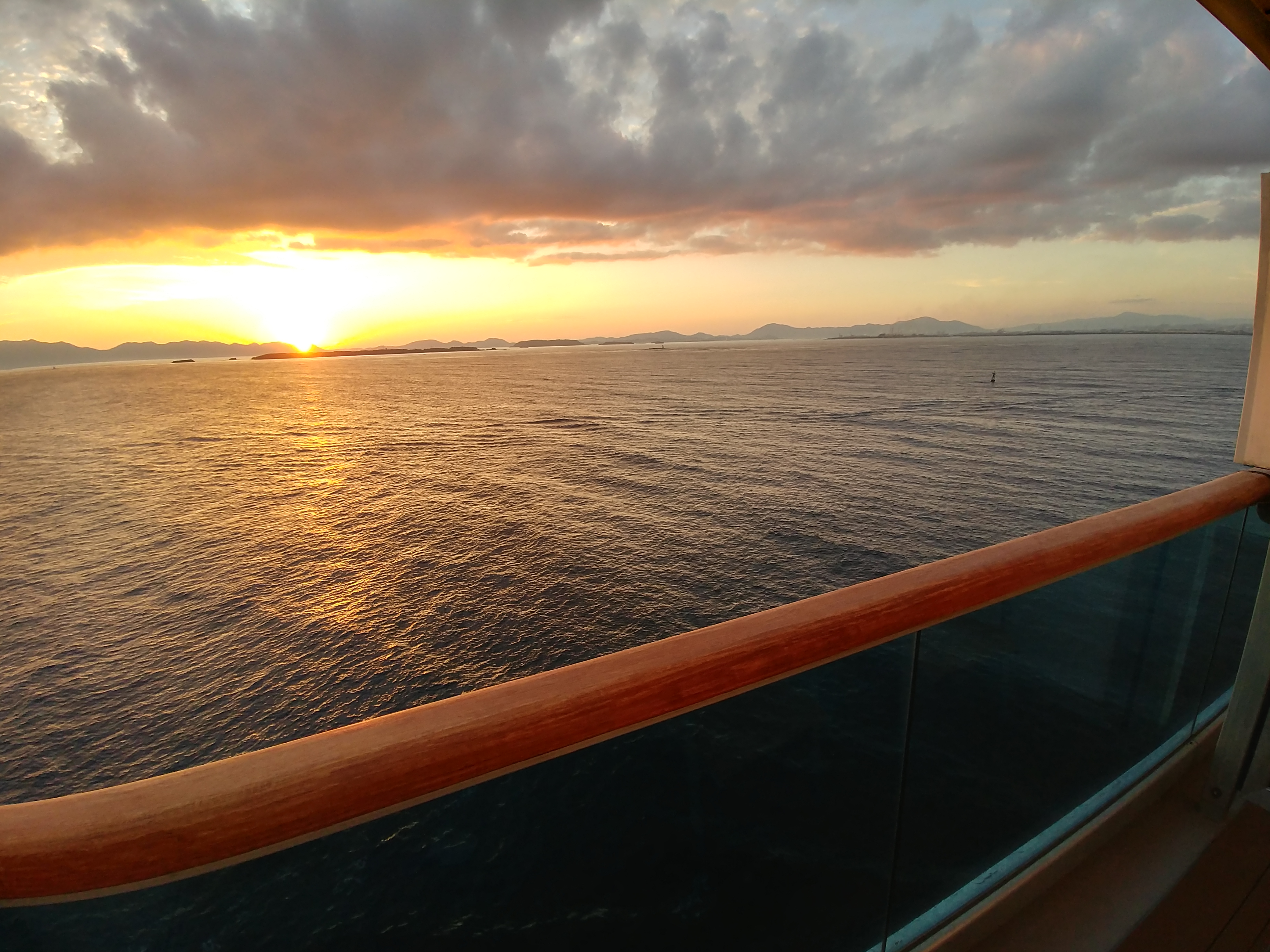
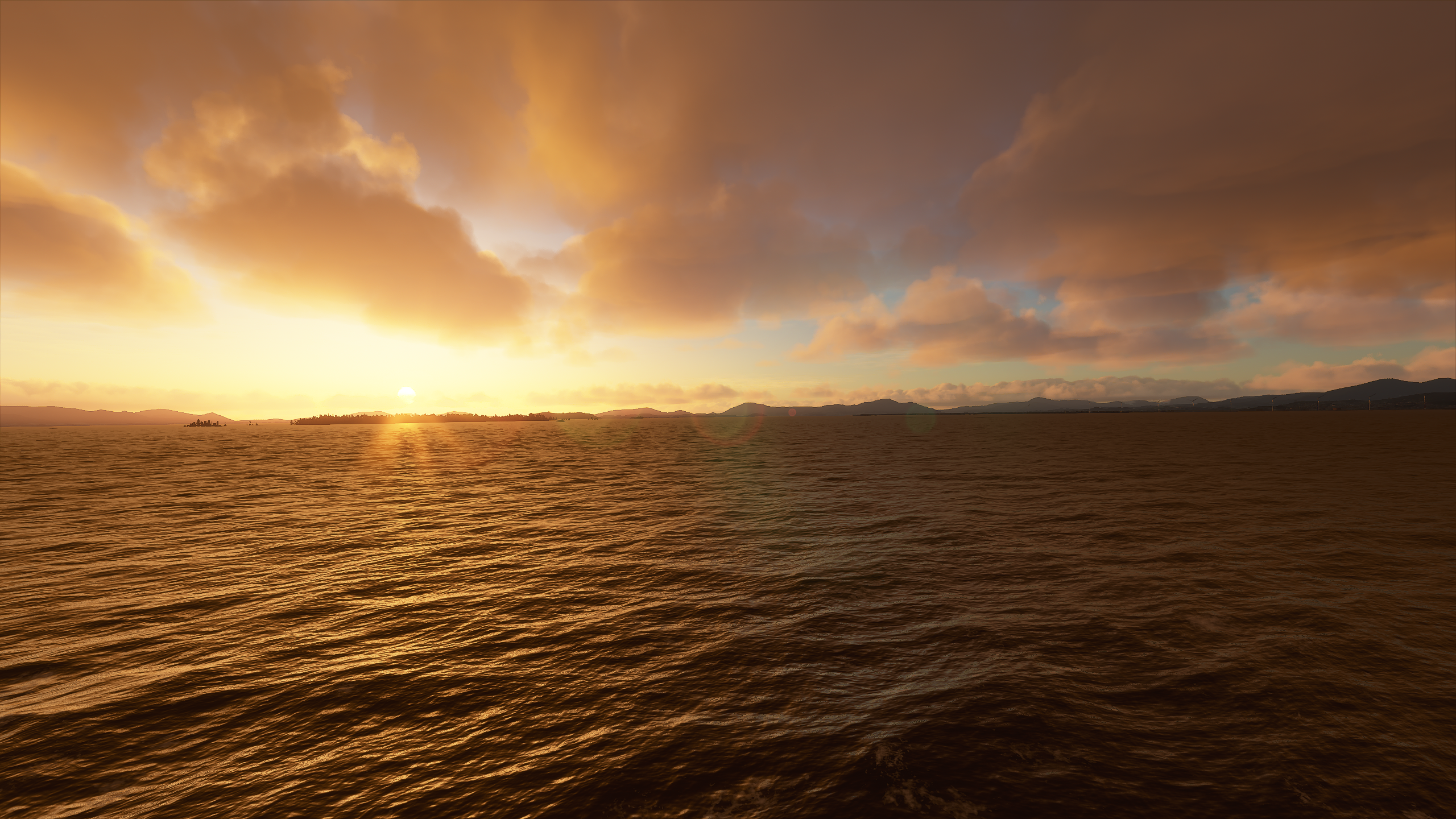
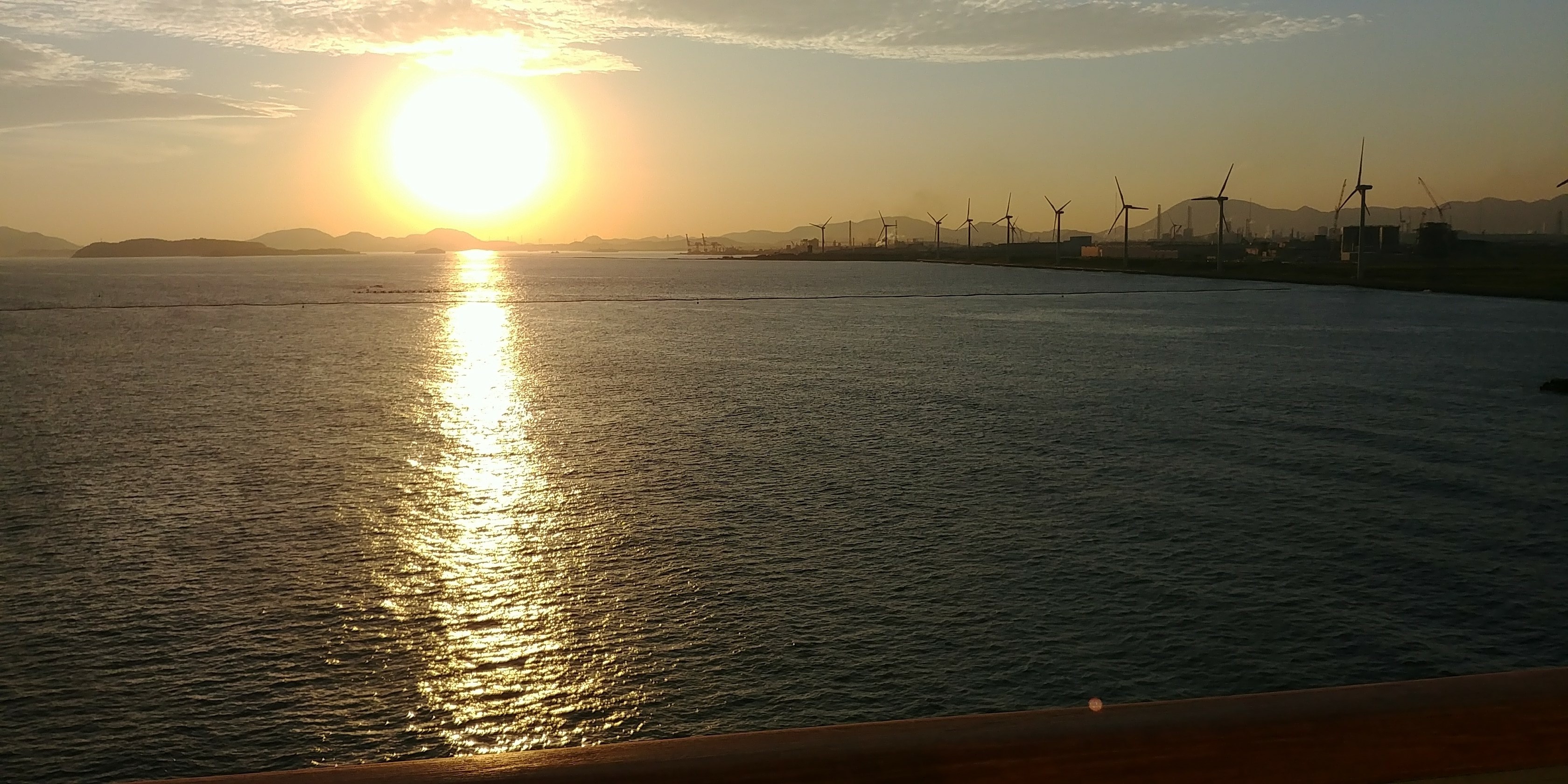
Cruise off coast of Fukuoka 1
Cruise off coast of Fukuoka 2
Updated:
View of Shibuya crossing from Shibuya Station
View of Tokyo from ferry
View from Chikushino, Fukuoka
View from Itsukushima island(Itsukushima Shrine)
Excellent comparison !! 
Thank you for these beautiful images / photos which really reflect reality.
A good omen for future updates of the world map. !
Wow. Really impressive!
After Japan, I may do Shanghai, where I grew up for 15 years so I got a lot more pictures. This is because of new scenery: Shanghai City Times V2 for MSFS – SamScene3D
Will do singapore/hong kong once payware level scenery is available.
Any interest? If so I’ll get started this weekend.
Edit: Also have plane window views from various places, or a few more Japan pictures?
Looks ok but not the correct type of trees
Where do you fly out of? I’m at KFFZ.
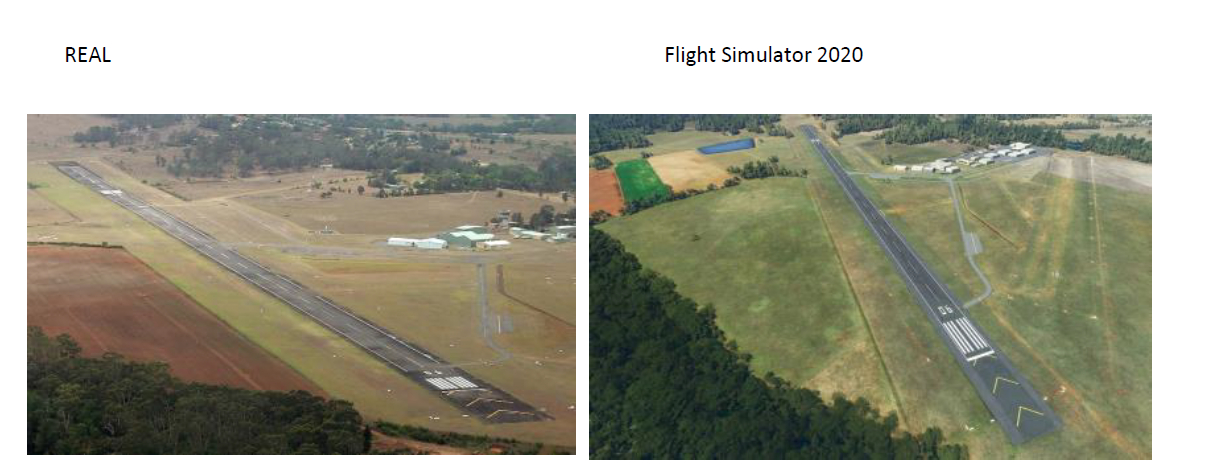
YSSY is Sydney International…
Lol should be YSCN . Fixed