Thanks again. Please note again that this is becoming a “major issue” around the world.
We are powerless to contact MSFS so hopefully the Forum team can represent us.
I will try the solution above by @dTwotonemurphy and see if it is a permanent fix.
But if thousands of MSFS users get stuck, MSFS needs to contact everyone with the solution.
UPDATE
I tried the fix recommended by @dTwotonemurphy
It worked initially although because MSFS shut down incorrectly via Task Manager previously I was greeted with this window.
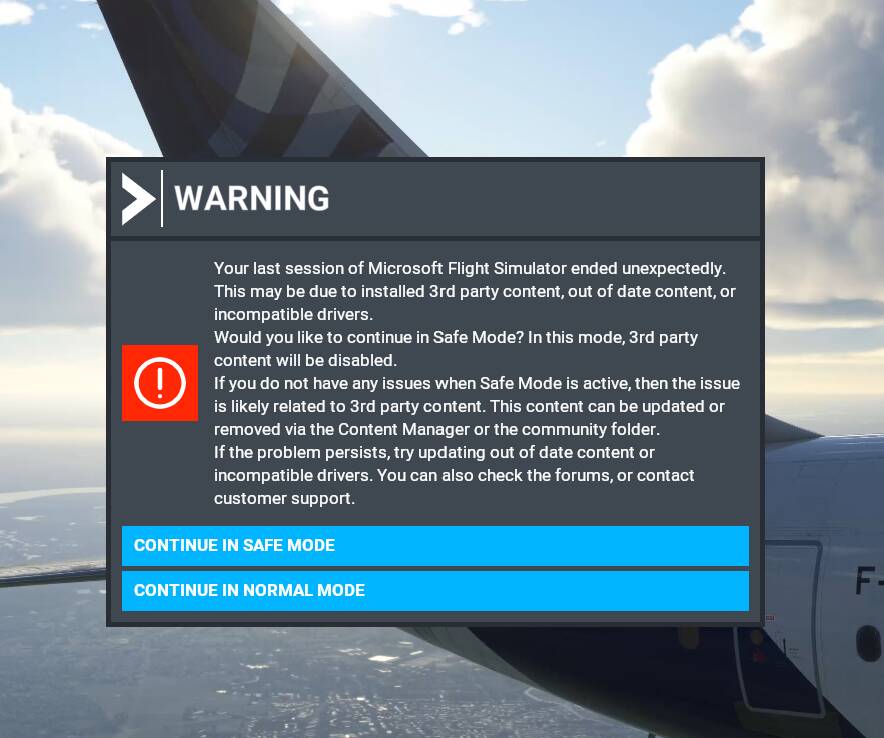
I continued in Normal mode - although I tried Safe Mode too after the following happened. After clicking “Fly” it got to about 75% loaded and would not go any further… so I had to shut down again.
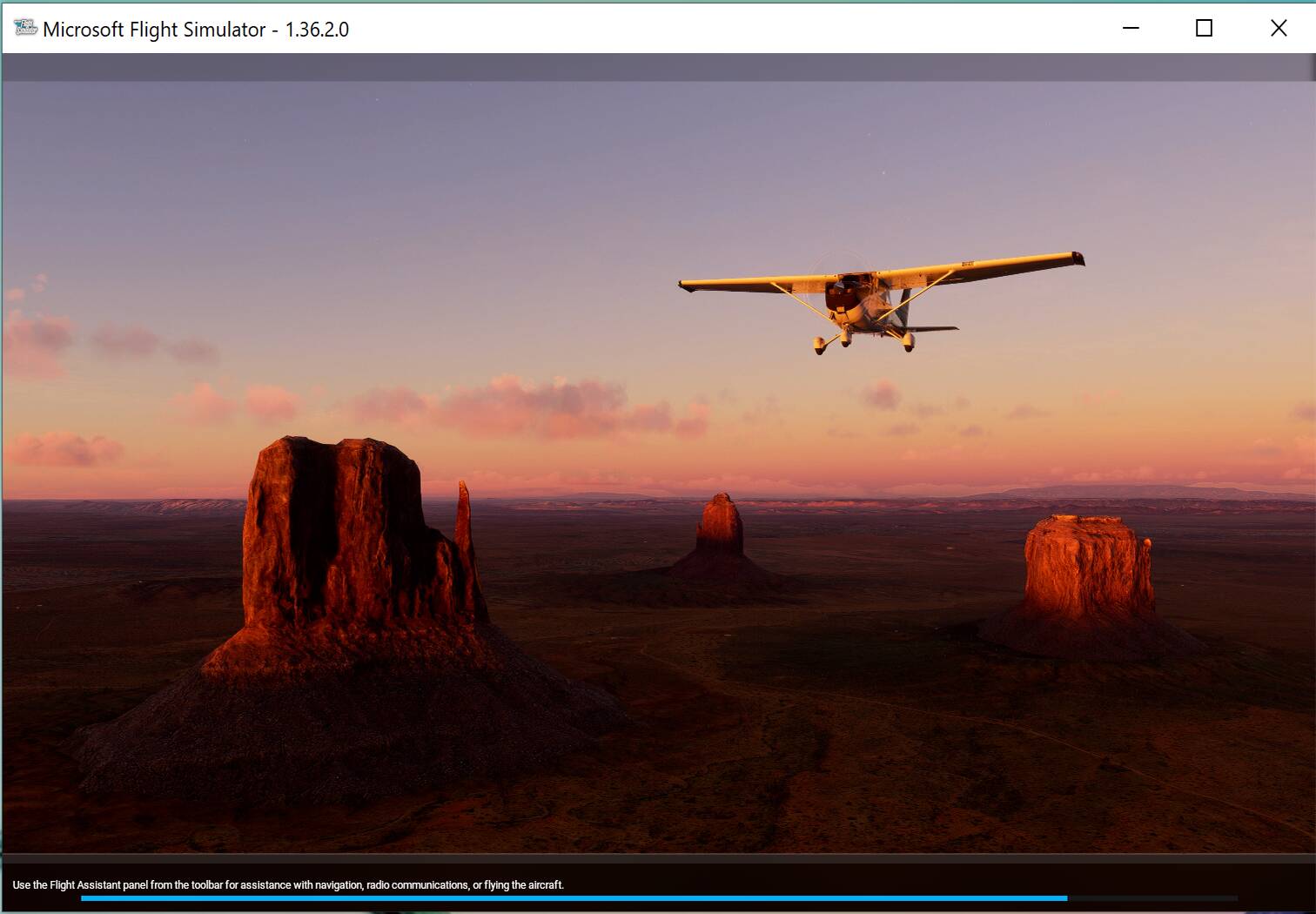
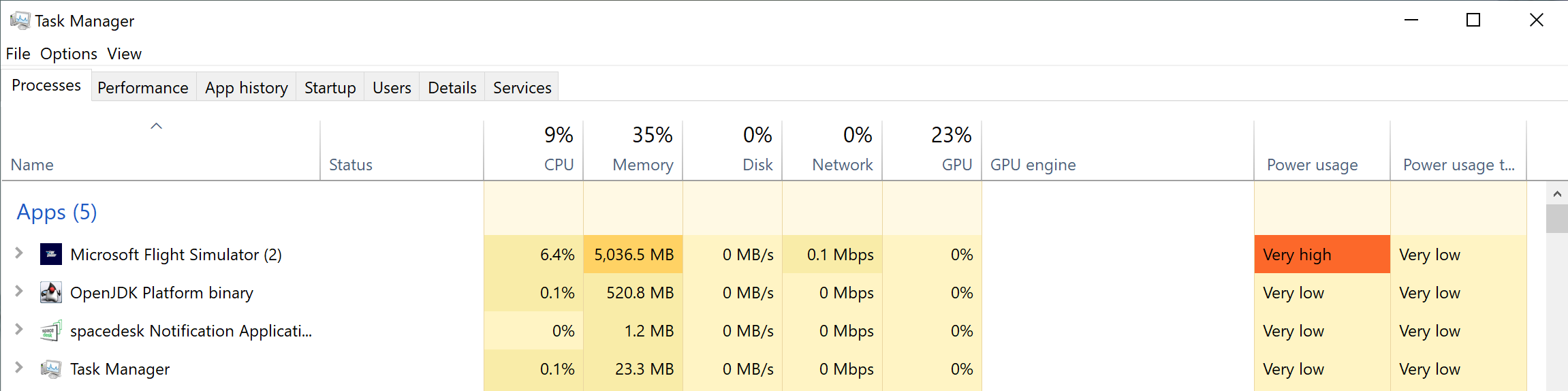
The “press any button” problem was solved but now I had a different problem to solve. After a couple of tries, I gave up and did a System Restore forward to the 18th March where I was before all this started.
After that, a Windows Update kicked in and I let that complete hoping it might solve the new problem.
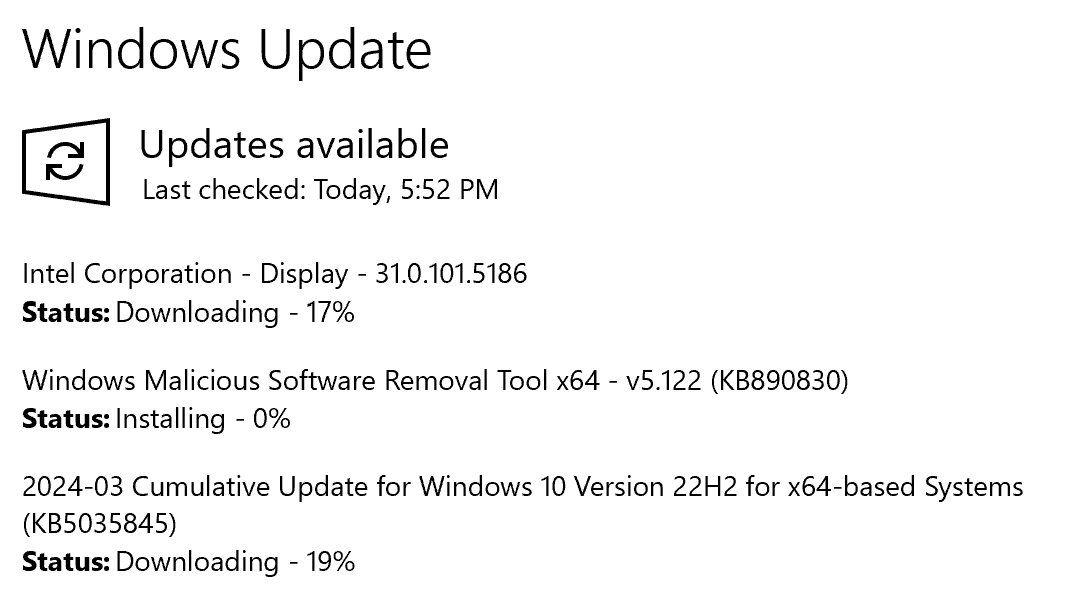
It didn’t, but at least I was not getting the “press any button” problem.
I think the current issue is to do with MSFS not knowing where my data is - or a problem with the Rolling cache.
[MODERATOR EDIT: Removed this sentence of use of an illegal mod. See Add-ons - Friendly Reminder]
LOL “Illegal Mod”??? It may be ‘unapproved’ by MSFS, but it is not ILLEGAL. No one can be prosecuted for installing mods that MSFS does not like just because we prefer better images than Bing maps.
The BOTTOM LINE is that the method suggested by @dTwotonemurphy seems like it will work if you don’t have any other problems crop up.
You might need to repeat the process a couple of times and restart.
That’s about all I can report.
Hope some of this is helpful.