You miss the point. In a top software development organization, you have a very strong QA organization that have created solid test methodologies to ensure product quality before release. Many of such organizations will NOT allow software or games to be released if the QA team deems the software fails release criteria.
The MSFT mothership definitely have such a mandate for certain software that it releases. Many of MSFT’s BUs leaderships would probably get fired for releasing horrible software.
I would be very scared to learn if Asobo only has a single guy who does QA for just 5 mins, which I hope is not what you are implying. I would hope they have a room full of different devices with different configurations and hardware for QA purposes.
MSFS2024 is seriously flawed and perhaps QA did identify problems but got OVERRULED by the leadership team. Or the QA team is non-existence which is another issue that needs to be fixed. Perhaps they need to parachute in people from MSFT mothership to right the ship. To teach proper QA methodology.
Honestly, this is the last straw. I can’t keep wanting to fly airbuses in the simulator without knowing if they will work the next day or not. I’m sorry for Inibuilds but Asobo is ruining the experience with their slow and broken updates.
I’m going to buy the FENIX right now, I can’t stand this anymore.
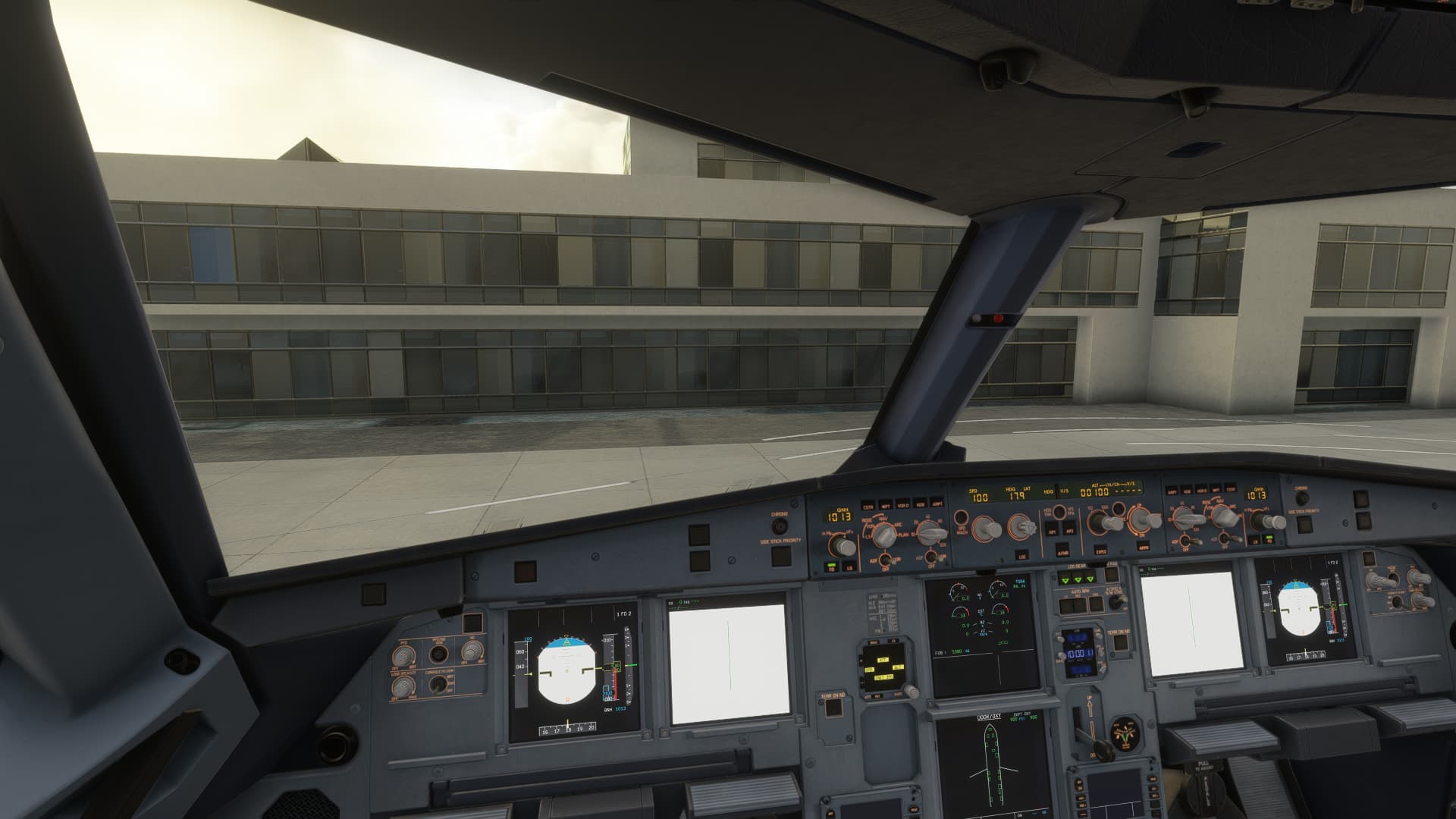
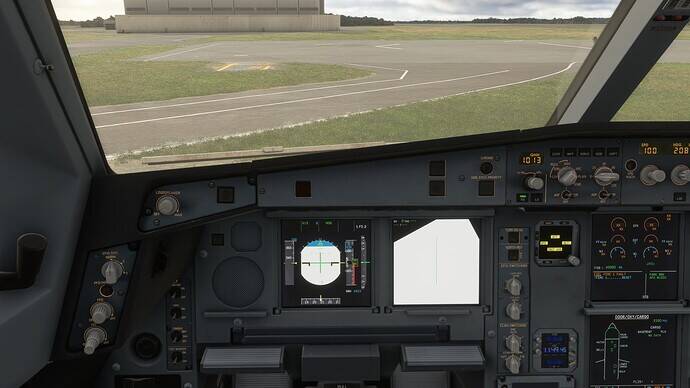
Do you have the same issue if you follow the OP’s steps to reproduce it?
• YES
Provide extra information to complete the original description of the issue:
• STILL HAPPENING - 21/12/2024. Empty community folder, no addons, cleared the cache etc etc etc.
If relevant, provide additional screenshots/video:
•
I hope you have better luck in that. We shouldn’t have to buy external add-ons though if we don’t want to! I just bought BATC to fix the shocking default ATC. I don’t have the spare cash to buy the Fenix as well!
I have figured out the root cause, which is due to the Texture size.
It only happens with Low and Medium, so setting it to High fixes the problem.
Give it a try