The developer of FSLTL is currently stating on their discord that there is nothing that can be done with the gears to show further away, its out of their hands. But i hope we will see this get some attention from Asobo soon, maybe in su5.
I have FSLTL only as a fallback for the rare cases where there is no AIG model (i am using BATC).
Next time I notice a model difference between closes and further away gear, I will launch LNM to see what models they are and report back.
But to be clear: no model shows gear from “far” away. So when zooming to a model more than approx.500m away no model shows landing gear.
Maybe I just have a different tolerance and definition of “far” 
277 votes and counting…nothing done or acknowledged by developers 
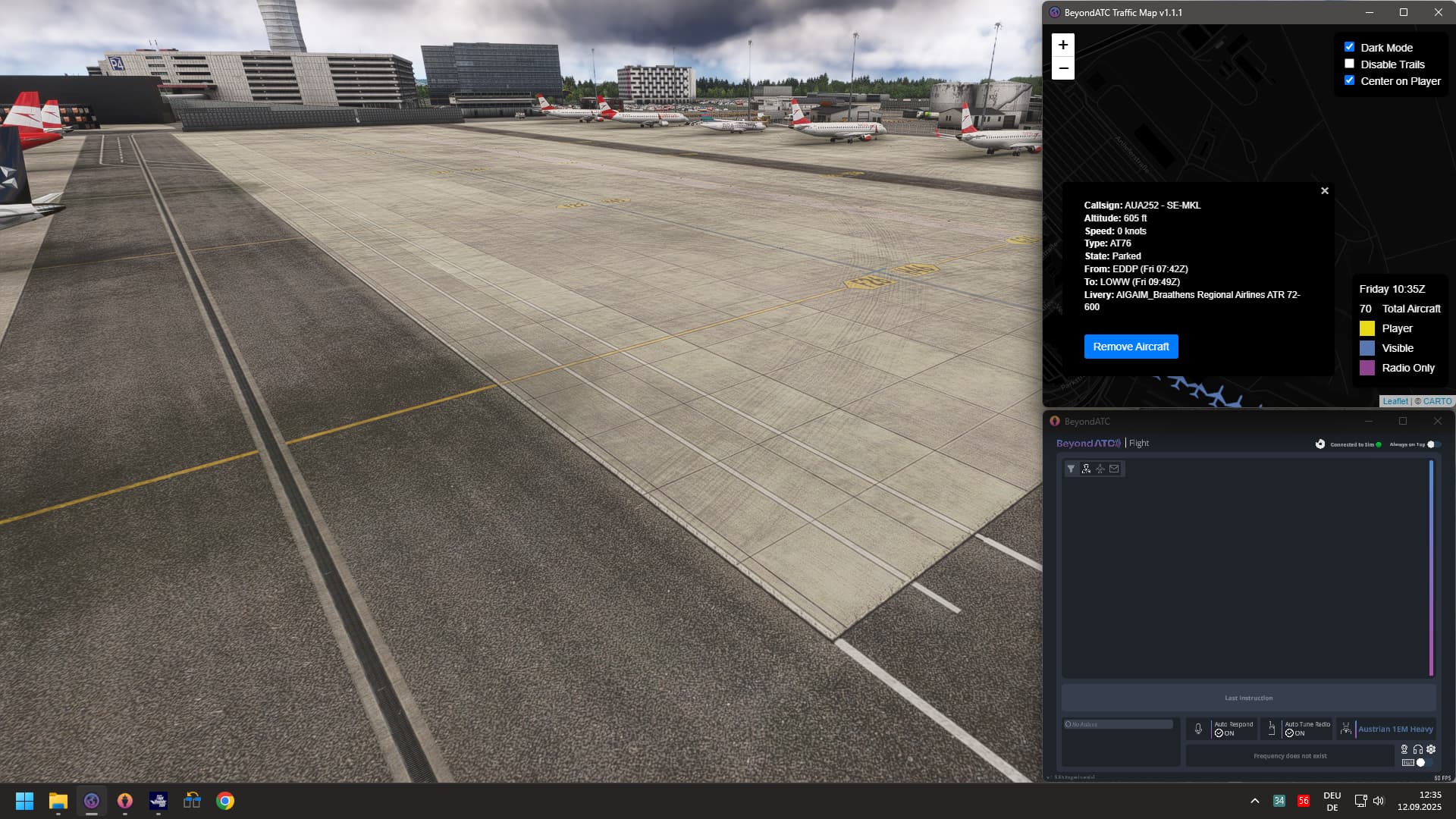
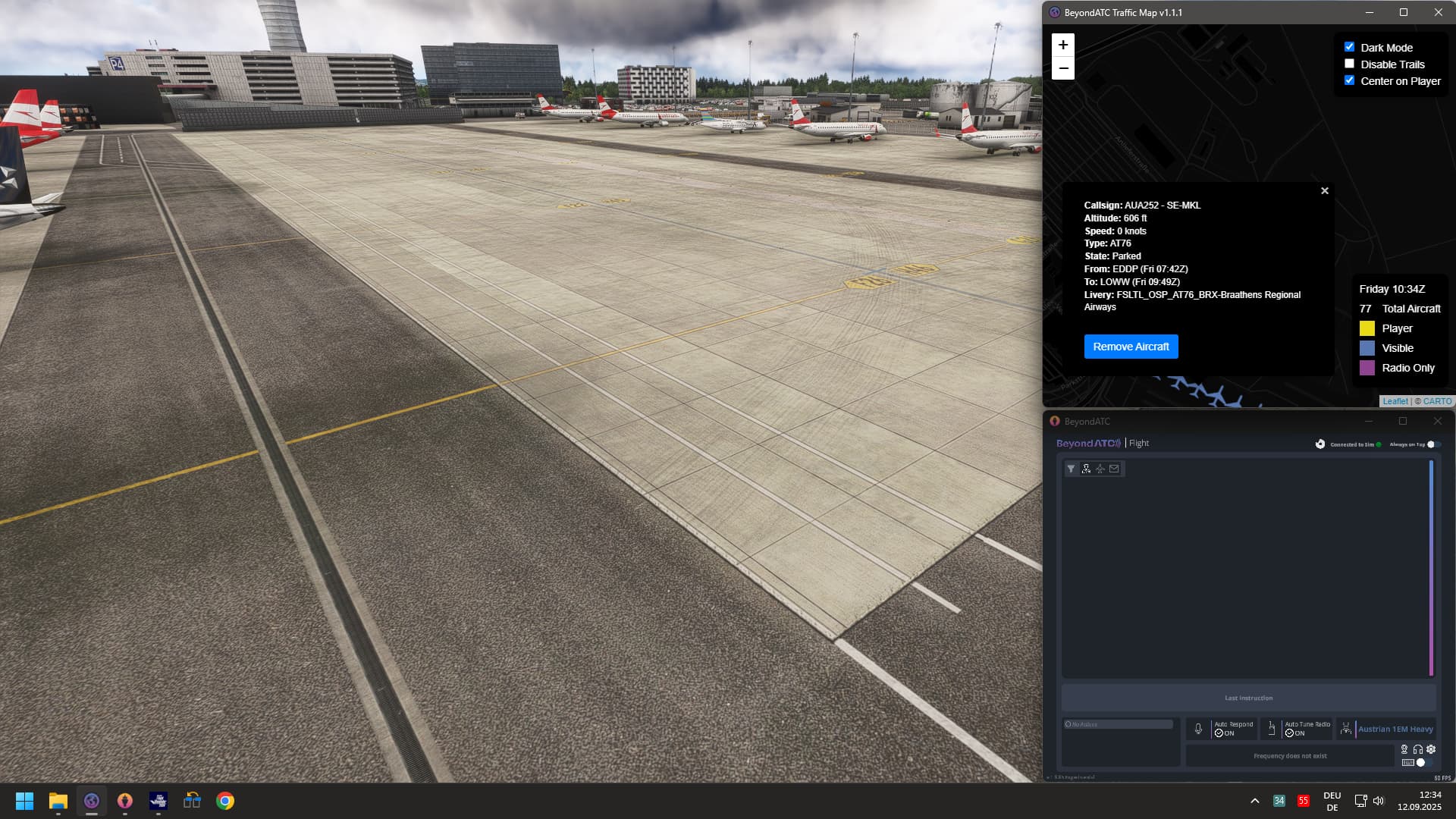
here you see 2 screenshots. one with the FSLTL model, one with the AIG model.
Both shots from the same spot, i only switched the model in BATC.
Pay attention to the ATR.
The FSLT has no front gear, the AIG has.
According to a map, I am 350m away from the ATR.
1 Like
A common factor in many games over the decades. The typical situation was the larger the world the lower the detail. As the detail levels increased the worlds became smaller. A good example comparison here were would be Elder Scrolls Daggerfall, and Skyrim.
It’s only relatively recently that some developers have sussed out how to stream really detailed worlds, and make them larger again.
1 Like
Anyone noticed a fix in SU4?
Nope, no fix yet
1 Like
Why is this still not fixed in SU4???
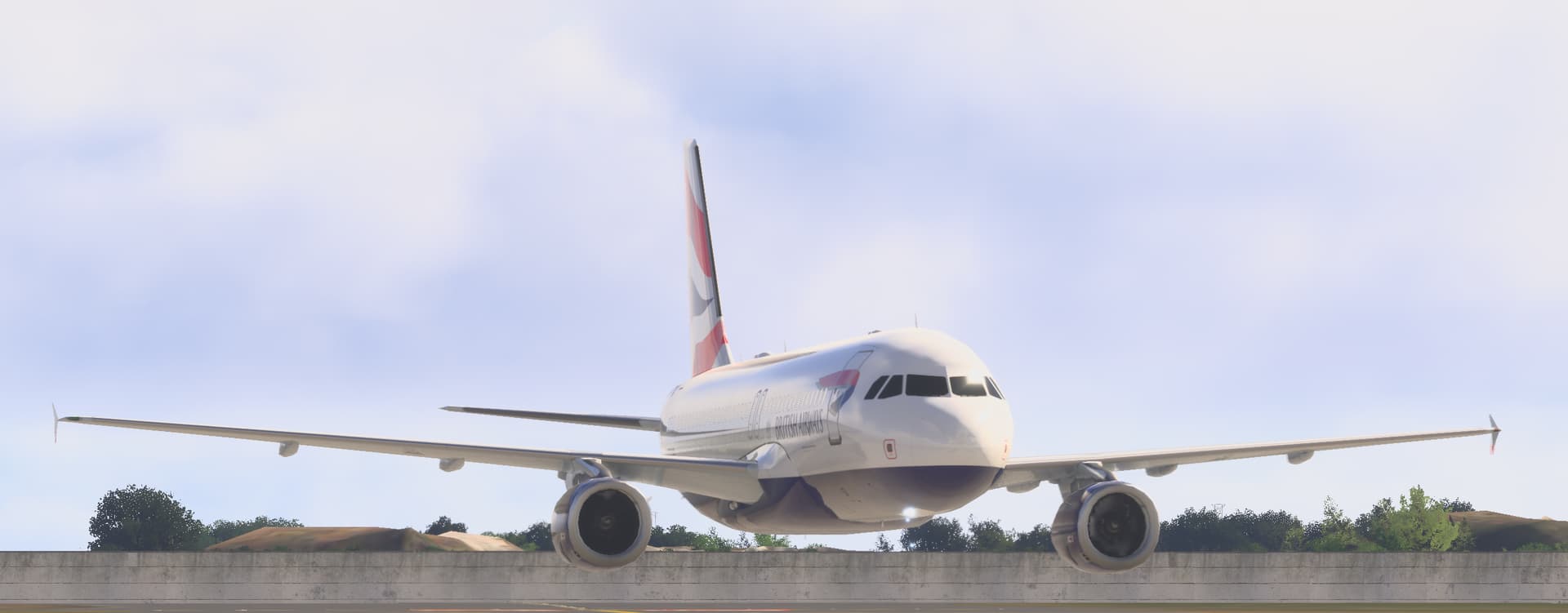
As suspected, Asobo staff don’t use 2024 outside of working hours. If they did, this would not have gone unnoticed since January 2025 with thousands of complaints.
10 Likes

I’m still not convinced some of these issues are LOD issues - if you’re geting right up to the plane and the gear is not there, can you see the landing gear in the middle of the plane? (as in, it’s gear up but glitching your camera through shows the wheel up)?
There’s certainly an issue of some models not dropping the gear probably when whatever spawned the object has requested it (I feel more common on FSLTL models), and that is where despite how close you get to the plane the gear is never there. If that was an LOD issue then it makes no sense why it only impacts the gear, and instead would expect a wider issue on LOD rendering. I’ve seen this on VATSIM plenty of times. less so on BATC injected traffic.
But, if you see the gear pop in as it gets closer, than that IS an LOD issue and I think there is a level of which does depend on the model. The model sets what shows at different Levels. If the model creator is saying there is a landing gear there, but MSFS isn’t rendering it then sure, that is suspicious and sounds like a bug. But I bet there is an LOD in the models that doesn’t have any landing gear and I just think it’s missing at too early of a stage of the LOD process - perhaps more noticable as the distances LOD works has changed in MSFS2024.
During yesterday’s storm in EGPH, I discovered by chance that the landing gear only becomes visible (is deployed) once the go-around is initiated and the pilot actually retracts the gear. As I’ve stated several times before, I don’t think this is a LoD issue but something to do with animations. Without exception, the gear isn’t visible for landing aircraft, but always for takeoff.
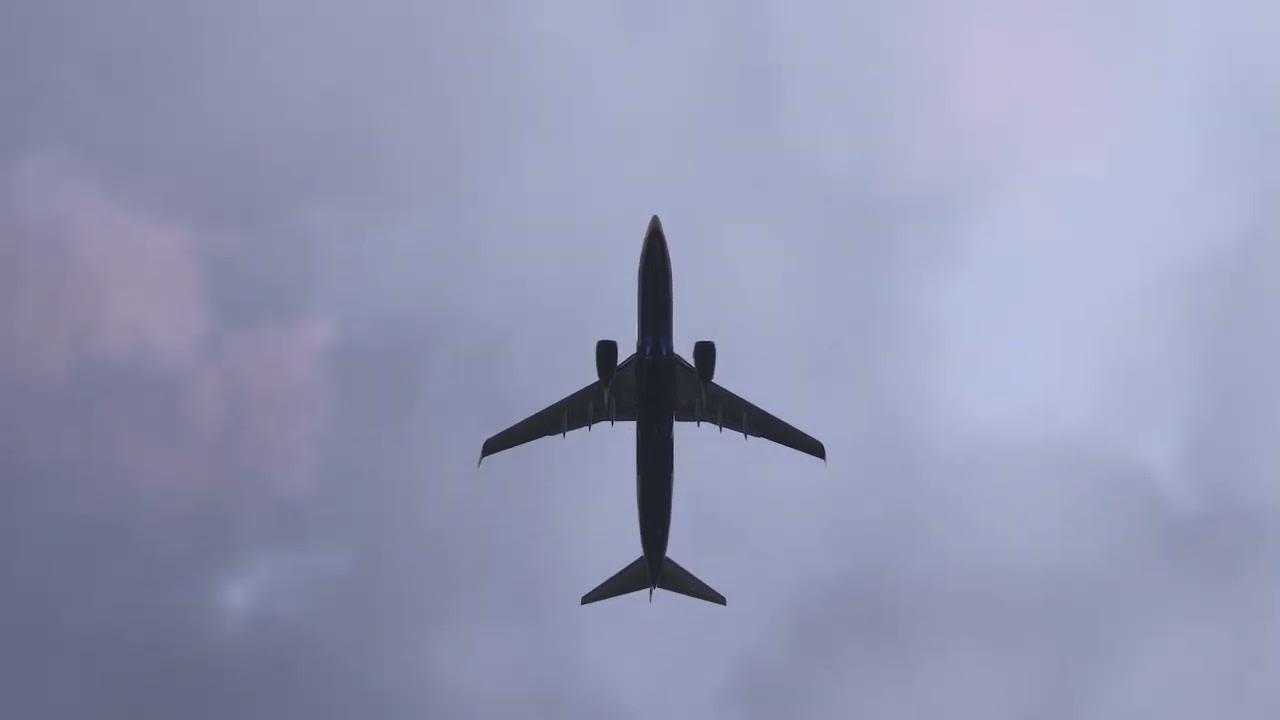
Link to the post proofing its not a LOD Issue
No. This is 100% a hardcoded lod issue. Ive tested hundreds of times both in 2D and VR. The issue is even more visible in VR because the camera is more zoomed out. Parked aircraft loose their gear not far away from the plane. And even closer in VR.
The gears extend/retract loop on vatsim is another bug.
I’m afraid that the post you linked to does not prove that this is not an LOD issue. (It doesn’t prove that it is an LOD issue, either.)
You said that you think it’s an animation issue. Clearly the animations work just fine as you can see the gear both extending and retracting in your video of the go-arounds. Perhaps it’s both? It could be an LOD issue that only affects animations. I’ll explain why I think that might be the case:
(Note that I am assuming that you use vPilot on VATSIM. If you use a different pilot client, then what I say here may or may not be applicable.)
vPilot uses two different SimConnect mechanisms to control the gear on the aircraft models it injects into the sim. When a new aircraft object is created, vPilot sends a message through the VATSIM servers to “ask” the other pilot client whether or not their gear are down. The other pilot client responds with a true/false value that indicates if their gear are down. vPilot then sets the position of the gear (which is expressed as a percentage of extension) on the model to either 100% or 0% depending on if that response indicates true or false, respectively. Setting the gear extension percentage in this way results in the gear “snapping” into place … it does not trigger an animation.
Then, once the aircraft object is created, if the pilot of that aircraft subsequently raises or lowers the gear, vPilot uses a SimConnect event to trigger the animation to raise or lower the gear. The sim does the work of smoothly animating the gear going up or down at the correct speed, using animation data built into the model. (That way the gear can move very slowly or very quickly, realistic for the individual aircraft type.)
vPilot works this way so that if you connect to VATSIM on the ground at an airport with lots of aircraft parked nearby, you will see their gear down instantly as soon as the object is created. If vPilot only used the animation events, then every aircraft that you see on the ground nearby when you first connect would show their gear coming down, which would look rather silly.
So, the reason this could still be an LOD issue is because maybe when an arriving aircraft object is first created (and vPilot sets its gear position) it is too far away, and the LOD that currently is in effect for that aircraft does not contain the gear and/or gear animation data. (I’m not an aircraft model developer, so I don’t know if different LODs can contain or not contain animation data.) Similarly, when the aircraft gets closer, and the pilot drops the gear, maybe the aircraft is still far enough away from you that the effective LOD still doesn’t have the gear model and/or gear animation data, so the “gear down” event from vPilot has no effect.
This hypothesis is supported by your video above showing aircraft going around. When those aircraft were first created or when the pilot dropped the gear when established on final, vPilot tried to drop the gear, but the aircraft was outside the LOD range that contains gear data, so you see it with no gear. Then, when the pilot aborts the landing and goes around, they raise their gear, and vPilot sends the “gear up” event to the model, and now the sim runs the gear animation that you see in your video.
What I don’t quite understand is why, in your video of the go-arounds, you see the gear start to come down, then go back up, when vPilot sends the “gear up” event to the model. I would have expected that the gear would “snap” to the fully extended position and then smoothly retract normally. That’s likely just a quirk of how the sim handles animating a “gear up” event when the gear are already up. It could be that when the aircraft was on final and lowered its gear, but it was too far away for the LOD to have gear data, the simobject still recorded the gear extension percentage as 100%, but no gear animation was “played” so the physical gear model was still tucked up into the fuselage. Then, when the pilot performed the go-around and raised the gear lever, the sim tried to animate the physical location of the gear to match the gear extension variable, and that’s why you see the gear start to extend, then retract. In other words, the gear extension percentage variable and the physical location of the gear model were out of sync due to the LOD issue.
Again, this is just a hypothesis. I don’t know for sure that this is what is actually happening, but it illustrates one possible explanation that does involve LODs. Also, I’m only considering the VATSIM+vPilot case. Everything I say here may or may not apply in the case of regular AI traffic controlled by applications other than vPilot.


Yes the issue has gotten worse compared to release,(im not saying it was good at release, but better)
1 Like
Its nice to see something that does make sense for once lmao, if we go by your hypothesis then do you have any ideas on what would the steps be to remedy this? Changing which data the models can recieve at certain ranges? Then i suppose the age old question of who is then responsible for implementing the changes. I also appreciate you might not know, im just thinking out loud trying to make sense of it all 
Honestly this could be made so much clearer is Asobo would just talk, they say the fix is “in progress - per aircraft“ when they bother to update the feedback table once every 10 “dev“ updates does this mean they know the solution? attempting a solution? what fix? trying to find a fix? we wouldnt have to guess at what is at fault.
Yes they stated that, but i dont believe its a per aircraft thing. I think its more a global lod issue because developers cant make the aircraft gear visible from longer distances. I also tried to force lod0 in developer mode, but the gear vanishes from same distance. So i believe the lod distance is hardcoded in the engine somehow.
From what i remember this wasn’t an issue in FS2020 (and even sims before it). Granted, i haven’t used FS2020 since about May. I’ve been on FS2024 ever since, and it’s been an issue since it’s release. We just need to know what’s changed.
Per aircraft fix is also a sham, seeing as this affects FSLTL, FSTraffic and AIG models as well which Asobo have no control over. So would this be Asobo saying it’s a dev issue?
BTVPilot may be onto something from the VATSIM pov with vPilot though. Kind of makes sense but again, why hasn’t this been an issue before? A “hardcoded” issue would mean something was rebuilt, which is likely with FS2024.
It was an issue in msfs2020.
Definitely not an “per aircraft” issue, this problem is persistent generally on all aircraft since the release of MSFS2020 and now present in MSFS2024 as well. It totally ruins the immersion around airports and really do hope the devs are looking at this post to see how many people are bothered by it. Hoping for a fix soon.
I meant for all aircraft.