Black Square Caravan Professional V0.1.2 (in my community folder after installer from Just Flight website download).
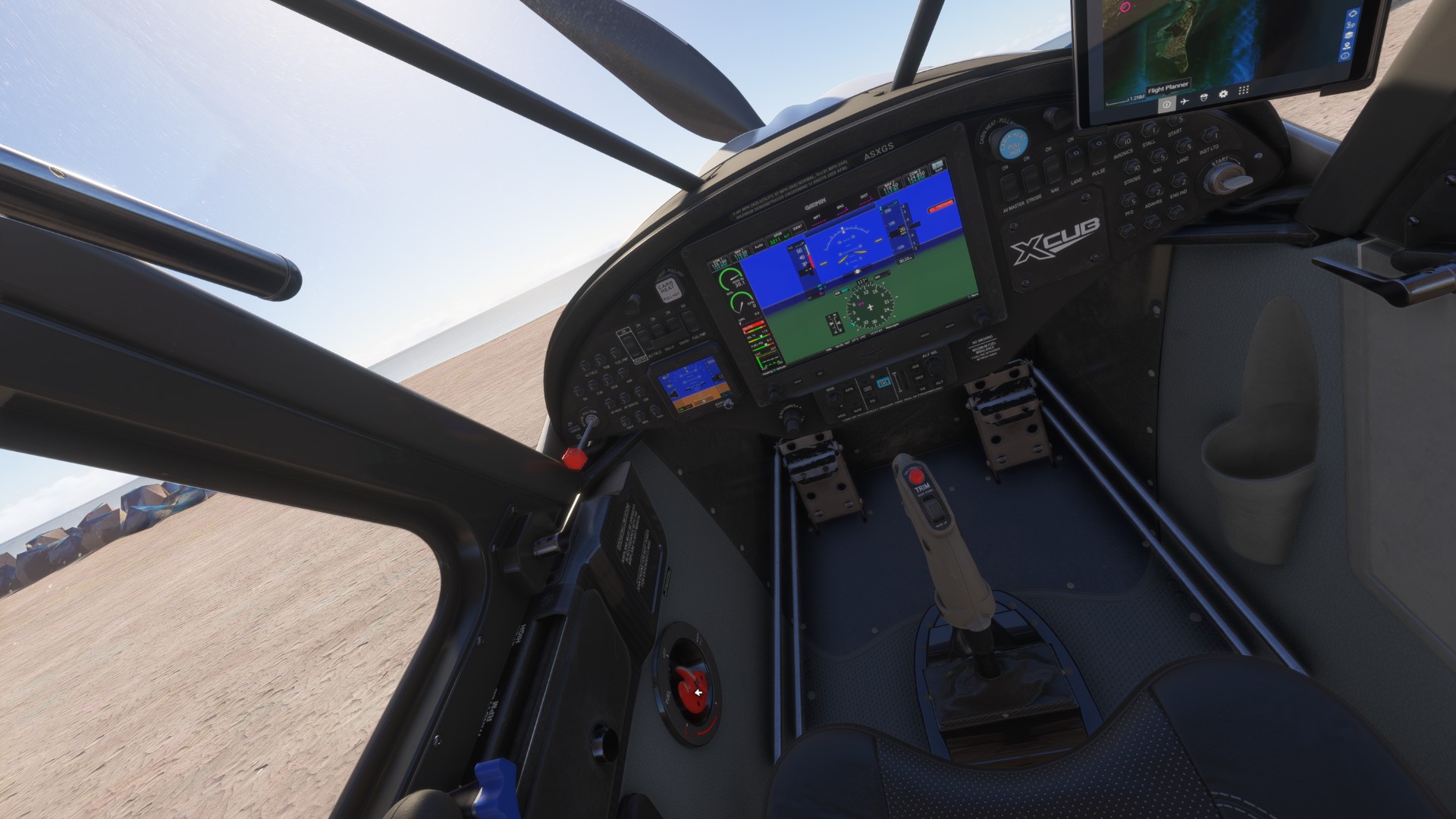
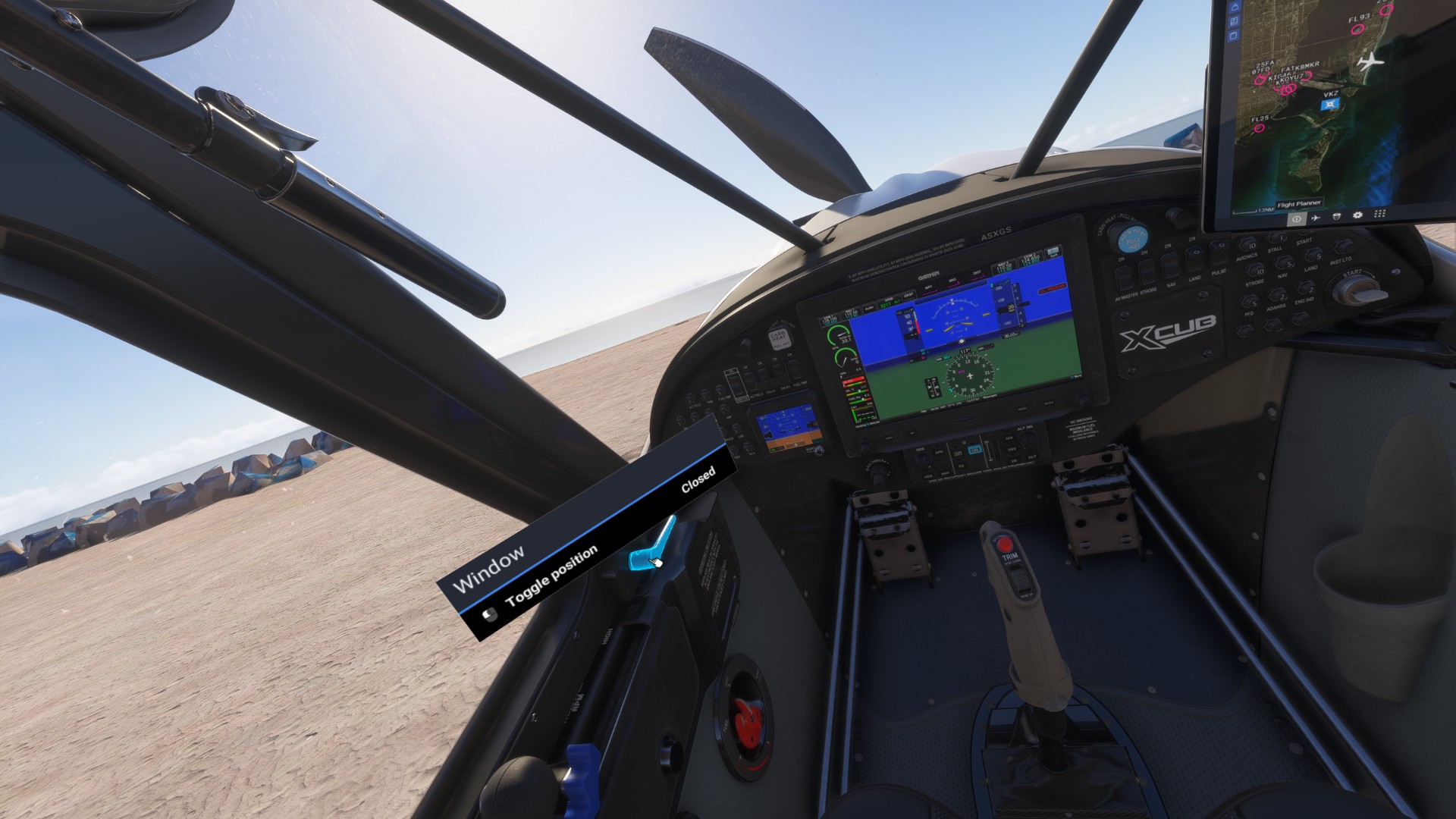
In external view in avatar mode I can’t open cargo pod doors, can’t open doors, remove all walk around items. Once inside the plane after shift + C I can access all items in VR with clickspots.
I use PCVR with HP Reverb G2 with Oasis driver and my MSFS2024 is installed via Steam.
yeah i have the same issues, mouse wont click on all items. found out if i look away completely then look back and move the mouse it sometimes will then allow me to click. also mouse icon doesnt always change to a hand icon. last night i couldt set standard qnh, or go between managed and selected modes either in the a320.
Same problem with the wheel chocks. To interact with the other parts of the airplane I have to get so close that I am “bumping into it”. But it is impossible to get close enough to the chocks. Nobody seems to have a workaround or fix, so I have to jump to taxi get going.
Thought I’d fly the default Cessna 408 for the first time in months, of course I couldn’t even take off the Pitot Cover as this issue prevents the mouse from working properly
It really is appalling that this issue wasn’t fixed in beta, now to wait months for a fix is unacceptable but unfortunately a common theme with this development team, why is QA so poor and communication on serious issues simply ignored?
There’s a QUICK PREFLIGHT function in controls settings that can be bound to keys/buttons. It removes all covers/chocks. (The setting has no description explaining what it does. )


 )
)