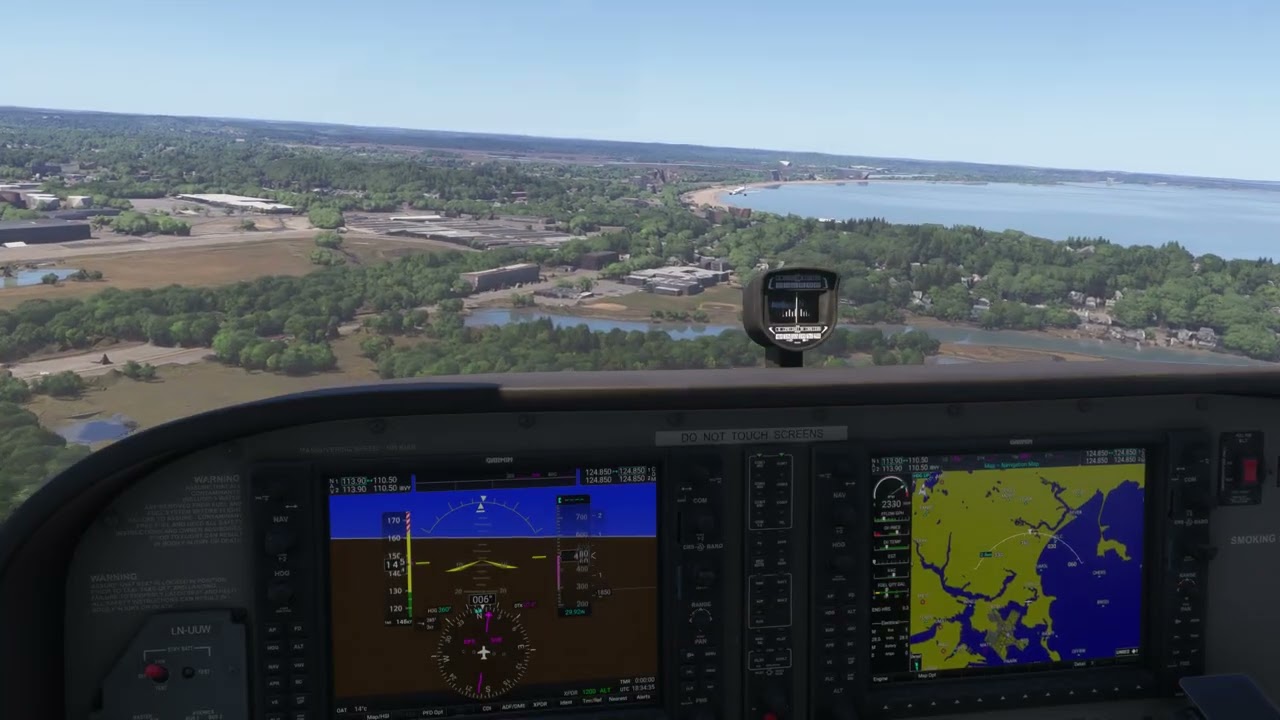
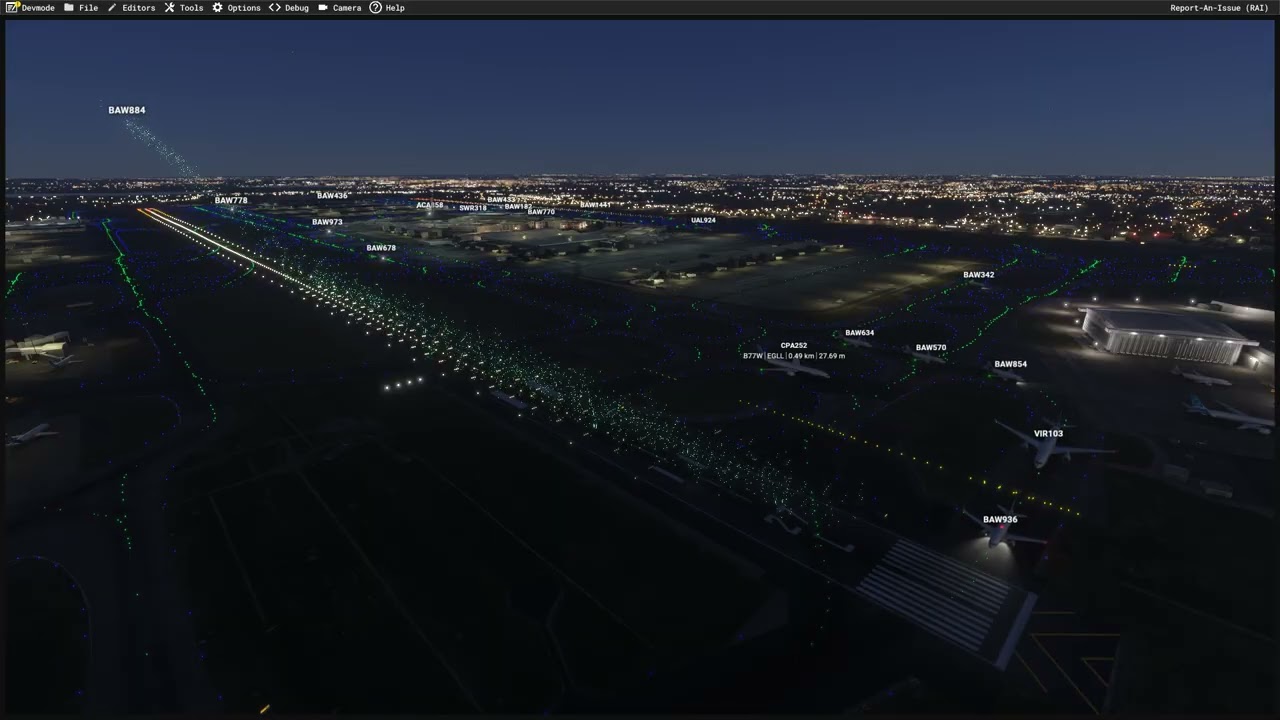
I wouldn’t go so far as to say there is zero effect.
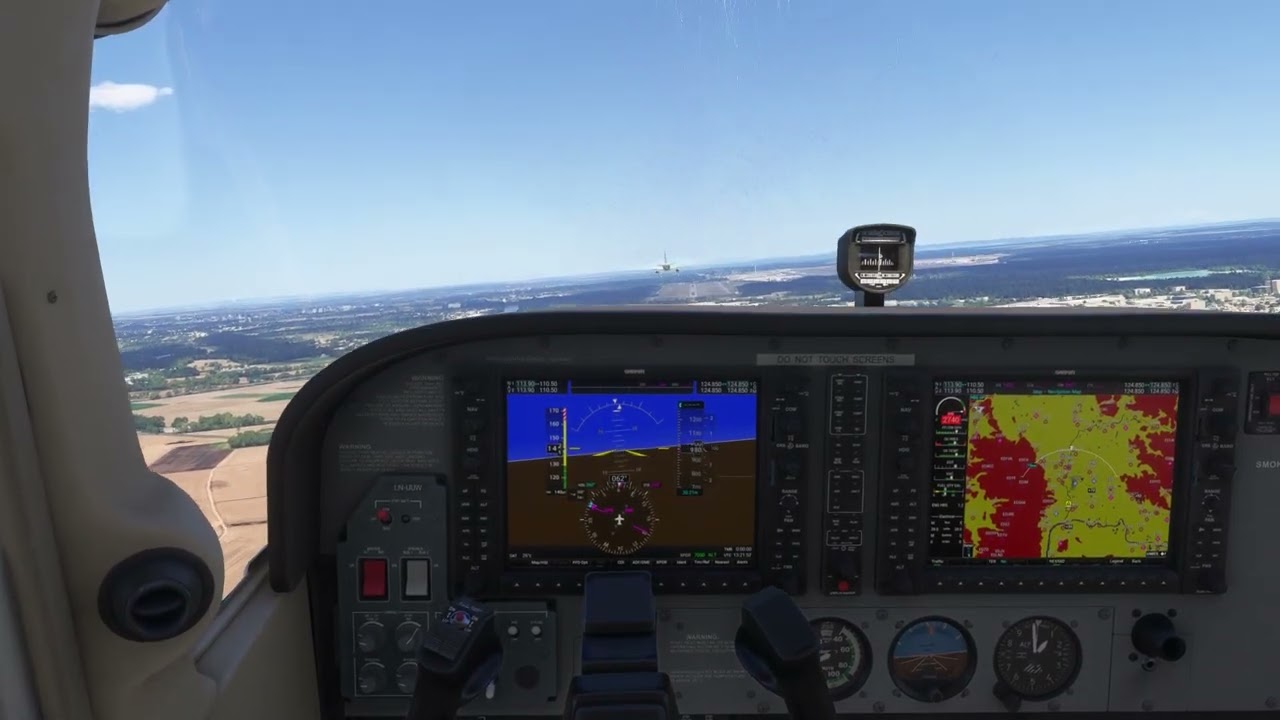
I spawned at EGLL, and took off in a 172. I then used slew mode to position myself behind airliners taking off. When you are close to the aircraft you can see the dynamic camera getting bumped around, but hardly uncontrollable. When the airliner, in this case a 777, the bouncing of the camera subsides.
It’s very marginal at best, but not zero. I’ll see if I can record some footage of the effect. I have weather set to Clear Skies, to eliminate as much as possible, any external effects.
Apologies for the clicking, it was picking up my mechanical keyboard, and I forgot to turn off the microphone! 
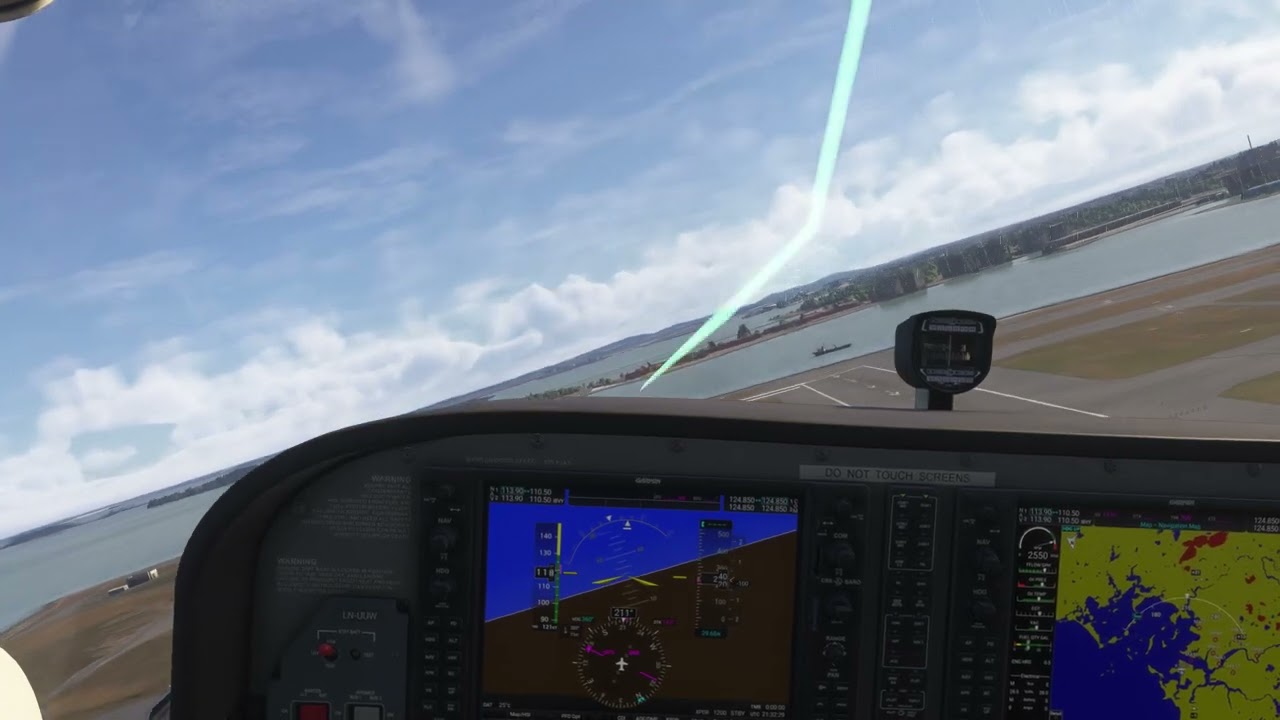
The effect kicks in at around 12-13 seconds. You will see some bouncing of the camera, and some mild rolls to the left, and right, and this subsides around 25 seconds in I think.
First it rolled me to the left, then to the right. I know I can view the CFD visualisation, but I think there is another effect in the SDK you can enable to see more than that. I’d need to re-test if I can find that as I want to see the disturbed air behind the plane in front.
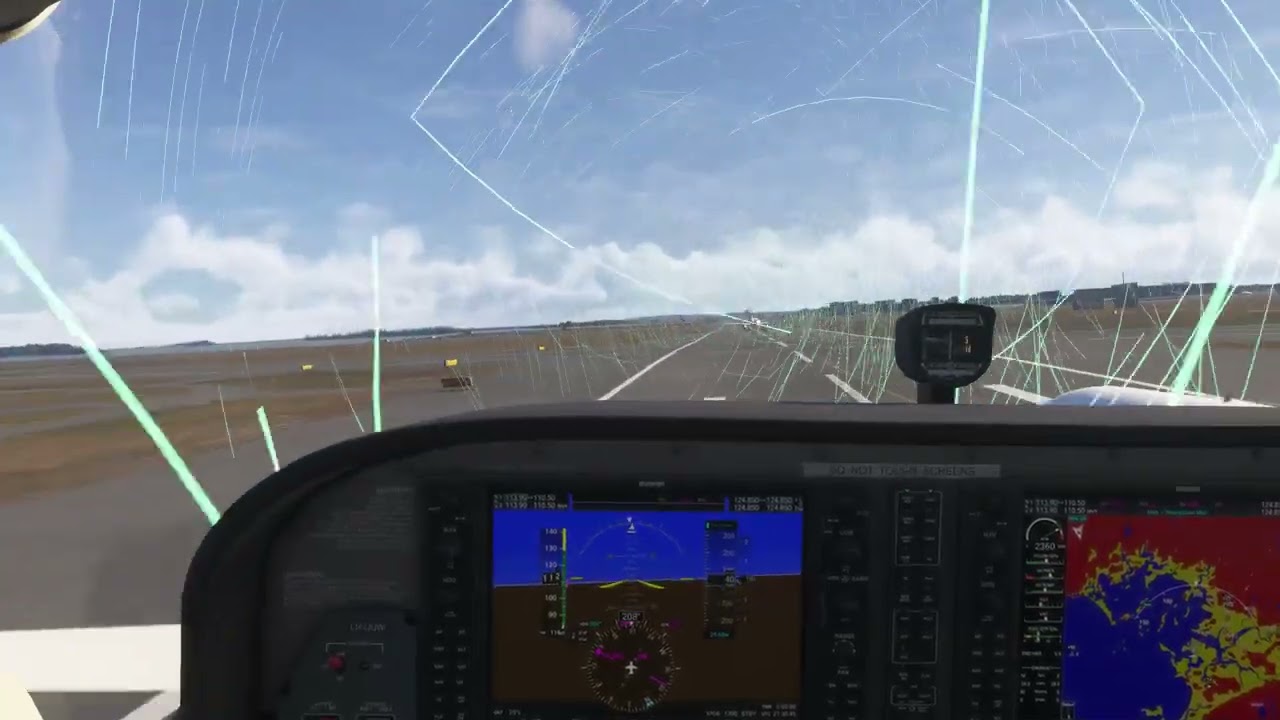
I repeated this with CFD visualistation enabled. The graphical effect is very minimal. For the most part you still see this.
What you do see is subtle fluctuations on those lines, but as they are updating so fast it isn’t very noticeable. If the effect was set to a digital 1, turning this up to 10 would help.
You can enabled Wake Turbulence visualisation as well.
With my plane paused, I see this, looking at it from the left:
Here, KAC104 is taking off:
This persists for quite a while:
The effects are there, just very muted.
What I found fascinating about this was not only watching the wake turbulence dissipate over time, as you can see by the very first green lines slowly disappearing, but how the size of the turbulent wind varies from plane to plane. Here you will see VIR103 causing a much larger pattern than the earlier two planes. The engines output actually changes this, which is really cool.