Update: I accidentally managed to fix this problem, I can’t tell you why or how it worked, so I’ll just leave here how to reproduce, not a bug for once, but the solution.
Since I have this problem, I thought that one potential solution would have been to just skip/remove walkaround entirely, which is something that a friend of mine told me was already known in FS2024, thanks to the PMDG 737 suffering from WASM Crashes.
So what I did is, I first went to edit “Content.xml”, which is here
C:\Users\[User]\AppData\Local\Packages\Microsoft.Limitless_8wekyb3d8bbwe\LocalCache\[Username]
I then went to [Line 484 and 485 according to Notepad++]
<Package name="fs24-asobo-proceduralgeneration-character-avatar" active="Activated"/>
<Package name="fs24-asobo-proceduralgeneration-character-civilian" active="Activated"/>
and changed “Activated” to “SystemDisabled”
<Package name="fs24-asobo-proceduralgeneration-character-avatar" active="SystemDisabled"/>
<Package name="fs24-asobo-proceduralgeneration-character-civilian" active="SystemDisabled"/>
This was a mistake, as I should have changed them to “UserDisabled”, but nonetheless it did something, it just didn’t really work with the PMDG 777, as this is what I was greeted with
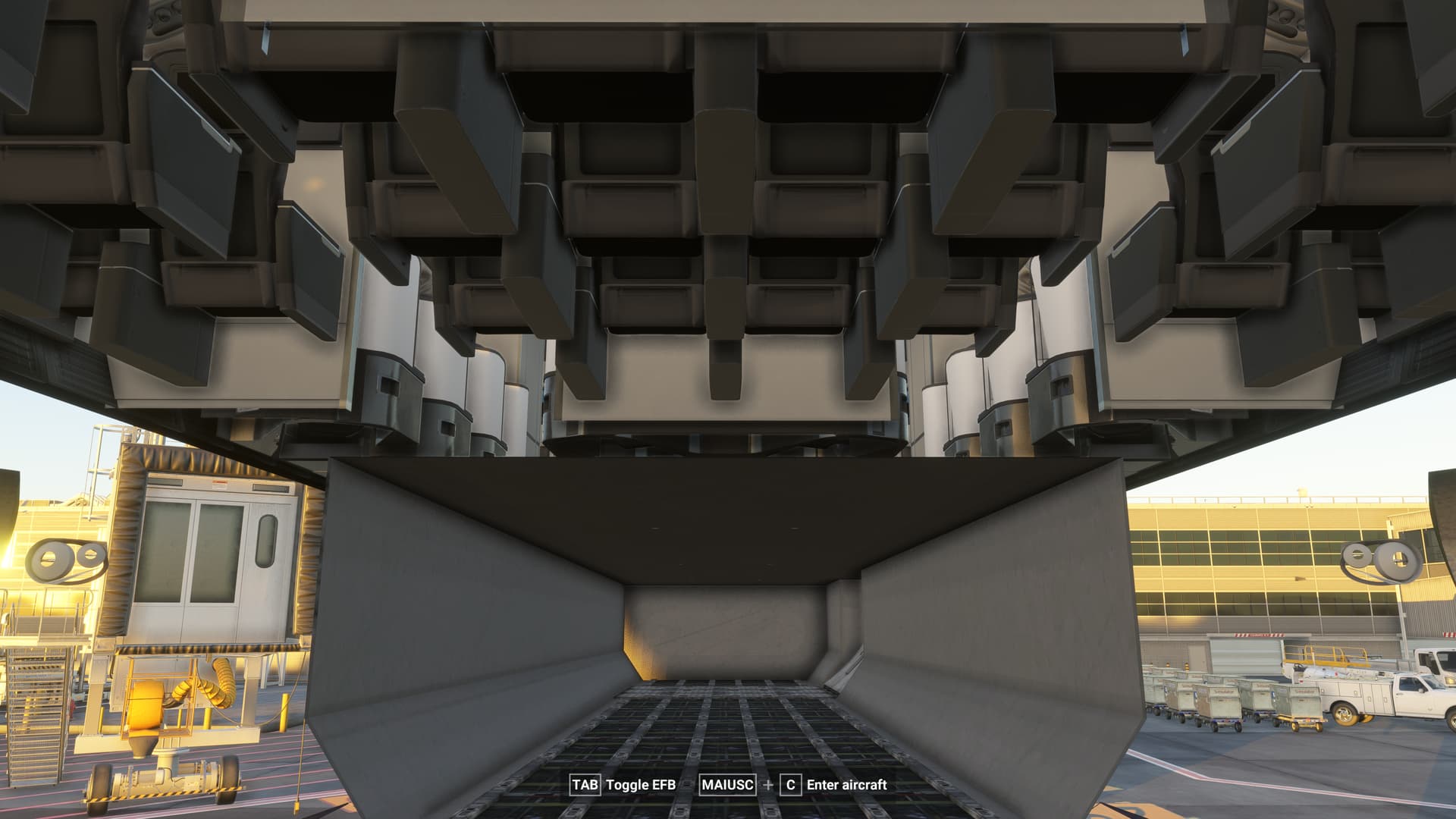
So then I went back and changed it to simply “Disabled”, again, I didn’t know at the time but it was still the wrong thing, as I should have changed it to “UserDisabled”
<Package name="fs24-asobo-proceduralgeneration-character-avatar" active="Disabled"/>
<Package name="fs24-asobo-proceduralgeneration-character-civilian" active="Disabled"/>
What that meant however was that at startup the sim simply changed it back to “Enabled”, and with that everything now works as it should.
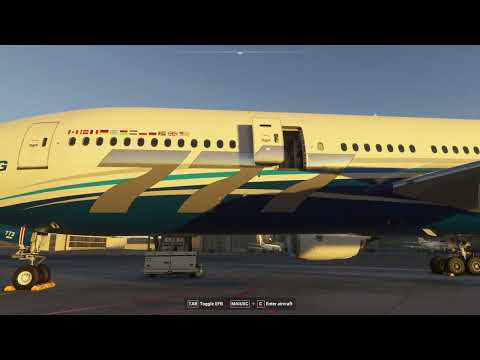
So I can now walk around and enter the plane normally
@TheSevenflyer I recommend to flag this to Asobo customer support for further investigation, forcing features/things to be toggled on and off via Content.xml might be a useful troubleshooting step, it wasn’t recommended to me. Last two discussions I had with Asobo Customer Support I got asked to Create a New Local User Account and to completely delete my local and cloud save of MSFS2024, a much more complex and disruptive step compared to editing an .xml file.
So, TL;DR go to your Content.xml, disable character and character-civilian, changing from “Enabled” to “SystemDisabled”, then re-enable it and see if it works, if it doesn’t try a few more times, or instead of rewriting “Enabled”, write “Disabled” and let the sim enable it for you on startup. Again, this isn’t scientific, so maybe try to tinker with it if you have issues.
I’ll also tag @FlyingSinger20 and @zoffy335 as you both said you had similar issues, hope this helps 