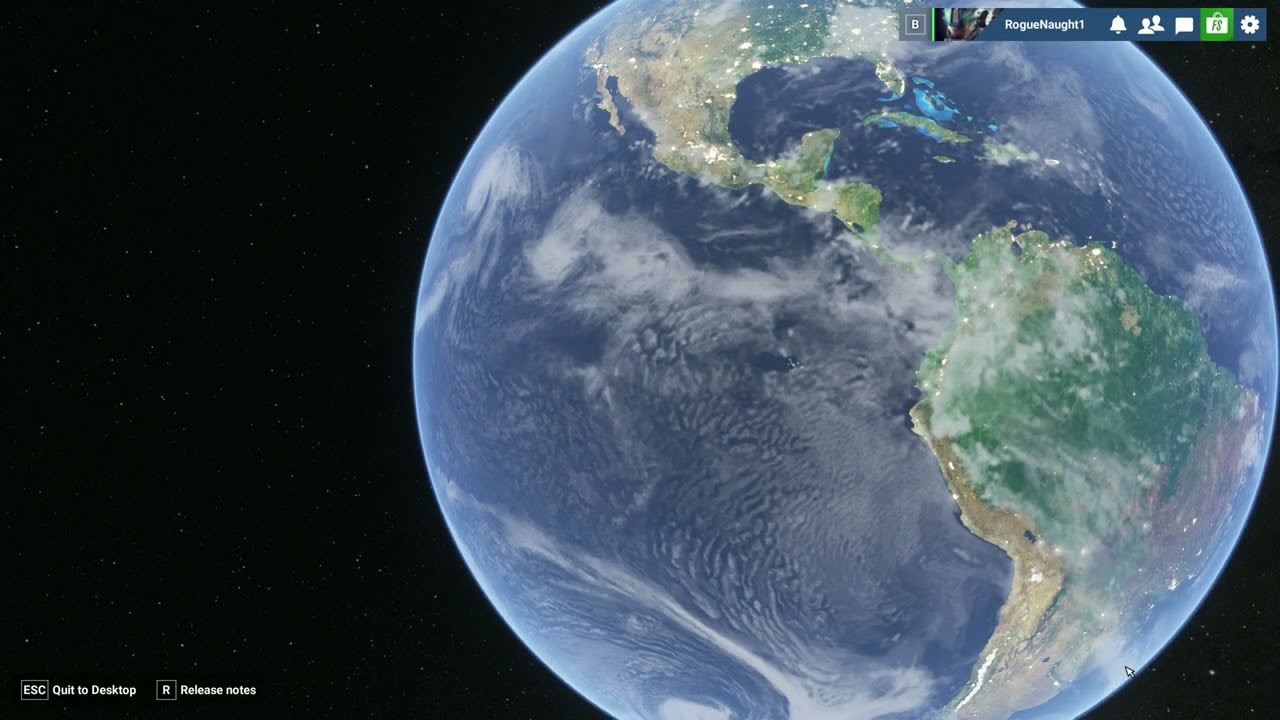
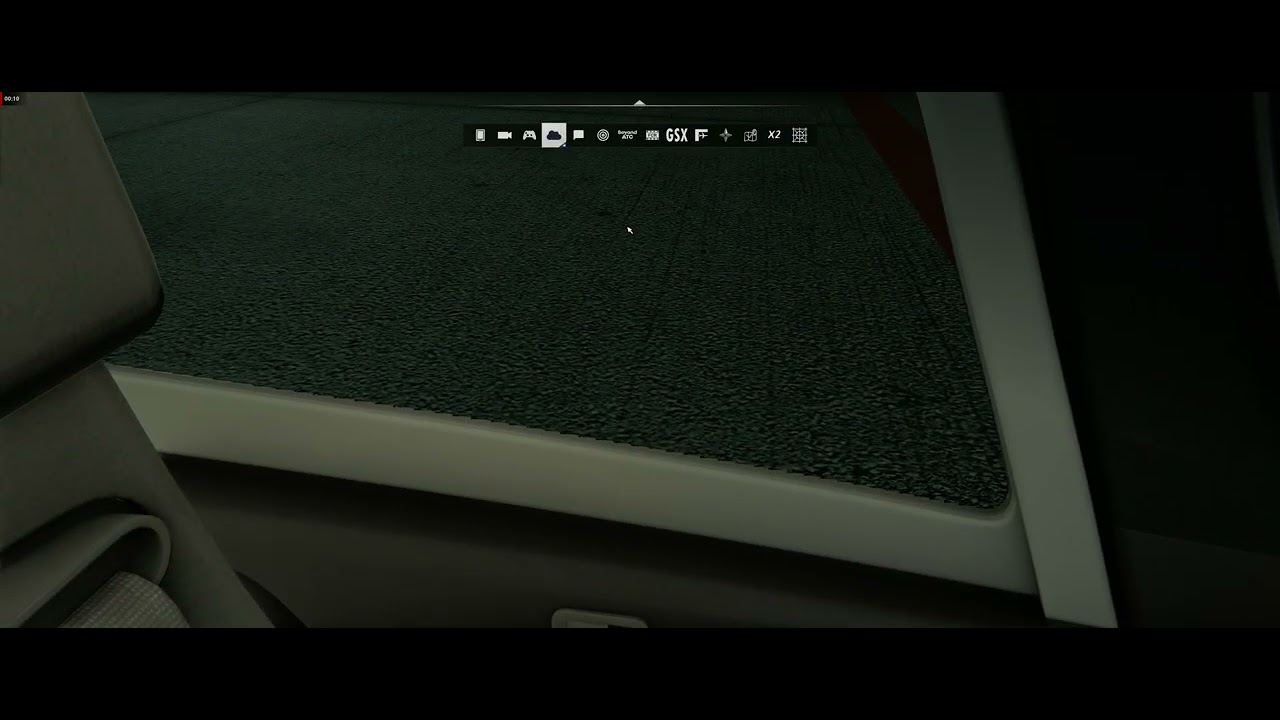
I’m surprised it even loaded by just dropping all the dll’s. I guess this is run on Steam? I’m pretty sure it’s a driver issue, you still have artifacts but are shifted to somewhere else, no idea why or how.
Linux has zero issues with Native AMD drivers and Proton.
Edit: My replying went a bit bad.
Edit 2: Just tried it and the amount off buffer overflows is crazy. ^^
My version is not on Steam but from the Microsoft Store. I was also surprised that it ended up loading. Thought for sure it would crash.
BTW…I believe the reason it works for you on Linux is that Proton not only converts the Windows API to Linux but also converts Directx to Vulkan and I think that’s where the correction is taking place. Actually that’s where I got the idea to try what I did.
For those of you who are interested, I posted a 5 minute video of the process. Video starts in the cockpit of the CJ4 before the files are moved to the content folder. I then exit the sim, move the files over and restart. Again this is not a fix since other artifacts are introduced in daylight but its only meant to show the impact of the conversion of Directx to Vulkan on the nighttime artifacts.
Thank you very much RogueNaugh1 and Cygnifick…
Anything that can help to better understand the source of the problem is positive and constructive.
Let’s hope that Asobo and AMD will jointly manage to overcome this bug as quickly as possible…
The problem is that you went from artifacts at night to daylight. You can see it on the globe (not in your example) where a sun ‘spot’ is created. There seems to be something converted by using those dll’s but not in a good way. You still use the AMD Drivers for Windows as opposed to Linux, where it has it’s own dedicated drivers.
I have been gaming on PC since my first computer running Windows 98 with a Cyrix processor and later on with a Voodoo card and a Pentium, and I’ve never seen anything like this. I’ve been using exclusively AMD cards since the ATI HD 3850 on my second (first one had the Nvidia MX440) self built gaming PC when I was 13 years old and I’ve never seen anything like this. I’ve faced driver and compatibility issues over the years, but they lasted maybe a week at most, I honestly can’t recall getting this mad at an issue because it took them almost half a year to even aknowledge the issue with no timeline for a fix.
This is 2025 and they can’t fix an incompatibility in a timely manner, and it’s not like this is some indie studios, it’s Microsoft ffs. Absolutely ridiculous. But then again, maybe I’ve answered my own question, this is the p.o.s. company known as Microsoft. The only reason I’m still using Windows is that I’m lazy to switch my gaming PC and my library of games to Linux, as I’ve already switched my laptop and my Rog Ally a long time ago. I also find it absolutely hilarious that switching to Linux\Proton fixes the issue. “Install Linux” is unironically the right answer right now, it’s no longer a meme. Think about that for a second.
Microsoft is an absolute JOKE and a cancer on everything PC and gaming related. No wonder people buy those awful Macbooks and everyone who is even a little bit tech savvy switches to Linux. Gaming performance is the same or better on Linux on a properly configured install of CachyOS or Bazzite, especially on AMD cards, I’ve tested it myself on my main rig (but didn’t switch). The “year of the Linux desktop” can’t come soon enough. Windows is a complete and utter joke, everything Microsoft is a joke. I am incredibly angry and I don’t even play this game, but my customers do, imagine buying an entire and expensive new PC just for this game, playing a month and then facing this issue for 4 straight months on their shiny new 2500€ PC. And I’m also losing my reputation because they trusted me on this, and the Radeon was the best card for this game at the time, you have to understand that those people use a gaming PC just for this one game and nothing else except maybe Microsoft Word. If I were in their shoes I would be 10x angrier, no wonder they keep pestering me on this, but there’s nothing I can do because the game is broken and MS literally couldn’t care less to fix their broken product, as expected.
Well, I’m glad you were able to get that off of your chest.
I’m disappointed I didn’t purchase the Steam version. I would have liked to have given Bazzite a try but I’m stuck with the store version so that’s a no go. I’ll just have to wait for a fix or until Steam offers a 90% discount…which ever comes first.
Just updated to the latest AMD Adrenaline drivers, 25.8.1, and that did not resolve it. I doubt this is an AMD driver issue, or they would have fixed it by now, but has something to do with Directx 12. The ball is still in Asobo’s court to determine what changed between SU1 and SU2 that may have affected Directx rendering.
Just saw that the driver update was released. Not able to test it but from what RougueNaught said, I’m so disappointed. There was no mention of MSFS in the changelog either. How long will we have to wait?
Thank you for reaching out to Microsoft Flight Simulator Support today.
Good news and bad news for you. This is a problem that affects AMD Radeon RX 9000 series GPUs.
The bad news is I do not have a fix for you currently.
The good news is the root cause of this issue has been narrowed down and should be addressed soon. This was addressed in last week’s Developer Q&A. It is thought to be driver related, so the MSFS team will likely have to coordinate with AMD to get a fix out. Just make sure to stay current on your drivers and this problem should eventually disappear for you.
Kind regards,
Microsoft Flight Simulator Support Team.
They closed my ticket after this. Apparently it is still an AMD issue despite rolling back drivers having no effect post SU2. No new information. And no progress information. Absolutely nothing.
Every Xbox App user should get a free Steam key or a big discount code, the Xbox app versions of many games are far too restrictive…
Anyway, if you do buy the Steam version eveything you bought from the marketplace will be available in Steam if you use the same profile. The standard Steam version also gives you the addon’s from higher tiers if you own that on the Xbox App.
Ontopic, hopefully the next branch of AMD’s driver fixes this issue. It should be released soon (And I really dont like to use that word, but that’s all there is atm).