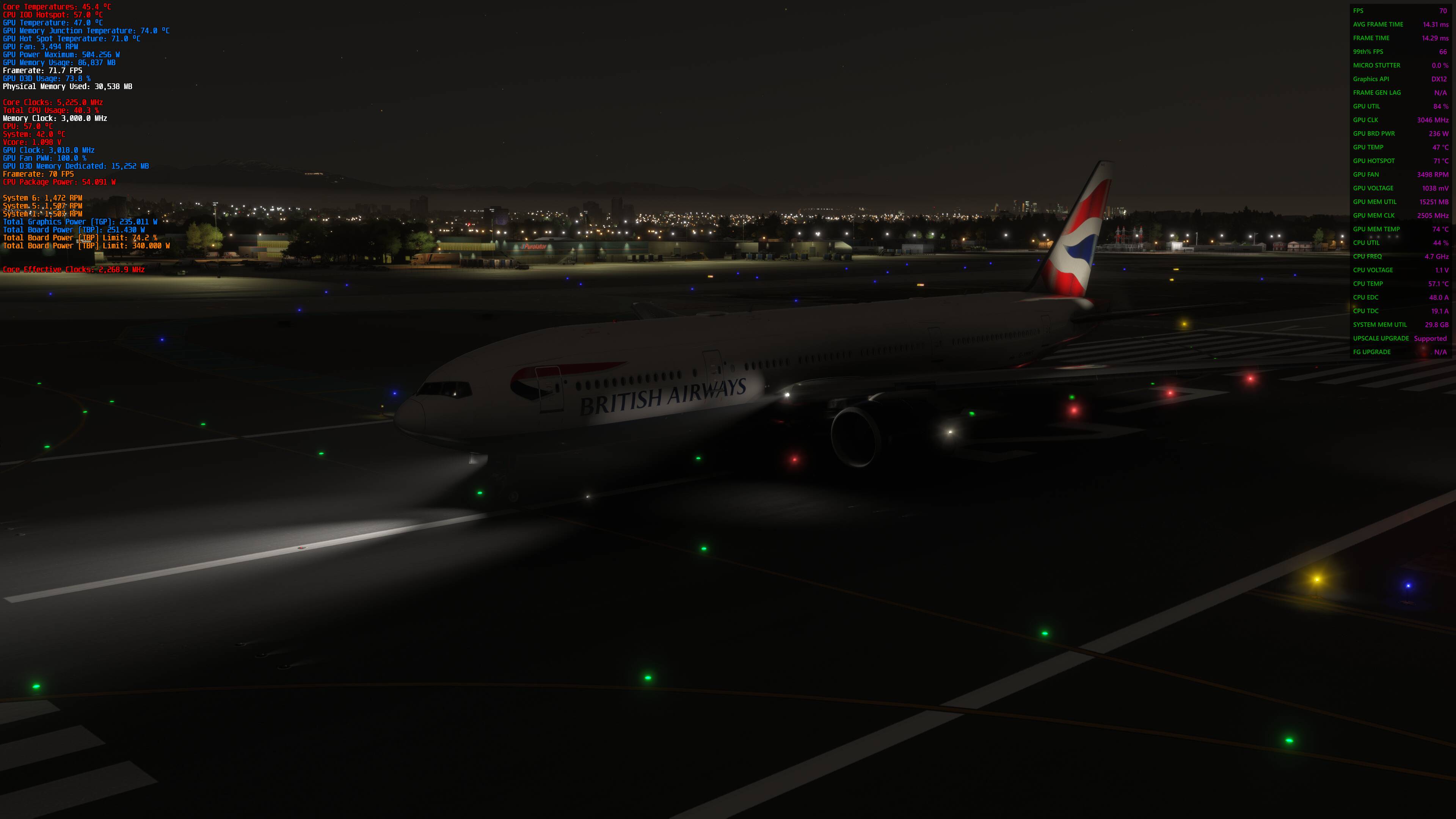
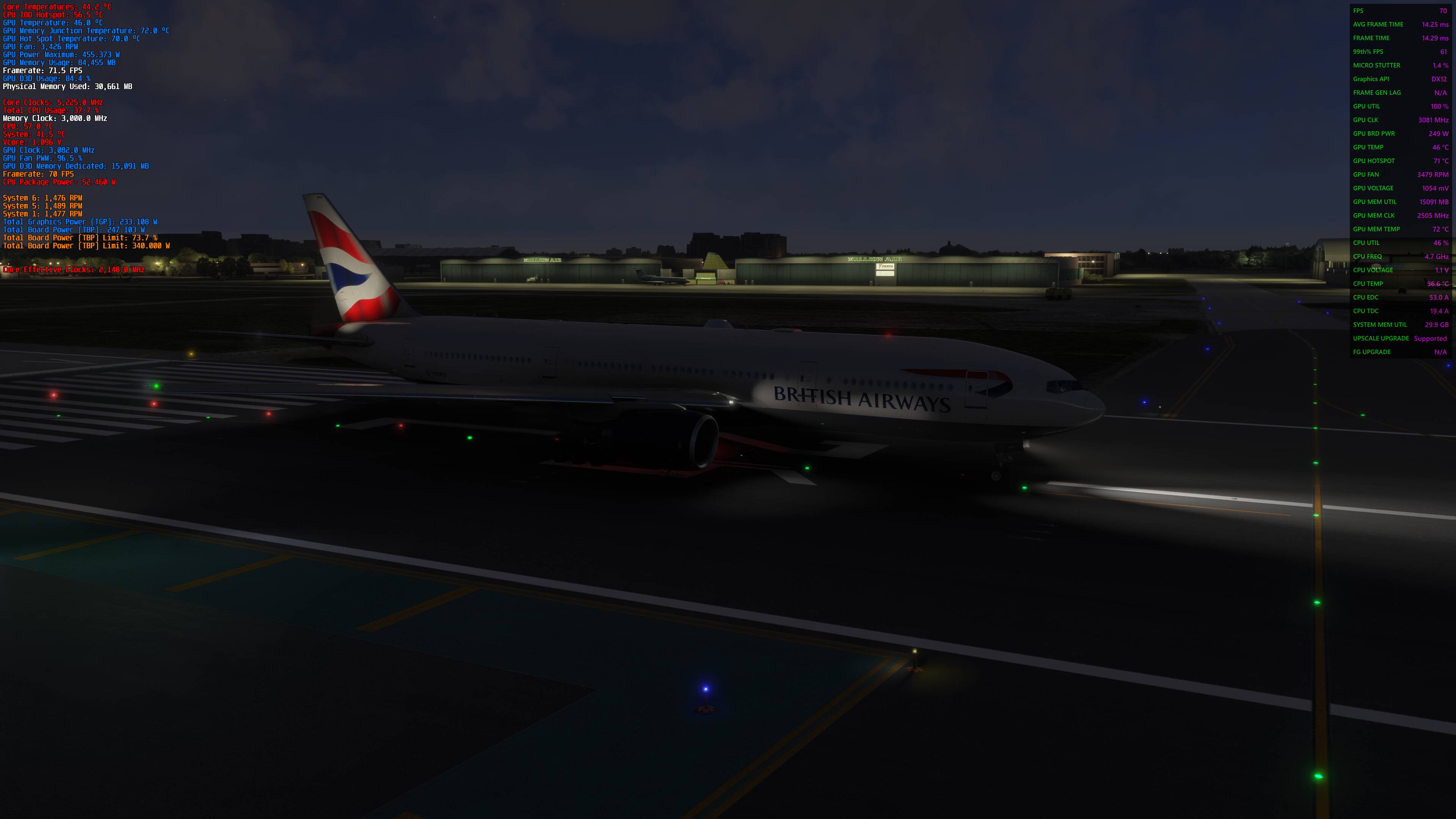
Great!. That is so good to hear. I’m still very disappointed it wasn’t released on MS-Store so I couldn’t test it myself and I’ve been sitting on pins and needles thinking Asobo messed up again.
Thanks for confirming.
Great!. That is so good to hear. I’m still very disappointed it wasn’t released on MS-Store so I couldn’t test it myself and I’ve been sitting on pins and needles thinking Asobo messed up again.
Thanks for confirming.
Sorry lads, my flight simulator on the Microsoft Store has automatically reverted to the stable version for some reason, and I hadn’t noticed. False alarm.
Whew!!! You had me panicking there for a while. 
No harm no foul. 
Hello everyone… has SIM Update 5 already been released? I’m eagerly waiting for the update because of the improvements 
Not yet, but you could opt in to the beta right now if you want to experience it sooner.
Hi everyone, has anyone tested the SU5 yet? It just came out.
So there you have it folks. May 15, 2025 when SU2 was released caused these night lighting artifacts. Now here we are 50 weeks later when the issue has finally been resolved.
Not the best day for Asobo, I’m afraid.
And other issues newly created like I lost all bindings
I agree, this was not a good look for Asobo. I’m glad it’s finally fixed, but I hope there’s some lessons learned here…
I just verified and my bindings are fine.
No artifacts and bindings are fine.
Finaly can enjoy the sim…
I still would really appreciate an explanation as to why the fix is still temporary in SU5 final and what optimizations got disabled to produce the fix. I’d be shocked if there’s not a loss in lighting precision or a performance loss, even if small.
I suspect its because Asobo still does not have a clear understanding of how DX12 works within AMDs RDNA4 architecture. For that same reason it will be a while before we get FSR4 and/or Redstone working within FS2024, if ever.
I am still most definitely getting edge reprojection issues (stair stepping artifacts) around collisions where lighting environments differ- think backlit switches, edges of cockpit windows, etc.
Is this occurring SU5 or SU5.1 beta? Also can you please tell us on which aircraft and supply screen shots?
This is still occuring in SU6.1 release version. AMD and Asobo should exchange notes and find a solution for this.