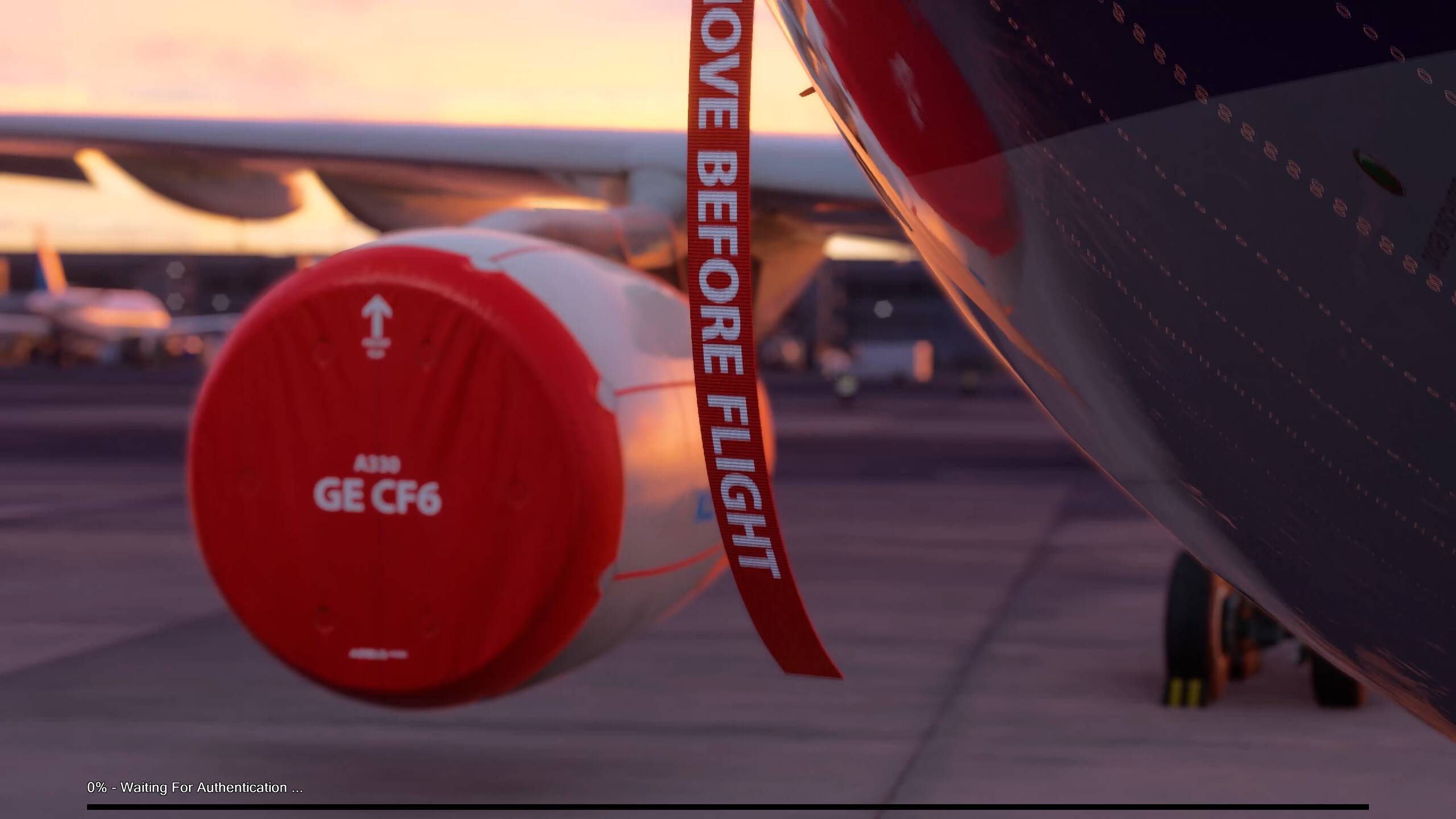
0% Waiting For Authentication Forever

Using the template below will greatly help the team reproduce the issue and ease the process of fixing it. Before posting, search for an existing report. If you are not sure it’s a bug, please first report in User Support Hub.

3 tags are required - add them in the tag section next to the title above:

Feel free to delete this quote section after adding your appropriate tags.

ISSUE DESCRIPTION

Description of the issue:

I purchased the game on Steam about two weeks ago. However, every time I tried to log in, it stuck at 0% forever. Initially, it says 0% loading language. After the SU4 update a few days ago, it now says 0%- Waiting for Authentication.

I have been trying for two weeks, and there is no progress. I tried all methods I could find online, including but not limited to: logging in/out of the MS store and Xbox account on my PC, resetting the MS store, resetting the game service, disconnecting the internet and reconnecting, updating Windows, updating drivers, reinstalling the game service, etc.

For the first time, it prompted me to link with my Xbox, and I confirmed it. I also got the email from MS indicating I have connected MSFS2024 to my account, but then it got stuck. After that, every time I tried to start the game, no more Xbox auth pop-up, but they were still stuck.

I am in the USA, on the West Coast, in Los Angeles. Not sure if the issue is region-related.

My Windows region is in the USA, and my Microsoft account is also set in the USA.

FREQUENCY OF ISSUE

How often does this occur for you (Example: Just once, every time on sim load, intermittently)?

Every time.

REPRODUCTION STEPS

Please list clear steps you took in order to help our test team reproduce the same issue:

  1. Just start the game in Steam

  2. Click “Connect to Xbox Network”

  3. Then it got stuck waiting for authentication forever.

YOUR SETTINGS

If the issue still occurs with no mods and add-ons, please continue to report your issue. If not, please move this post to the User Support Hub.

What peripherals are you using:

[PC Only] Are you using Developer Mode or have you made any changes to it?

Vanilla version downloaded from Steam.

[PC, MSFS 2020 Only] Are you using DX11 or DX12?

Not sure, I never successfully get into the game.

[PC Only] What GPU (Graphics Card) do you use?

RTX 4080

[PC Only] What other relevant PC specs can you share?

I am on AMD Ryzen 9 7900X, 2x32GB 6000MTs DRAM.

MEDIA

Hi @ParadoxBoom ,

Thank you for this report. We’ve moved your topic into the User Support Hub.

The Bug Reporting Hub is for posting suspected or confirmed bugs that other users are able to reproduce without duplicating an existing bug report. Using the template or providing all the relevant information about your bug and sim setup is required in order to provide valuable information, feedback, and replication steps to our test team.

If you are not sure if your issue is a bug or need further input from the community, please use the User Support Hub category. If the community can replicate your issue, first search the Bug category to see if there’s an existing topic. If it already exists, contribute to that report. Duplicate bug reports will be closed.

If you believe it is a new report and no duplicate exists, then create a new bug topic using the provided topic template.

All issues caused by or involving third-party addons/mods should be reported to the third-party developer. Assure that no addons/mods are used when reporting issues in Bug Reports.

After a few months of not opening the mess called FS2024 I finally decided to give it a chance. Now I cannot even load the main menu. Good job, MicroSobo. Good job.

1 Like

I’m so glad I’m not alone!

If you haven’t seen this, it is from the Sim Support tab at the top of the forum page.
It contains tips on solving the issue:
https://flightsimulator.zendesk.com/hc/en-us/articles/17268168854044-Loading-issues

1 Like

I’m on PS5, sadly those are for PC.

Not sure if you noticed, but you’re posting in the PC version thread, so that’s why the suggestion was for PC.

Oh sorry man! My bad

1 Like

If you have the sim installed ok, and it won’t start, I would open a support ticket using the Submit a Request tab in the Sim Support section at the top of the page.
If you cannot get the sim to install, you should contact Play Station support.

I finally managed to load the sim. I tried a few different VPNs and I found the one, German server. Strange things, I tried then to load it again without VPN - doesn’t work. So yeah, finally flying via German internet :smirking_face:

I tried that for several issues and they’re by far the most useless support team I have ever encountered.

I got answers from: “reinstall windows 11 on your ps5” to “ask for a refund and play x-plane 11”

i am not joking.

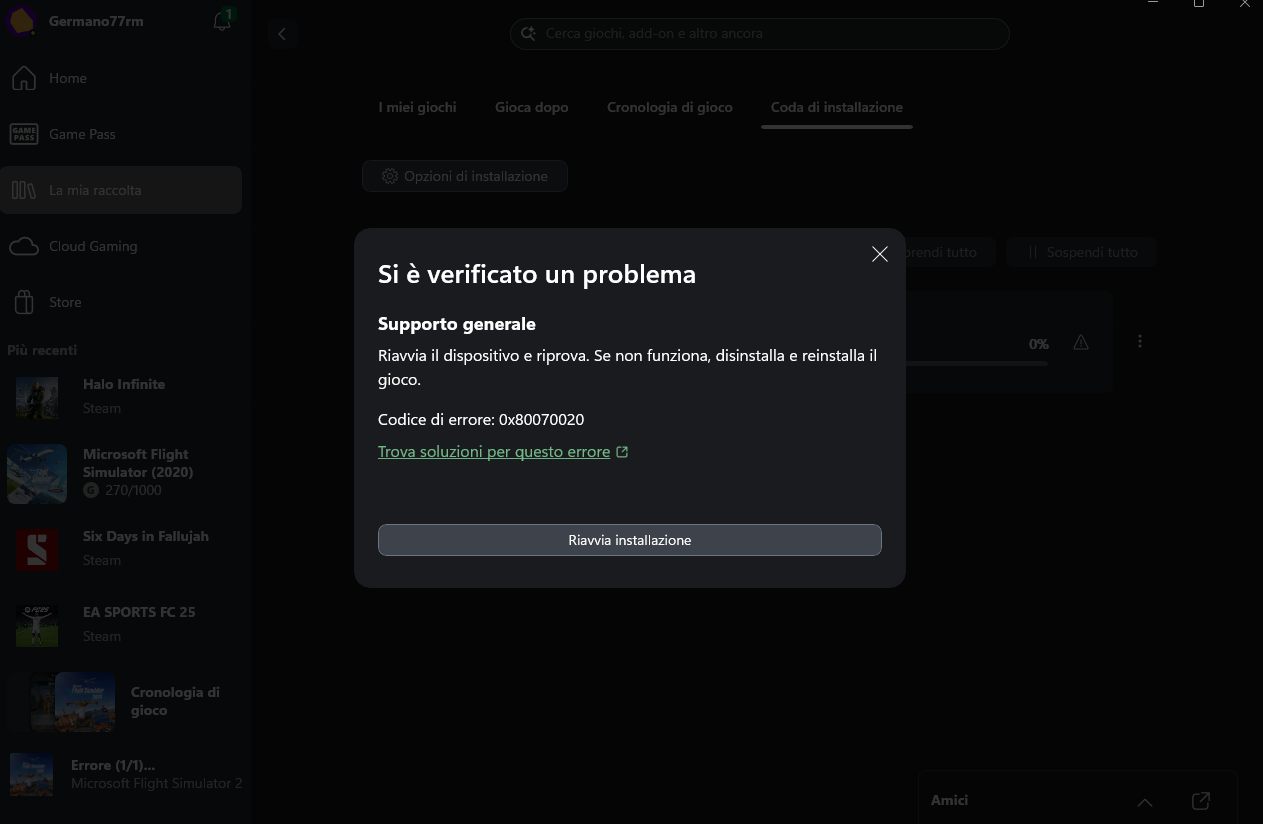
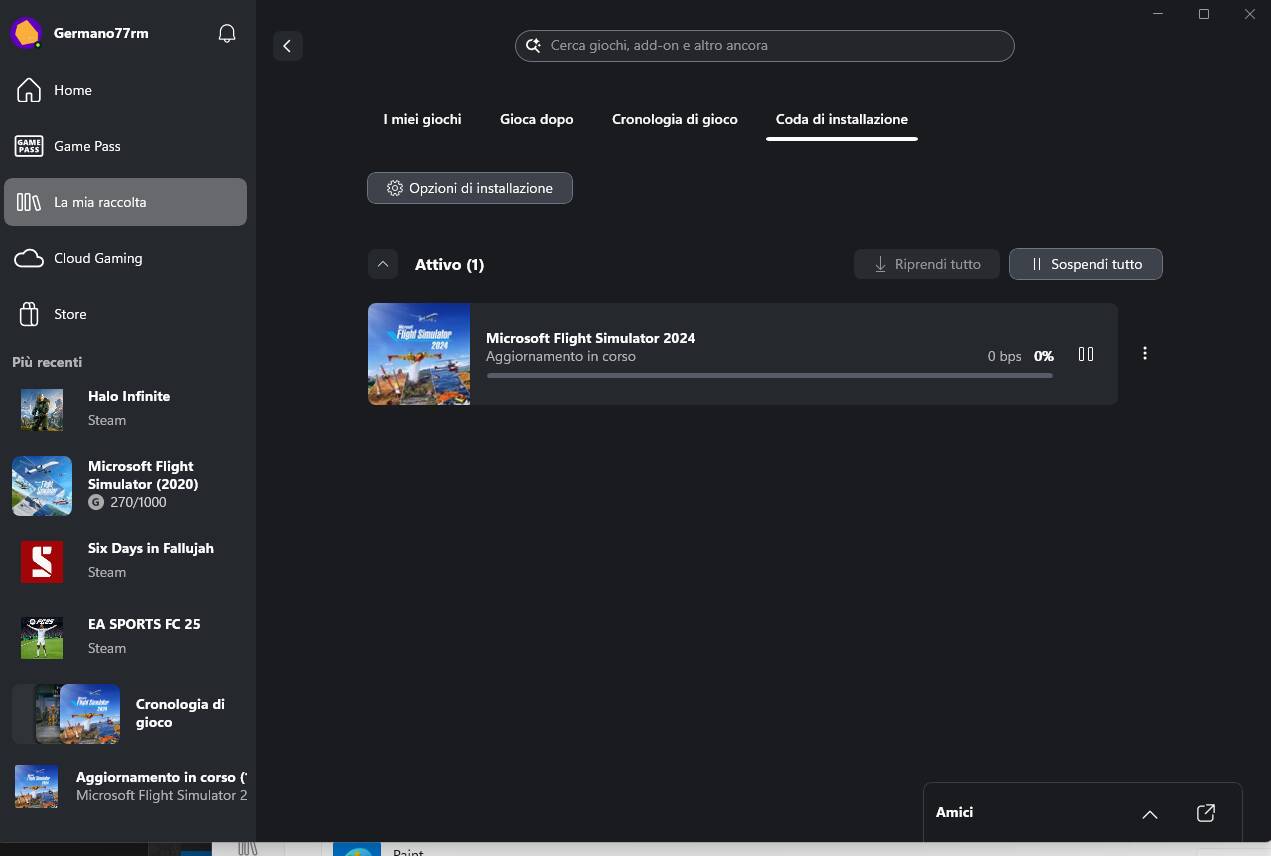
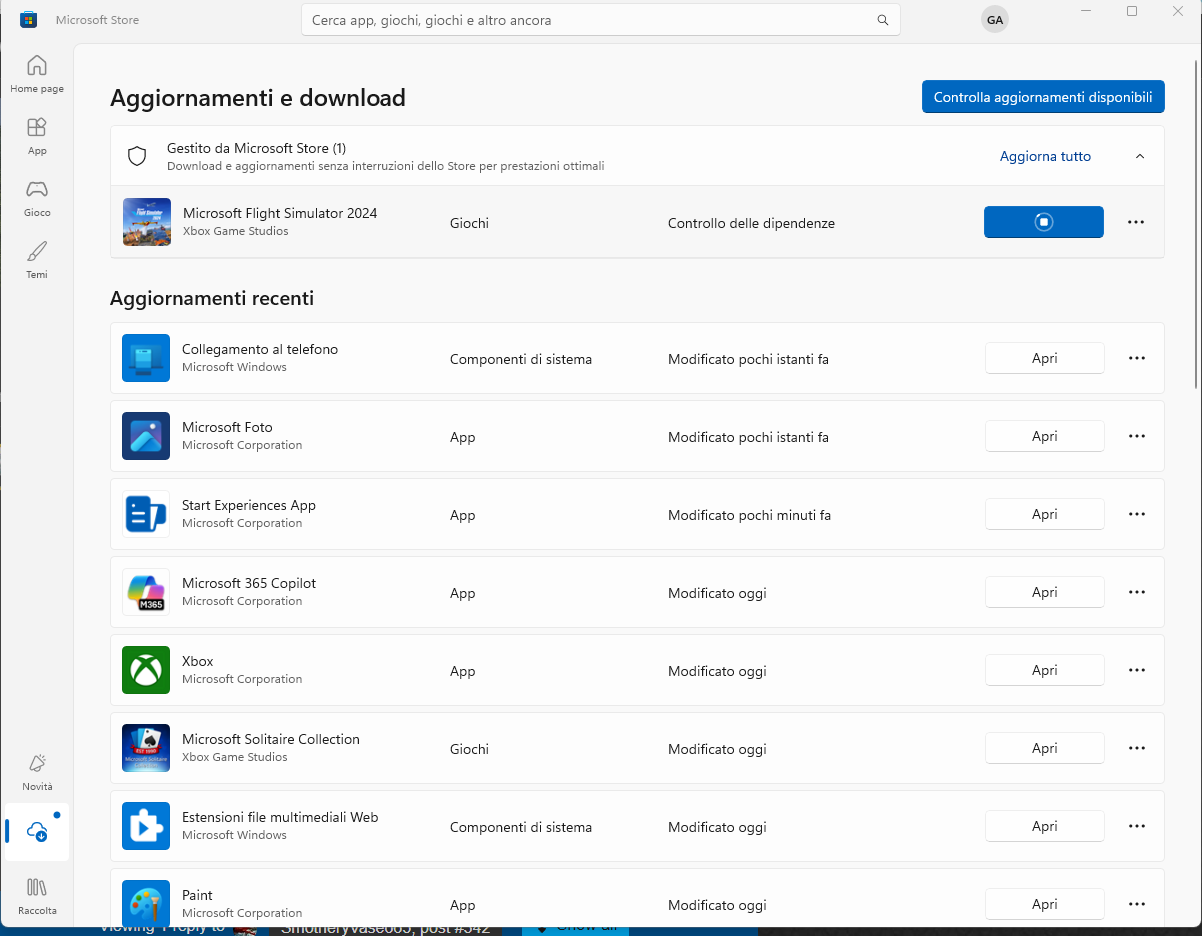
Hi all,

last few days I did the SU4 update without any issue.

Today I launch the simulator and it was asking for a new update.

Once the update was trying to download it stuck to 0%. The only solution was to kill the power toys, so the update was fine and very fast.

I have also attched some print screens.

Thank you

I’m experiencing the same situation with MSFS 2024 here in Florida. 0% waiting for authentication.

We can’t seem to be getting to the bottom of this.

issue isn’t isolated. For me it was working then with the update it stopped. Something loony going on.

I’m on the ps5. Beta was great, early access was great, when the game officially came out I had this issue. It gets resolved after 2 days, update comes out and it’s 0% again.

I’m thinking this is some server token issue.

Hi thanks for your reply.

Unfortunately, that guide doesn’t help. All the folders it refers to don’t even exist on my machine. I do have the game folder, but not the community or streaming folder. I have also tried to delete the cloud save, but it still has no effect.

I just tried it today, so this issue hasn’t been resolved for 1 month by far on my machine.

Unfortunately, after a week, I finally got some time to give it another try, but no luck… The issue is still here.

I have given up on the ps5.

Got an email from Microsoft and they said it’s wide spread and have escalated above to decelopers.

I’m experiencing exactly the same issue. Is there any solution at the moment?

If that’s possible for you, try some VPNs with EU servers. I have this problem too. German VPN server helped.

Hello all. Anyone any update on this?