I did that..and I launched MSFS2024.same error. I am thinking a cloud save or remove and reinstall(probably a corrupted file) needs to happen.
Update - I removed and reinstalled MSFS2024. It works now. I think the install maybe was corrupted.Thanks for the help.
Yesterday I spent half the day testing MSFS 2020 and MSFS 2024, and everything was fine. But today… I can’t launch MSFS 2020.
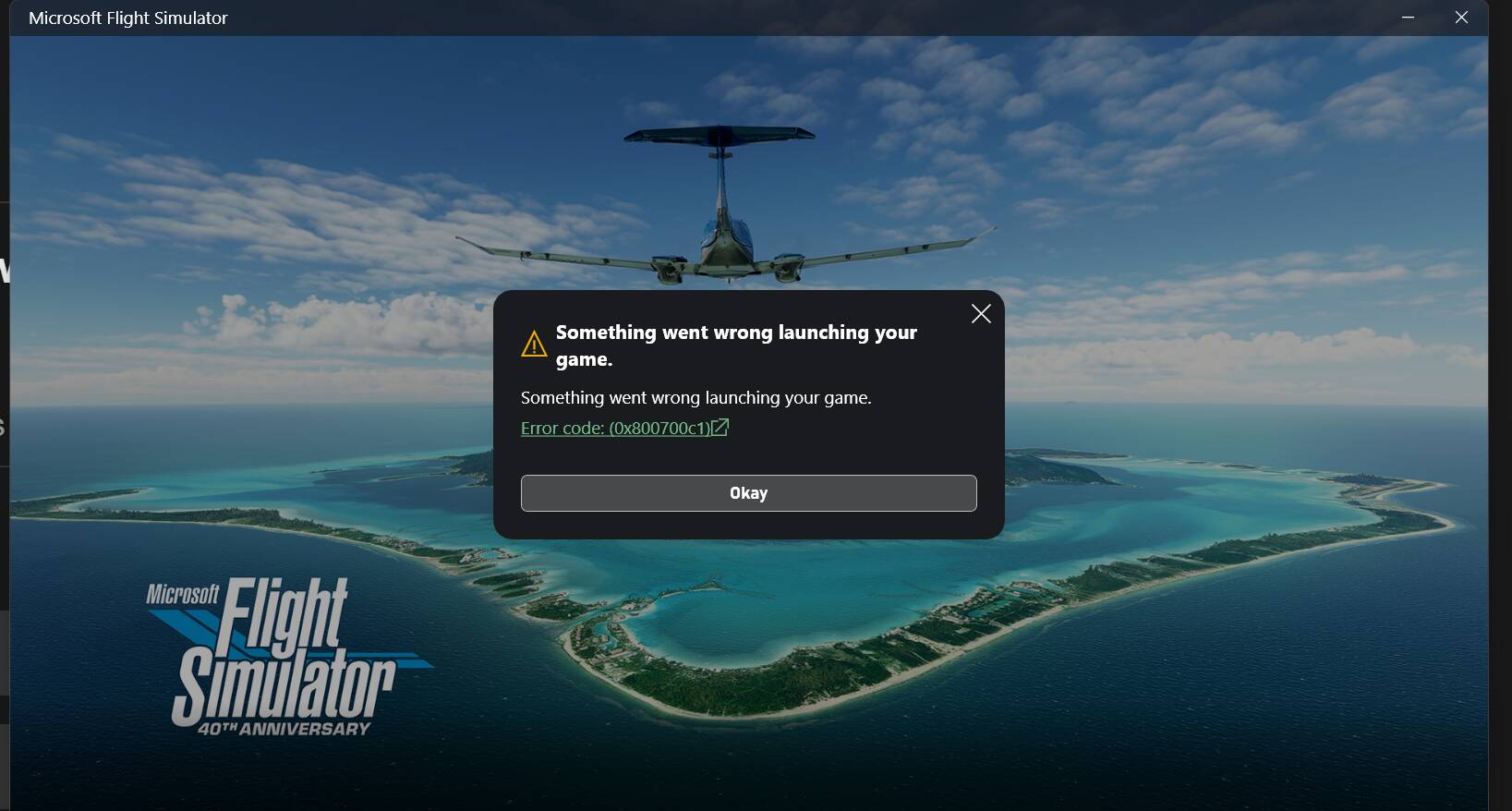
I’m about to try fixing it… curious if I’ll manage 
Oh darn. Good luck! I just fired up mine. Still working thanks to you 
1 Like
Fixed
If anyone in the future has this problem, I recommend doing the following:
- Go to windows settings > Apps > installed apps.
- Uninstall Gaming Services.
- Then open the Xbox app - it will automatically reinstall Gaming Services on startup. Once the progress bar reaches 100%, Gaming Services is installed and you can launch MSFS 2020.
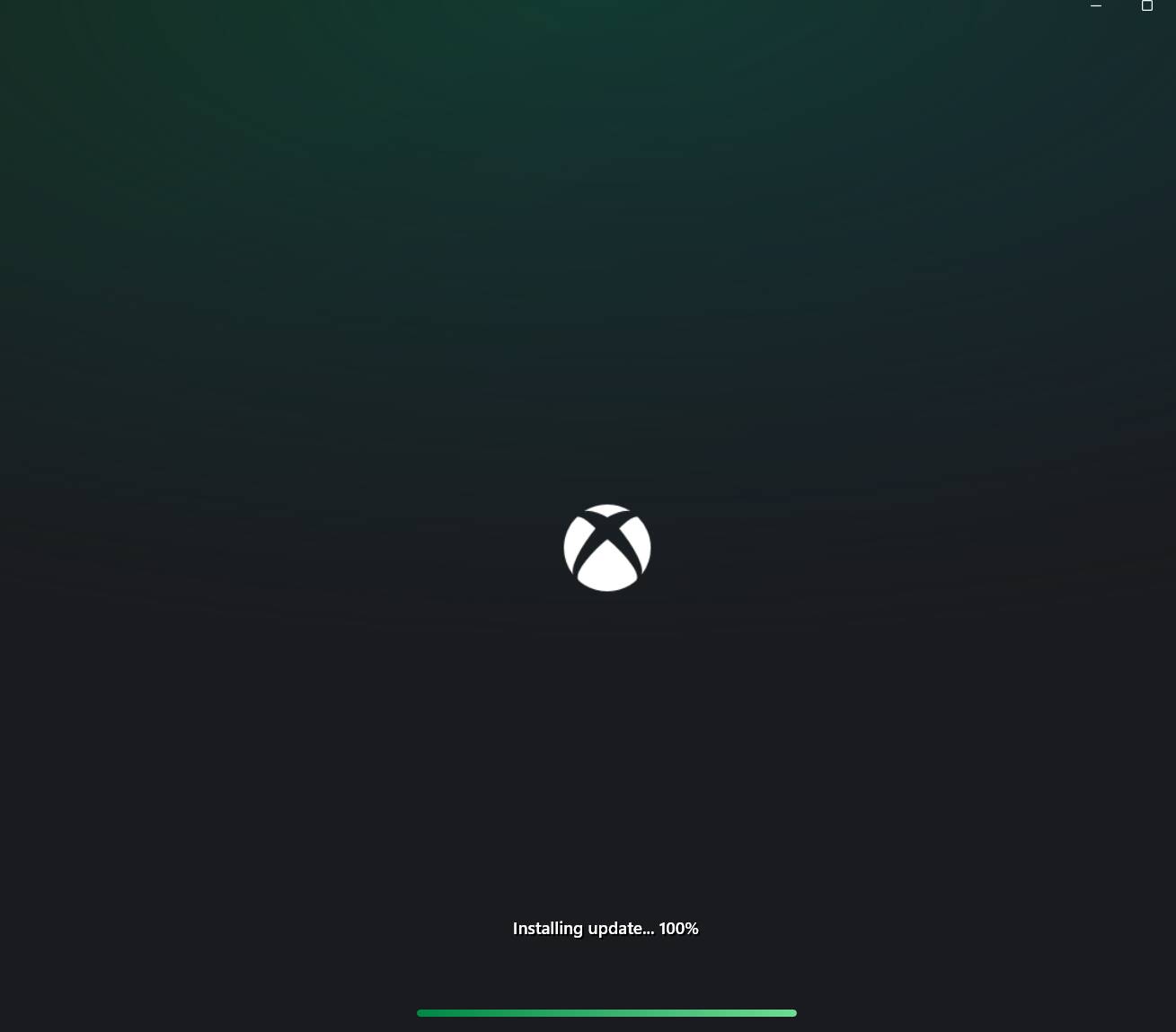
1 Like
I had this last week.
It turned out, after much messing about, that the issue was a corrupted Xbox App update that day.
What compounded it was that all of the error routines pointed towards Gaming Services being the issue. That also had an update that day. Gaming Services kept trying to update but wouldn’t finish. I was unable to login to the Xbox App. Unable to delete it.
I tried resetting the Windows Store, no good. I tried deleting the Windows Store cache, no good.
In the end what fixed it was uninstalling and reinstalling the Windows Store.
Then I could login to the Xbox app and logout. I was then able to get the Xbox App to update, then the Gaming Services was able to update and I could finally get back into 2024 again.
It took me 6 hours to go through all of the various levels of least destruction options before I got it sorted.
1 Like