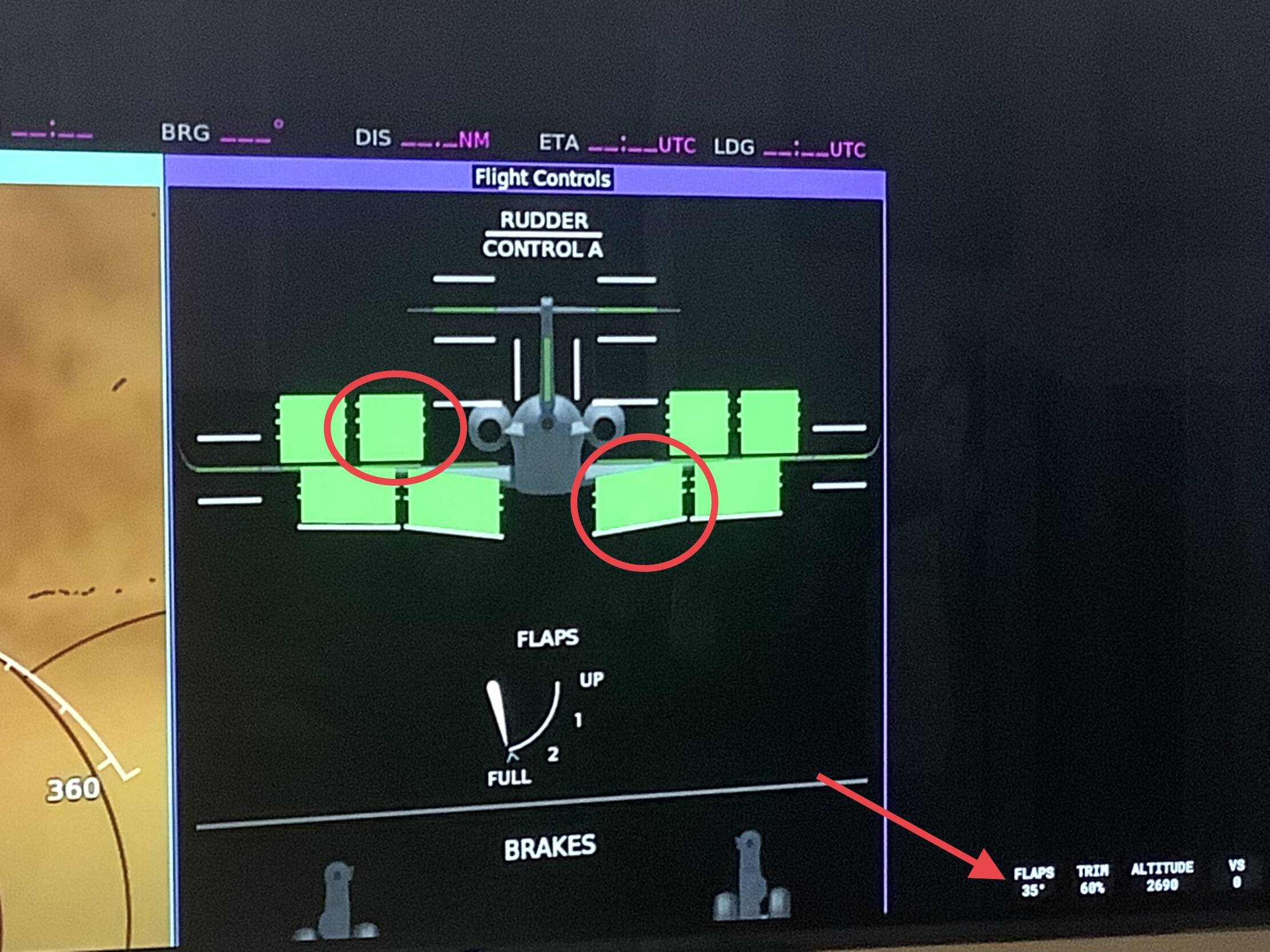
1.30.12.0 Longitude spoilers only animate on default livery (not the other included MS Asobo liveries)

:wave: Thank you for using the Bug section, using templates provided will greatly help the team reproducing the issue and ease the process of fixing it.

Are you using Developer Mode or made changes in it?

No

Have you disabled/removed all your mods and addons?

Yes

Brief description of the issue:

Very small bug
 On Xbox, the Longitude spoilers do not animate on any included livery except the primary default livery (1.30.12.0). This includes on the ground when doing a flight control test, and also when the spoilers are supposed to automatically deploy as part of the automatic pre-flight test that happens when you start taxiing.

Provide Screenshot(s)/video(s) of the issue encountered:

4 screenshots:
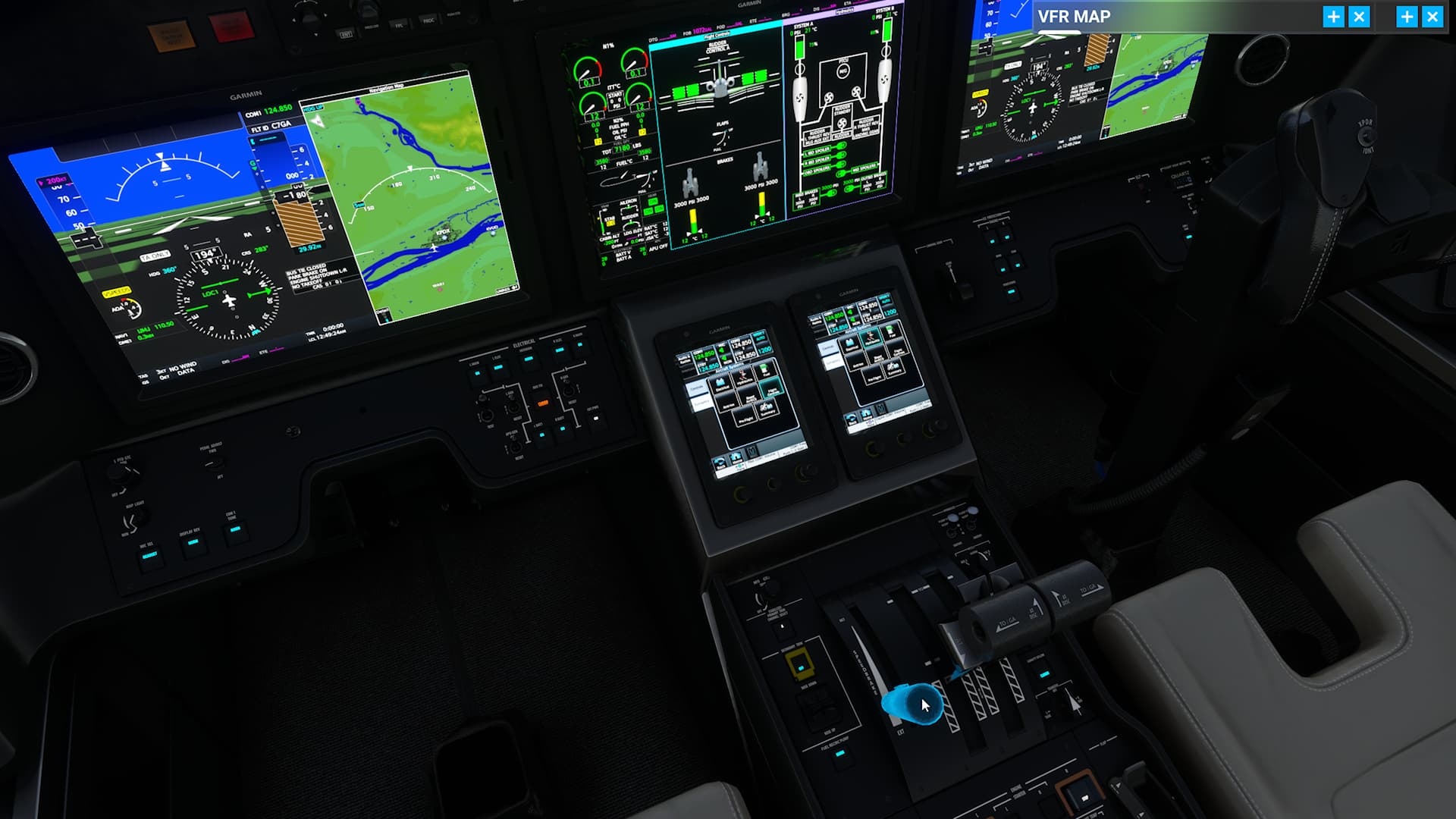
  1. The cockpit set up, load in, batteries and ground power on, pull the spoiler lever, it opens on the synoptics page
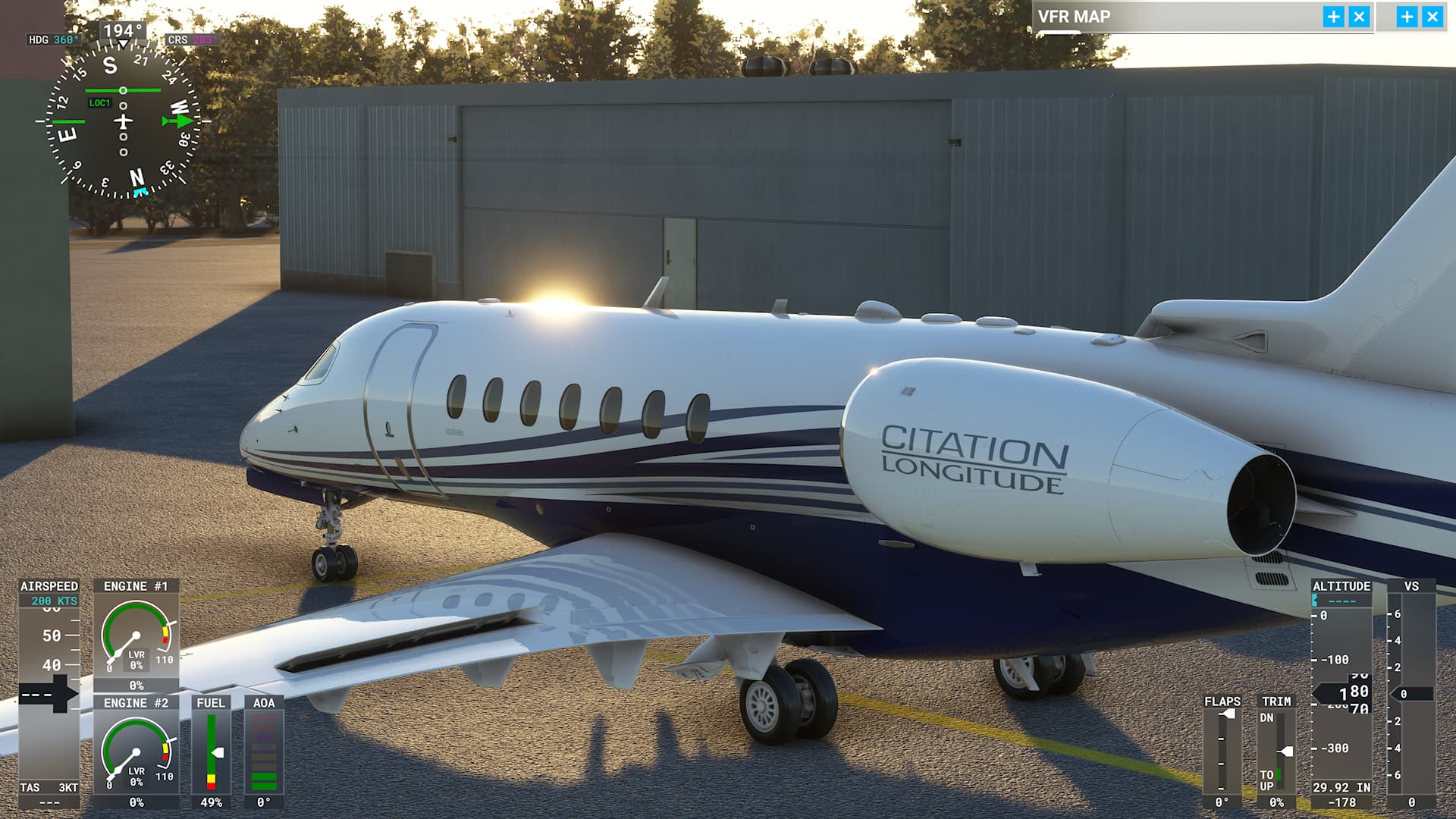
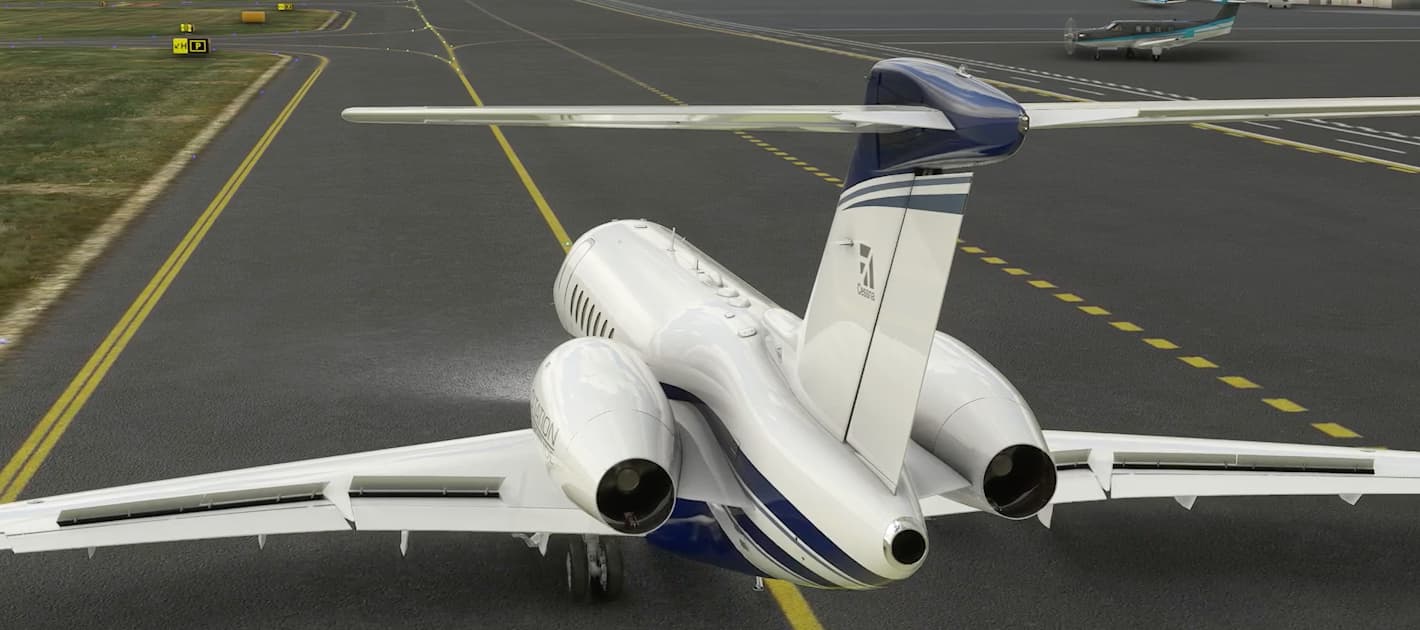
  1. The spoilers animate properly on the primary default livery, while parked


  1. 
 and twice while taxiing as part of the automatic pre-flight test 


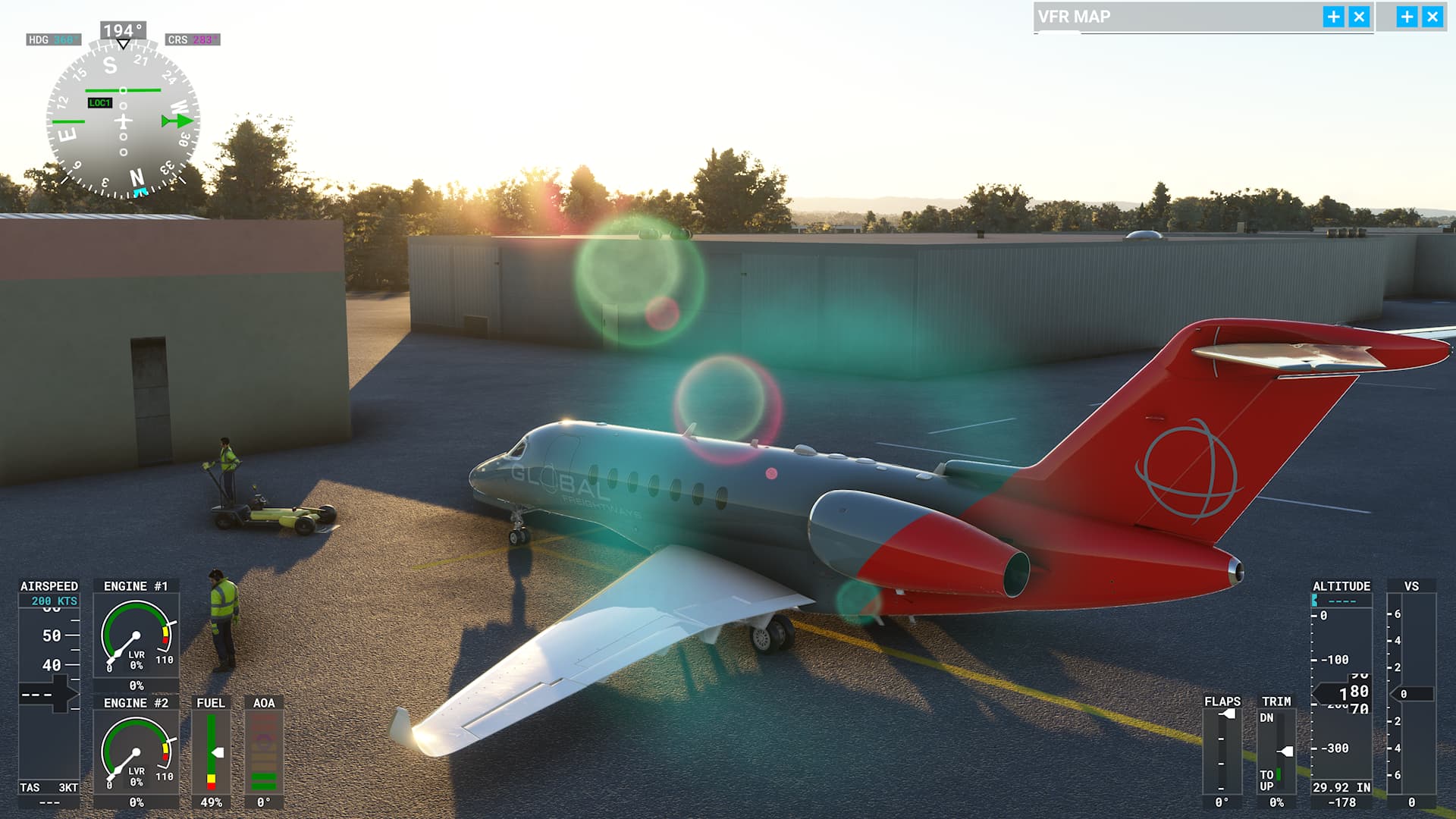
  1. The spoilers do not animate at all on the other included MS Asobo liveries.

Detailed steps to reproduce the issue encountered:

  1. Load in cold and dark at parking, turn on batteries and ground power, pull the spoiler lever
 watch it open on the Synoptics page. Change to outside view

  2. The spoilers animate properly on the primary default livery, both on the ground, and also when they auto-deploy as part of the pre-flight test during taxi.
  3. The spoilers do not animate at all on the other included MS Asobo liveries.
  4. Start to taxi, and the spoilers should animate twice as part of the automatic pre-flight test - they do on the default livery, but not the others.

PC specs and/or peripheral set up if relevant:

Xbox X
MSFS 40th Anniversary Premium Deluxe 1.30.12.0
World Updates 1 to 11

Build Version # when you first started experiencing this issue:

AAU1 Beta, not sure when I first noticed it.


:loudspeaker: For anyone who wants to contribute on this issue, Click on the button below to use this template:

Do you have the same issue if you follow the OP’s steps to reproduce it?

Provide extra information to complete the original description of the issue:

If relevant, provide additional screenshots/video:
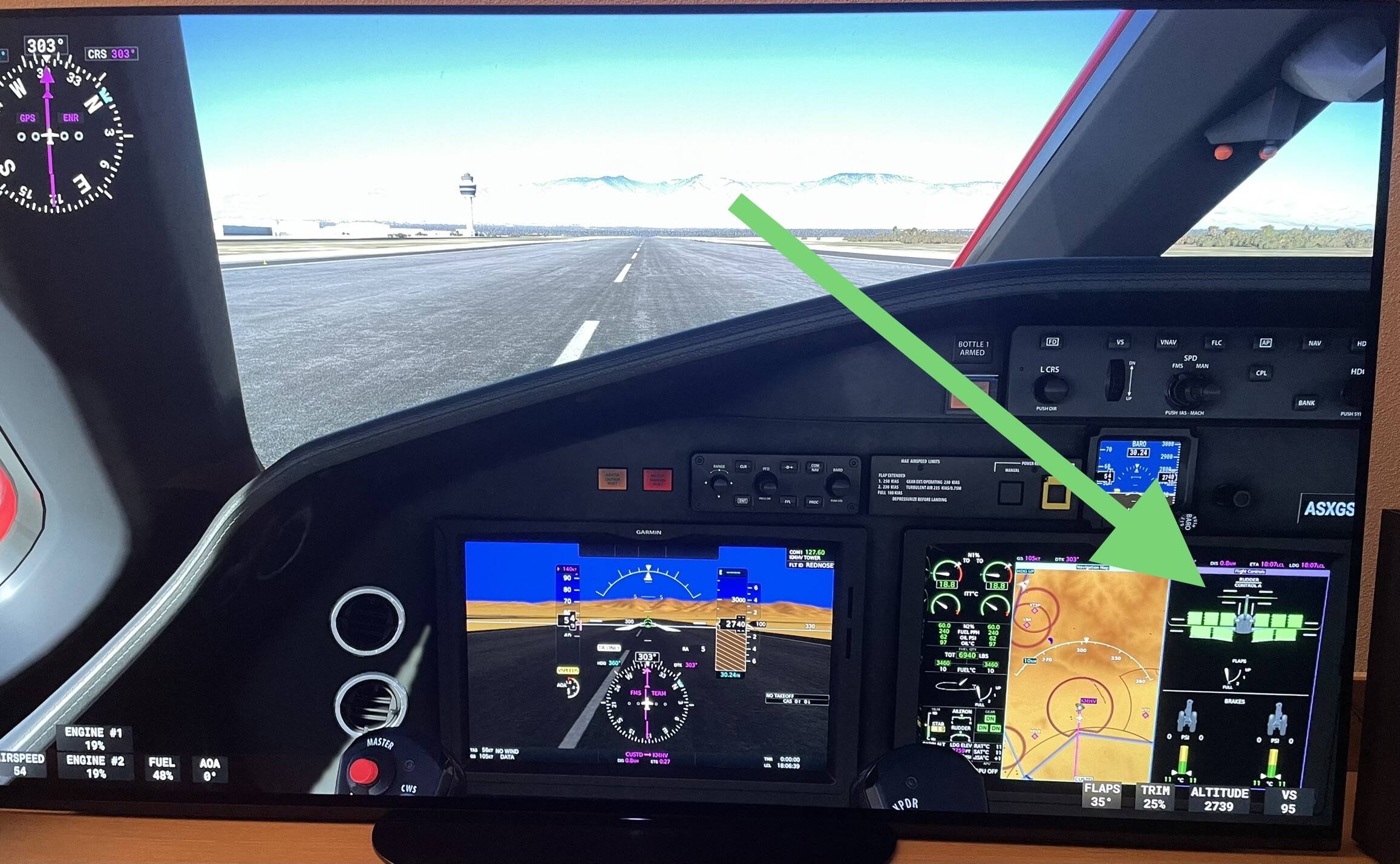
Do you have the same issue if you follow the OP’s steps to reproduce it?

Same behavior on PC extra Asobo liveries


Provide extra information to complete the original description of the issue:

If relevant, provide additional screenshots/video:
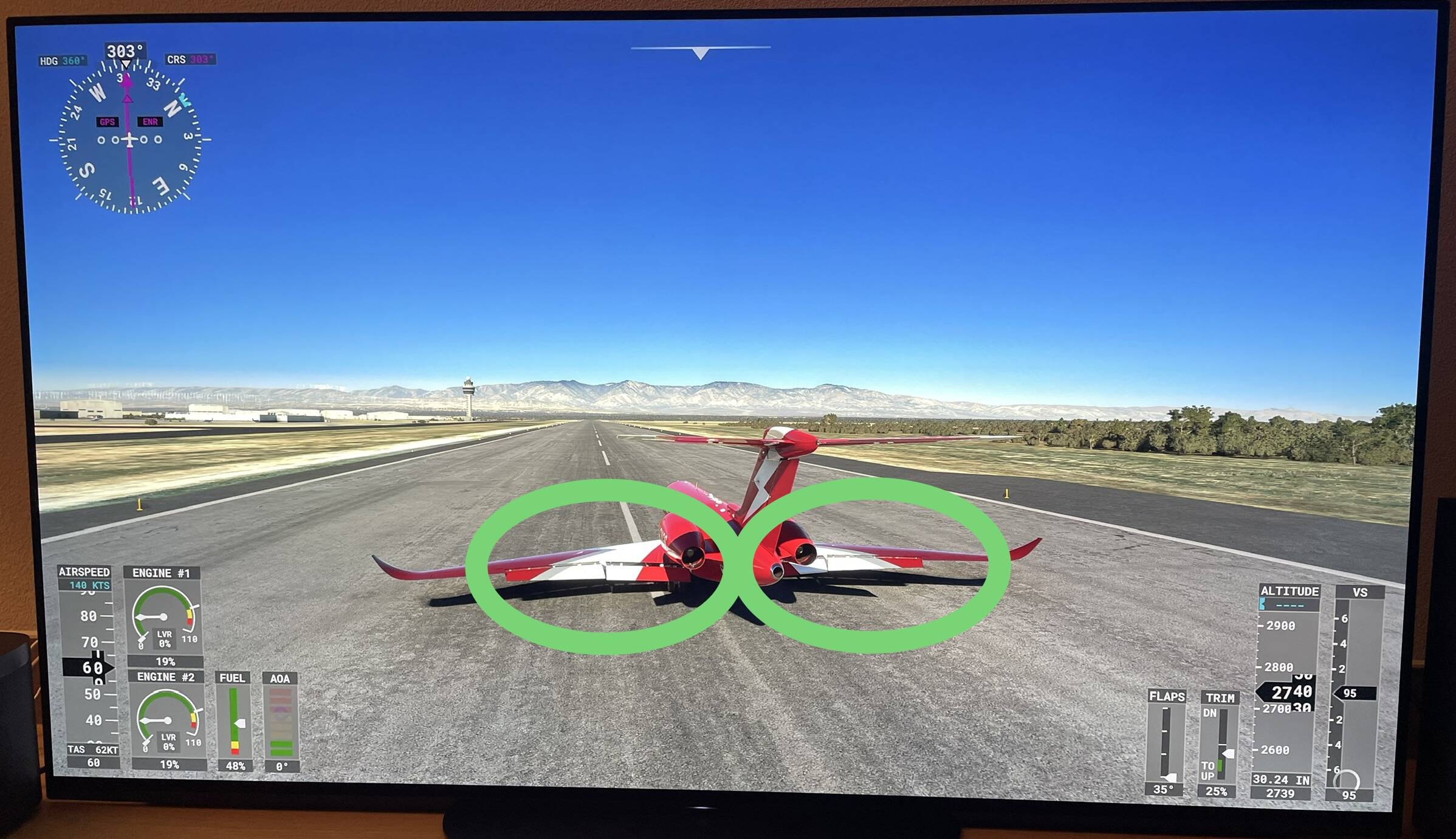
This topic handels the same issue as reported here;
https://forums.flightsimulator.com/t/longitude-spoilers-not-visibly-deploying/573884

The Spoilers are not visibly deploying when activated.


Do you have the same issue if you follow the OP’s steps to reproduce it?

Yes

Provide extra information to complete the original description of the issue:

The spoilers are not showing deployed outside when they are supposed to be.

If relevant, provide additional screenshots/video:

I noticed the spoilers not working, but I thought I was doing something wrong. Pulling the lever definitely deploys the them, but they no longer visibly move. The indicator shows it correctly tho. I know they used to function automatically, but I haven’t observed them since things have changed. Either way, they don’t physically move anymore.

It looks like the spoilers deploy on some liveries and not on others. For example, they don’t deploy on the yellow livery, but they deploy on the blue one.

that sounds special
 :thinking: :face_with_raised_eyebrow:

can we do a list of the liveries with/without visible spoilers in this topic;
https://forums.flightsimulator.com/t/longitude-spoilers-not-visibly-deploying/573884

Well
 i made some tests.

Spoilers are visible only with the default livery.
All other liveries don‘t show the spoilers right.

There is a strange „bug“ (?) with the spoilers with full flaps;

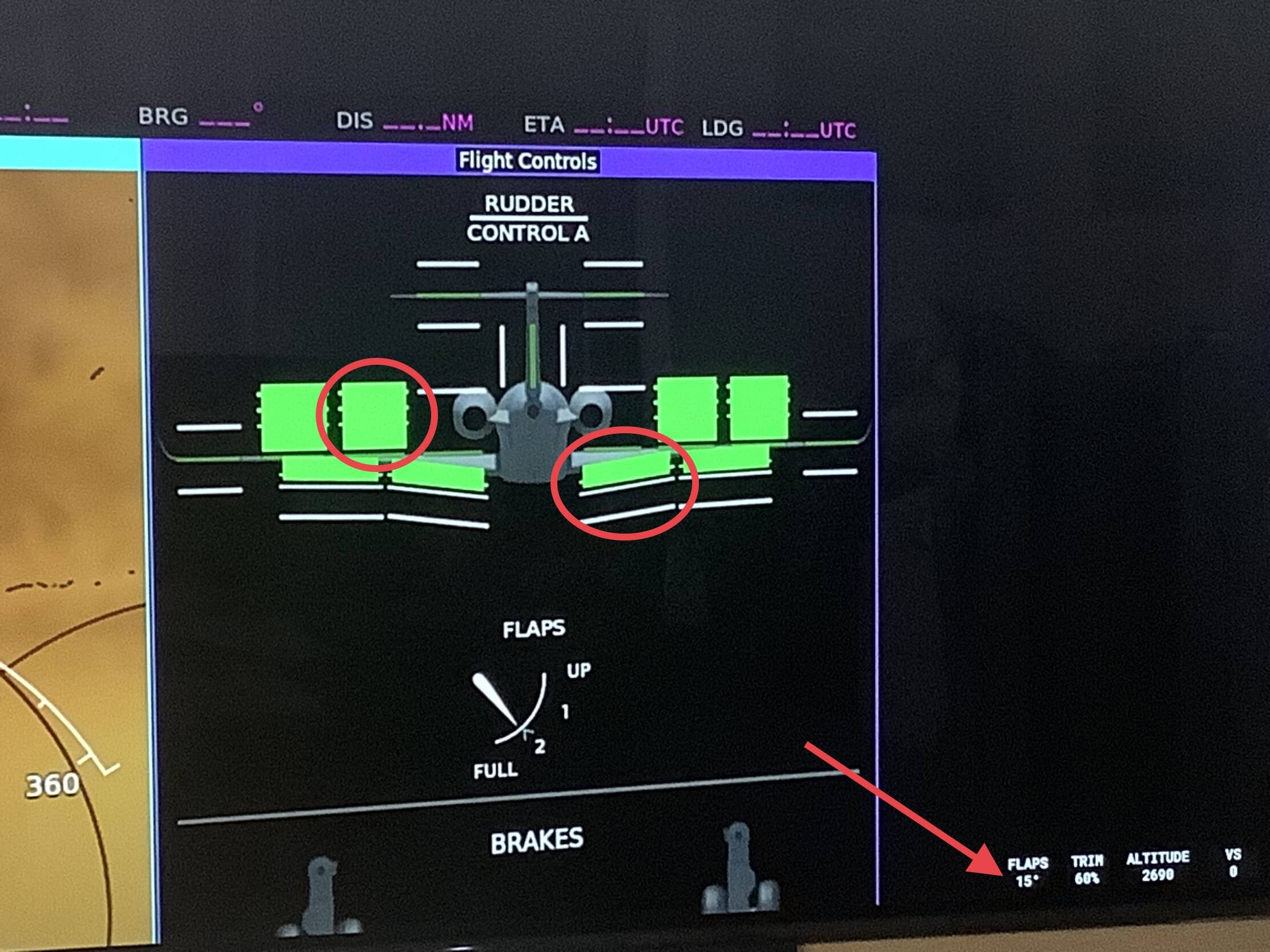
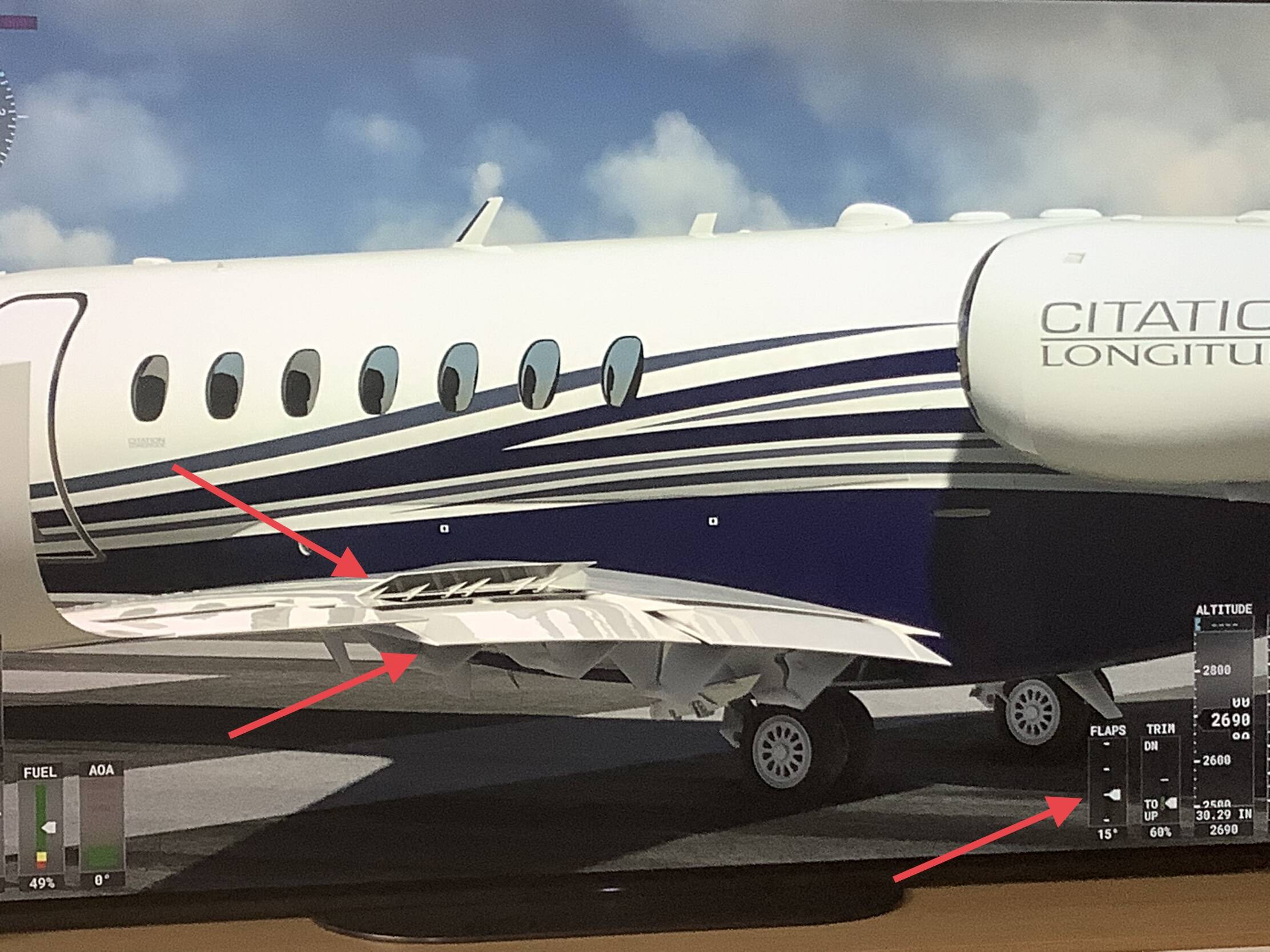
1.) 15° flaps and full spoilers;


The spoilers are visible full and the flaps are at 15°. The MDF shows the right informations in the cockpit.

2.) 35° (full) flaps and full spoilers;


As you can compare the two outside pictures, the spoilers are lowered, like only „half“ activated. On the MDF in the cockpit you still see full spoilers and full flaps. If you set the flaps from 15° to 35°, you don‘t see a movement by the spoilers. They suddenly change their position to „the half“.

“Global Freight Ways” out of the default liveries (grey aircraft with red tail) does NOT work

On the Working Title Discord, someone said the issue of the Longitude spoiler not animating on liveries is known and fixed in a coming update.

Thanks for this good information. At the moment the default livery is the only one, which is showing the spoilers

Do you have the same issue if you follow the OP’s steps to reproduce it?

No.

Provide extra information to complete the original description of the issue:

I am on WIn Pro with latest updates, 1070ti gpu with latest updates, MPScenery’s KHAF airport and the Delta Connection livery downloaded from flightsim.to. From cold and dark, and just before taxi, the spoilers work or animate using my Logitech 3D joystick.

Addendum: A few minutes later. I did an additional test. The spoilers stopped working when I activated the Experimental Replay tool. But, it would work intermittently with the reverse thrust when I activated the reverse thrust (by pressing the default rev. thrust function in button 4 of the joystick) while outside the plane (external view).

If relevant, provide additional screenshots/video:

I just noticed the same thing. Switched from default livery to Livery 1, Red, and noticed the indicator on MFD moves and speed brakes lever moves but wing spoilers do not raise up.

In flight, the speed brakes cause drag when lifted.

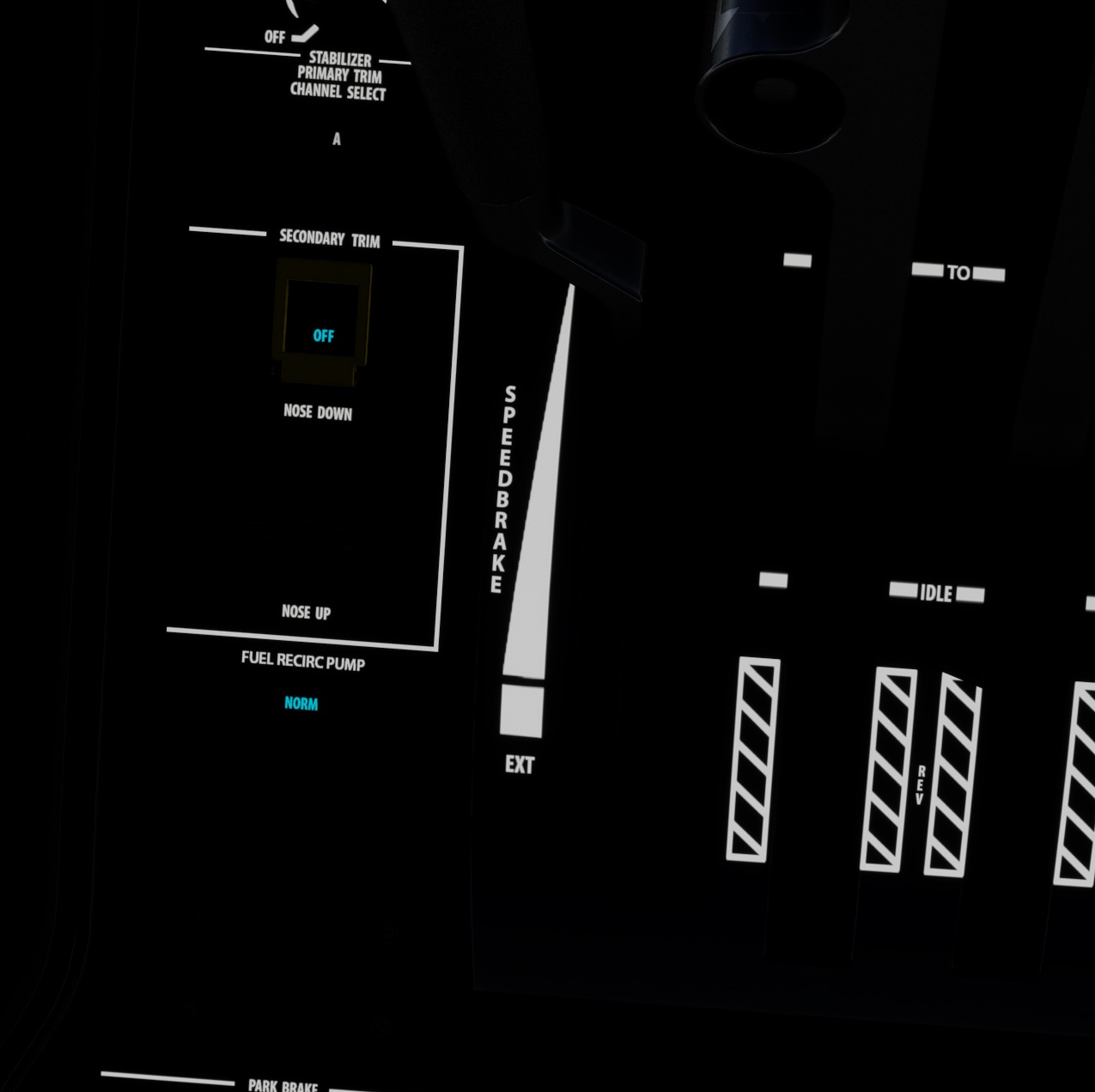
I should also note there was a switch change in the cockpit. There used to be a speed brake auto/off switch just left to the speed brake handle. That switch is now Fuel Recirc Pump.

Using the template below will greatly help the team reproduce the issue and ease the process of fixing it. Before posting, search for an existing report. If you are not sure it’s a bug, please first report in User Support Hub.

3 tags are required - add them in the tag section next to the title above:

Feel free to delete this quote section after adding your appropriate tags.

ISSUE DESCRIPTION

Description of the issue: On the Cessna Citation Longitude, the speedbrake indicator in the MFD shows when the speedbrakes deploy and retract, but outside, on the wings, nothing moves. I am using MSFS 2020 Build 1.39.12.0, and no third-party livery packs have been installed for this aircraft, so it is still the Asobo default. This bug was first reported 3 years ago; is it ever going to be fixed?

FREQUENCY OF ISSUE

How often does this occur for you (Example: Just once, every time on sim load, intermittently)?

ALWAYS. Bug appears to be inherent in the airplane model

REPRODUCTION STEPS

Please list clear steps you took in order to help our test team reproduce the same issue:

  1. Just start a flight in the Cessna Citation Longitude and toggle the speedbrakes while looking at either wing. The speedbrake lever on the throttle quadrant moves, and the indicator graphic on the MFD shows the spoiler flap up or down, but nothing moves on the wings.

YOUR SETTINGS

If the issue still occurs with no mods and add-ons, please continue to report your issue. If not, please move this post to the User Support Hub.

What peripherals are you using, if relevant: Logitech Thrustmaster joystick

[PC Only] Are you using Developer Mode or have you made any changes to it?

Not using Dev mode. This bug appears to be part of the aircraft model and not anything related to Dev mode.

[PC, MSFS 2020 Only] Are you using DX11 or DX12?

DX11

[PC Only] What GPU (Graphics Card) do you use?

AMD Radeon RX 6800 XT

[PC Only] What other relevant PC specs can you share?

CPU: AMD Ryzen 5-3600, 64 gB DDR4 DRAM, 2 tb SSD, 100 gB Rolling Cache file on a 5 tB hard disk.

MEDIA

Please add a screenshot or video of the issue occurring.