ISSUE DESCRIPTION
Description of the issue:
Using End Flight during Free Flight at starting position causes location selection bubbles to disappear. This was tested at multiple airports.
FREQUENCY OF ISSUE
How often does this occur for you (Example: Just once, every time on sim load, intermittently)?
Every time.
REPRODUCTION STEPS
Please list clear steps you took in order to help our test team reproduce the same issue:
-
Select a departure location (e.g.; YMML Gate D19, OMDB Gate C 23)
-
Select “Start Flight”
-
Select “Ready to Fly”
-
Use Shift-C to enter plane (skipping walk around)
-
Press Esc
-
Select “End Flight” and confirm
-
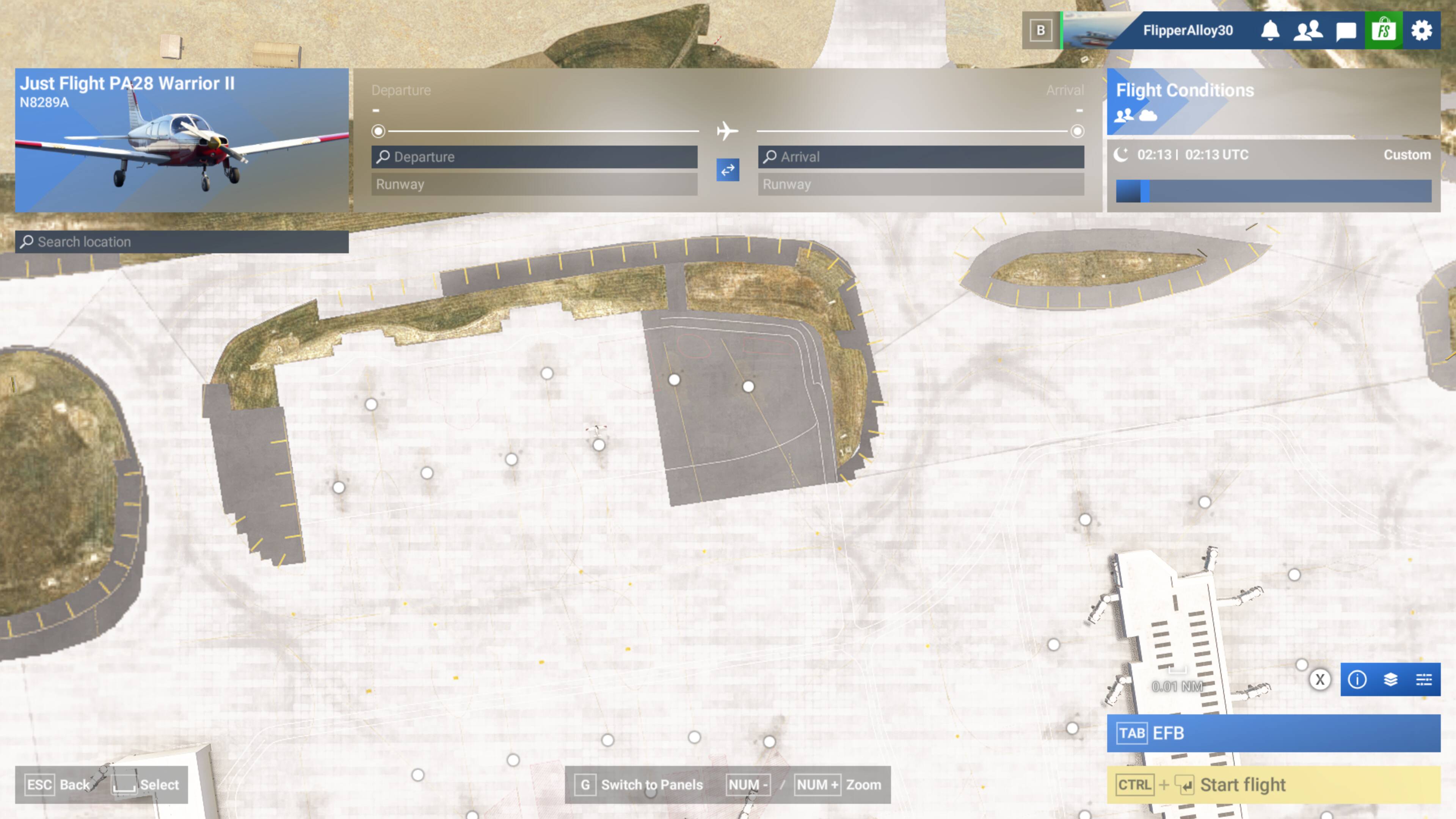
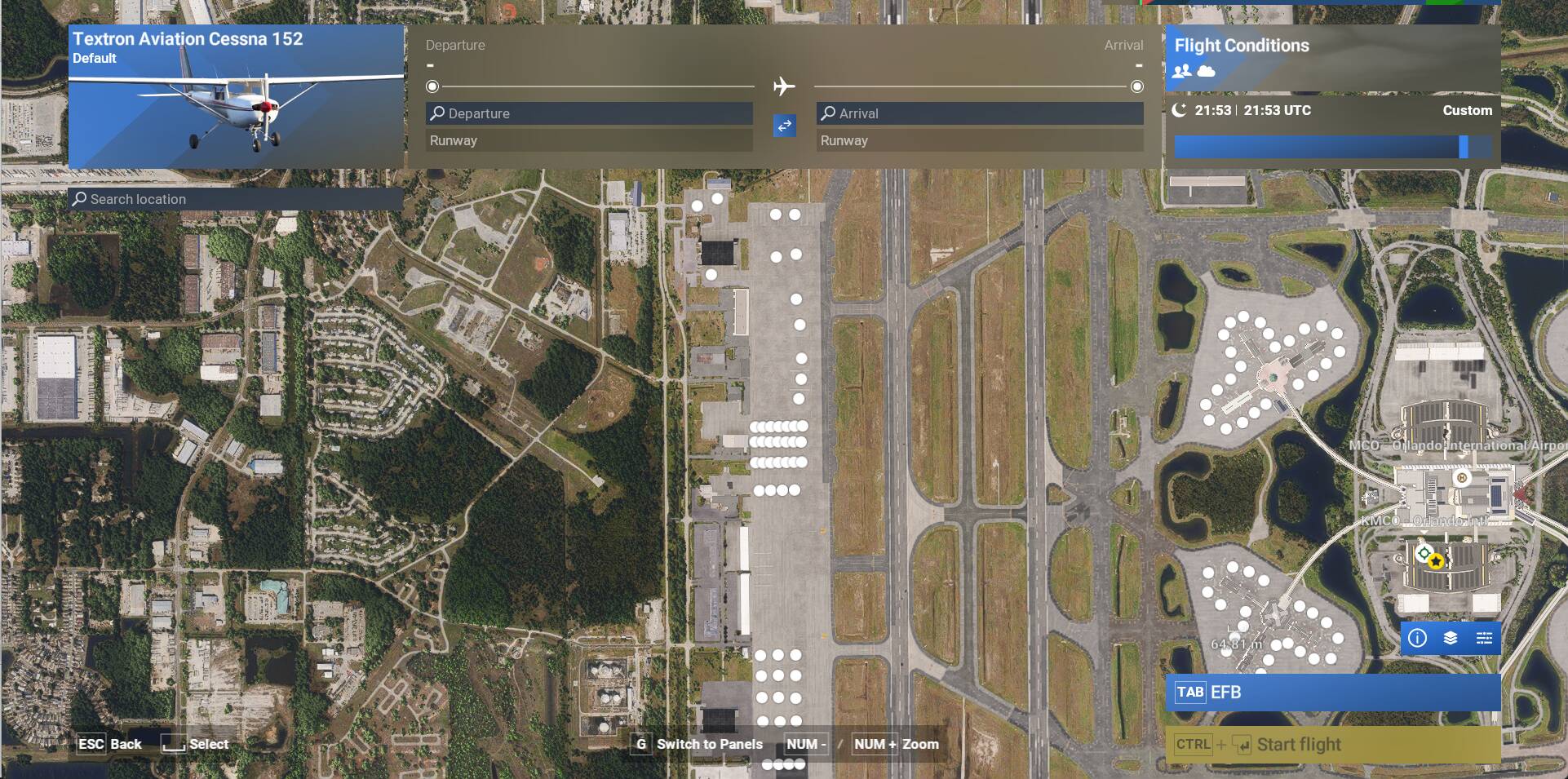
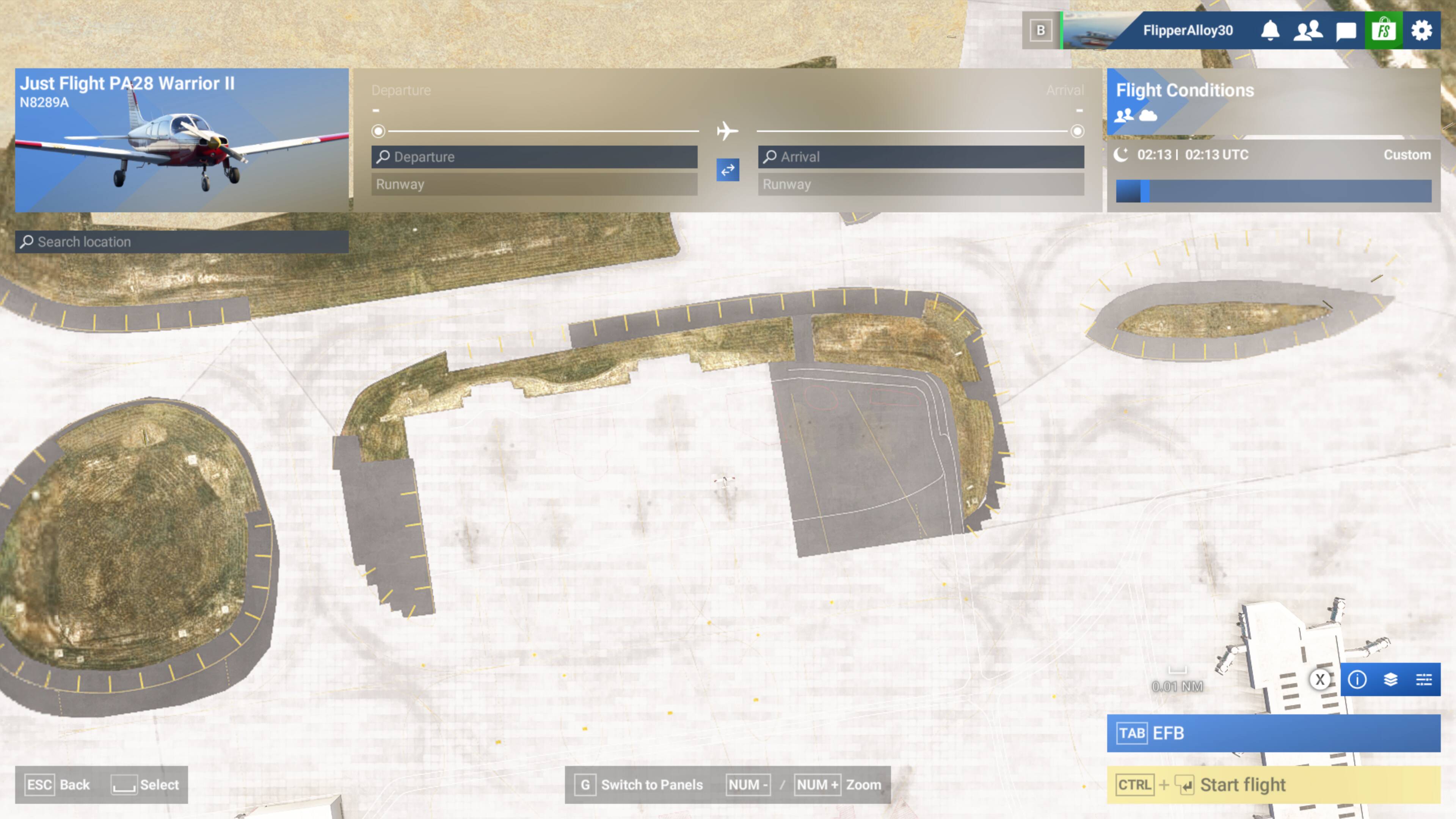
Screen shows original departure location, but Departure text box is empty. Location Selection Bubbles are not visible on the map until you scroll around the area or change the elevation.
YOUR SETTINGS
If the issue still occurs with no mods and add-ons, please continue to report your issue. If not, please move this post to the User Support Hub.
What peripherals are you using: Honeycomb Alpha, Bravo, Turtle Beach Rudder Pedals, Xbox Controller.
[PC Only] Are you using Developer Mode or have you made any changes to it? No
[PC Only] What GPU (Graphics Card) do you use? RTS 3060
[PC Only] What other relevant PC specs can you share? Windows 11 25H2, Intel i9-10900, RTX 3060 Driver 581.80, 32Gb RAM, 1TB NVMe (OS and MSFS) + 2TB 7200 rpm drive. MSFS monitor is 4K Samsung 55" TV, two other monitors are 27" HD
MEDIA
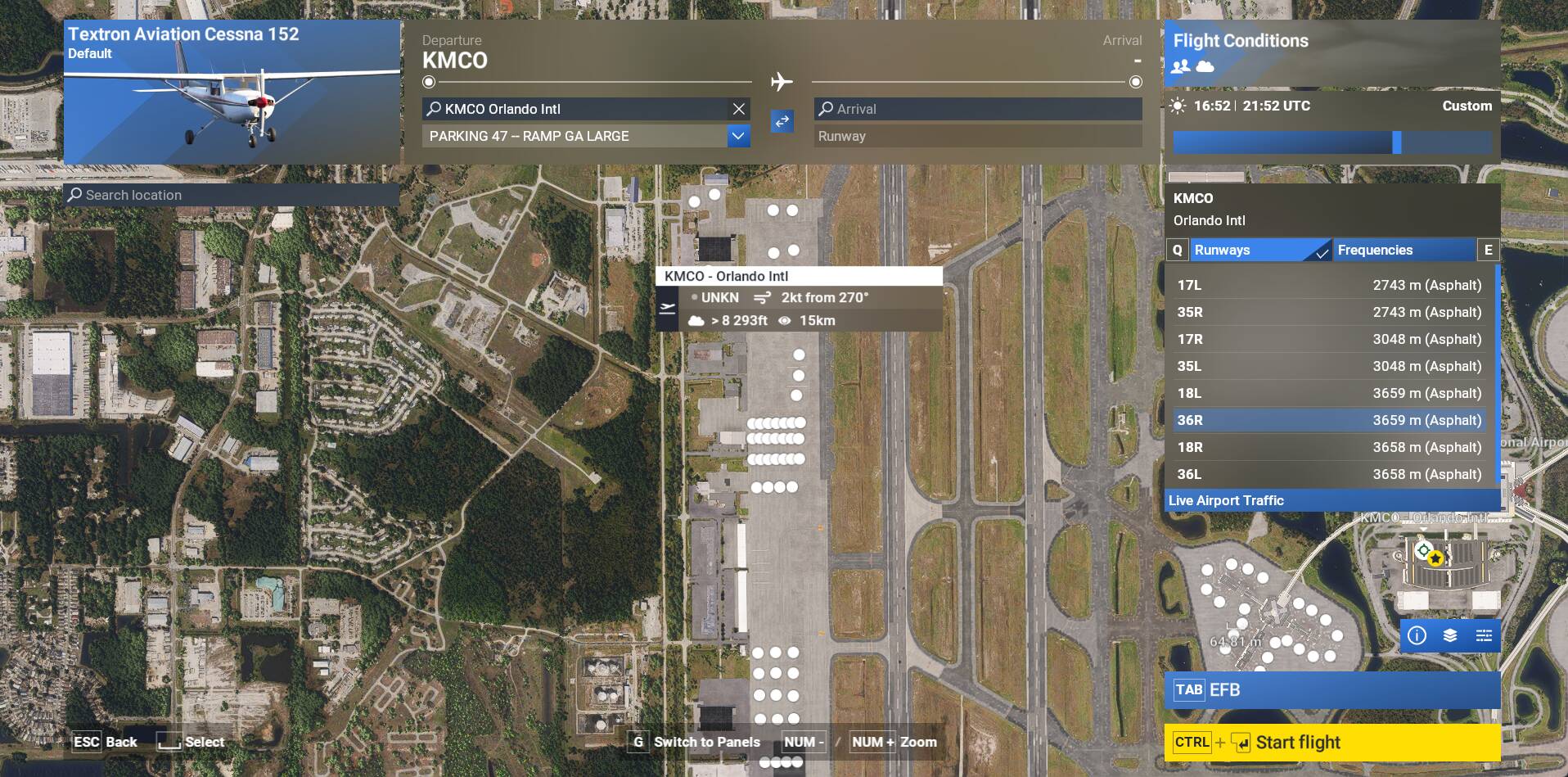
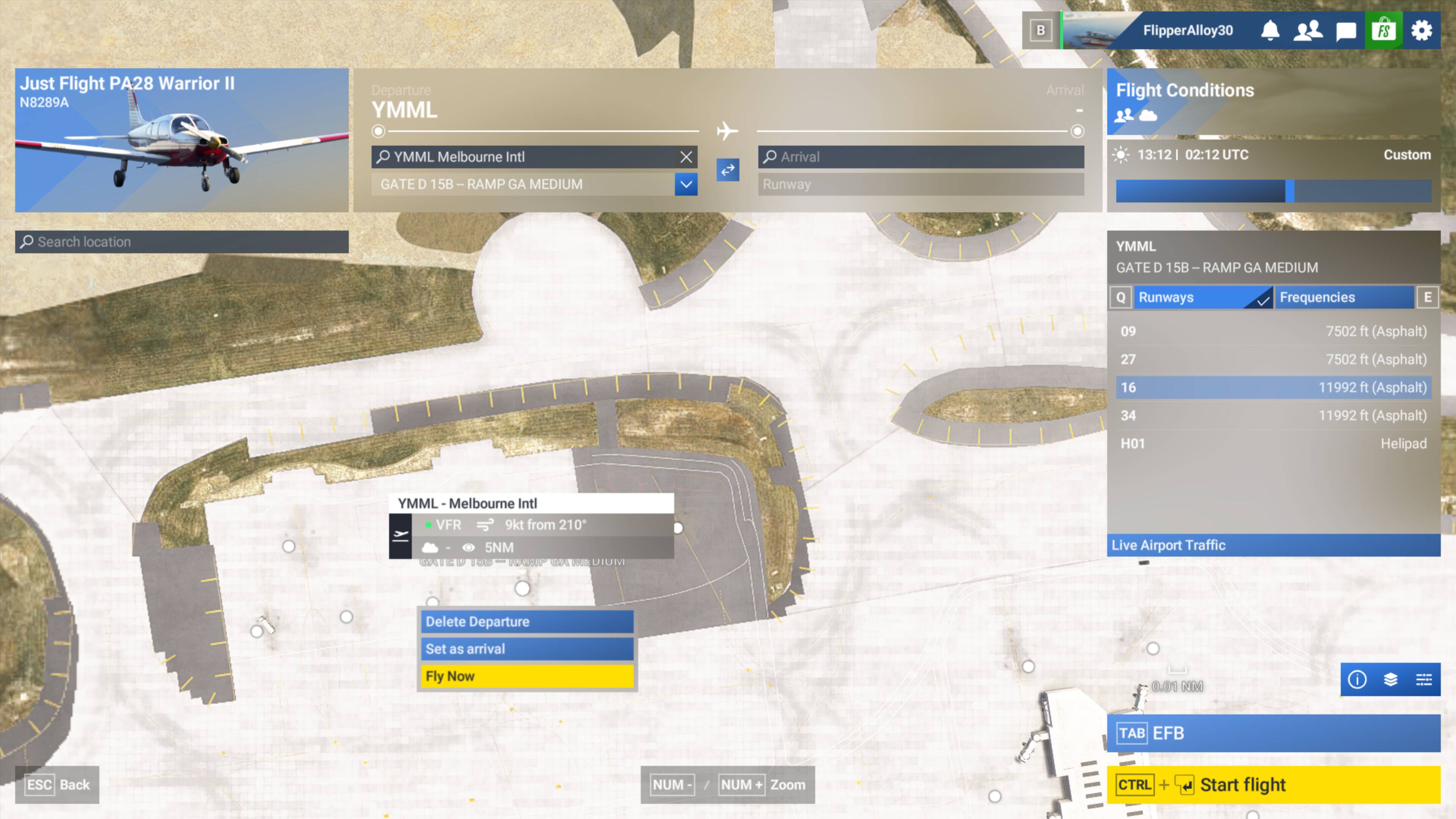
Steps 1 and 2:
Step 6:
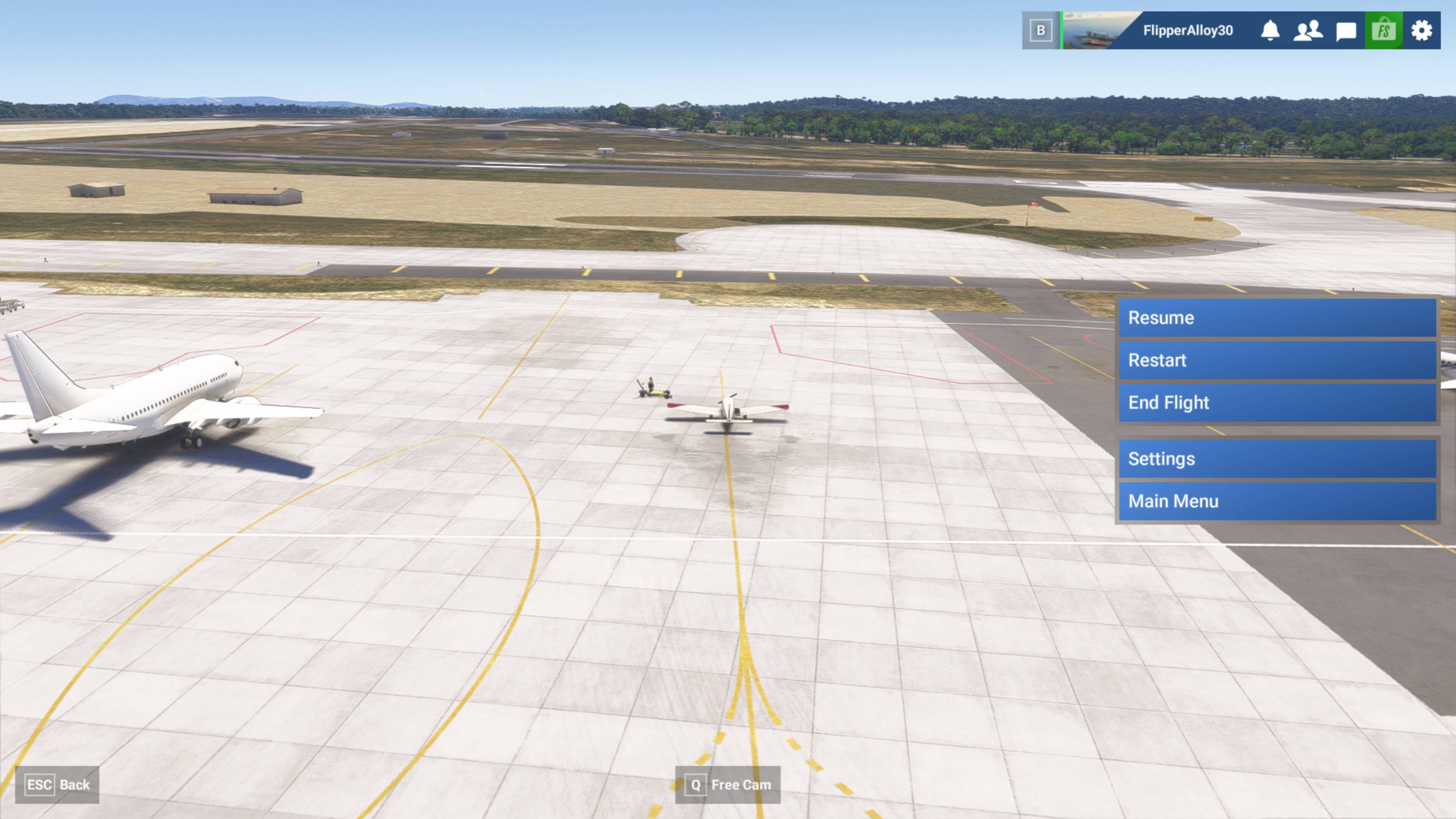
Step 7a - aircraft is visible at previously selected departure location but departure text boxes are empty and selection bubbles are missing:
Step 7b (after scrolling or changing elevation):