Description of the issue: Free Flight - selecting an aircraft then immediately pressing configuration changes the previously selected aircraft.
FREQUENCY OF ISSUE
How often does this occur for you (Example: Just once, every time on sim load, intermittently)? Every time
REPRODUCTION STEPS
Please list clear steps you took in order to help our test team reproduce the same issue:
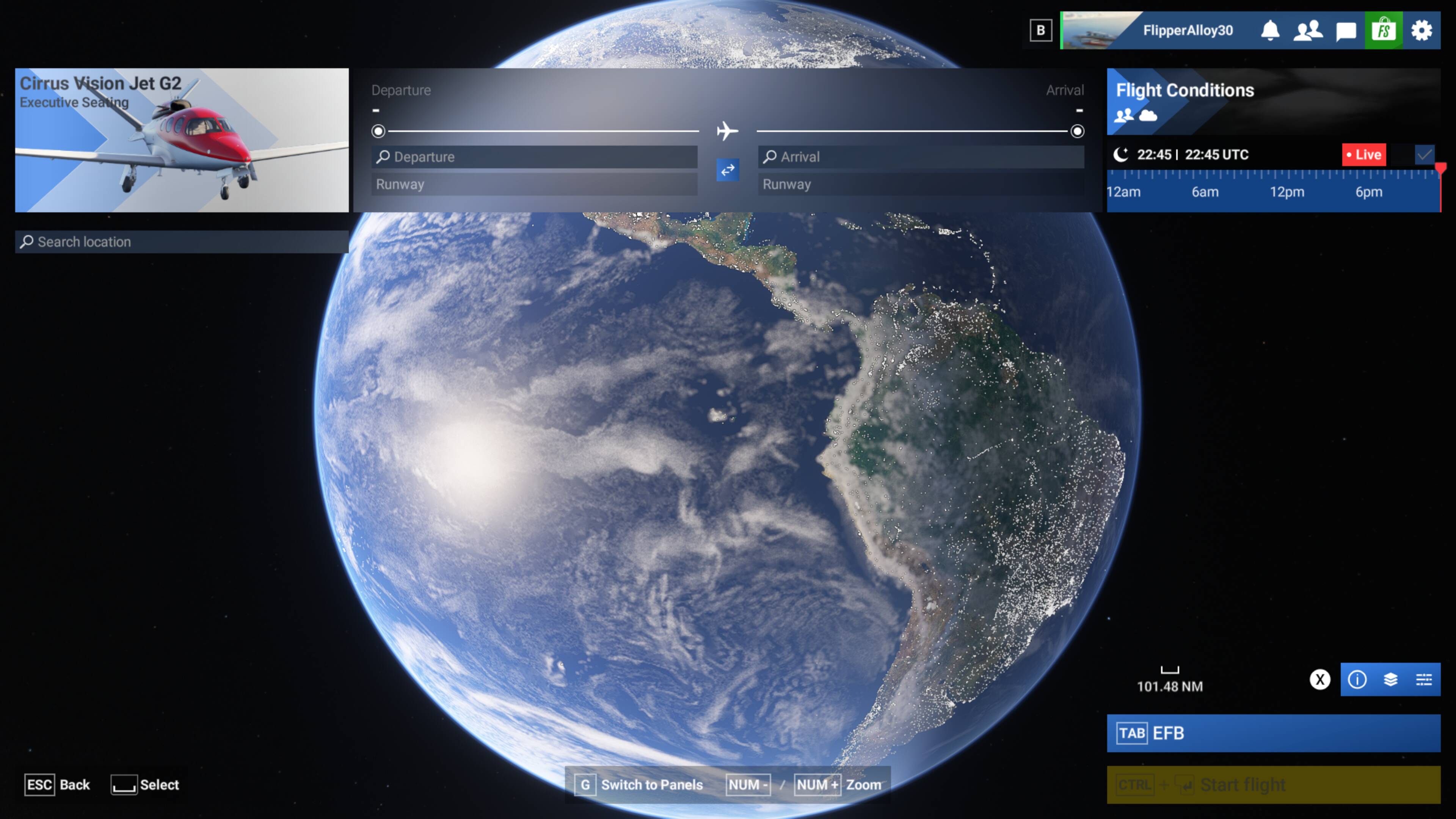
Select Free Flight
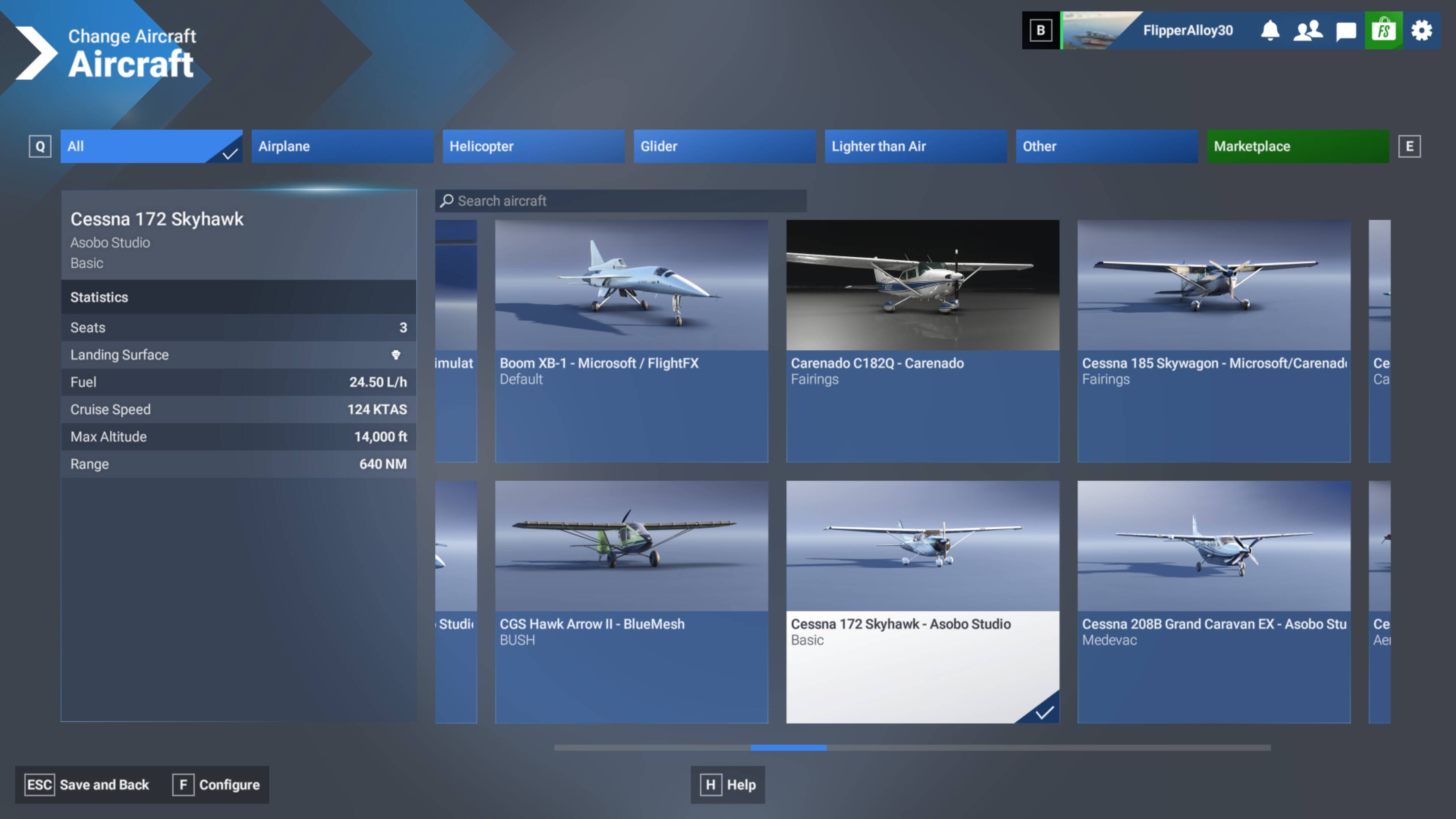
Select the current aircraft to change to another
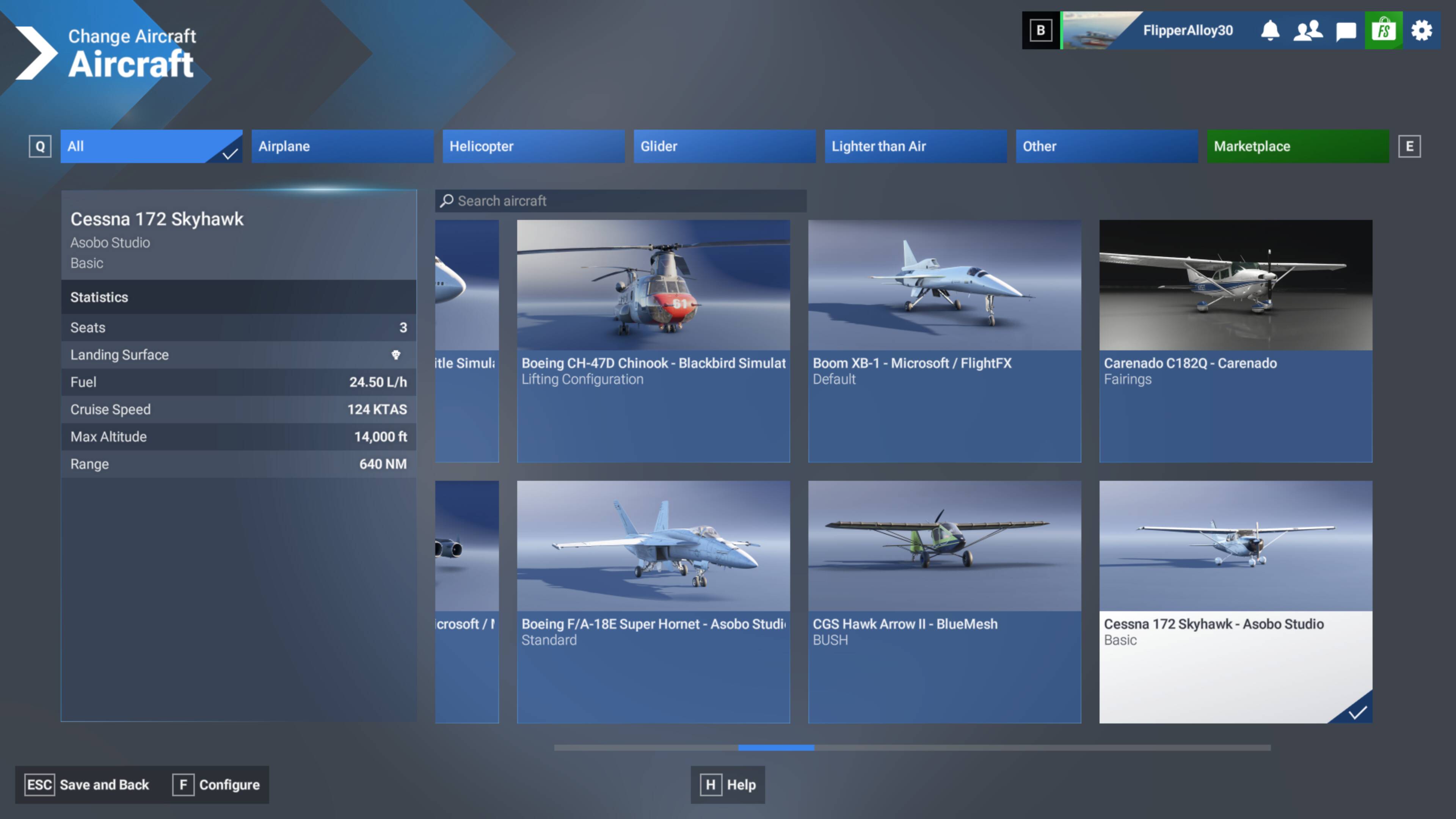
Scroll to the desired aircraft and select (example shows Cessna 172)
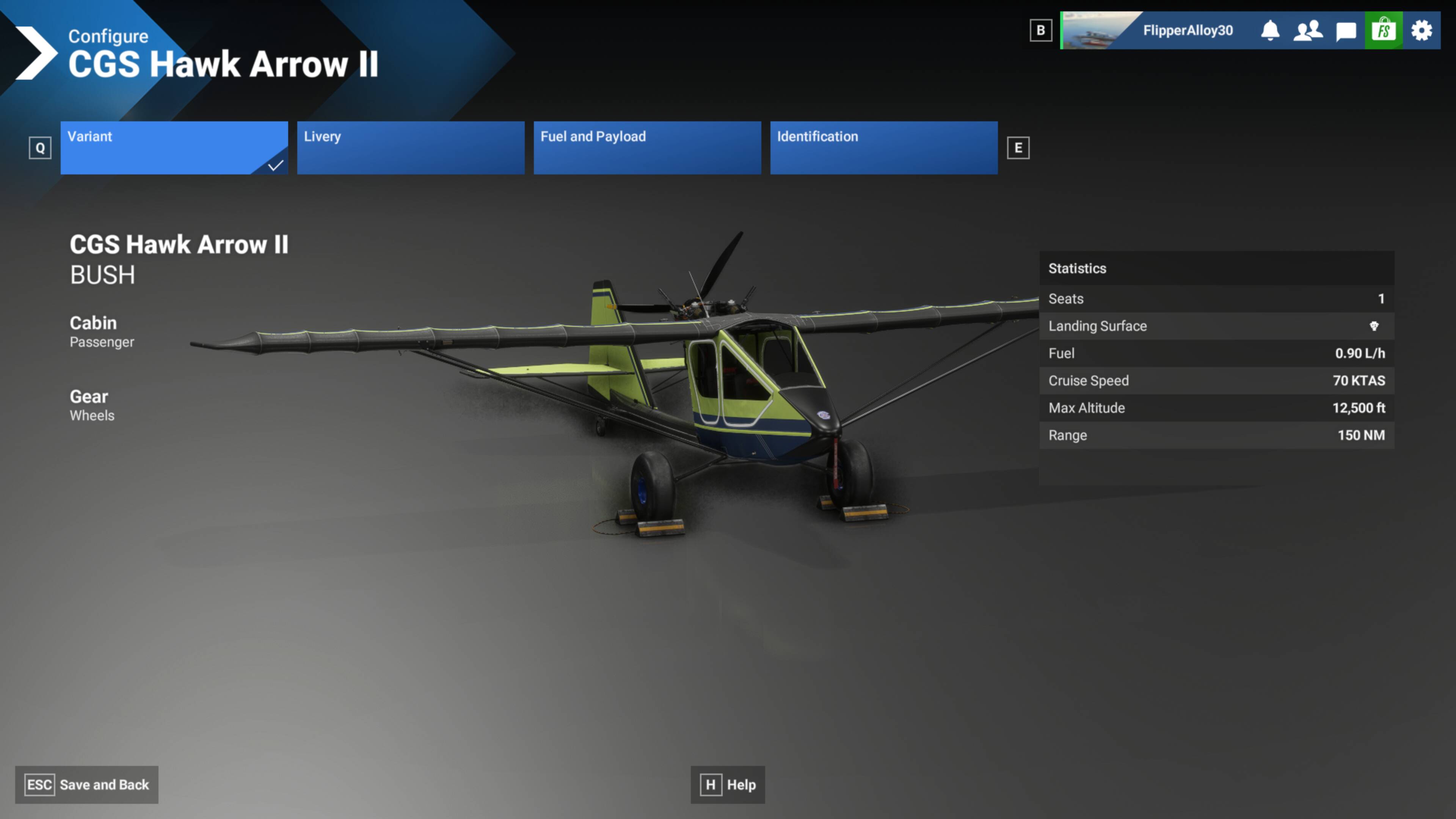
Press Configure (configure screen shows Boeing F/A-18E Super Hornet)
Because the only option is to Save and Back, you are now working with this incorrect aircraft
YOUR SETTINGS
If the issue still occurs with no mods and add-ons, please continue to report your issue. If not, please move this post to the User Support Hub.
What peripherals are you using:Honeycomb Alpha, Bravo, Turtle Beach Rudder Pedals, Xbox Controller
[PC Only] Are you using Developer Mode or have you made any changes to it? No
[PC Only] What GPU (Graphics Card) do you use? RTX 3060
[PC Only] What other relevant PC specs can you share? Windows 11 25H2, Intel i9-10900, RTX 3060 Driver 581.80, 32Gb RAM, 1TB NVMe (OS and MSFS) + 2TB 7200 rpm drive. MSFS monitor is 4K Samsung 55" TV, two other monitors are 27" HD
If I use Save and Back immediately after choosing an aircraft, then go back and configure, the aircraft doesn’t get replaced.
CORRECTION - this isn’t always true. I just went back to the world map page and went back to the configure option and found my Cessna 172 Basic had been replaced by the Boeing B747-400 LCF… although I haven’t been able to repeat this additional scenario.
We have created an internal ticket to see if our team already has this logged, and if not they will attempt to reproduce the issue and create a new bug report. This item is now marked as feedback-logged. If there is an existing bug report or one is created, we will move this thread to bug-logged.
I selected the Longitude, and clicked “Configure” and got the 152 Aerobat instead.
Whatever aircraft that loads after clicking “Configure” is obviously downloading, it draws very slowly, starting with some parts, wheels, then frame, then seats, cabin, wings, finally fuselage shows up… I don’t mind, you get to see how the virtual plane is modelled…
But the Shadow under the plane is garbled, at least on my system. I have DLAA and FSR3 Frame Gen on. It’s not a problem in any other area, including in flight - just here in the Aircraft Configuration and Selection screens
Just had a hard freeze that needed the sim to be closed via task manager after clicking Configuration, so not the same issue, but obviously there’s quite a bit broken here.
A little bit of experimentation with this bug - it appears when selecting an aircraft then the configure button, the configuration acts on the aircraft which is positioned on the second line of the display and is under the “search aircraft” magnifying glass. When pressing Configure I noticed the check mark moved to that particular aircraft. It seems when I choose any aircraft on the top row I must press Save and Back before returning to this page to select Configure (without changing the aircraft selection).
Can confirm. Work Around is to search for unique enough words that only the plane you want is in the search results, so it can’t configure any other plane…
Also, even after resetting rolling cache, deleting shader caches, etc, and setting MSFS Graphics to defaults (TAA on my system), the shadows of any plane shown in the configuration window are corrupted. 9800X3D / RTX 5090 / empty community folder.
Found a workaround (for now anyway). Select aircraft, go to world map, select departure point and then I can go back into config and change variants etc.
I’m also experiencing this issue since the SU5 Beta (1.7.7.0) on my system.
When I try to configure an aircraft, the selection immediately jumps to another aircraft, usually the one to the left, but sometimes from the top row to the bottom row.
The problem is even if an aircraft is selected when you cursor over any other aircraft, the last aircraft cursored over is the one loaded when you press configure. The workaround is after selecting your aircraft move the mouse outside the aircraft selection box and cursor around the aircraft selection box to the configure button without rolling over any other aircraft!
I can confirm this, also that it configures the aircraft, the user last moved over with the mouse/cursor, in it chooses to configure the last highlighted aircraft tile.
If you don’t touch any other aircraft tile till clicking configure, it is the one you selected. Or don’t move the cursor after selecting an aircraft and press the shortcut key on the keyboard.