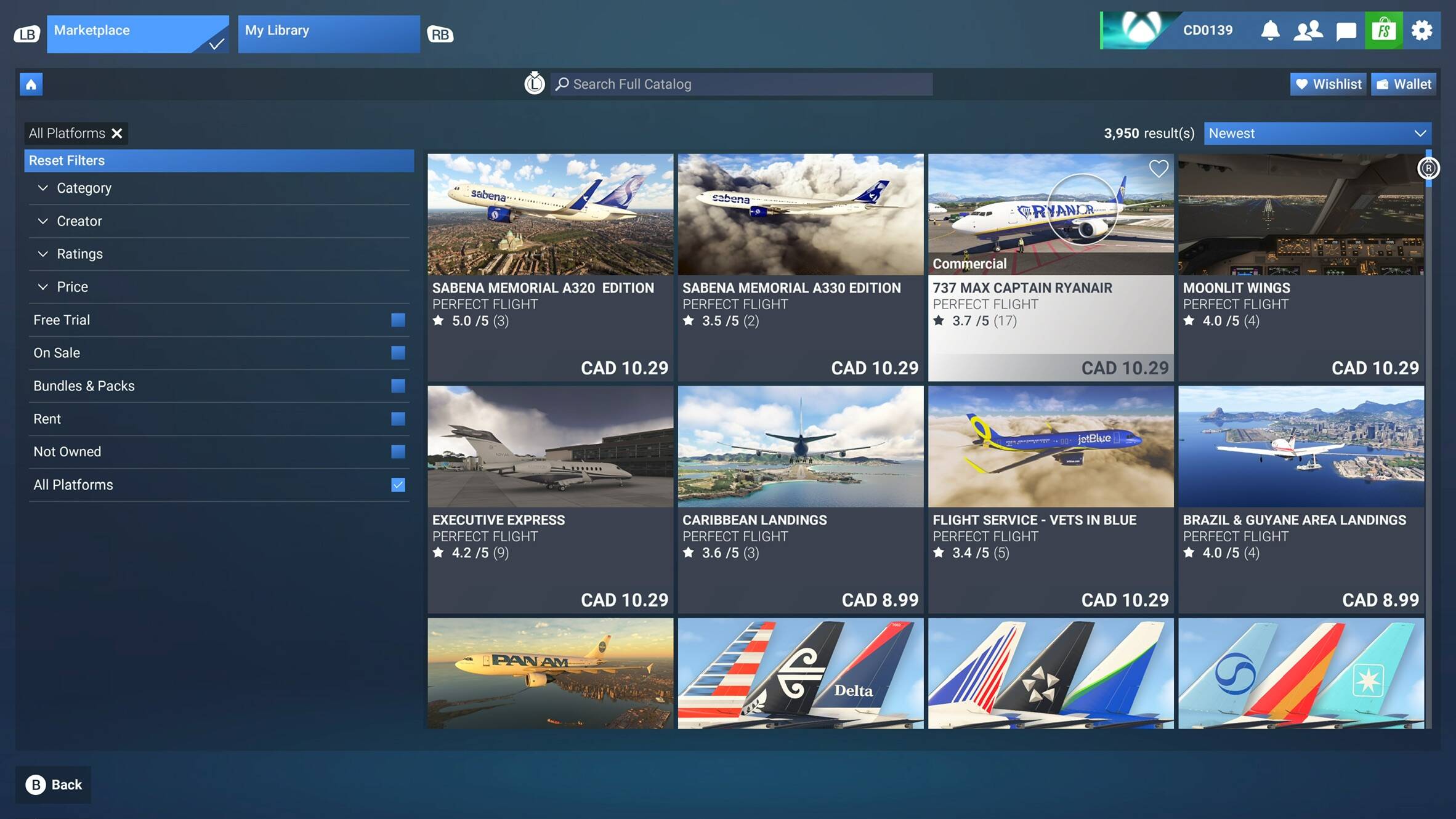
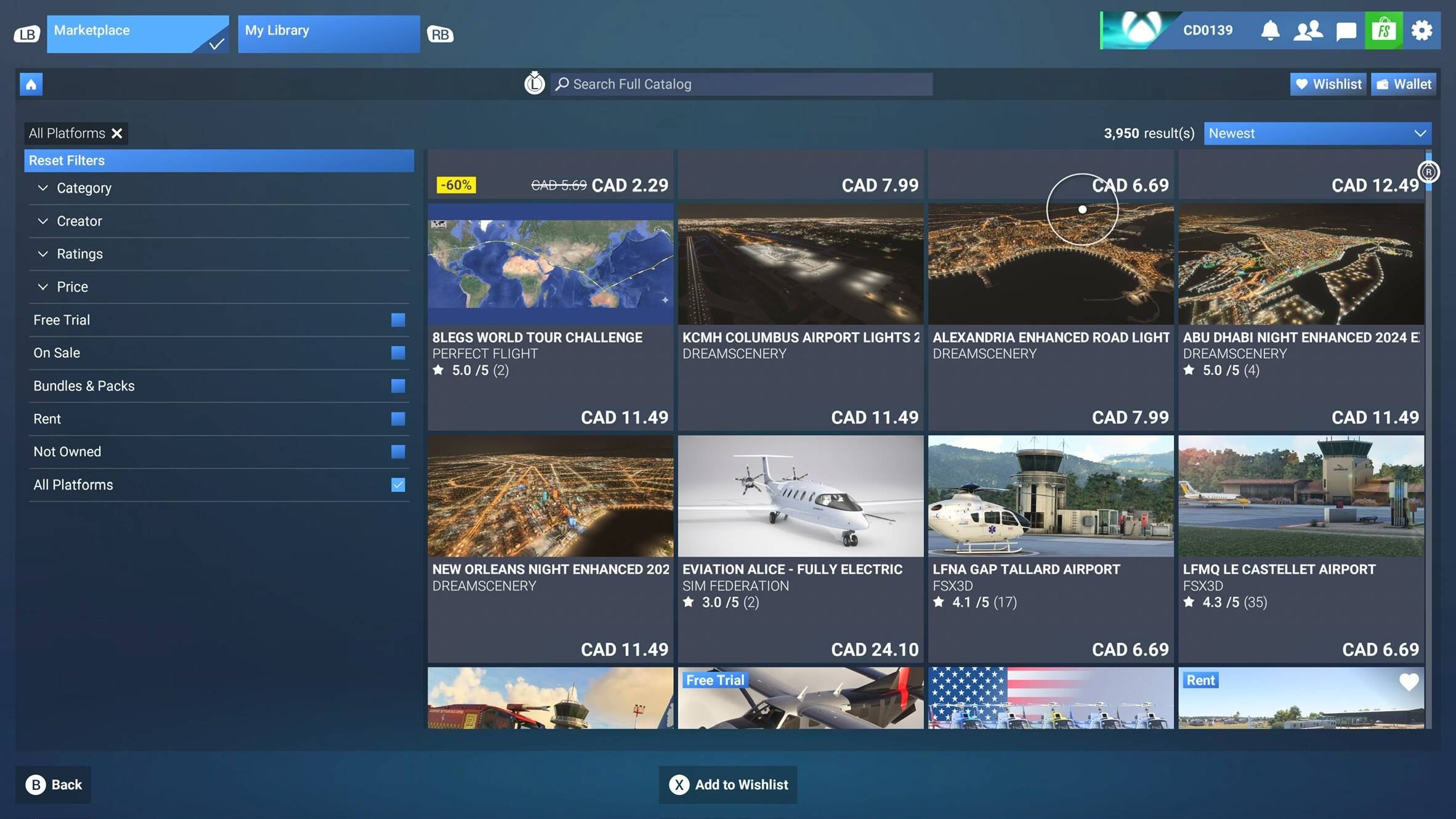
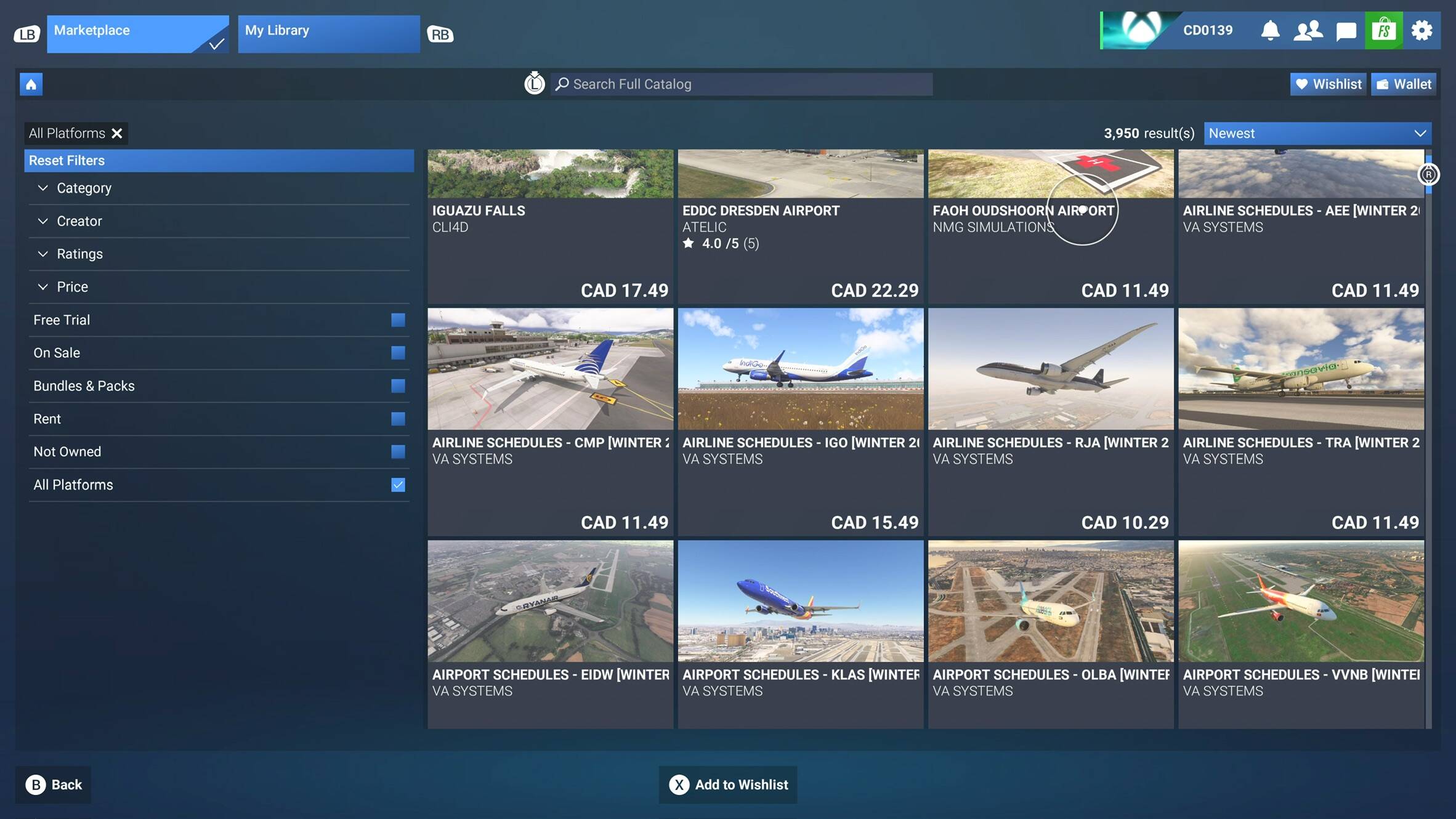
While browsing the Marketplace, the right analog Stick in my controller no longer works for scrolling vertically. In flight, the stick works without issue.
FREQUENCY OF ISSUE
How often does this occur for you (Example: Just once, every time on sim load, intermittently)?
-Every time I open the Marketplace since the update to 1.7.9.0.
REPRODUCTION STEPS
Please list clear steps you took in order to help our test team reproduce the same issue:
Open the Marketplace from the sim’s main menu.
Try to use the Xbox Controller’s right analog stick to scroll through the main page, or any other one in the MP.
YOUR SETTINGS
If the issue still occurs with no mods and add-ons, please continue to report your issue. If not, please move this post to the User Support Hub.
What peripherals are you using: Logitech wireless mouse.
MEDIA
Please add a screenshot or video of the issue occurring.
We have created an internal ticket to see if our team already has this logged, and if not they will attempt to reproduce the issue and create a new bug report. This item is now marked as feedback-logged. If there is an existing bug report or one is created, we will move this thread to bug-logged.
I’m also on 1.7.24.0 and I checked it just now. Right stick scroll is still working for me unless I’m misunderstanding the issue. I haven’t had an issue with SU4 or any of the previous SU5 betas.
Browsing the Market Place from my sofa is pretty much the only place I use the controller except for some very rare occasions with the drone.
When the right analog stick is moved up and down the entire menu in the Marketplace and My Library should scroll, Which it isn’t during the SU5 Beta for a few builds now on PC and Xbox. PlayStation 5 scrolls fine and Sim Update 4 Public Build on PC/Xbox scrolls fine which I showcase below
I was pretty sure that’s what people meant which is why I’m surprised I’m not having the issue. Right stick is scrolling through the Market Place like it always has for me.
Edit: Just confirmed the right stick is also scrolling normally in My Library.
Unfortunately, the team is unable to reproduce this on Xbox or PS5. If there is any additional information other than the above to share, please let me know. Thanks!
Just ran into this issue myself (after not having opened the sim in quite a while). I found that the right stick only worked for scrolling (in any direction) if the general control scheme was set to “Gamepad 2024 Transversal”; if it was set to a specific custom scheme I’d created for the purpose of inverting the right stick in-flight, the right stick would not scroll. Deleting and recreating the scheme seems to have fixed the issue for me, although I cannot be sure that I recreated it in full (in turn changing something that affected control of the content views).
This also applies to the Release Notes page accessed by pressing Y on the main menu.
In the version Sim Update 5 - Final - 1.7.27.0, on Xbox Series X, MSFS24, and in the Release Notes page, the Xbox controller Right thumbstick doesn’t scroll. And with that, there’s no way to scroll other than with a mouse.
I had the same problem on PS5 as well. As @DragRedSim advised, I was able to resolve the problem by resetting the controls to default. I had some custom controls mapped (who doesn’t?) and switching them back to default seems to have resolved the “right stick not navigating nested submenus” issue
I can’t scroll on mine with right analog stick. But apparently it only happens when you set custom button bindings but if you use original transversal 2024 control scheme it works fine (hsve not tested) I’m guessing if you use mouse and only use controller for scrolling then you probably have not set custom bindings to the controller and that’s probably why it still works for you.
My right analog won’t work for menu scrolling either, it’s really frustrating. Apparently it only happens on control schemes that have custom button bindings.