ISSUE DESCRIPTION
Description of the issue:
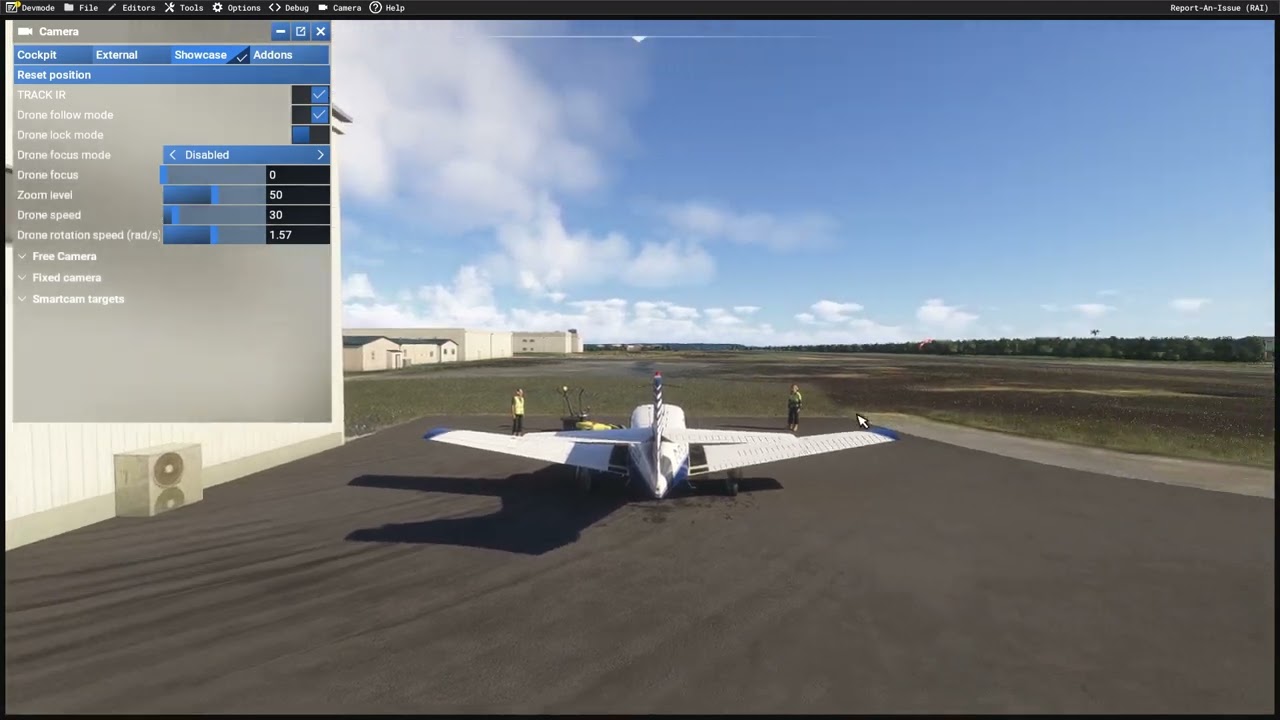
The release notes state that mouse acceleration is now an option to disable in SU6. This does work for the cockpit, but it does not work for either of the external cameras. It is still possible to move the mouse slow enough that your view does not move. This is easily illustrated if you are in the showcase mode as it still shows the mouse pointer, which may or may not be a bug in itself. The mouse pointer is not shown in Cockpit or External. Walk around, avatar mode, also still has mouse acceleration.
FREQUENCY OF ISSUE
How often does this occur for you (Example: Just once, every time on sim load, intermittently)?
Every time.
REPRODUCTION STEPS
Please list clear steps you took in order to help our test team reproduce the same issue:
-
Ensure mouse acceleraton is disabled.
-
Spawn in any plane, and from the cockpit observe that even tiny movements of the mouse have an effect on your camera view.
-
Now switch to either Walk Around, External or Showcase camera, and see that small mouse movements are completely ignored, until a certain threshold is reached.
YOUR SETTINGS
If the issue still occurs with no mods and add-ons, please continue to report your issue. If not, please move this post to the User Support Hub.
What peripherals are you using:
[PC Only] Are you using Developer Mode or have you made any changes to it?
N/A
[PC, MSFS 2020 Only] Are you using DX11 or DX12?
DX12
[PC Only] What GPU (Graphics Card) do you use?
Nvidia 3090 FE
[PC Only] What other relevant PC specs can you share?
N/A
MEDIA
Please add a screenshot or video of the issue occurring.