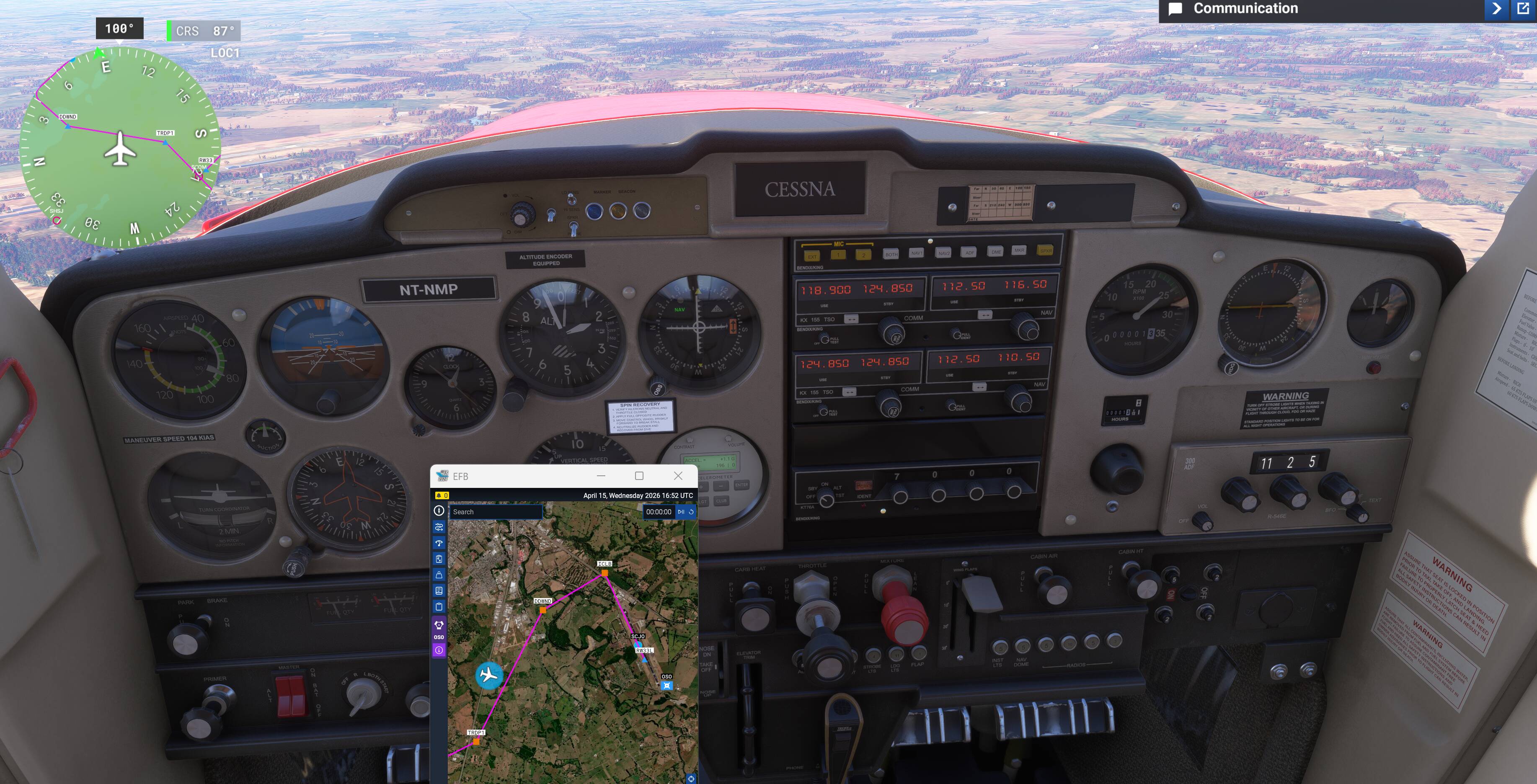
How are you getting those large white numbers? Is that in 2024 or 2020. For the life of me I can’t get it to switch on. Is there a click spot or button somewhere i can’t see?
I will have another go tomorrow, im all tucked up right now. I couldn’t get the numbers to show but if I hovered over the respective dials there was a number underneath you could change. However, the needle wouldn’t budge.
Thanks for checking.
Hi Dementedcorn
This is what I have found. This VOR-DME (OSO) in the efb is wrong according to Chilean websites anyway. EFB says 112.50 - web says 116.50.
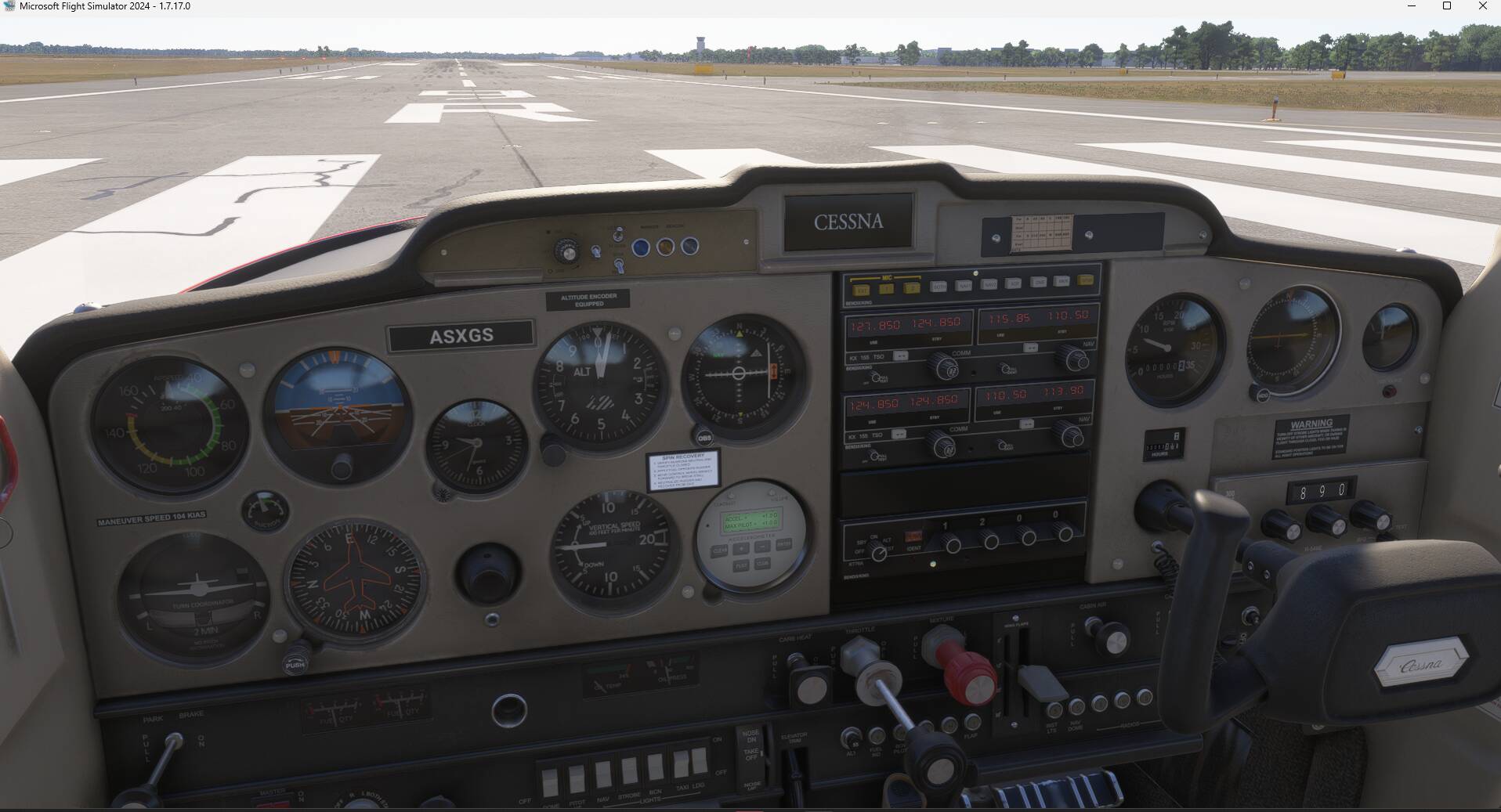
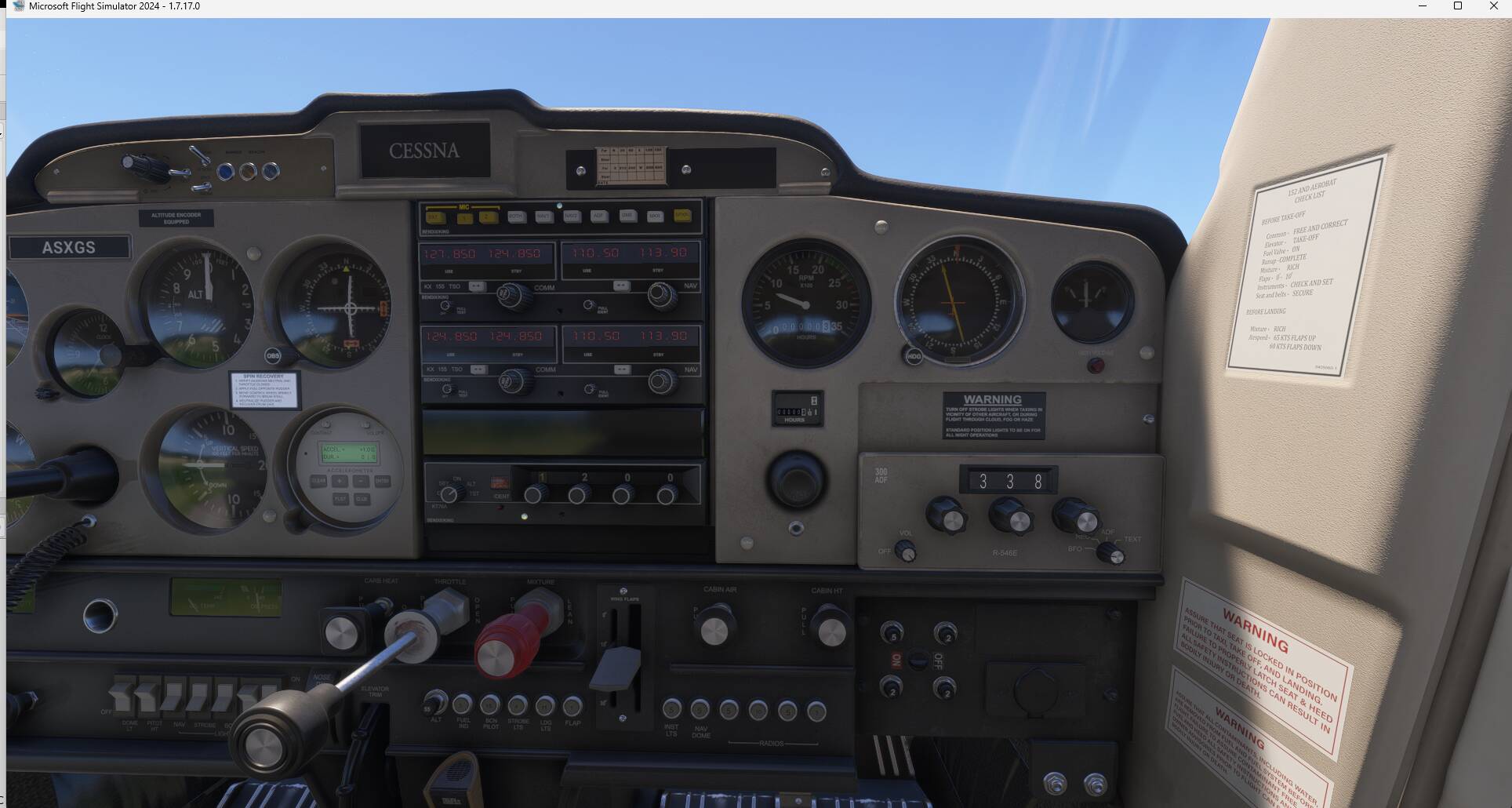
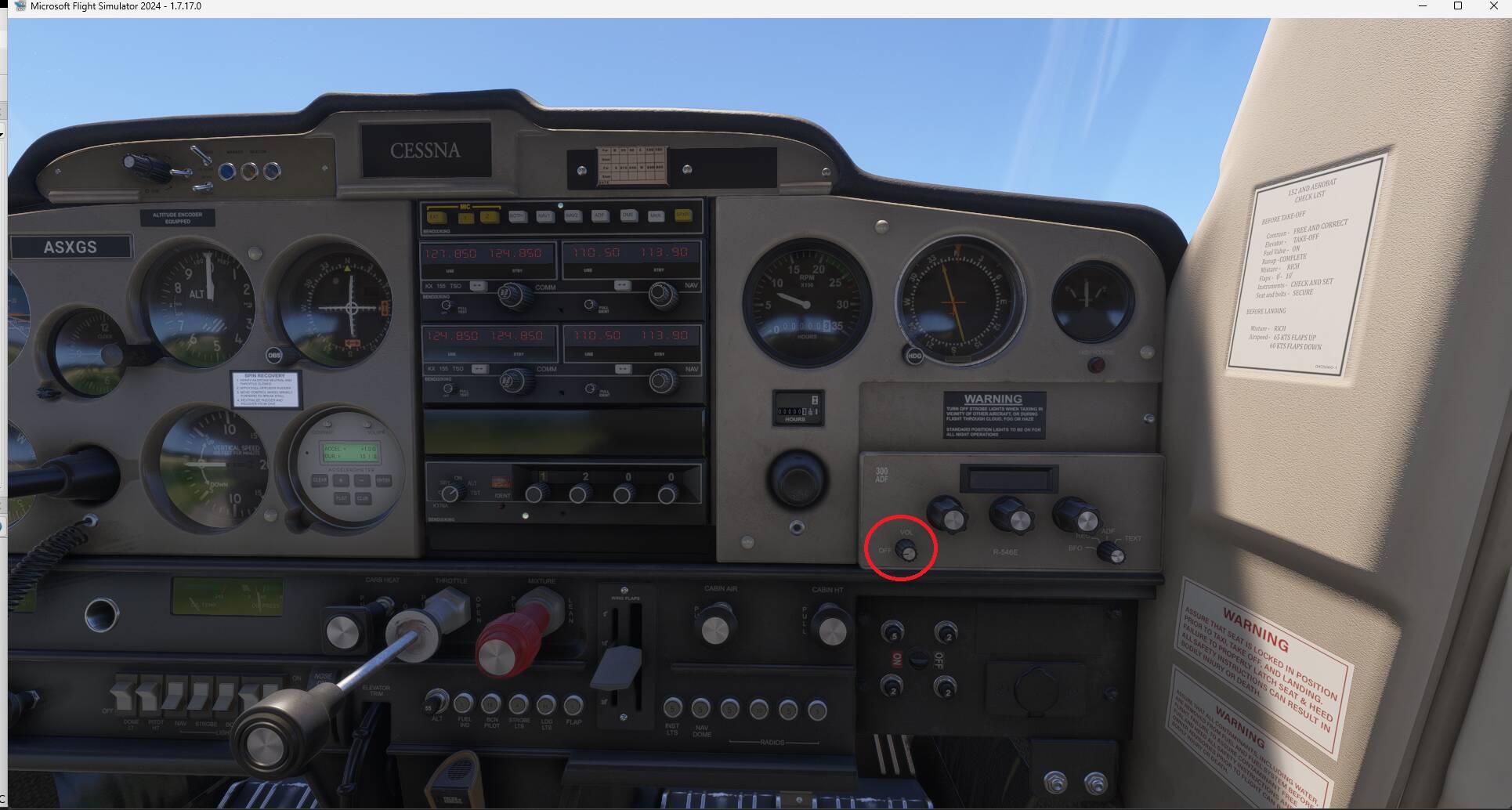
Thanks - I got the numbers to show but the needle is not moving. Im pasting a pic maybe you can see what I am doing wrong with respect to the compass’/ADF. Signal on Nav 1 is correct —…—
In this, am I supposed to put in the same frequency as the Nav1? They are different signals as I understand but the are “coupled” allegedly so I am not sure which, if any, different one to put in the ADF.
VOR & ADF are not coupled, they are 2 different instruments.
You’ve correctly entered the VOR frequency 112.5 in the black instrument that says “NAV” and the signal is received since you can see “nav” in green on the VOR receiver.
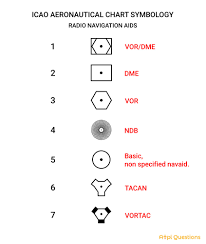
The ADF instrument is to receive NDB frequencies that are different than VOR frequencies. That is why the ADF needle does not move in this case. There are not as much NDBs than VORs, they have a specific symbol on a map if you want to look for them and test this navigation mean.
Hope it clarifies.
No, a VOR-DME is only 1 frequency. The C152 avionic doesn’t have the capability to display the DME (distance) to a VOR station, it can only receive the radial information.
If you want an aircraft that also displays the DME, you can use the C172 G1000. (Maybe the C172 Classic also has a DME receiver but I am not on my PC to confirm )


 …