ISSUE DESCRIPTION
Real world backstory:
In real life most airports have variable airport lighting. At towered airports, the lighting is controlled based on weather/visibility and or time of day. Frequently larger airports have “5-step” lighting. Step 5 (max brightness) would only be used during daytime AND very low visibility (usually 1/2SM or less). Even at night, Step 5 is rarely used because it can blind a pilot even in fog/low vis. During VFR conditions and between sunset and sunrise it’s typical to set step 1 or 2. But only step 1 is required. Step 3 can also blind pilots as they line up on final.
At untowered airports, the lighting may be on or off, or it may have a 3 or 5 step system as well. These lights are usually controlled by the pilot with simply by keying the microphone/push to talk button while tuned to CTAF. (for a 5 step light setup it may be like “click click click click click.” etc. During sunset-sunrise the airport will be dark except for the rotating beacon. In low visibility or IFR conditions, the beacon will be lit if the field is equipped with AWOS/ASOS. It would be still be on the pilot to key the PTT before approaching the runway to ensure approach lighting and runway lights are on max brightness during IFR conditions.
MSFS 2024 ISSUE:
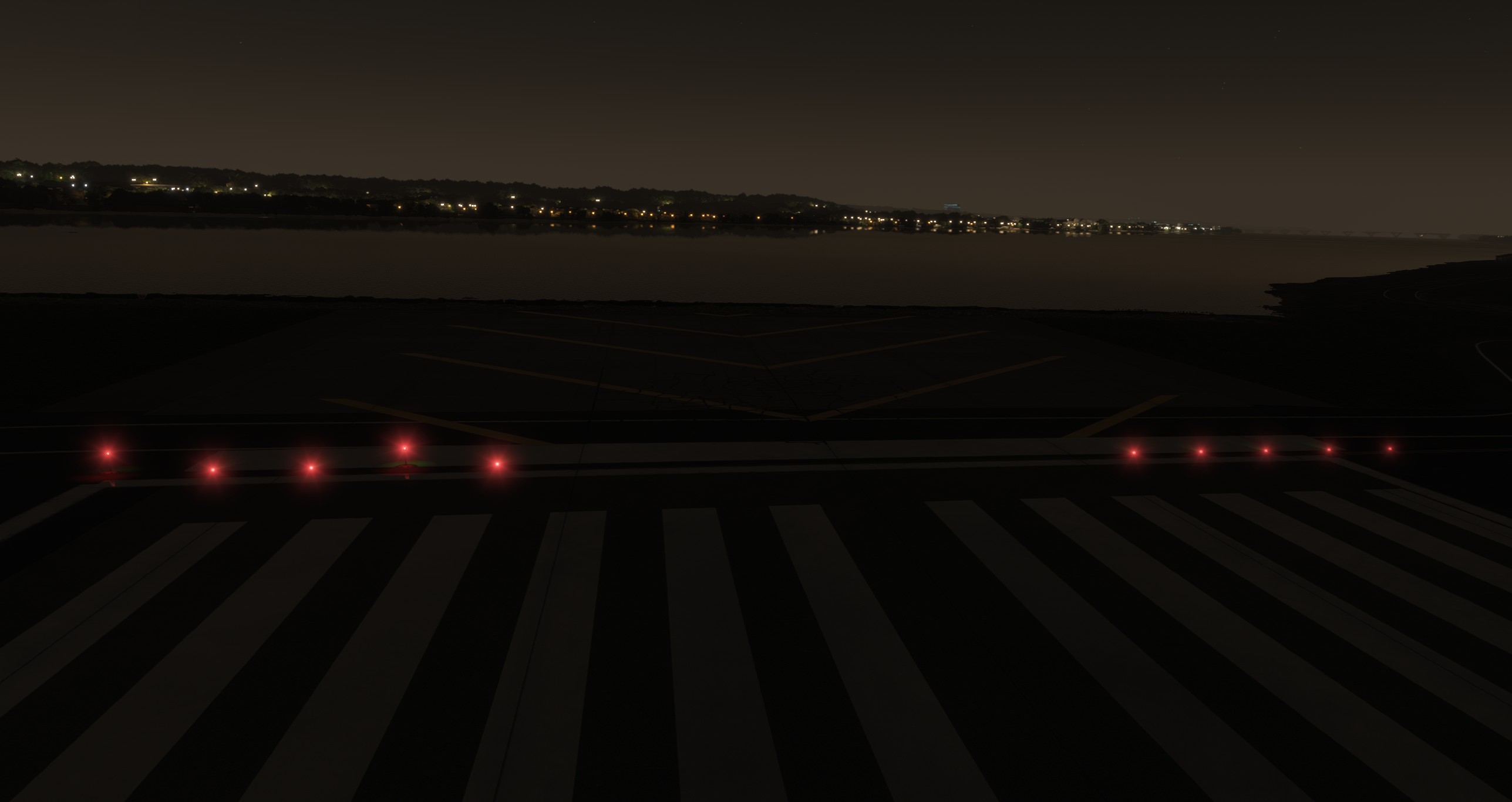
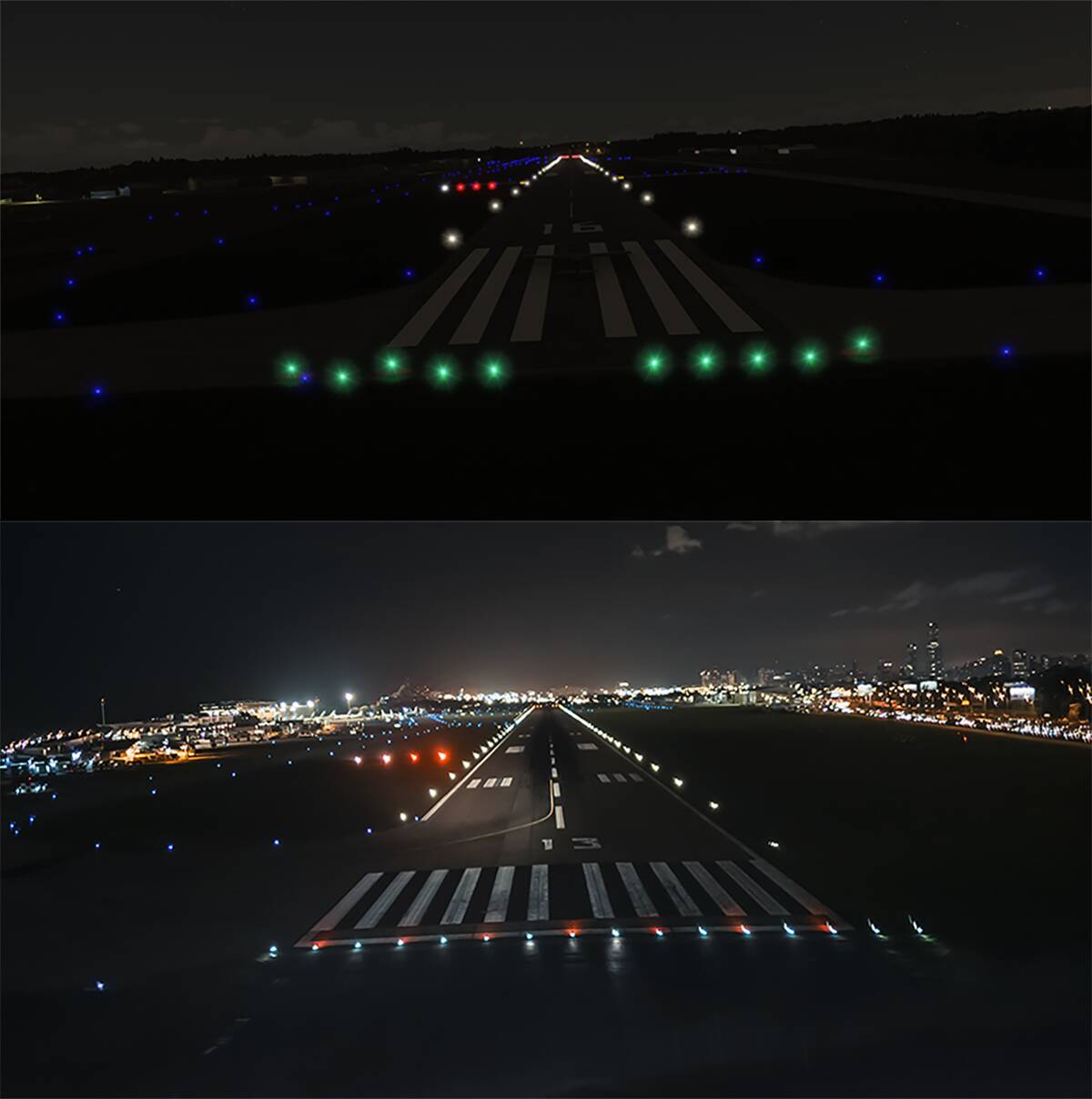
In MSFS 2024 runway and associated approach lighting (PAPIs/VASIs/ALSF/MALSR) and threshold lighting contain a star filter effect, and are FAR TOO BIG and BRIGHT. A camera with a star filter might render a starburst effect but not with the naked eye.
Please note that the taxiway lights are pretty realistic. So good job to the art team there!
Top is MSFS 2024 SU2 / Bottom a real pic - you can see the white edge lights and PAPIs are still a bit bright because of the camera and they are blurry due to motion blur/low shutter speed.
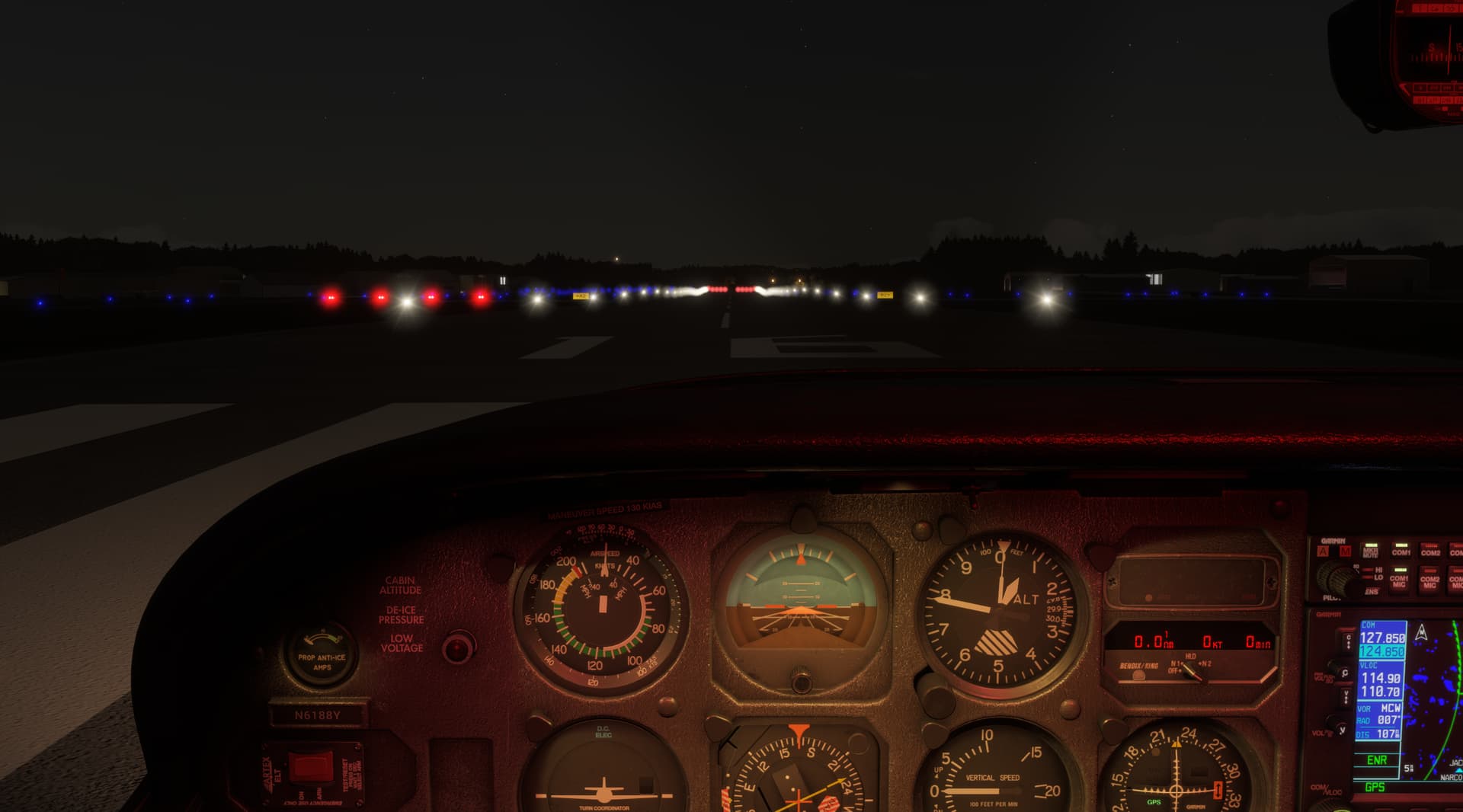
It may not seem terrible here but from the cockpit view (with a realistic aspect ratio), the lighting is extremely bright and you would not see this star filter effect with the naked eye… it would just be very small dots). IMO, MSFS 2020 does a lot better with this. In 2024, quite frankly, it’s an eye sore. It makes me not want to fly at night.
POTENTIAL RESOLUTION:
Create a way to disable bloom at night - I think the over the top bloom is really making the lighting over-exaggerated at night.
FREQUENY OF ISSUE
How often does this occur for you:
Every time
YOUR SETTINGS
If the issue still occurs with no mods and add-ons, please continue to report your issue. If not, please move this post to the User Support Hub.
What peripherals are you using:
12700K / RTX 4080 / 64GB DDR5
1440p monitor - Windows 11 Pro - latest WHQL drivers