Do you have the same issue if you follow the OP’s steps to reproduce it?
Yes
Provide extra information to complete the original description of the issue:
Using Varjo Aero. No DLSS, just TAA. UI navigraph chart font is OK, but map-font is very small. Initially large on map change or zoom but instantly reduced again to unreadable.
If relevant, provide additional screenshots/video:
I can’t beleive there are only 84 votes on this bug. The sim has been basically useless to VR pilots for weeks now.
Sadly, I doubt this will be fixed in the August update. There are still SU5 regression bugs that are not fixed yet. It’s unfortunate, but if it’s not effecting the xbox community, Microsoft just doesn’t care.
I think it’s time to breakdown and give XPlane 12 a try. I just can’t see spending anymore of my hard earned cash on this mess of a product.
True. I also didnt fly MSFS because of this bug. For VR pilots the sim is useless if i cant lookup charts etc.
For some reason i cant vote. Might be im to inactive in this forum 
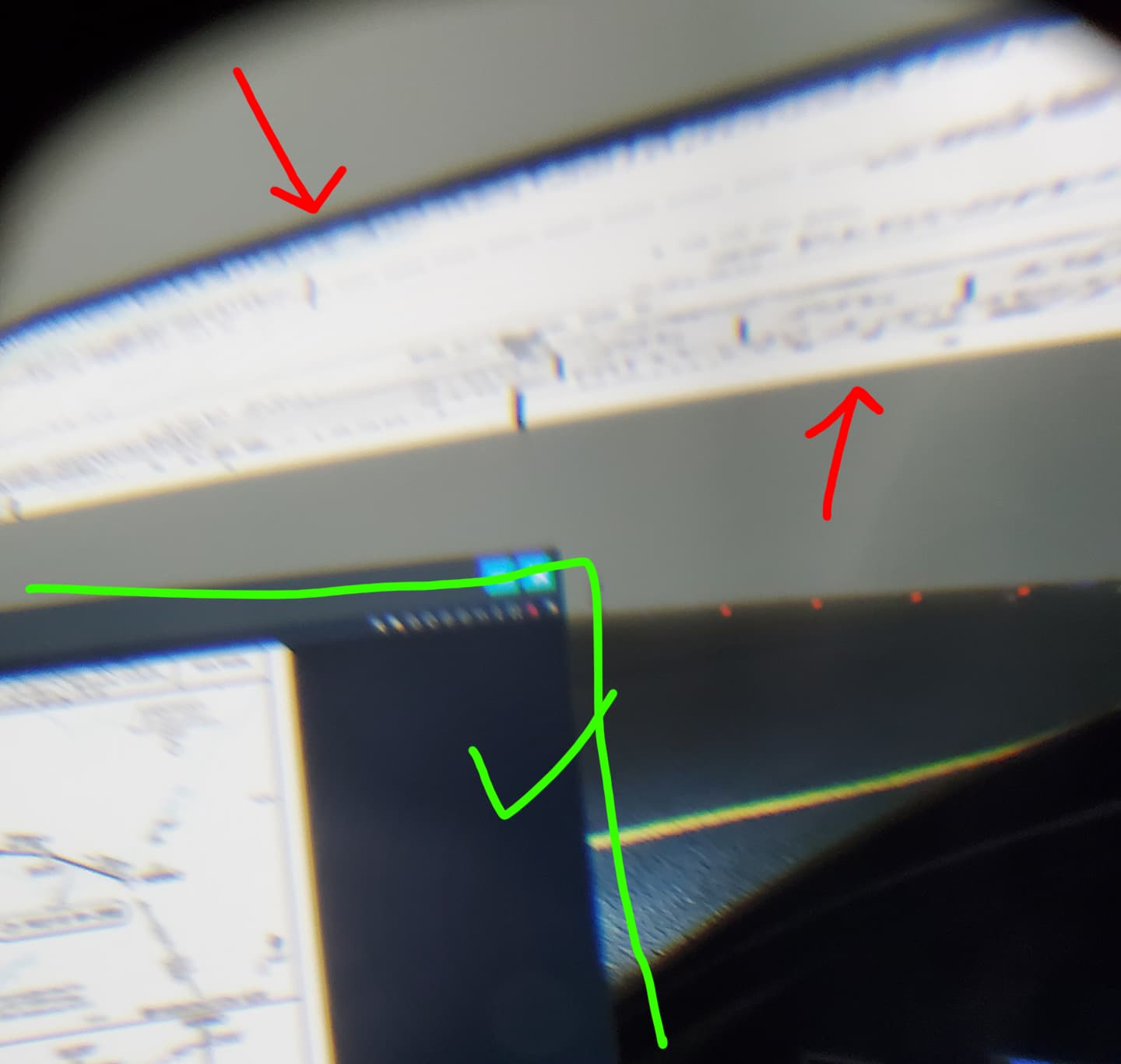
I’m not having a scaling issue so much as this annoying massive elongated duplicate of the window I have open in VR. Is anyone else seeing this? The moment I move my head off center I get a duplicate yet very thin secondary window right in front of my face. Sorry for the awful picture - I took it through the lens with my mobile.
Is this caused by an addon or just how it is?
most addons have adapted, like navigraph or the allinone panel 3.0. and Jörg proudly advised that VR team does not exist anymore. so nothing to expect from Asobo side.
Well that’s discouraging. Did he announce this at the latest DEV Q&A? If that’s the case they should just remove VR from the sim. Pull the Band-Aid off fast rather than this slow “death by a thousand cuts” torture they’re putting us through now. I’ve spent more time not flying over the last 3 years because of VR bugs then I have flying.
I really have to question MS/Asobo’s priorities. How much money did they spend adding planes to the 40th anniversary edition rather than higher some top notch VR developers. The iniBuilds A310 alone probably would have funded 1 year of professional VR development.
But hey, gotta get them Xbox kiddies on board because that’s where the money is. Sure, they’re only going to fly these new planes once and then hop back on Call of Duty with their buddies. But who cares as long as we get their money too.
Hmm, that’s odd. You wouldn’t think voting on a bug would require anything special. Especially since it’s what MS/Asobo use to prioritize development efforts. For the record I’m not overly active on this forum either, but it allowed me to cast a vote. Maybe try back again in a day or 2? The more votes the better.
It may well be the same issue, but I’d like to see some reassurance that SOMEBODY is looking into this? Navigraph mentions that the tiny unreadable font on the VR map (not the user interface the MAP) is apparently not of their making but an error that came with the latest MSFS update.
It is still not fixed!!!
I agree wholeheartedly. This occurred to a number of utilities that previously worked fine in VR. The problem was introduced by Asobo and it has not seen any fix in two updates since.
I’m particularly concerned as the VR Team has been disbanded to work on other projects and to me it is clear that VR isn’t seen as an area to focus on at this time.
Why can’t they see that BUGS like this need immediate attention? I purchased a tool recently that currently isn’t usable in VR due to the tiny text that I simply can’t read.
COME ON Asobo FIX IT!
I believe this happens when addon Shift+Z Stats is installed. I deinstalled it ands haven’t seen the problem since.
Thank you! Yeap that’s what it was! Was driving me nuts!
I sent a ticket about this issue and below is the answer I got. It appears that the ball is played back to Navigraph, even though they claimed in an earlier post it was not an issue they could solve.
Instead of leaving users in the dark, I’d suggest Navigraph/Asobo to fix this together?
"Thank you for contacting Microsoft Flight Simulator Support today.
We will take this feedback forward but most likely, this is something that Navigraph needs to adjust in their code. We have no control over that application and how it behaves. When we introduce something new with the SDK, 3rd party developers need to adjust their products to work with the latest SDK."
BTW, this is how it looks like: https://www.youtube-nocookie.com/embed/c8zaU9jG318
Does anyone know of a fix for the small text and icons when using littlenavmap,
All I use in vr is littlenavmap and this bug has put me off flying.
I am using the littlenavmap panel for vr
Is “littlenavmap panel for vr” the same as “Little Navmap VR Panel” downloadable from https://flightsim.to/file/43086/little-navmap-vr-panel ? This has had updates to enable scaling in VR, and it works brilliantly.
Any news from Microsoft/Asobo about this bug?
Maybe each one of us can open a support ticket so that they become more aware of the issue.
they changed the behavior on purpose, so its not a bug.
I tried the 2nd one you suggest and all working great again, thank you
Thanks for this tip. I was able to install this panel & it has helped immensely. I can fly VR with LNM again
Do you have the same issue if you follow the OP’s steps to reproduce it?
YES
Provide extra information to complete the original description of the issue:
If relevant, provide additional screenshots/video: