Nice to have Meigs back after all these years. 
Glad they kept the stutters
all versions from FS1 to MSFS (I exclude FSX since it didn’t came with it)
-
Microsoft Flight Simulator (1982)
-
Microsoft Flight Simulator 2.0 (1984)
-
Microsoft Flight Simulator 3.0 (1988)
-
Microsoft Flight Simulator 4.0 (1989)
-
Microsoft Flight Simulator 5.0 (1993)
-
Microsoft Flight Simulator 95 (1996)
-
Microsoft Flight Simulator 98 (1997)
-
Microsoft Flight Simulator 2000 (1999)
-
Microsoft Flight Simulator 2002 (2001)
-
Microsoft Flight Simulator 2004 (2003)
-
Microsoft Flight Simulator (2020)
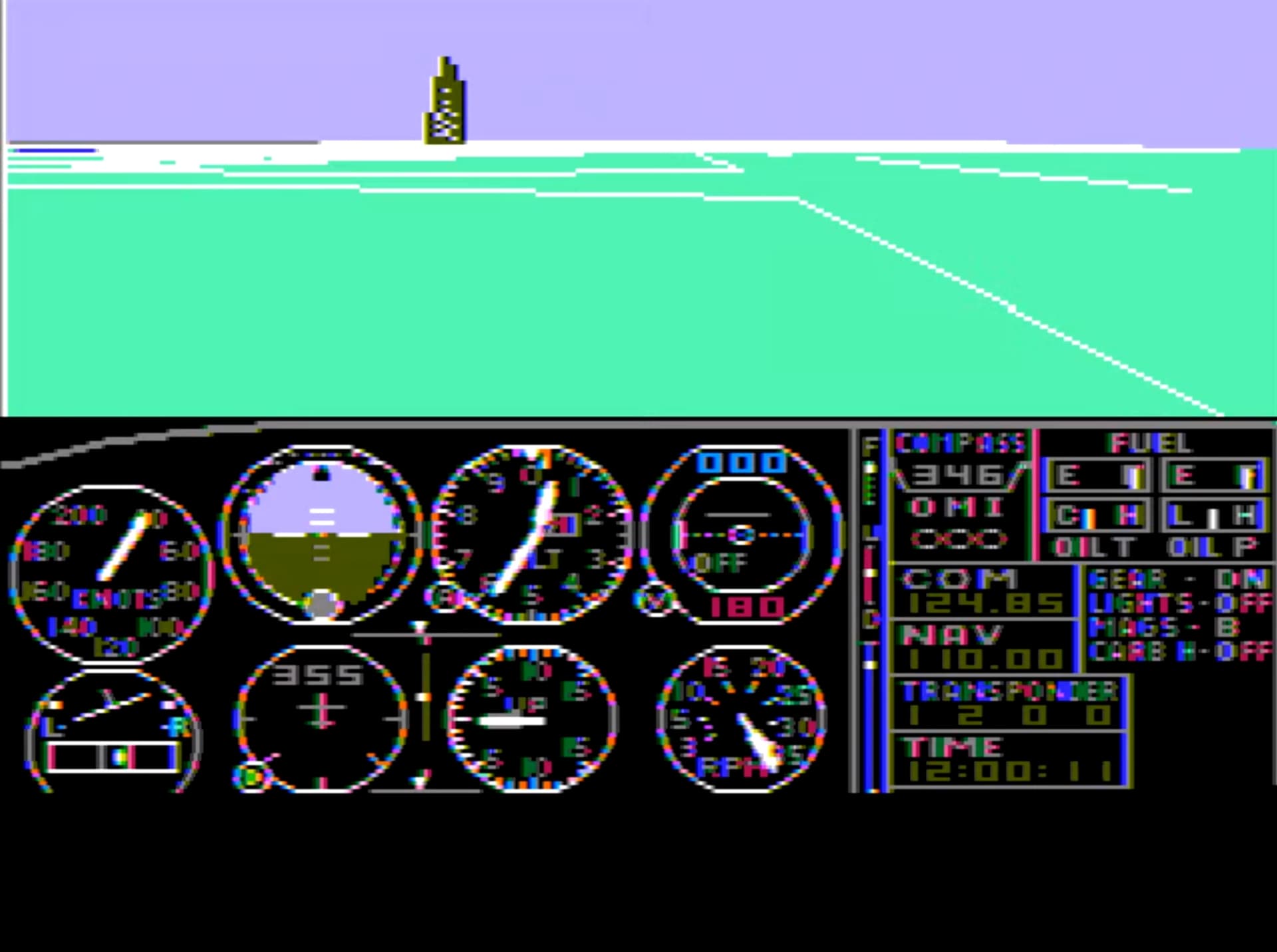
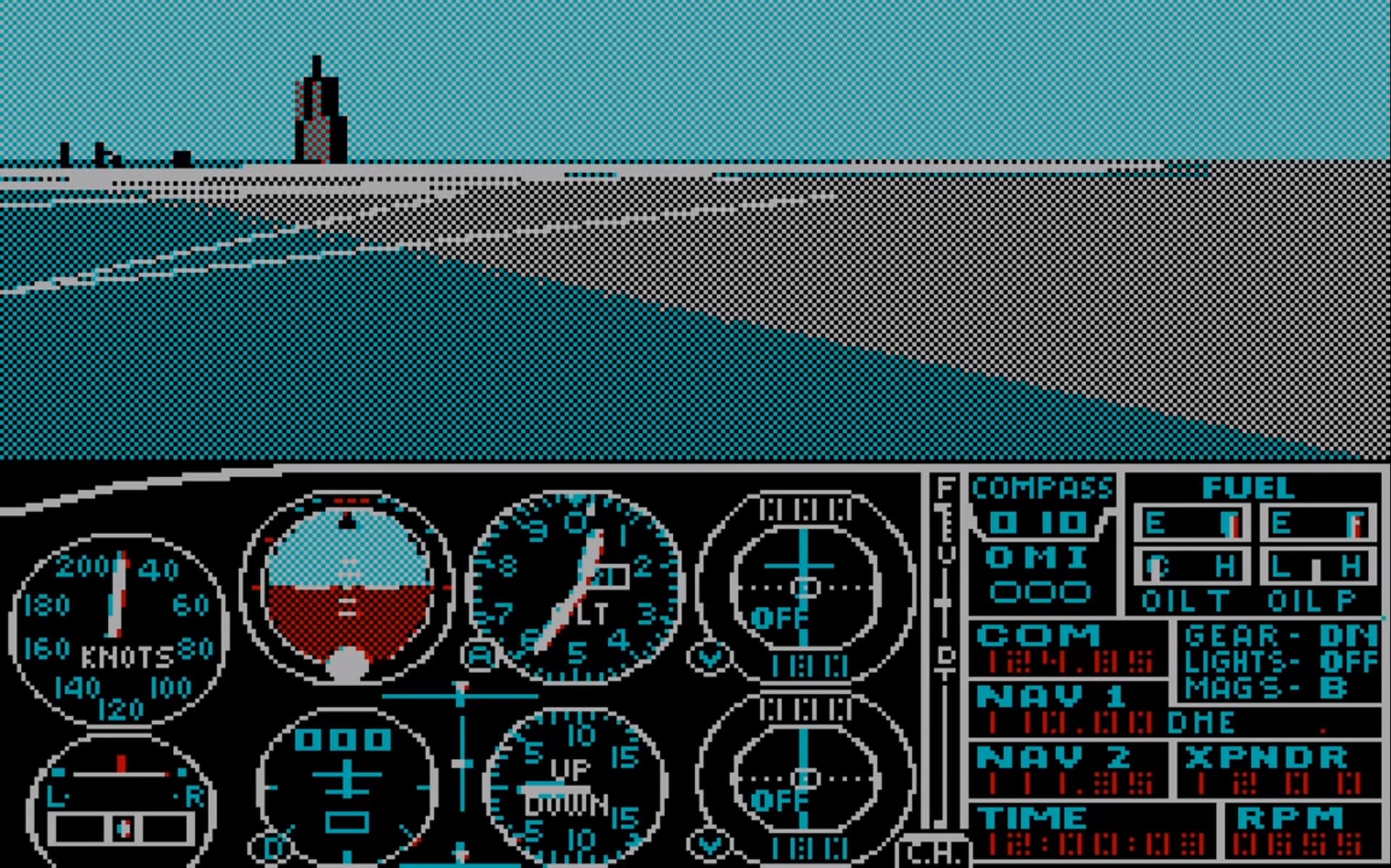
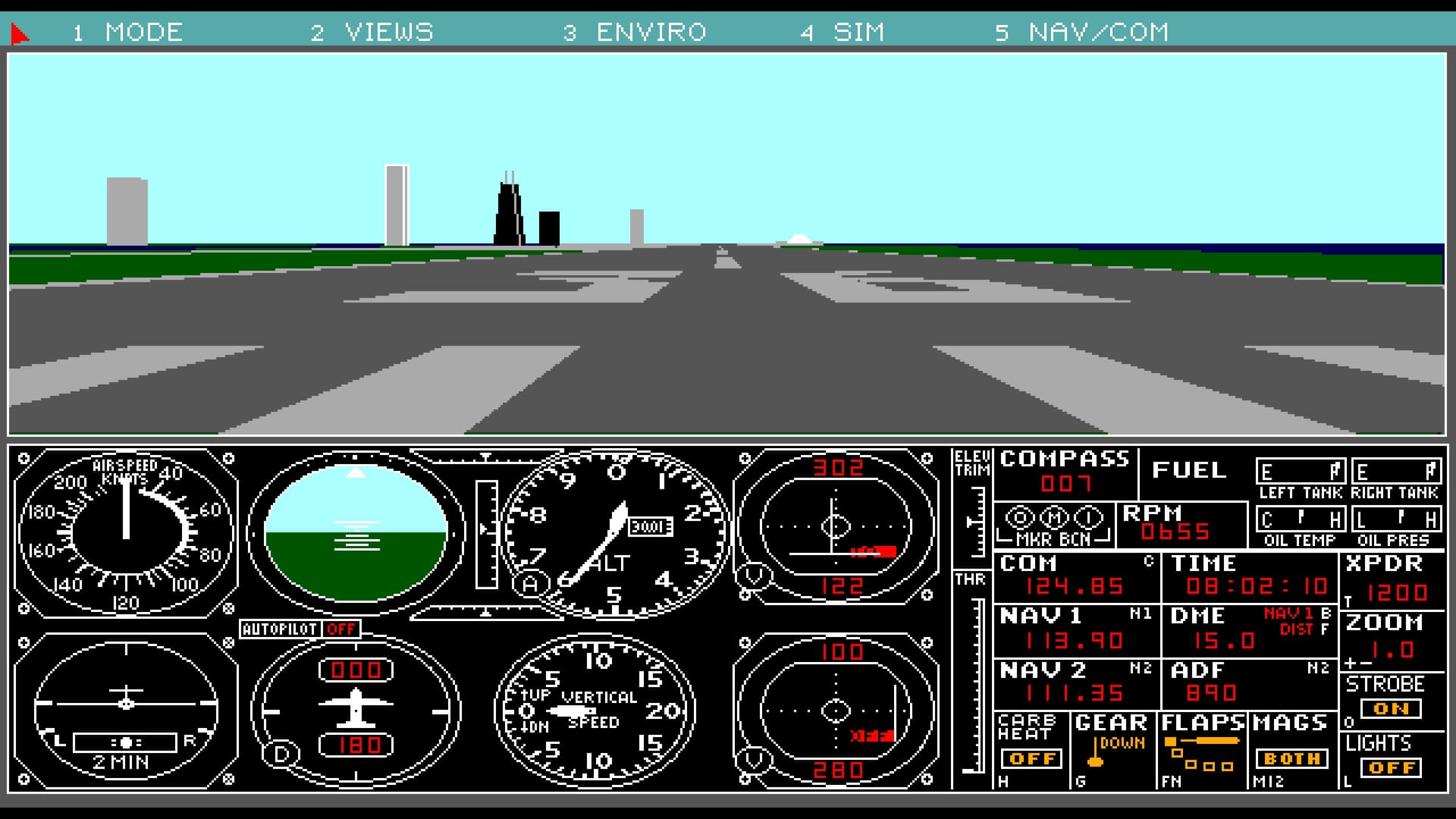
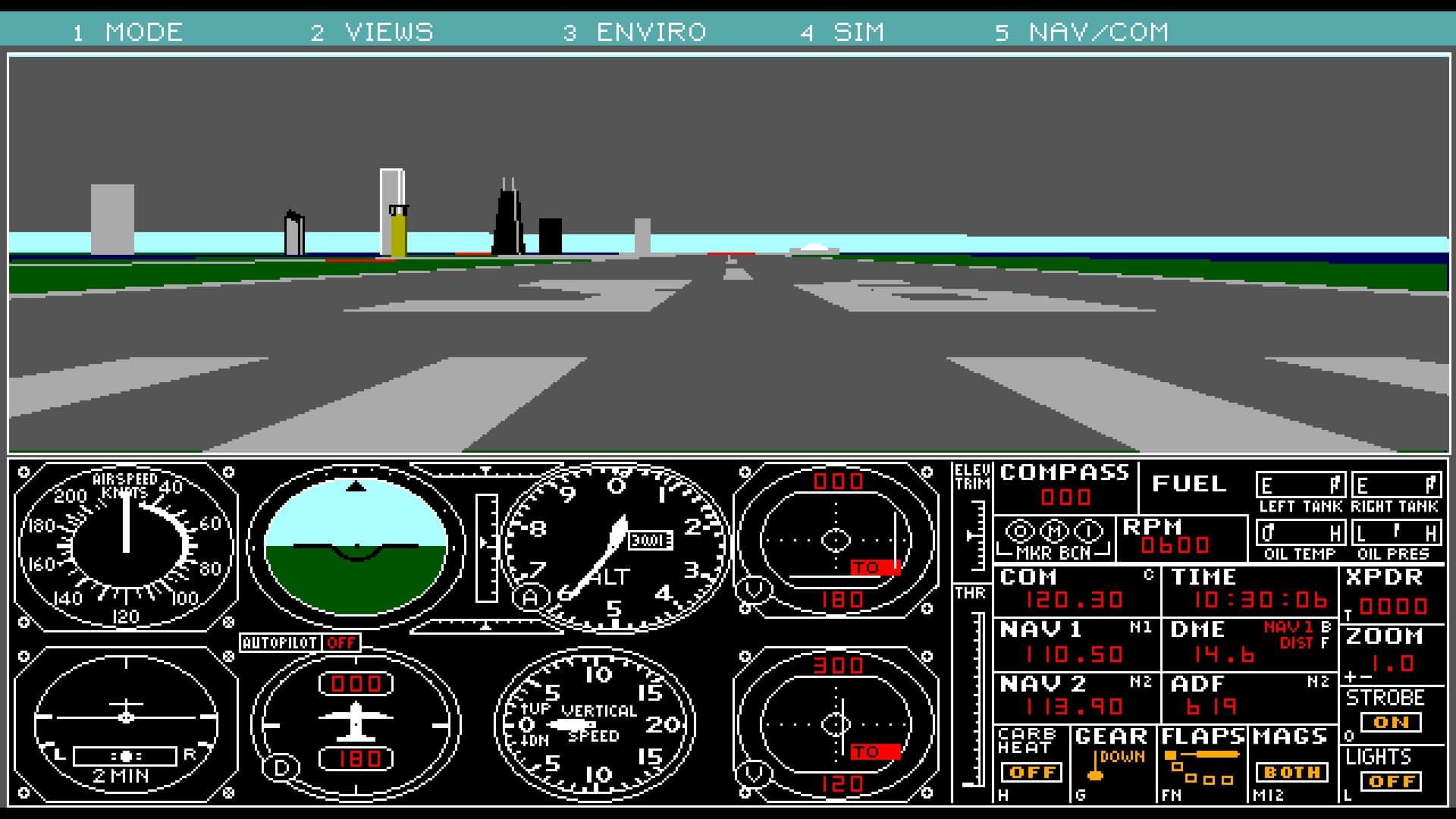
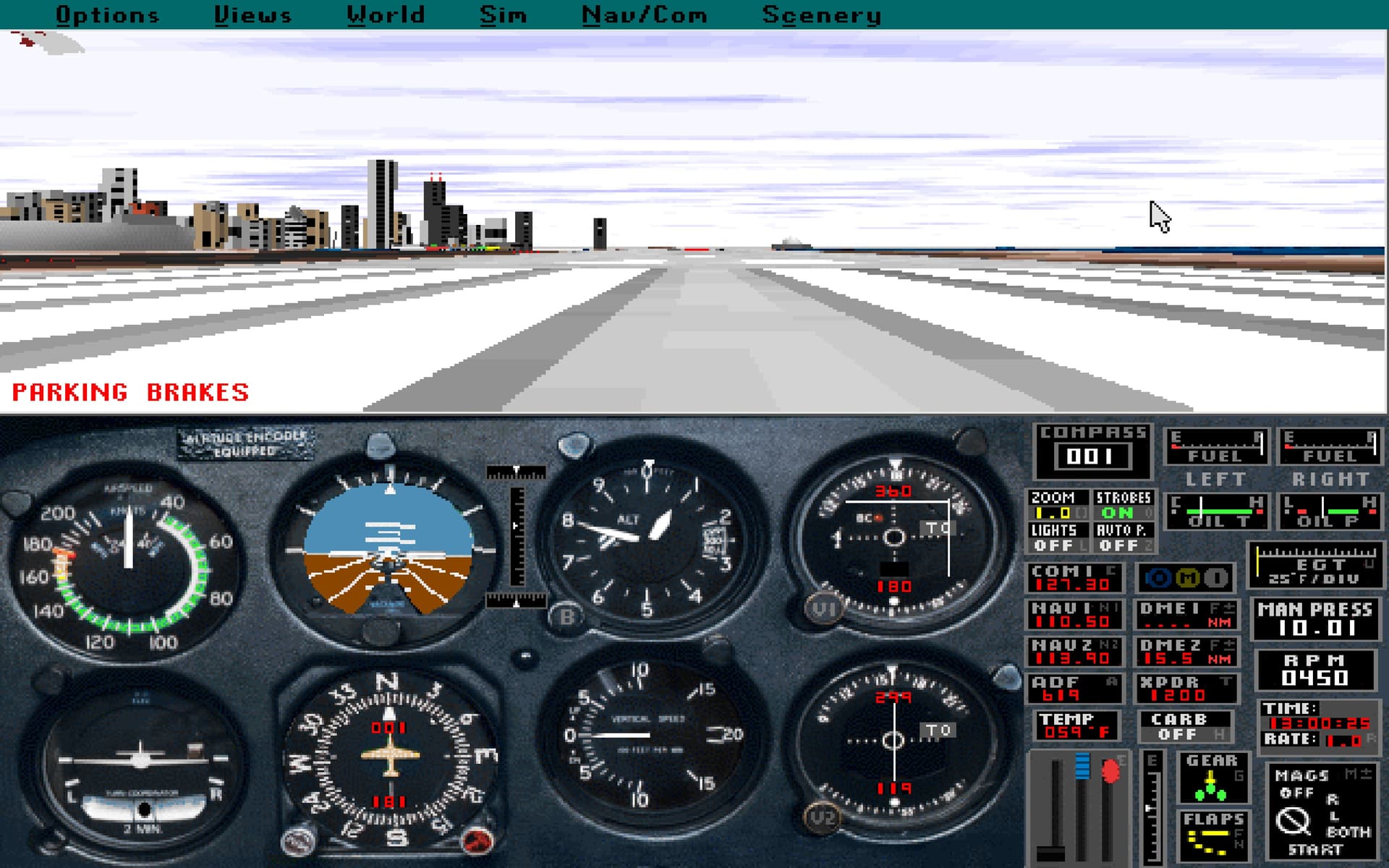
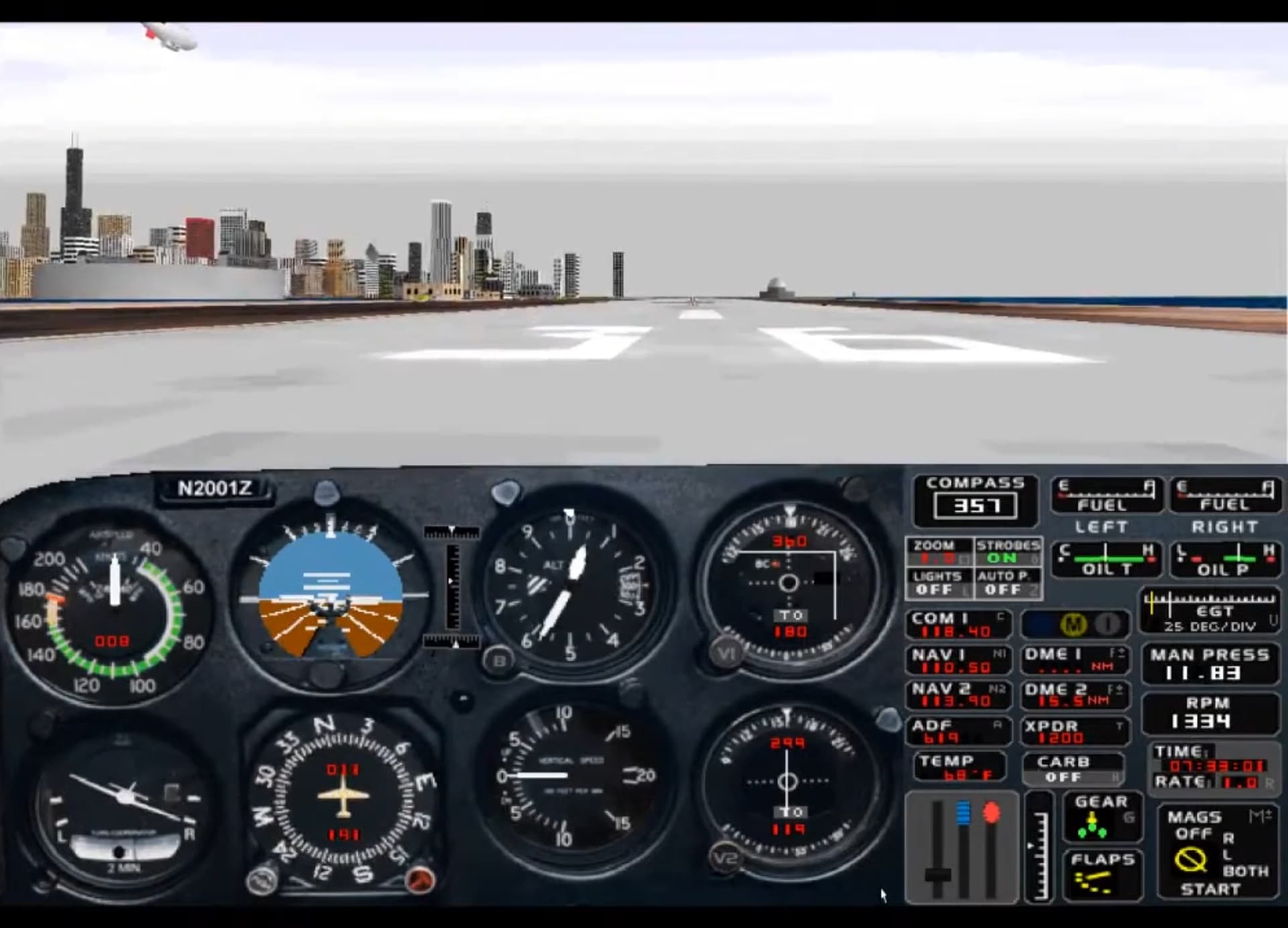
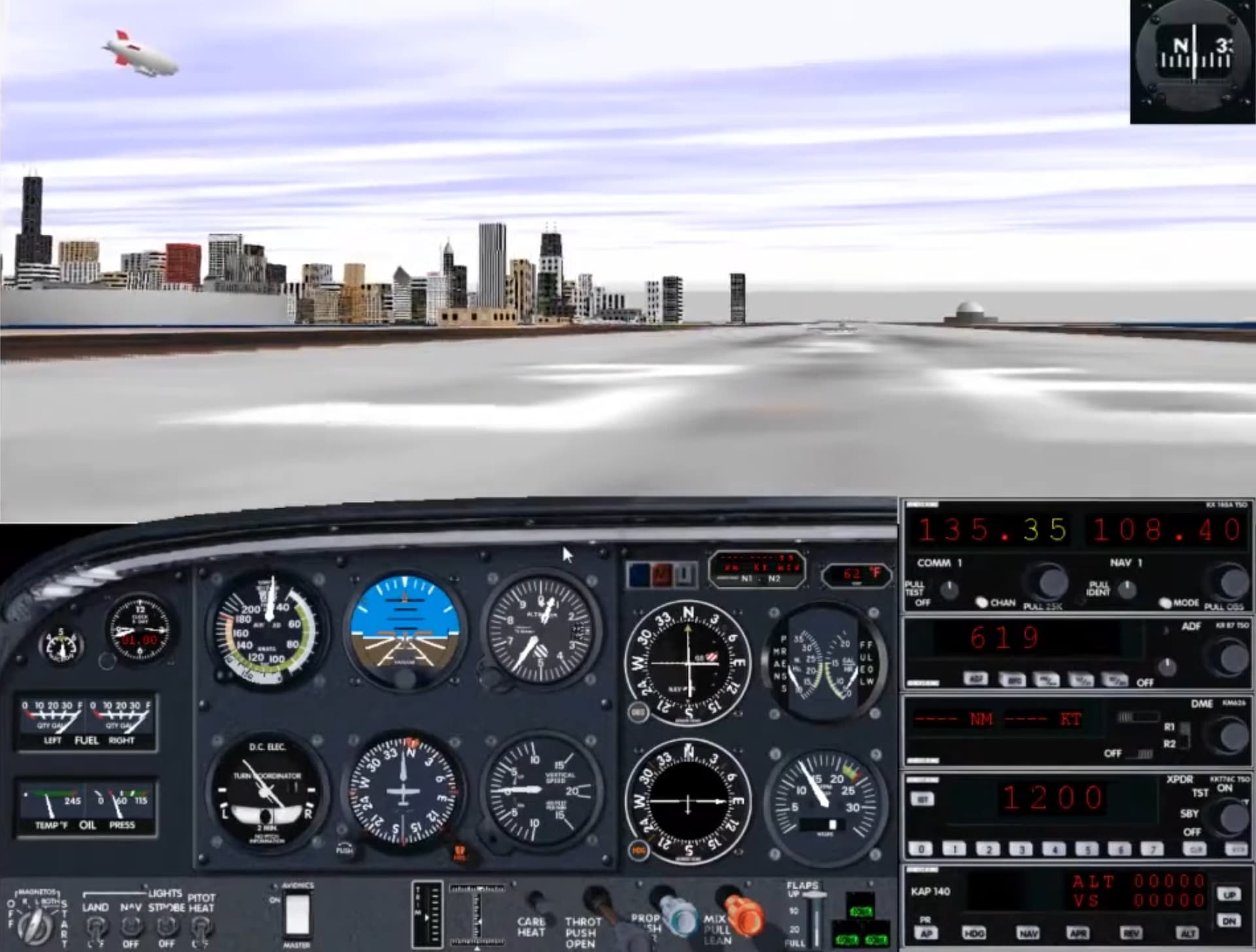
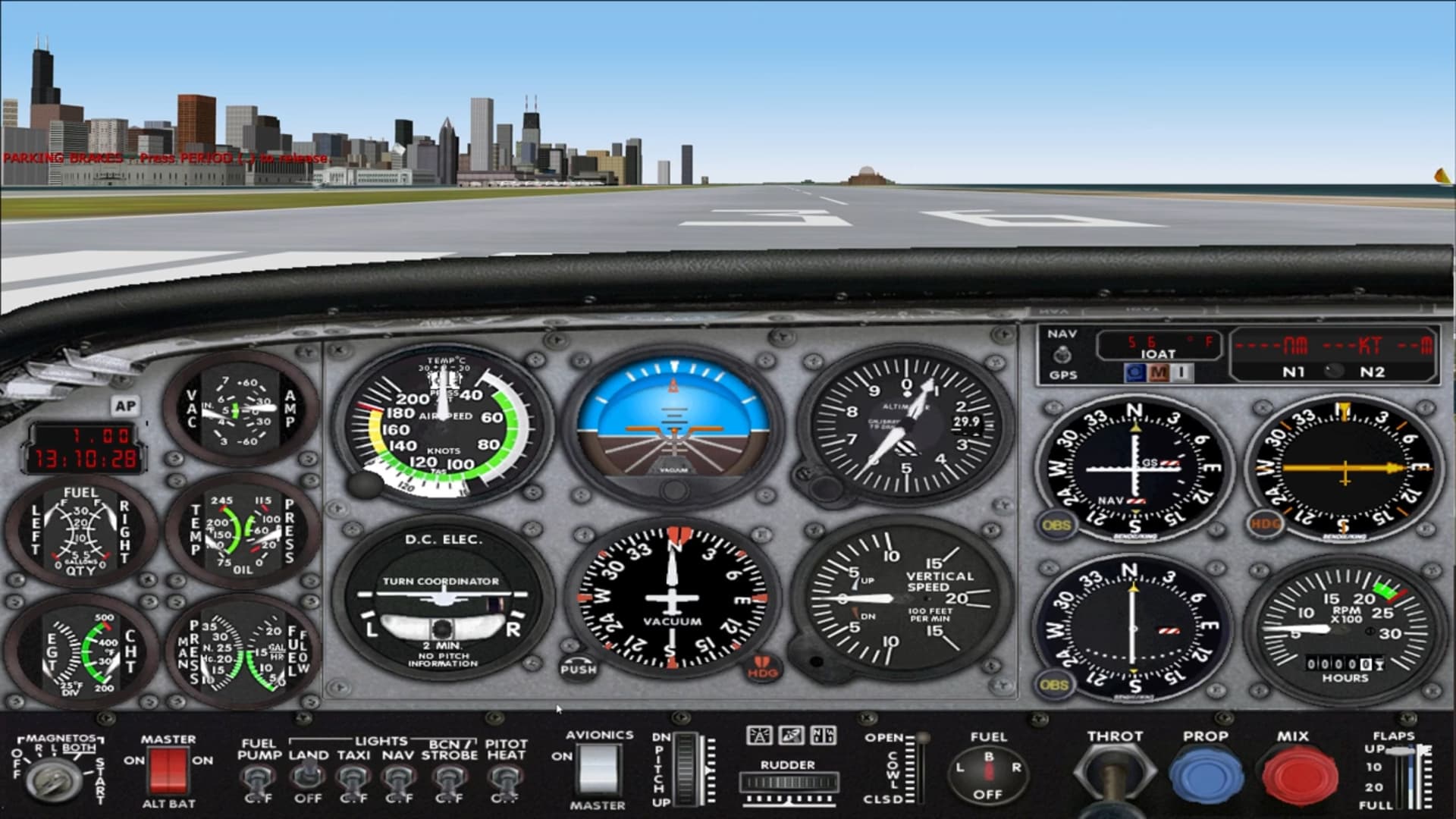
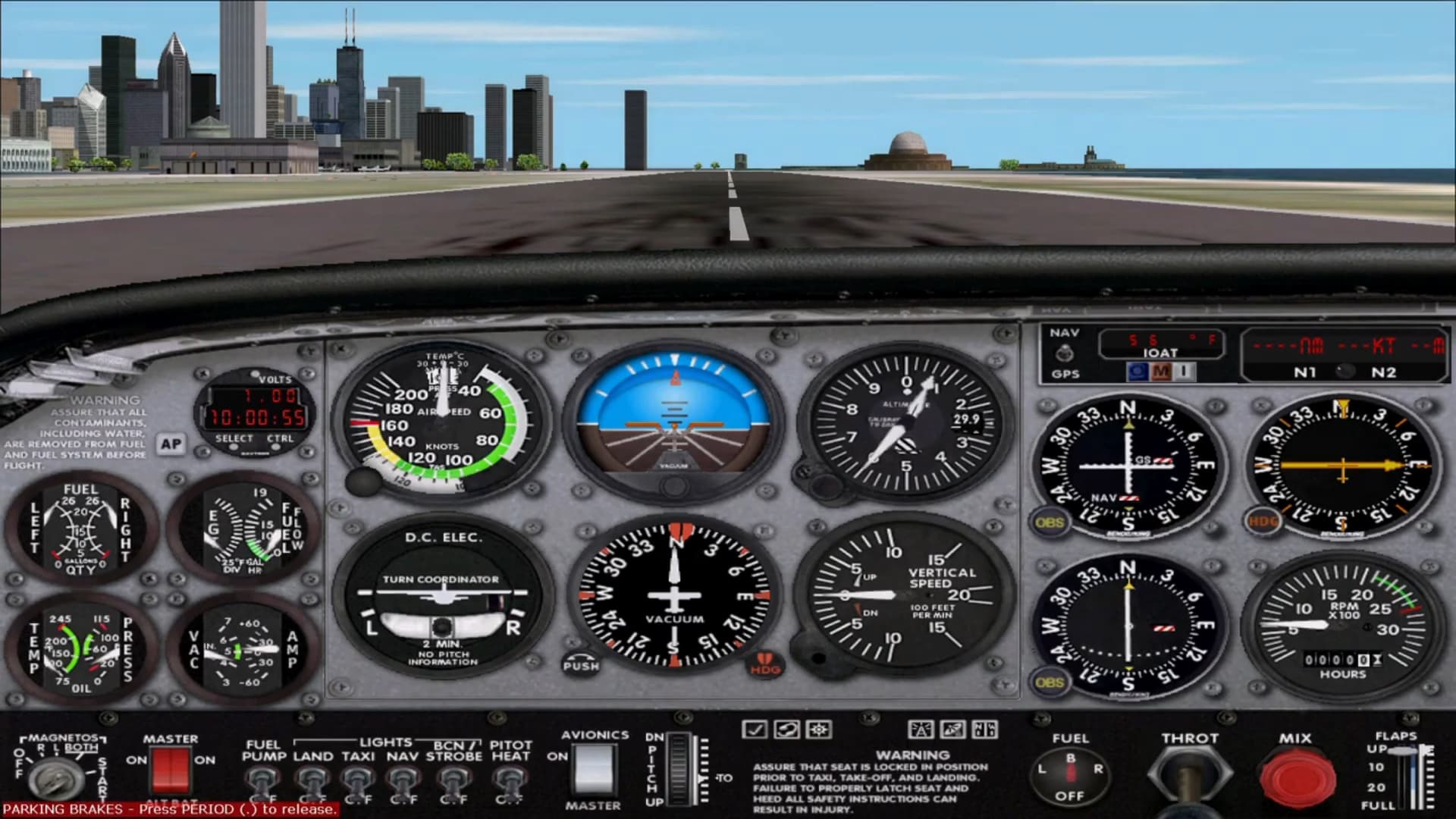
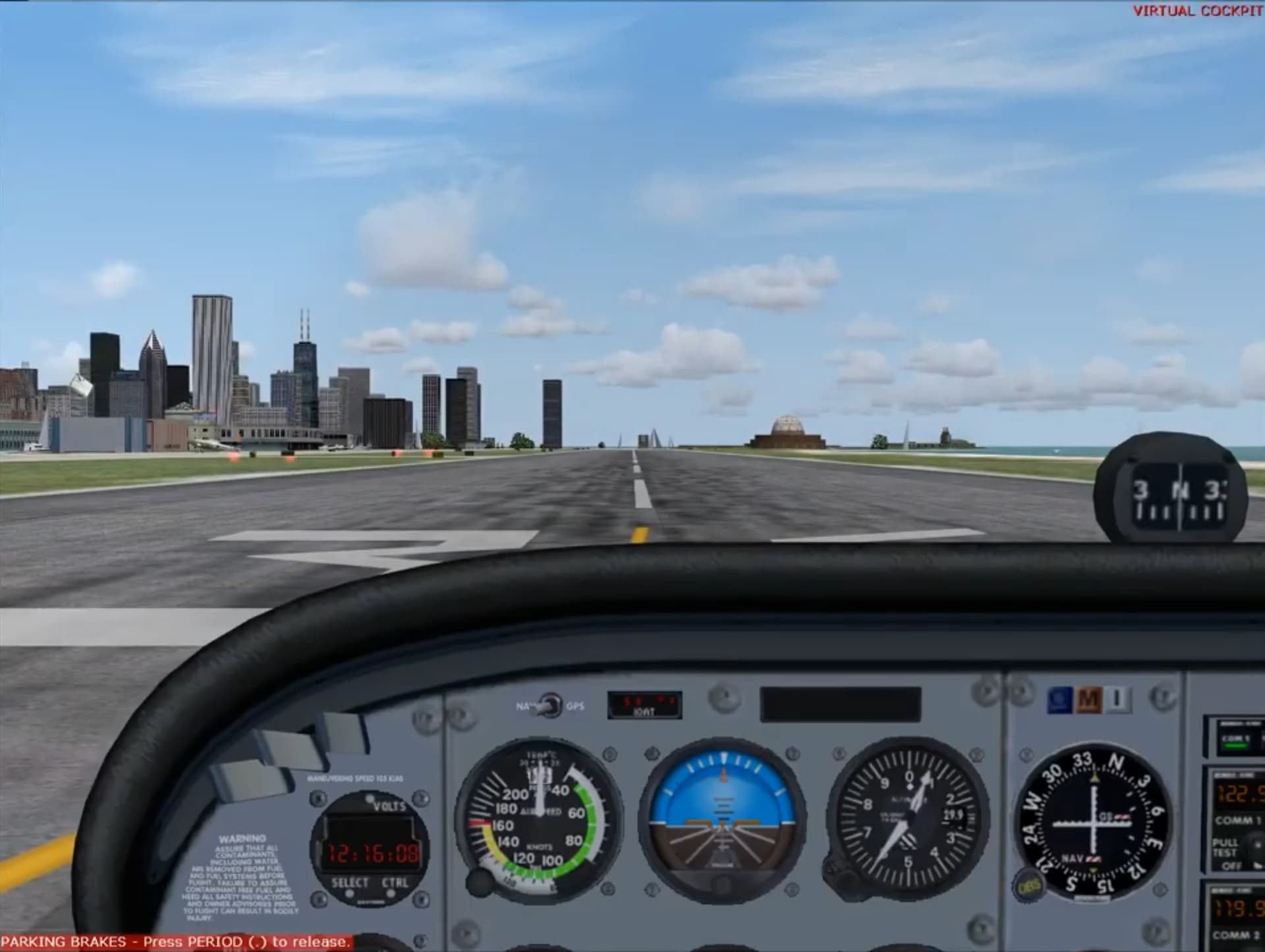
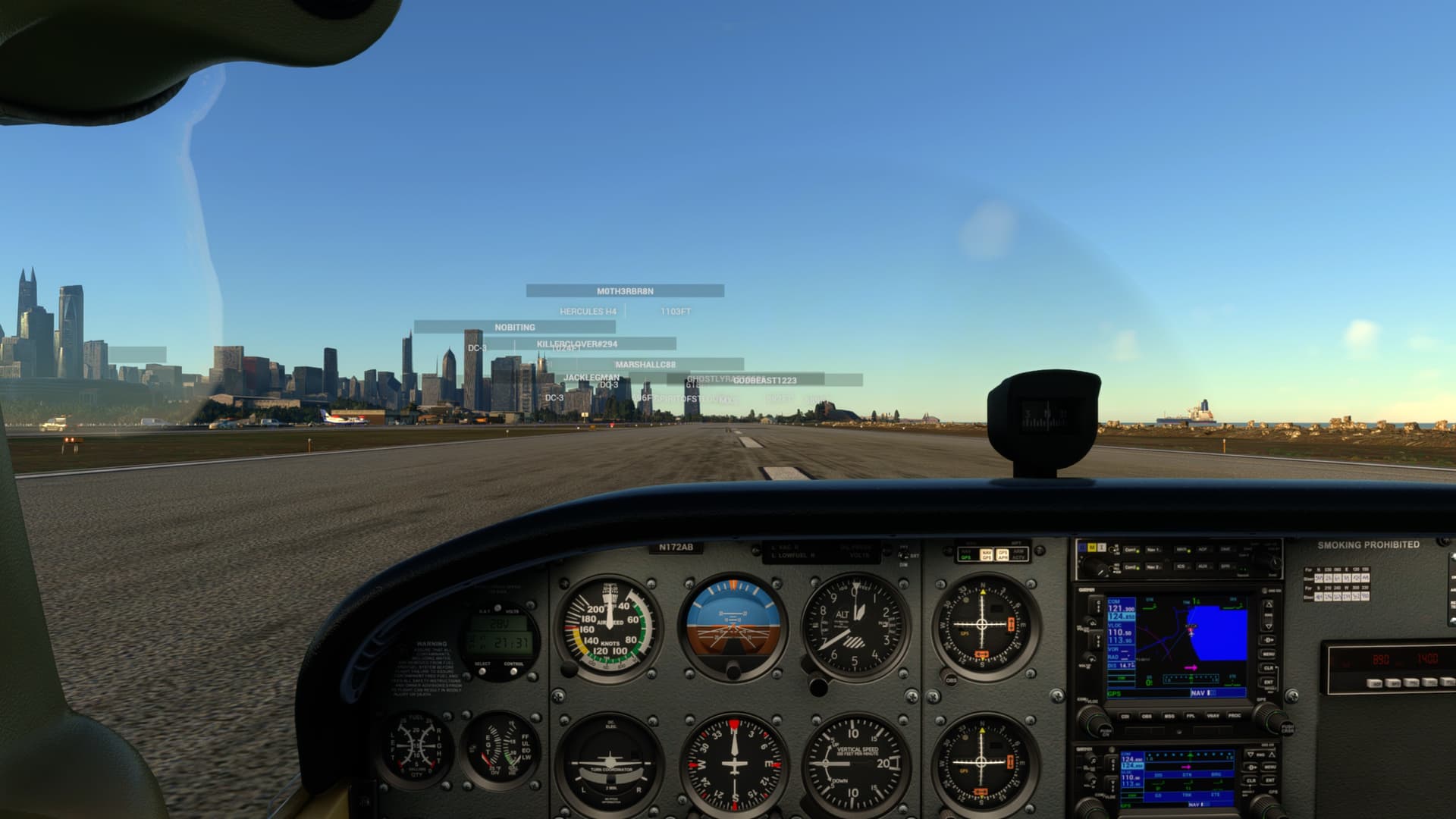
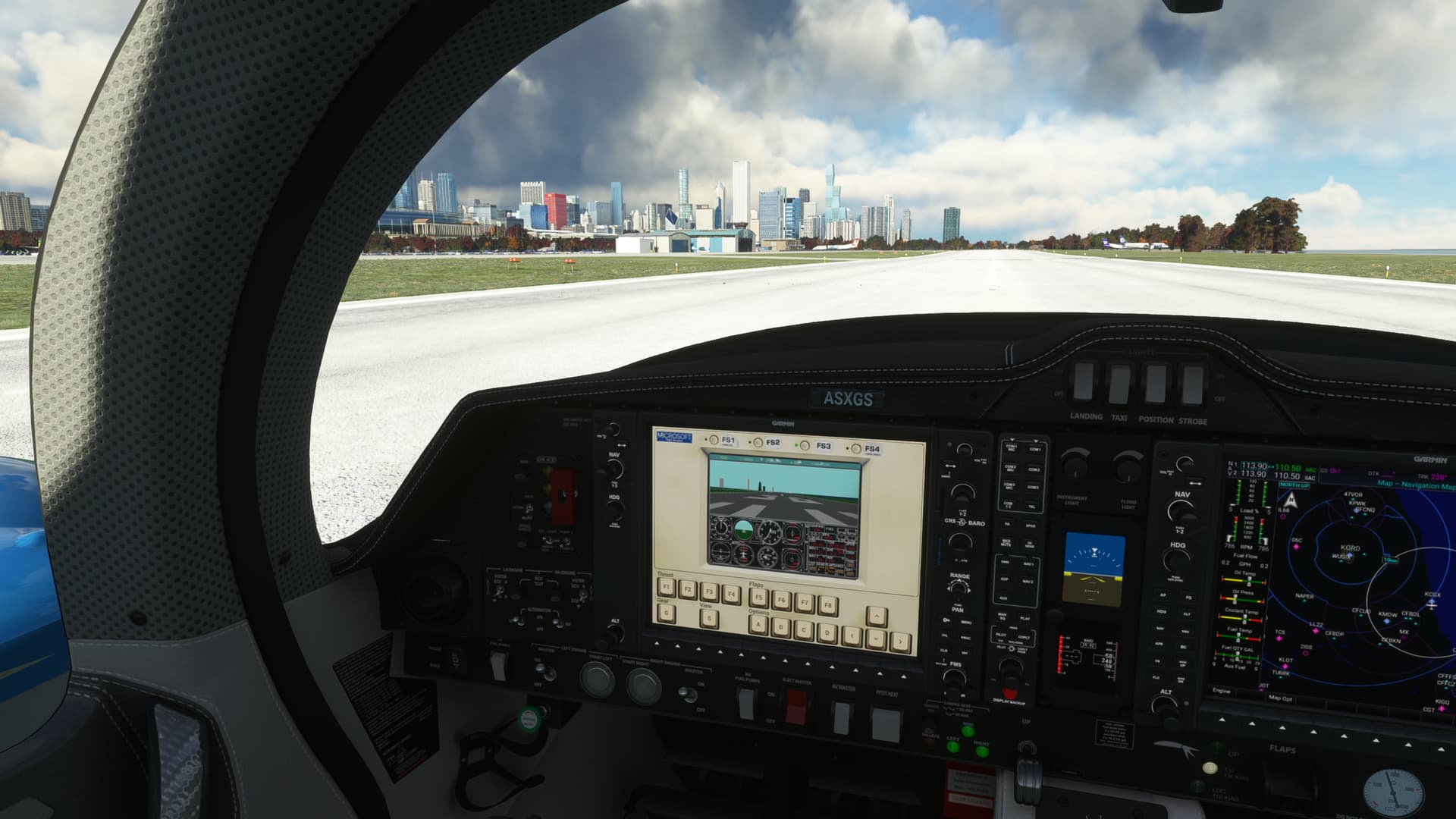
where did you get this mod btw
Definitely wins award for best non-certified use of the Garmin screens 
It’s not a mod, it’s an Easter egg… 
Kind regards.
No mod. It’s an easter egg. Get in the DA62 & hit the ELT switch
i’ll try it
Hats off to anyone who can actually take off & land again using the arrow keys
I’ve been playing with the old Atari version, and I can take off but I have not yet successfully landed… 
And at the same time land da62 in msfs 2020 
Take your hat off to me then. I did a test flight in the A310 last night, using the keyboard and mouse. Not pretty, but I didn’t crash, and stayed on the runway…at KMDW runway 31C no less! LOL
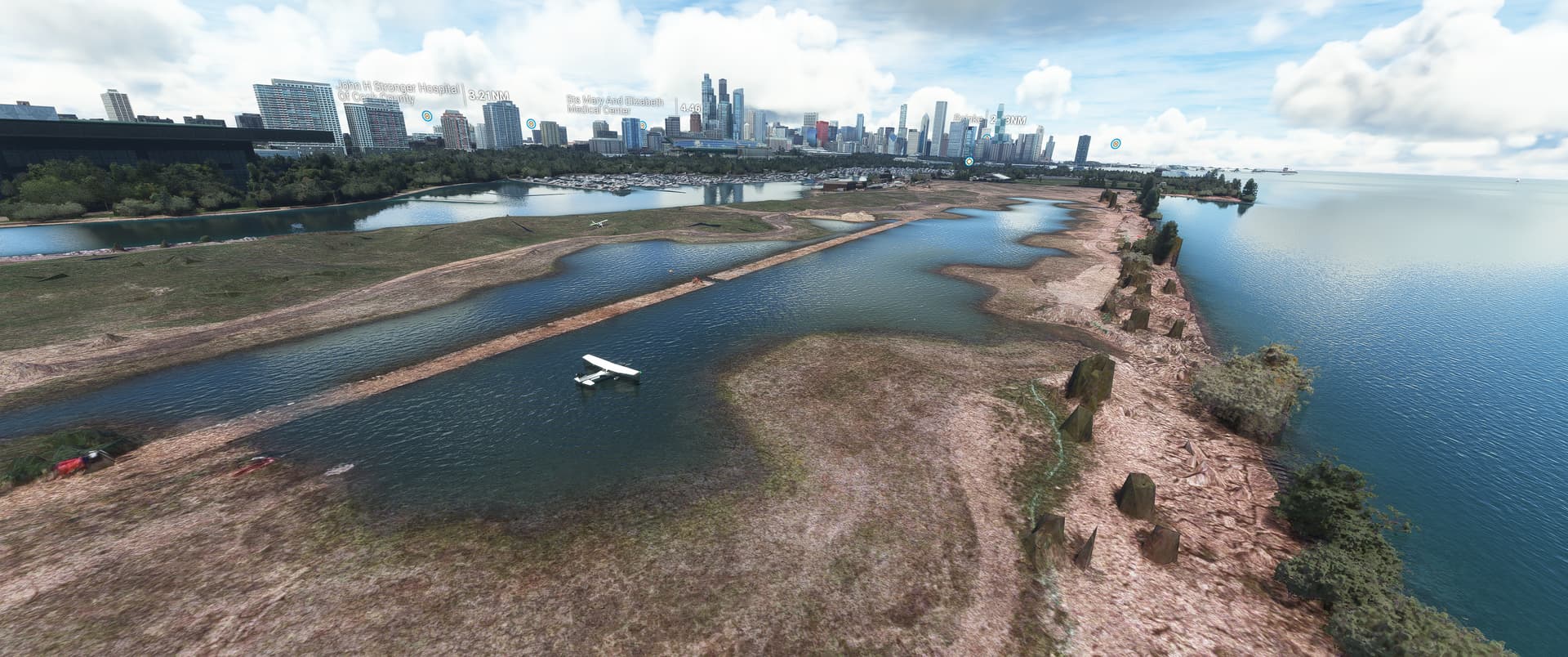
Hello @KiwiGreg71,
We’ve seen reports of issues similar to yours from players using 3rd Party scenery addons. Can you try disabling/removing your mods and checking again to see if Meigs appears correctly?
Thanks,
MSFS Team
When i was a kid that top image looked like the bottom image to me. I couldn’t believe it was possible…i spent full days flying…good times!
I disabled community folder and Meigs looks alright now. But my community folder is 160gb and has almost a hundred folders (payware and free) in it.
Do you have DD Chicago installed?
If so, from what I’ve read re-ordering when it loads (loadmanager, or rename with a “Z” in the start of name)
fixes the issue while still allowing the DD addon to function…or just disable DD Chicago altogether
Same here. I was wow’d every time I fired up MSFS.
Yes, removing DD Chicago landmarks fixed it. Thanks.