ISSUE DESCRIPTION
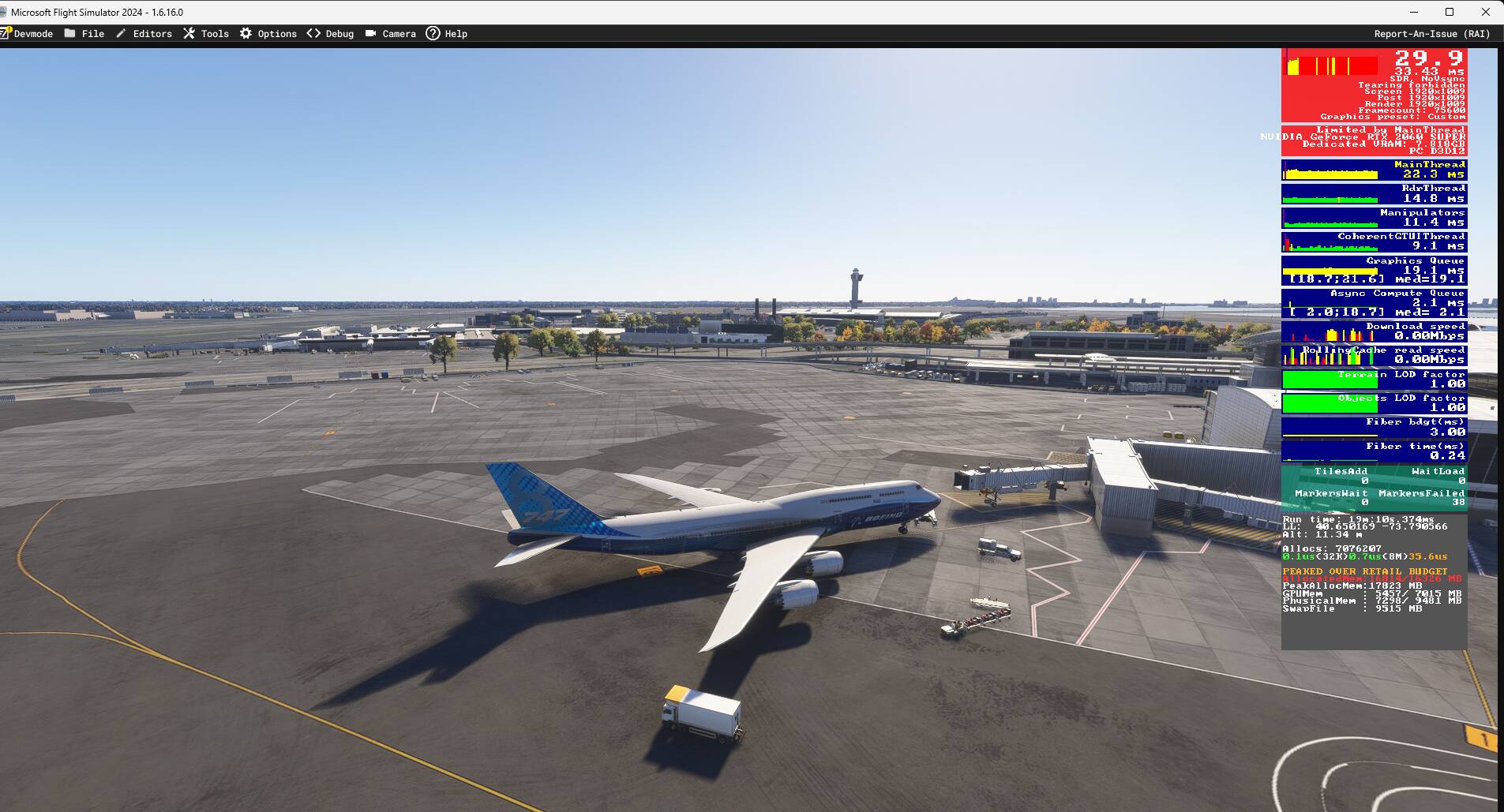
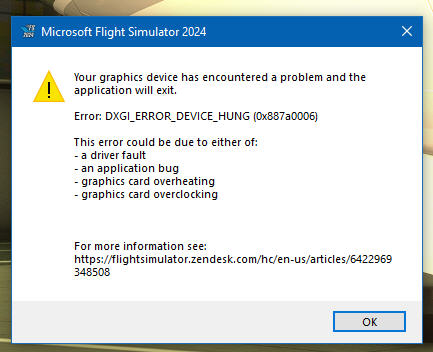
Description of the issue: The default 747, in whatever livery I choose, is still - as of today, and beta 1.6.16.0 - such a resource hog that I’m getting between 4 and 18FPS. And now, in this newest beta version, that FPS hit continues after I leave the 747 and load into another aircraft (737, for example). In fact, just now I did that, and while the sim was chunking away with the 737 on screen, I got a CTD.
I would report it in the beta thread, but this has been going on since the sim released; I’ve never been able to fly the 747 because of the horrible frame rates. Today just added a new dimension of “bad” to it.
FREQUENCY OF ISSUE
How often does this occur for you (Example: Just once, every time on sim load, intermittently)? Every time
REPRODUCTION STEPS
Please list clear steps you took in order to help our test team reproduce the same issue:
-
Start a flight in the default 747, check your FPS.
-
Report the terrible frame rates here so Asobo will finally fix this airplane.
YOUR SETTINGS
If the issue still occurs with no mods and add-ons, please continue to report your issue. If not, please move this post to the User Support Hub.
What peripherals are you using, if relevant: Thrustmaster SOL-R, Bravo throttle, arduino button box
[PC Only] Are you using Developer Mode or have you made any changes to it? n/a
[PC, MSFS 2020 Only] Are you using DX11 or DX12? dx12
[PC Only] What GPU (Graphics Card) do you use? rtx 4070 Super
[PC Only] What other relevant PC specs can you share? i9-10900KF, 32GB ddr4 3600. Software running along with MSFS: Addons linker (loading zero addons to keep the sim clean), Authentikit tuning app (to fix the Bravo trim wheel), and mobiflight 10.5.3.
MEDIA
Sitting at EDDF:

I exited, then loaded the 737 in the same parking spot, and got a CTD:
My pc/gpu were not overheating:

But if I re-start the sim and load the 737 in the same spot, I get decent FPS: