ISSUE DESCRIPTION
Description of the issue:
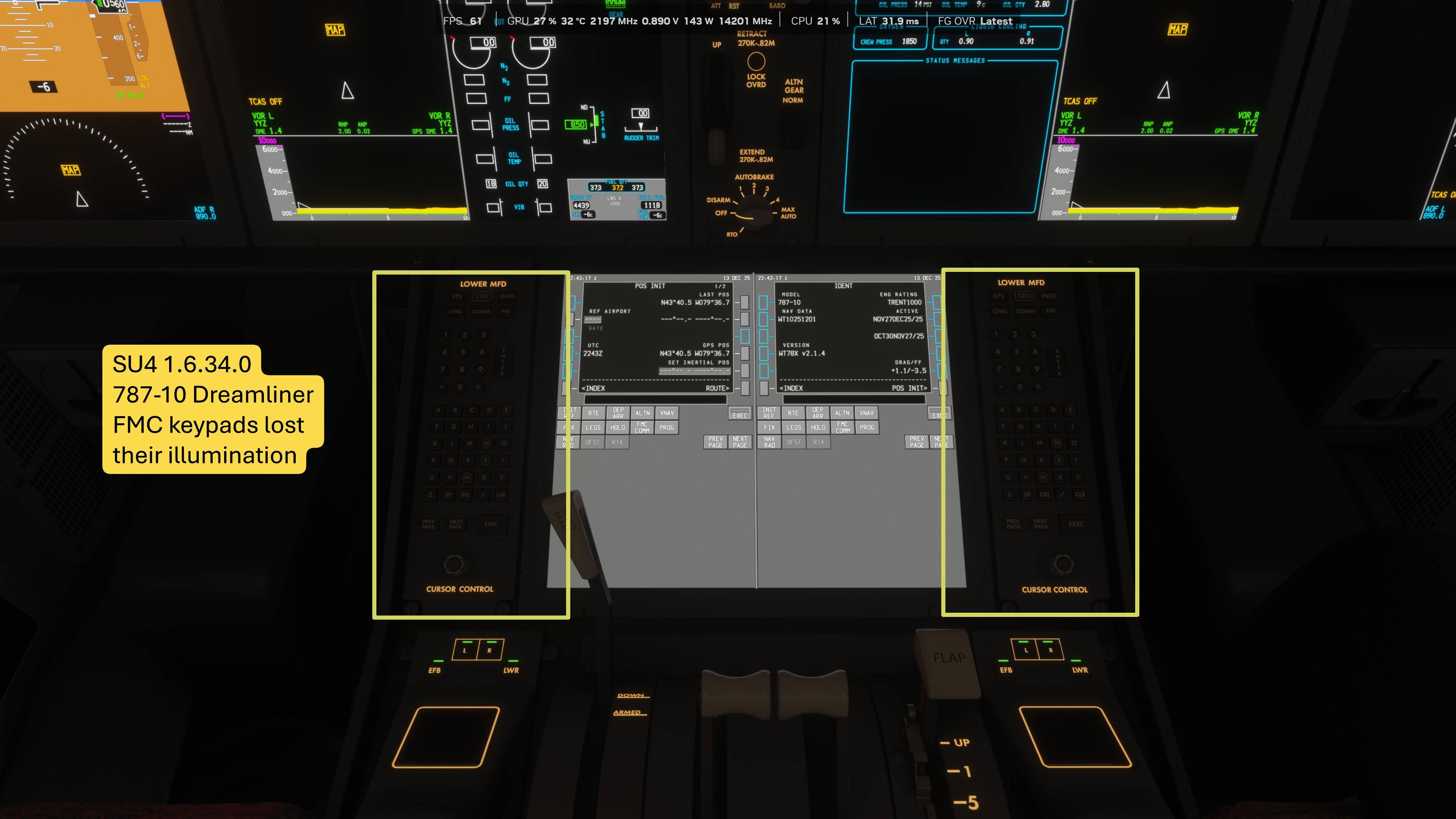
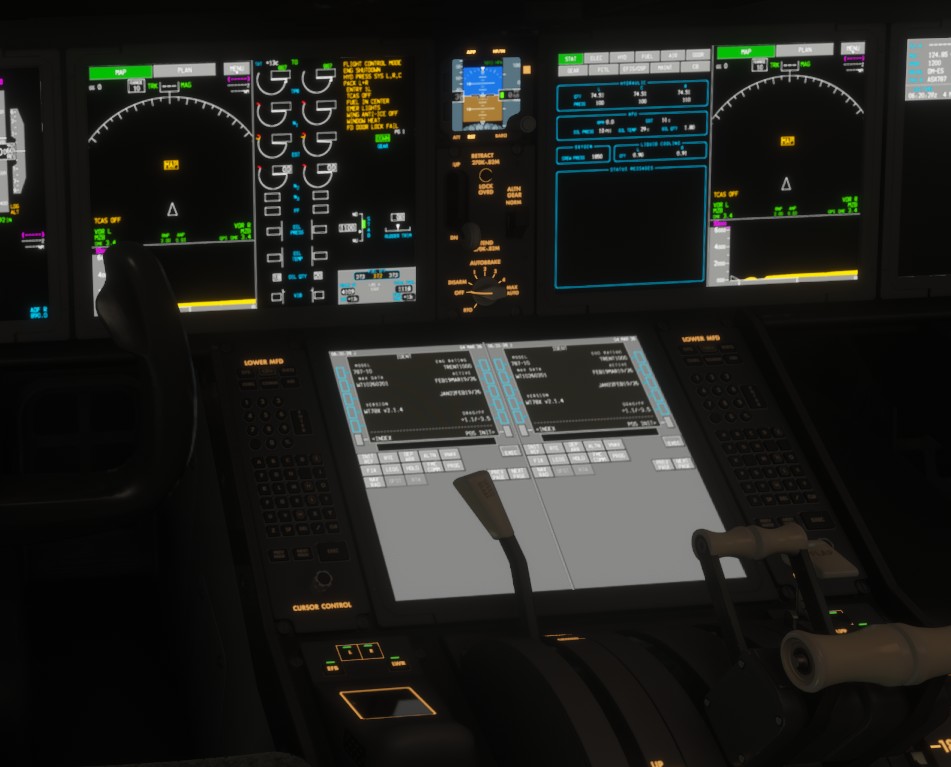
Beginning with the update to the 787-10 Dreamliner included with the release of SU4, the keypads beside the 2 FMCs (pedestal) no longer have backlight illumination.
FREQUENCY OF ISSUE
How often does this occur for you (Example: Just once, every time on sim load, intermittently)? Every time
REPRODUCTION STEPS
Please list clear steps you took in order to help our test team reproduce the same issue:
-
Load in to the 787-10 in evening / when outside light is low or dark
-
Observe the keypads have no back light
YOUR SETTINGS
If the issue still occurs with no mods and add-ons, please continue to report your issue. If not, please move this post to the User Support Hub.
What peripherals are you using, if relevant: keyboard, mouse, controller
[PC Only] Are you using Developer Mode or have you made any changes to it? No
[PC, MSFS 2020 Only] Are you using DX11 or DX12? DX12
[PC Only] What GPU (Graphics Card) do you use? RTX 5090
[PC Only] What other relevant PC specs can you share?