That’s exactly what happened here by the looks of it. It’s on now and I’ve checked under run/msinfo32 and it’s showing the lastest driver date and version number 7e49v1a23
Thanks for your help
So now update the chip driver will I be ok leaving windows to update the rest of the drivers like lan Audio etc ?
FYI, If in the future something similar happens, I think it’s worth mentioning a bit more about the BIOS update features on MSI motherboards.
If the worst happens and the motherboard refuses to boot, there’s a BIOS reset button on the back of the motherboard. This means you don’t need to short any jumpers with a screwdriver or anything. Resetting the BIOS using the button would be the next step.
If resetting BIOS doesn’t help, MSI offers a fantastic feature - a BIOS update option that doesn’t require you to enter the BIOS at all. This feature saved me once when my BIOS was so corrupted that nothing else worked.
Thanks for that I’ll try that next time. Tbh I’ve had this issue before after a update it seems my monitor sometimes doesn’t pick the signal up so I now use a hdmi instead of dp to do updates
I’ve updated chipset drive and restarted
I can’t find any updates for the 9800x3d chip its self so I’ll assume that there isn’t one
I’ve tried checking the rest of the drivers on the msi site only one isn’t updated and that’s the on board audio, yet it won’t update and the onboard pide driver should be up to date as it’s 2 months old this pc and I’m not even sure if it’s worth updating that as I’ve read bad things about it
I have integrated audio disabled because I use a Sound Blaster, but from what I can see, MSI has relatively recent drivers. So, if you have those versions, that should be enough.
Thanks for helping me through my first time doing the bios. I’ll have to look into that bio reset and bios update option etc incase it doesn’t reboot again.
If there’s any more tips for inside the bios etc you can think of to improve my flight simulator experience then feel free link them in here or via messsge if that’s possible
I updated my BIOS one time and it took a full 10 minutes to restart.
There’s a thing called ‘memory training’ that happens from time to time, and I think after every BIOS update. It didn’t used to be a thing with DDR4 RAM, but with DDR5 it’s a thing.
Some people advocate disabling memory training in order to speed up the boot time. I wouldn’t do that.
It’s true! The first boot after an update can take a long time and give you a heart attack. And if someone is using an AMD for the first time after previously having Intel, they might think their motherboard is dead!
I fully agree with you. I’d rather wait a minute and use that time to make myself a coffee.
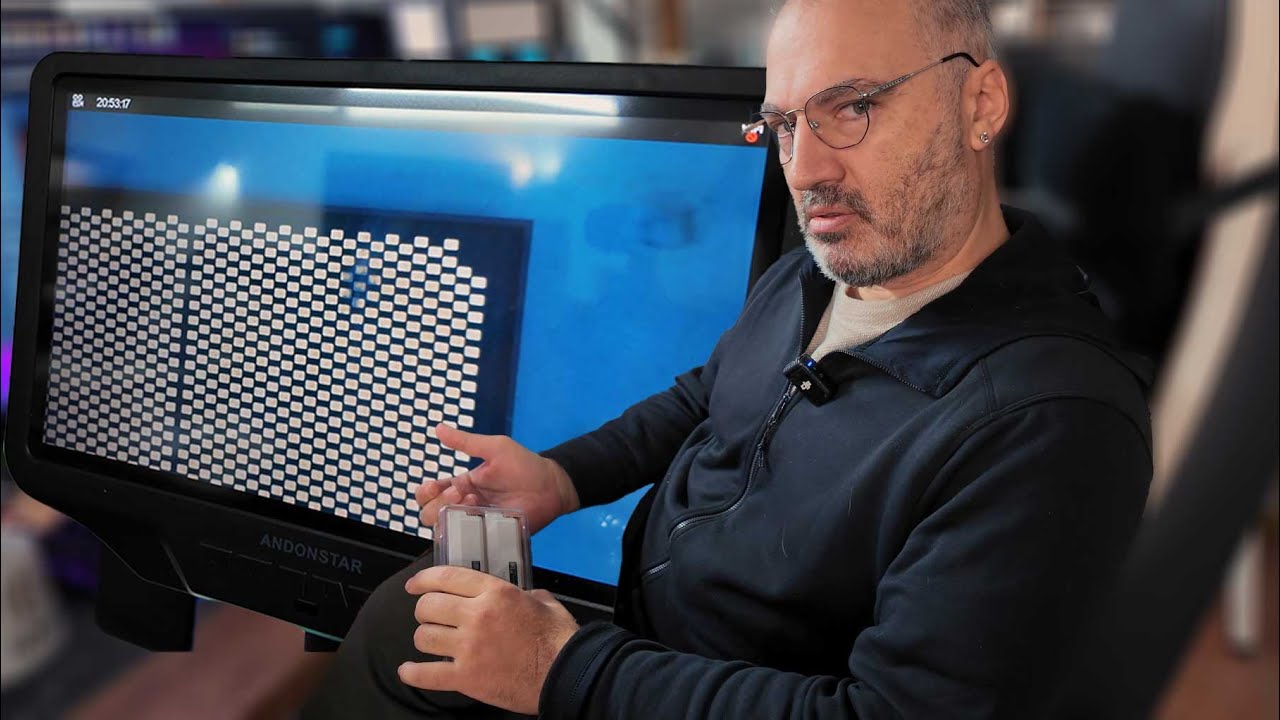
PSA for those with 9800X3D - check your voltages and temps, especially if you recently updated BIOS. I came across this today in the midst of researching for a PC build:
It seems related to recent BIOS updates, but a growing number of 9800X3D users are having issues of shut down or dying after only a few months or even weeks, likely related to over voltage or over temp. It’s been reported by a lot of people with ASRock motherboards, but also others.
Following this story closely as it evolves… pattern of AMD cpus suddenly not working.
Users, mostly with ASRock motherboards (but not exclusively) started having the issue after only a few months, possibly after a BIOS update, which apparently exposed issues with some older DDR5 RAM. ASRock put out a beta BIOS to mitigate (raising concerns about whether beta bios voids warranty, an issue that Asus has had before…)
Aris of Hardware Busters (and Cybenetics PSU ratings) just posted an inspection of his own AMD processor showing what look like burn marks (while the AM5 socket looks clean, no bent pins or anything), and he also seems to think it is related to RAM.
I’m also not an expert, but I am in the middle of researching and shopping (slowly) for a PC build for flight sim. The 9800X3D and MSI x870e carbon board are both top of my list… (waiting to see how the 9950X3D is received, and also if the new AMD GPUs are worth a look…)
From what I understand, those temps are really good (running cool). It is when temperatures go up towards 80 or 90 that you start to approach limits - but even then it should be ok. This issue seems to be higher voltage or runaway temps even when not under load. Sounds like a combination of BIOS settings and some RAM configurations, and I’m sure AMD is looking in to it.
Most people probably won’t have any issue, and if they do find a specific cause for those having the issue, I’m sure it will be addressed.
Speaking of the 9800x3d, I came across this as a suggested ad. I think I visited stormforce PC’s website because they were a sponsor on VR sim guys videos.
For under £3000, that seems superb value? I presume the 5080 is keeping the price low, compared to if it had a 5090. 64gb 6000mhz too
I’ve not really had any issues with the 9800 and the 870e and to be fair I don’t see many issues in flight simulator either the odd stutter here and there