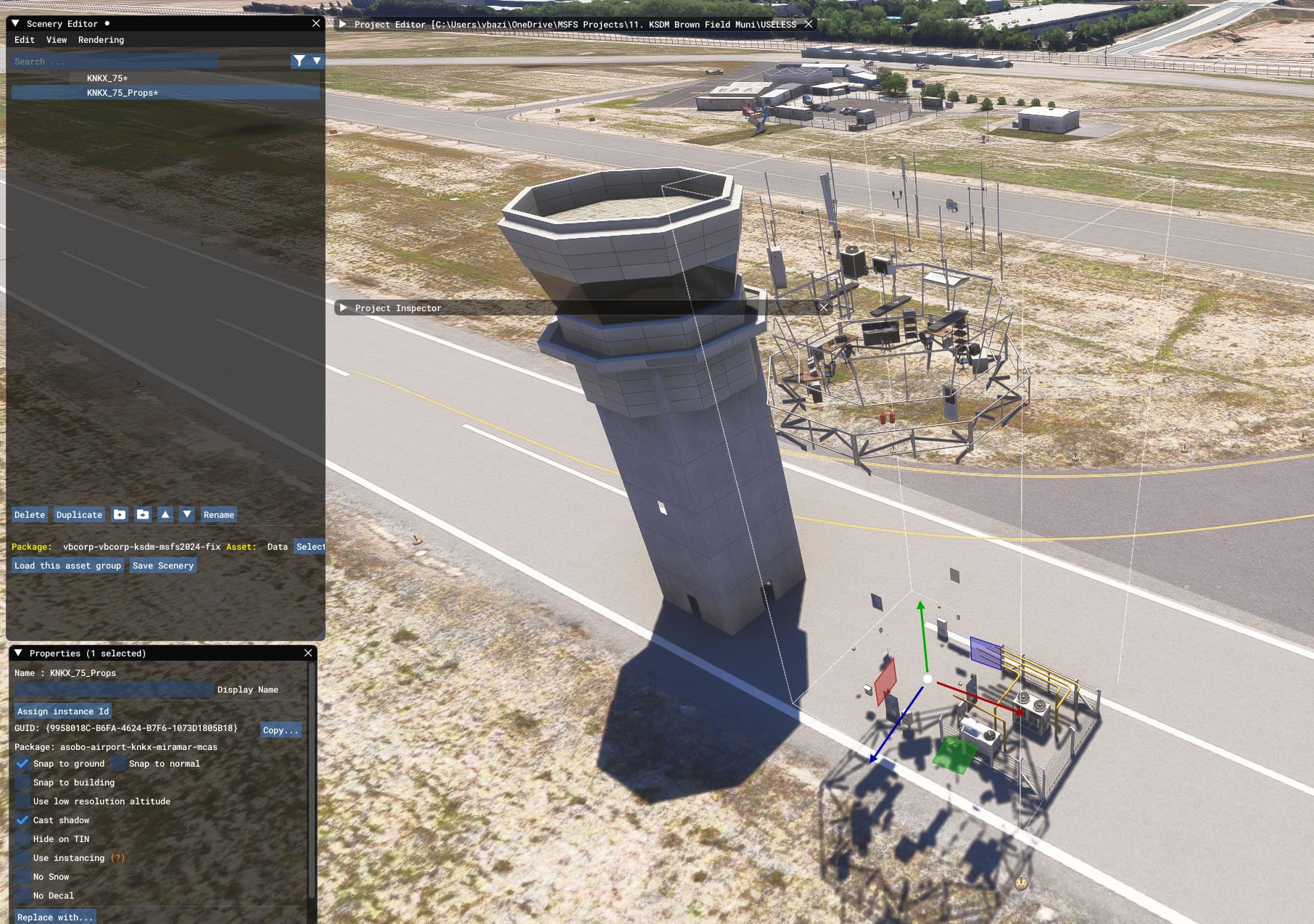
Suddenly the airport tower object that I use for my freeware Brown Field airport (KSDM) scenery is invisible in MSFS2024 SU3 1.5.25.0. The scenery is compiled in MSFS2020, copied to the MSFS2024 community folder and works in MSFS2020. It works this way since the MSFS2024 released. But suddenly the main tower is now invisible. It has been reported by a user of my scenery.
Object is the control tower from the stock MSFS Miramar KNKX: Miramar_TowerControl. It’s streamed in MSFS2024.
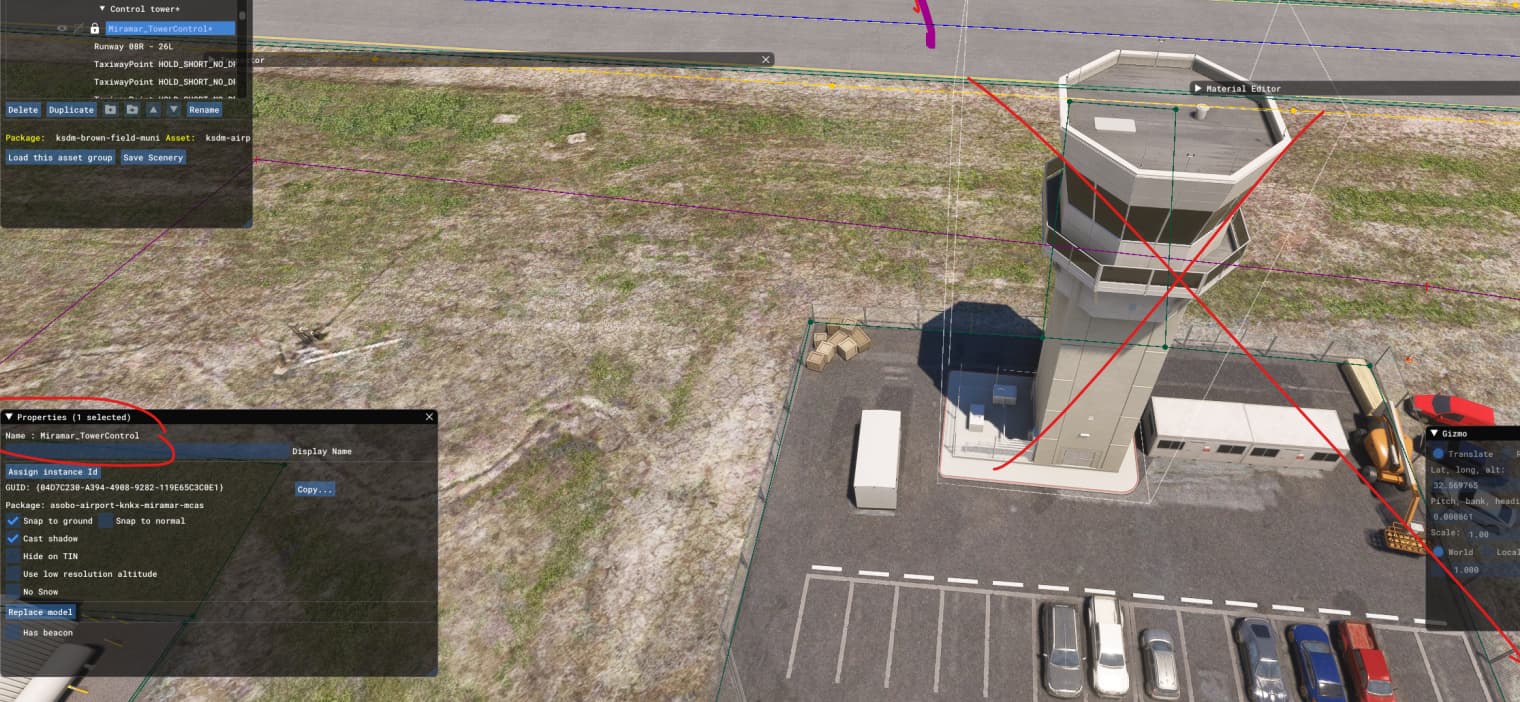
What have I tested so far (compile in MSFS2020 and test the build package in MSFS2024) :
- Removed the object and (re)added it manually.
- Checked and unchecked the Del Command RemoveAllTower from the airport object (don’t see any obvious link but I’m desperate and look for ideas

- I’ve checked that this object appears correctly in its own location (at Miramar KNKX) in MSFS2024.
- Check that no exclusion polygon or rectangle are suddenly at the location of the tower.
- I didn’t notice any other same behaviour with other stocked object.
It may be a SU3 1.5.25 issue but I don’t have access to a MSFS2024 SU2 version. If someone with a SU2 MSFS2024 can test and check if the big tower is visible https://flightsim.to/file/38035/brown-field-muni-kdsm Thank you in advance.
Any idea?