Remember, as long as you switch on Developer Mode, your logbook will not be updated.
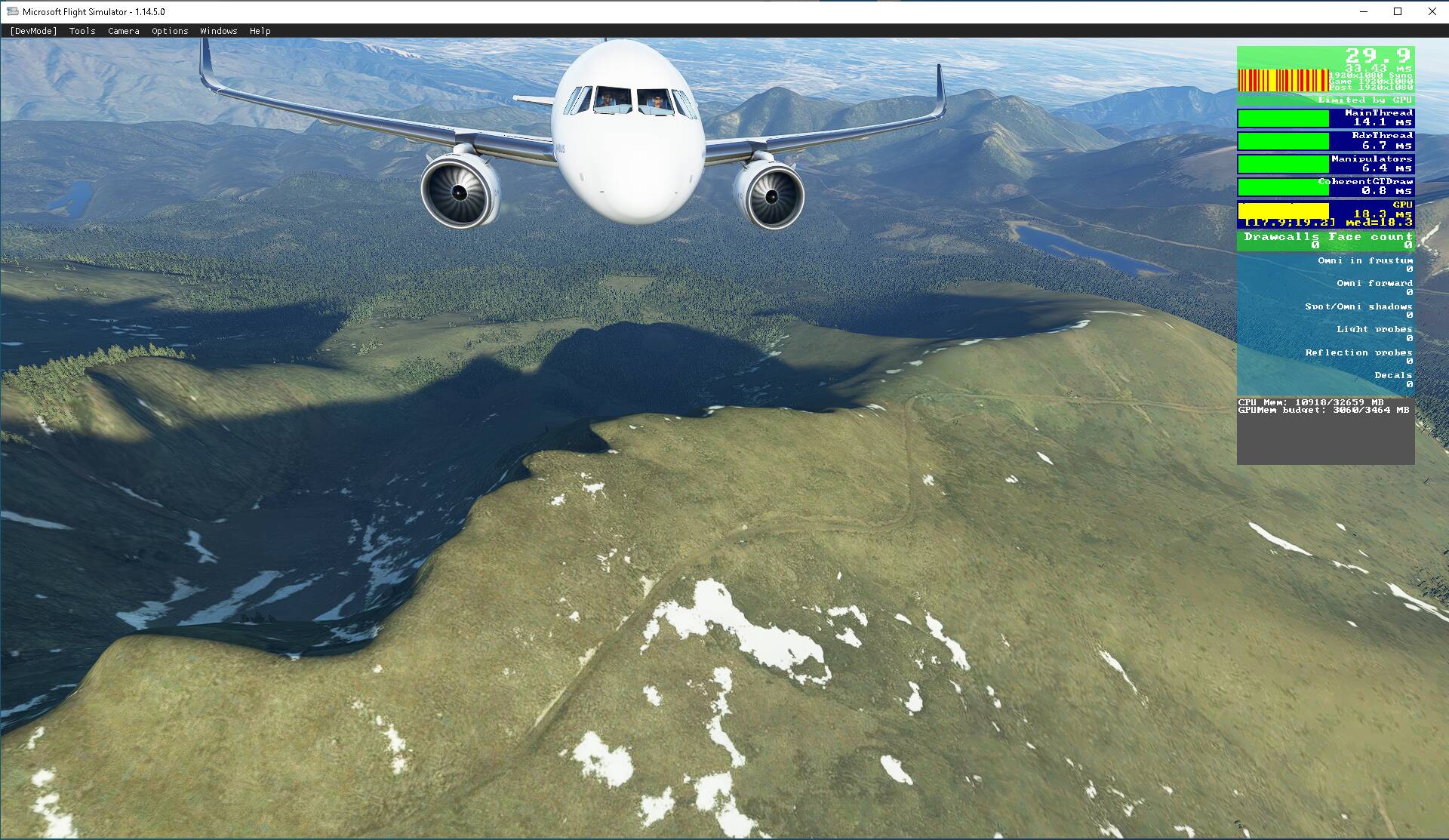
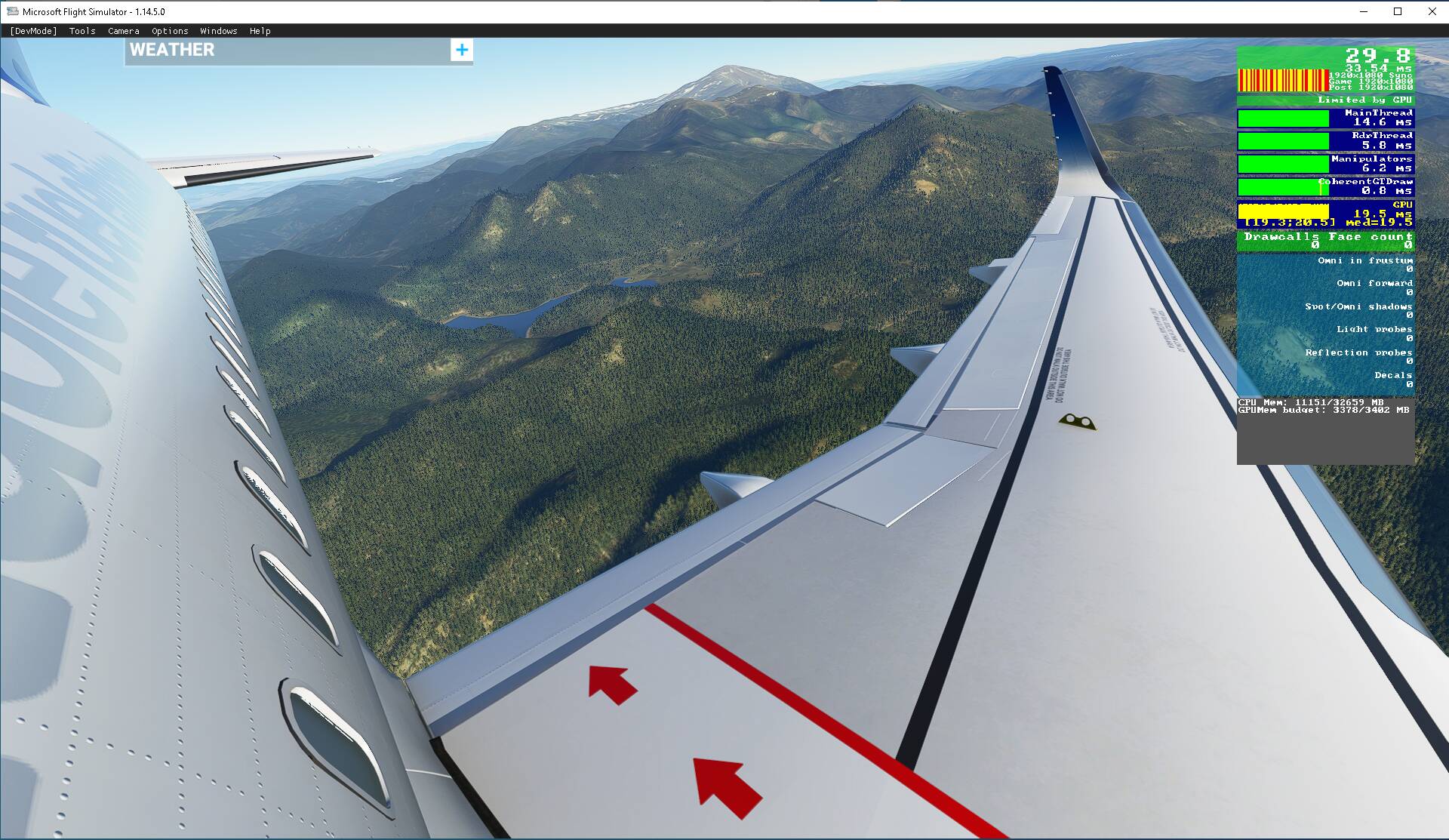
hello since su10 I have some micro lags mainly on taxiing, approaches and turns FPS between 40 and 20. fiber internet normally unlimited
my config is asus laptop rog I7 7700 HQ 24 GB of RAM, NVIDIA 2080 TI 11 GB external in razer core box screen viewsonic 3218 last nvidia pilot game ready
my settings are DX11 IPS at 50% for 1920x1080 LOD 100 AMD option out of 100 and everything in between except clouds and waves, low for remote cache,
no lag with native aircraft.60-70 FPS
I applied latency mon during the game and there would be latency issues related to dxgkrnl.sys and wfo1000.sys
one of the tips is to disable cpu throttling settings but it seems to me that for a laptop this can be dangerous for the processor
it seems that the processor is more solicited than the gpu in the game and it runs with an average temperature of 80 to 92 degrees and we can clearly see on the fps counter of the developer mode that the main thread takes the maximum solicitation The game does not is not unplayable but these micro lags are annoying on the ground in particular
I haven’t changed anything in my graphics settings compared to the SU9 except the LOD reduced to 100
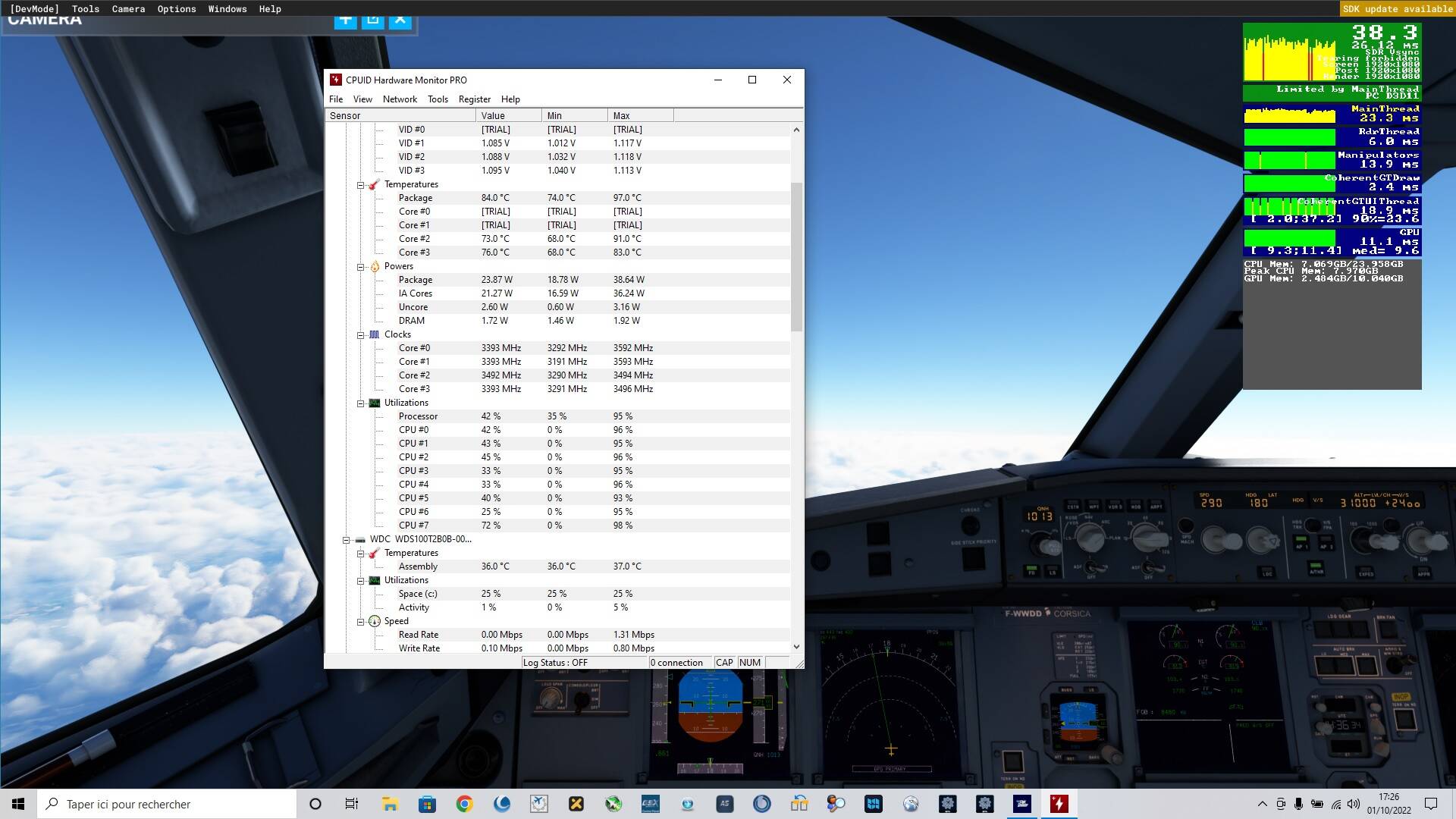
I’ve read that passing to DX12 can reduce the CPU charge and increase the GPU charge That should give better balance between CPU and GPU